~/guides/REVERSE.md
Reverse-engineer any app feature with Claude Code: install REA, trace click to output with evidence
Install free, open-source REA into Claude Code and trace a feature from click to output with evidence. Setup command, 3 prompts, tools per target, licence tips.
You don't need the source code to understand how a feature you like works. I used an open-source tool called REA (Reverse Engineer Anything) to take apart one "Copy" button on our own website: click to output, 5 steps, each with a file and line number. This is the full version of the REVERSE part of my Reel. You get the one-line install command, 3 prompts you can paste straight into Claude Code, what to install for each kind of target (website, desktop app, Android app), and the licence warning you need to know. The images are frames from our Reel, starring our orange block mascot, plus screenshots of the official pages.
01The result first: one Copy button, all 5 steps taken apart
Here is my test. The target was our own website, chloe.hobbyland-group.com, and the Copy button inside one article. I wanted to know what actually happens after you press it.
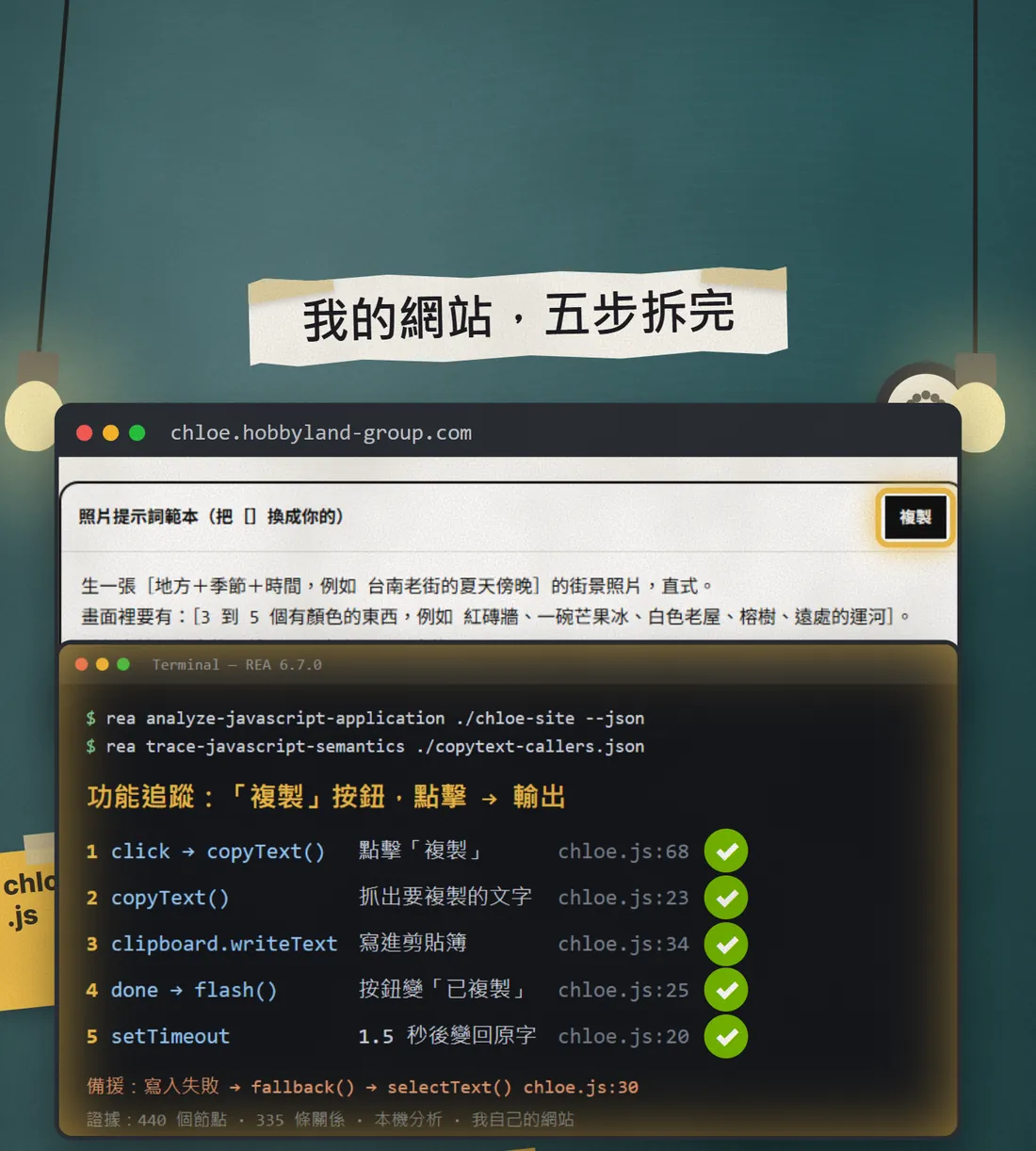
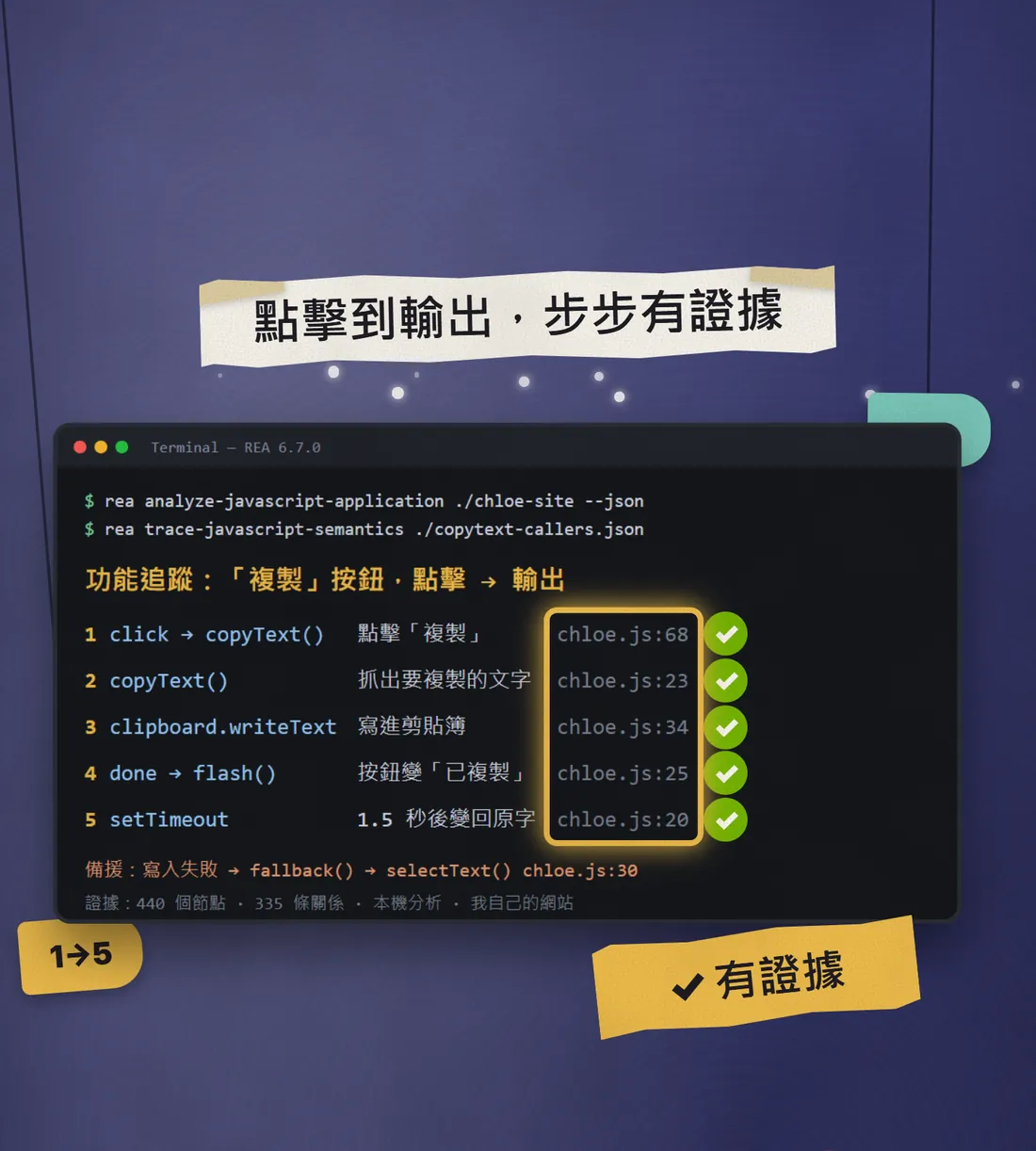
REA traced it like this: click Copy, call copyText(), grab the text to copy, write it to the clipboard (clipboard.writeText), the button changes to "Copied", and 1.5 seconds later it changes back. Every step has a file and line number, such as chloe.js:68, so you can open the file and check. It also found the fallback path for when the clipboard write fails.
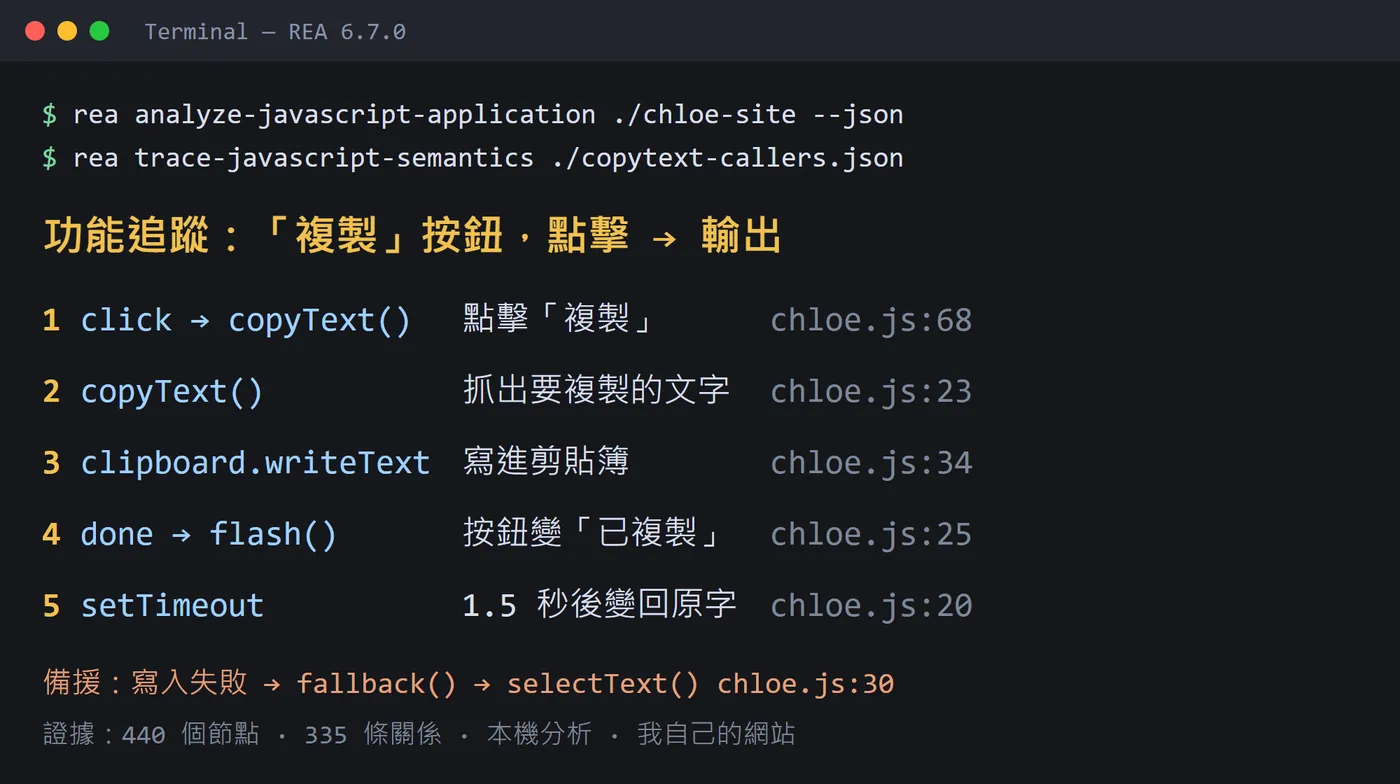
Two things to be clear about. First, the target was a website, so REA looked at the JavaScript that every browser downloads, not our back-end source code. Second, I ran this trace directly with REA's own command rather than asking inside Claude Code (my Claude login had expired that day). So the function names and line numbers in the picture are REA's output, and the Chinese notes are mine. The "First question" section below shows how to ask inside Claude Code. Your own answer will not match the picture exactly, and that is normal.
02What REA is, and what to prepare
REA is free, MIT-licensed and open source, made by morluto. The official description says it lets your AI agent inspect an app without its source code, explain how a feature works, show the evidence, and build a version for your own project. Analysis runs locally on your computer, and results include the evidence and limitations.


Prepare these before you start:
- Node.js and npm. The official requirement is Node.js 22.19 or newer, 24.11 or newer, or 26+. Run node -v in a terminal to see yours.
- Claude Code, if you already use it. The REA installer also supports Codex, Cursor, Gemini CLI and others.
- A target of your own: your own website, your own app, or an open-source project. For a first try, pick something small, like a button or a search box.
03Install: one command into Claude Code
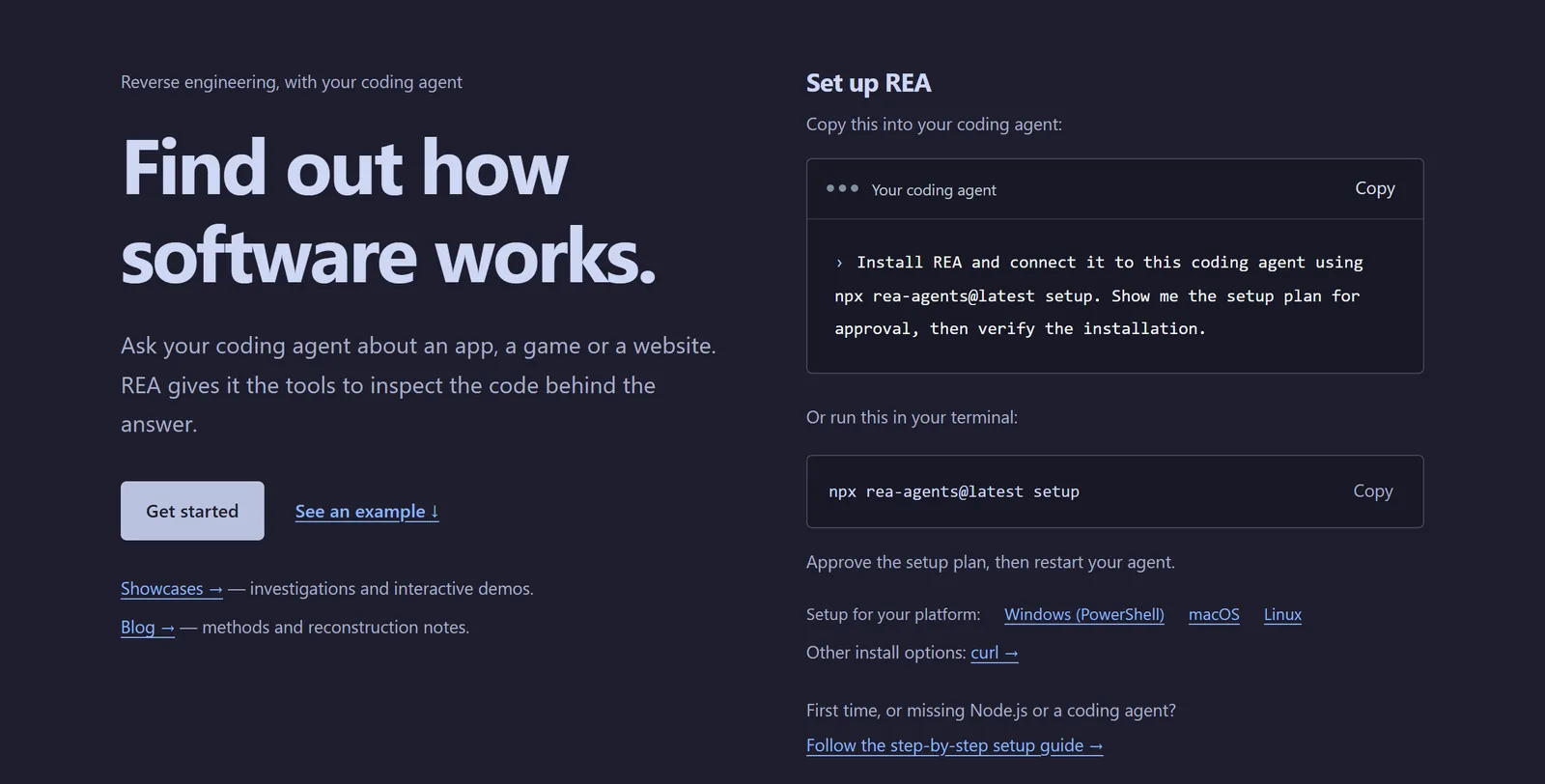
- Open a terminal (PowerShell on Windows, Terminal on Mac).
- Paste the command below and press Enter.
- The installer asks which tools to set up. Choose Claude Code. It lists the changes it plans to make, so read them before you approve. The official README says it backs up your existing configuration.
- When it finishes, fully quit Claude Code and reopen it so REA shows up.
npx rea-agents@latest setup
04First question: take one feature apart
After you reopen Claude Code, just ask in plain language. Three things matter: name REA, ask it to trace from click to output, and ask for evidence plus a note on anything it is not sure about. Replace the [ ] parts with your own target.
Use REA to help me understand how the [copy button] in [my website / this folder path] works. Start from the user click and trace all the way to the output, with evidence for every step (file names and line numbers). Mark anything you are not sure about instead of guessing.
If the target is a website, ask with its address:
Use REA to analyse this website: [https://your-address]. I want to know how its [search feature] works: where the front-end code handles it and which APIs it calls. Give evidence and limitations for every conclusion.
05Other targets: what else to install
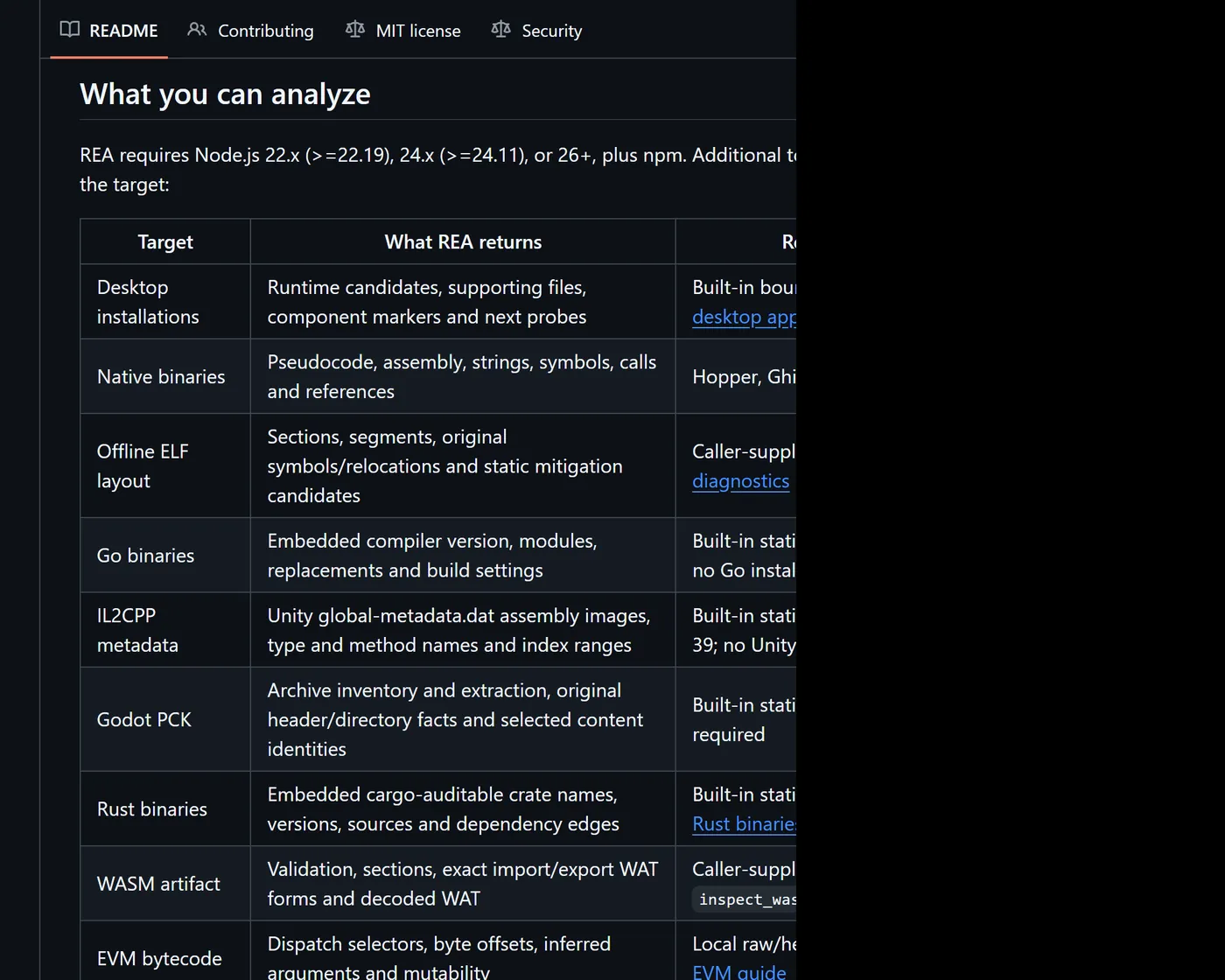
This comes from the official README "What you can analyze" table, checked on 20 Oct 2026:
- JavaScript / Electron apps: only Node.js and npm, no extra analysis tool.
- Websites: a Chrome-family browser.
- Native programs (a desktop app's executable): install one of Hopper, Ghidra or IDA. The README says setup can install Hopper after you approve; Ghidra and IDA use your existing installations.
- Android apps (APKs): headless JADX and a full JDK, listed for Linux, macOS and Windows x64.
06After you understand it: ask it to rebuild in your stack
REA's flow is: you ask, it inspects and traces, it reads the evidence, and then your agent explains, implements or tests. So once you understand a feature you can keep going and ask it to build a similar one in your own project.
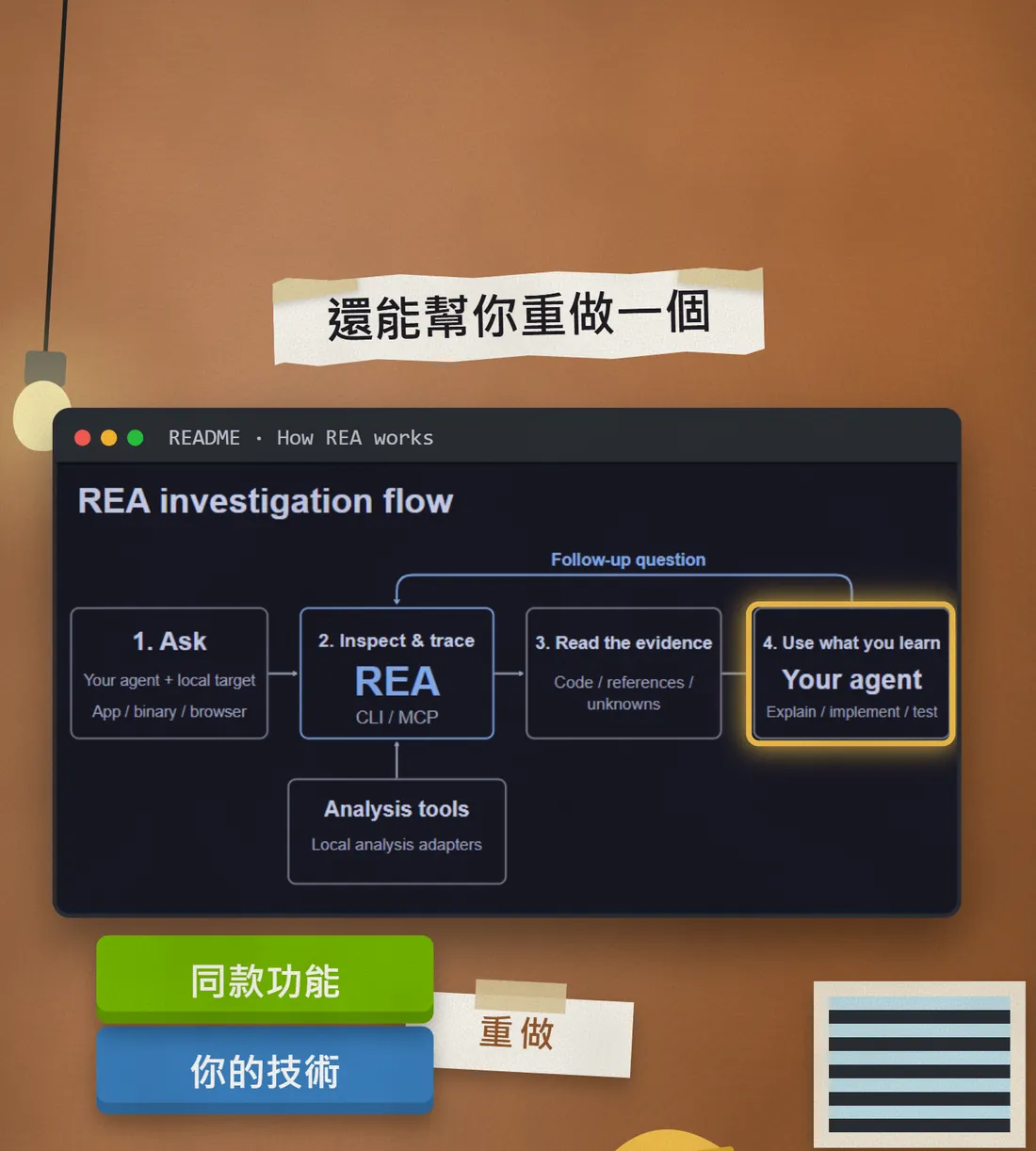
Based on the trace you just made, build a similar [copy button] using the technology my project uses now ([React / Vue / plain HTML and JavaScript]). First list your plan and the files you will change, and wait for my OK before editing. When it is done, write tests.
07Good to know
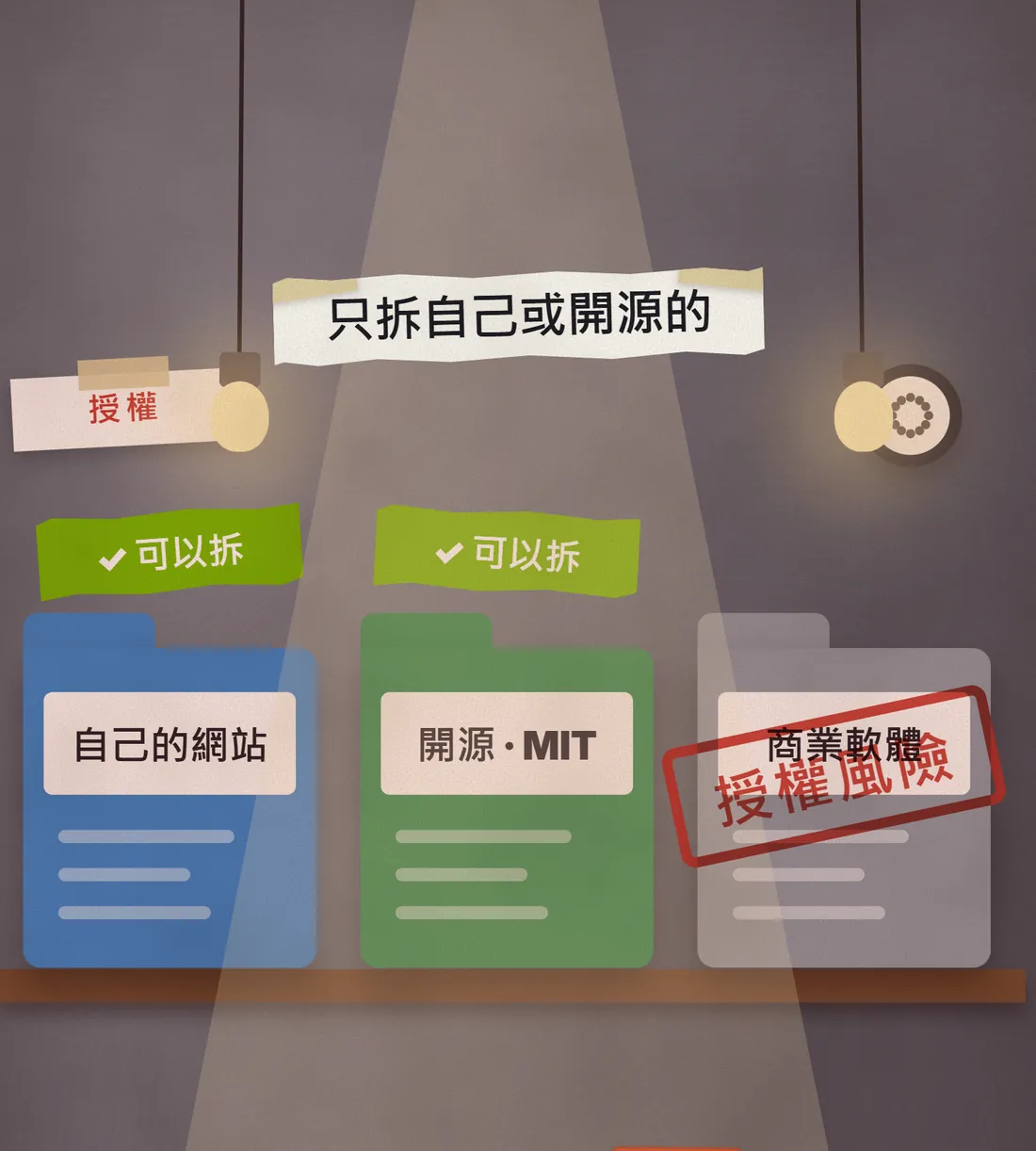
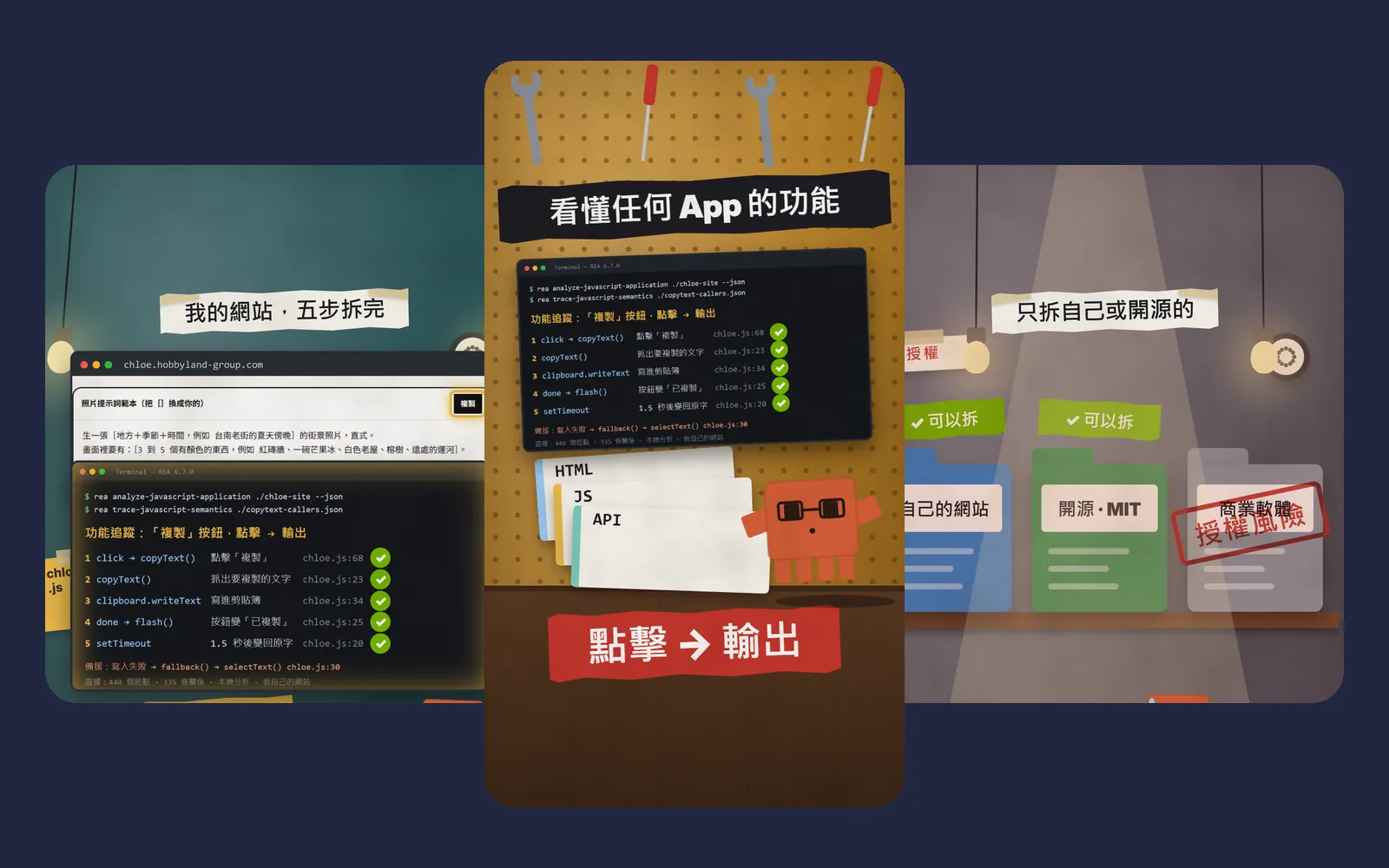
- Only take apart your own programs or open-source ones. The official disclaimer says REA is for lawful research, education, interoperability, software preservation, and analysis of software you own or are authorised to examine. Taking apart commercial software may break its licence terms. The project has a full DISCLAIMER.md; read it before you start.
- Analysis runs locally, but your AI agent receives the results, so they pass through whichever model service you use, which has its own data policy. For a company's confidential code, check that your company allows it first.
- Commercial tools such as IDA and Hopper must be legally obtained and used with authorisation, per the project. Do not use REA to get around licences.
- Download only from github.com/morluto/rea, rea.tools or the rea-agents package on npm. A repo with a similar name is not necessarily official.
- Restart Claude Code after installing or updating. If REA does not show up, check this step first.
- What it finds is a lead, not a verdict. Open the files and check the important parts yourself.
Sources
What should the next reel cover?
I test Claude and AI tools every day and turn the useful ones into reels. Follow @vivianlin.tech to catch each new guide.