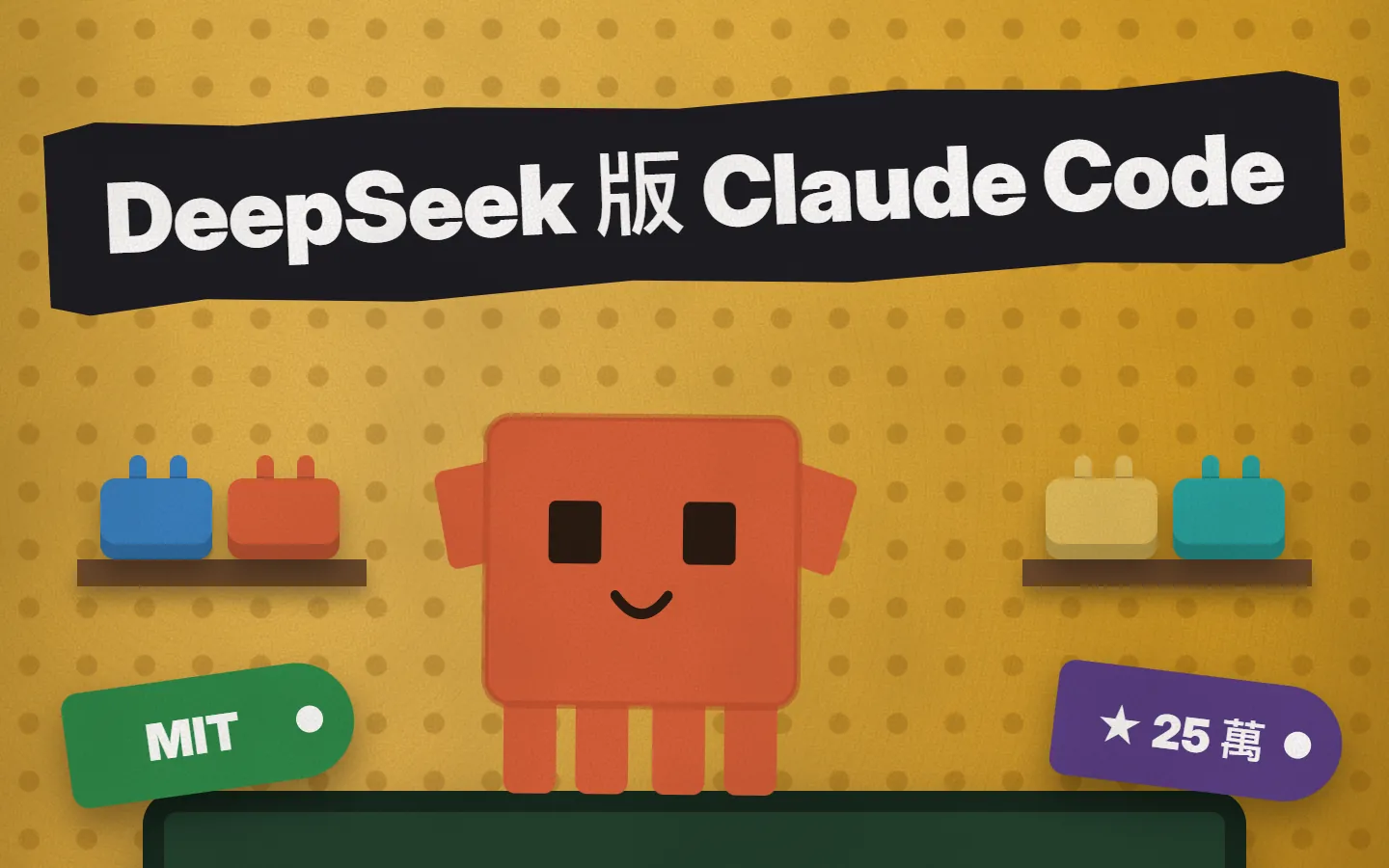
~/guides/HARNESS.md
DeepSeek's own Claude Code: the open-source Harness, how to install it, swap models and call Claude Code as a sub-agent
DeepSeek's official open-source (MIT) agent tool. Start it with npx or the desktop app, add a key, and call Claude Code and Codex as sub-agents.
DeepSeek has launched its own Claude Code, called DeepSeek Harness. It is official, open source, MIT licensed, and the software itself is free. What interests me is the design: the model, the tools, the session log and even the agent loop are all plugins you can swap, and it can call Claude Code and Codex in as sub-agents. This is the full version of the HARNESS part of the reel: what it is, how to start it with npx or the desktop app, how to add an API key and switch models, how to turn on sub-agents, and the limits you should know first.
01What it is and what you get
DeepSeek Harness (command: dsh) is DeepSeek's official open-source agent tool, in the same family as Claude Code. Give it a project folder and it can read and edit files, run commands and keep a plan, and it asks you before operations that need approval. It is MIT licensed and the software itself is free.
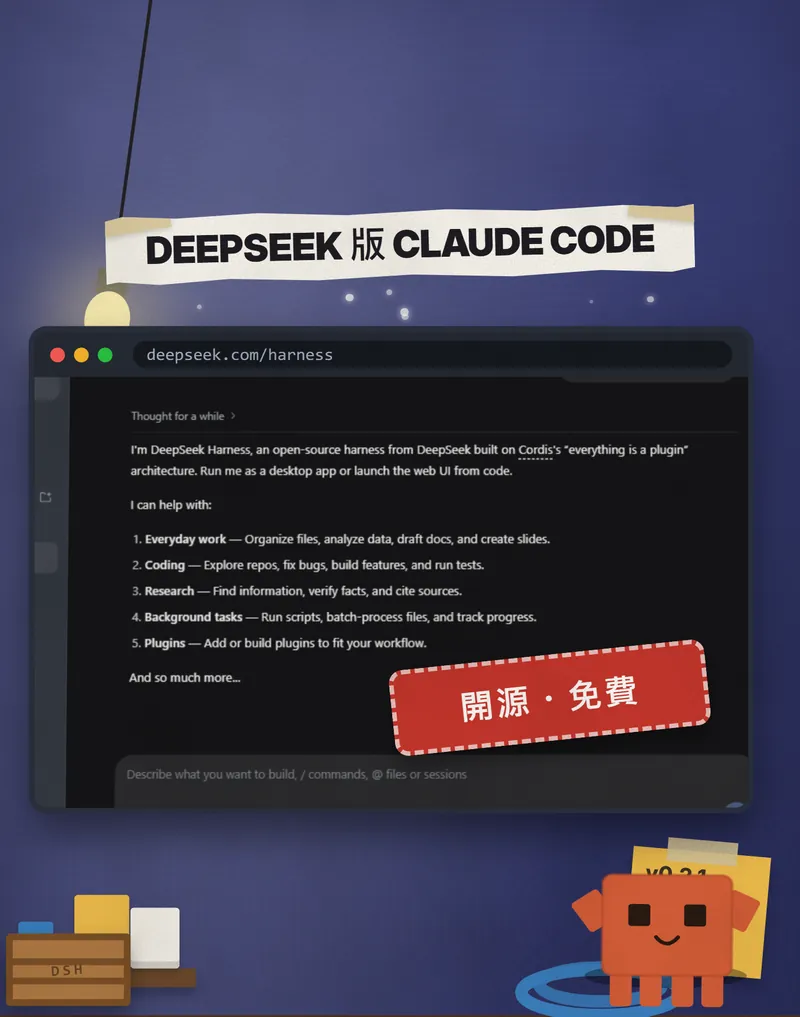
It is DeepSeek's own official project, not a third-party fork. On 20 Oct 2026 we saw about 255,000 stars on GitHub; when the reel was made it was 253,520, and the number keeps climbing.
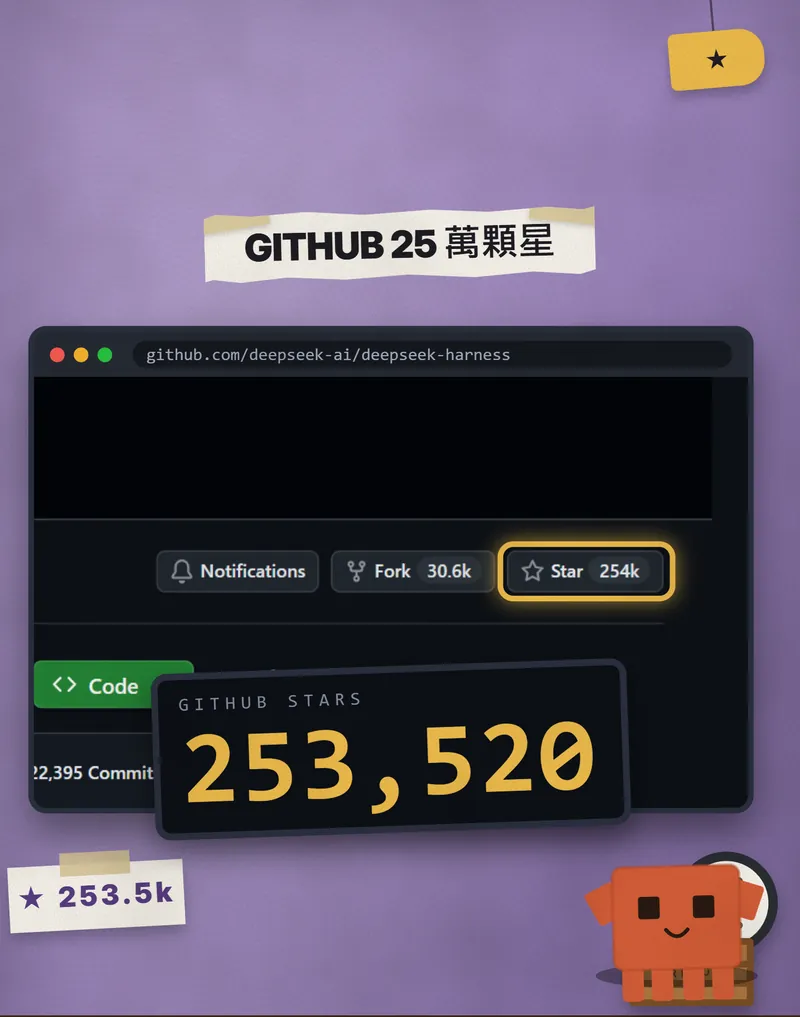
To be upfront: I wrote this from the official README and docs, and we did not install or test it ourselves. Every step names its official source, and the interface or version may have changed since, so trust the official pages. The images are of two kinds: the ones with the orange block mascot are frames from our reel, and the rest are official pages we captured on 19 Oct 2026.
- Start it with one npx command or the desktop app.
- Add an API key under Settings → Models. DeepSeek, Anthropic, OpenAI and more work.
- Understand what "everything is a plugin" means and what you can swap.
- Call Claude Code and Codex in as sub-agents.
- Read the official limits and safety notice before you decide to use it.
02Before you start: 3 things to prepare
- Node.js 22.19 or newer. The official repo's package.json asks for 22.19.0 or later (or 24 and up). Run the line below and check your version.
- An API key. A DeepSeek key is the most direct, but Anthropic (Claude) or OpenAI keys work too. The software is free, but your API provider bills the model usage.
- A folder you don't mind breaking. It can edit files and run commands, so for your first run use a test project or a copy, not an important folder.
node -v
03Method 1: open the web UI with npx (5 steps)
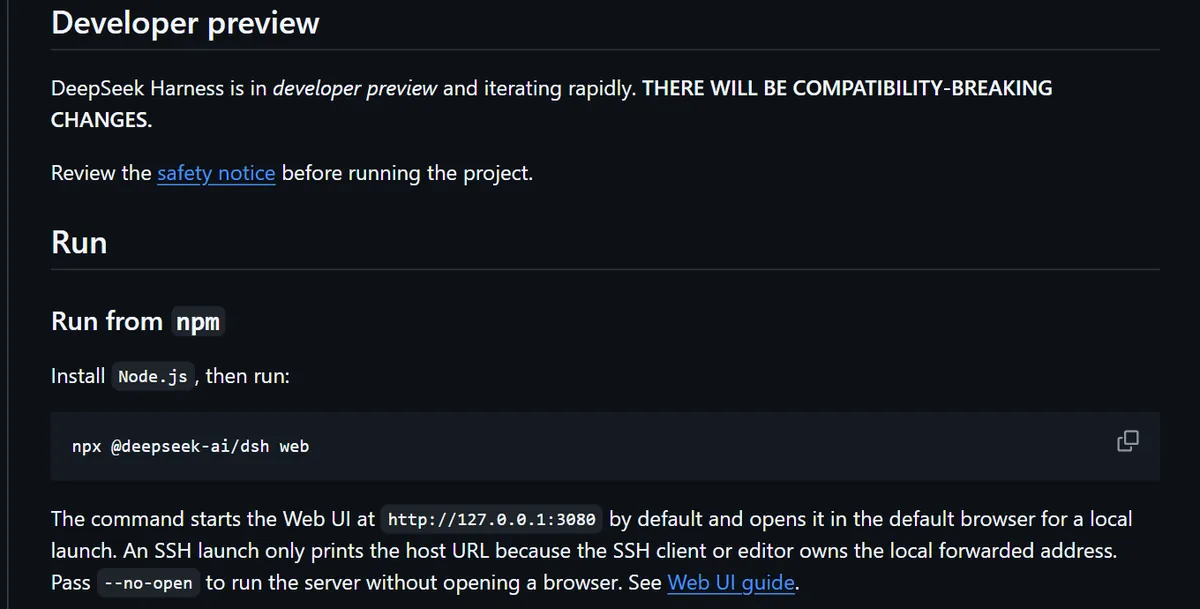
- Open a terminal and paste the line below. The first run downloads the package, so give it a moment.
- It starts the web UI at http://127.0.0.1:3080 by default and opens it in your default browser. Add --no-open after the command if you don't want that.
- Go to Settings → Models, enter your API key on the DeepSeek card and press Apply.
- Click Choose workspace and pick the project folder you want it to work in. The official guide says the composer stays unavailable until a workspace is selected.
- Send your first task and see how it answers.
npx @deepseek-ai/dsh web
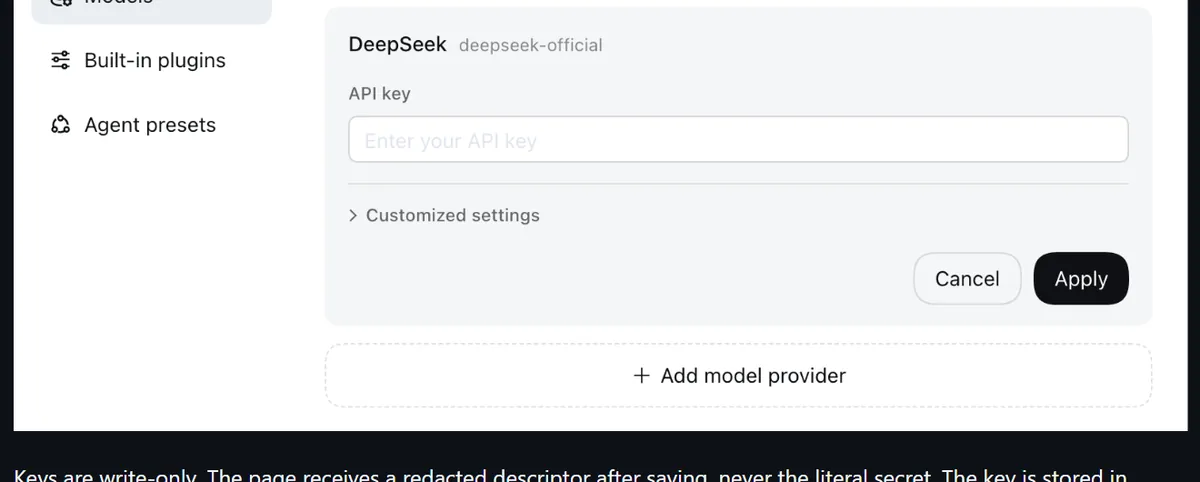
The official docs say keys are write-only: after saving, the page only shows a redacted version, never the original. The key is stored on your computer in $DSH_HOME/.credentials.yaml. Model changes apply on the next request, with no server restart.
Summarize this repository and identify its main packages.
04Method 2: download the desktop app
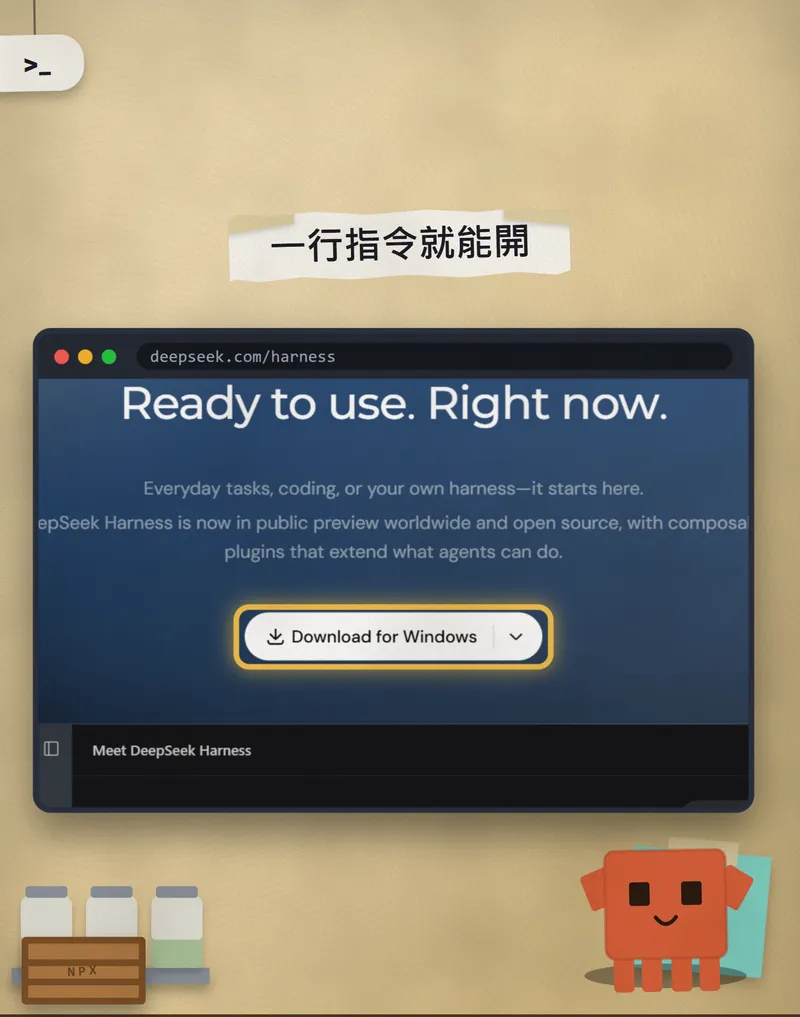
- Open the official page deepseek.com/harness and click Download Desktop.
- Pick your system. The official page lists only two: macOS (Apple silicon) and Windows (64-bit). Intel Macs are not on the list.
- Install and open it. The left side shows New Session, Plugins, Automation and Workspace.
- The official web guide puts the API key under Settings → Models. There is no official step-by-step for the desktop app, so if you can't find it, go by the settings inside the app.
05Everything is a plugin: what you can swap
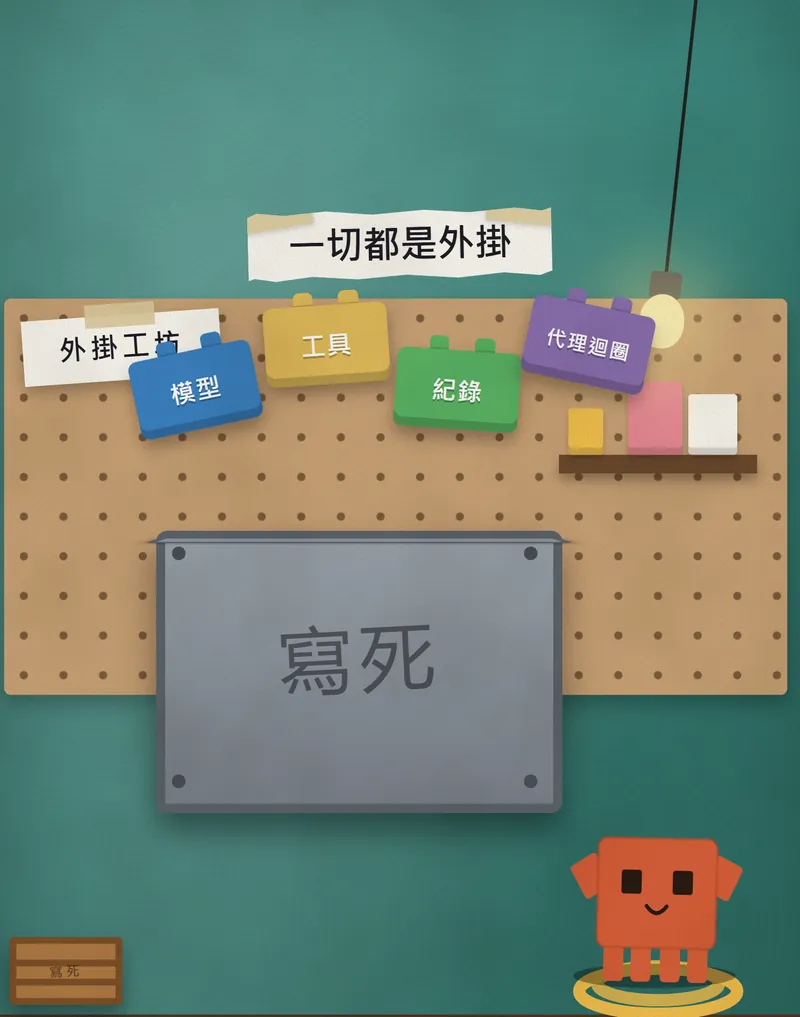
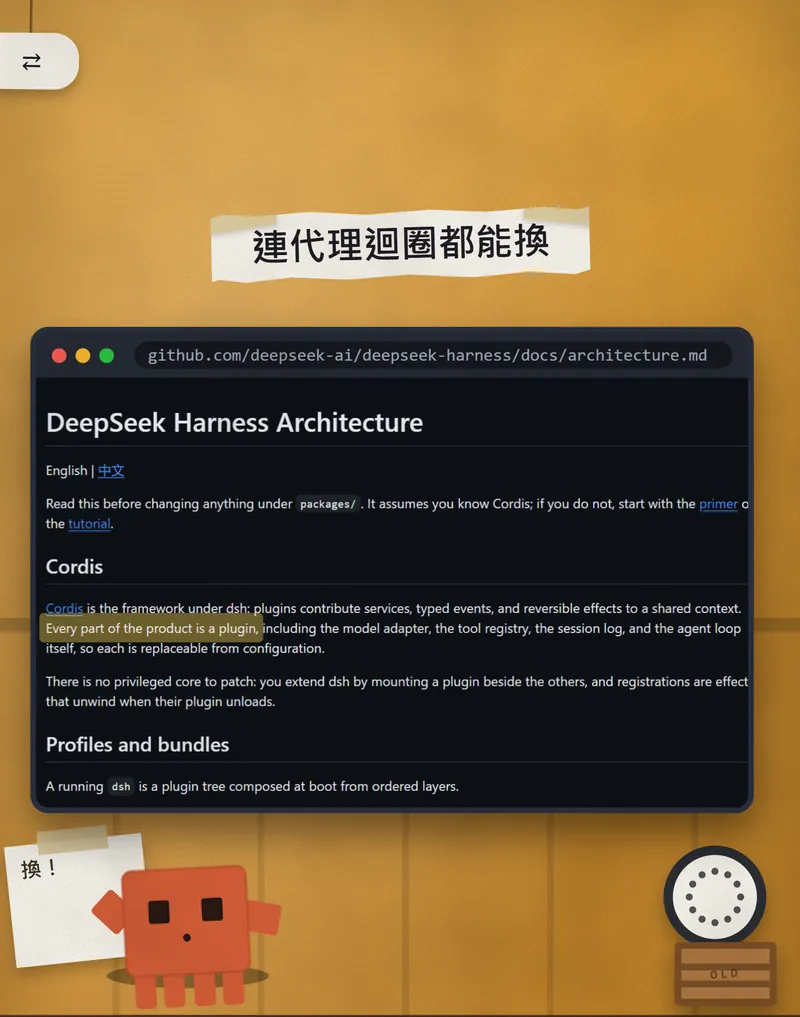
The official architecture doc is direct about it: every part of the product is a plugin, including the model adapter, the tool registry, the session log and the agent loop itself, so each can be replaced from configuration. That is where the reel's "even the agent loop can be swapped" comes from.
- Open Settings → Models and press Add model provider.
- It opens on Third-party model provider. Pick one from the list; the official docs mention ids such as anthropic, openai, moonshotai (Kimi) and zai (GLM).
- Enter that provider's API key and save. The endpoint and model list come from the built-in catalog.
- Choose the model in the picker by the composer. Picking one also makes it the default for new sessions.
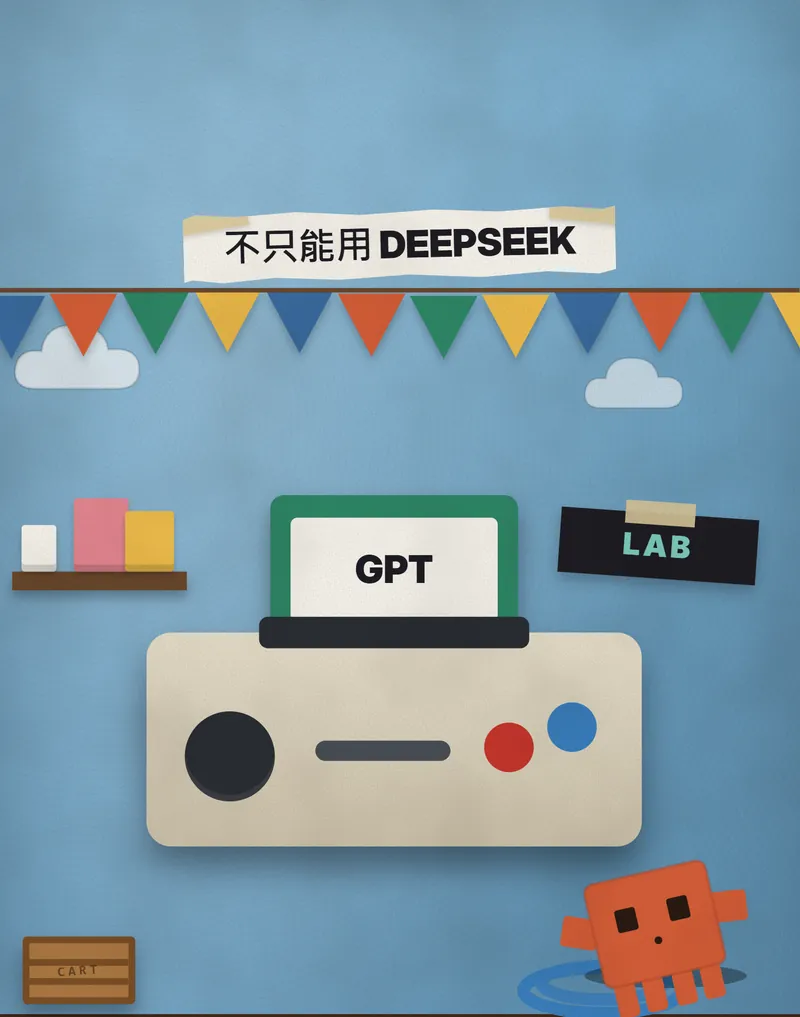
For a model that isn't in the list, use Custom model API. The official docs say it is for a relay, a company gateway or a self-hosted server. The fields are below. Note that this means you need a working service to point at; it doesn't run a model offline by itself.
Provider ID: [lowercase letters, e.g. my-gateway]
Base URL: [your service URL, e.g. https://gateway.example/v1]
API protocol: [pick one: OpenAI Chat Completions, OpenAI Responses or Anthropic Messages]
API key: [your key]
Model: [at least one model id]
06The wild part: call Claude Code and Codex in as sub-agents
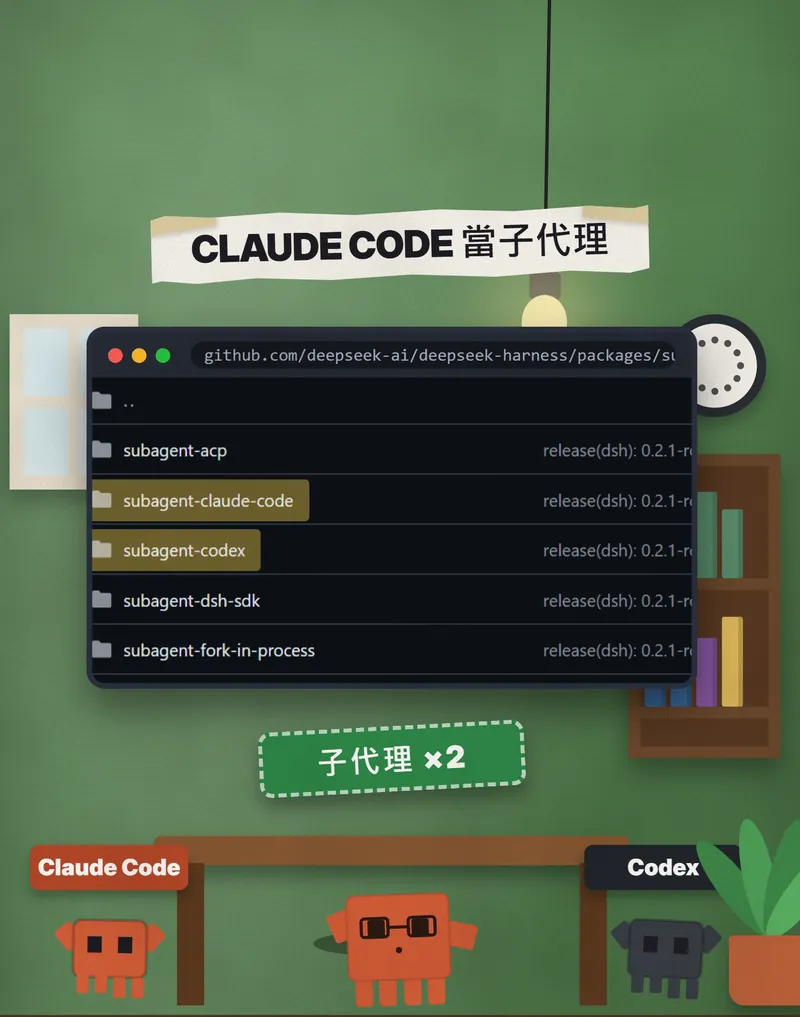
The official repo has two external sub-agent packages: subagent-claude-code and subagent-codex. Once enabled, the main Harness agent can hand a self-contained task to them, and each starts a fresh Claude Code or Codex session in your project folder.
- Open the Plugins page in the web UI or desktop app.
- Find "Claude Code subagent" and enable it. For Codex, also enable "Codex subagent".
- If the installer says a restart is needed, restart. Once enabled, the main agent gets a subagent_claude_code (or subagent_codex) tool it can call.
- In a chat, use a request like the one below to have the main agent delegate.
Please split these two tasks between sub-agents and run them at the same time:
1. Give to the Claude Code sub-agent: [task A, e.g. read the src folder and list likely bugs]
2. Give to the Codex sub-agent: [task B, e.g. add tests for the utils folder]
When both are done, put the results they report back into one list for me.
The official docs say that both local and external sub-agents automatically report their final text, structured result, diagnostic and status back to the parent. That is the reel's "split the work, and they report back".
07Things to watch out for
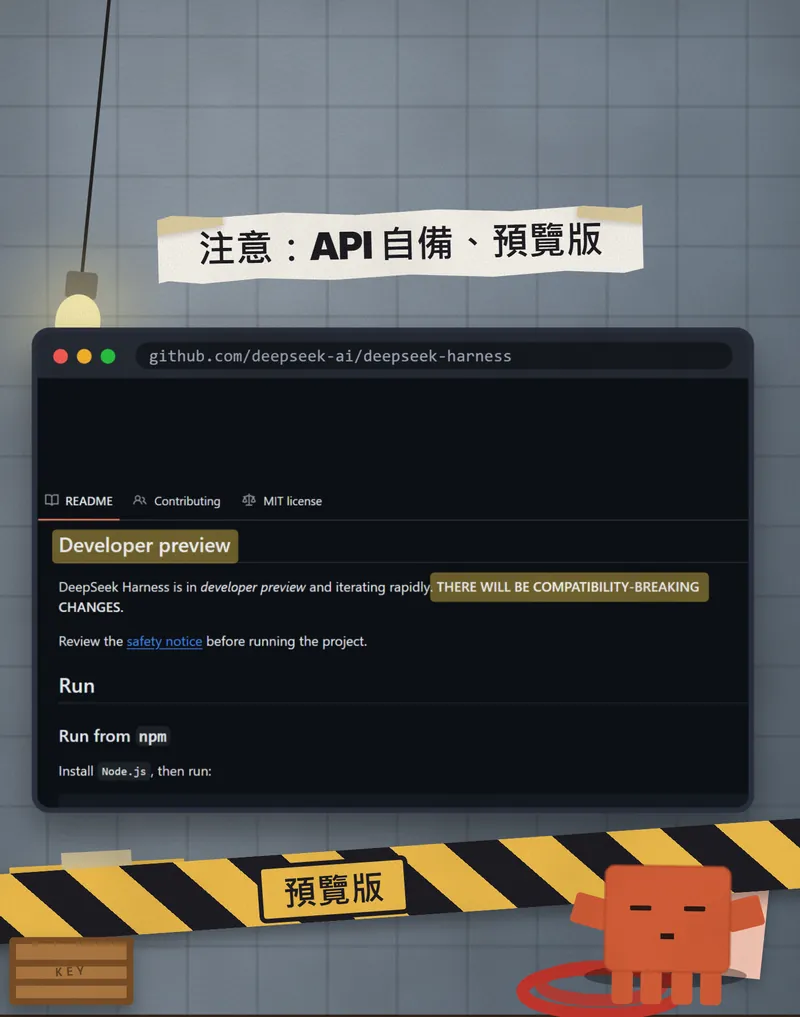
- This is a developer preview. The official README says there will be compatibility-breaking changes, so what works today may not next month. On 20 Oct 2026 the newest release we saw was 0.2.1-rc.2 (published 17 Oct 2026, marked as a pre-release).
- Read the official SAFETY.md first. It is plain: experimental software, not security audited, not to be treated as secure or production-ready. It can run model-generated code and commands and reach the files and credentials you give it, so it may damage or delete files or leak data.
- What the official notice recommends: least privileges, ideally a disposable virtual machine or container, backups of the files it can reach, no credentials you aren't willing to risk, and review plugins, config and proposed commands before allowing them.
- "Free" only covers the software. Model usage goes through your own API key and is billed by the provider.
- Only install plugins from sources you trust. The official notice also warns about third-party plugins.
- Get it only from the official addresses: github.com/deepseek-ai/deepseek-harness and deepseek.com/harness. It is a hot name, so watch out for look-alike pages.
- The Claude Code and Codex sub-agents run on your own accounts and quotas, so decide what you want them to do first.
- We did not test these steps ourselves. Star counts, versions and button names can change, so when you get stuck, go by the official docs.
Sources
- Official GitHub: deepseek-ai/deepseek-harness (README)
- Official page and downloads: deepseek.com/harness
- Official SAFETY.md (safety notice)
- Official docs: Architecture (everything is a plugin)
- Official docs: Use the Web UI
- Official docs: Configure models
- Official docs: Claude Code subagent
- Official docs: Codex subagent
- GitHub Releases
What should the next reel cover?
I test Claude and AI tools every day and turn the useful ones into reels. Follow @vivianlin.tech to catch each new guide.