~/guides/GAME.md
One Chinese prompt, one 3D block game in Claude Code: the full prompt and a demo mode
Paste one Chinese prompt and Claude Code writes a playable 3D block game: two roles, score, burst effects, and a demo mode that plays itself.
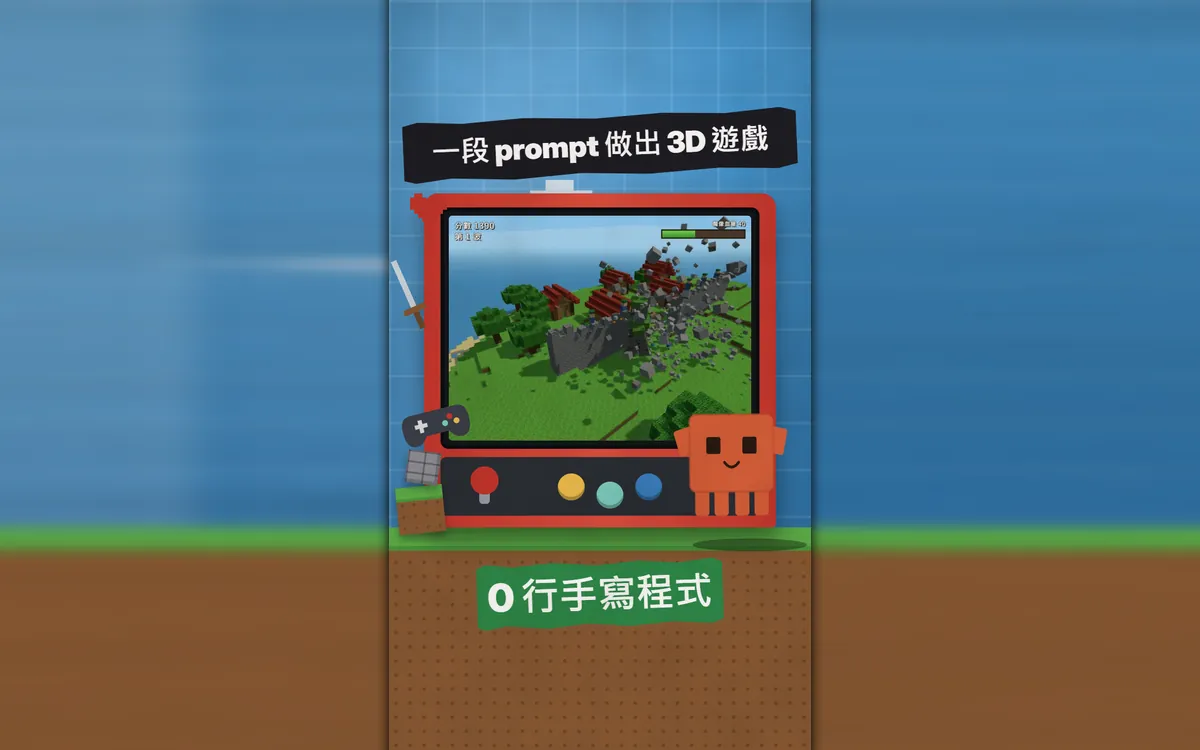
This 3D block game was written by Claude Code from one Chinese prompt: a single HTML file you open in a browser, with two roles, a wall archer and a rock golem. This guide gives you the full prompt, the install and login steps, how to play both roles, and my favourite trick: ask for a "demo mode" so the computer plays itself and you just record. The images are real footage of our game running, plus frames from the Reel.
01What you will build: a playable 3D block game
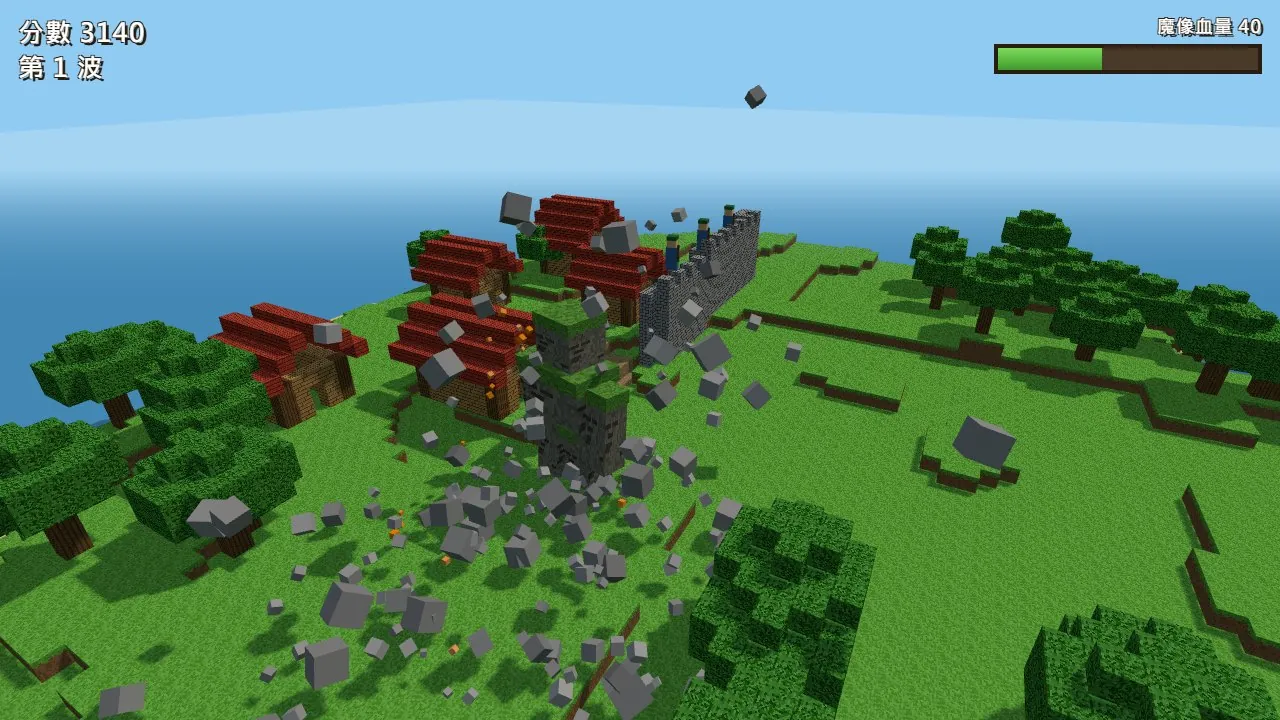
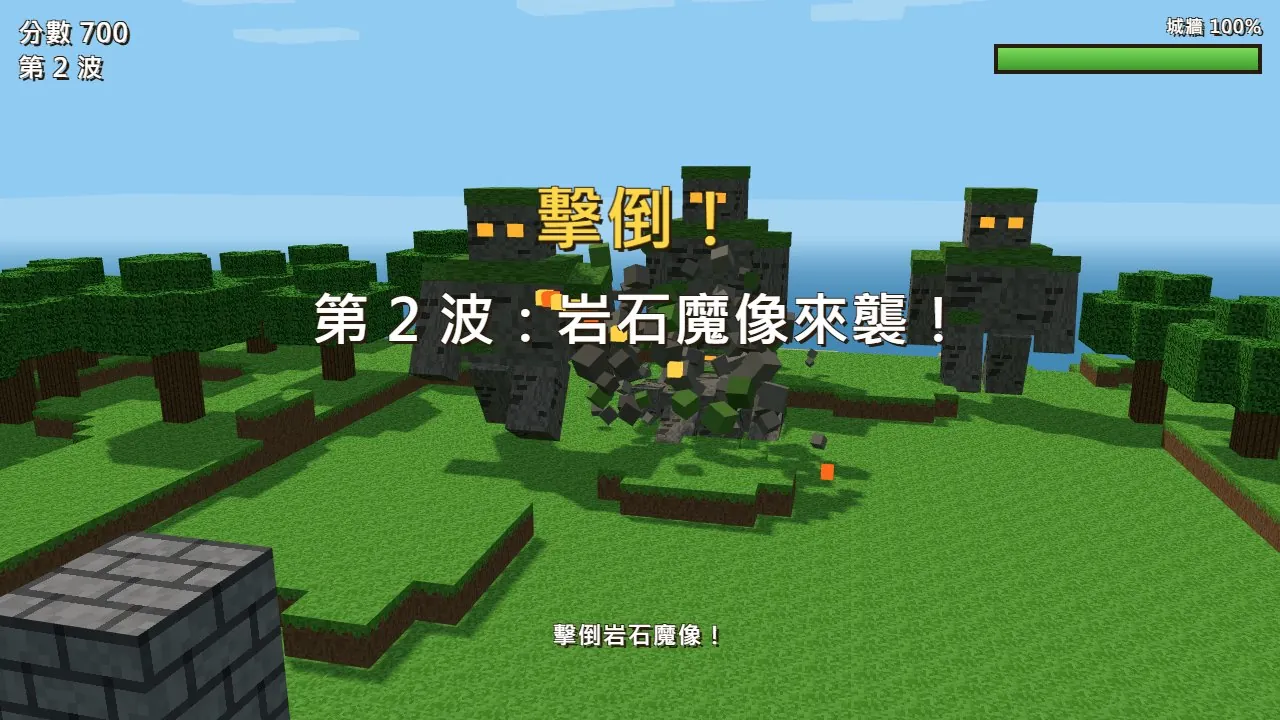
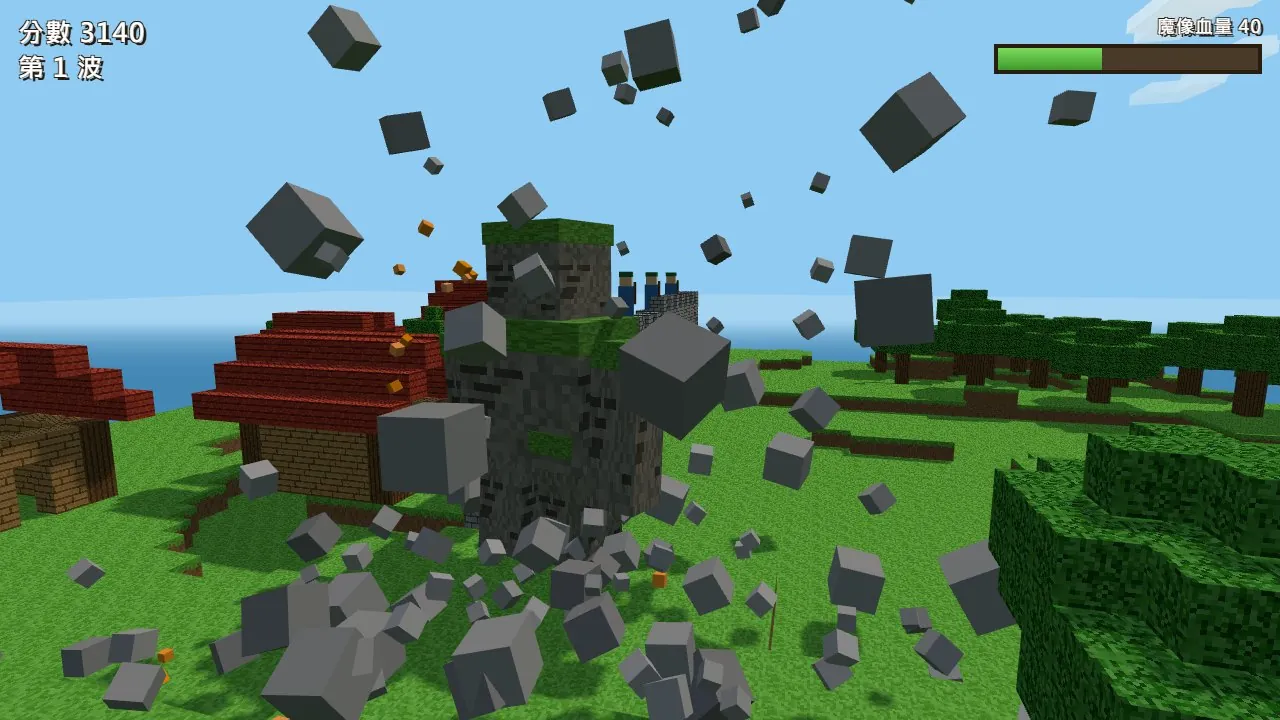
The game in the Reel was written by Claude Code from one Chinese prompt: a single HTML file you open in a browser. It has two playable roles, a score, waves, a wall health bar and block-burst effects. The screens below were recorded from the game running for real, not drawn.
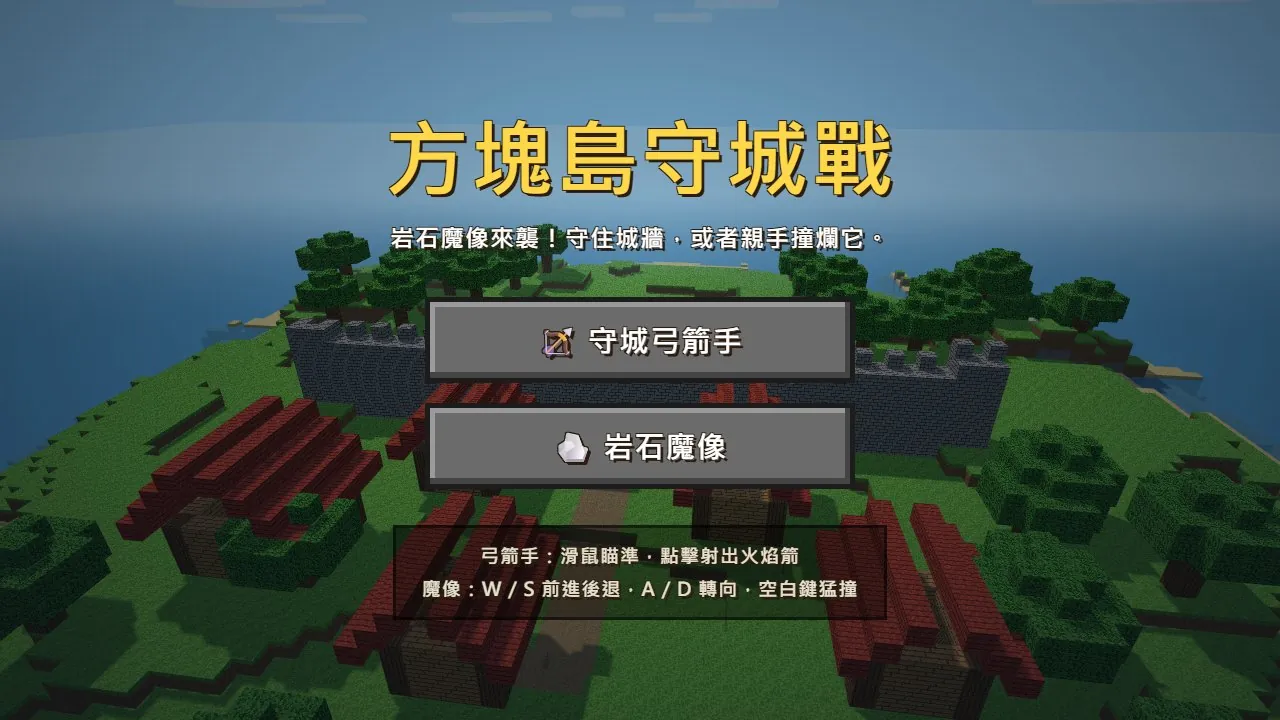
Many people think making a game takes a whole team: design, art, code. A small game doesn't. You describe the look, the theme and the roles clearly, and Claude Code does the rest.

Here is the order: first check that your plan includes Claude Code, then paste the prompt, then how to play the two roles, and finally my favourite trick: ask for a "demo mode" so the computer plays itself and you just record.
02Step 1: make sure you have Claude Code
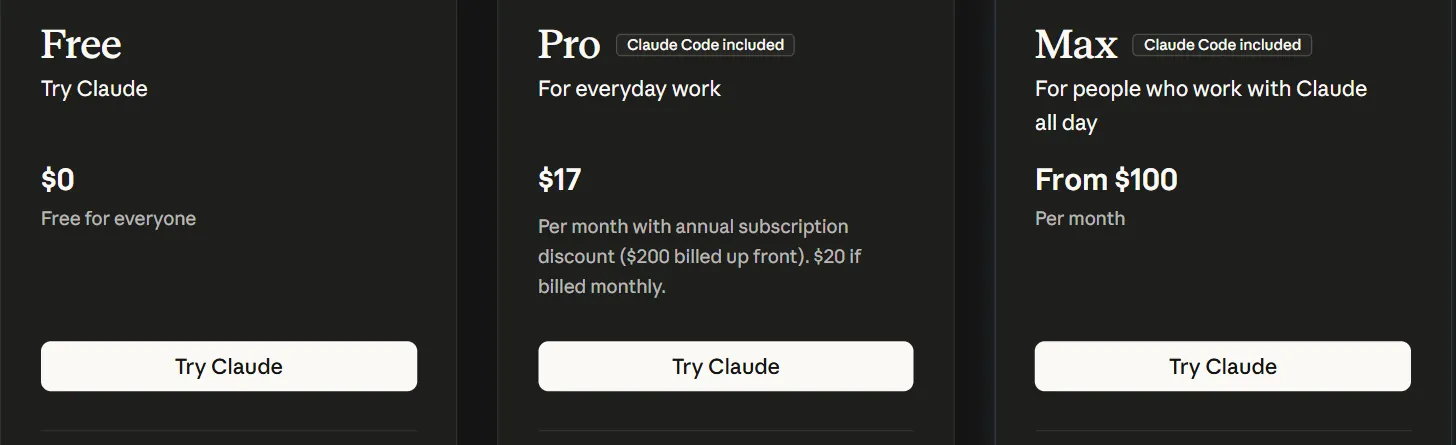
Claude Code is not part of the Free plan. I checked Claude's official pricing page on 20 October 2026: the Claude Code row says "No" for Free and "Yes" for Pro and Max. Pro is $17 a month on an annual plan ($200 billed up front), or $20 if billed monthly. The page also notes that usage limits apply and that prices and plans may change, so check the site.
Claude Code's site says it is available for macOS, Linux and Windows, and works in the terminal, VS Code, JetBrains, the desktop app or the web. You can download the desktop app from the site or install it in a terminal.
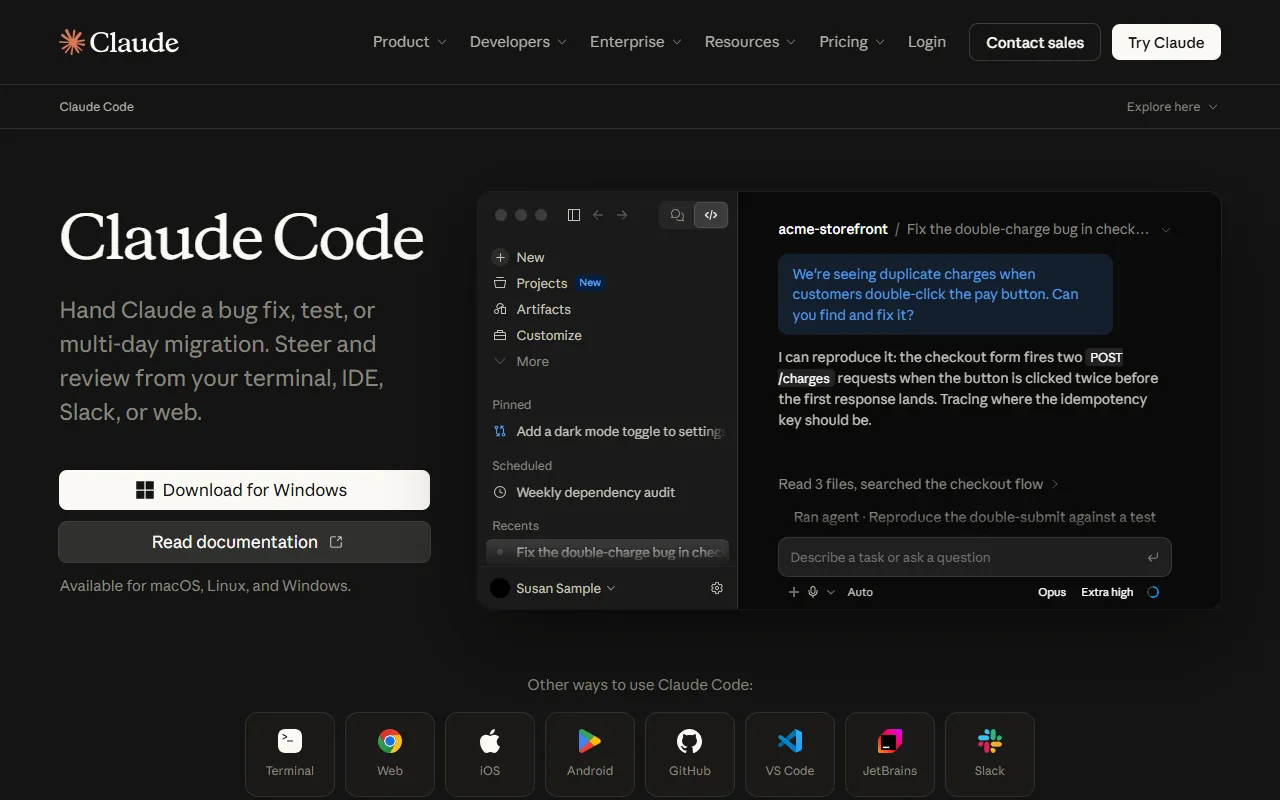
The official docs (code.claude.com/docs/en/overview) list these terminal install commands. Pick your system:
- macOS, Linux or WSL: open a terminal and paste curl -fsSL https://claude.ai/install.sh | bash
- Windows PowerShell: paste irm https://claude.ai/install.ps1 | iex
- When it finishes, open a new terminal window and type claude --version. If it prints a version number, you're set.
- The first time you run it, Claude Code asks you to log in. Use the Claude account that has Pro or Max.
03Step 2: paste this prompt
This is the full prompt I used in the video. Swap the [ ] parts for your own theme and roles. Please invent your own theme and don't use characters from someone else's game, film or anime.
Build me a complete 3D block-style browser game in the look of Minecraft, all inside one index.html in this folder (load three.js through an import map from https://unpkg.com/[email protected]/build/three.module.js, write everything else yourself, no external assets, textures drawn in code as pixel textures).

Theme: "[Block Island Defence]". [A small block island with a village and a stone wall in the middle; giant rock golems walk out of the forest towards the wall, wave after wave.]

The player picks one of two roles at the start:
1. [Wall archer]: stands on the wall, aims with the mouse, clicks to fire flaming arrows; a hit bursts the golem into block fragments, and a combo text pops up for consecutive kills.
2. [Rock golem]: third person, WASD to move, space bar to charge; when you hit the wall its blocks fly off.

Include: a start menu (game title, two role buttons, controls), score, wave number, wall health bar, a message when a golem is defeated, block-burst particles, sky and clouds, trees, water, daylight shadows.

Also add a demo mode: when the URL ends in ?demo=archer or ?demo=golem, skip the menu and let the computer play that role (auto-aim and shoot / auto-walk into the wall), with a good-looking camera, so it is easy to screen-record.

When you are done, check there are no syntax errors, and finish by telling me in three short lines how to start playing.
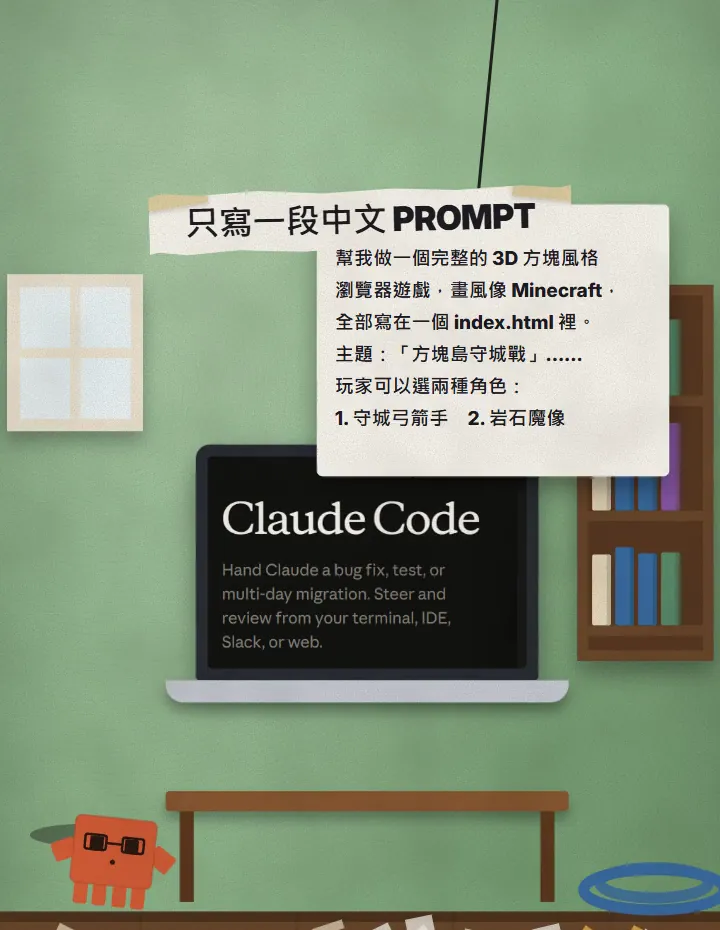
- Create a new empty folder on your computer. Any name will do, for example block-game.
- In a terminal, go into that folder (cd block-game) and type claude to open Claude Code.
- Paste the whole prompt above, send it, and wait while it writes.
- When it's done it will tell you in three short lines how to play. In practice that means finding index.html in the folder and opening it in Chrome.
- Pick a role and play.
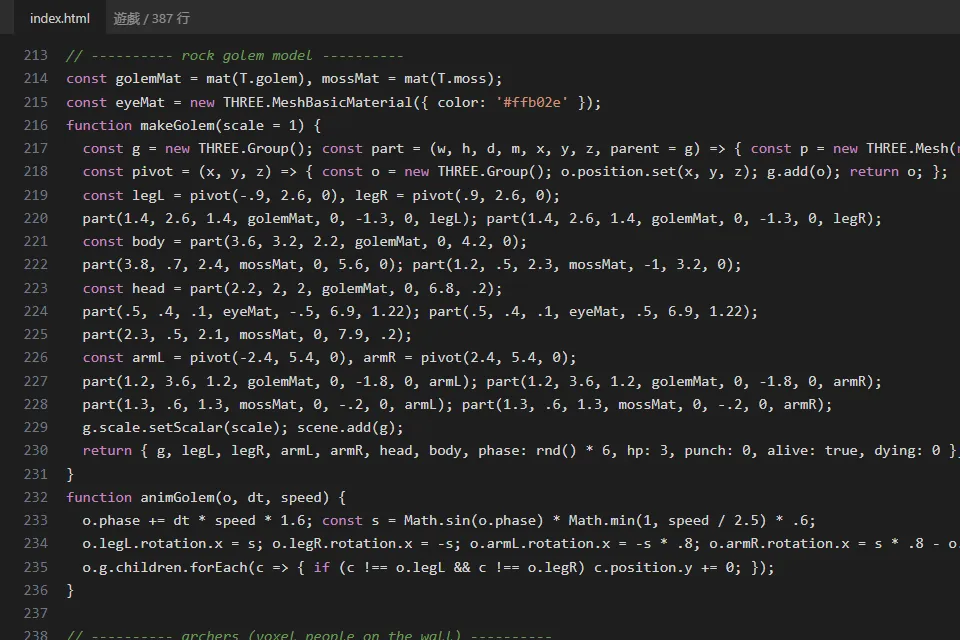
The file we got is about 387 lines, all in one index.html. The game loads three.js from the internet, so you need to be online when you open it.
04How to play the two roles
The start menu lets you pick one of two roles. In our version the controls are:
- Wall archer: aim with the mouse and click to fire a flaming arrow. A hit bursts the golem into block fragments, and consecutive kills pop up a "combo".
- Rock golem: W and S to go forward and back, A and D to turn, space bar to charge. When you hit the wall, its blocks get knocked off.
05The best trick: ask for a demo mode
My favourite trick is the demo mode. Add ?demo=archer or ?demo=golem to the end of the URL and the computer plays that role by itself, so you don't have to touch anything and can just record your screen. That's how the game footage in the Reel was captured.
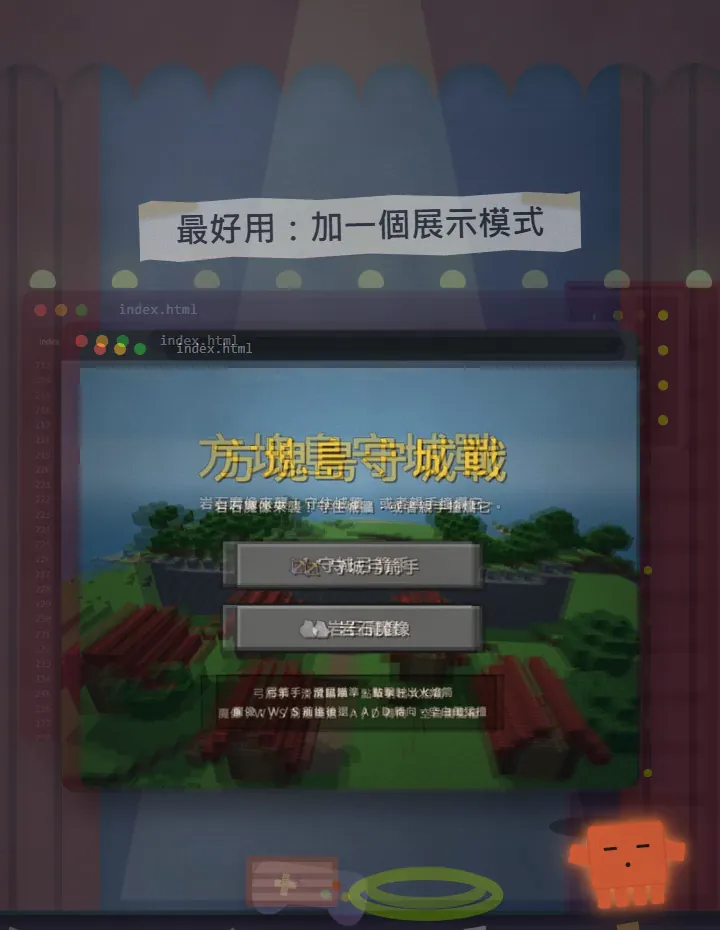
The prompt above already asks for it. If your game is already built and you didn't ask for it, add it afterwards with this:
I already have index.html. Please add a demo mode: when the URL ends in ?demo=archer or ?demo=golem, skip the start menu and let the computer play that role (auto-aim and shoot / auto-walk into the wall), with a good-looking camera so I can screen-record it. Don't change anything else.
- Find index.html in the folder, then edit the address in the browser so it ends in index.html?demo=archer and press Enter.
- To watch the golem instead, change it to ?demo=golem.
- Record it with your computer's or phone's built-in screen recorder.
06When it isn't perfect, how to fix it
The first version is rarely perfect. We went through a few rounds too: the debris was invisible at first, the auto-playing character walked through the wall, and the camera angle looked bad. We played it, told Claude Code what we saw, and asked it to fix them. So "not one line of code" in the Reel means I wrote none by hand; the fixes were made by Claude Code as well.
I opened index.html and played it. A few things need fixing:
1. [e.g. the debris is sometimes invisible]
2. [e.g. the auto-playing character walks through the wall]
3. [e.g. the camera is too close to see the whole wall]
Please fix them one at a time, tell me what you changed, and leave everything else alone.
07Things to watch out for
- Plan: Claude Code needs Pro or higher; the Free plan doesn't include it. Prices and limits are on the official site, and I checked on 20 October 2026.
- We ran this prompt for real with Claude Code, and the game footage in the video is a genuine recording of our game running. But every run is different, so yours won't match mine.
- "Like Minecraft" only describes the block style. Our game, Block Island Defence, is our own theme and has nothing to do with Minecraft or any other game. When you make yours, invent your own theme and don't borrow someone else's characters.
- The game needs an internet connection to load three.js. Offline, the screen won't open.
- Build it in a new empty folder, not one that holds important files. Claude Code creates and edits files in the folder.
- Usage limits apply. If you keep iterating and fixing, keep an eye on your plan's usage.
Sources
What should the next reel cover?
I test Claude and AI tools every day and turn the useful ones into reels. Follow @vivianlin.tech to catch each new guide.