~/guides/GITHUB.md
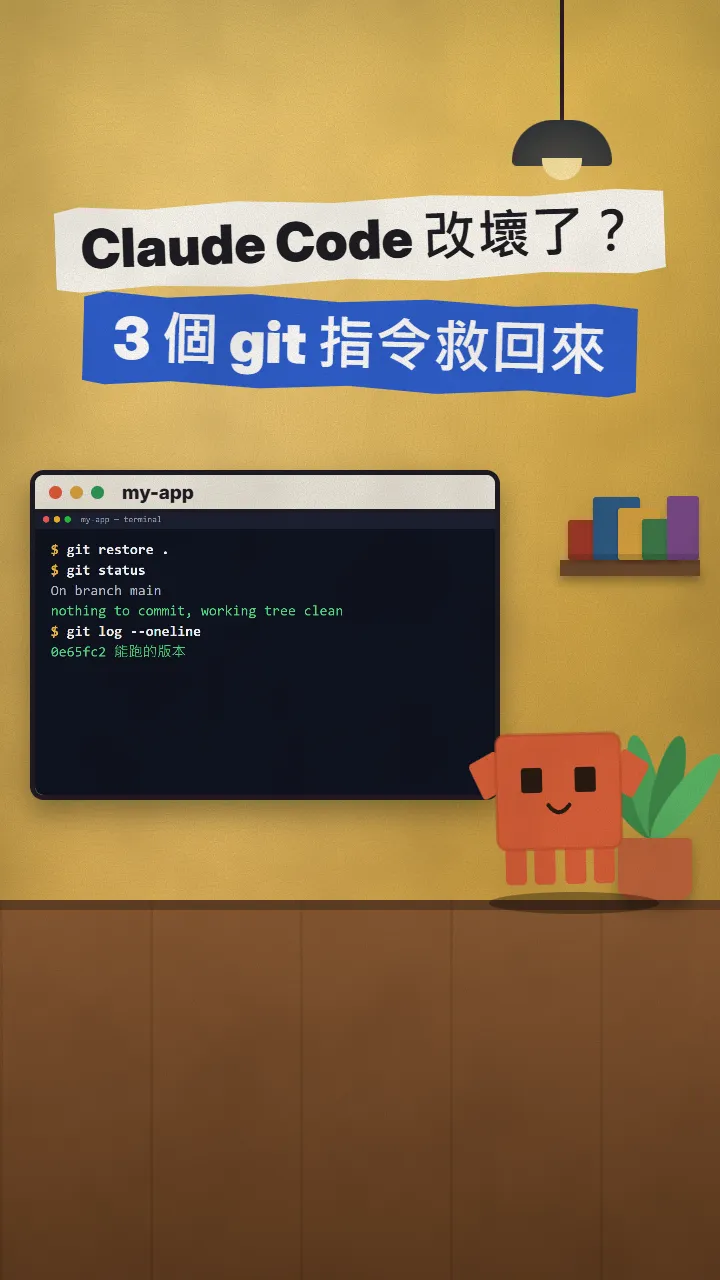
Claude Code broke your project? Rescue it with three git commands: commit, restore, push
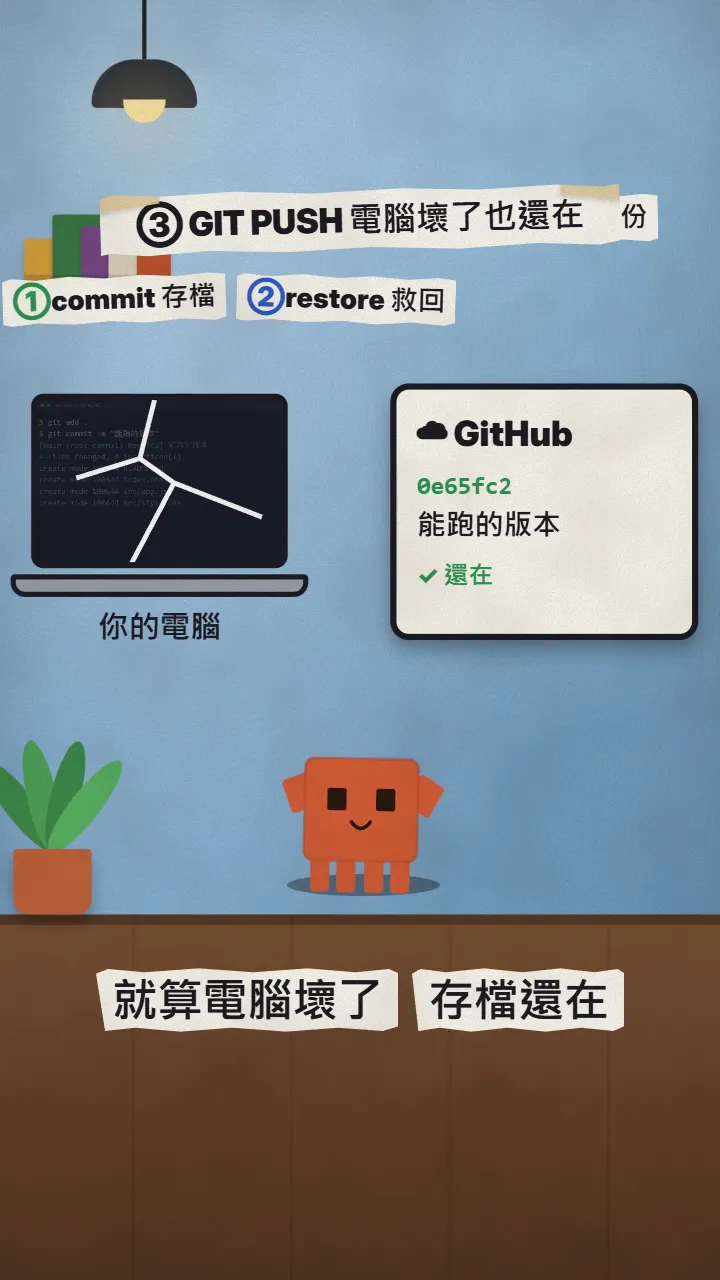
/rewind can't track files changed by shell commands; real saves need Git. Commit when it works, restore when it breaks, push to GitHub as a backup.
Claude Code broke your project halfway through? You don't have to start over. This is the full version of my GITHUB reel: three git commands, one to save, one to roll back, one to back up to GitHub. Every output shown was really run on a small project on 2026-11-17, and the official docs were checked the same day.
01What you get: one command back to the version that worked
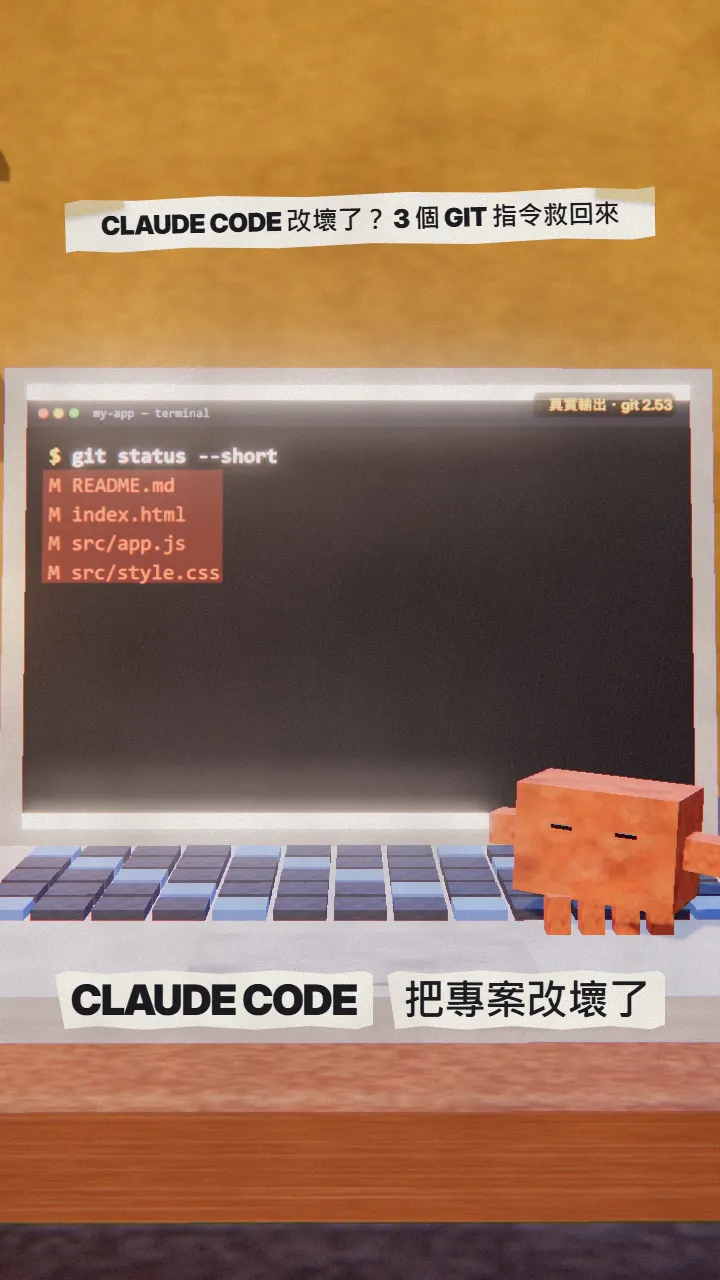
After this you'll be able to:
- Save a snapshot while the project works (commit).
- Roll everything back to the last snapshot in one command (restore).
- Back the snapshots up to GitHub so they survive a dead laptop (push).
- Know why Claude Code's /rewind is no replacement for Git.
02Why /rewind alone isn't enough
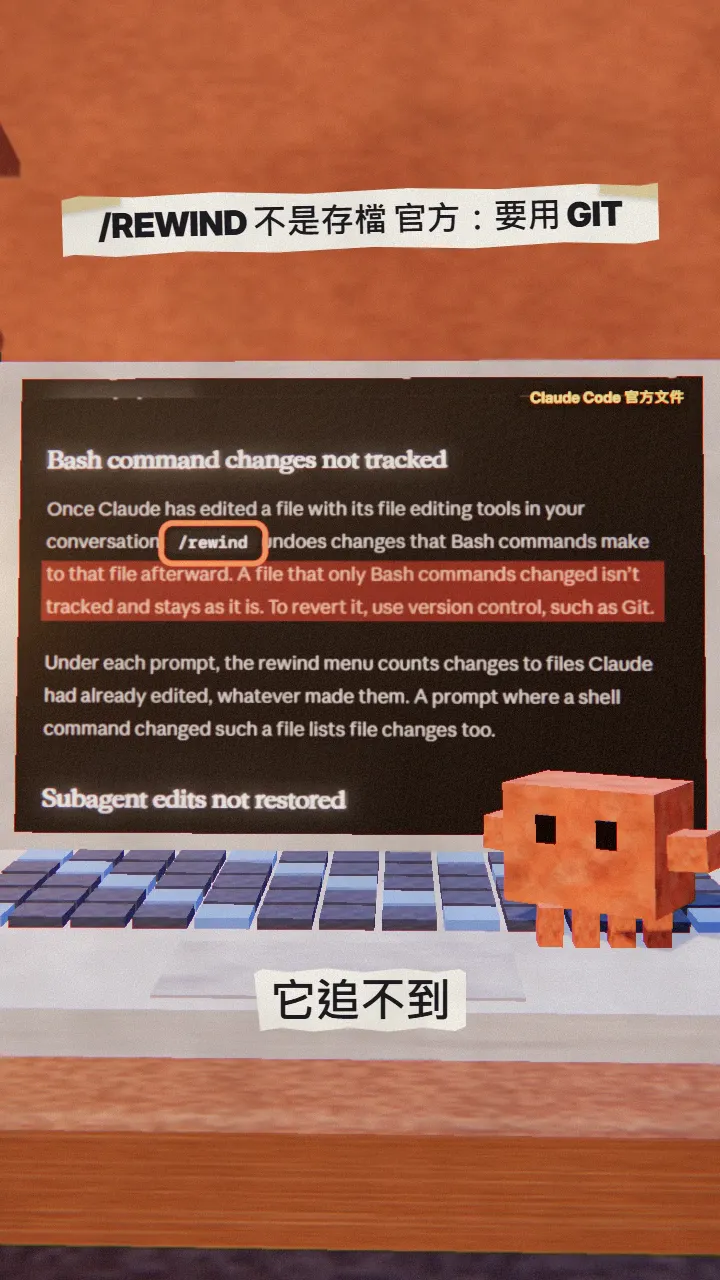
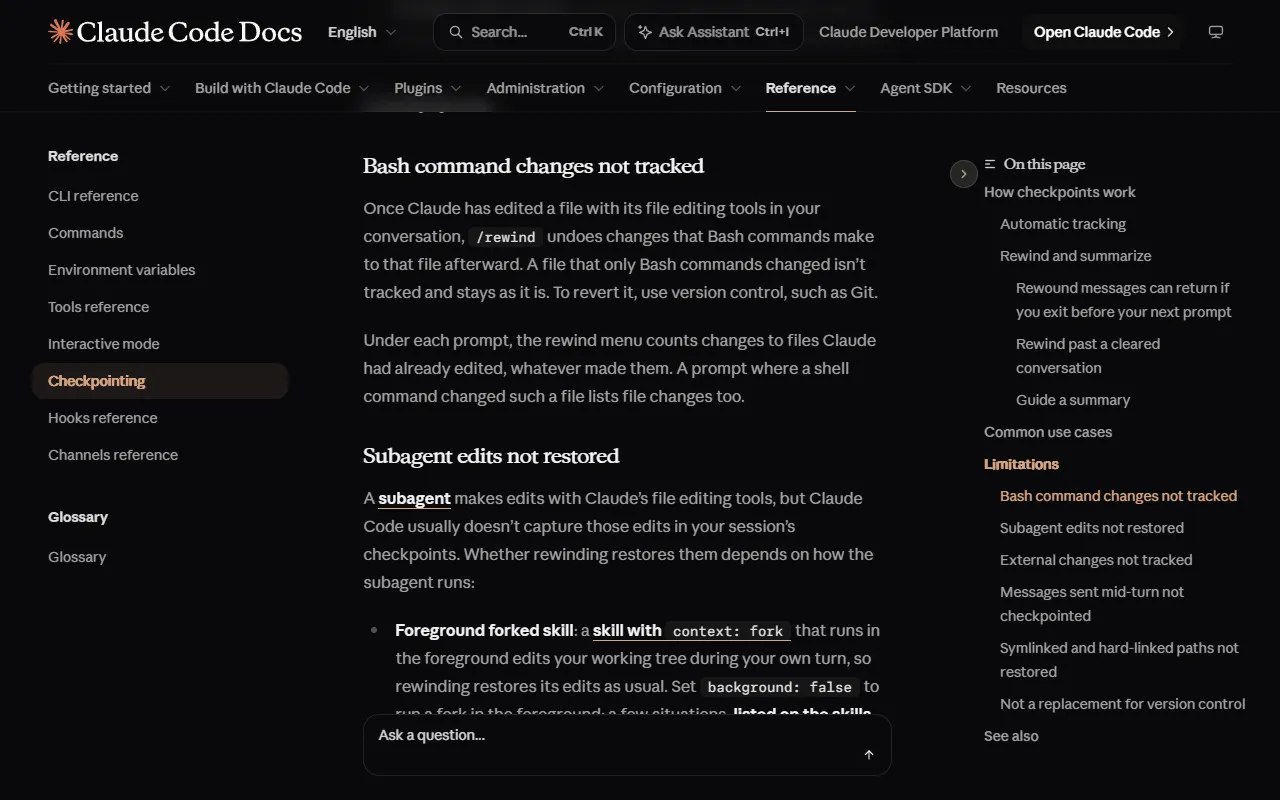
Claude Code has /rewind (or press Esc twice), which undoes files Claude changed with its edit tools. But the official checkpointing page is clear: a file changed only by Bash commands isn't tracked, and to revert it you use version control such as Git. The docs also say checkpoints are not a replacement for version control.
03Step 0: install Git and run git init in the project (once)
- Download and install Git from git-scm.com/downloads.
- In a terminal, go into your project folder.
- Run git init; the folder is now tracked by Git.
git init
04Step 1: save when it works (git commit)
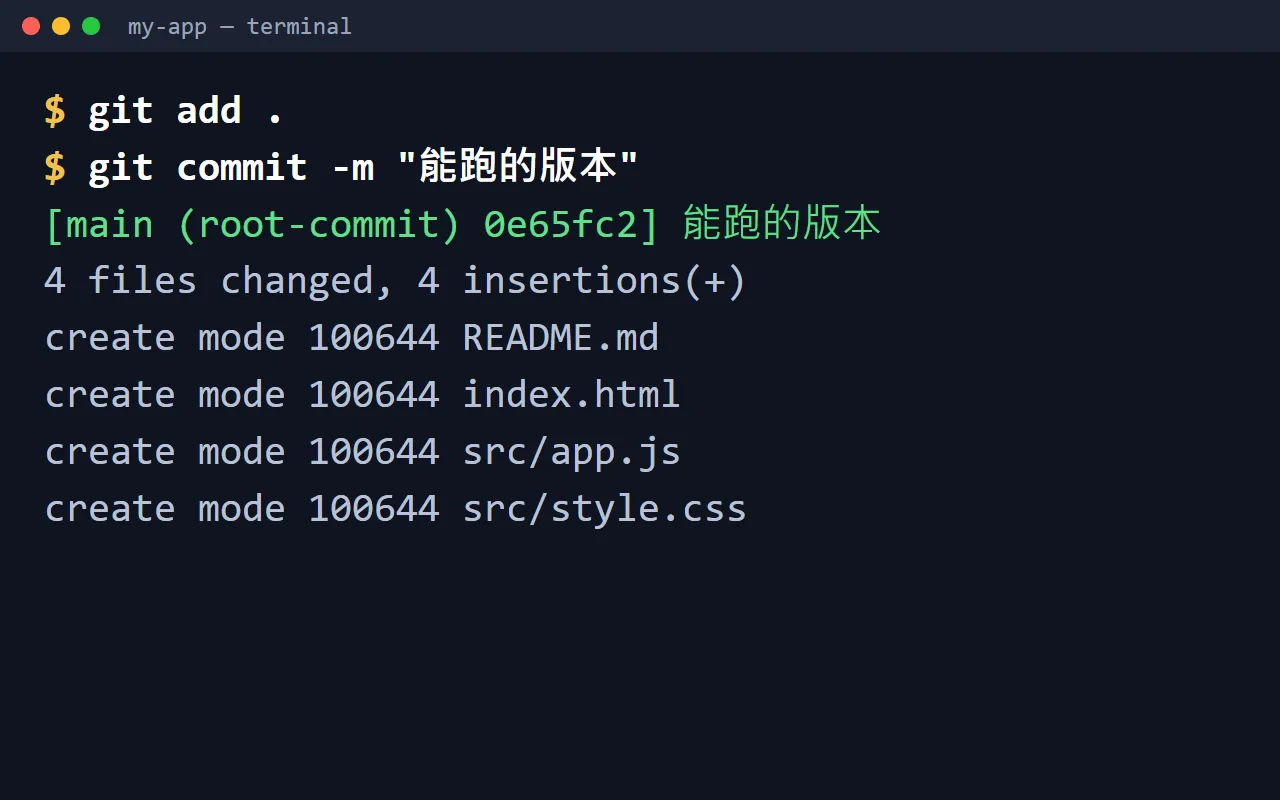
Every time the project works, save a snapshot. Write any message you'll understand:
git add .
git commit -m "working version"
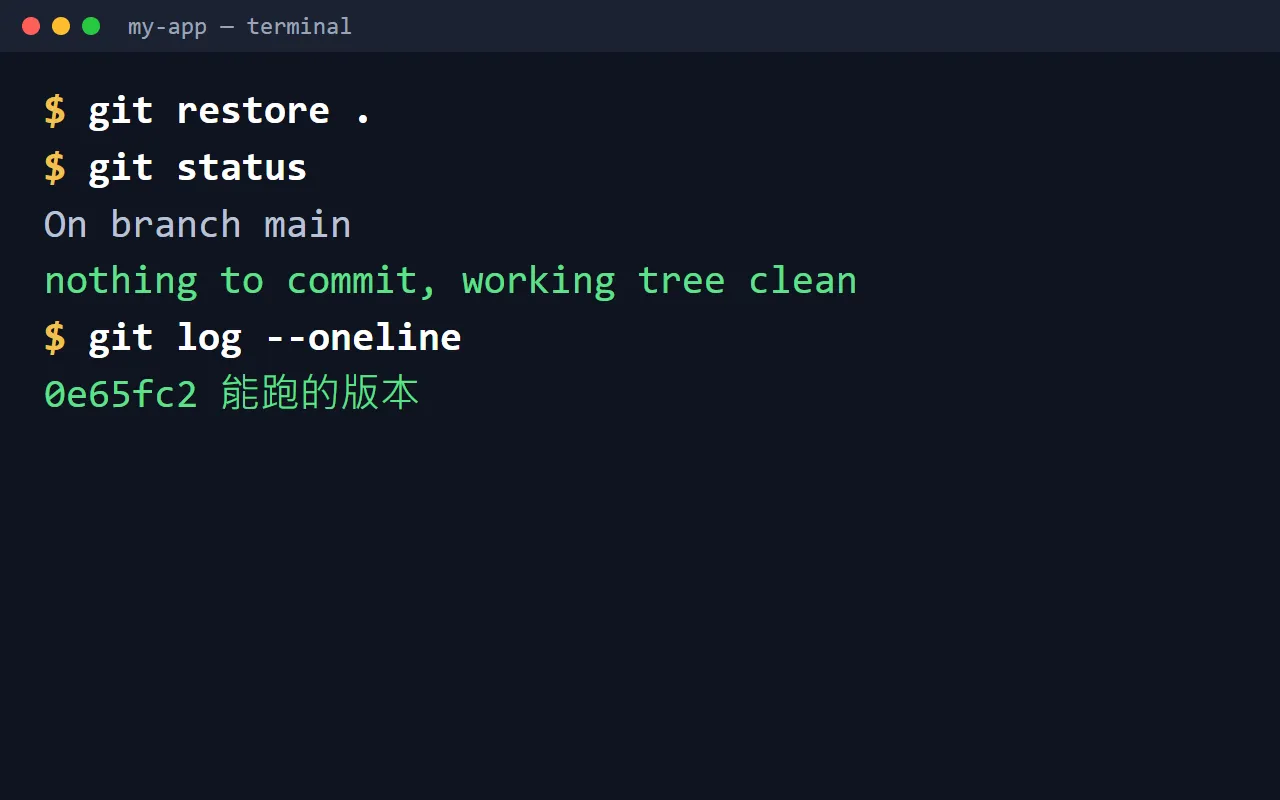
05Step 2: broke it again? git restore goes back to the last save
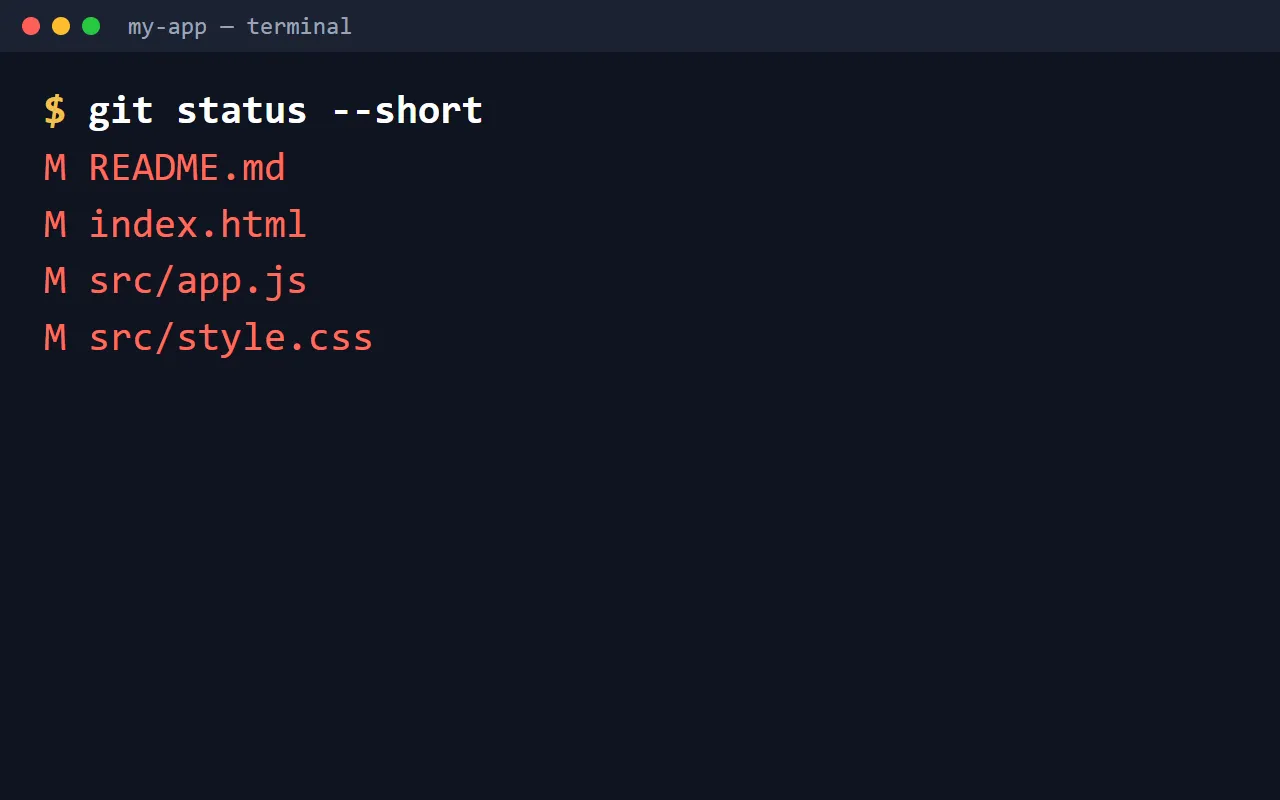
git restore .
06Step 3: back up to GitHub with git push
- Create a repo at github.com/new (Private is fine).
- Follow the new repo page and paste its git remote add origin … lines into your terminal, once.
- After every commit from then on, run git push.
git push
07Good to know
- git restore . discards uncommitted changes for good; be sure you don't want them first.
- Don't commit files with passwords or API keys (like .env); add them to .gitignore first.
- /rewind is still handy as a quick undo inside a Claude session; leave real saves to Git.
- Commands and docs as of 2026-11-17.
Sources
What should the next reel cover?
I test Claude and AI tools every day and turn the useful ones into reels. Follow @vivianlin.tech to catch each new guide.