~/教學/GITHUB.md
Claude Code 把專案改壞了?git commit、git restore、git push 三個指令救回來
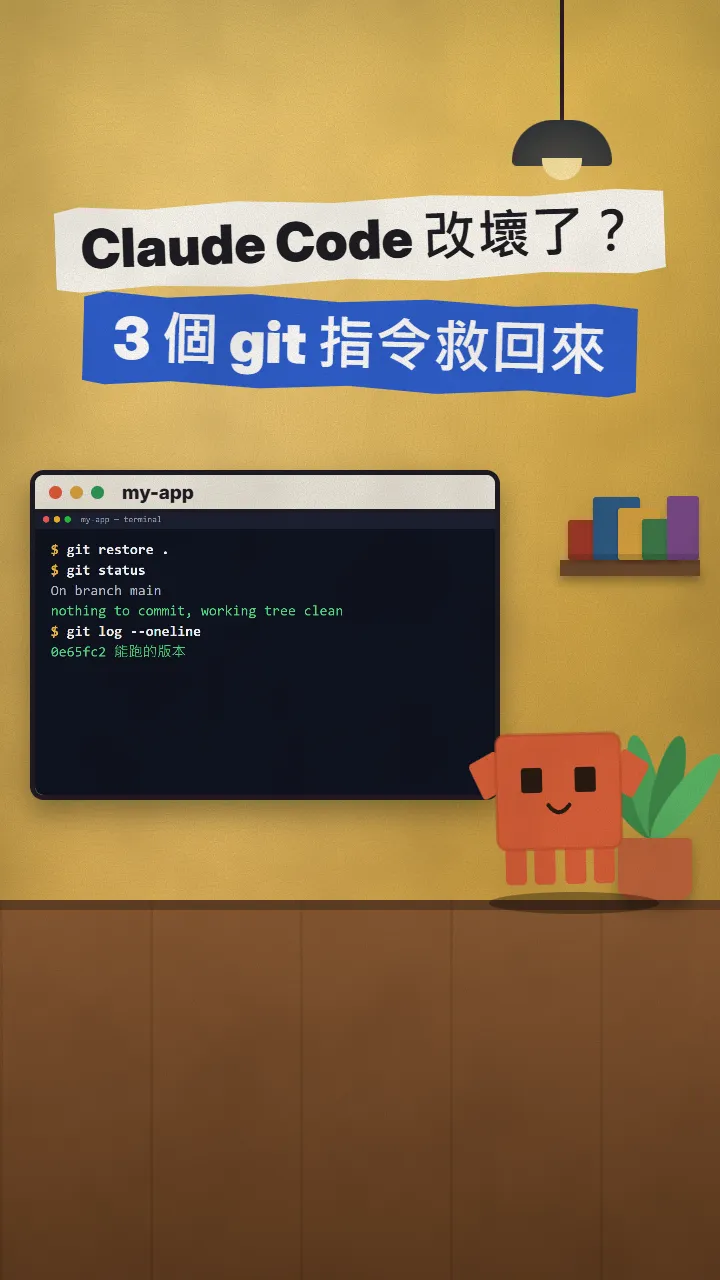
/rewind 追不到用指令改的檔案,真正的存檔要靠 Git:能跑就 commit,改壞就 restore,再 push 到 GitHub 備份。
Claude Code 改著改著把專案改壞了,不用整個重來。這篇是 Reels 裡 GITHUB 那支的完整版:三個 git 指令,一個存檔、一個救回、一個備份到 GitHub。畫面上的輸出都是我 2026-11-17 在一個小專案真的跑出來的,官方說明也在同一天確認過。
01你會得到什麼:改壞了也能一鍵回到能跑的版本
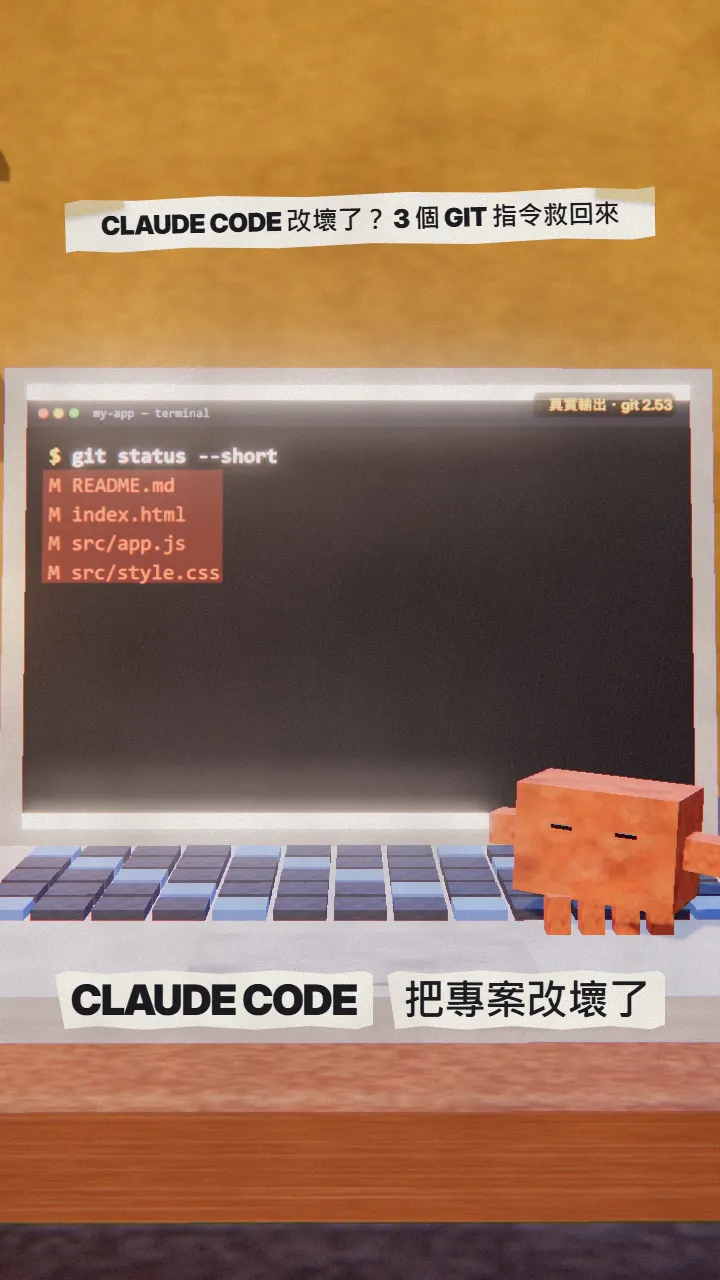
學完你會:
- 在專案能跑的時候存一個檔(commit)。
- 改壞時一個指令全部回到上一個存檔(restore)。
- 把存檔備份到 GitHub,電腦壞了也還在(push)。
- 知道為什麼 Claude Code 的 /rewind 不能取代 Git。
02為什麼不能只靠 /rewind
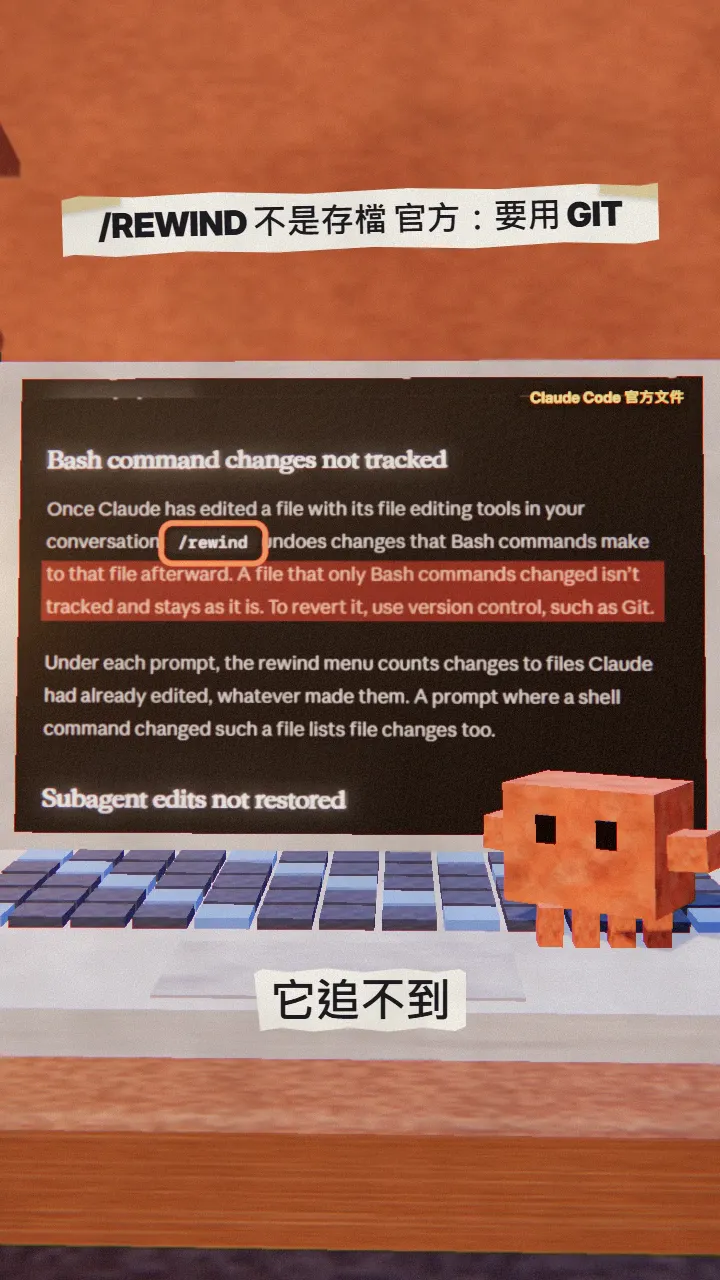
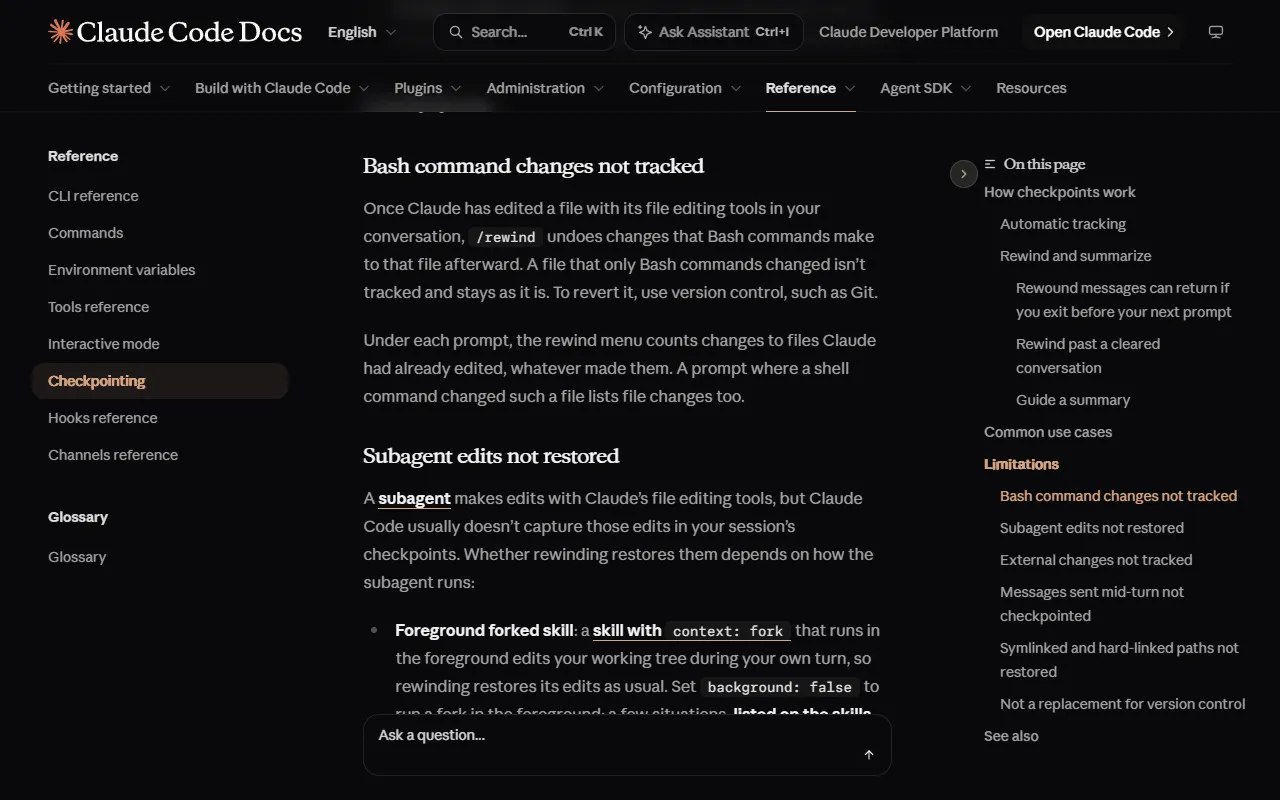
Claude Code 有 /rewind(按兩下 Esc 也可以),能退回 Claude 用編輯工具改過的檔案。但官方 checkpointing 文件寫得很清楚:只被 Bash 指令改過的檔案追不到,要還原請用版本控制,例如 Git。官方也說 checkpoint 不能取代版本控制。
03第 0 步:裝 Git,專案資料夾 git init(只做一次)
- 到 git-scm.com/downloads 下載安裝 Git。
- 在終端機進到你的專案資料夾。
- 打 git init,這個資料夾就開始用 Git 管理。
git init
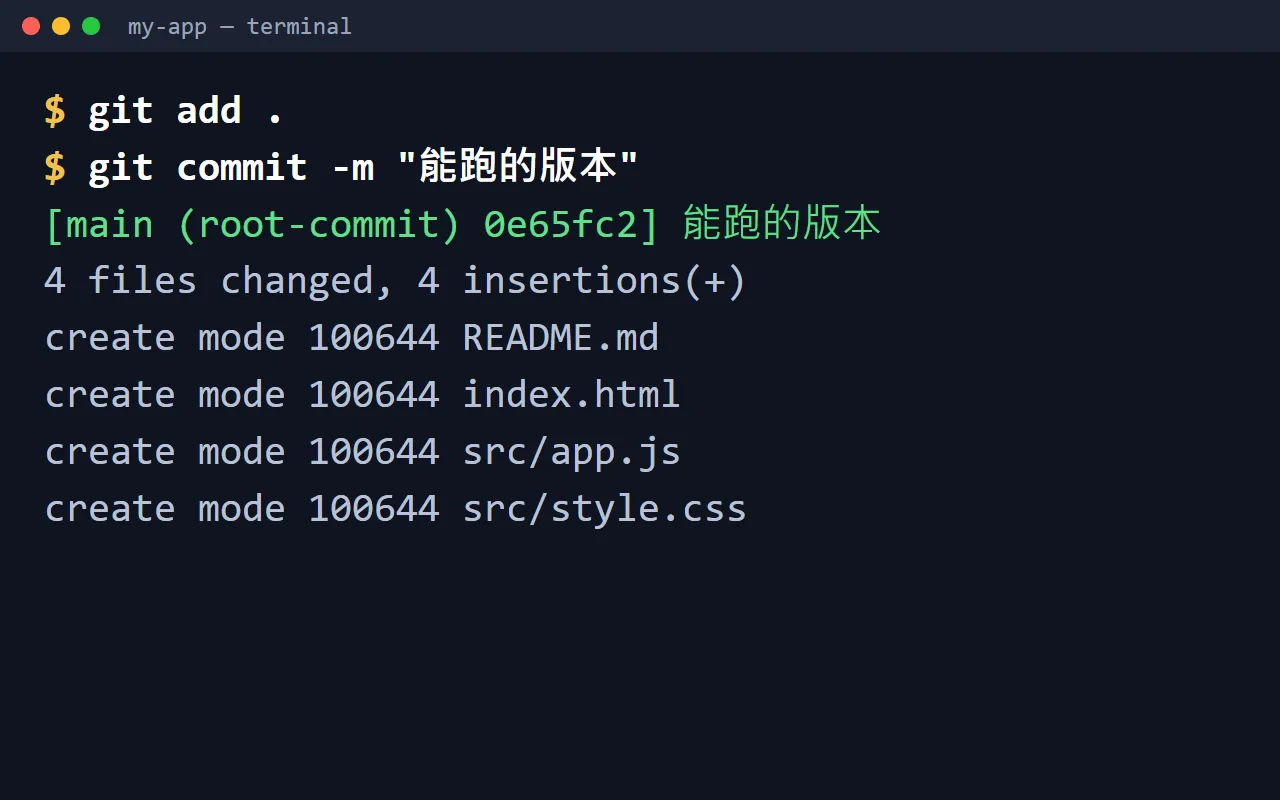
04第 1 步:能跑就存檔(git commit)
每次確認專案能跑,就存一個檔。訊息寫你看得懂的就好:
git add .
git commit -m "能跑的版本"
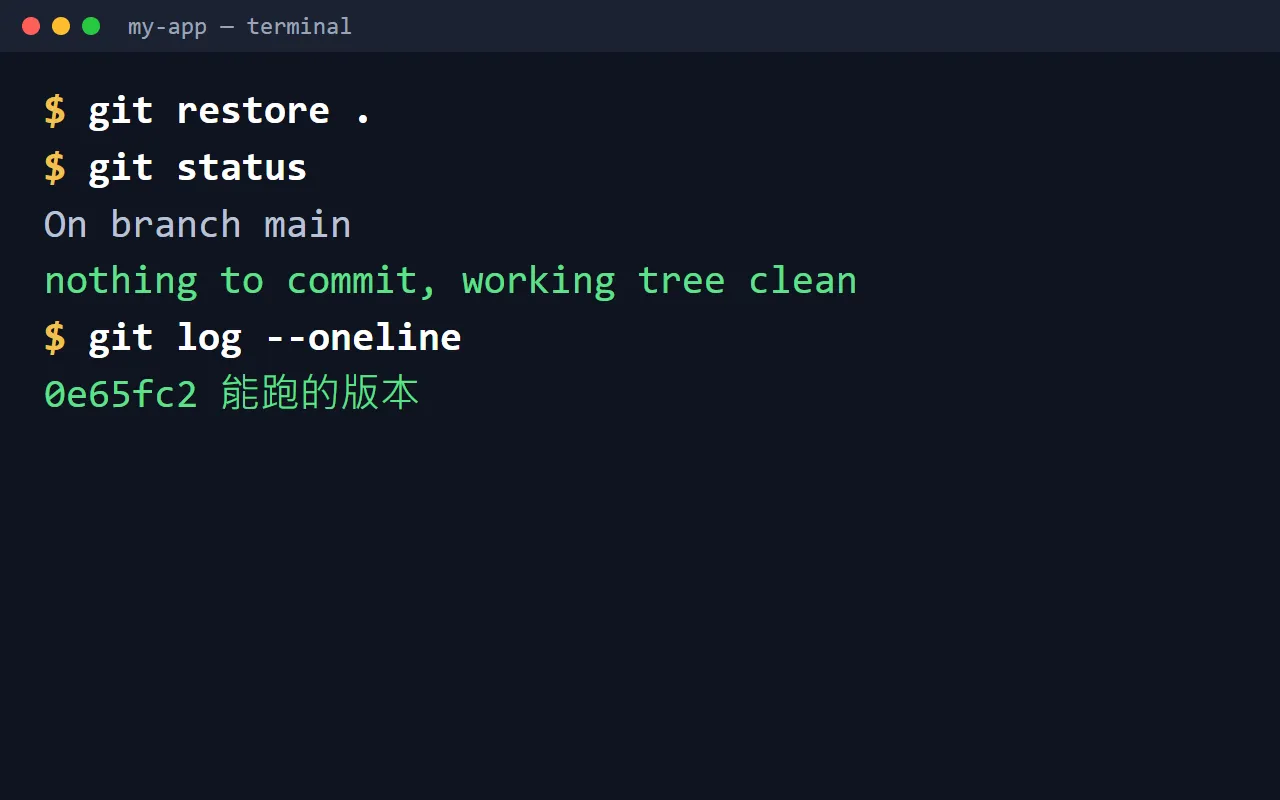
05第 2 步:又改壞了,git restore 回到上一個存檔
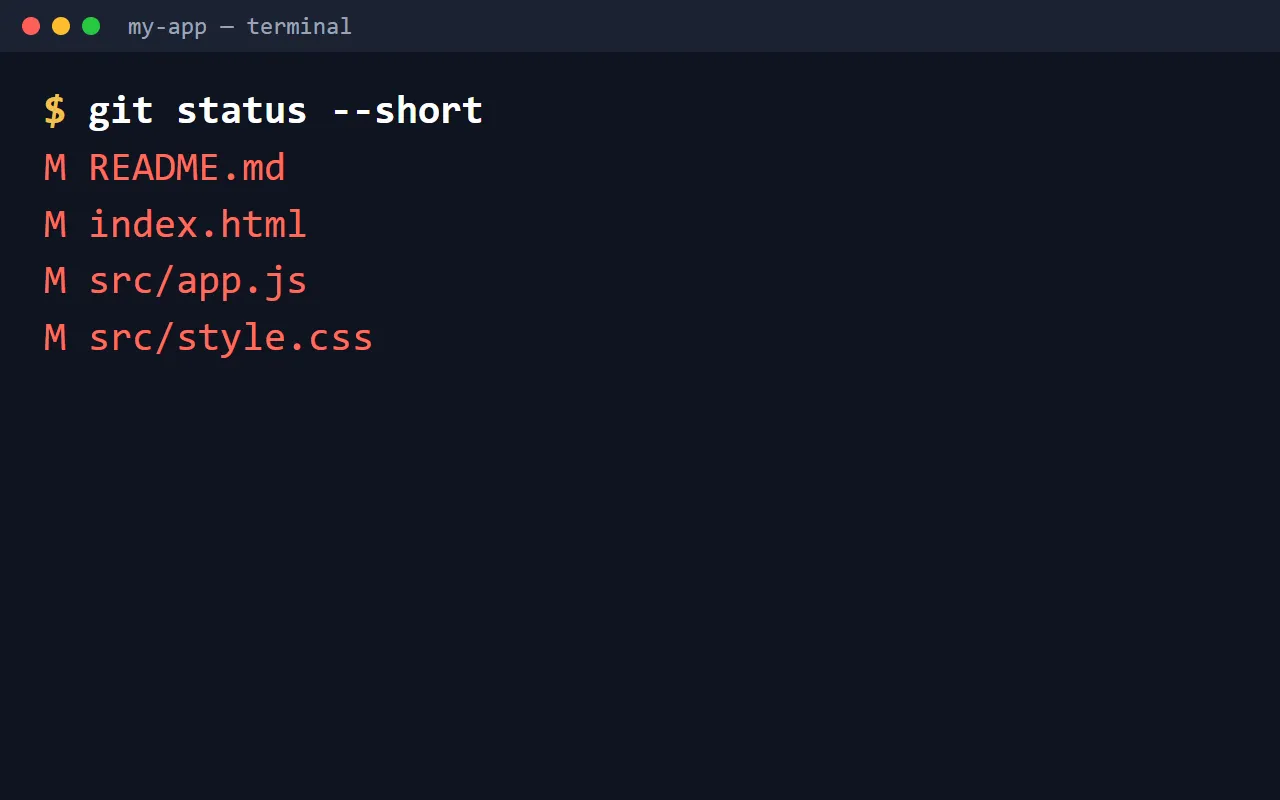
git restore .
06第 3 步:git push 備份到 GitHub
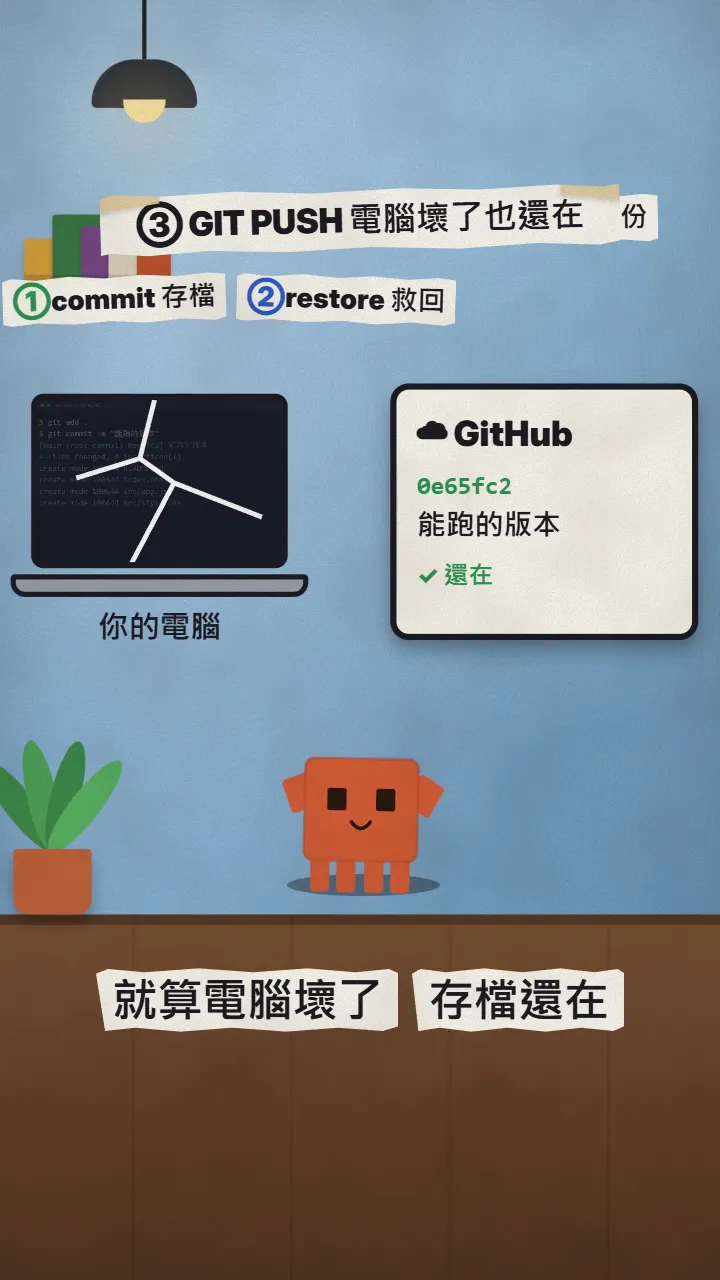
- 到 github.com/new 開一個 repo(可以選 Private)。
- 照新 repo 頁面上的指示,把 git remote add origin … 那幾行貼到終端機,只做一次。
- 之後每次 commit 完,打 git push。
git push
07要注意
- git restore . 會直接丟掉還沒 commit 的改動,按下去之前確定那些真的不要了。
- 密碼、API 金鑰這類檔案(例如 .env)不要 commit,先寫進 .gitignore。
- /rewind 還是好用,但只當作 Claude 對話裡的快速復原,真正的存檔交給 Git。
- 指令和官方說明以 2026-11-17 為準。
資料來源
下一支 Reel 想學什麼?
我每天測 Claude 和 AI 工具,把真的有用的做成 Reel。追蹤 @vivianlin.tech,新教學一出來就看得到。