~/guides/OVERNIGHT.md
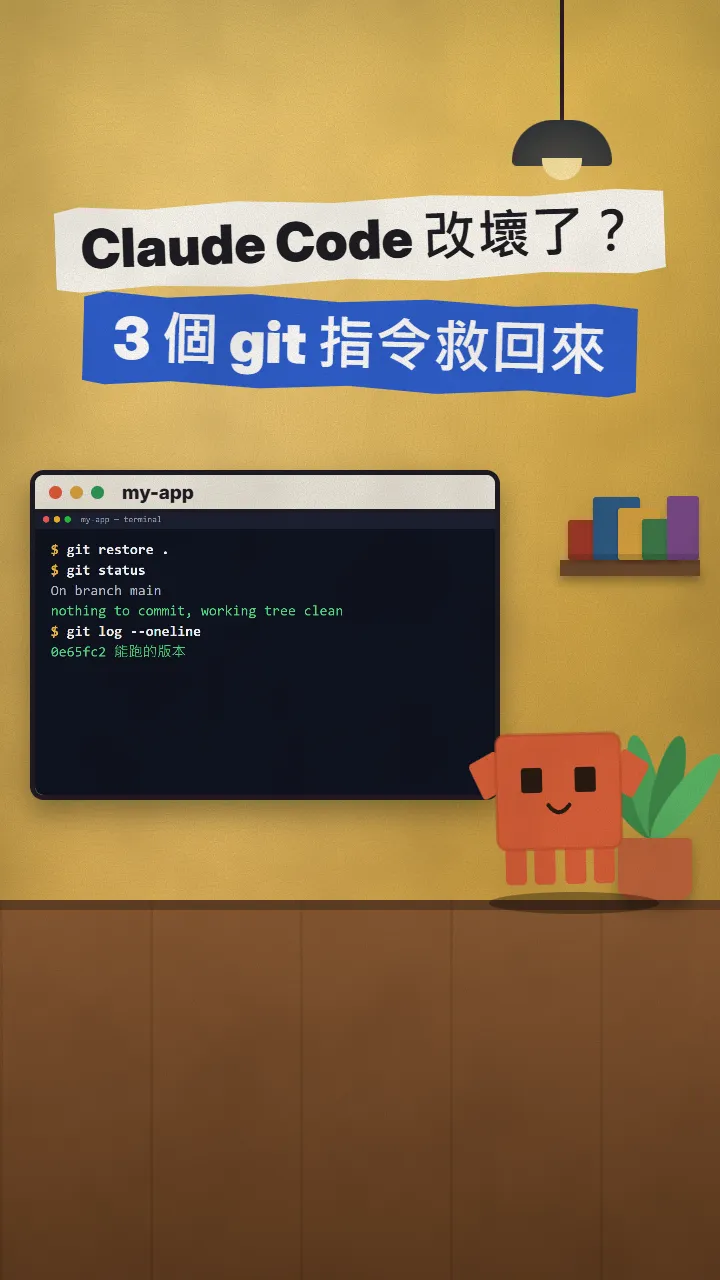
Let Claude Code run all night with claude -p, --allowedTools and --max-turns, then just review in the morning
Give Claude Code a task list before bed. claude -p, --allowedTools and --max-turns keep it from stalling or looping; review logs and git diff in the morning.
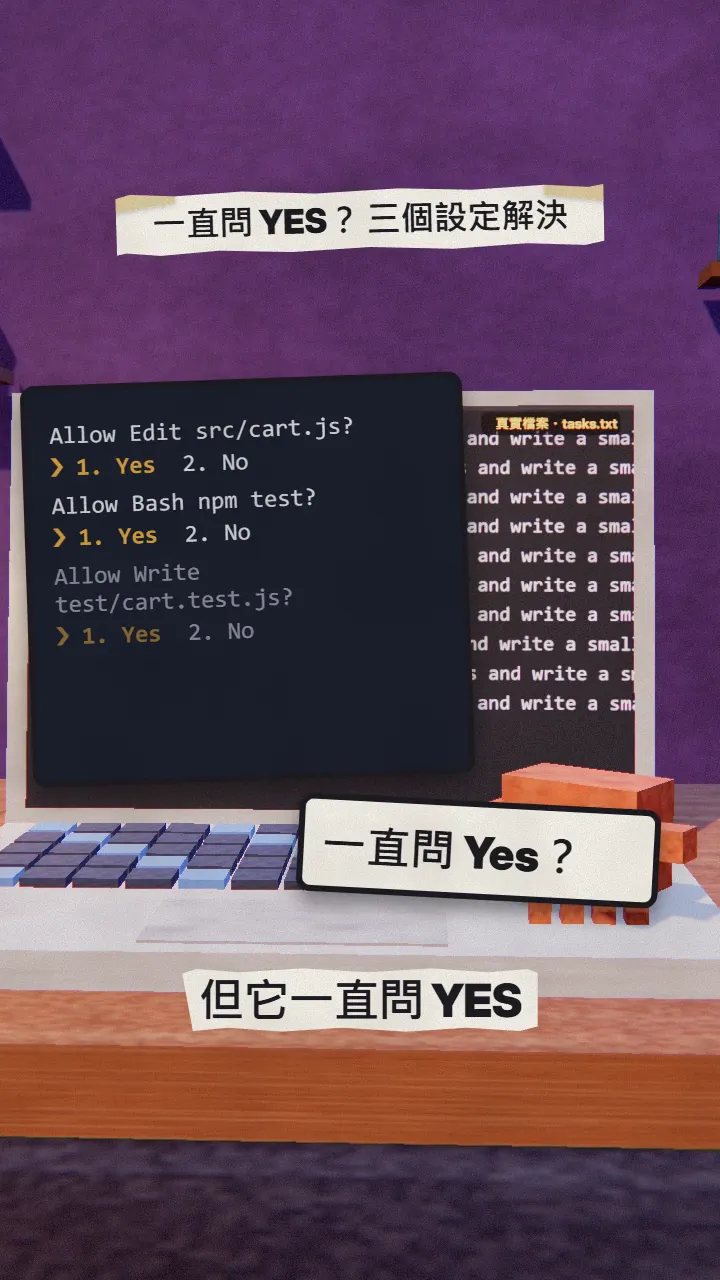
Normally Claude Code asks you Yes at every step, so the moment you fall asleep it just sits there waiting. This is the full version of my OVERNIGHT reel: three official settings plus a small script that works through a task list all night, so in the morning you only review. Every command and flag was checked against the official Claude Code docs on 2026-11-17.
01What you get: a whole task list done overnight
When you're done you'll have:
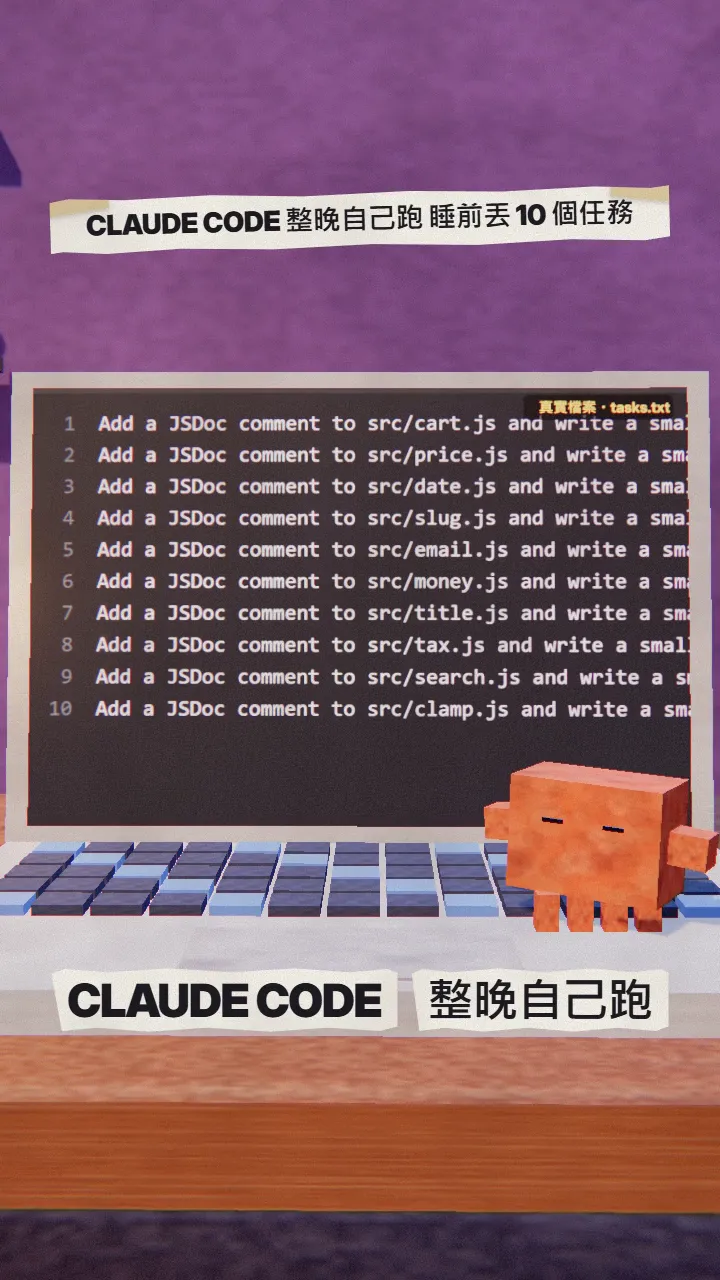
- A tasks.txt: one task per line.
- An overnight.sh that hands each line to claude -p without stopping to ask you.
- A logs/task-N.json record per task, plus one line with the time and exit code.
- In the morning, git diff shows what changed; merge only after you check.
02Step 1: write one task per line in tasks.txt
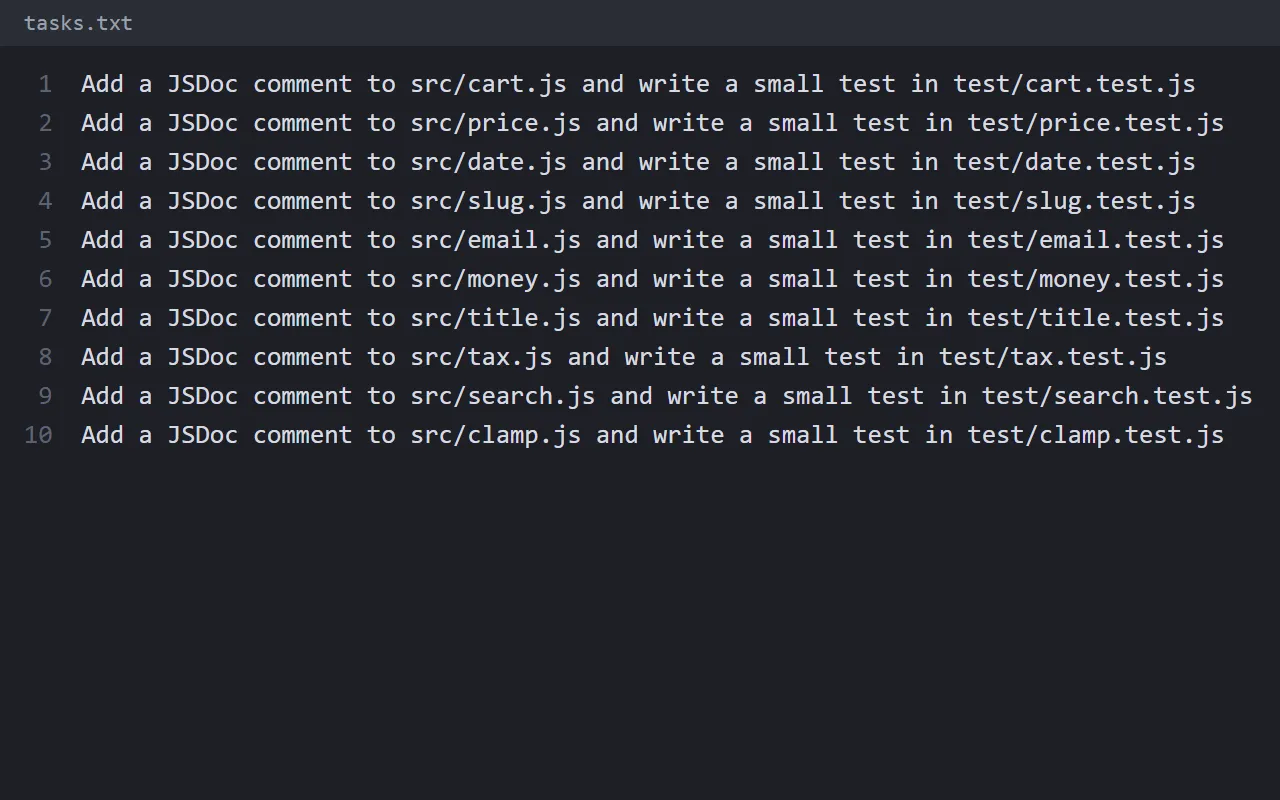
Create tasks.txt in your project folder. Each line is one small, clearly worded task, ideally touching only one or two files. This is the list from my reel (first three lines):
Add a JSDoc comment to src/cart.js and write a small test in test/cart.test.js
Add a JSDoc comment to src/price.js and write a small test in test/price.test.js
Add a JSDoc comment to src/date.js and write a small test in test/date.test.js
03Step 2: three settings so it never stalls or loops
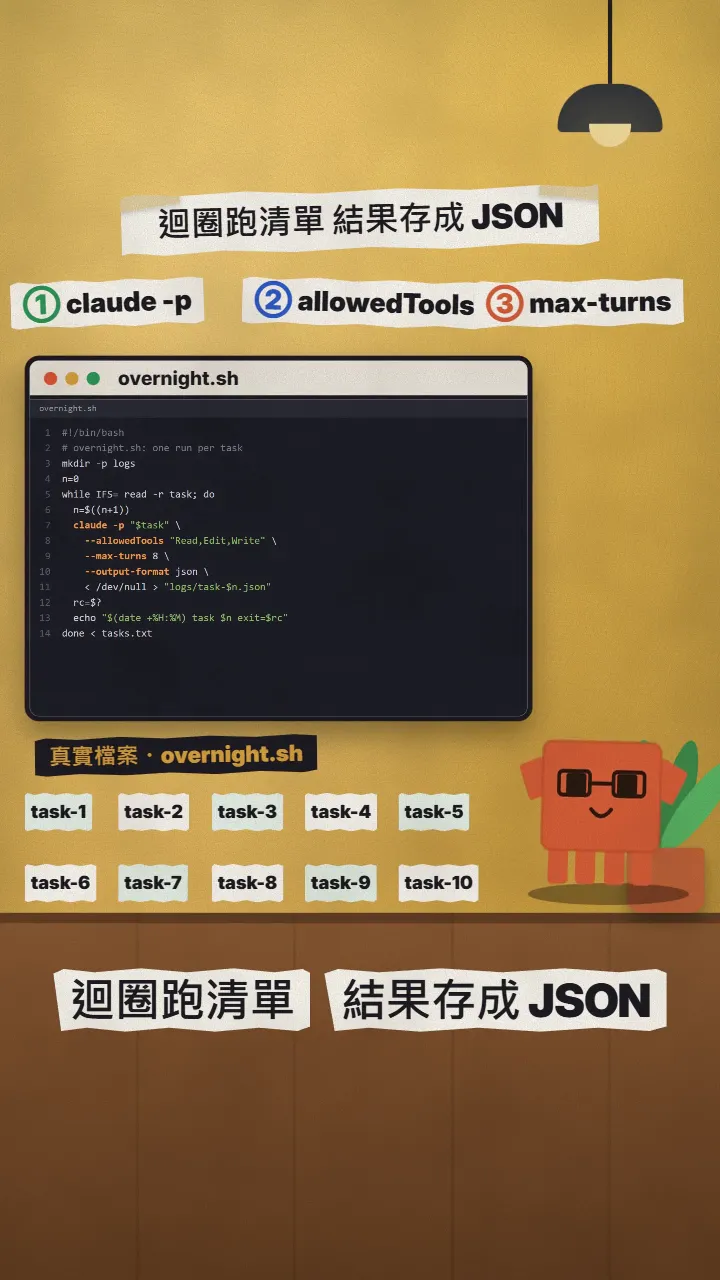
① claude -p (or --print): no chat session, it exits when done. The docs describe it as running non-interactively, which is what scripts need.
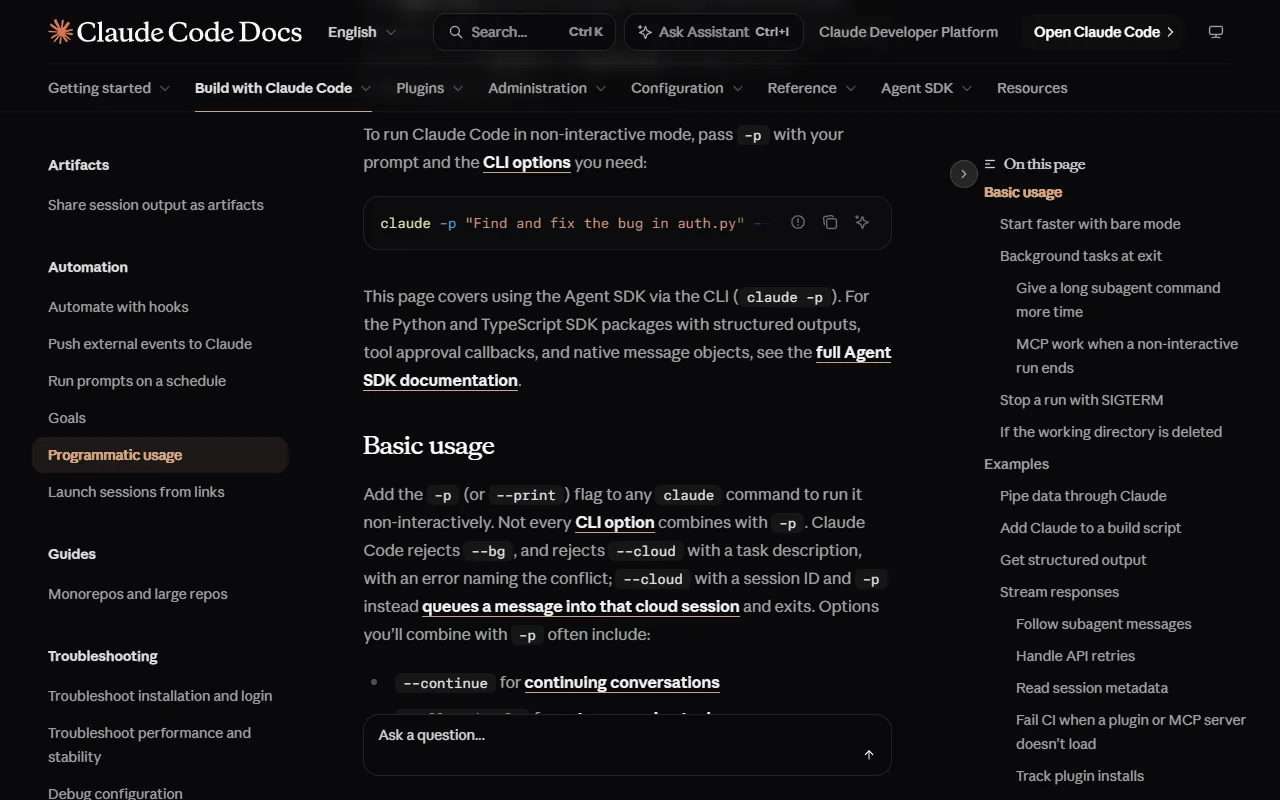
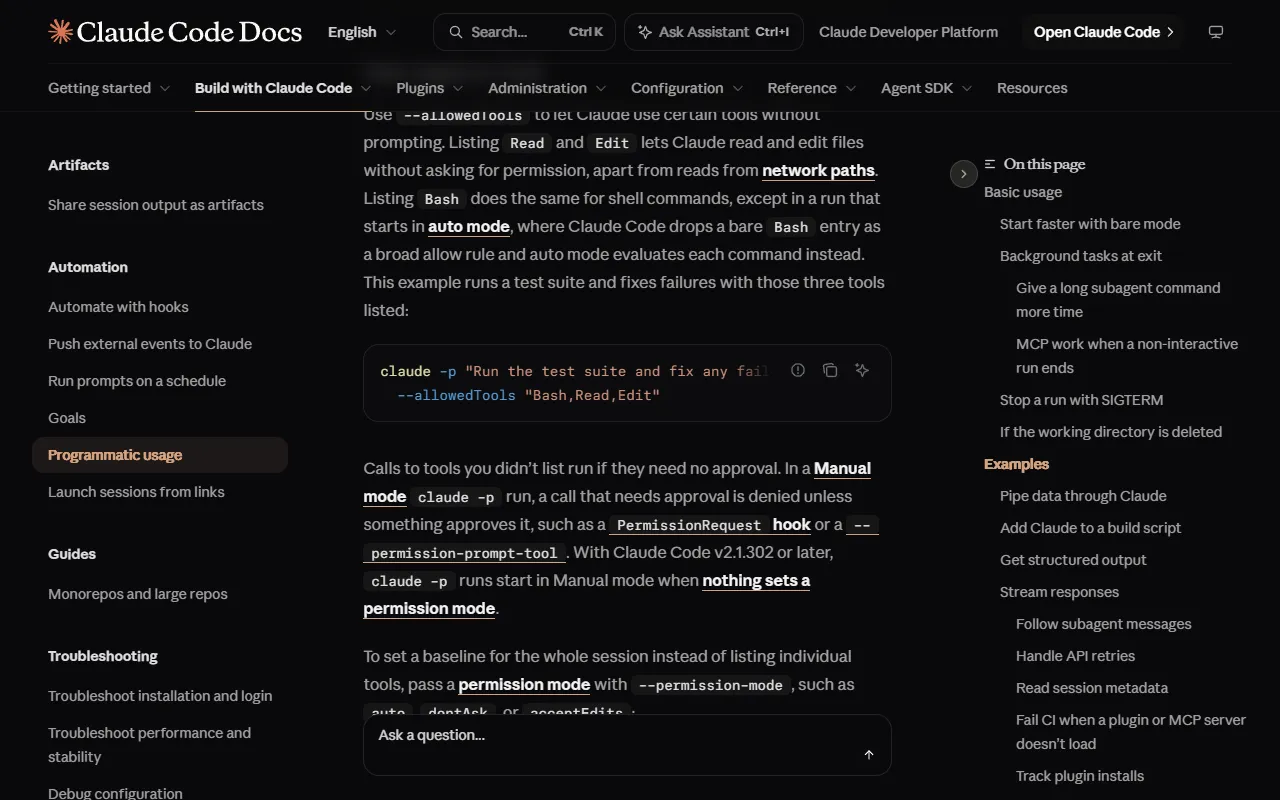
② --allowedTools "Read,Edit,Write": list the tools it may use without asking. Anything not listed that needs approval is denied instead of waiting all night for your Yes.
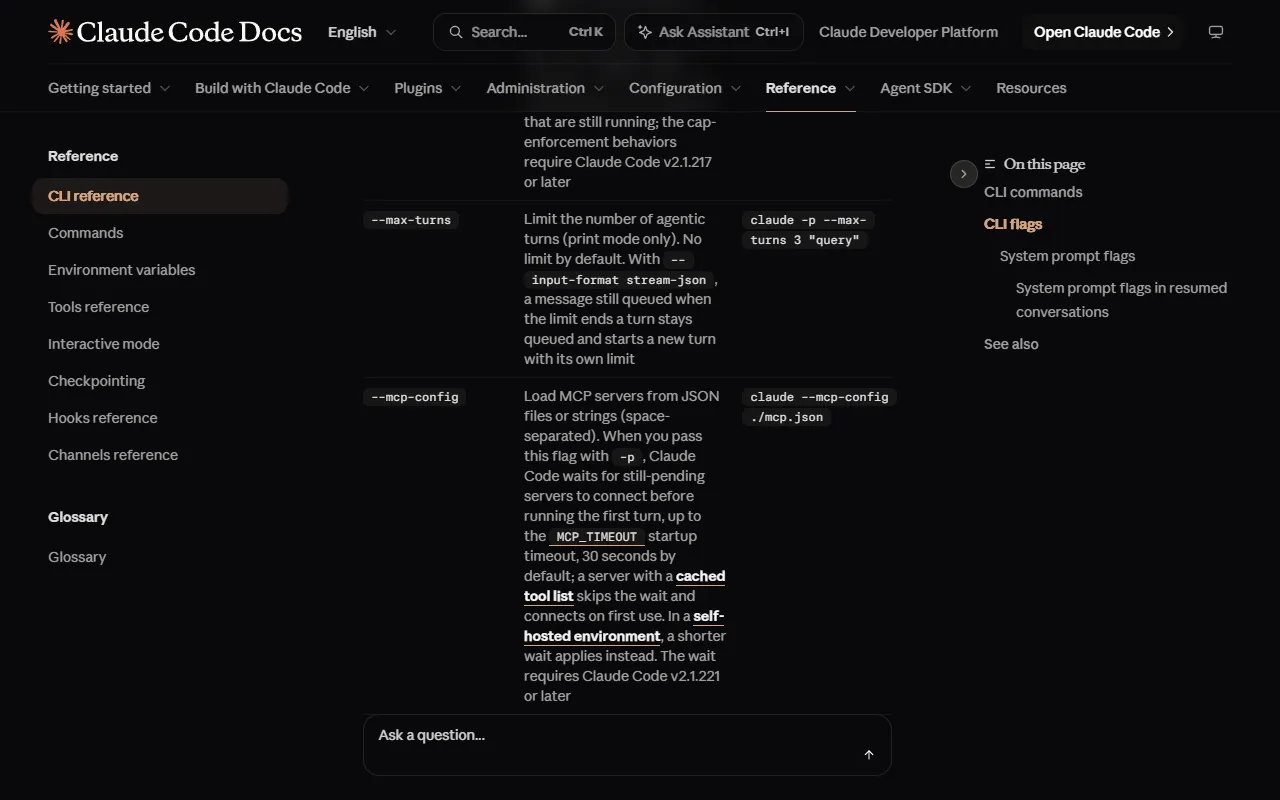
③ --max-turns 8: caps how many agentic turns it takes (print mode only; no limit by default). It stops at the cap instead of looping all night.
04Step 3: one loop runs the whole list
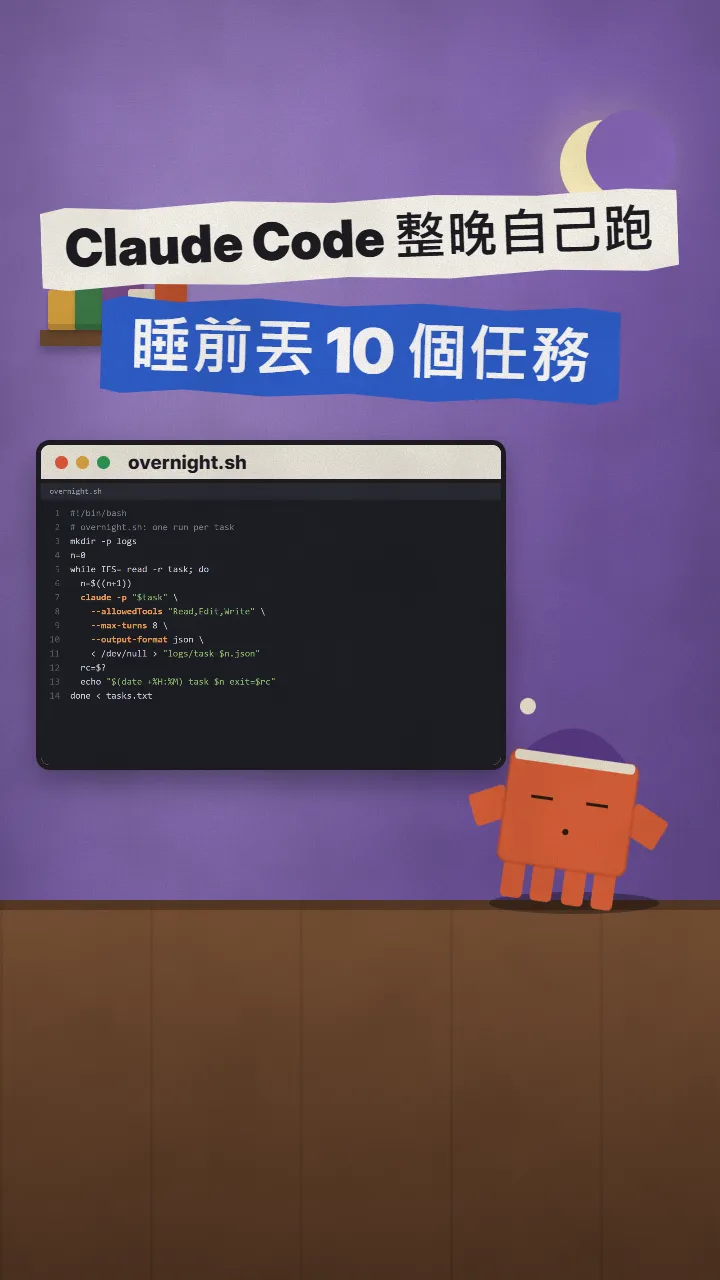
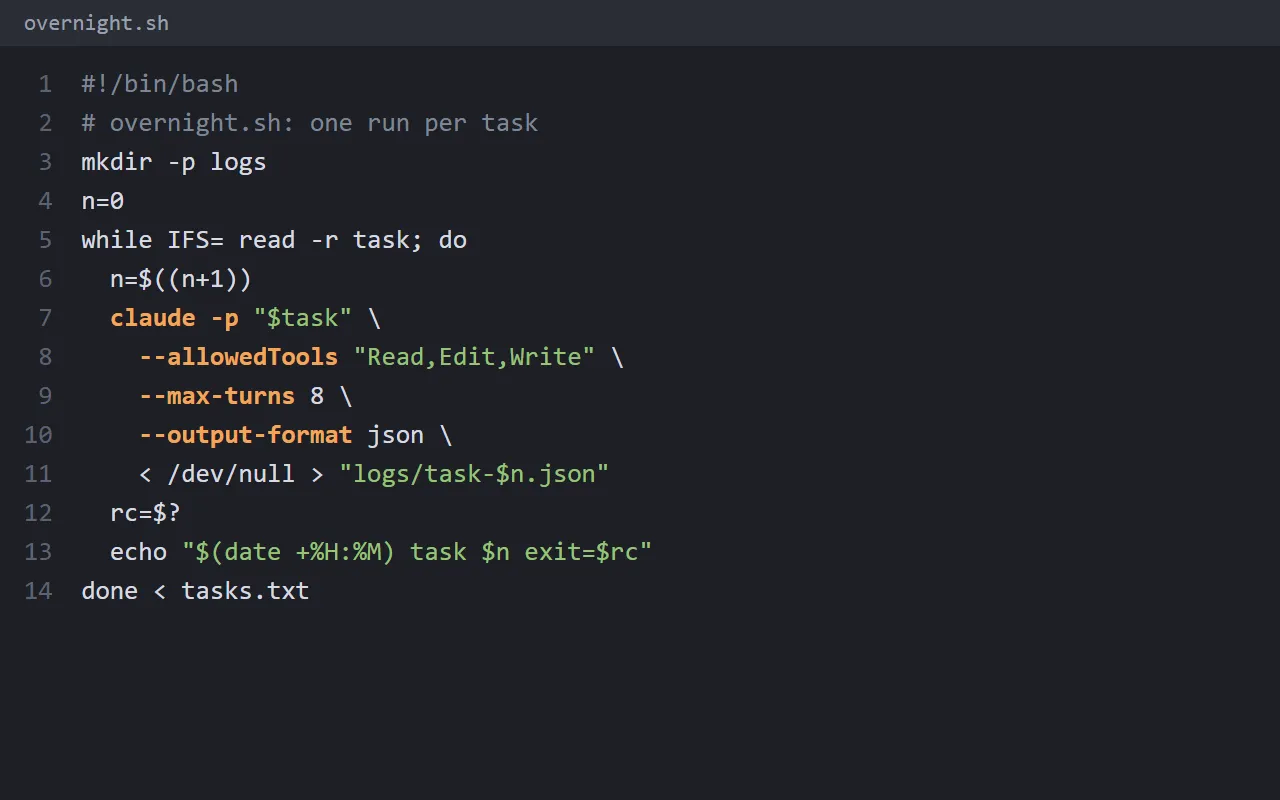
Save this as overnight.sh in your project folder. It reads tasks.txt line by line, runs claude -p once per task, saves the result to logs/task-N.json and prints the time and exit code (0 = success).
#!/bin/bash
# overnight.sh: one run per task
mkdir -p logs
n=0
while IFS= read -r task; do
  n=$((n+1))
  claude -p "$task" \
    --allowedTools "Read,Edit,Write" \
    --max-turns 8 \
    --output-format json \
    < /dev/null > "logs/task-$n.json"
  rc=$?
  echo "$(date +%H:%M) task $n exit=$rc"
done < tasks.txt
- Make a git branch first: git checkout -b overnight
- Before bed, run in a terminal: bash overnight.sh
- Keep the computer awake and the laptop plugged in.
05Step 4: in the morning, read the logs and the diff, then merge
- Read each printed line: exit=0 succeeded; for anything else, open that logs/task-N.json to see why.
- Run git diff (or git diff main) and go through the changes.
- Run your tests once to make sure nothing broke.
- Merge back only when it's fine; throw away what you don't like with git restore.
06Good to know
- Don't use --dangerously-skip-permissions. The official CLI reference says it equals bypassPermissions: nothing is asked any more, which is the riskiest choice for an unattended night. Allow only the tools you need with --allowedTools.
- Run on a git branch or in a worktree and merge only after checking, so you can throw the whole batch away.
- This example allows Read, Edit and Write but not Bash, so it can't run commands (tests included). Add specific commands when needed instead of opening all of Bash.
- Every task uses your plan's usage or API spend; try two or three tasks first, check the logs, then queue ten.
- Flags are as documented on 2026-11-17 and may change; check claude --help before running.
Sources
What should the next reel cover?
I test Claude and AI tools every day and turn the useful ones into reels. Follow @vivianlin.tech to catch each new guide.