~/guides/TASTE.md
Taste Skill: make the sites Claude Code builds stop looking AI-made, 3 steps + a check before you ship
A free design skill with 100K+ GitHub stars. Install it in Claude Code, ask in one sentence; it finds real photos, checks in a browser, fixes up to 3 rounds.
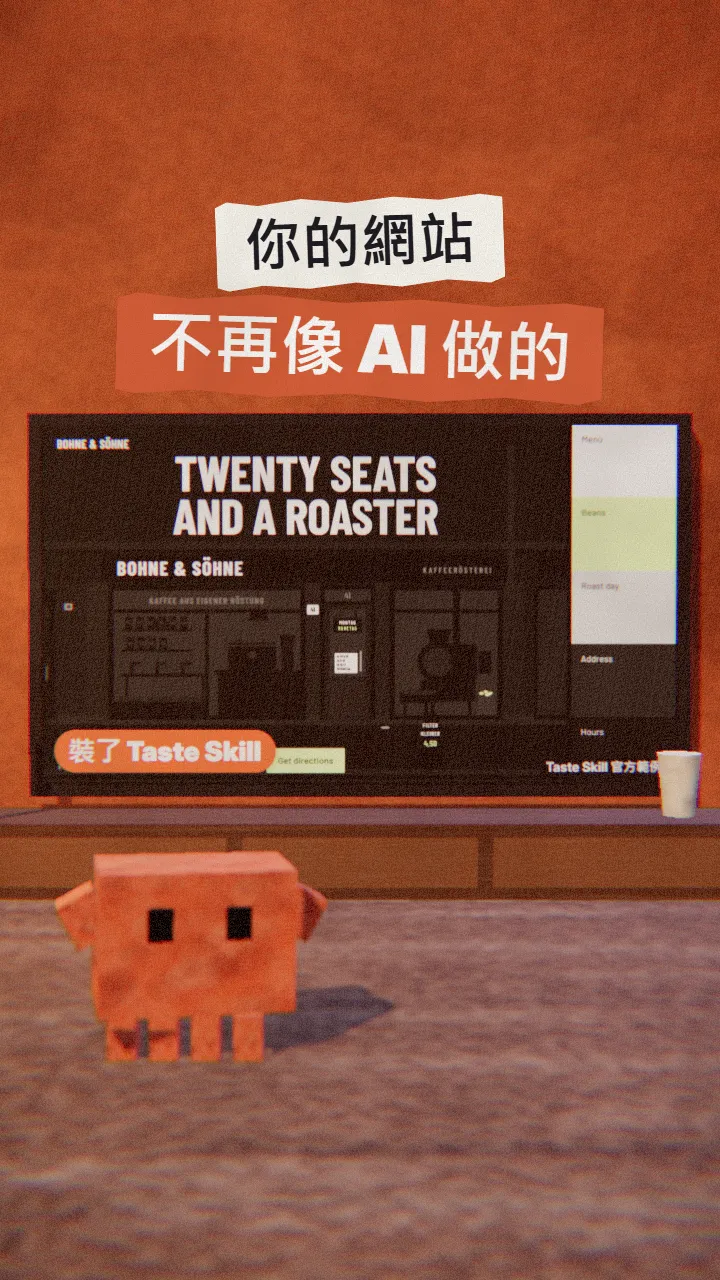
Can you tell at a glance that a site was built with Claude Code? A centred headline, a little label above it, a row of icon cards, a soft gradient, and not one real photo. I tried Taste Skill, which has passed 100,000 stars on GitHub. It doesn't write you a longer prompt; it gives the AI taste: it picks a design direction first, then finds real pictures and checks its own work in a browser. This is the full version of the TASTE reel: the two lines to type, the one sentence to say, what it then does on its own, and the check I add before shipping.
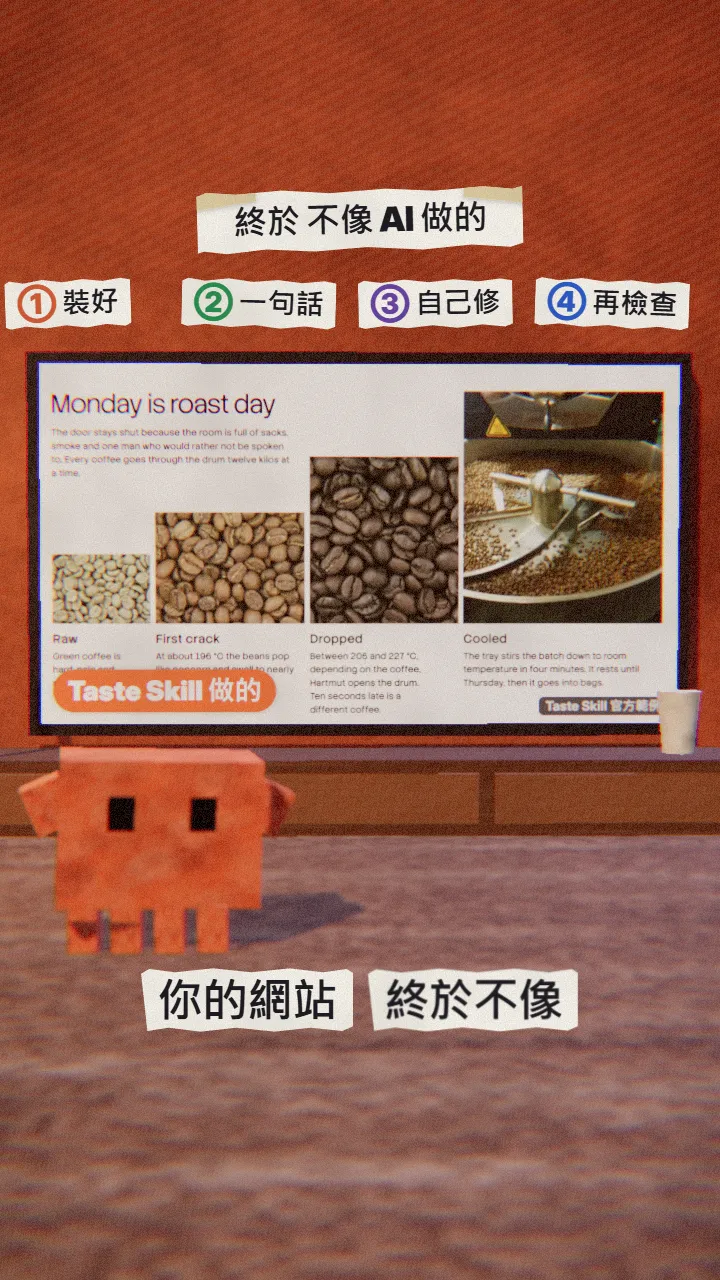
01The result first: one coffee shop, before and after
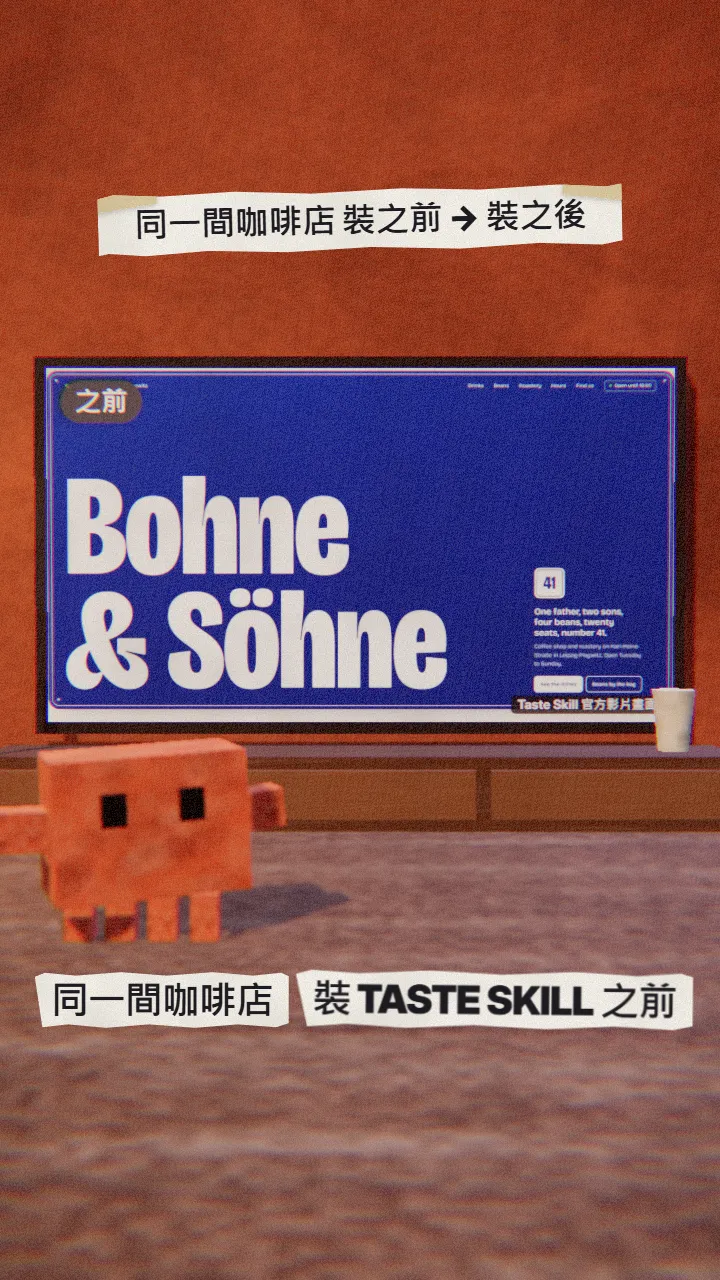
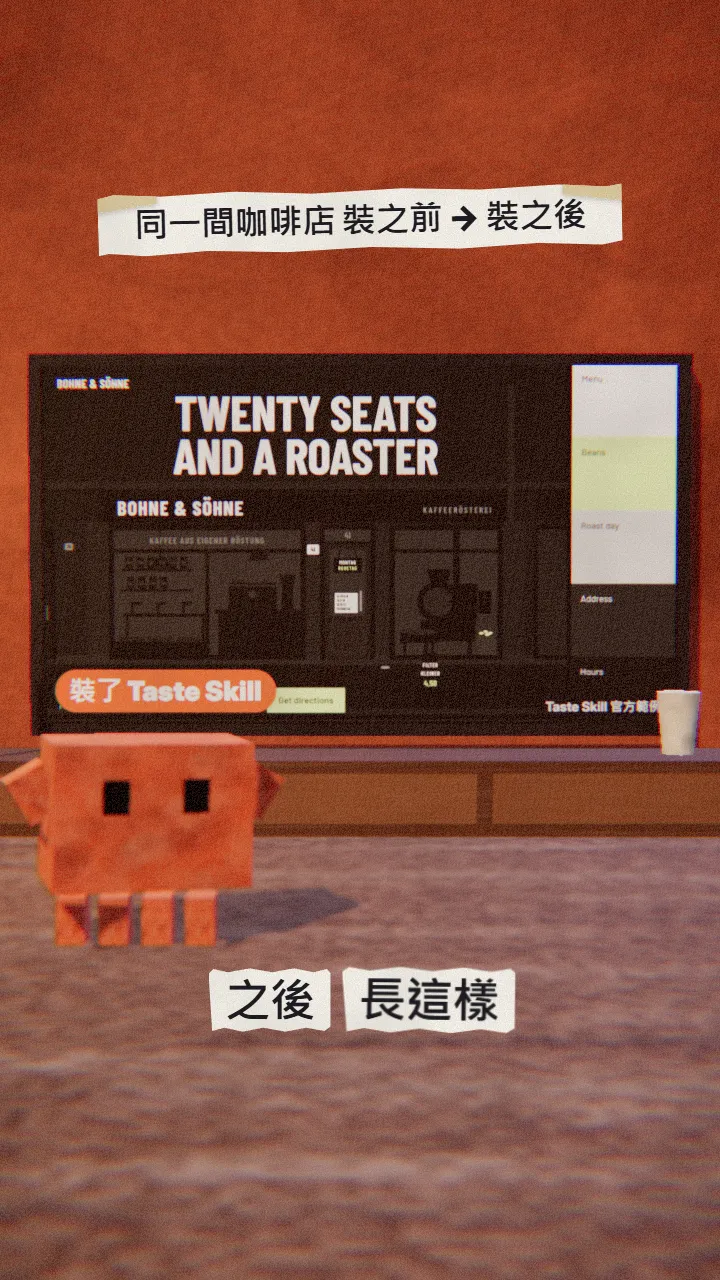
When you're done you have:
- A site or app screen with a chosen design direction instead of the average look.
- Real, openly licensed photos (Wikimedia Commons, Openverse and others), credited on the page.
- A page it has opened in a real browser at desktop, tablet and phone widths and fixed for up to three rounds.
- One more pass with Vercel's Web Design Guidelines for accessibility and UX problems before you ship.
02Step 1: install Taste Skill in Claude Code
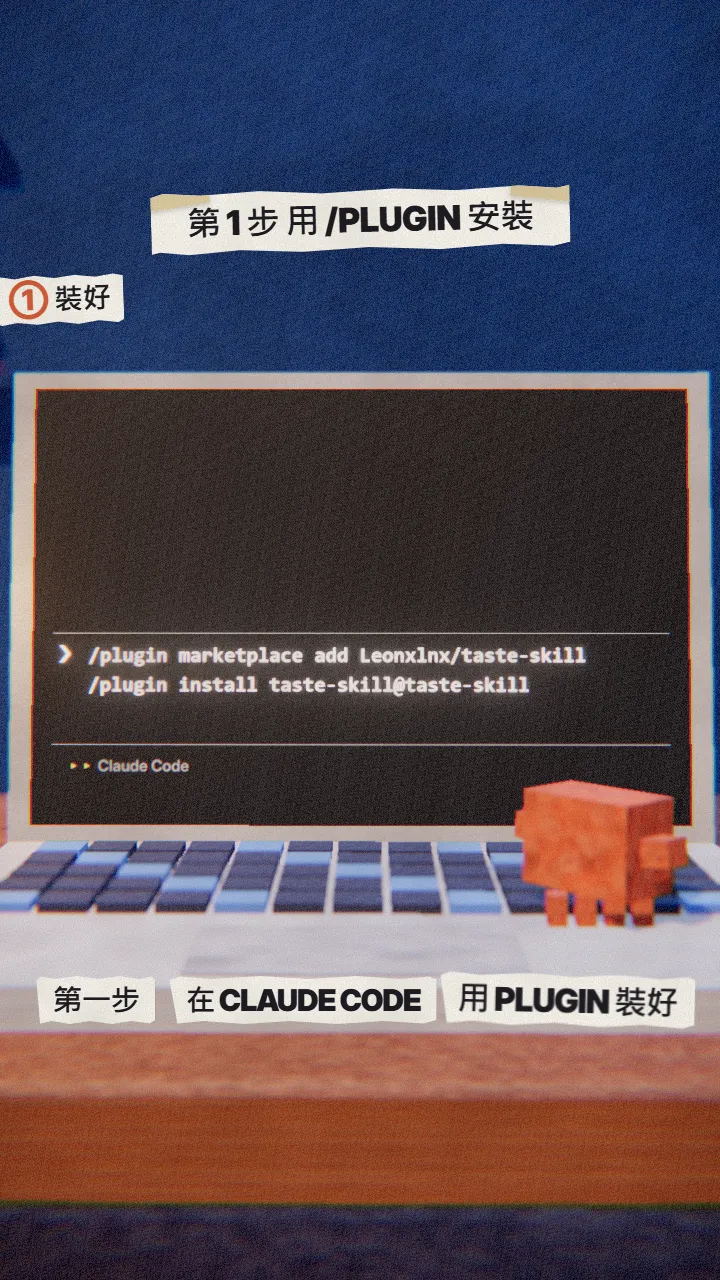
Open Claude Code and type the two lines below, pressing Enter after each. This is the Claude Code plugin install from the README; the skill is namespaced under taste-skill:, so it doesn't collide with your other skills.
/plugin marketplace add Leonxlnx/taste-skill
/plugin install taste-skill@taste-skill
Or skip the plugin and install it with npx skills (in your terminal):
npx skills add https://github.com/Leonxlnx/taste-skill --skill "design-taste-frontend"
03Step 2: ask in one sentence, and name what makes you different
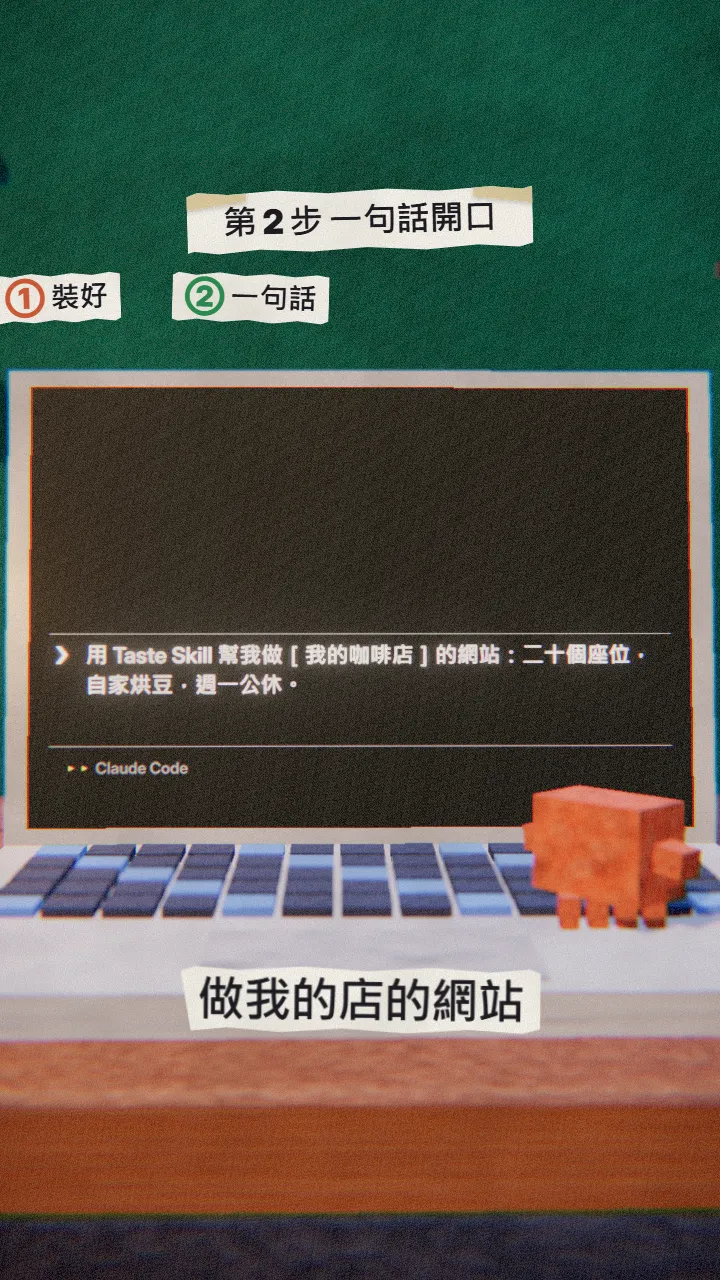
Taste Skill starts by reading the brief and listing what only this client has, then picks one of twenty design directions. The more specific your details, the less it looks like a template.
Use Taste Skill to build the site for [my shop / brand]: [three things only we have, such as seats, a signature product, opening hours].
04Step 3: let it find photos, check and fix on its own
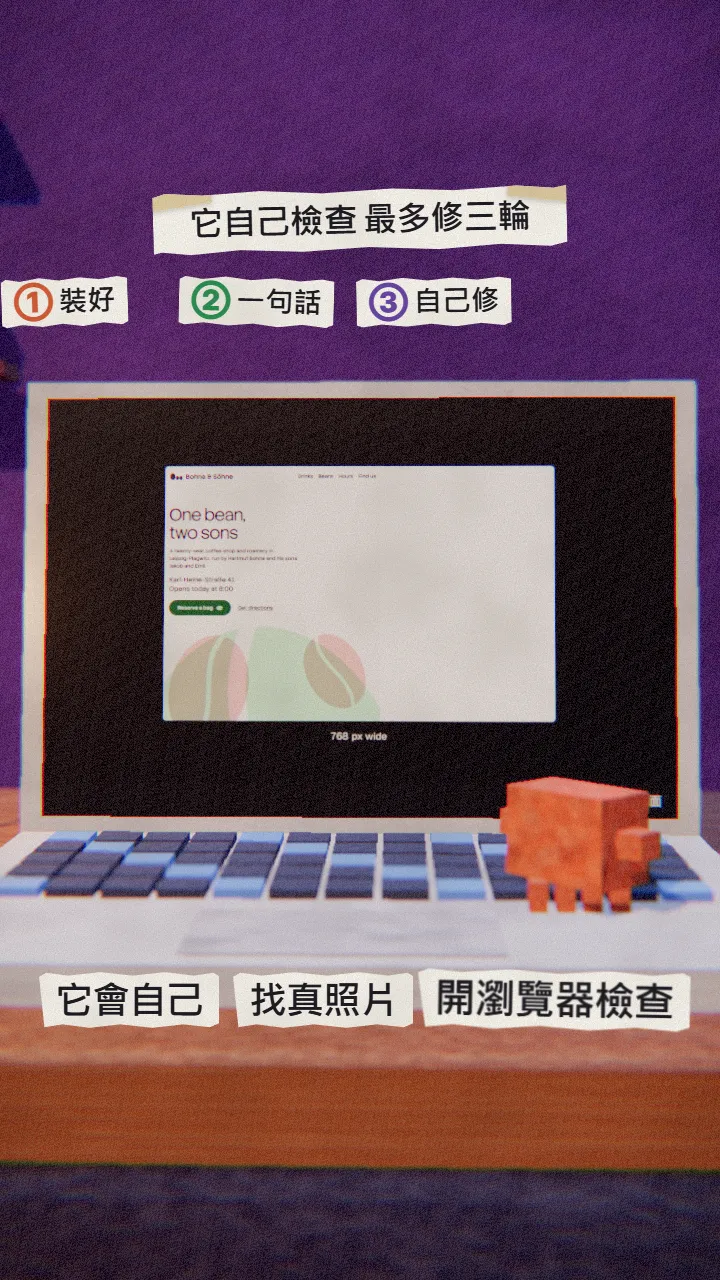
Once you send it, it runs the process the README describes:
- Finds real photos, maps or footage of your subject in open collections and records the credits.
- Opens the page in a real browser at three widths and fails it on tells such as little labels, hairlines, gradients and covered text.
- Looks at its own screenshots and fixes the top three problems, up to three rounds.
05Before you ship: check it with Vercel's Web Design Guidelines
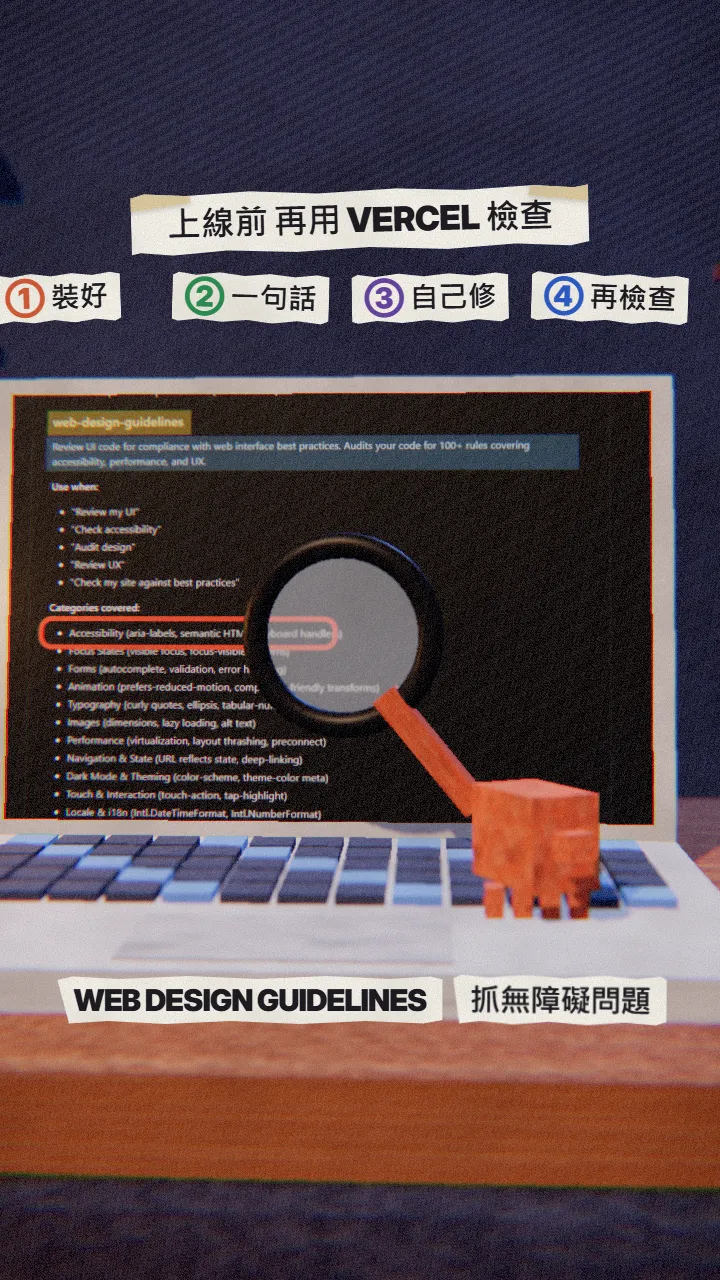
Taste Skill handles how it looks; Vercel's skill handles how it works: accessible names on buttons, keyboard use, forms, animation, image sizes. It lists the problems by file and line.
npx skills add vercel-labs/agent-skills --skill web-design-guidelines -a claude-code
Use web-design-guidelines to review [my home page file], list what to fix, then fix it.
06Good to know
- Taste Skill is a personal open-source project (MIT), not an official Anthropic or Vercel product. Its README has sponsor logos and a referral link that have nothing to do with the skill; you don't need them.
- The photos come from open collections, only public domain, CC0, CC BY and CC BY-SA files, credited on the page. Swap in your own when you have them.
- Since v2.1 it also builds app screens such as dashboards and admin views, with their own rules.
- There are many look-alike taste-skill repos; the one is Leonxlnx/taste-skill.
- You found this guide by typing TASTE on the site from the link in bio; nothing is sent by DM.
Sources
What should the next reel cover?
I test Claude and AI tools every day and turn the useful ones into reels. Follow @vivianlin.tech to catch each new guide.