~/guides/SUPABASE.md
Supabase's free plan is your whole backend: database, login and file uploads, with no server to run
Supabase's free plan gives your vibe-coded app a Postgres database, login and 1 GB of file storage; one URL and one key let the AI write to it. Limits included.
Watch the reel on InstagramComment #SUPABASE to get this guide
You vibe coded an app. Where does its data live? Rent a server and install Postgres yourself, and a 3 a.m. crash is your phone ringing. This is the full version of my SUPABASE reel: Supabase's free plan bundles the database, login and file uploads, with no server for you to run. Every number, limit and menu path was checked against Supabase's official pages on 2026-11-18.
01What you get: a free backend (database + login + files)
When you finish this guide your app has:
- A full Postgres database (every Supabase project is a real Postgres).
- User sign-up and login (Auth), 50,000 monthly active users on the free plan.
- File uploads and storage (Storage), 1 GB on the free plan.
- One project URL plus one key to paste into Claude Code or Cursor, so the AI can write data straight into it.
02Why not self-host: the difference is who gets woken up
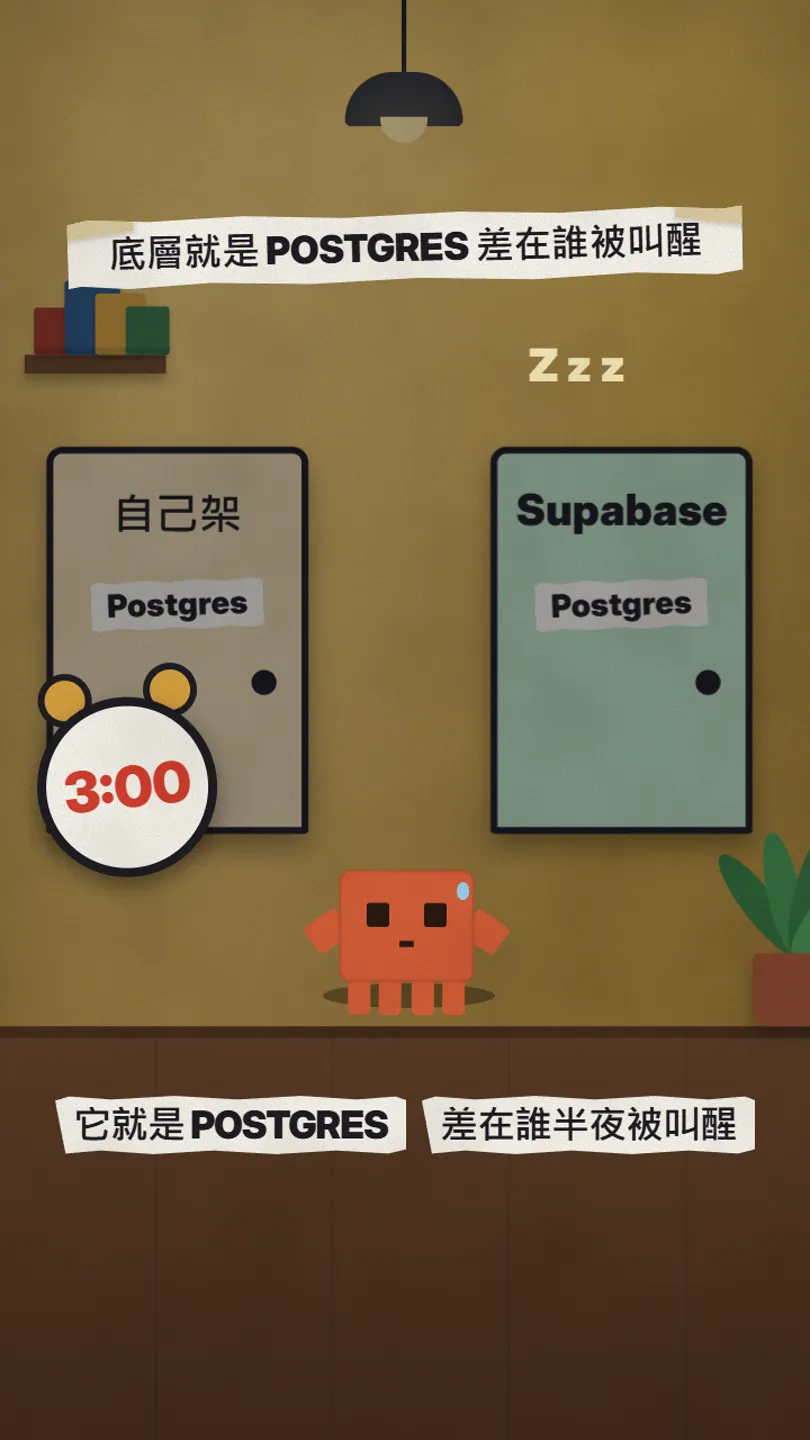
Postgres itself is free; anyone can download it. The database was never the problem, keeping it alive is. Self-hosting means you:
- Rent a machine that never turns off and install Postgres.
- Set passwords, a firewall and encryption so strangers can't walk in.
- Run backups, or everyone's data dies with that one machine.
- Keep up with updates and security patches forever.
- Take the 3 a.m. call when it crashes, and you still haven't built login or file uploads.
Supabase takes all of that over: Postgres runs on their machines, locked down and updated, with login and file storage built in, and their engineers are the ones on duty.
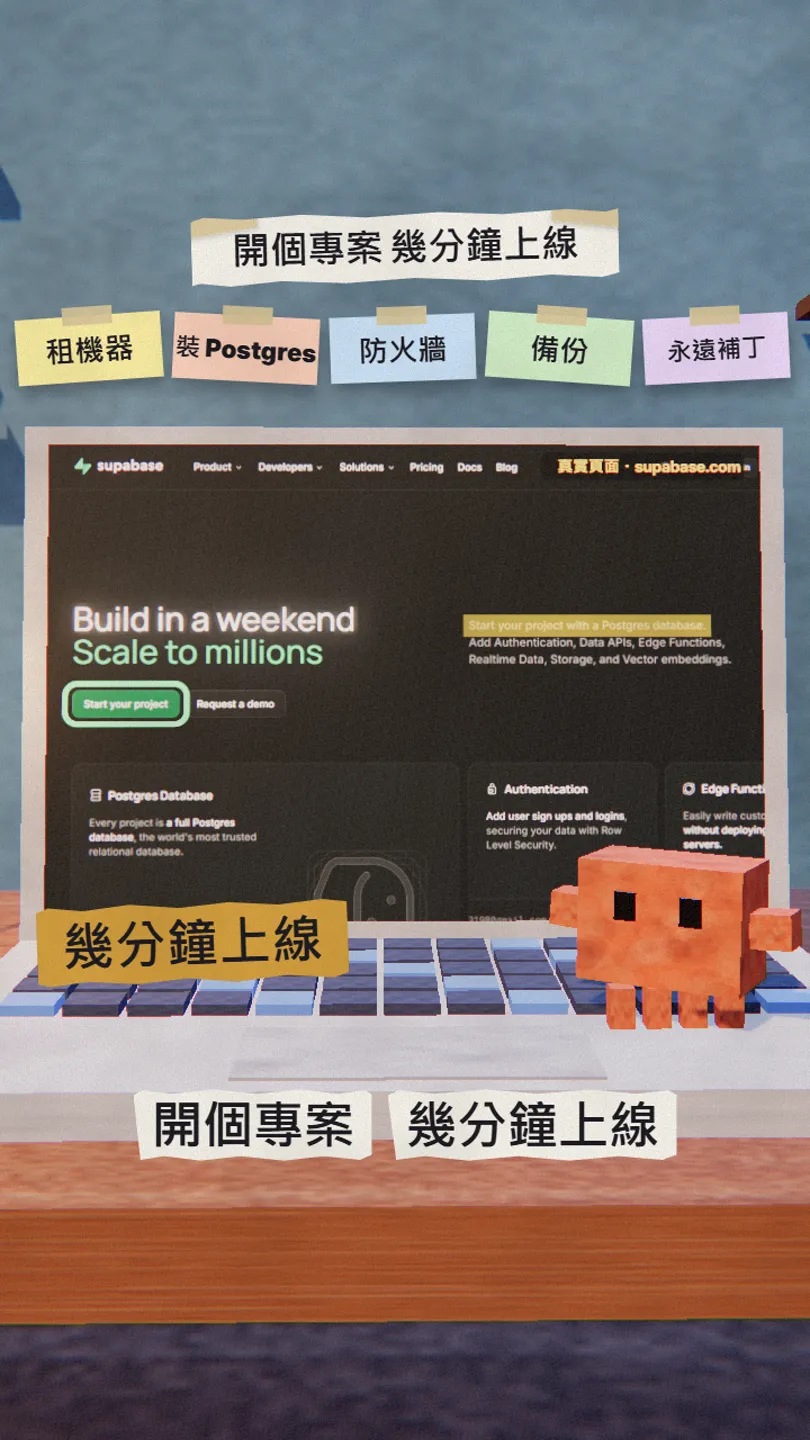
03Step 1: open your first project
- Go to supabase.com, click Start your project at the top right and sign in with GitHub or email.
- Click New project, give it a name and wait for it to build (usually a few minutes).
- Once it's ready the left menu has Table Editor (tables), Authentication (login) and Storage (files).
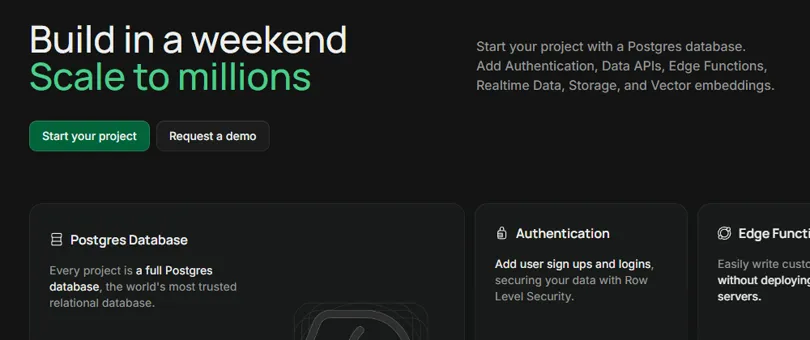
04Step 2: connect your app or AI tool
An AI tool doesn't have to set up a server for you. It needs two things: the project URL and a key. The official docs say exactly where they are:
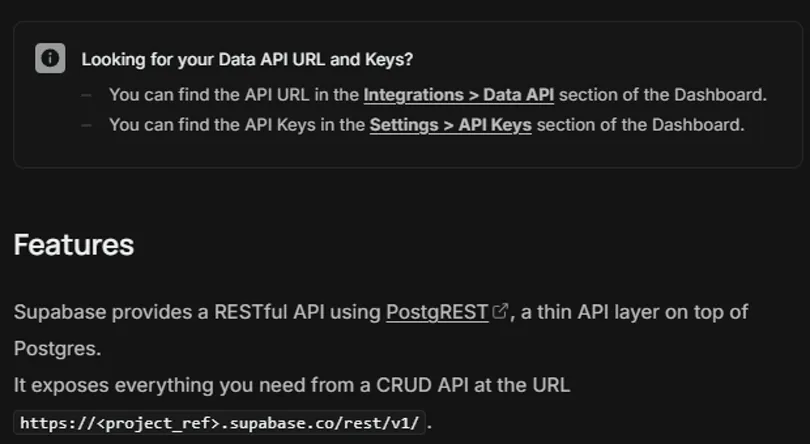
- Project URL: Dashboard, Integrations › Data API.
- Key: Dashboard, Settings › API Keys (use the anon / publishable key for the front end; the service role key stays server-side only).
- Put the URL and key in your project's .env, then paste the prompt below into Claude Code or Cursor.
I want to build a [habit tracker] app with Supabase as the backend. The project URL is [https://your-project.supabase.co] and the anon key is in .env as SUPABASE_ANON_KEY (never print it). Please:
1. Create a habits table (columns: id, user_id, name, created_at) with RLS on, so users can only read and write their own rows
2. Add email sign-up and login
3. Build one page that adds, lists and deletes habits
Show me each step working before starting the next.
05Free plan numbers and limits
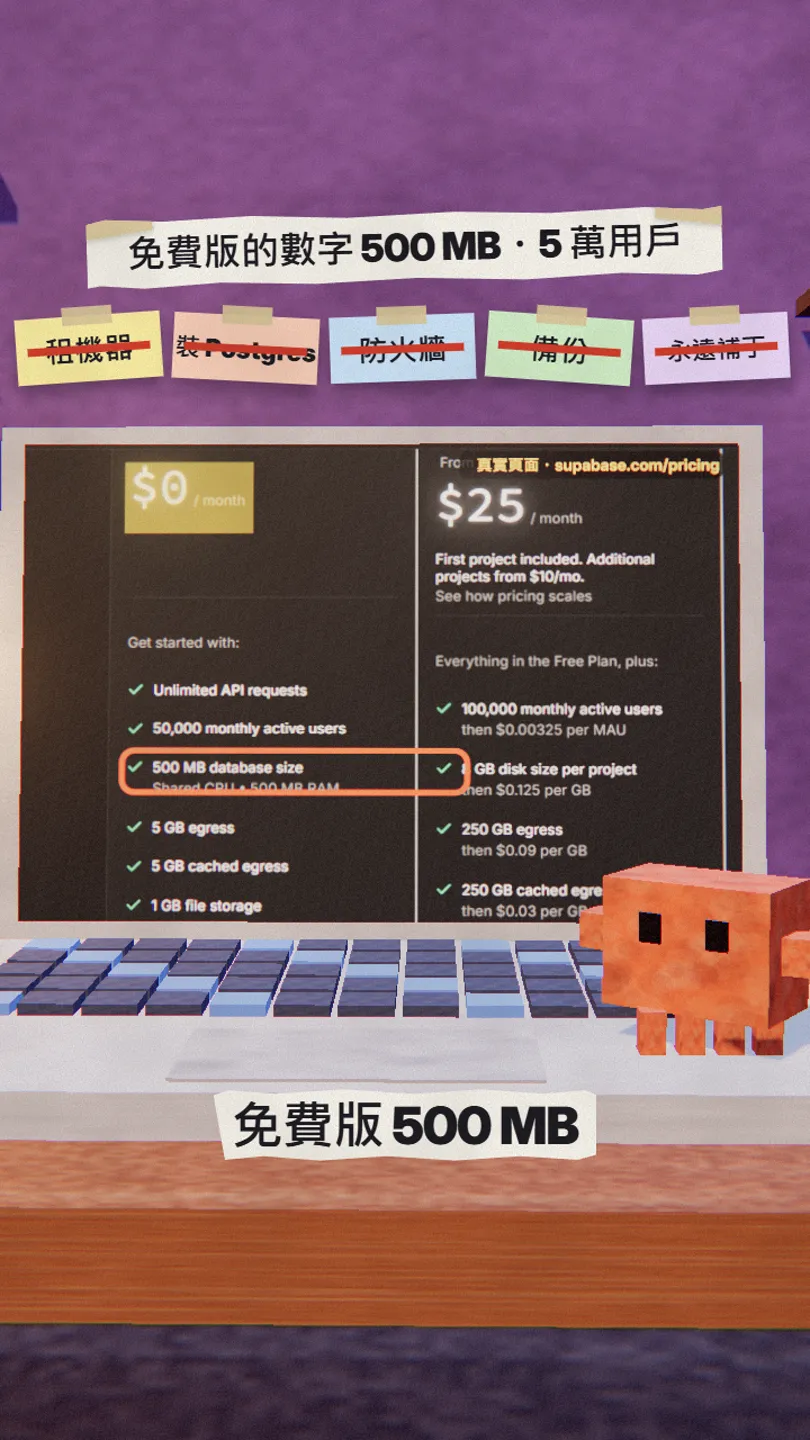
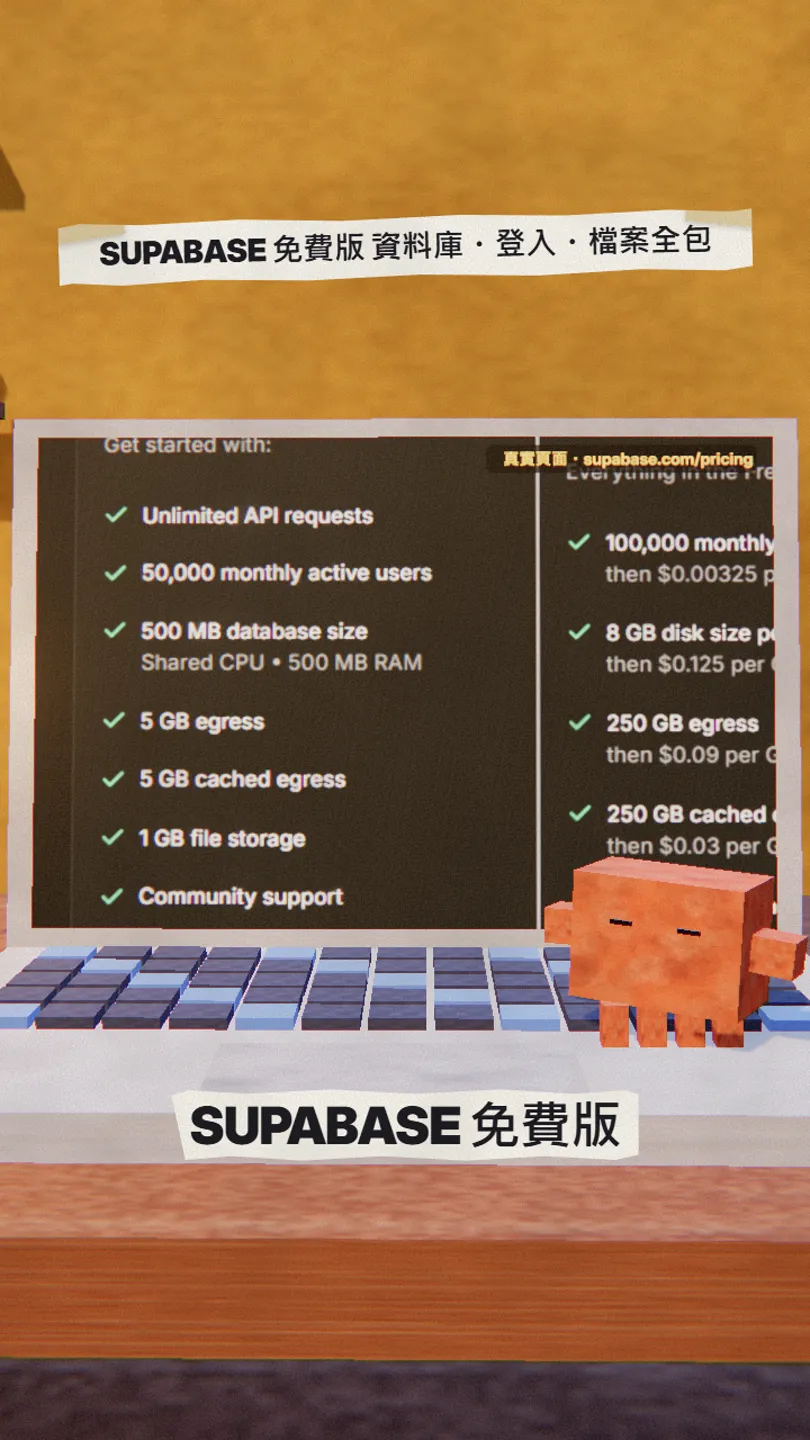
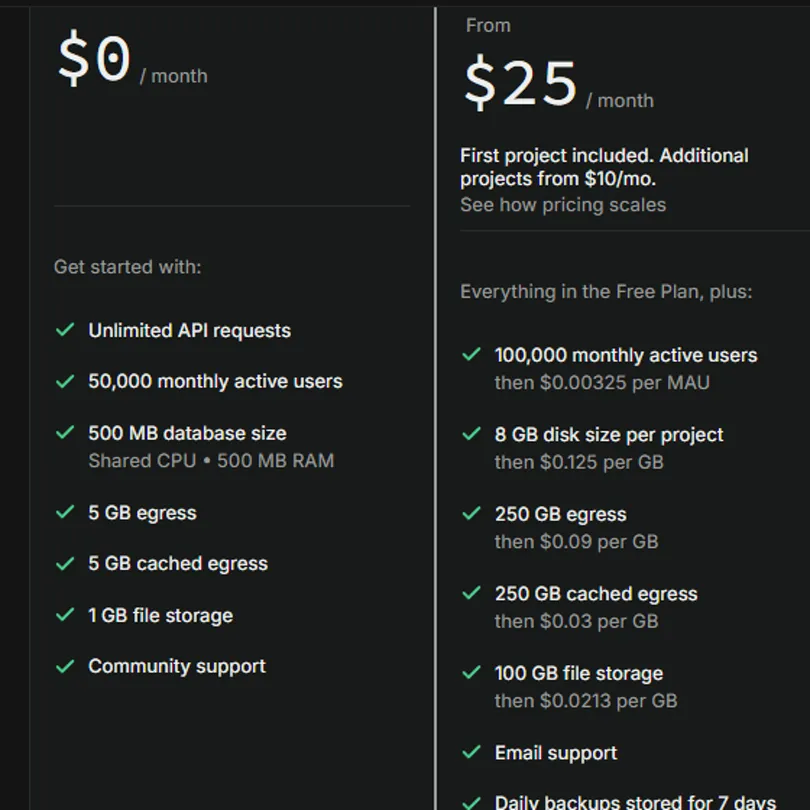
- $0/month, unlimited API requests.
- 500 MB database (Shared CPU, 500 MB RAM).
- 50,000 monthly active users.
- 1 GB file storage, 5 GB egress (plus 5 GB cached egress).
- Community support.
The limits are on the same page: free projects are paused after 1 week of inactivity, and you can have at most 2 active projects.

06Good to know
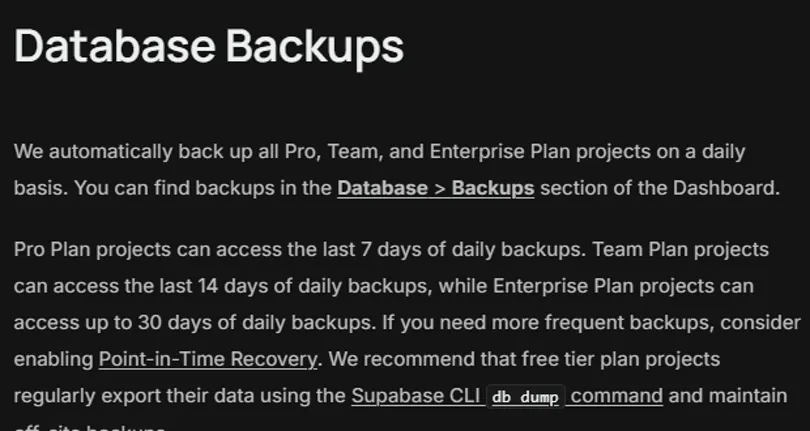
- The free plan has no automatic backups. The official docs recommend that free-tier projects export their data regularly with the Supabase CLI's db dump and keep a copy elsewhere.
- A week without traffic pauses the project; one click in the Dashboard restores it, but the app is down while it's paused.
- At most 2 active projects on the free plan. Pause or delete practice projects when you're done.
- Upgrade to Pro only once real users arrive (from $25/month: 100,000 monthly active users, 8 GB disk, daily backups kept for 7 days).
- The service role key is a master key to your database: server-side only. Front ends and AI tools use the anon key, with RLS switched on.
- Numbers and prices are as shown on the official pricing page on 2026-11-18 and may change; check supabase.com/pricing again before upgrading.
Sources
What should the next reel cover?
I test Claude and AI tools every day and turn the useful ones into reels. Follow @vivianlin.tech to catch each new guide.