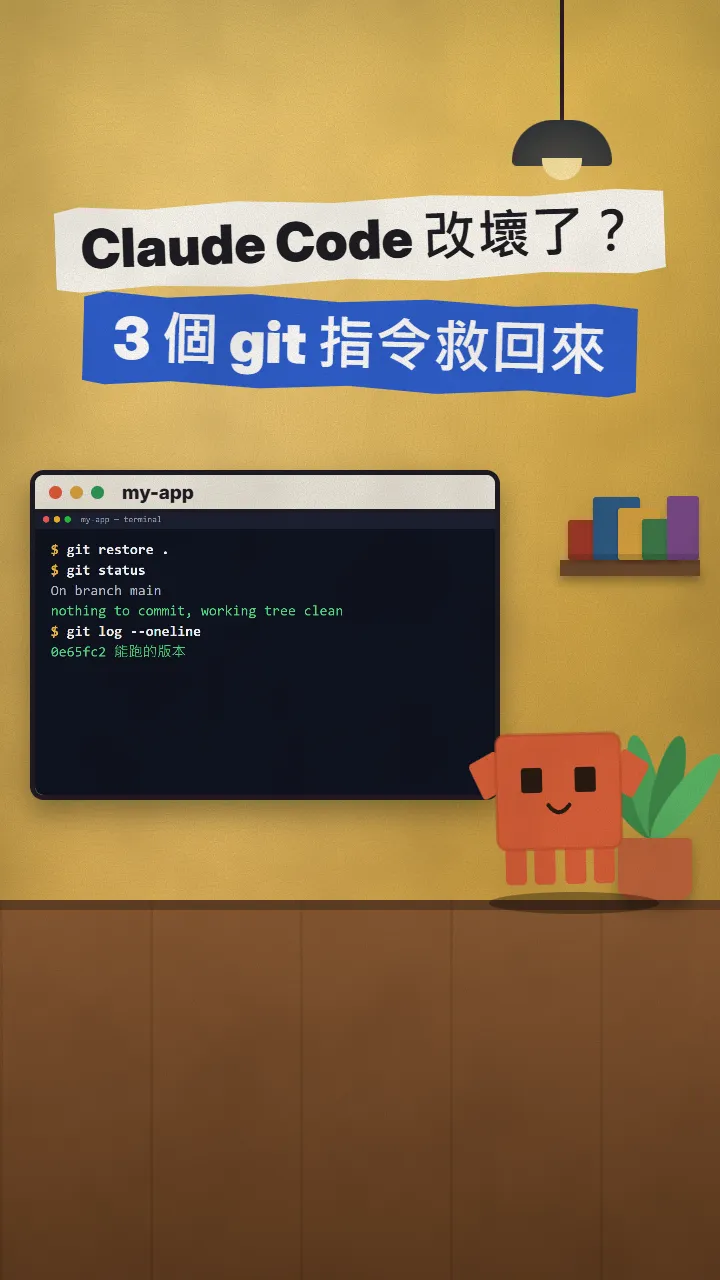
~/guides/PLAN.md
Superpowers: Claude Code asks first, writes a plan, tests first and runs the checks before it says done
A free, open-source Claude Code plugin: one line installs it, then Claude asks, plans and tests before coding. The commands, first prompt and a real plan.
Ask an AI to just write the code and you often find out halfway through that it misunderstood you, so you start over. Superpowers is a free, open-source Claude Code plugin that makes it slow down before it touches anything: it asks what you want, writes a plan for you to read, writes tests before the code, and isn't allowed to say it's done until the checks have run. This is the full version of the PLAN reel: the install command, what to say first, what goes into a plan, and a real plan it wrote in one of our own projects.
01The result first: the plan Claude hands over before it writes code
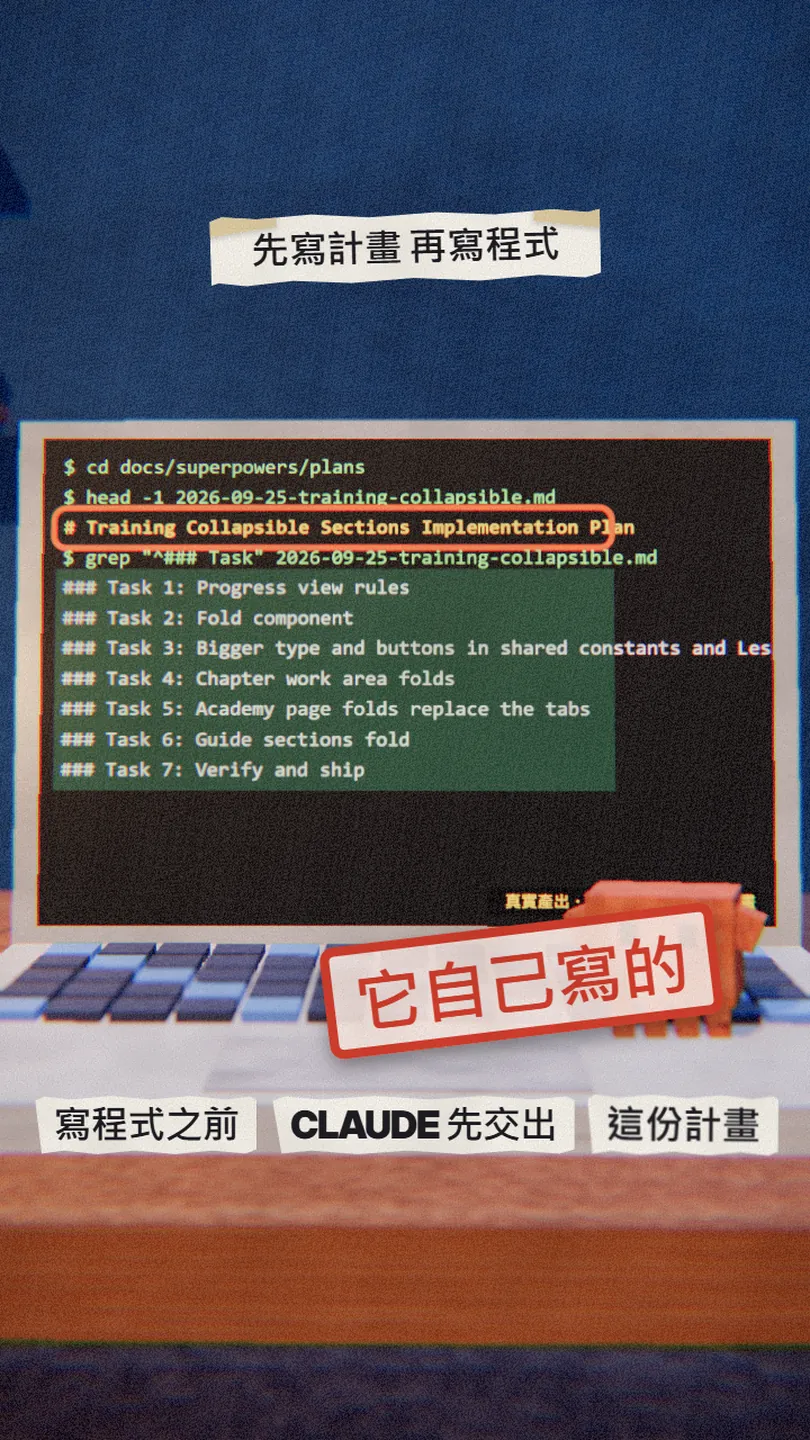
When you are done, Claude Code works like this:
- Before it builds anything, it asks you one question at a time until it knows what you want.
- It writes the approach down as a plan, split into small tasks, each with the files to change and how to test it.
- It writes a failing test first, then the code that makes it pass.
- It won't tell you it's "done" until it has actually run the checks.
02Step 1: install it with one command
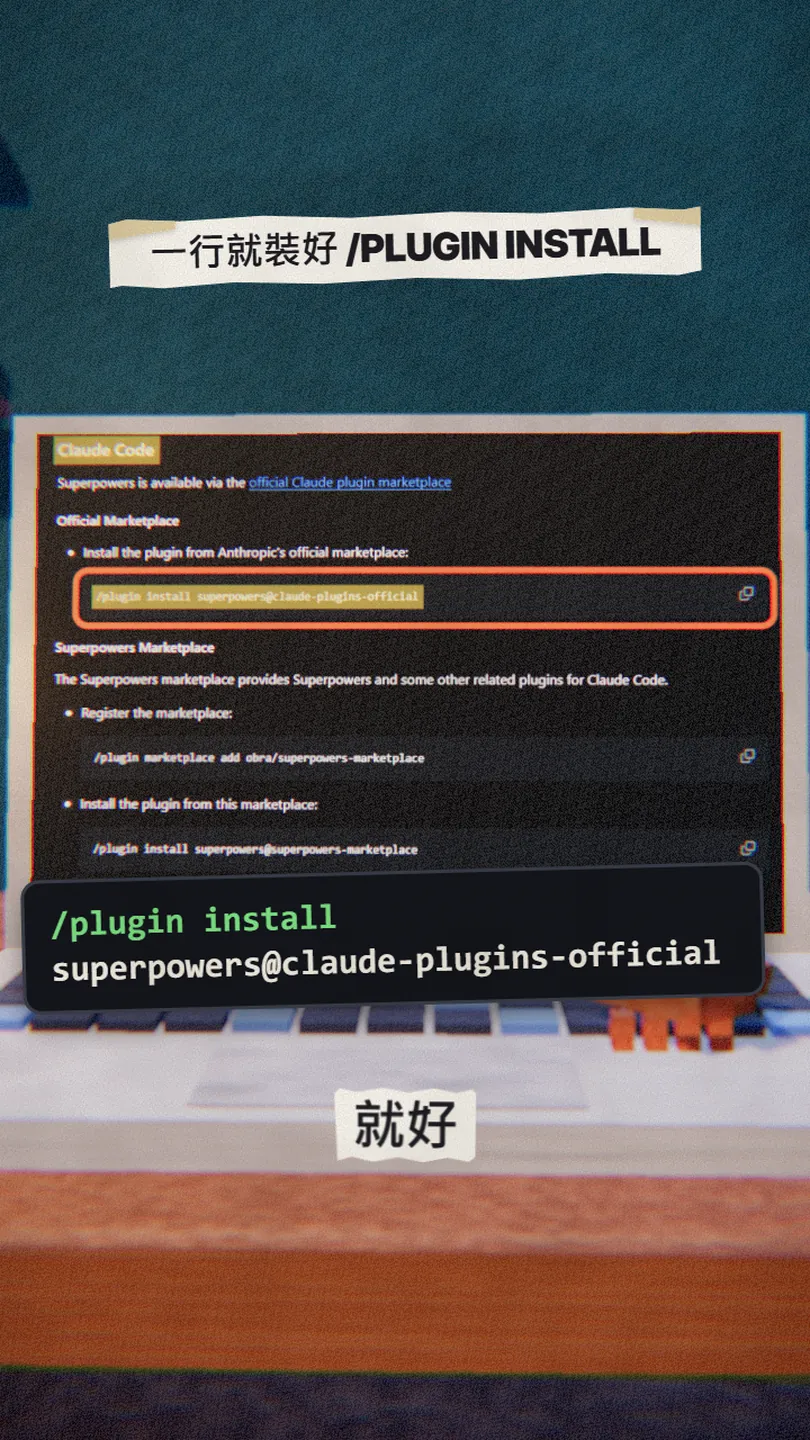
Superpowers is a free, open-source plugin (MIT licence) by Jesse Vincent (obra on GitHub) and Prime Radiant. Open Claude Code and type:
/plugin install superpowers@claude-plugins-official
Or install it from the author's own marketplace, one line at a time:
/plugin marketplace add obra/superpowers-marketplace
/plugin install superpowers@superpowers-marketplace
03Step 2: say what you want, and let it ask you first
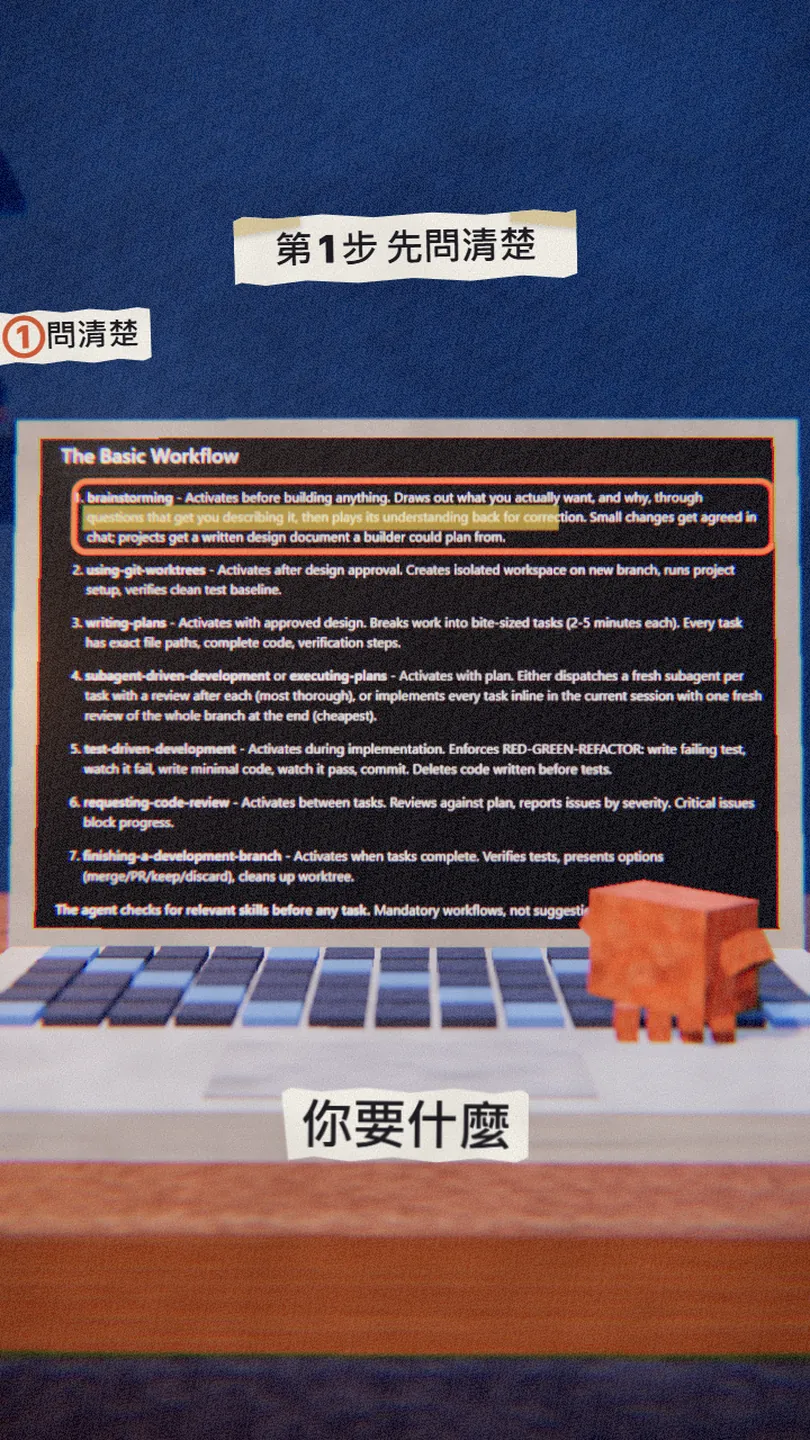
Just describe what you want to build, as you normally would. The brainstorming skill takes over first: it asks one question per message, then plays its understanding back so you can correct it. Small changes get agreed in chat; for a bigger project it writes a design document for you to read.
I want to build [your feature, e.g. make every section of the training page collapsible]. Ask me questions until you know what I want, then show me a plan.
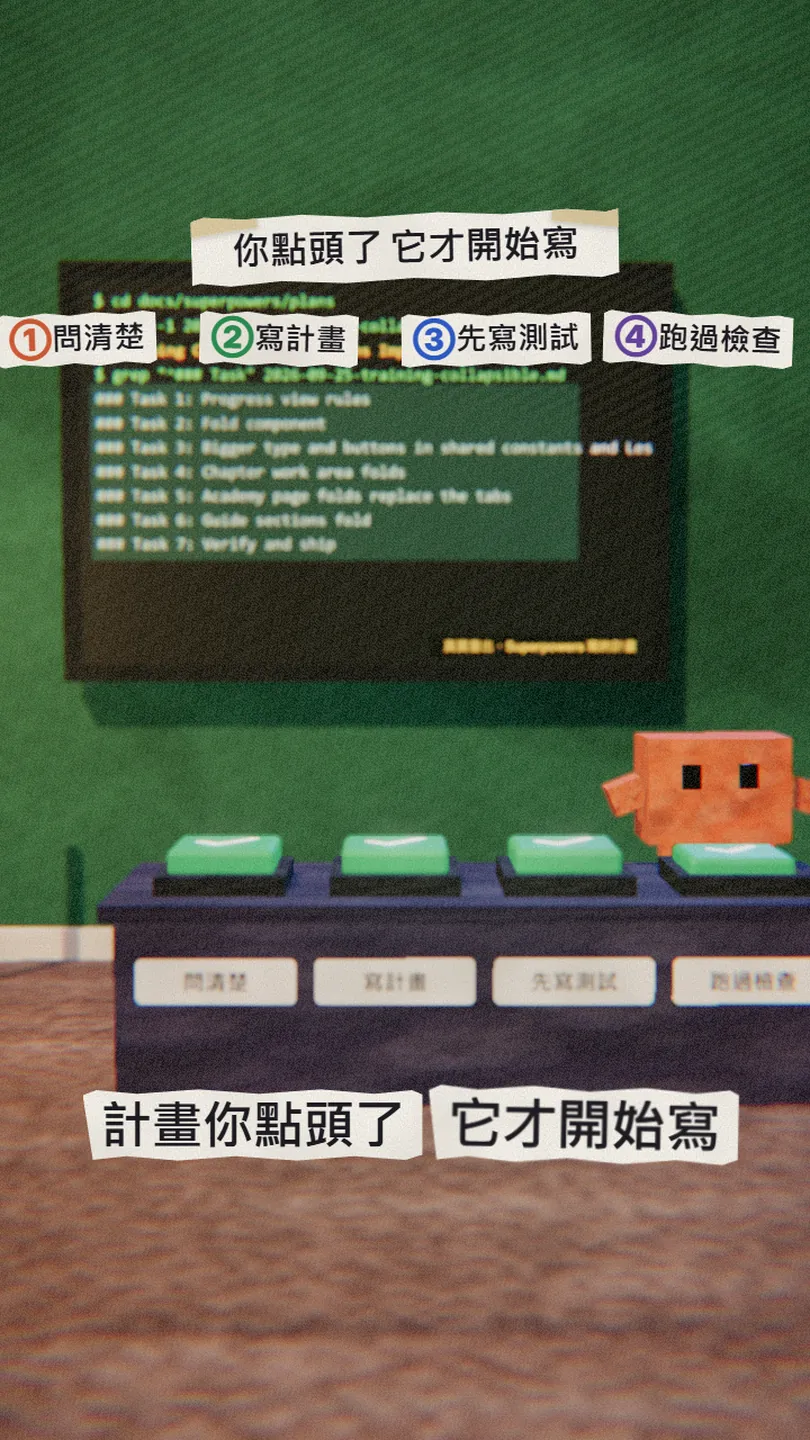
04Step 3: read the plan; it only starts once you say go
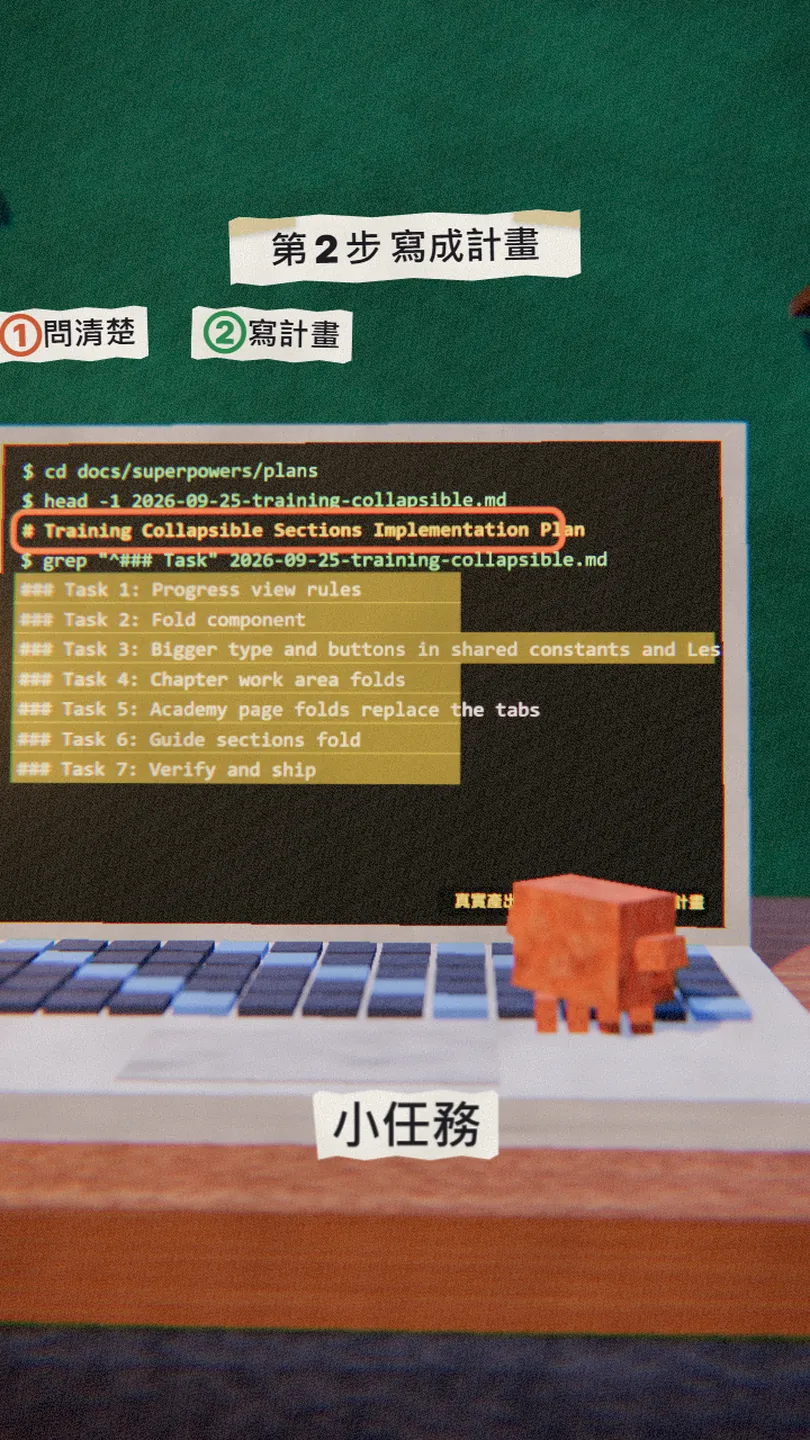
Once you approve the design, writing-plans writes an implementation plan and saves it in your project as docs/superpowers/plans/YYYY-MM-DD-feature-name.md. The README says each task takes about 2 to 5 minutes, and each one spells out:
- Which files to create or change (full paths).
- Which test to write, how to run it and what to expect.
- How to check it worked, then commit.
I've read the plan. [What to change, e.g. leave Task 3 out for now.] Then go ahead.
05Step 4: tests first, and no "done" without running the checks
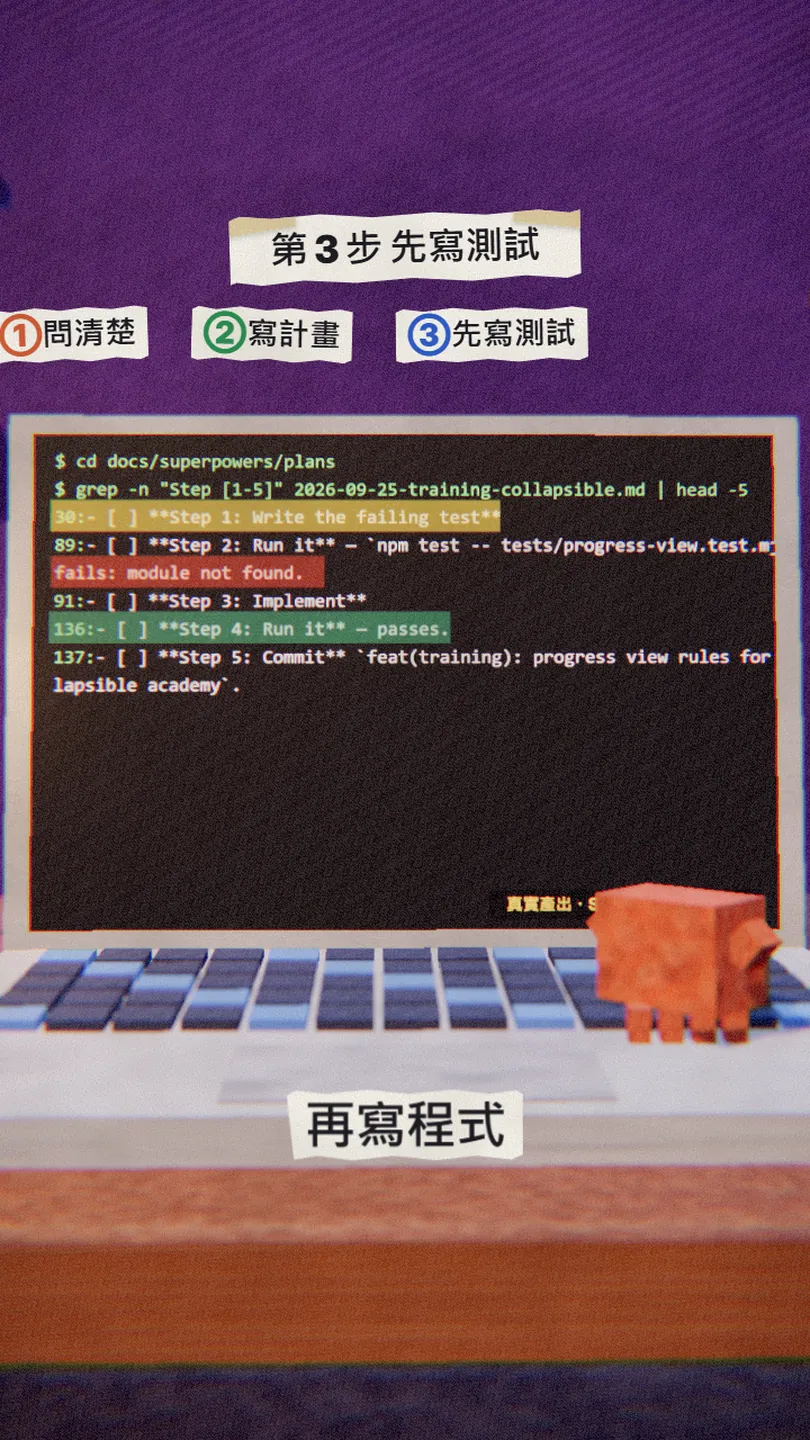
The rule in test-driven-development: no production code without a failing test first. So every task has the same rhythm:
- Write a test, run it, make sure it fails (red).
- Write the least code that makes it pass (green).
- Tidy up, run it again, then commit.
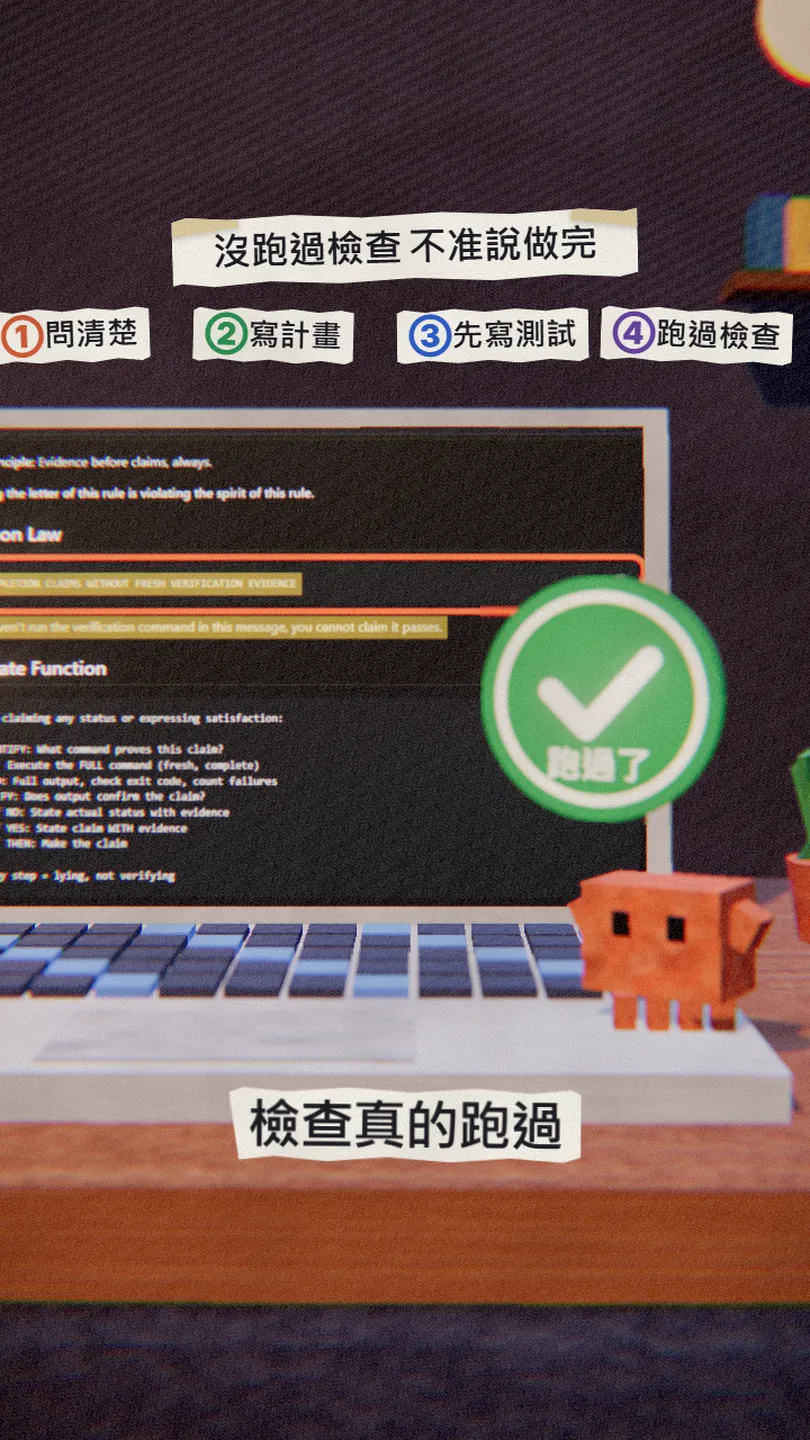
The last gate is verification-before-completion: before it says something is done, fixed or passing, it has to run the check command in that same turn and read the output. So when it says it's done, it shows the evidence.
06Good to know
- It asks and plans first, so the start is slower; if you only want to try an idea quickly, tell it it's just a quick spike and it skips the plan and tests.
- The plan and design files are saved in your project (docs/superpowers/); whether you commit them is up to you.
- The optional visual companion in brainstorming loads the Prime Radiant logo from their website (with the Superpowers version, nothing about your project); set SUPERPOWERS_DISABLE_TELEMETRY=1 to turn that off.
- It is a third-party plugin; you can read its source on GitHub before installing.
- You found this guide by typing PLAN on the site from the link in bio; nothing is sent by DM.
Sources
- GitHub: obra/superpowers (README, installation, The Basic Workflow; checked 3 Nov 2026)
- Claude plugin marketplace: Superpowers (official listing and install command)
- Superpowers skill: brainstorming
- Superpowers skill: writing-plans
- Superpowers skill: test-driven-development
- Superpowers skill: verification-before-completion
What should the next reel cover?
I test Claude and AI tools every day and turn the useful ones into reels. Follow @vivianlin.tech to catch each new guide.