~/guides/NATIVE.md
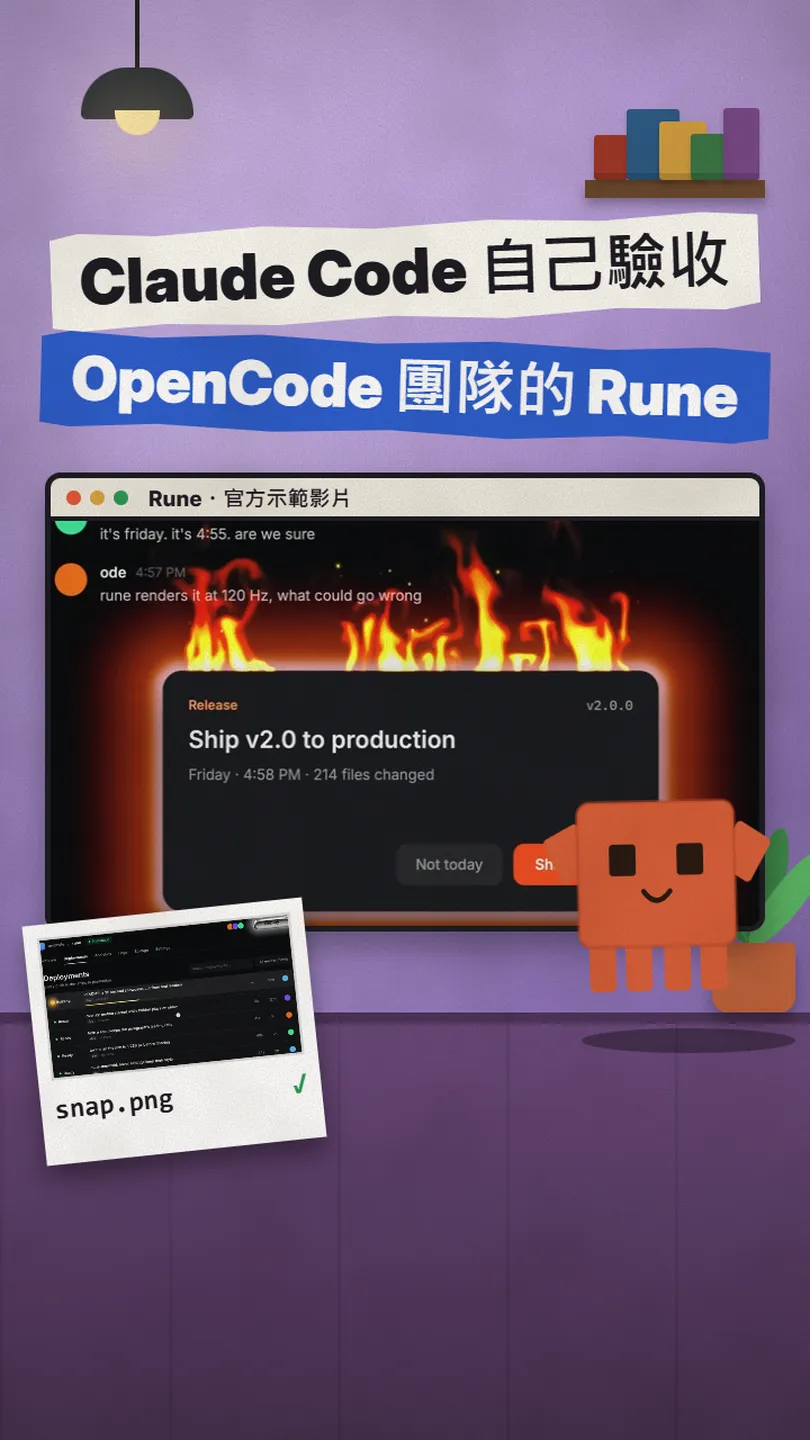
Rune: the OpenCode team's Rust UI framework, so Claude Code can screenshot and click through the app it built
A native Rust UI framework whose apps run headless, so an agent like Claude Code can snapshot, inspect and drive them. The prompt, the flags, the limits.
Watch the reel on InstagramComment #NATIVE to get this guide
When you ask an AI to build a desktop app, the annoying step is often this: it can't see what it made, so it waits for you to paste a screenshot. The team behind OpenCode open-sourced Rune, a Rust UI framework where every app can run without opening a window, so a coding agent like Claude Code can take its own screenshot, read the screen's element tree and click through it from a script to check its own work. This is the full version of the NATIVE reel: what Rune is, how the team suggests handing it to your agent, the three flags for checking, and its current limits. Everything follows the official GitHub, checked on 10 November 2026.
01The result first: apps built with Rune, and how an agent checks them

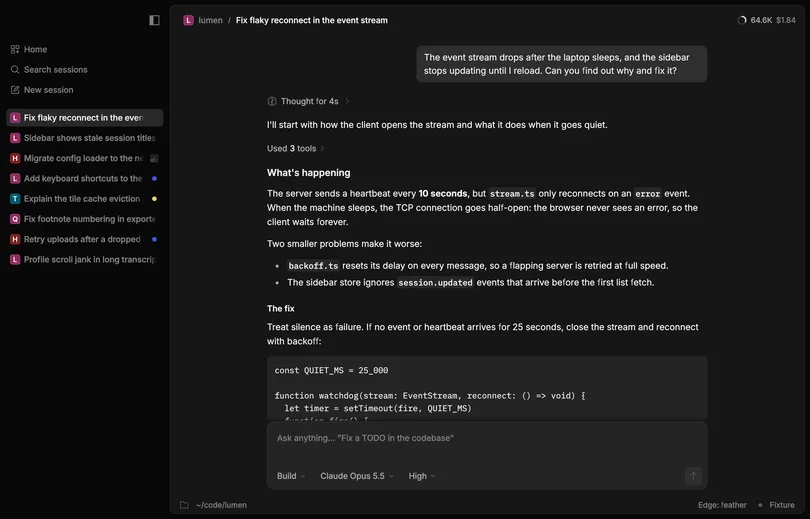
The second sentence of Rune's README is the point: every app can run headless, so an agent can render it to a PNG, dump the element tree and drive it with scripted input. For you, it means Claude Code can look at the screen it just built and find problems itself, instead of waiting for your screenshot after every change.
- What Rune is, who makes it and where it runs.
- The one-line prompt from the README you can paste into Claude Code.
- The three flags for checking: snapshot, element tree, scripted clicks.
- Its current limits: pre-release, needs Rust, the web target is experimental.
02What Rune is
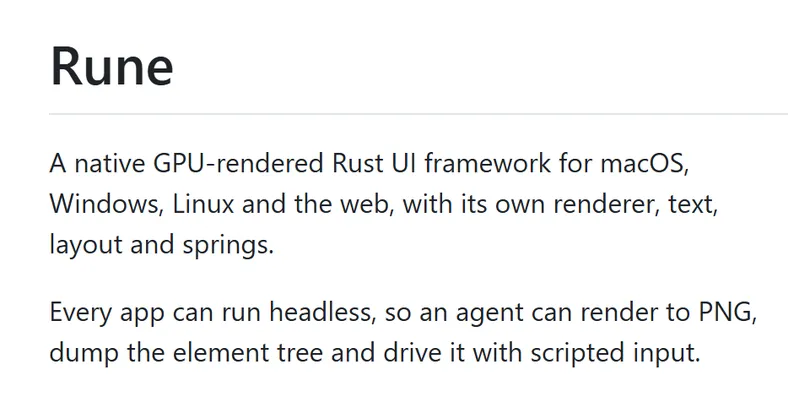
- Who makes it: anomalyco (Anomaly) on GitHub, the same organisation that publishes the open-source coding agent OpenCode.
- What it is: a native UI framework written in Rust that draws with the GPU, with its own text, layout and spring animations.
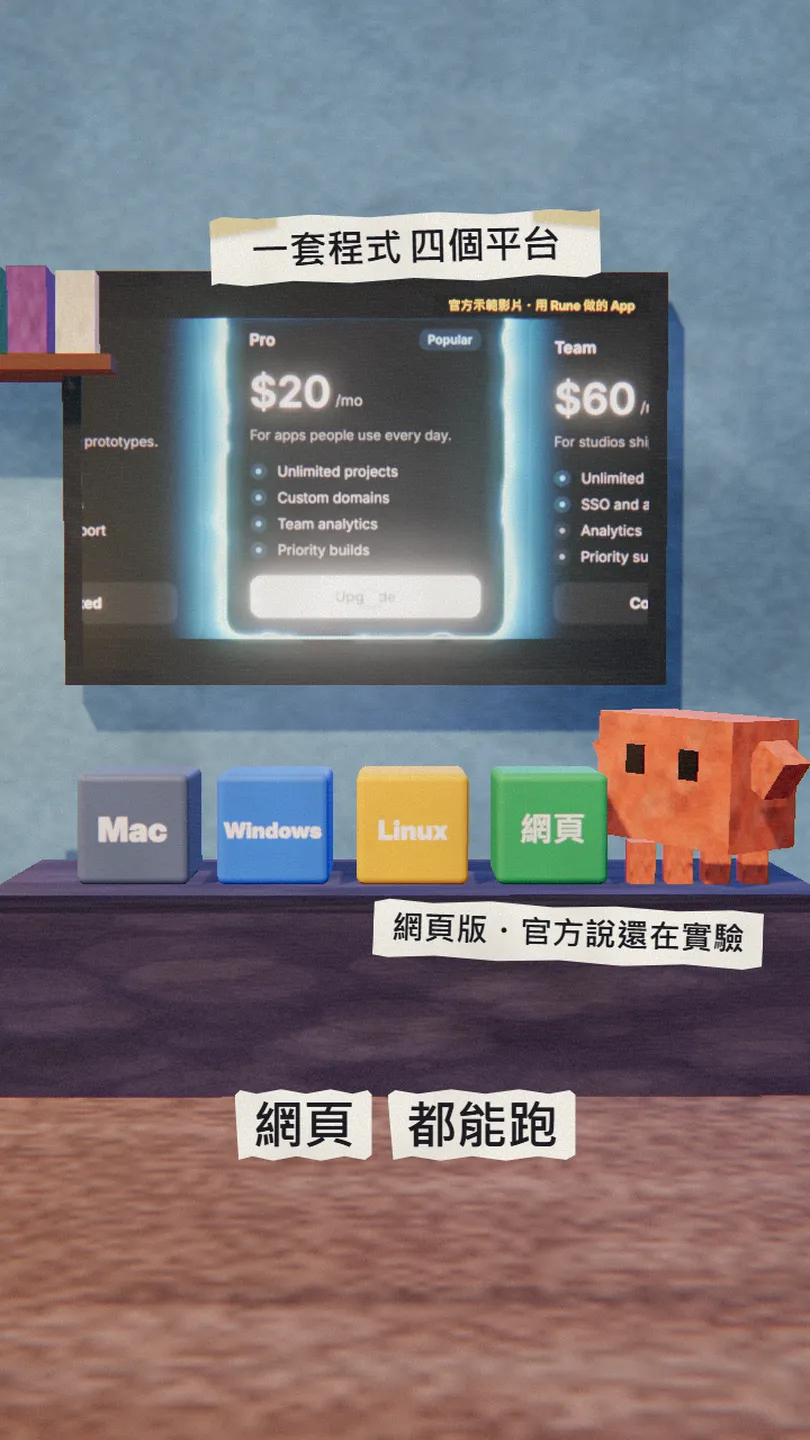
- Where it runs: macOS, Windows, Linux and the web (the official WEB.md calls the web target experimental).
- Licence: MIT, free.
03Getting started: hand the repo to Claude Code
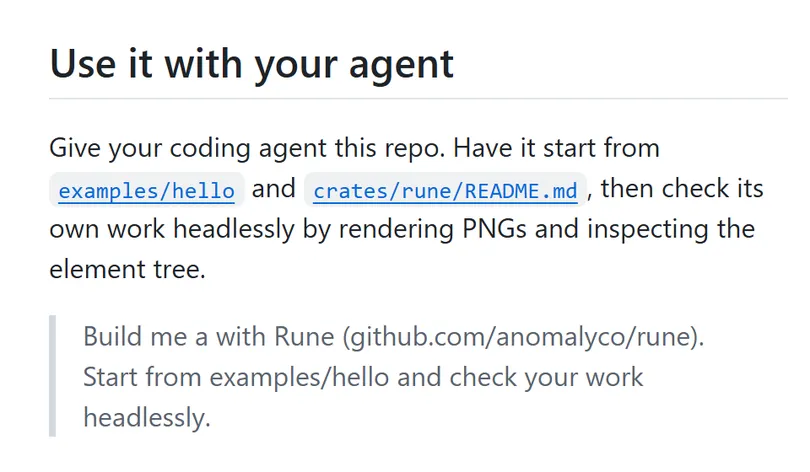
The team's advice: give your coding agent this repo, have it start from examples/hello and crates/rune/README.md, then check its own work headlessly by rendering PNGs and inspecting the element tree. The README gives a one-line prompt; replace the [] with what you want to build:
Build me a [your app, e.g. a pomodoro desktop widget] with Rune (github.com/anomalyco/rune). Start from examples/hello and check your work headlessly.
To add it to your own project, the README adds one line to Cargo.toml and pins a commit on the dev branch:
rune = { git = "https://github.com/anomalyco/rune", rev = "[a commit on dev]" }
I like to add one more line so it checks itself after every change:
After every screen you change, save an image with --snap and read the element tree with --tree, check [what to check, e.g. the buttons line up and no text is cut off], fix anything wrong, then tell me.
04The three flags for checking
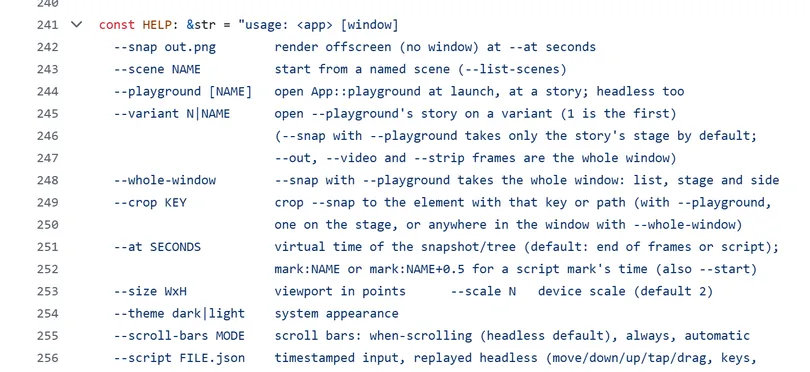
- --snap out.png: renders the screen to an image without opening a window (render offscreen). Claude Code can open the image and look at it.
- --tree out.json: dumps the element tree, animated values included. Good for checking whether a button exists and where it sits.
- --script FILE.json: replays timestamped input (move, press, drag, keys) headlessly, with no window.
cargo run -p hello -- --snap out.png
05Good to know
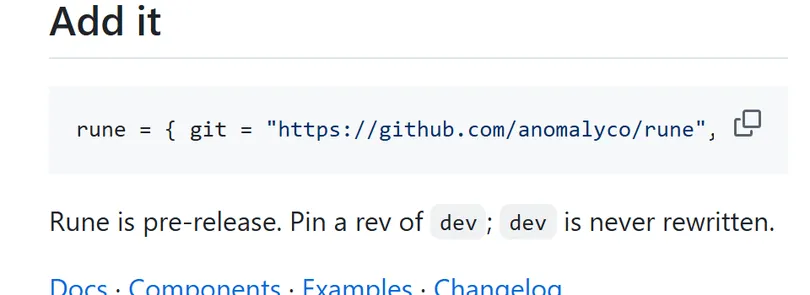
- It's pre-release. The team says to pin a commit on the dev branch (dev is never rewritten). Try it on a small tool before anything you ship.
- You need a Rust toolchain (the repo pins a version in rust-toolchain.toml), and the first build takes a while.
- The web target is experimental: WEB.md says it renders one canvas through WebGPU, and you build it yourself.
- They don't take pull requests: the README asks you to have your agent open an issue instead.
- The apps in the reel come from Rune's official demo video; the snap.png moment is an illustration. I haven't built Rune on my own machine; everything here comes from the official GitHub.
- Some posts say it's faster or lighter than Electron. The README doesn't say that, so I don't either.
Sources
What should the next reel cover?
I test Claude and AI tools every day and turn the useful ones into reels. Follow @vivianlin.tech to catch each new guide.


