~/guides/ELEPHANT.md
Elephant-Goldfish Model: goldfish review Claude Code's plan before any code (Google's open-source plugin, 3 steps)
A Google team's open-source EGM plugin: the elephant writes the plan, zero-context goldfish review it, you approve. Two install commands, three steps, limits.
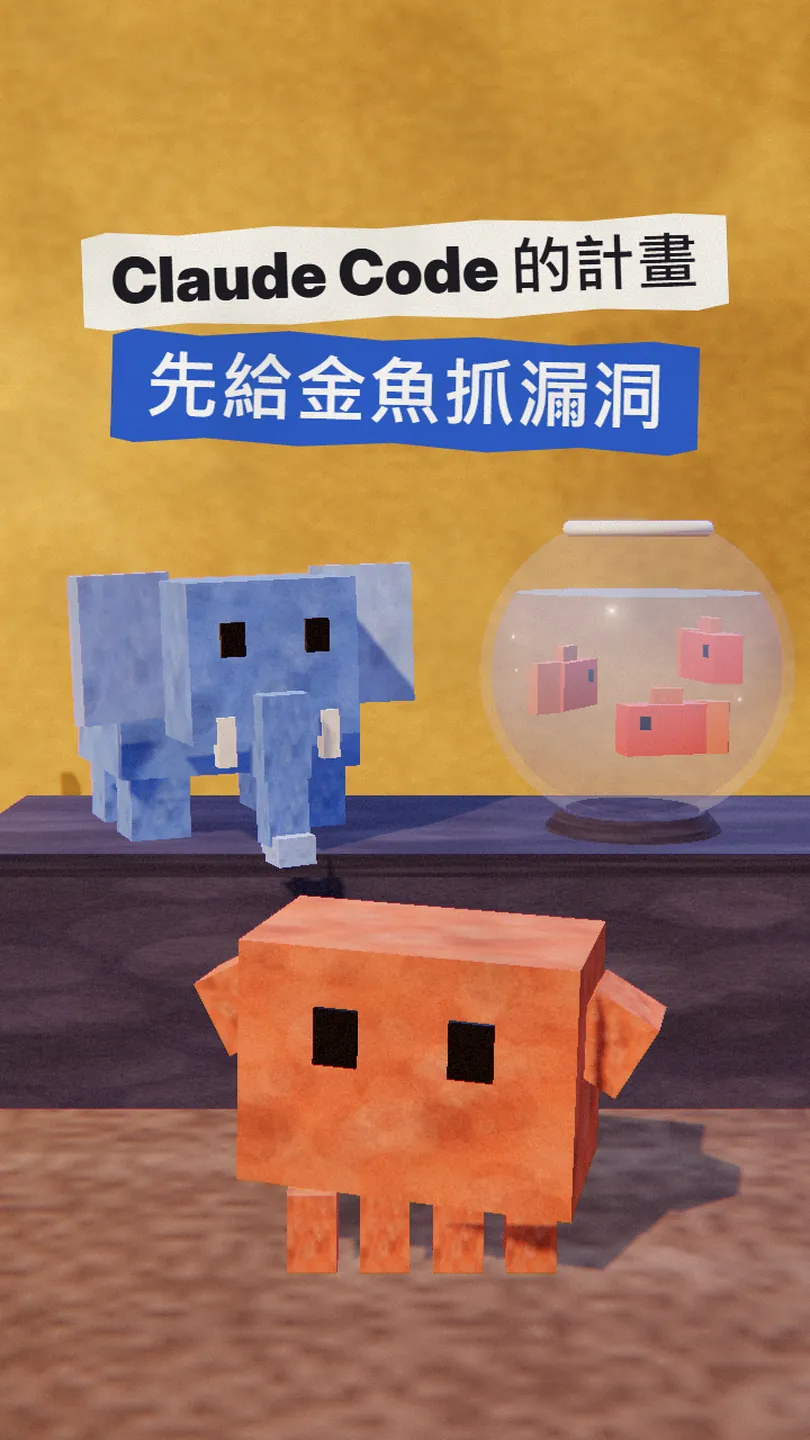
When Claude Code writes a plan, the gaps are often ones it can't see itself: after a long chat with you, it treats a lot of assumptions as already said. The Elephant-Goldfish Model (EGM), a plugin open-sourced by a team at Google, hands that plan to a fresh set of AI reviewers that never saw the conversation, and code only starts after you approve. This is the full version of my ELEPHANT reel: what it is, how to install it in Claude Code (two commands), what to type at each of the three steps, and the limits the project states itself. Every command is copied from the official README, which I checked on 9 November 2026.
01The result first: the plan's gaps get circled before any code exists
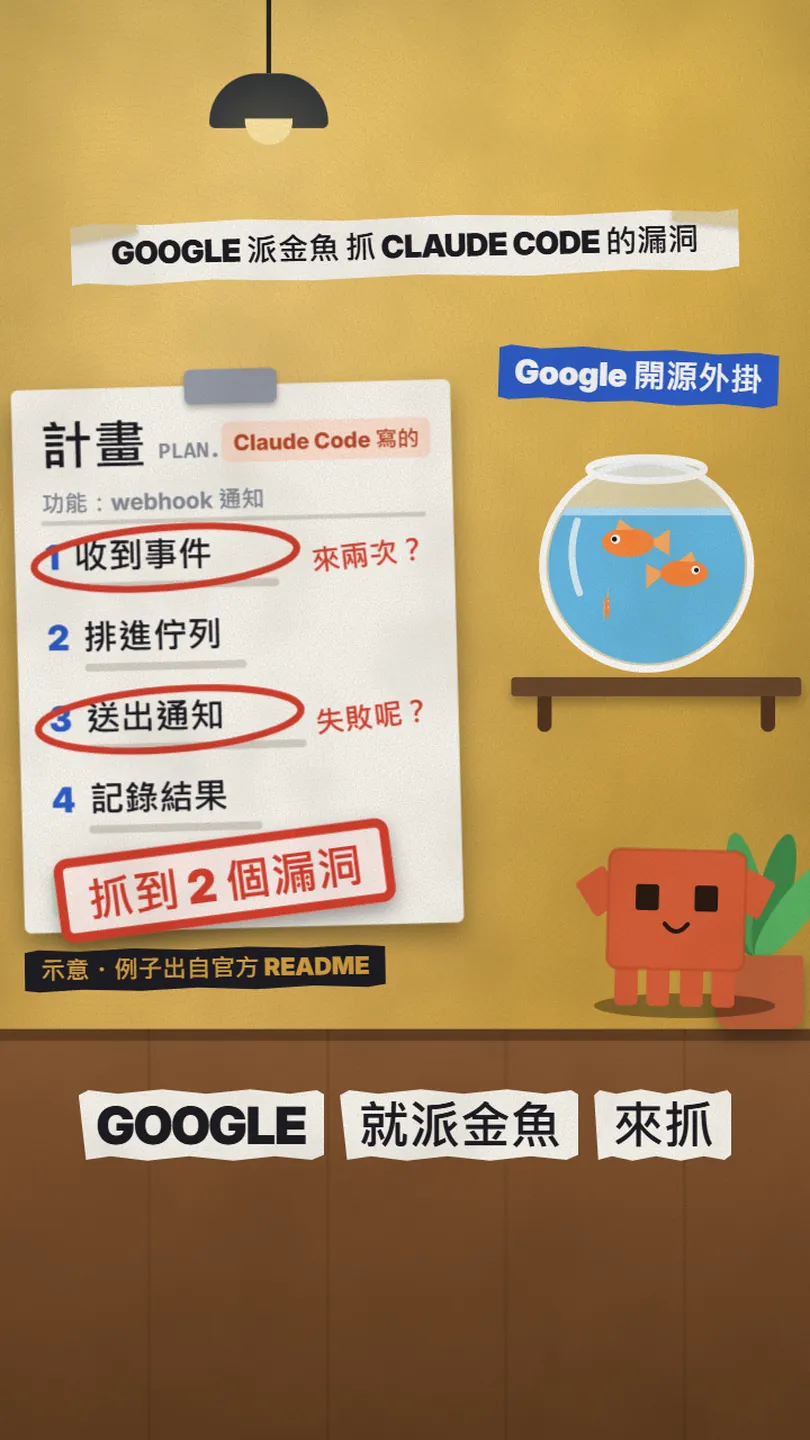
EGM works on the part before any code is written. The usual flow is: you describe what you want, Claude Code writes a plan, then it starts coding. EGM adds a gate in between: the plan goes to AI reviewers that never saw your conversation, and they look for missing assumptions, unclear requirements and implementation risks first.
- What each of the three roles does: the elephant, the goldfish and you.
- How to install it in Claude Code: two commands you can copy.
- What to type at each step: explore the idea, draft the spec, review the draft.
- When it is worth using, and the limits the project states itself.
02What it is: the elephant writes, the goldfish review, you decide
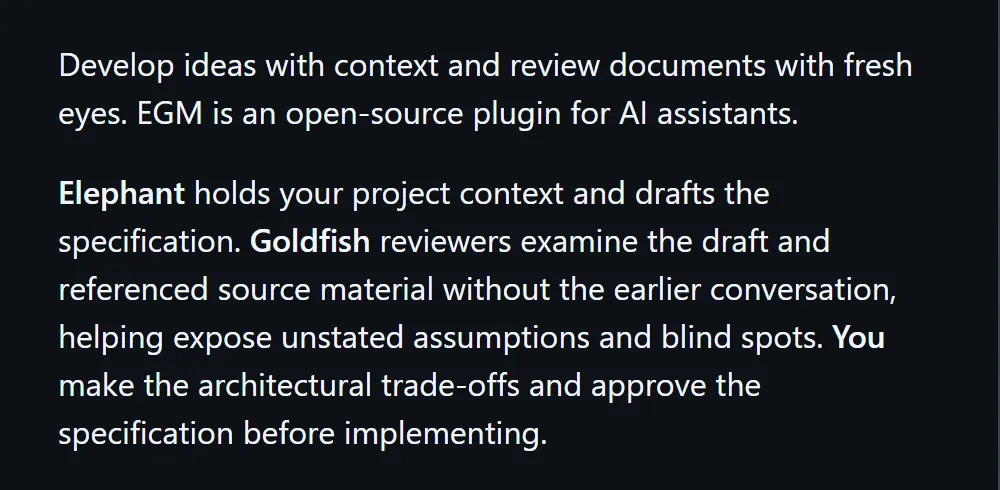
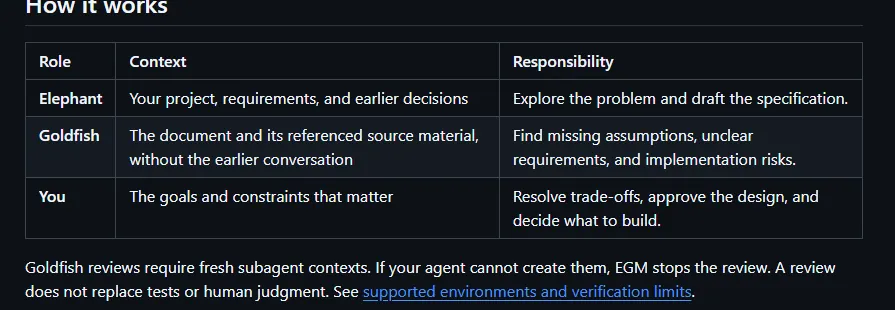
The elephant is the session that remembers your whole project; the goldfish are brand-new sessions that have seen nothing. EGM uses the two kinds of session separately, with you making the decisions in between.
- Elephant: has your project, requirements and earlier decisions; it explores the problem and drafts the specification (the plan).
- Goldfish: see only the document and the source material it references, without the earlier conversation; they find missing assumptions, unclear requirements and implementation risks.
- You: resolve the trade-offs, approve the design and decide what to build.
Google's Open Source Blog (22 October 2026) says the plugin was first built for Google's own software engineers and is now open source; the post says thousands of Googlers use it every day. It also explains why goldfish: because they share no "blind spots" with whoever wrote the plan, they can act as objective critics, probing for gaps and edge cases.
03Step 1: install it (Claude Code, two commands)
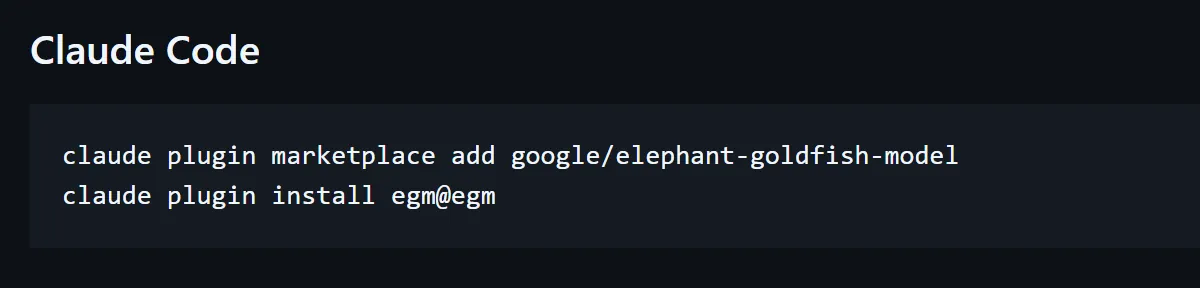
Paste these two lines into your terminal:
claude plugin marketplace add google/elephant-goldfish-model
claude plugin install egm@egm
- Start a new Claude Code session afterwards (README: Start a new session after installation).
- If the commands don't show up, the project's Claude Code doc has an enable command: claude plugin enable egm@egm.
- The docs ask for Claude Code 2.1.271 or later; older versions must not be treated as verified goldfish isolation environments.
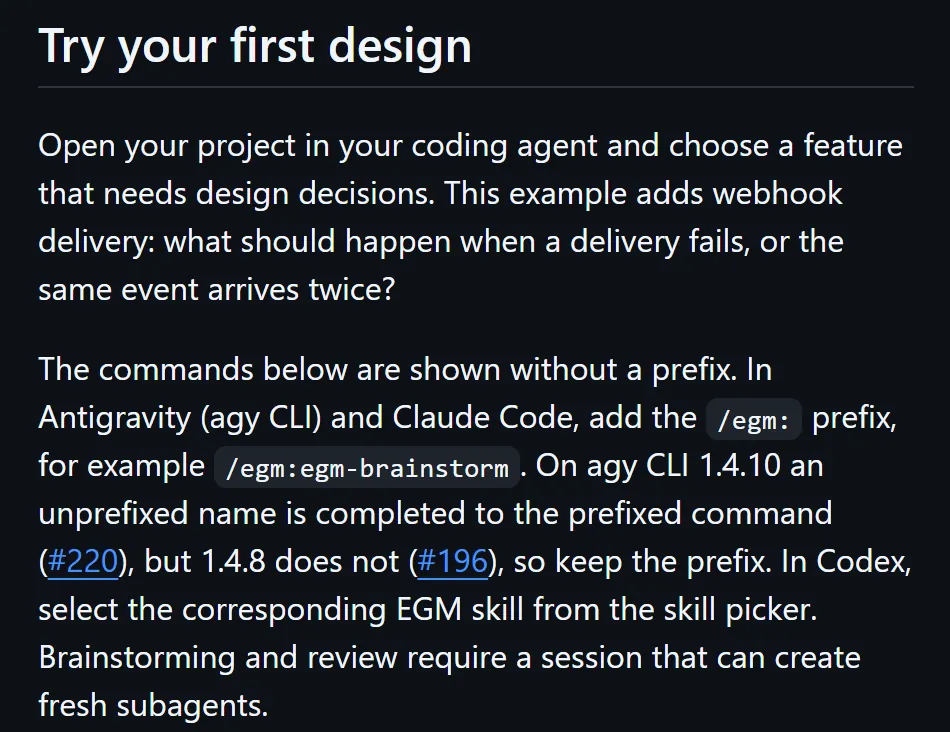
- In Claude Code the EGM commands take the /egm: prefix, for example /egm:egm-brainstorm.
04Step 2: let the elephant write the plan
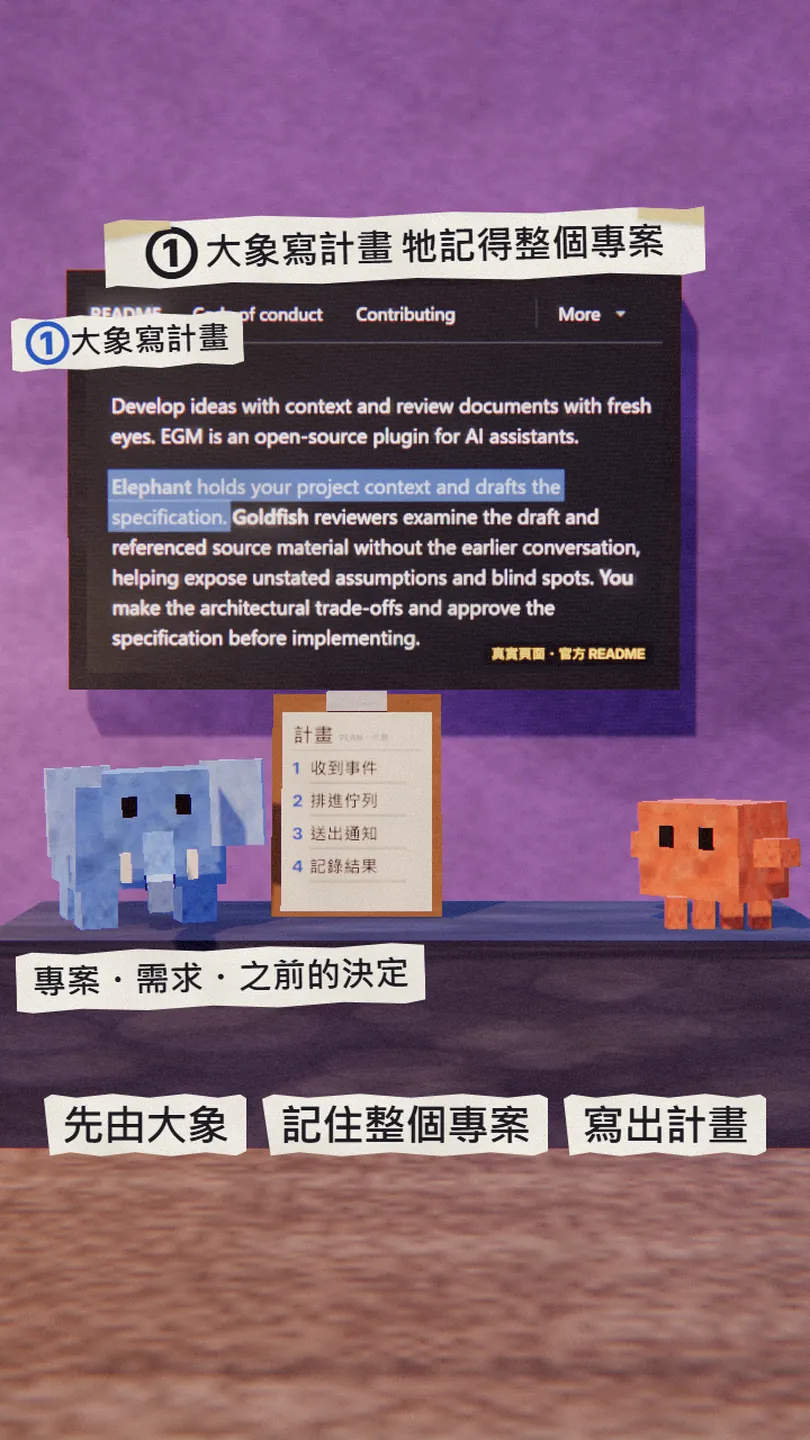
Open Claude Code in your project and pick a feature that needs design decisions. Explore the idea first:
/egm:egm-brainstorm [the feature you want, e.g. Add webhook delivery to this project.]
It discusses requirements and trade-offs with you, fresh reviewers challenge the proposal along the way, and the agreed direction is saved as concepts_brief.md. Then ask for the specification:
/egm:egm-draft
It turns the brief into design_draft.md and pauses after each section for your feedback in chat.
05Step 3: let the goldfish review, and code only after you approve
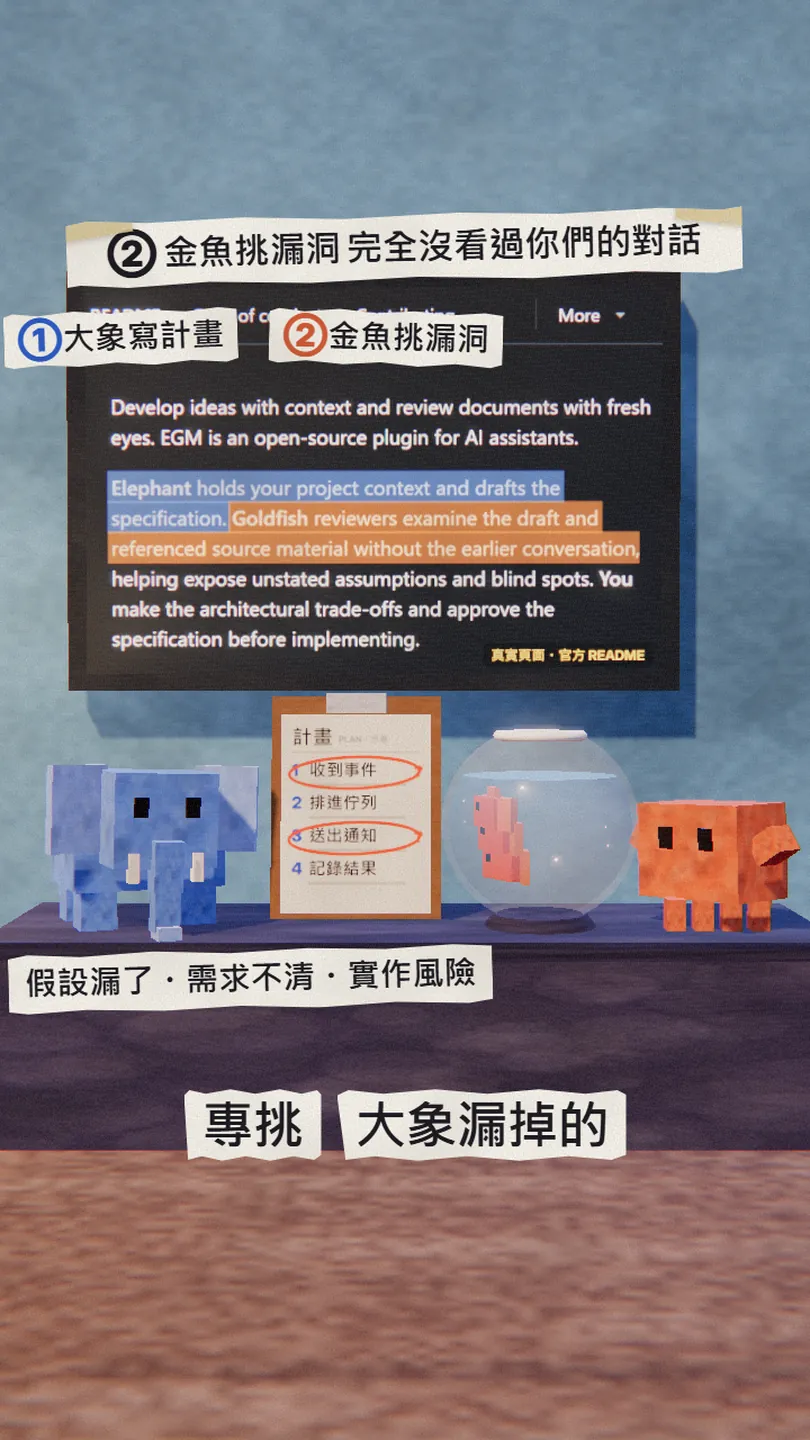
/egm:egm-review design_draft.md
Fresh reviewers check the design itself, how clear it is, how it fits the existing code, and the implementation plan. There will be a lot of feedback; the project says that is by design.
- Deal with the points you find relevant and skip the rest (the docs: Take what you think is relevant. Ignore the rest.).
- To work through the changes one by one, use /egm:egm-resolve.
- Once you are happy with the design, ask Claude to build it.
I approve this design. Please implement it following design_draft.md, and tell me how you verified it when you are done.
06Good to know
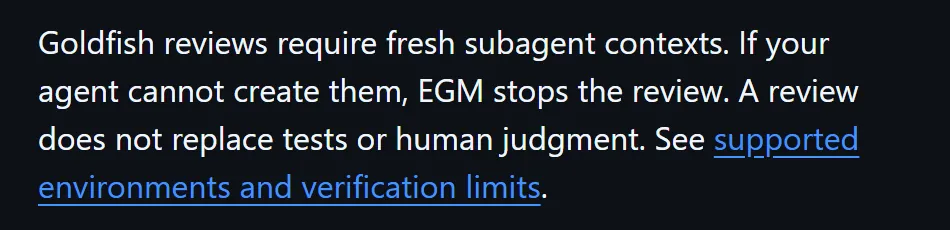
- It reviews the plan, not the code. The README says a review does not replace tests or human judgment, so you still run your tests.
- Goldfish need fresh subagents. The README says that if your agent cannot create them, EGM stops the review.
- A small, well-understood change may not be worth it. The official FAQ says design and review take time and may not pay off there.
- A review starts several extra subagents that read the document, so it uses more than coding straight away. The project gives no figure for how much.
- "Thousands of Googlers use it every day" is the Google Open Source Blog's own statement; the README also notes this is not an officially supported Google product.
- I have not yet run the whole workflow in a project of my own: the commands and explanations here come from the official README and docs, and the circled plan in the reel is an illustration.
Sources
What should the next reel cover?
I test Claude and AI tools every day and turn the useful ones into reels. Follow @vivianlin.tech to catch each new guide.