~/guides/PHONE.md
Google’s open-source ARTEMIS lets Claude Code use your Android phone: Maps, music and a report, from one sentence
ARTEMIS, free and open-sourced by Google, lets an AI use an Android phone like a person and plugs into Claude Code. Checklist, install, first prompt, limits.
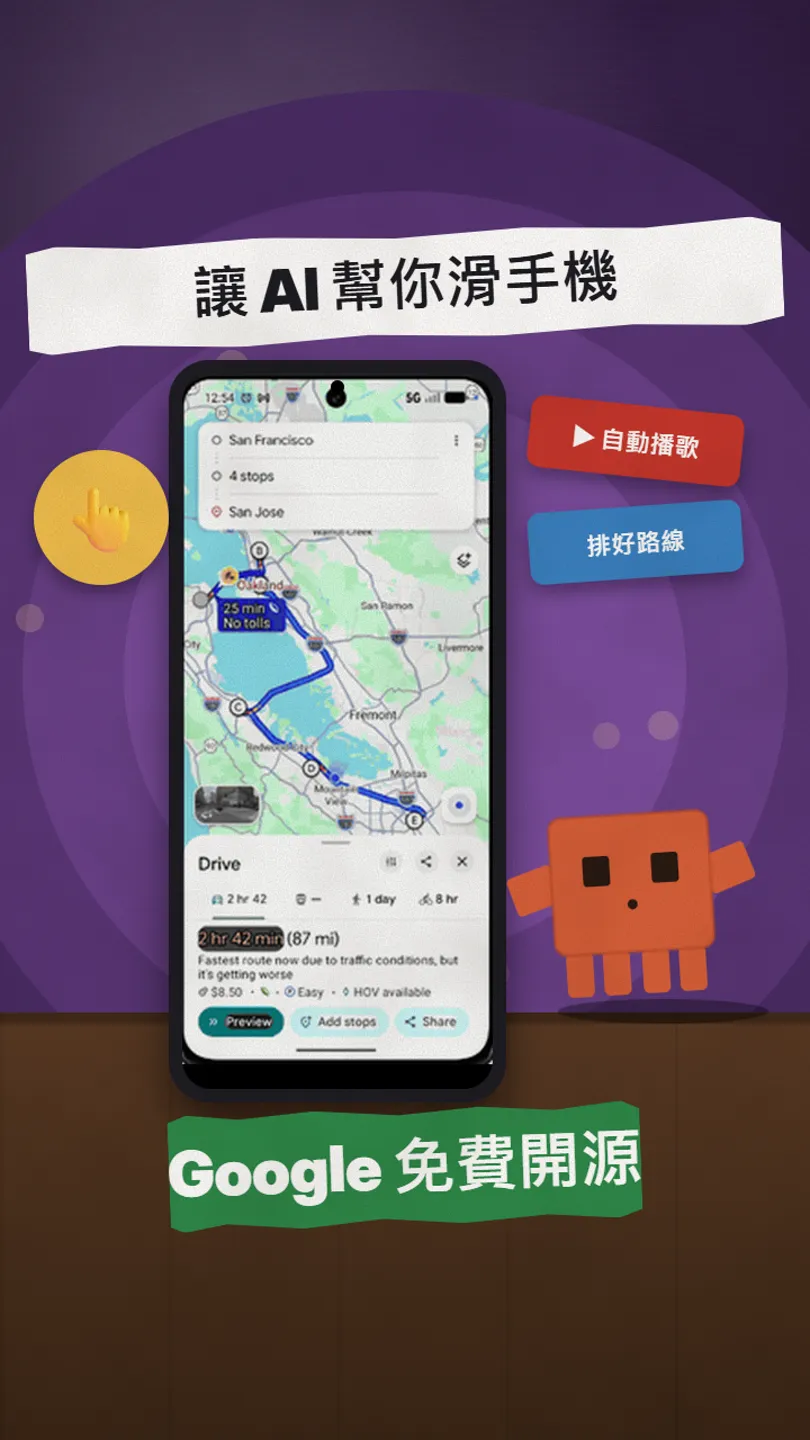
Type one sentence and the AI swipes the phone by itself: opens Maps, plans a route, then plays a song. That is the official demo of ARTEMIS, a free tool Google open-sourced on GitHub. It reads the screen, taps, types and keeps a to-do list it ticks off step by step, and it ships an MCP server, so Claude Code can plug in. The limit up front: Android phones and emulators only, no iPhone yet. This is the full version of the PHONE reel, checked against the official GitHub on 27 October 2026.
01The result first: one sentence, the phone moves by itself
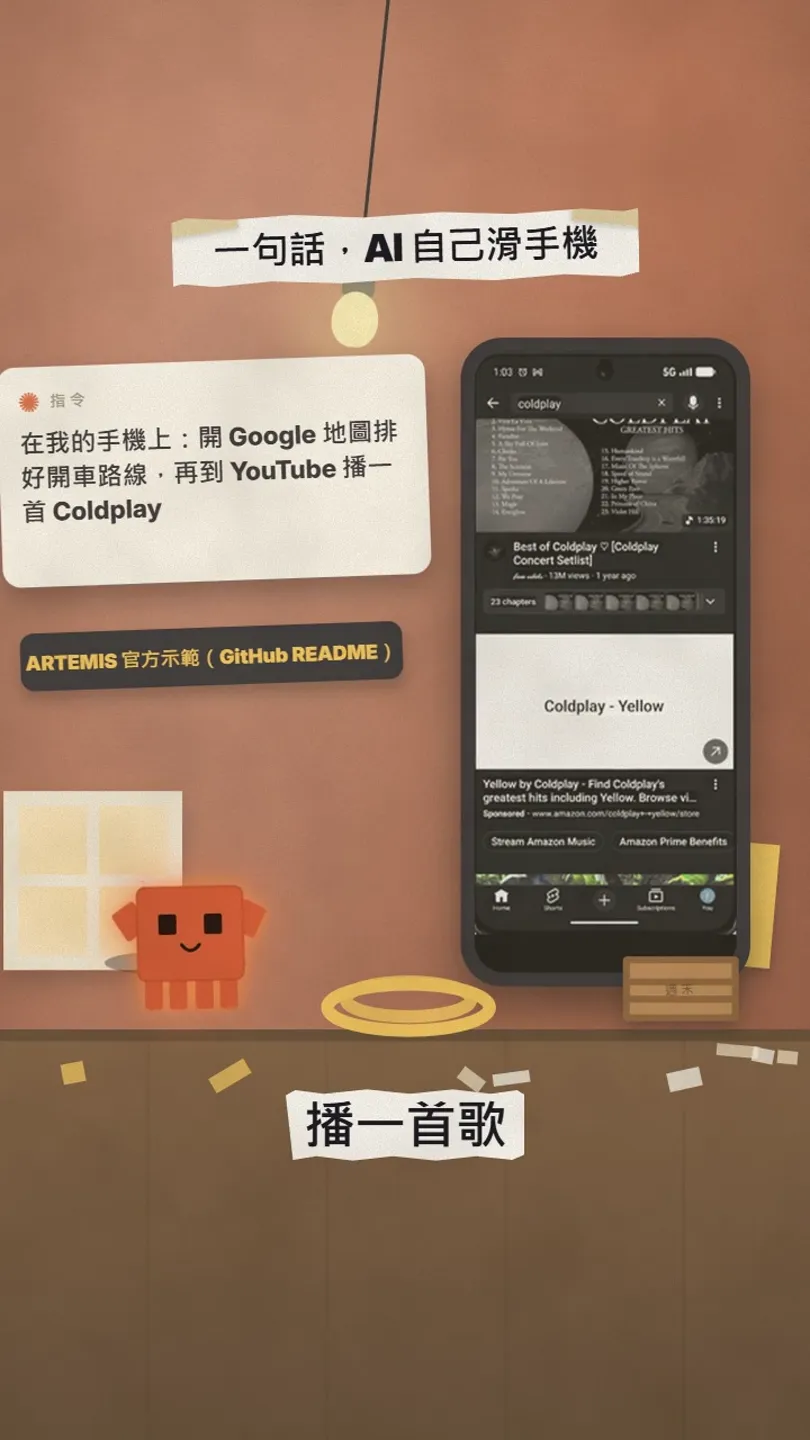
ARTEMIS is a free tool Google open-sourced on GitHub (Apache-2.0). It lets an AI use a real Android phone like a person: read the screen, tap buttons, type, swipe, then report back. In the official README demo, one sentence makes it plan a multi-stop driving route in Google Maps, add up the total time, then open YouTube and play Coldplay. It ships its own MCP server, so Claude Code can give it tasks directly.
In this guide you get:
- What it can and can’t do (up front: no iPhone yet).
- A 5-item checklist before you start.
- The install commands from the README, for Windows and Mac.
- How to connect it to Claude Code and what to say first.
- What to watch for safety.
02How ARTEMIS does it
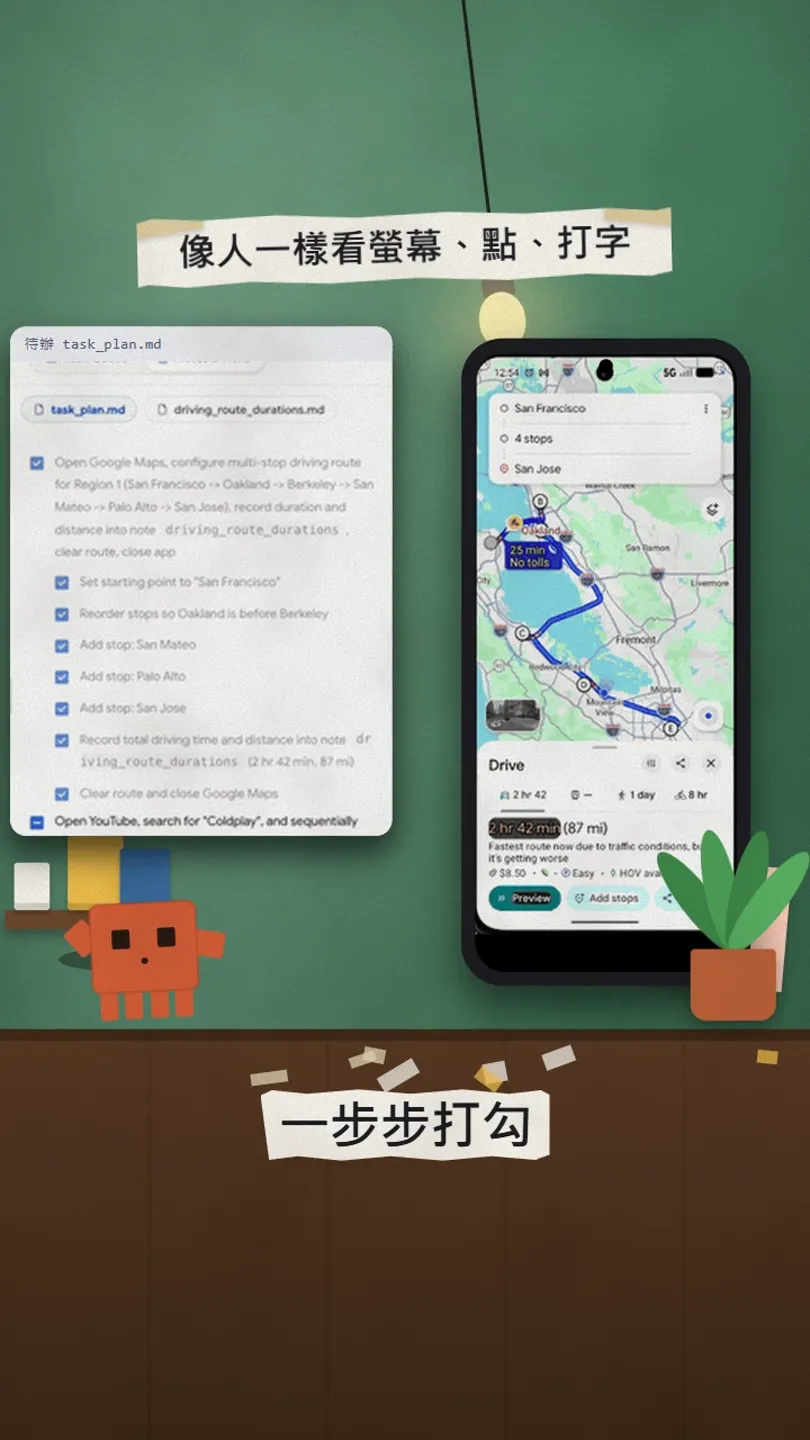
It reads the structure of the phone screen (which parts are buttons, which are text fields) and falls back to screenshots and a vision model when it can’t, then taps through step by step. There are two modes: Flash is fast, about 3–5 seconds a step, for simple routine actions; Pro writes a plan first, checks before every action and ends with a report, about 15–40 seconds a step, for long workflows.
03Before you start: these 5 things
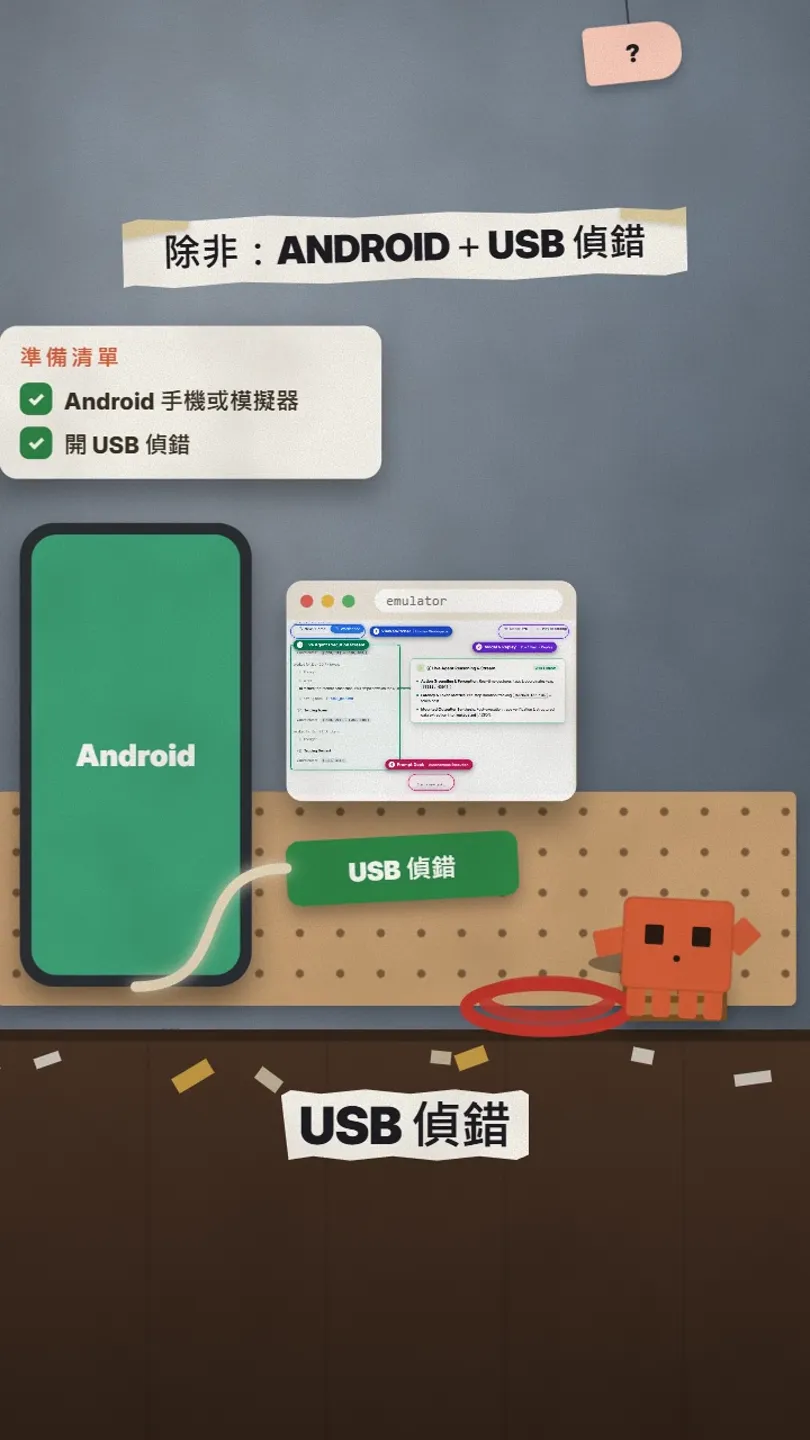
- An Android phone, or an Android emulator on your computer. iPhone isn’t supported yet (iOS is on the official roadmap).
- USB debugging on the phone: Settings → About phone → tap Build number 7 times to unlock Developer options, then turn on USB debugging (menu names vary by brand), and connect it by USB.
- Git on your computer. ADB, scrcpy, FFmpeg and the Python packages are installed by the start script.
- One AI API key: Gemini, OpenAI, Anthropic, OpenRouter or xAI; ARTEMIS uses it to understand the screen. API use is billed separately by each provider.
- Claude Code, if you want Claude Code to drive it.
04Install: run start once, add one key
git clone https://github.com/google/artemis.git
cd artemis
.\start.bat
git clone https://github.com/google/artemis.git && cd artemis
./start.sh
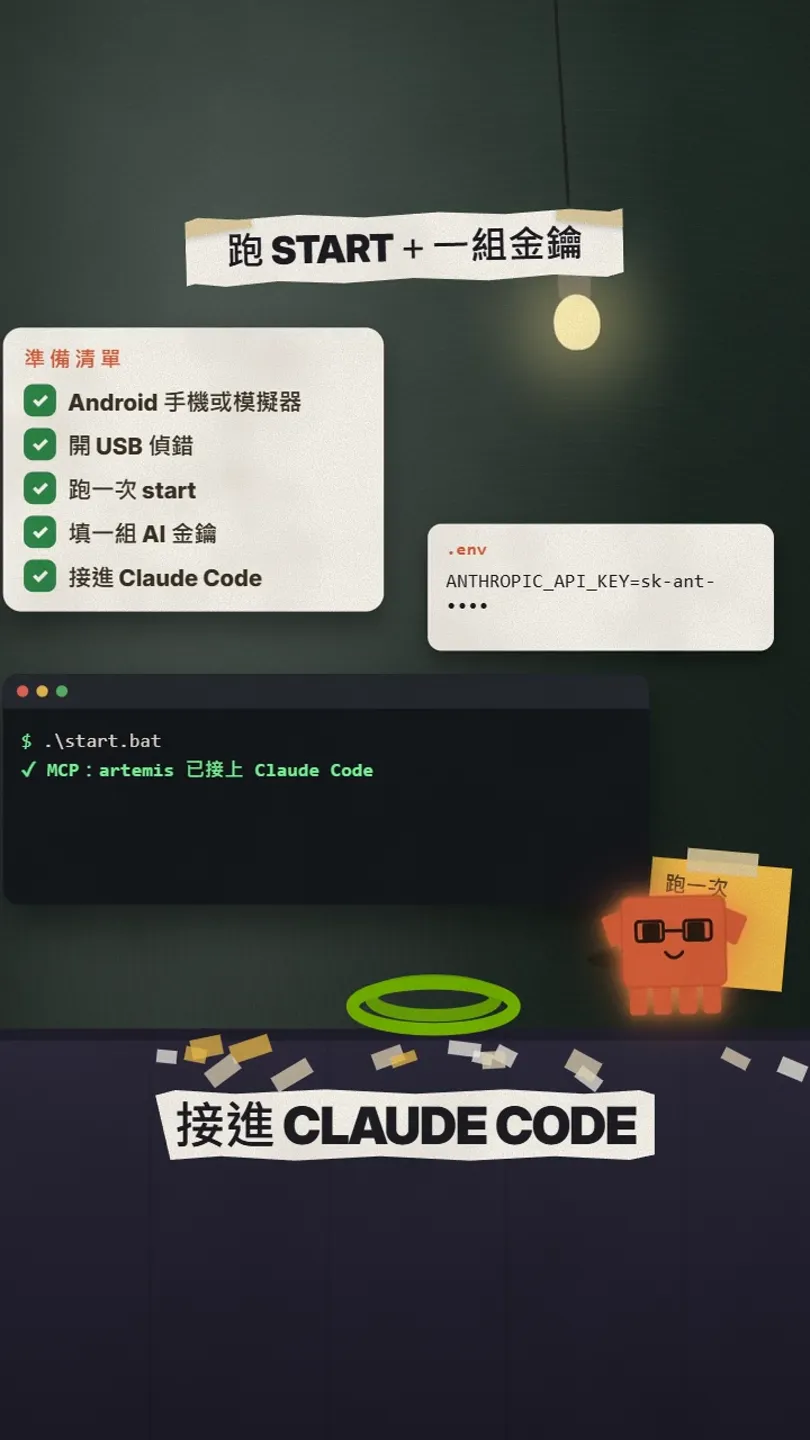
- The first run installs ADB, scrcpy, FFmpeg and the Python (uv) packages.
- It asks whether to install the MCP config and rules into your AI tools; pick Claude Code.
- Copy .env.example in the artemis folder to .env and add one key, for example ANTHROPIC_API_KEY=your-key.
- A browser opens http://localhost:8000 with a device wizard, live screen mirroring, a prompt panel and replays.
uv run artemis mcp --install claude
05What to say first
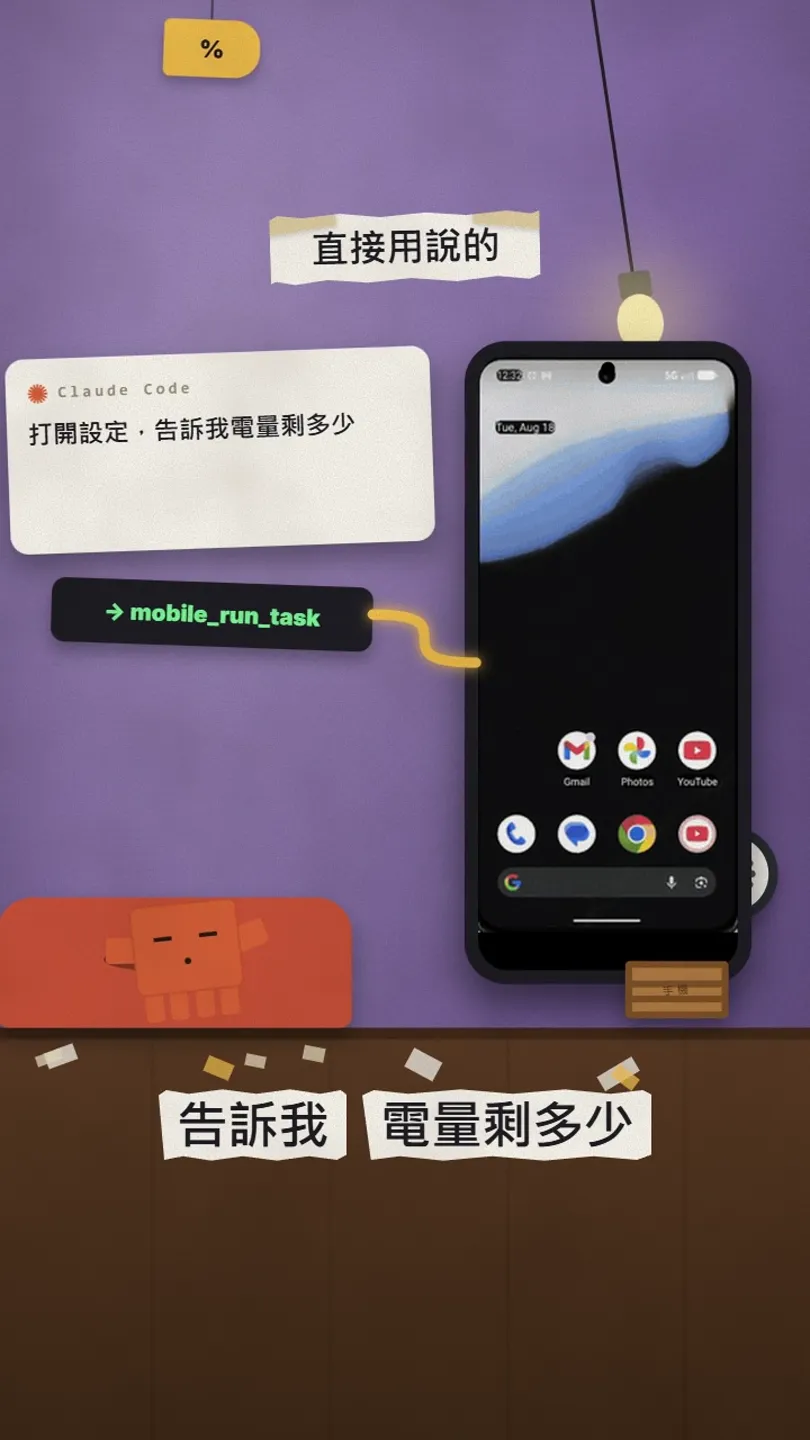
Once connected, tell Claude Code in plain words what the phone should do. Claude Code calls ARTEMIS’s MCP tools (for example mobile_run_task to run a task, mobile_get_device_state to check the phone) and returns the result with screenshots.
On my connected Android phone: open Settings, find Battery and tell me the current level.
On my phone: open Google Maps, plan a driving route from [the station] to [the beach] and tell me how long it takes; then open YouTube, search for [a song] and play it.
uv run artemis run "Open Settings, find Battery and tell me current level" --profile flash
06Good to know
- Android only; iPhone doesn’t work yet.
- It really operates your phone. Don’t let it pay, delete or send anything unattended; watch it for steps you can’t undo.
- An API key is like a wallet: don’t paste it where others can see it, and never upload the .env file to GitHub.
- Turn USB debugging off when you’re done.
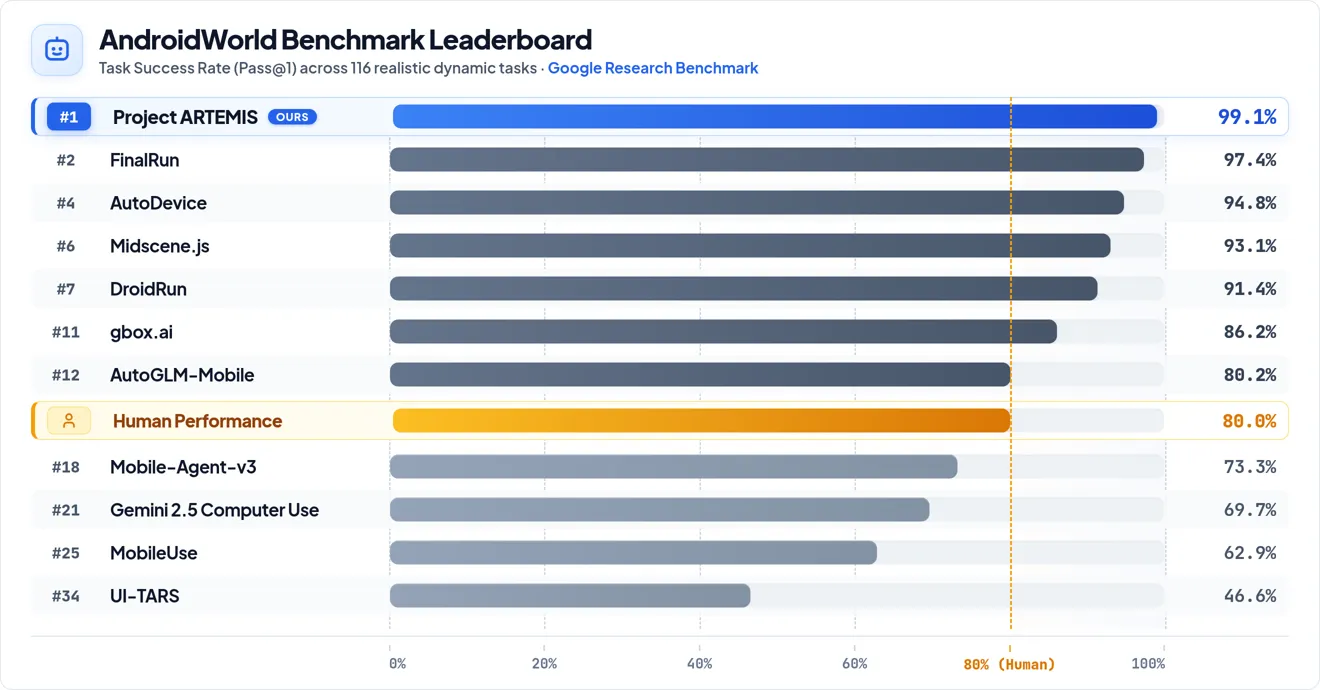
- The 99% success rate is the project’s own benchmark result; not every app will go that smoothly.
- Download only from the official github.com/google/artemis; don’t install look-alike repos.
Sources
What should the next reel cover?
I test Claude and AI tools every day and turn the useful ones into reels. Follow @vivianlin.tech to catch each new guide.


