~/guides/BRAND.md
Do AI websites all look alike? Add a DESIGN.md and Claude Code switches brand styles
One prompt, three brand-style websites. Use the free DESIGN.md files on GitHub so Claude Code builds pages in an Apple, Notion or Starbucks style.
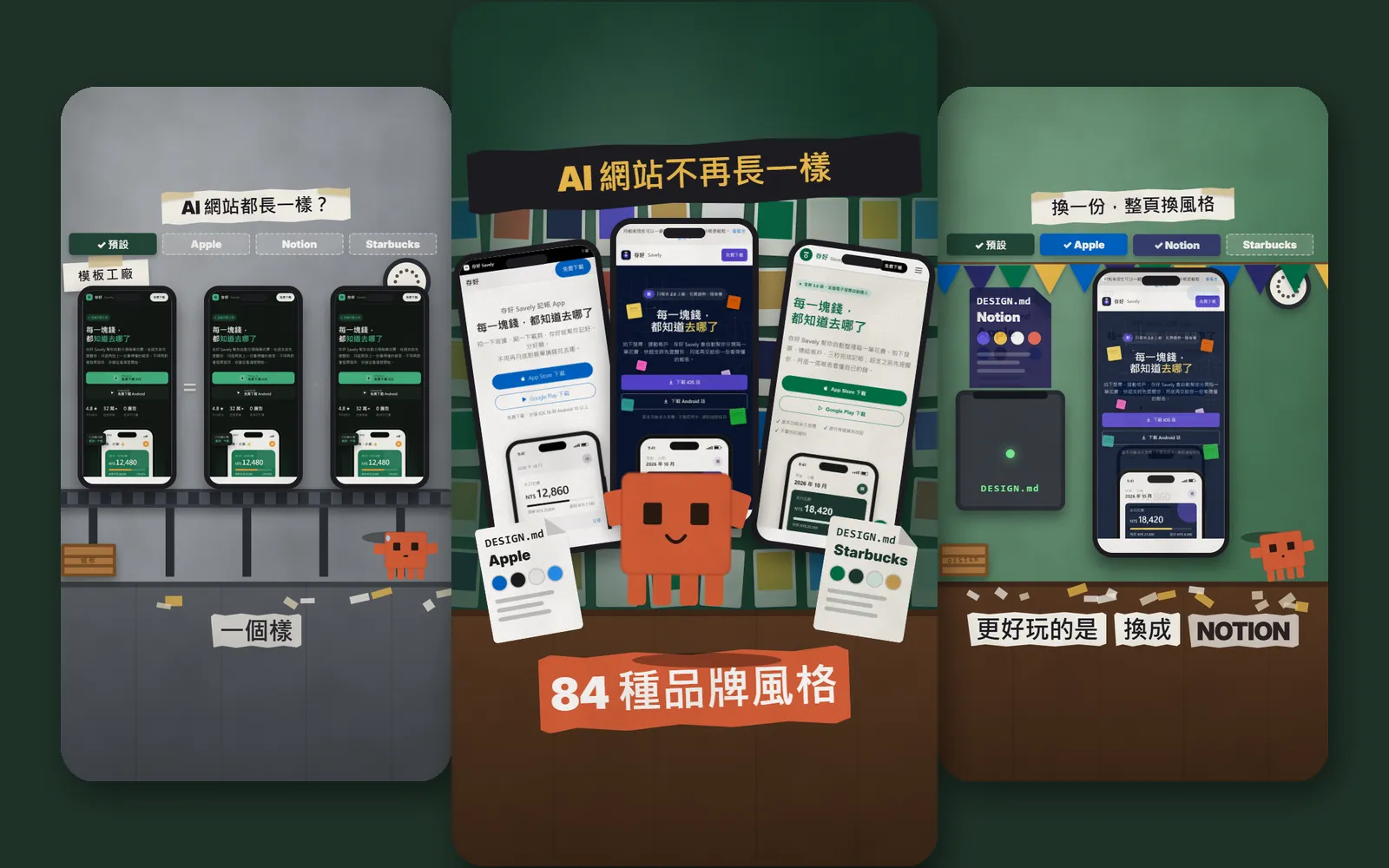
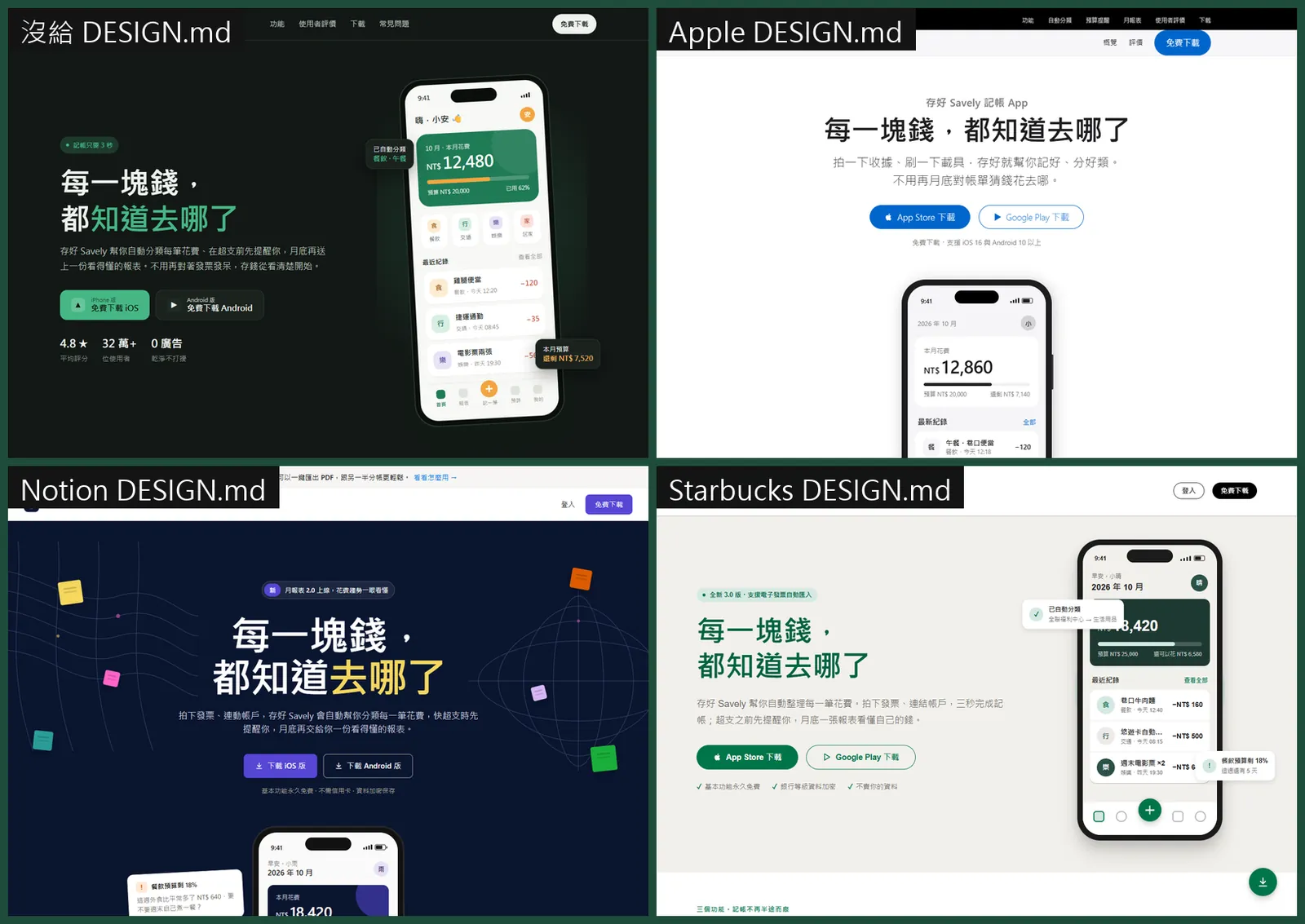
Do AI-made websites all look the same to you? I gave Claude Code one prompt and got an Apple-style, a Notion-style and a Starbucks-style page. The only difference was a DESIGN.md file in the project. This is the full version of the BRAND reel: what DESIGN.md is, where to find the free files for 84 brands on GitHub, how to put one in your project, what to tell Claude Code, and how to switch styles. The pages below are what we really got, using a fictional budgeting app called "Savely", not a real product.
01One sentence, three brand styles
The three web pages below came from one prompt in Claude Code. The only difference is whether a file called DESIGN.md was in the project folder.
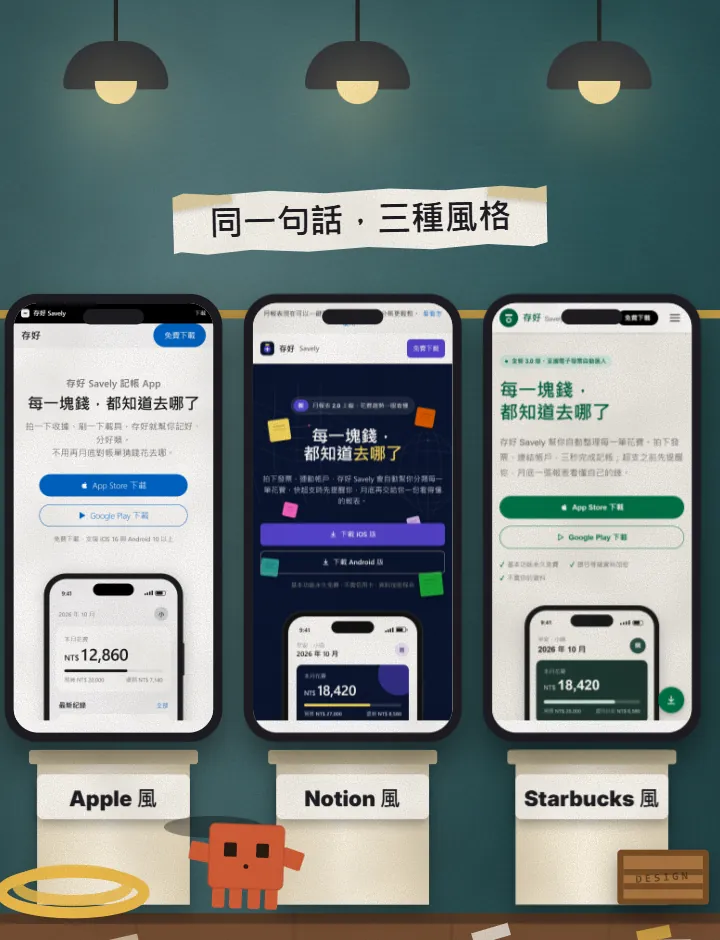
People think AI-made websites all look the same. My view: it's not that AI can't design. You never gave it a design spec. DESIGN.md is that spec: colours, fonts, spacing, even what not to do.
What you get from this guide:
- The free, open-source DESIGN.md files for 84 brands on GitHub: where to find them and how to pick.
- Two ways to put one in your project, one of them a single command.
- The sentence to tell Claude Code, plus a longer copy-and-paste version.
- How to switch styles: swap the file and the whole page changes.
- What to watch out for: trademarks, file length, and results that differ from run to run.
First, how we ran the experiment. "Savely" is a fictional budgeting app, and all its numbers and reviews are made up. All four versions were built by Claude Code in their own empty folders, with the same prompt. The DESIGN.md versions only got one extra sentence: "follow the DESIGN.md in this folder". The version without a file actually looks fine (a dark green landing page), so I won't say "no file means ugly". It just lands on the AI's default look, and to get the look you want, you specify it with this file.
We also tried a Spotify style, but it is dark green too and looked too much like the default, so the reel uses Starbucks instead. Every brand was run once; we didn't re-run until one looked pretty.
02What is DESIGN.md, and what's inside
DESIGN.md is a plain-text (Markdown) file that tells an AI what your project should look like. The format was introduced by Google Stitch. The README of the awesome-design-md GitHub project says it plainly: no Figma exports and no special tooling. Drop it in the project root and the AI can read it.
Every file follows the same structure. The README lists 9 parts:
- Visual theme and atmosphere (overall mood, how much white space)
- Colour palette and roles (name, hex code, where it is used)
- Typography rules (fonts, size hierarchy)
- Component styling (buttons, cards, inputs, navigation)
- Layout principles (spacing, grid, white space)
- Depth and elevation (shadows, layers)
- Do's and Don'ts
- Responsive behaviour (how it changes on different screens)
- Agent prompt guide (quick colour reference and ready-to-use prompts)
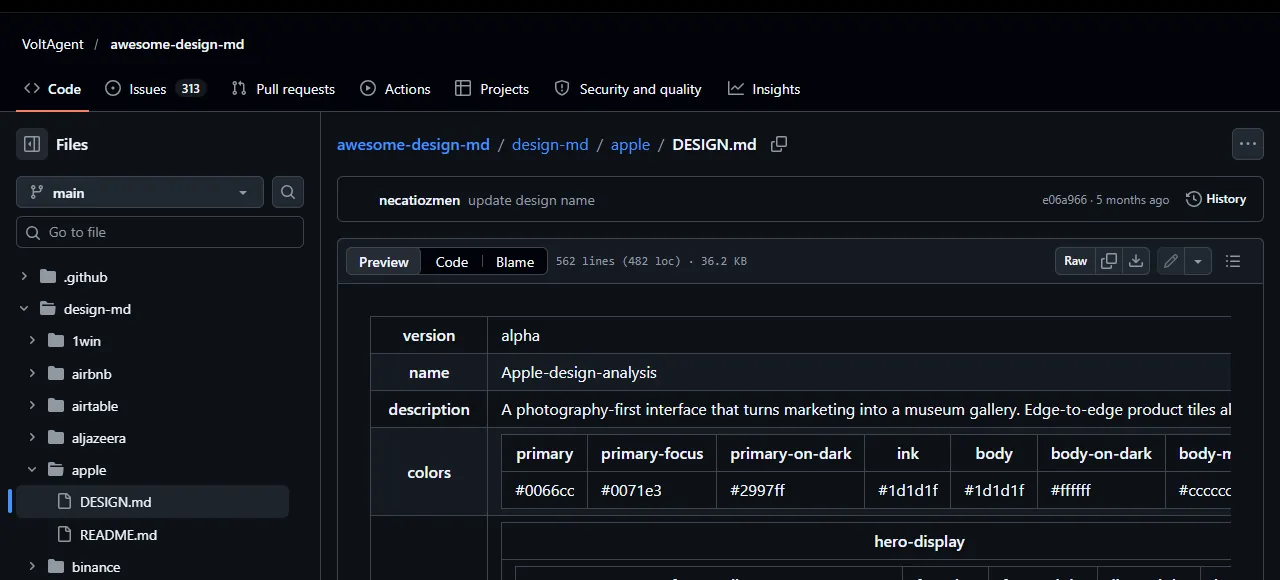
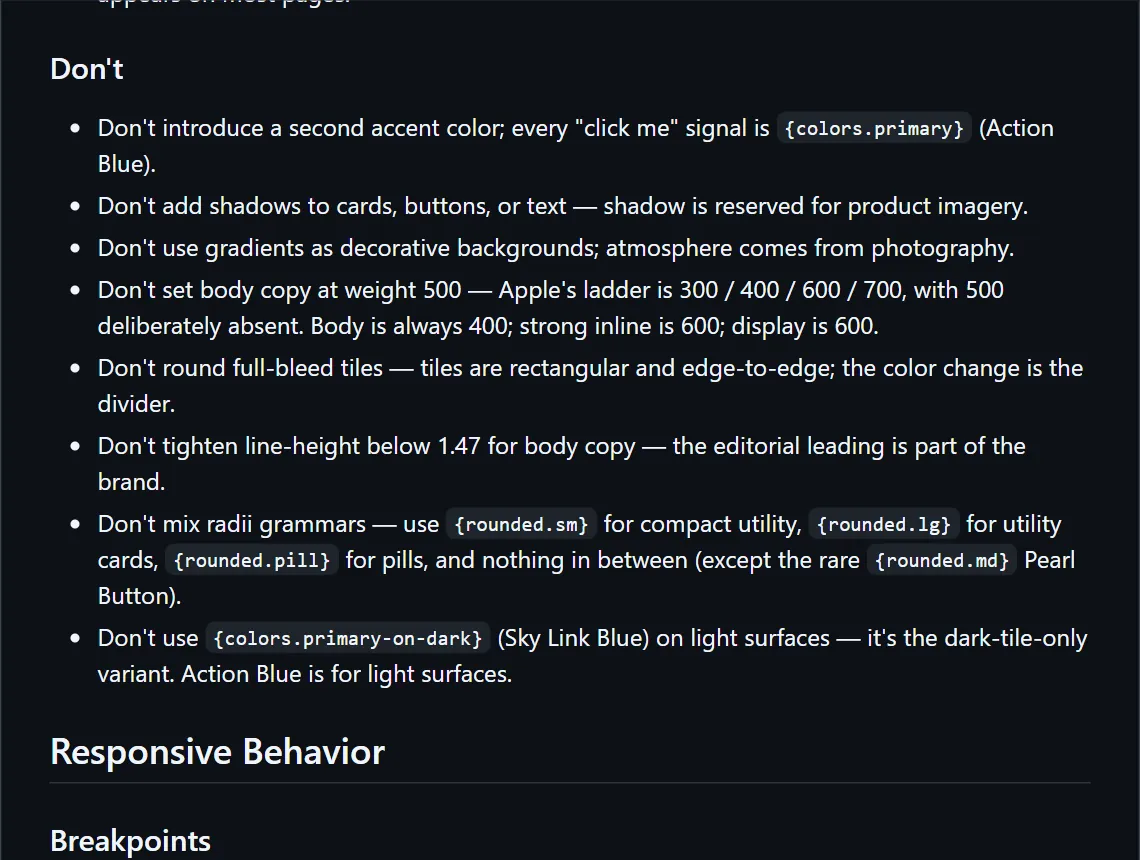
My favourite part is the Don'ts. AI loves to add extras, and when you write the don'ts down it is less likely to. In the Apple file, they include: don't add a second accent colour, don't put shadows on cards and buttons, don't use gradients as backgrounds.
03Step 1: pick a brand
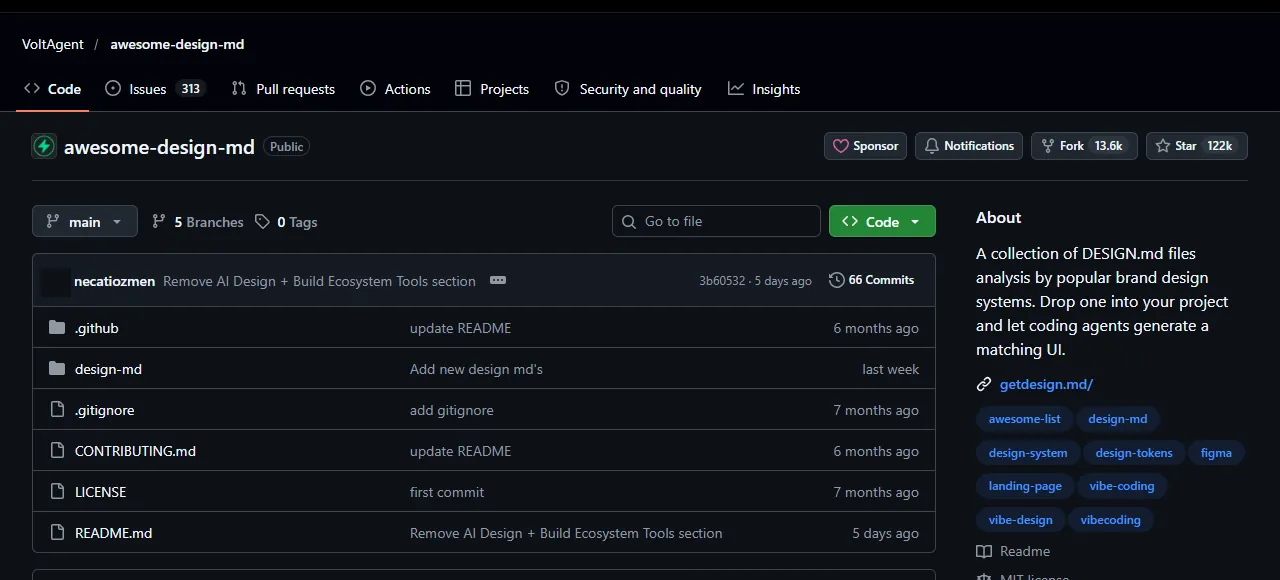
- Open github.com/VoltAgent/awesome-design-md.
- Open the design-md folder. Each brand is its own folder, for example apple, notion, starbucks, stripe, vercel, claude.
- Open the brand you want. The DESIGN.md is inside.
- To preview a style first, go to getdesign.md. Each brand has a page (for example getdesign.md/apple/design-md) with a preview.
When I checked, the folder held 84 brands in total (20 October 2026). The 550+ on the getdesign.md home page is its whole website catalogue, which sits next to paid plans, so in this guide I only talk about the 84 in the free GitHub version.
04Step 2: put it in your project folder (two ways)
Method A: by hand. On GitHub open the brand's DESIGN.md, use Raw or the download button to save it, and put it in the top level (root) of your project folder.
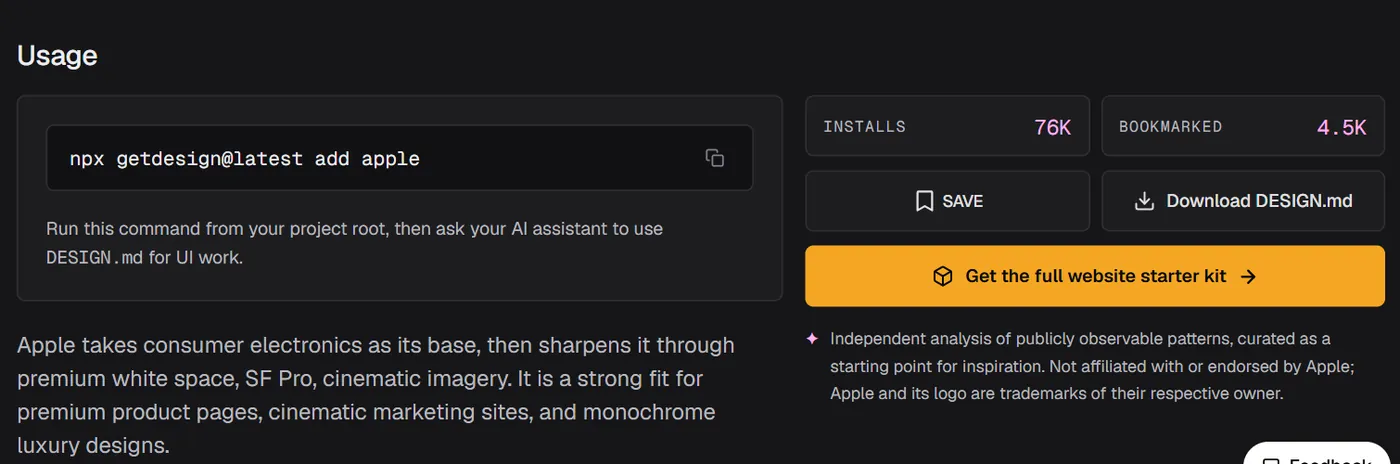
Method B: one command. In a terminal opened in your project folder, run the line below. It puts Apple's DESIGN.md in place. For another brand, replace the last word. You need Node.js installed first, because npx comes with it.
npx getdesign@latest add apple
05Step 3: tell Claude Code the sentence
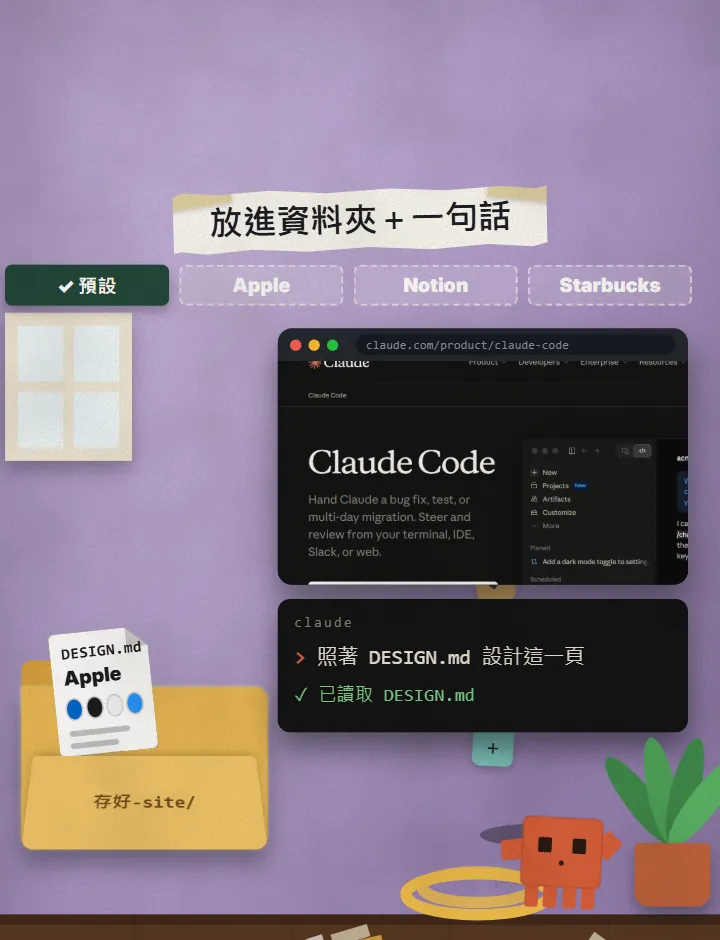
Once the file is in place, open Claude Code and say one sentence. The one in the video is short:
Design this page by following DESIGN.md
For steadier results, use the longer version below. It says which page to make and where to save it, so Claude guesses less. Replace the [ ] parts with your situation.
First read DESIGN.md in the project root. Follow its colours, fonts, spacing and Don't rules to design [the page, e.g. the landing page of a budgeting app].
Save it as [file name, e.g. index.html], using [plain HTML + CSS / your project's framework].
Do not use any colour that DESIGN.md doesn't list. When you're done, list the colours and fonts you used.
This is the prompt we used for the experiment. Change it to your own product. The first part was identical for every version; the last sentence is only added when a DESIGN.md is present.
Build the product landing page for [type of product, e.g. a budgeting app] "[brand name]" and save it as a single file index.html in this folder (HTML + CSS in the same file, no external images, no external fonts, no JavaScript framework). Write the content in [your language]: navigation bar, headline "[your headline]", subheading, download buttons, a phone screen drawn with CSS, three feature blocks, user reviews and a footer.

Please follow the DESIGN.md in this folder.
06Step 4: want another style? Swap the file
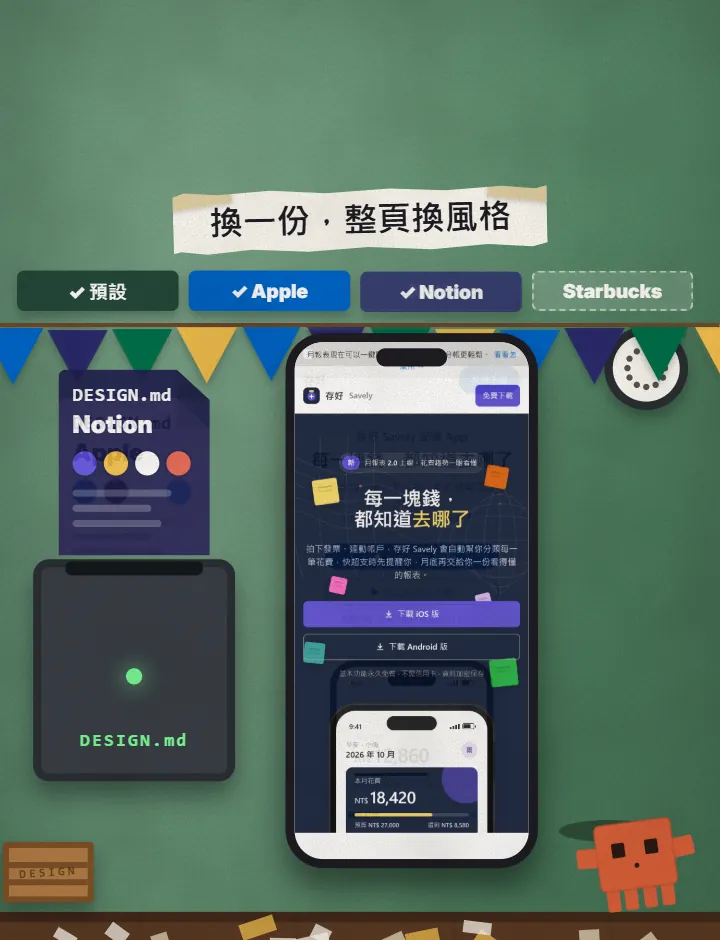
This is the fun part. In the same project, replace the DESIGN.md with another brand's, ask Claude Code to redo the page, and the whole style changes.
- Replace DESIGN.md in your project with another brand's (overwrite by hand, or add another brand name with npx getdesign@latest add).
- Tell Claude Code the prompt below.
- Put the old and new versions side by side and see which you like.
DESIGN.md is now [brand name, e.g. Notion]'s. Following the new DESIGN.md, redesign [page file name, e.g. index.html]. Don't change the content or the text, only the visual style.
07Things to watch out for
- Take the style only, not other brands' logos or trademarks. DESIGN.md records how something is designed; it doesn't include any brand licence. The project README says these were extracted from public websites and claims no ownership of any site's visual identity, and getdesign.md's page says it is not affiliated with Apple.
- If the site is for your own brand, swap in your own colours, fonts and logo. Don't copy a whole file as it is.
- Results won't be identical every time. The same DESIGN.md and the same sentence can differ in the details between runs. If you're not happy, add one sentence asking for a change.
- The files are long (Apple's is 562 lines, about 36 KB). Claude brings the file into the conversation, so use just the one you want and don't drop all 84 in.
- "Savely" in the video is a fictional demo brand, and the terminal and style-swap scenes are animations we made. The web page screenshots are what Claude Code actually produced.
- Brand counts, commands and URLs change. I checked on 20 October 2026; after that, trust what GitHub and getdesign.md say.
Sources
What should the next reel cover?
I test Claude and AI tools every day and turn the useful ones into reels. Follow @vivianlin.tech to catch each new guide.