~/guides/CODEX.md
Use Codex inside Claude Code: review, adversarial review and rescue from OpenAI's official plugin
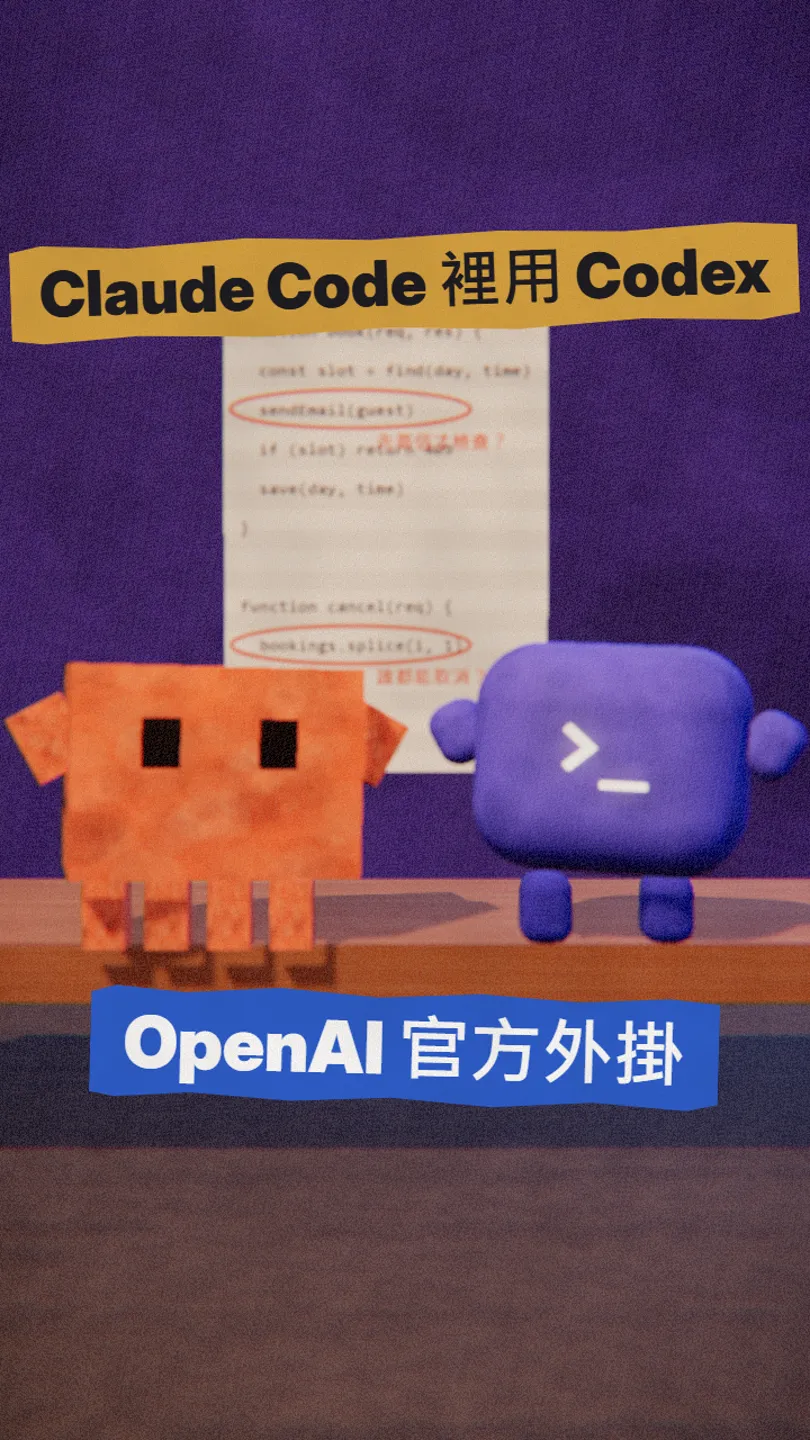
OpenAI's official Codex plugin for Claude Code: review before you ship, a review that argues with your design, and hand stuck tasks to Codex.
Everyone assumes OpenAI and Anthropic are rivals, yet OpenAI built an official Claude Code plugin that lets you call Codex from the same terminal to review your code or take over a task. I checked its GitHub page and README on 30 October 2026. This is the full version of my CODEX reel: how to install it, the three commands worth knowing, which account you need and what it costs.
01What you get
Once installed, Claude writes the code and Codex points out the problems, both inside the same Claude Code session. The plugin is made by OpenAI itself, open source, Apache-2.0.
In this guide:
- The install commands from the official README, in order.
- /codex:review: a review of your changes before you ship.
- /codex:adversarial-review: a review that challenges your design.
- /codex:rescue: hand a stuck task to Codex.
- The account, Node.js version and usage limits you need.
02Install: four commands in Claude Code
/plugin marketplace add openai/codex-plugin-cc
/plugin install codex@openai-codex
/reload-plugins
/codex:setup
/codex:setup tells you whether Codex is ready. If Codex is missing and npm is available, it can install it for you; or run npm install -g @openai/codex yourself. If it is installed but not logged in, type !codex login inside Claude Code.
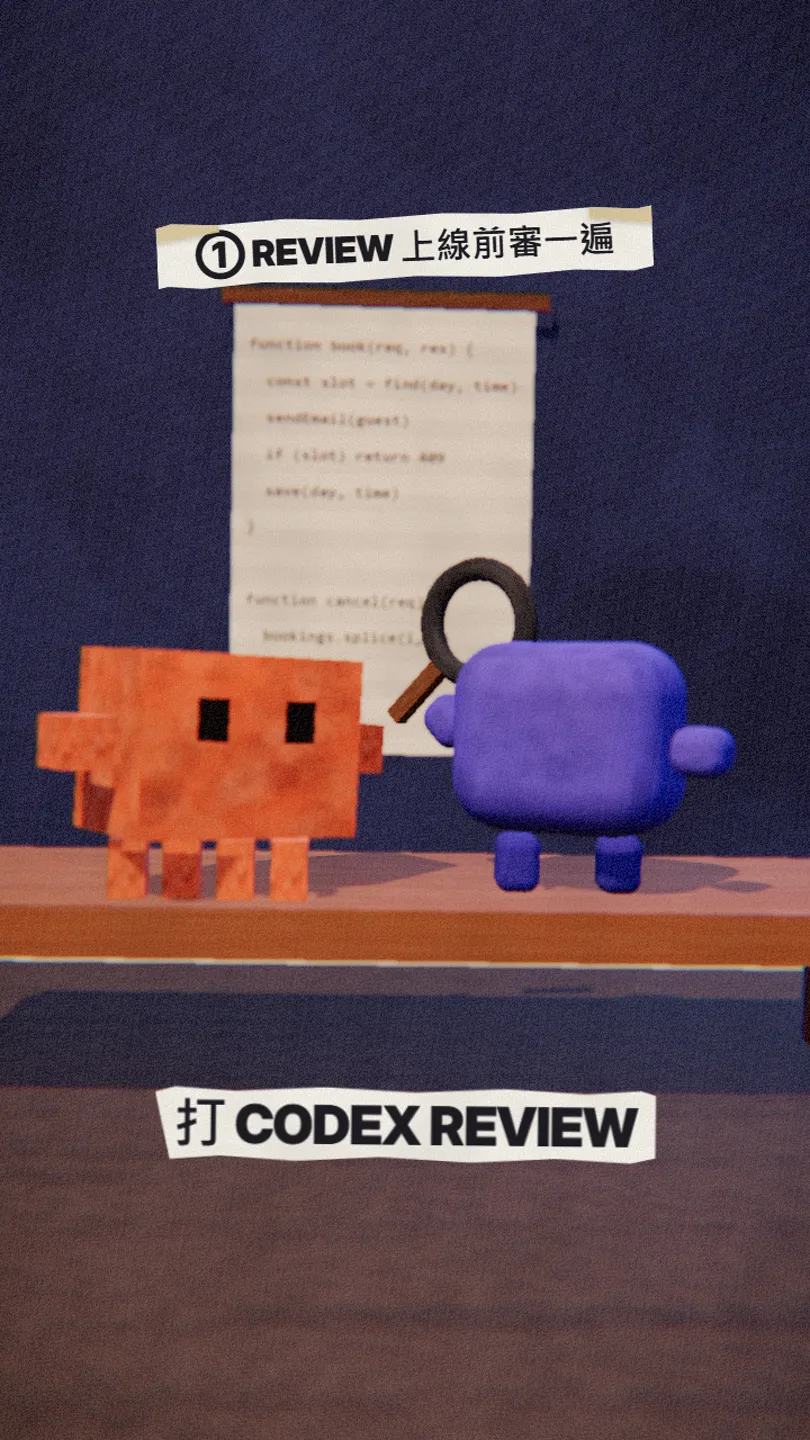
03① /codex:review: a review before you ship

/codex:review is a normal Codex review, the same quality as running /review inside Codex. It is read-only; it reviews your uncommitted changes, or your branch with --base main. For bigger changes, add --background and check /codex:status and /codex:result.
/codex:review --background
/codex:status
/codex:result
04② /codex:adversarial-review: the one that argues
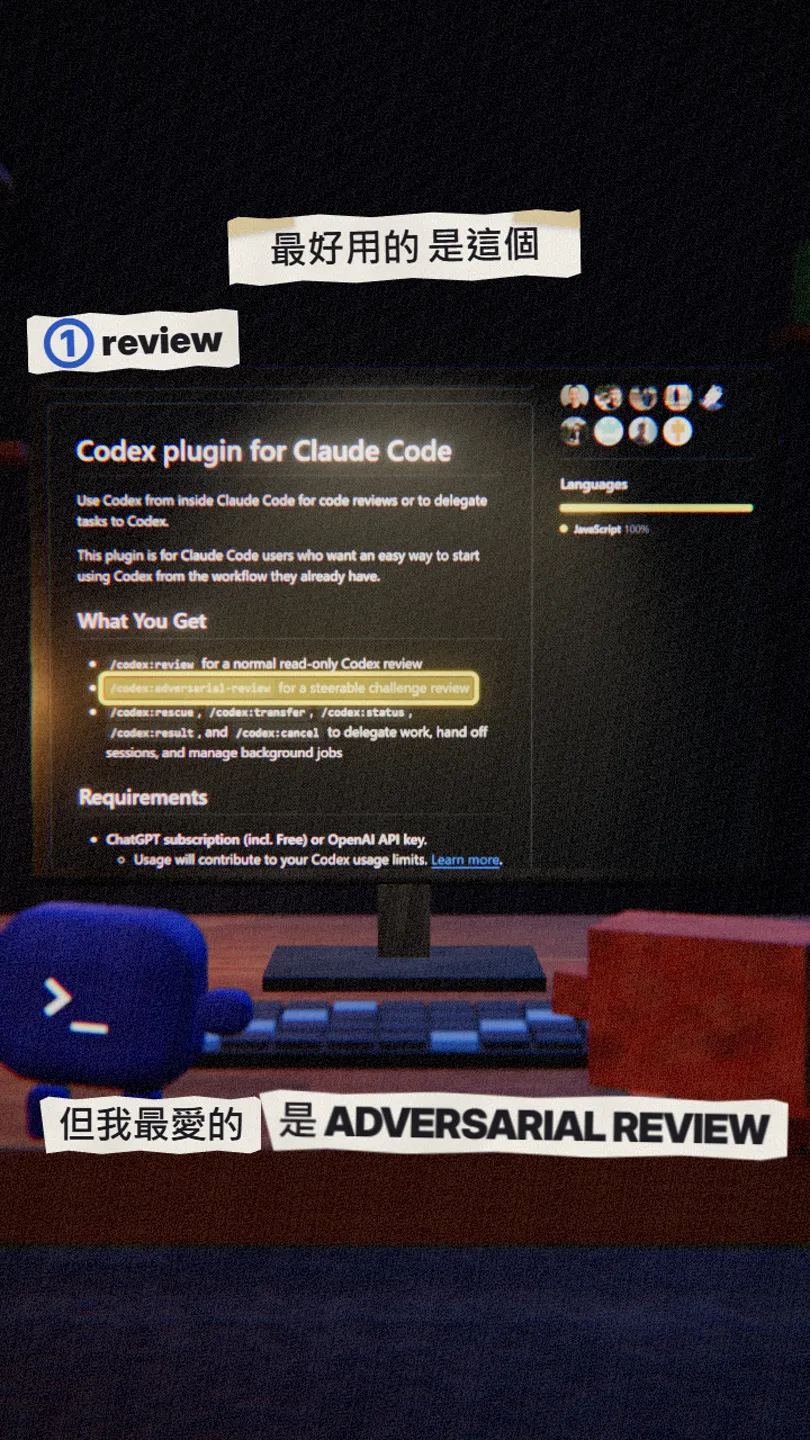
A normal review checks whether the code is wrong; adversarial review questions why you built it this way: your assumptions, trade-offs, failure modes, and whether a simpler or safer approach exists. You can add the area you want it to push on after the flags.

/codex:adversarial-review --base main [challenge whether this caching and retry design was right]
05③ /codex:rescue: hand a stuck task to Codex
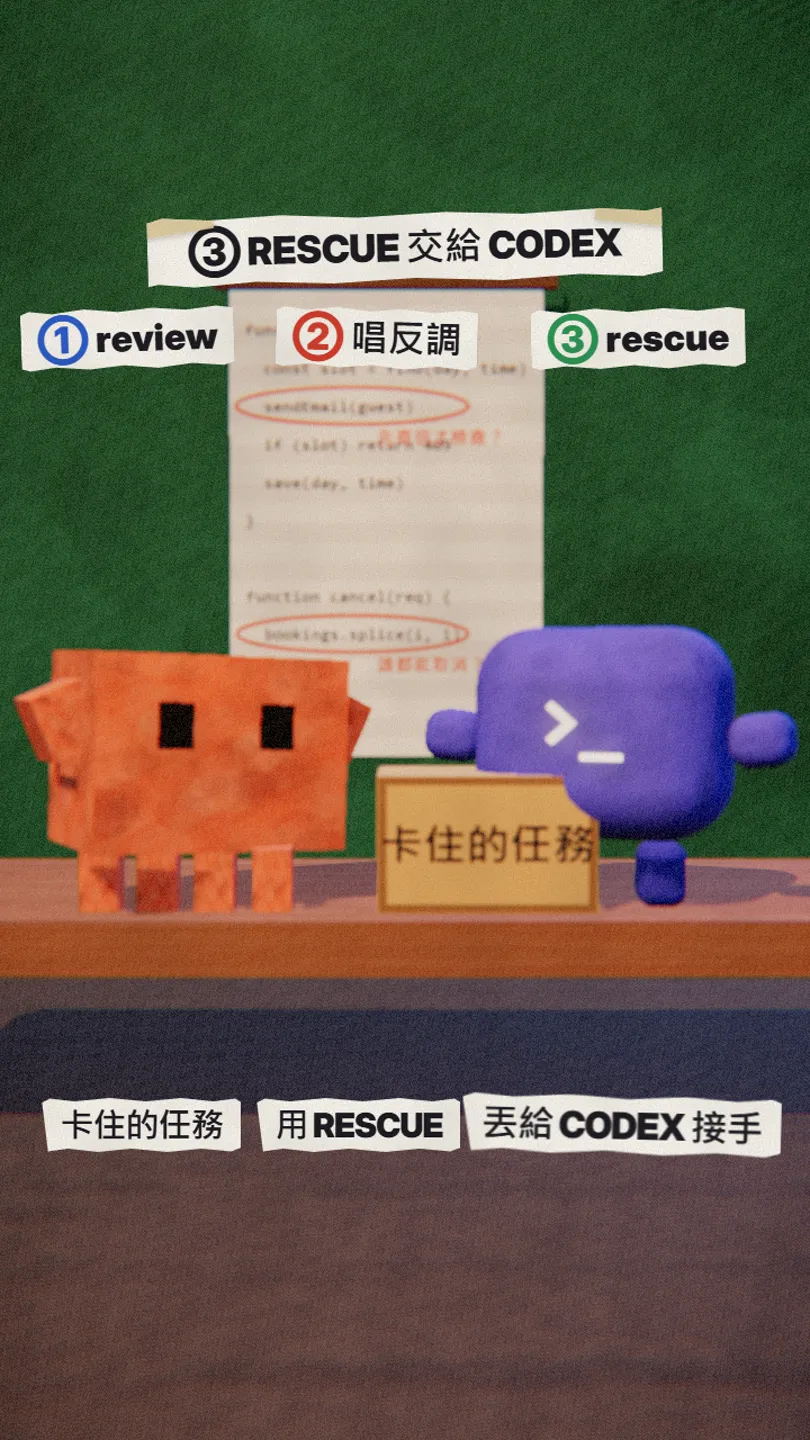
/codex:rescue delegates a task to Codex; alongside it are /codex:transfer (hand off a session), /codex:status, /codex:result and /codex:cancel (progress, results, cancel background jobs). After install, /agents also lists a codex:codex-rescue subagent.
06Good to know
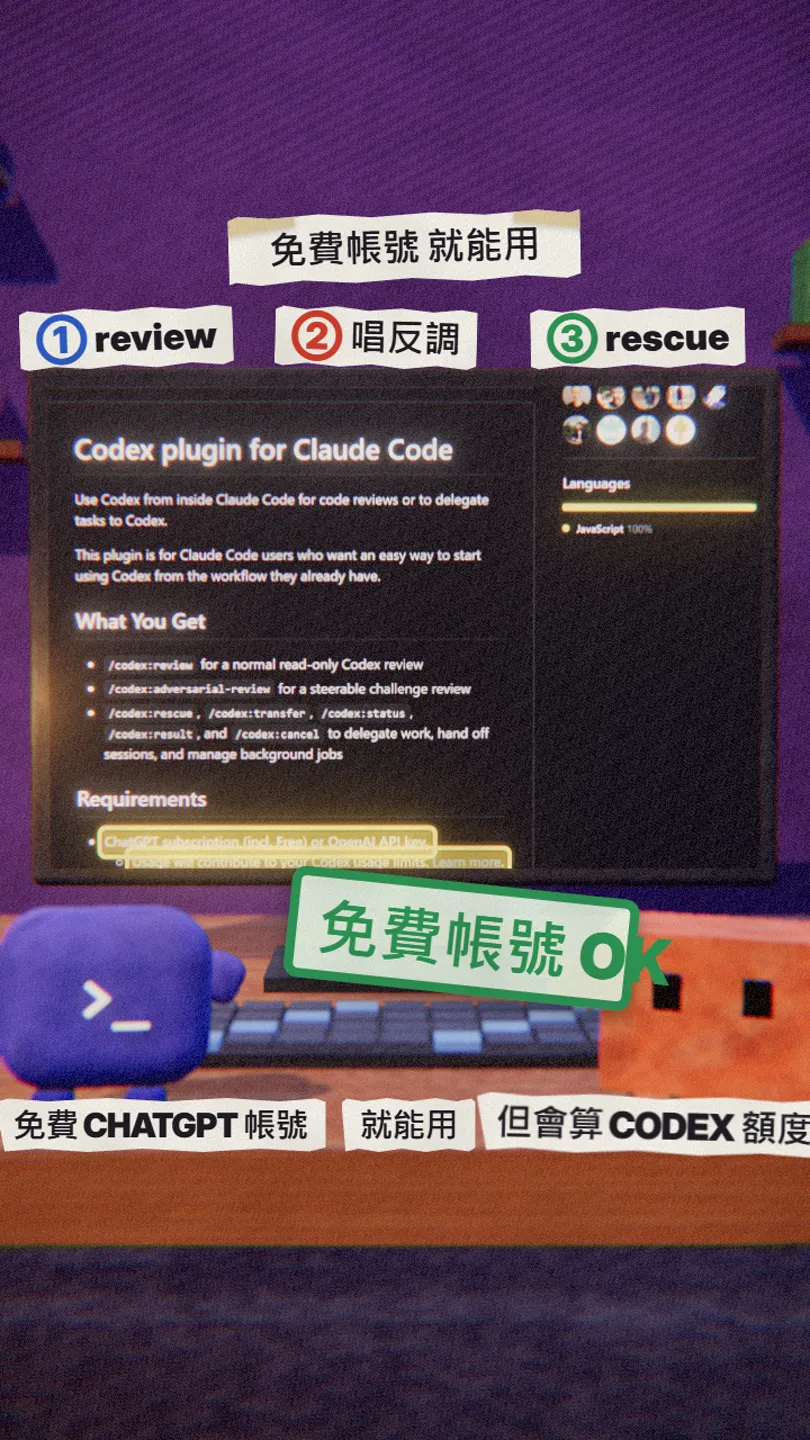
- You need a ChatGPT account (Free works) or an OpenAI API key; usage counts toward your Codex limits.
- Node.js 18.18 or later.
- Claude Code itself still uses your Claude plan or API credits.
- Reviews of large changes take a while; use --background.
- Only install from the official openai/codex-plugin-cc.
Sources
What should the next reel cover?
I test Claude and AI tools every day and turn the useful ones into reels. Follow @vivianlin.tech to catch each new guide.