~/guides/TV.md
Clear the ads off your TV with Claude Code: CleanYourTV switches off ads, preloaded apps and tracking
Free, open-source CleanYourTV lets Claude Code reach your Android or Google TV over Wi-Fi, switch off ads and junk apps, and add a clean home. 3 steps.
Does your TV open on a sponsored banner, recommended videos and a row of apps you never use? I use CleanYourTV, a free, open-source (MIT) GitHub project. Grab it, paste one prompt into Claude Code, add your TV model, and Claude Code connects to the TV over Wi-Fi, backs it up, switches off the ads, the preloaded junk and the tracking, and installs a clean home screen that looks like an Apple TV. No root, no cable, and one command puts it all back. The catch first: it only works on Android TV and Google TV, not Samsung or LG.
01The result first: an ad-filled home → a clean home screen
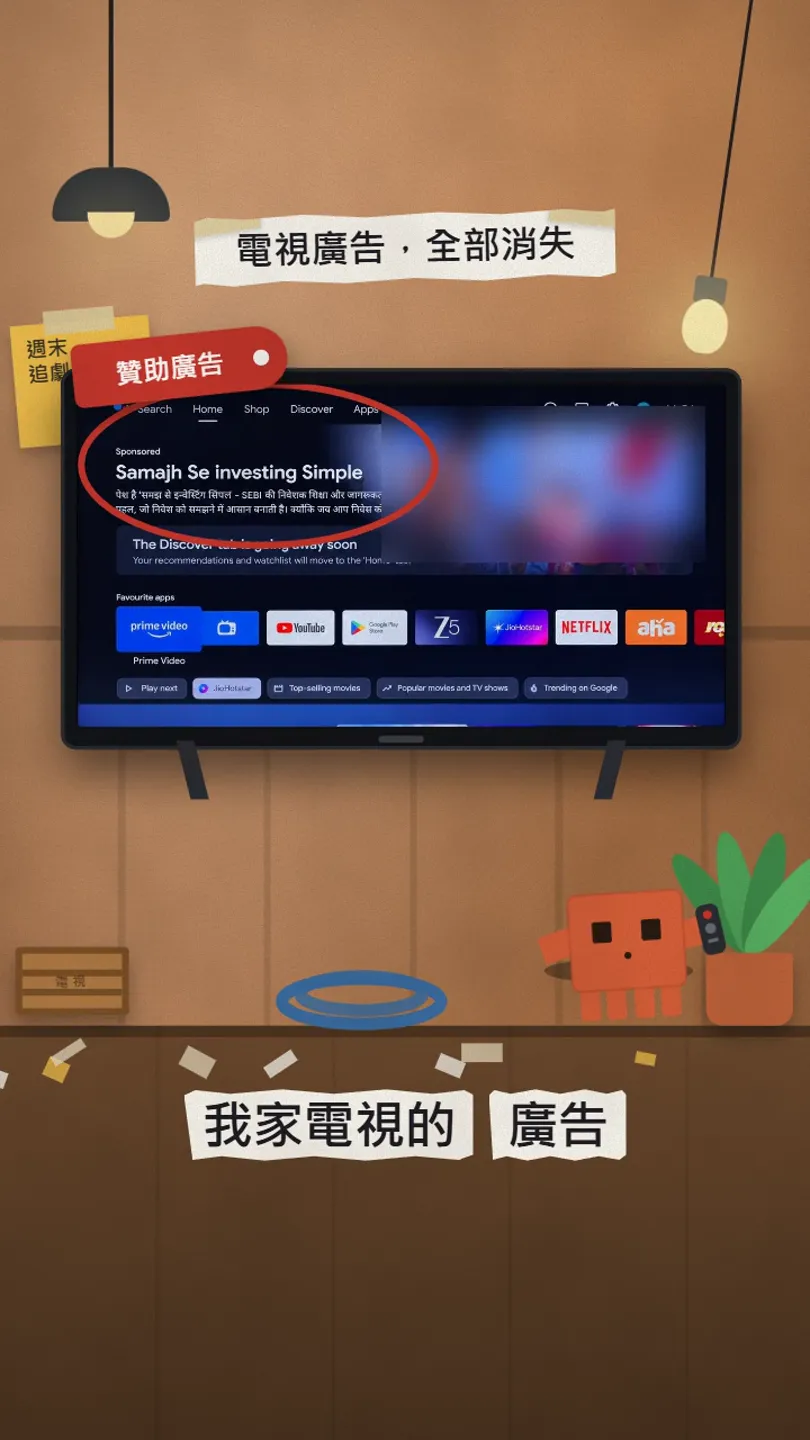
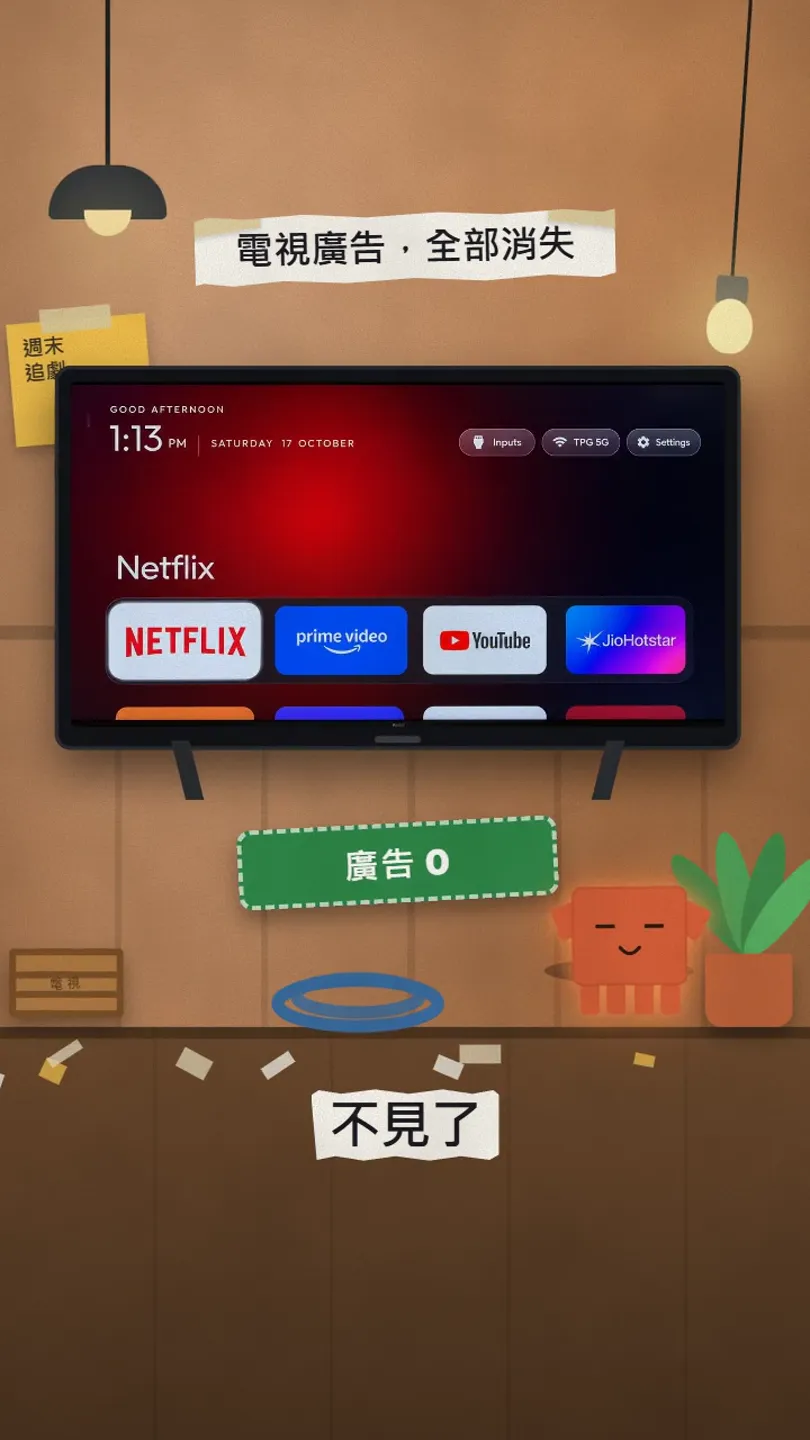
Both screens come from real photos in the project's official README (the author's parents' TV); we did not draw them. The job has three parts: back up, switch off, install a new home.
- Back up: the list of installed apps and all settings are saved first.
- Switch off: the maker's telemetry, ad services, content rows and preloaded apps. They are disabled, not uninstalled, so it can be undone.
- Install: a small native launcher becomes the default home screen.
- Official GitHub: Gathin23/cleanyourtv — the code, launcher and tools live only here
- Official site: cleanyour.tv
02Before you start: check that your TV can run it
- Works: Android TV and Google TV. On 27 Oct 2026 the official list had 335 TV models from 92 brands, most of them TCL, Sony, Xiaomi and Philips.
- Half works: Fire TV. Ads and apps can be switched off, but Fire OS will not let another launcher become Home.
- Does not work: Samsung (Tizen), LG (webOS), Roku, Vizio, Hisense VIDAA. They have no ADB; the project has a separate page for turning off their tracking with the remote.
- You also need: a computer on the same Wi-Fi as the TV with Claude Code installed (Codex, Gemini CLI and other assistants that can run shell commands work too).
03Step 1: turn on USB debugging on the TV
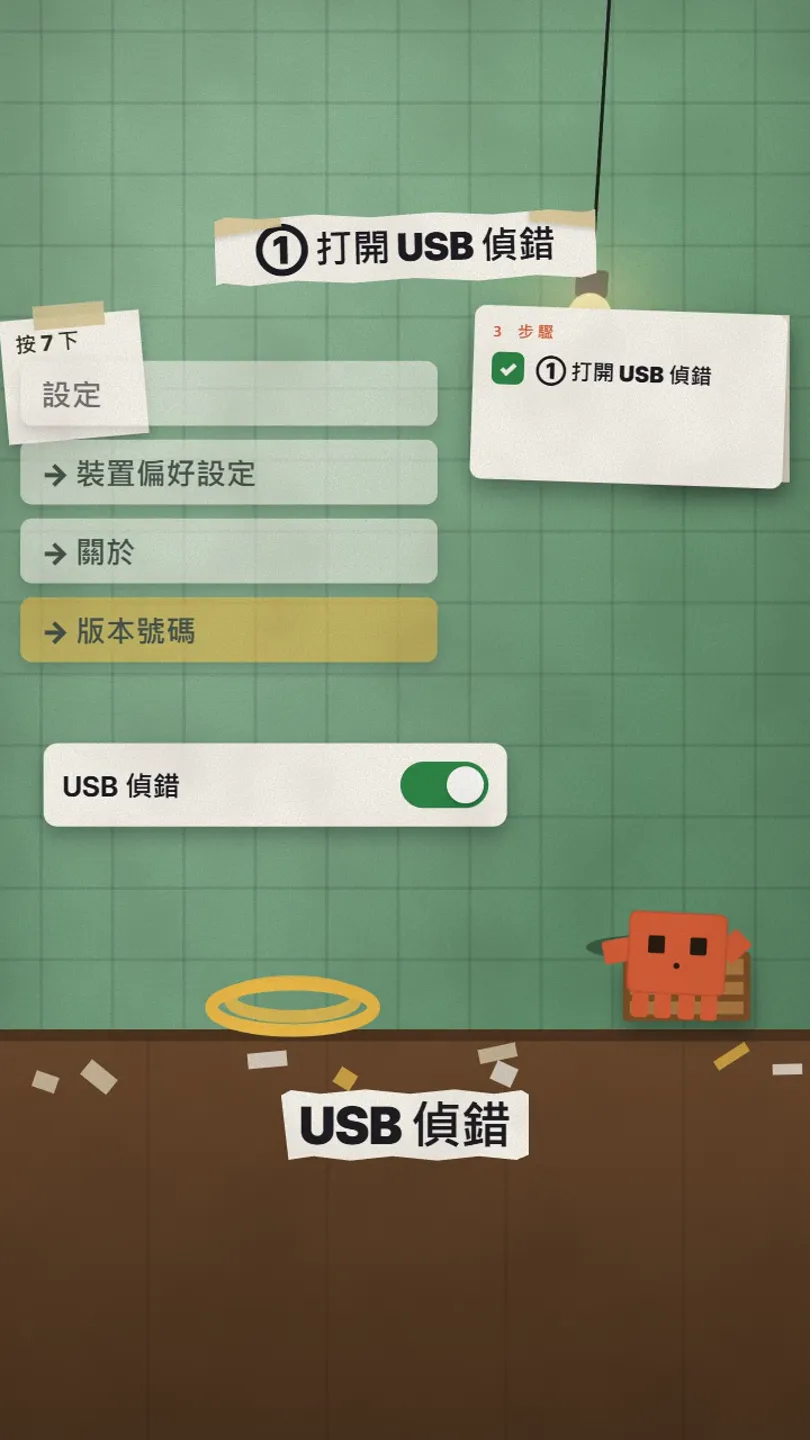
- Open Settings → Device Preferences → About on the TV.
- Go to Build and press OK on the remote 7 times until it says you are a developer.
- Go back, open Developer options and turn on USB debugging.
- If you also see a Network debugging or ADB debugging switch, turn that on too. Keep the TV on.
04Step 2: grab the project and paste the prompt into Claude Code
git clone https://github.com/Gathin23/cleanyourtv
cd cleanyourtv
claude
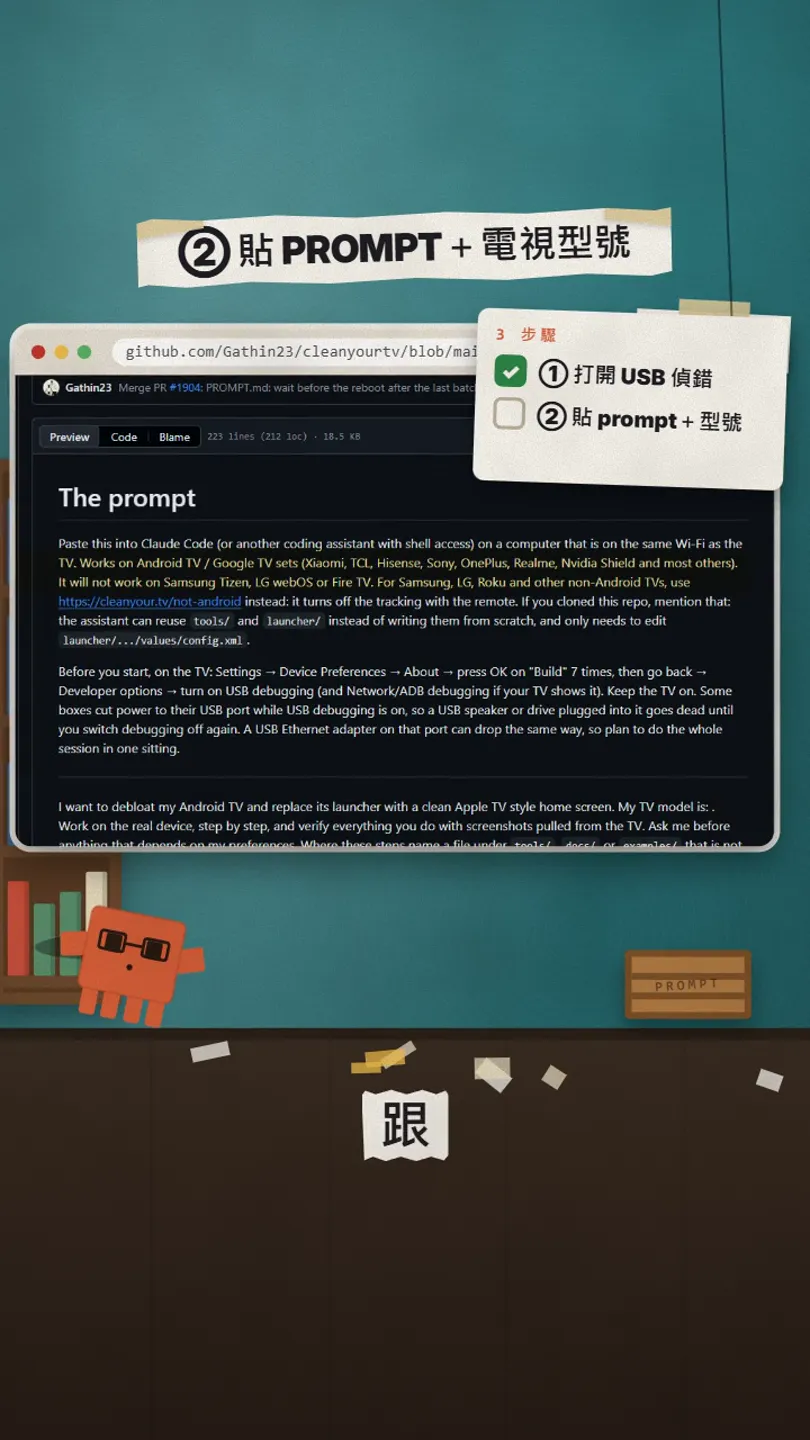
The project says to clone it first: Claude Code then uses its own tools/disable.sh and launcher, which hold the backup, the Home guard and the restore record, instead of writing its own.
I have cloned cleanyourtv. Work in this folder and use the existing tools in tools/ and launcher/.
My TV model is: [TV model, e.g. Sony KD-55X80K]
Then follow PROMPT.md step by step, check every step with a screenshot from the TV, and ask me before anything that depends on my preferences.
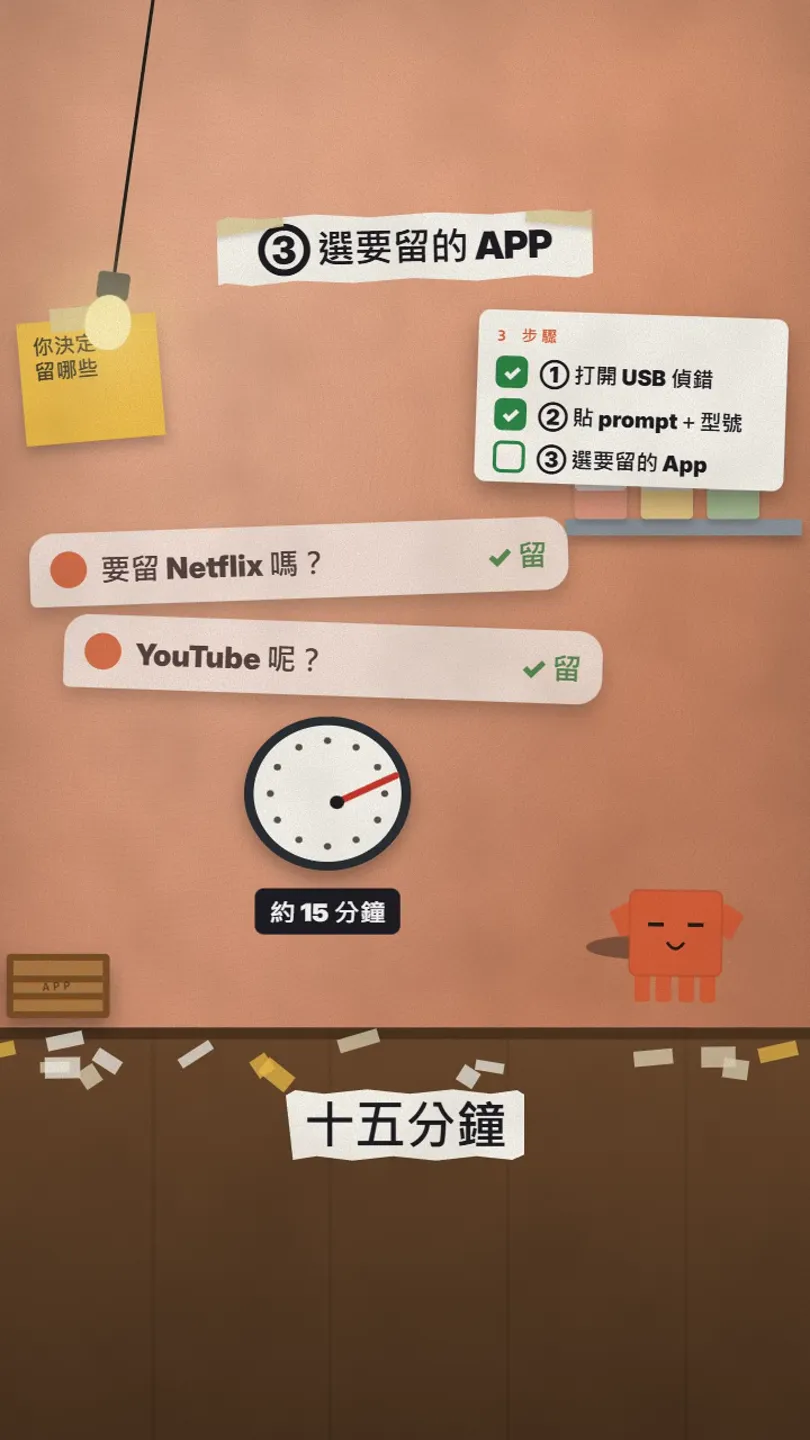
05Step 3: answer its questions (about 15 minutes)
- When the TV shows Allow USB debugging?, press Allow.
- Claude Code asks which apps you use, how many go on the home screen and in what order.
- It also asks whether to keep the voice assistant, Chromecast casting and system updates. If unsure, keep them.
- It backs up, switches off, installs the new home and checks each step with screenshots from the TV. With the project as context, the README says it takes about fifteen minutes.
06Changed your mind: one command restores it
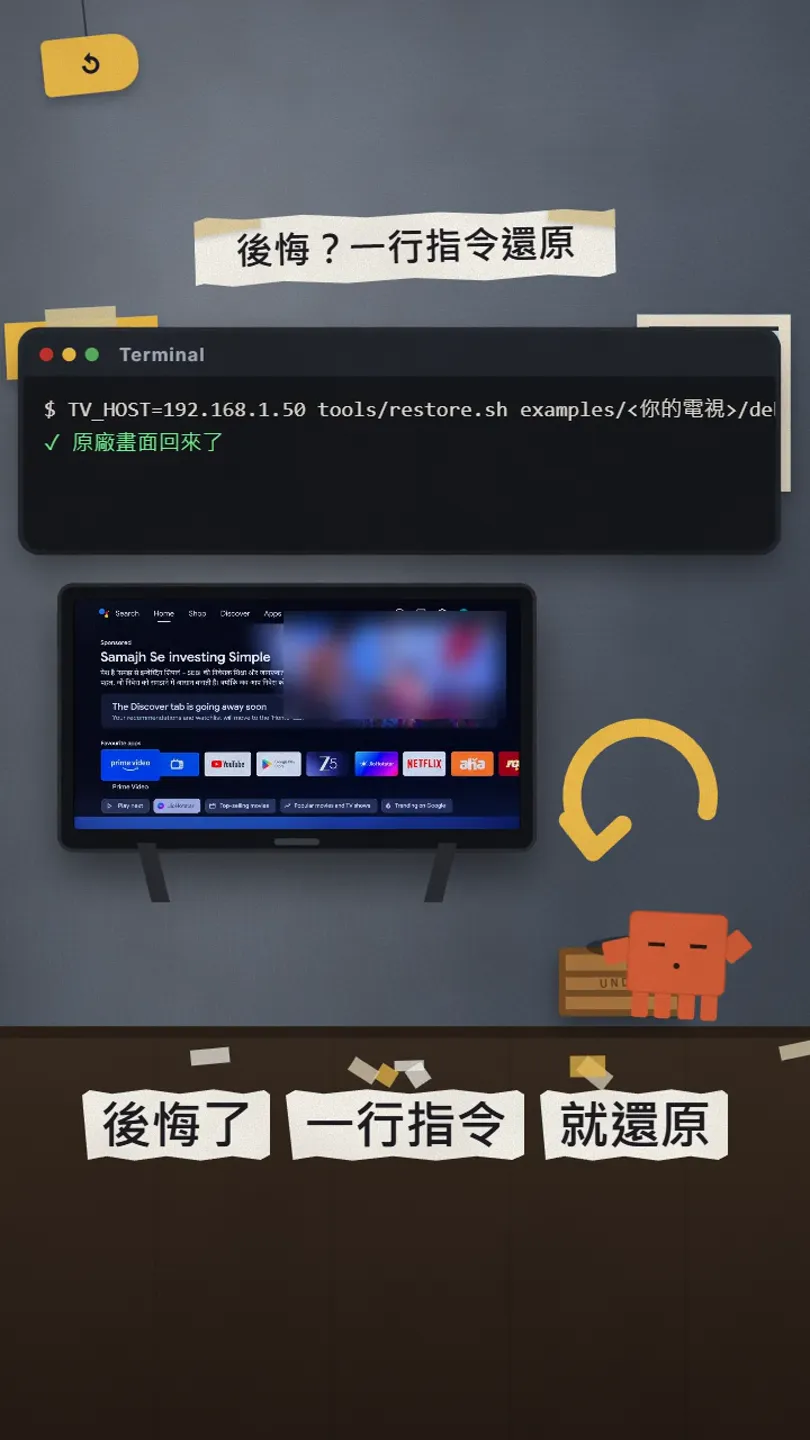
TV_HOST=[TV IP] tools/restore.sh examples/[your TV folder]/debloat.txt

# Google TV: also give the stock home back
TV_HOST=[TV IP] tools/restore.sh examples/[your TV folder]/debloat.txt com.google.android.apps.tv.launcherx
- Keep the list you applied (debloat.txt): the restore follows it.
- The record of the TV before the change is saved on your computer in ~/.cleanyourtv/.
- The new launcher stays installed; remove it in the TV's Settings → Apps if you want it gone.
- If the computer cannot reach the TV, you can also re-enable apps one by one in the TV's Settings → Apps.
07Good to know
- When you are done, go back to Developer options and turn USB, Network and Wireless debugging off. The project ships a check: python3 tools/adb-closed.py [TV IP] must say the port is closed.
- After a TV firmware update some disabled apps can come back; the README's After a firmware update section explains how to run it again.
- Only download from github.com/Gathin23/cleanyourtv and cleanyour.tv. The project says cleanyourtv.com is not theirs.
- The project is free (MIT); Claude Code runs on your own Claude plan or credits.
- Models, numbers and steps were checked on 27 Oct 2026. The project moves fast: the official README wins.
- This changes the TV's system settings. If it is not your TV (a rental flat's, say), ask the owner first.
Sources
What should the next reel cover?
I test Claude and AI tools every day and turn the useful ones into reels. Follow @vivianlin.tech to catch each new guide.


