~/guides/LEDGER.md
A Stripe checkout Claude wrote can charge twice: the 4 things to ask it for before launch
A retry without an idempotency key can charge a customer twice. The 4 things a Stripe checkout needs, from Stripe's docs, with prompts for Claude.
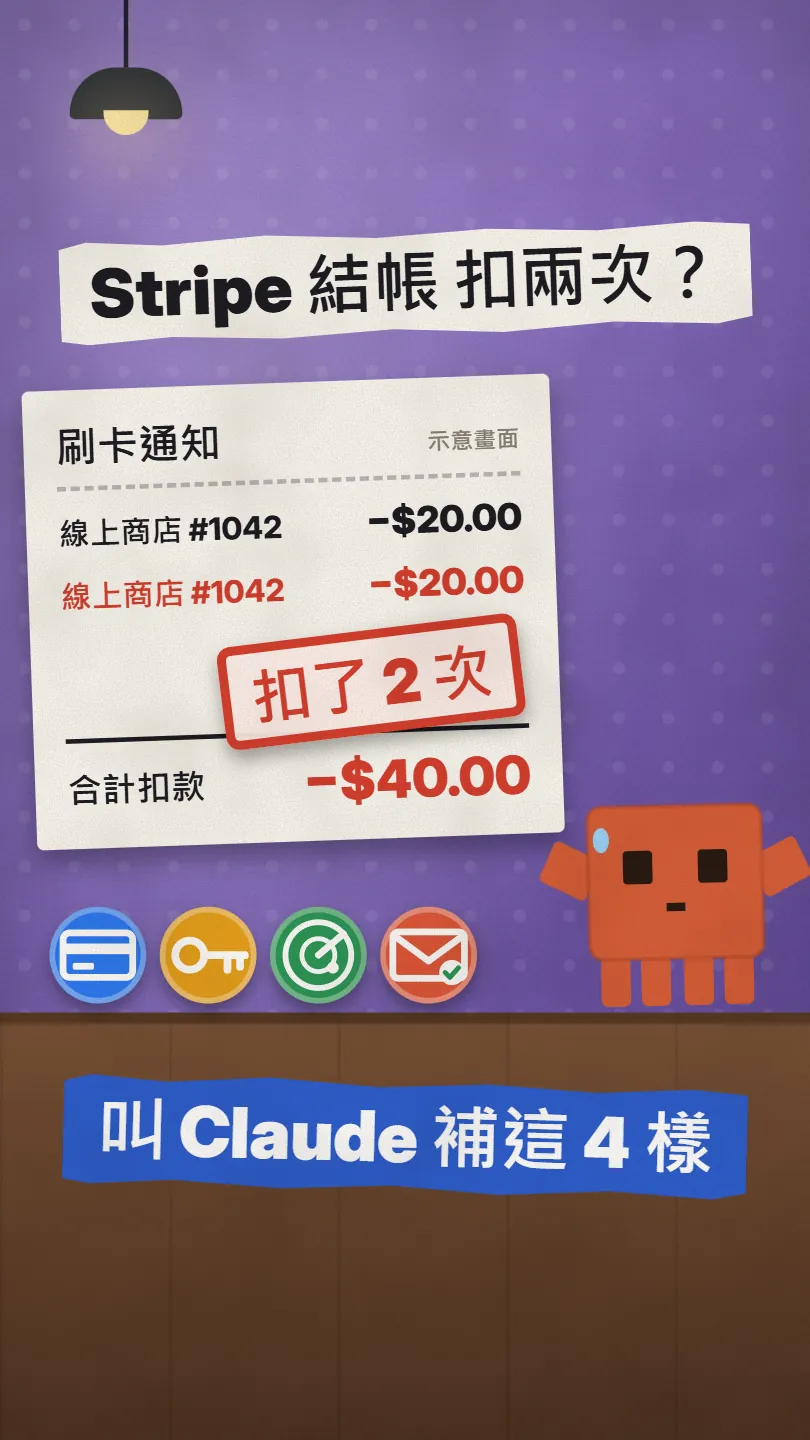
Claude Code can wire up a Stripe checkout in minutes, and in normal testing it works. The trouble comes on a bad connection: the payment request goes out, the line drops before the answer comes back, your code can't tell whether the card was charged, so it sends the same payment again and Stripe sees two. This is the full version of my LEDGER Reel: I follow one $20 payment through four checkpoints, explain what each one does and what Stripe's own docs say, and give you prompts you can paste into Claude Code so it checks your checkout and adds what's missing.
01The result first: one order, charged once even on a retry
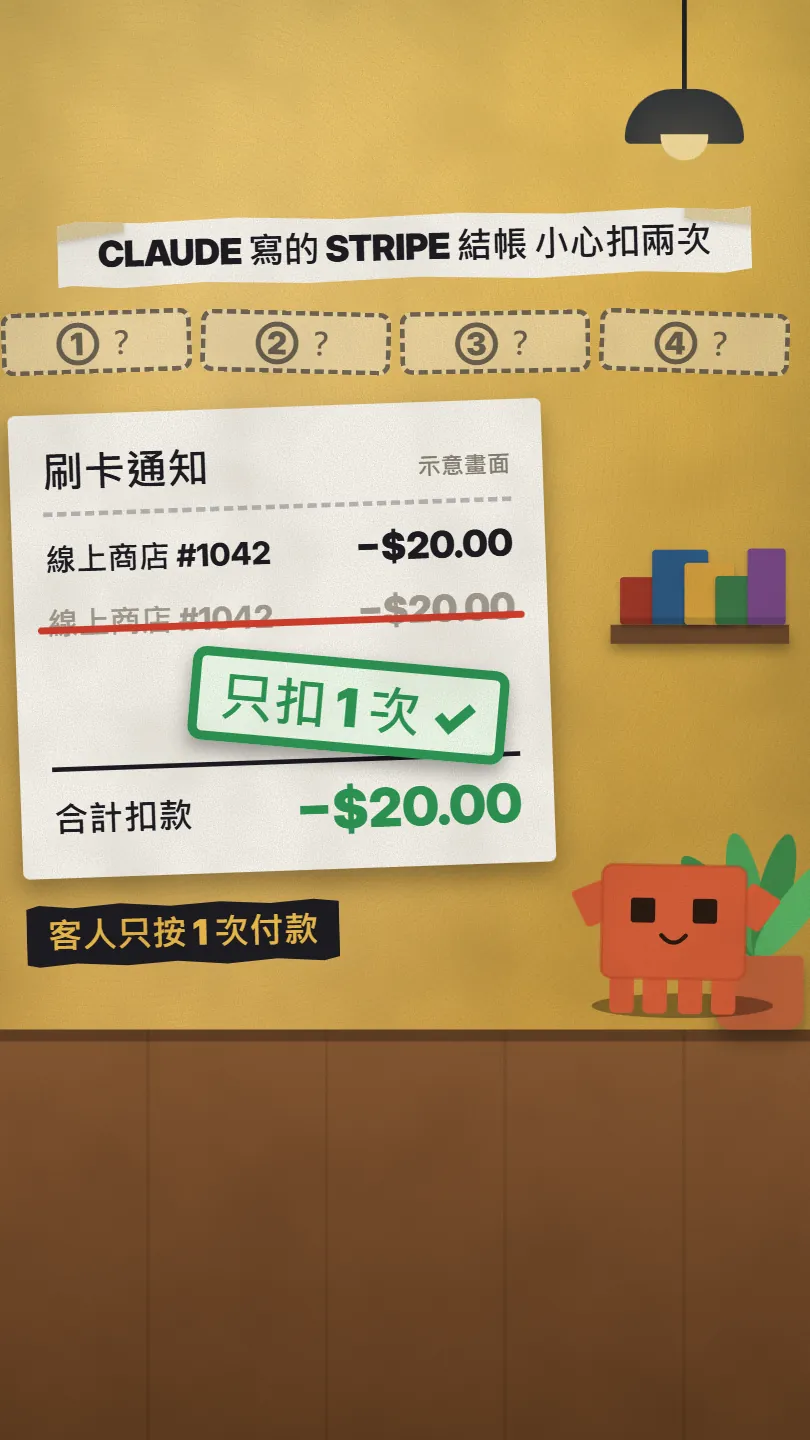
What you get here: the 4 things to check before a Stripe checkout goes live, each explained in plain words with its source in Stripe's docs, and 3 prompts to paste into Claude Code (one full audit, one for idempotency keys, one for the webhook). The one that actually stops a double charge is number 2.
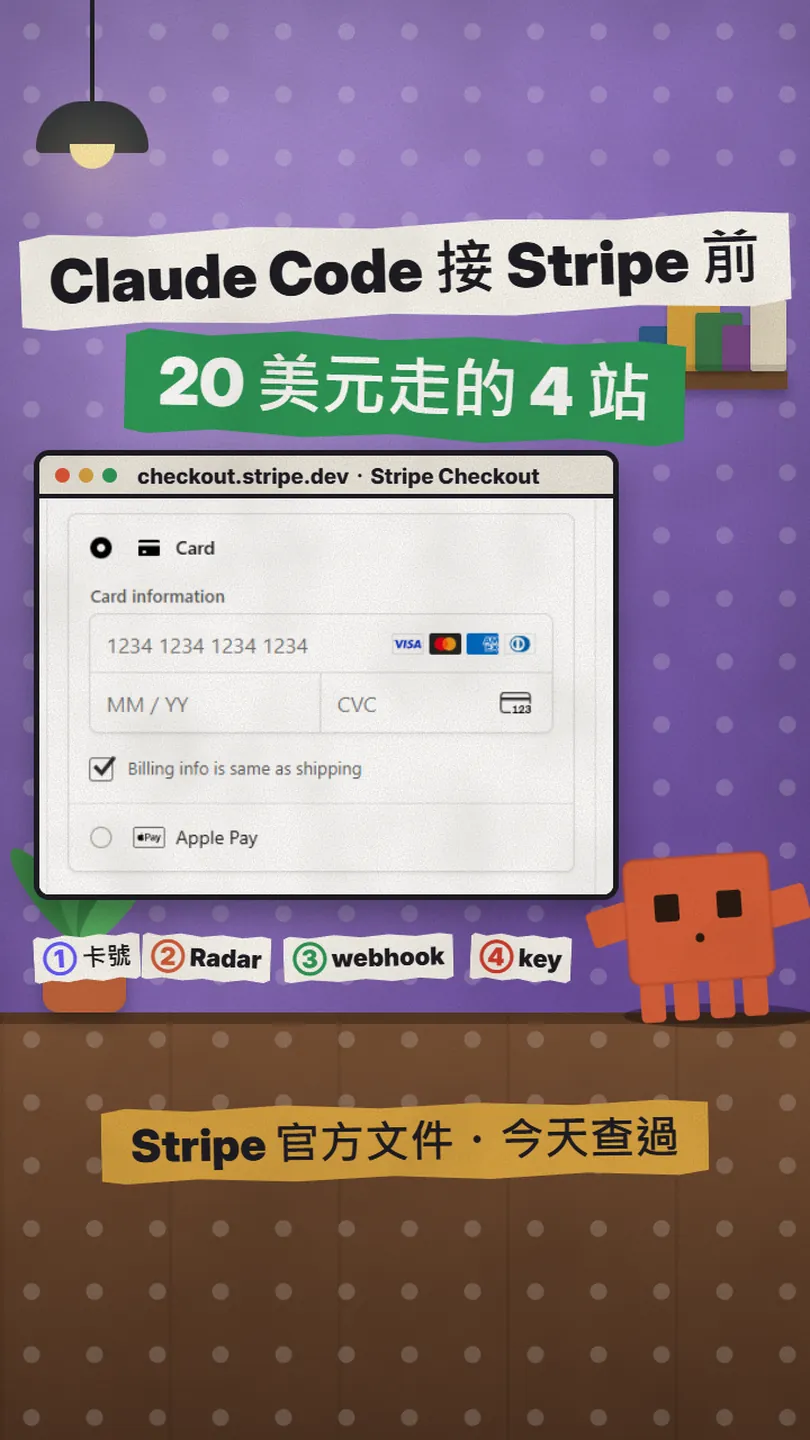
- The card number goes straight to Stripe, never through your server.
- Every request that charges carries an idempotency key, the same one on every retry.
- Radar screens the payment for fraud.
- A signed webhook confirms the payment, not the success page alone.
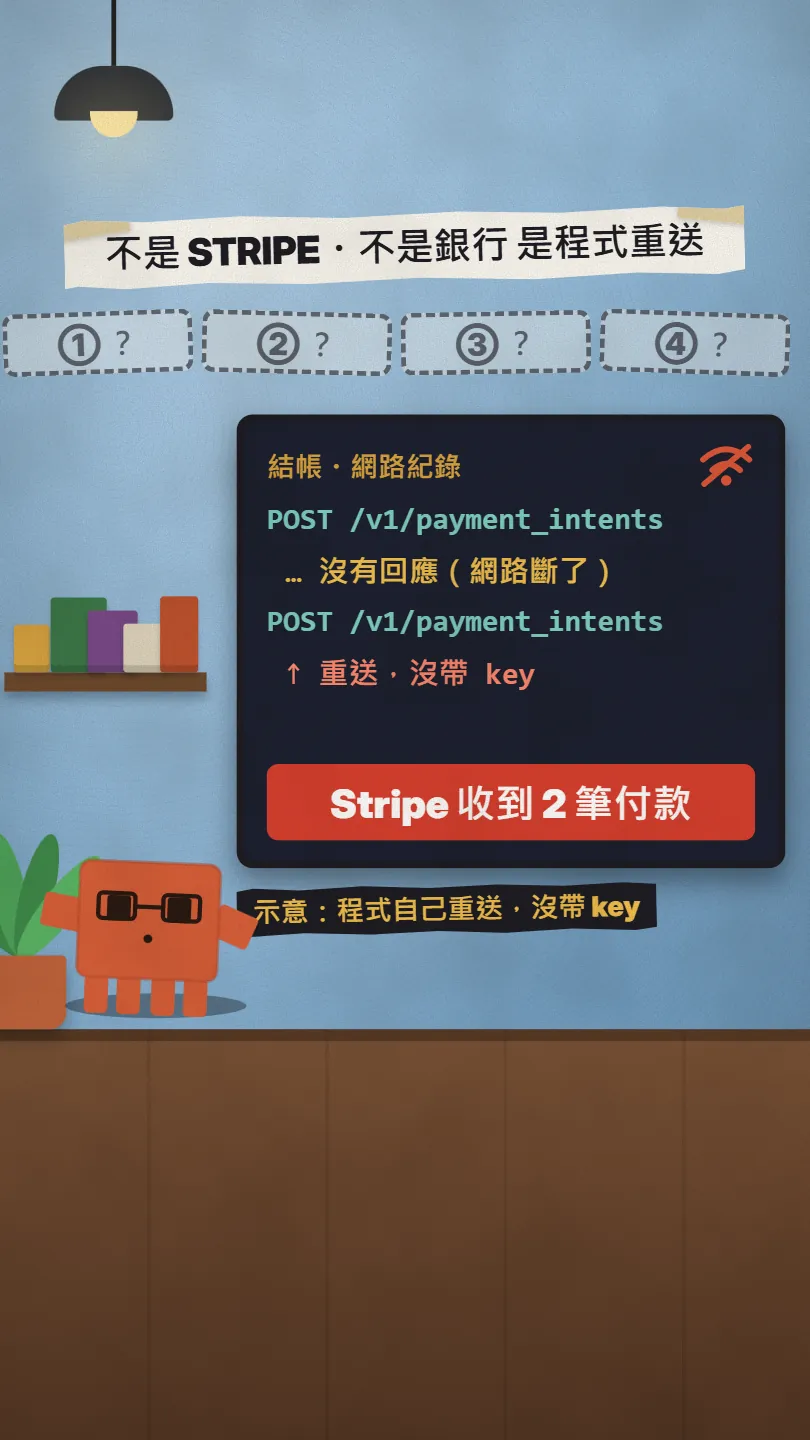
Why would it charge twice? It isn't Stripe's fault and it isn't the bank's. When a request times out, your code can't tell "Stripe never got it" from "Stripe got it, charged the card, and the reply was lost". If it simply sends the same payment request again, Stripe has no way to know it's a retry, so it treats it as a new payment.
021: the card number goes straight to Stripe, not through your server
Check whether this project's Stripe checkout does these 4 things, add what is missing, and tell me which files you changed:
1. Card numbers are collected only by Stripe Checkout or Elements and never pass through my server.
2. Every request that creates or confirms a charge sends an Idempotency-Key, and retries reuse the same key.
3. Payments are screened by Radar.
4. Payment is confirmed by a webhook with a verified signature, not by the success page alone.
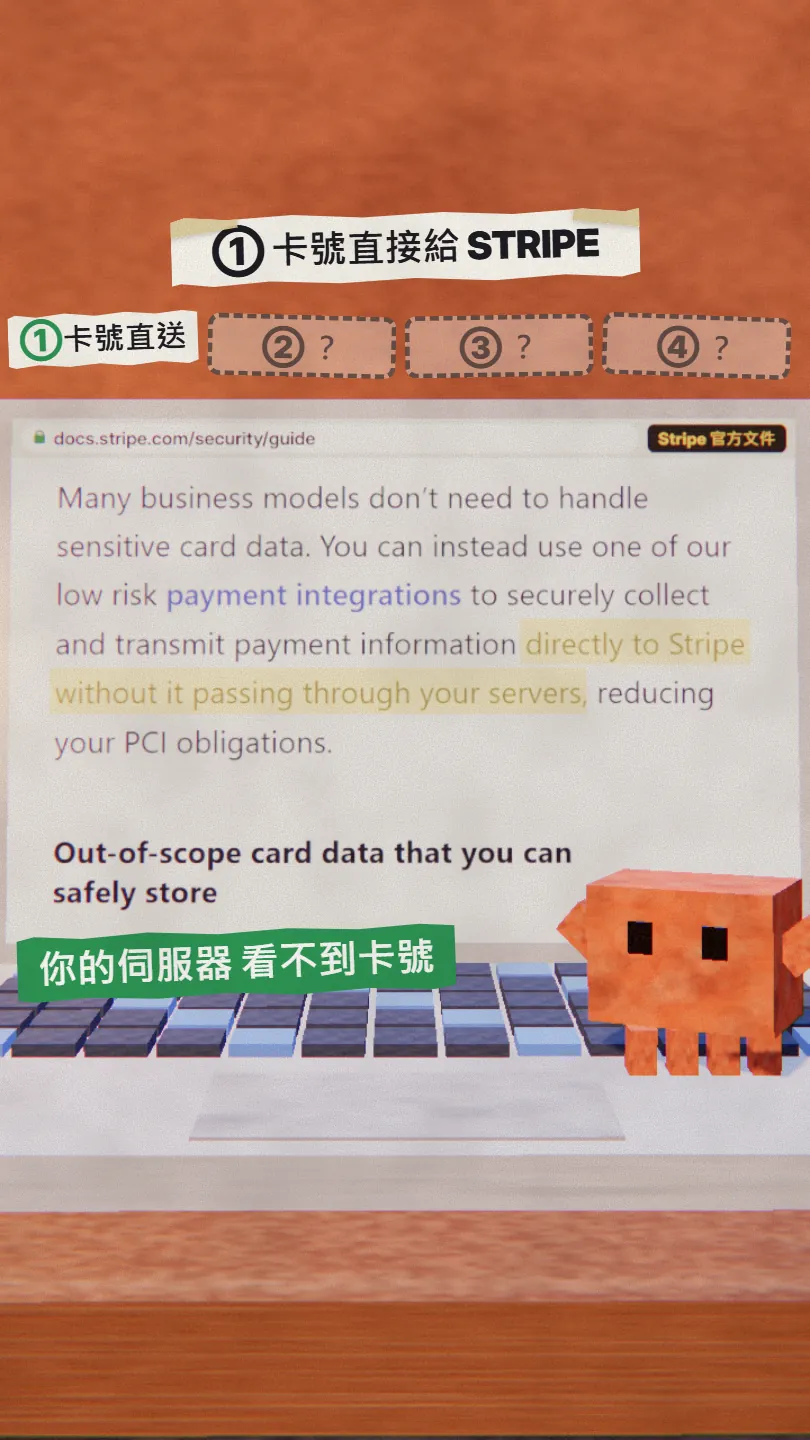
Collect card numbers with Stripe Checkout or Elements. Stripe's Checkout docs list three UIs: Full page (a Stripe-hosted payment page, or one embedded on your site), Embedded form (a form on your site) and Elements (payment components you lay out yourself). In all three, Stripe's own fields collect the card number and send it directly to Stripe. The security guide says it plainly: with these low-risk integrations payment information goes directly to Stripe without passing through your servers, which also reduces your PCI obligations.
- Ask Claude: "Which component collects the card number in this project? Does any code ever read a full card number?"
- If the answer isn't Checkout or Elements, ask it to switch to one of them.
- You can store the card type, last four digits and expiry date that Stripe returns; the docs say these are outside PCI scope.
032: an idempotency key on every payment
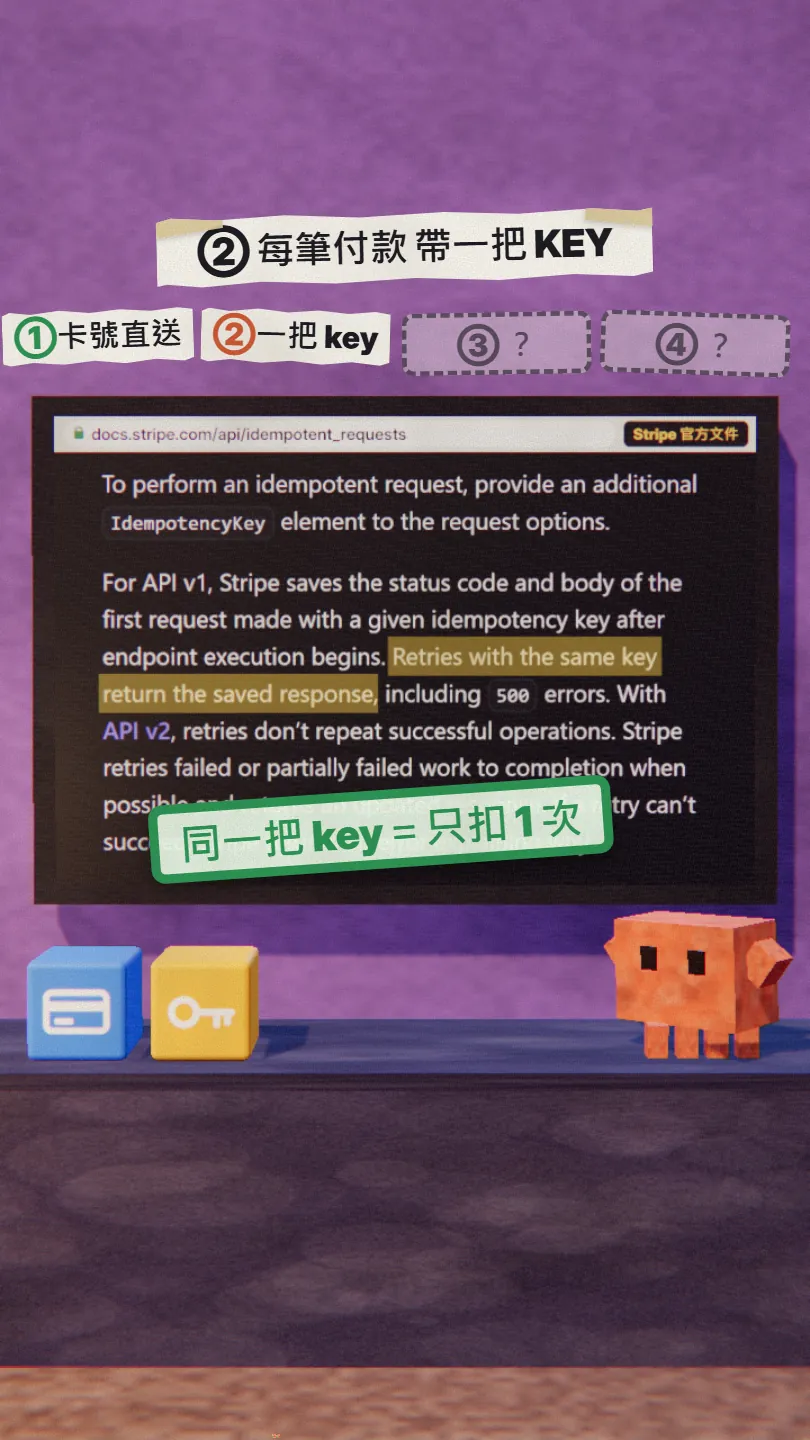
An idempotency key is a unique ID you send in the Idempotency-Key header of a POST request. Stripe saves the result of the first request made with that key; when the same key comes in again, it returns the saved result instead of doing the work a second time. So a retry after a dropped connection gets the first payment back, not a second charge. Replayed responses carry the header Idempotent-Replayed: true, which you can use to confirm it.
- One key per payment: Stripe suggests a UUID v4, or a key derived from your order or cart ID. Keys can be up to 255 characters; don't put emails or other personal data in them.
- Send it with every request that creates or confirms a charge (creating or confirming a PaymentIntent, creating a Checkout Session).
- Store the key with the order and reuse the same key with the same parameters on every retry. The same key with different parameters returns an error.
- Keys can be removed once they are 24 hours old, so only retry with a key inside that window. If the outcome is still unknown after that, don't send it again: look the payment up first (Dashboard, API or webhook events).
- A 409 means another request with the same key is still running: wait, then retry with the same key and parameters, not a new key.
Audit the Stripe payment code in this project for places that could charge twice:
1. List every request that creates or confirms a charge ([e.g. PaymentIntent create / confirm, Checkout Session create]).
2. Make each one send an Idempotency-Key that is generated once per [order / cart] (UUID v4 or derived from the order ID, no personal data), stored with the order, and reused unchanged, with the same parameters, on every retry.
3. Disable the Pay button after the first click; when the front end retries after a timeout it must reuse the same key, never create a new one.
4. Show me the diff and explain where a retry could still become a second charge.
043: let Radar screen for fraud
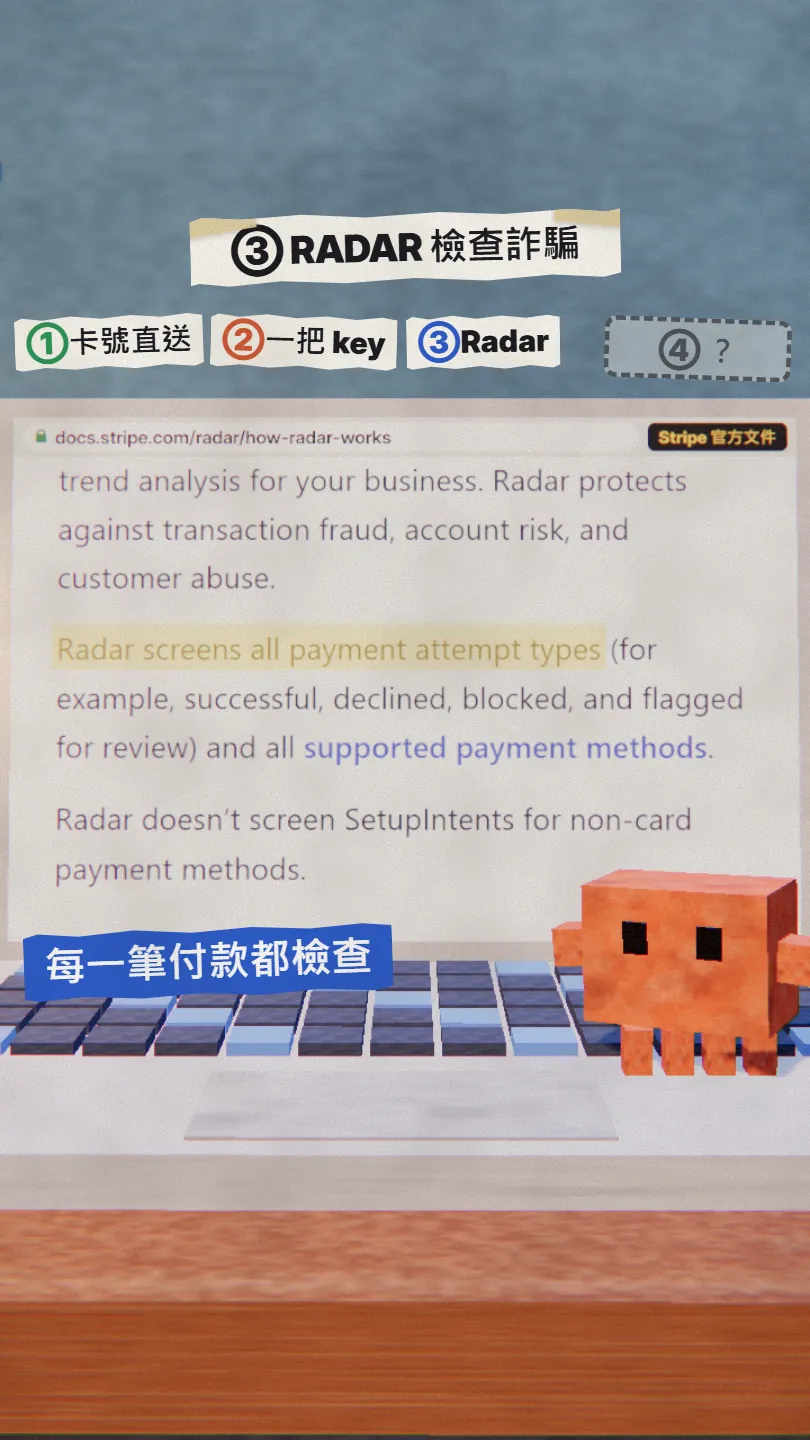
Radar is Stripe's fraud protection. The docs say Radar screens all payment attempt types (successful, declined, blocked and flagged for review) across the payment methods it supports. There are four plans, Lite, Standard, Plus and Pro; the higher ones add custom rules, risk scores, manual reviews and more.
054: confirm payment with a signed webhook, not the success page
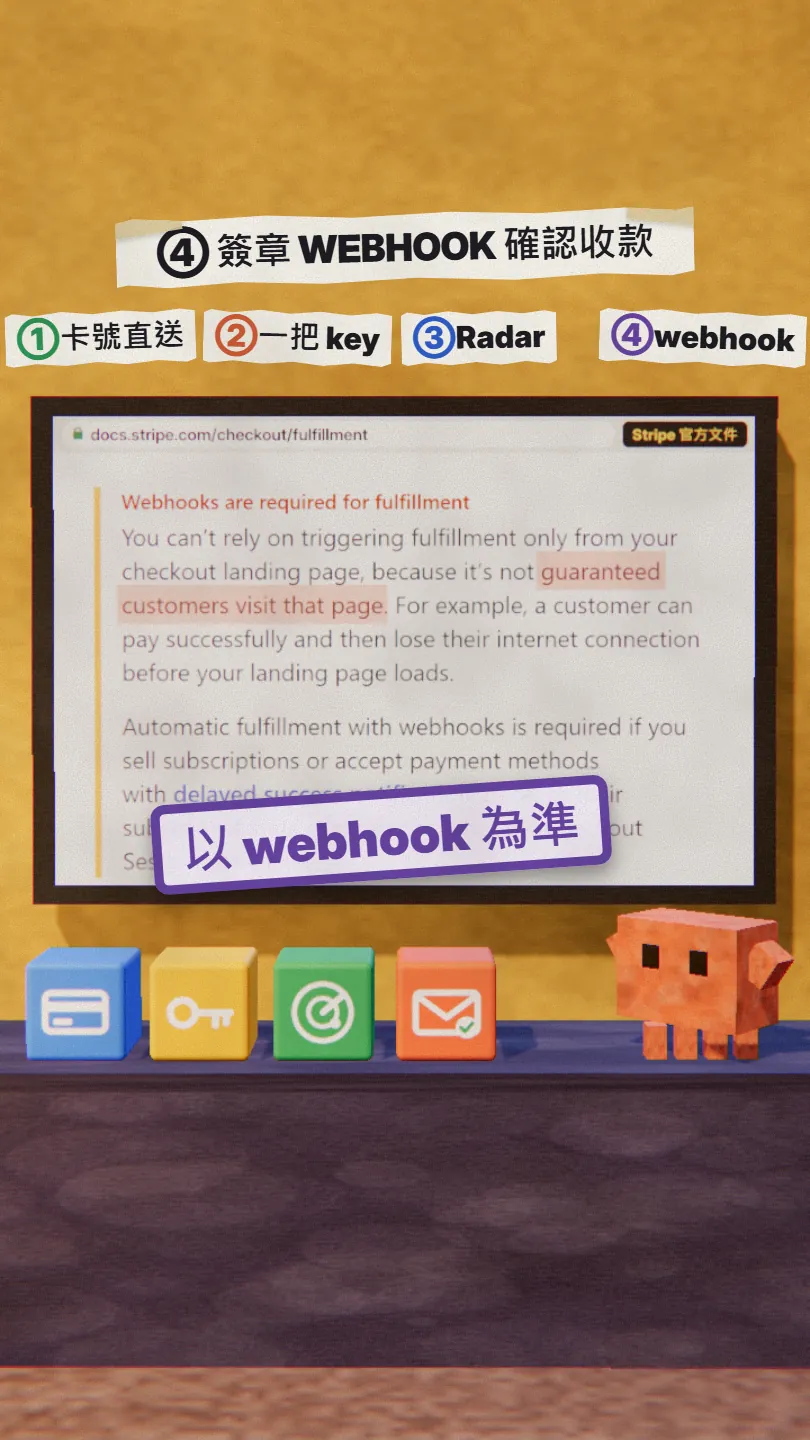
Don't mark an order paid just because the customer reached your success page. Stripe's fulfillment guide is blunt about it: you can't rely on the landing page alone, because it's not guaranteed customers visit it; someone can pay successfully and lose their connection before the page loads. The right way is to let Stripe tell your server directly: when a payment completes it sends a checkout.session.completed event, and every event is signed, with the signature in the Stripe-Signature header.
- Create a webhook endpoint under Workbench → Webhooks in the Stripe Dashboard; to test locally, run stripe listen --forward-to localhost:4242/webhook.
- Verify every event's signature with Stripe's official library, using the raw request body, the Stripe-Signature header and the signing secret that starts with whsec_. If your framework changes the raw body, verification fails.
- Return a 2xx quickly, then do the slower work such as shipping or granting access. In live mode Stripe retries failed deliveries for up to three days.
- Make the order-handling function safe to run more than once: the same event can arrive more than once, so record the event IDs you've handled.
- The success page can trigger the same function too (Stripe recommends doing both, because webhooks can be a little late), but never rely on it alone.
Add a Stripe webhook to this project:
1. Listen for checkout.session.completed (and checkout.session.async_payment_succeeded if we accept delayed payment methods).
2. Verify the signature with Stripe's official library, using the raw request body, the Stripe-Signature header and the whsec_ secret from an environment variable.
3. Return 200 quickly, then handle the order; the order-handling function must be safe to call many times for the same session (record handled event IDs).
4. Stop marking orders paid from the success page alone.
5. Tell me how to test it locally with stripe listen and stripe trigger.
06Good to know
- Everything here comes from Stripe's own docs, which I checked page by page on 9 November 2026, and describes API v1 behaviour. API v2 handles idempotency differently (Stripe says the replay behaviour differs and it uses a 30-day window); if you use v2, read its own overview.
- I didn't run a real checkout for this Reel and nobody was charged. The card notice, the network log and the cubes in the video and in this guide are illustrations; only the doc screens with an address bar are captures of Stripe's docs.
- "A retry still charges once" depends on the same key, the same parameters, and the key not having been removed yet. If you still don't know the outcome after 24 hours, find out what happened to that payment before charging again.
- Before going live, run through it in a Stripe sandbox with the test card (4242 4242 4242 4242): double-click Pay on purpose, drop the connection on purpose, and check there is exactly one order and one charge.
- Never paste a live secret key into a chat or into code; keep it in an environment variable.
Sources
What should the next reel cover?
I test Claude and AI tools every day and turn the useful ones into reels. Follow @vivianlin.tech to catch each new guide.