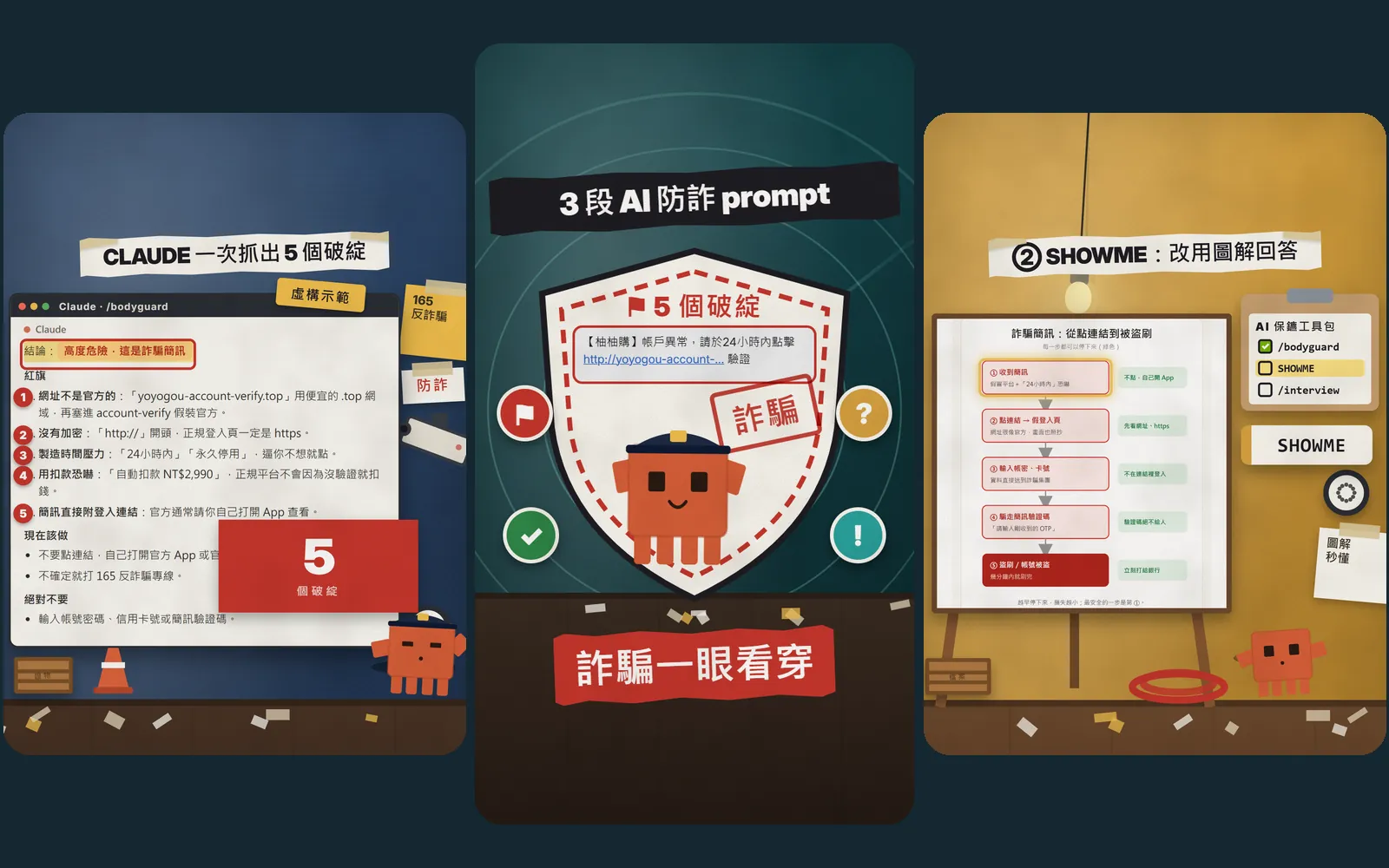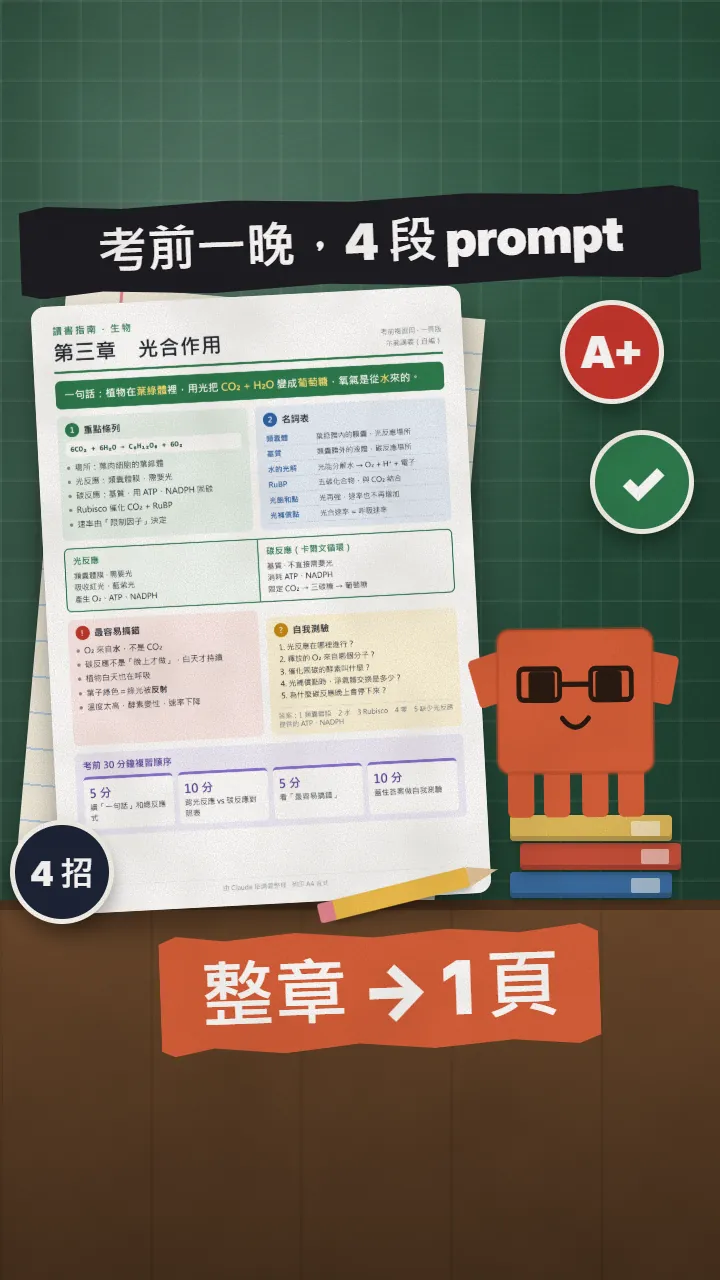
~/guides/EXAM.md
Study for exams with Claude: 4 prompts to quiz you, predict the exam, make sticky notes and a study guide
Give Claude your notes, then paste 4 prompts: quiz you, predict the top 5 questions, make 9 sticky notes, and build a one-page printable study guide.
The night before an exam, instead of asking AI to "summarise" and forgetting it all, paste in 4 prompts: it quizzes you one question at a time, predicts the 5 most likely questions, squeezes the chapter onto 9 sticky notes, and can build a one-page printable study guide. This is the full version of the 4 EXAM prompts from my Reel, with how to hand your notes to Claude, how to use each one, and what to watch out for. The notes in the pictures are a sample I wrote myself and the sample answers were written by Claude as pages; the star is our orange block mascot.
01The night before the exam: one chapter becomes a one-page study guide
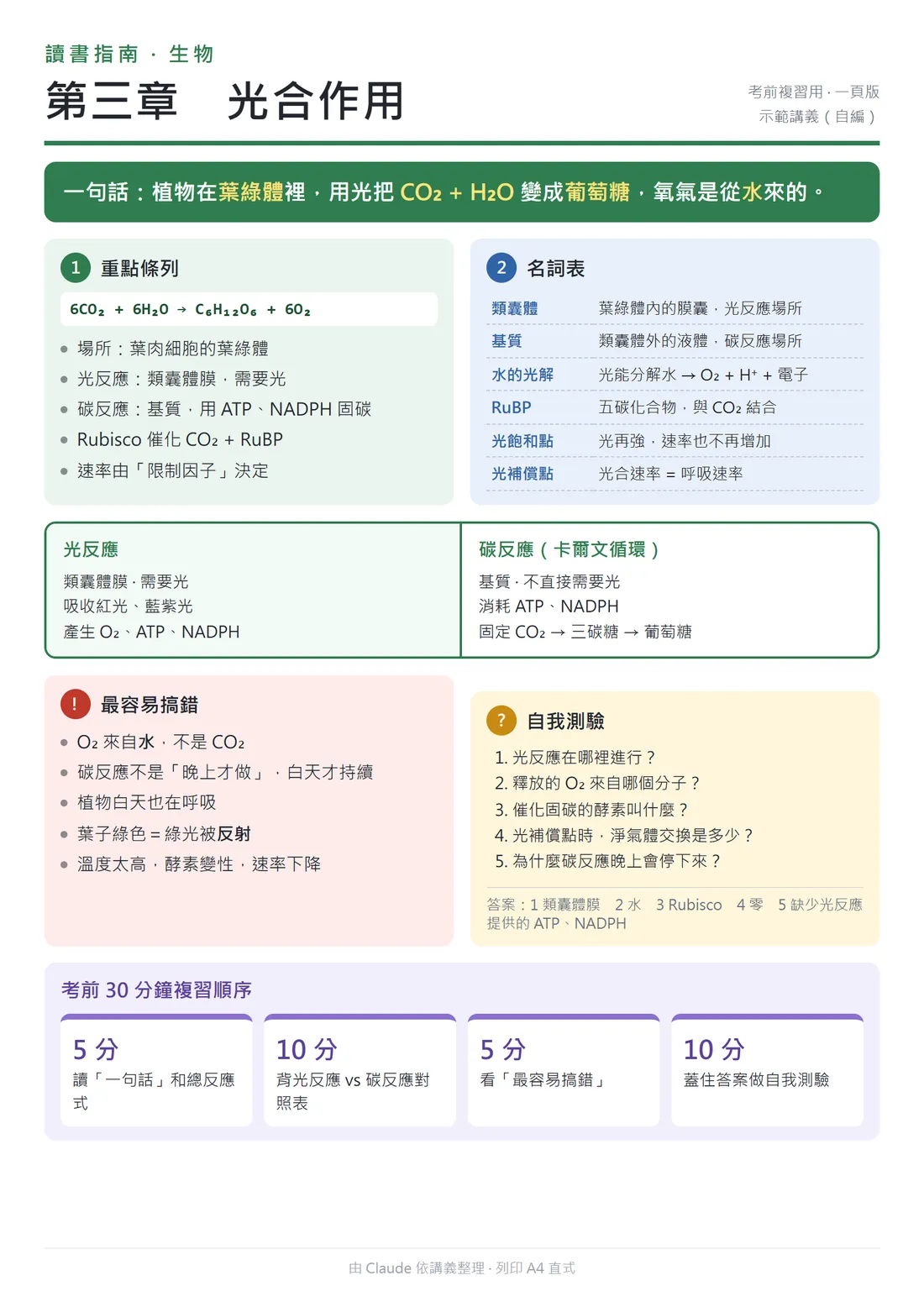
This is what I did in my Reel: I gave Claude a whole chapter of lecture notes and it turned them into a one-page, printable study guide. That page is the result you see here: a one-line summary, key points, a glossary, the easiest mistakes, and a 5-question self-test.
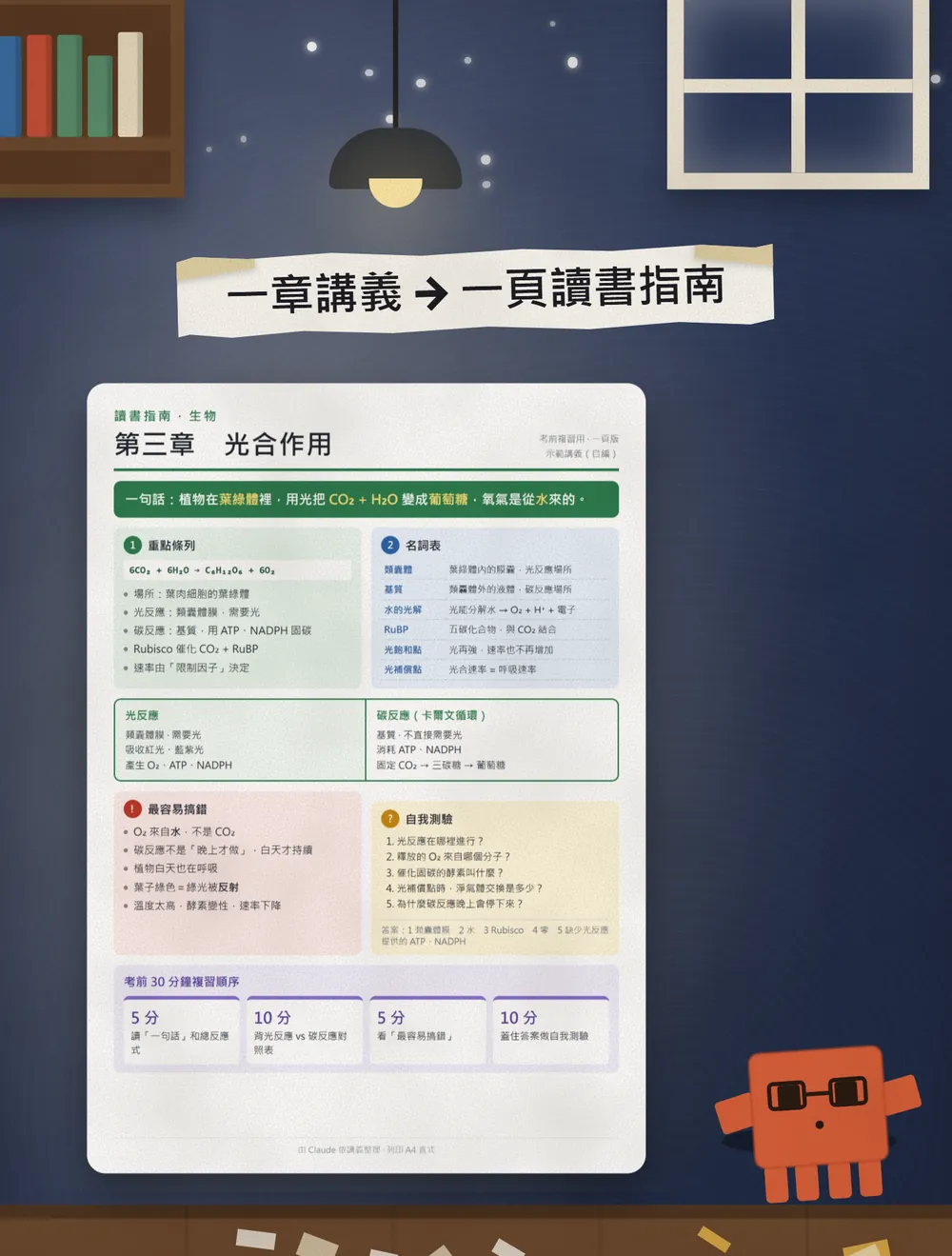
Most people only ask AI to "summarise" before an exam, and then still can't remember any of it. I switch to 4 prompts, each doing a different job: quiz me, predict the exam, make sticky notes, make a study guide.
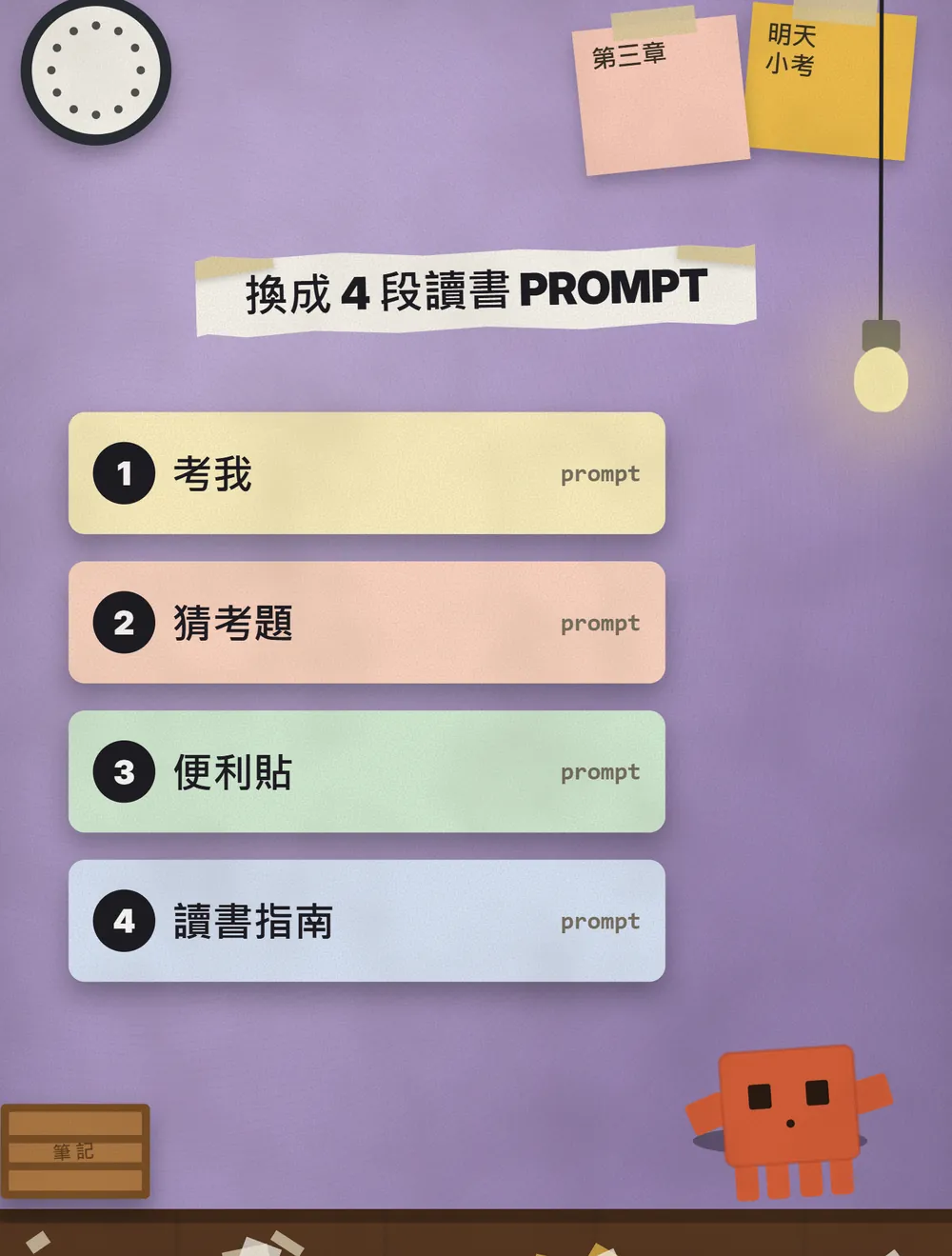
This guide gives you the 4 prompts to copy, how to hand your notes to Claude, and what to watch out for. Here is what each of the 4 does:
To be clear: the lecture notes in this article are a sample I wrote myself (Chapter 3, photosynthesis), not any publisher's material. The Claude answers in the pictures were written by Claude from these prompts and then laid out as page screenshots. They are not screenshots of the claude.ai interface, so your own screen will look different.
02First, give Claude your notes
- Open claude.ai and start a new chat.
- Click the "+" at the lower left of the chat box, choose Add files or photos, and pick your lecture PDF. You can also drag the file into the chat, or just paste the text of your notes.
- When the file has uploaded, paste one of the prompts below.
The official upload help page (checked on 20 October 2026) says: up to 20 files per chat; for PDFs of 100 pages or fewer Claude reads the text and also the charts and images; for 101 to 1000 pages it reads text only and doesn't analyse visuals; PDFs over 1000 pages can't be uploaded.
- Claude — Open it and sign in to start
031. Quiz me: one question at a time
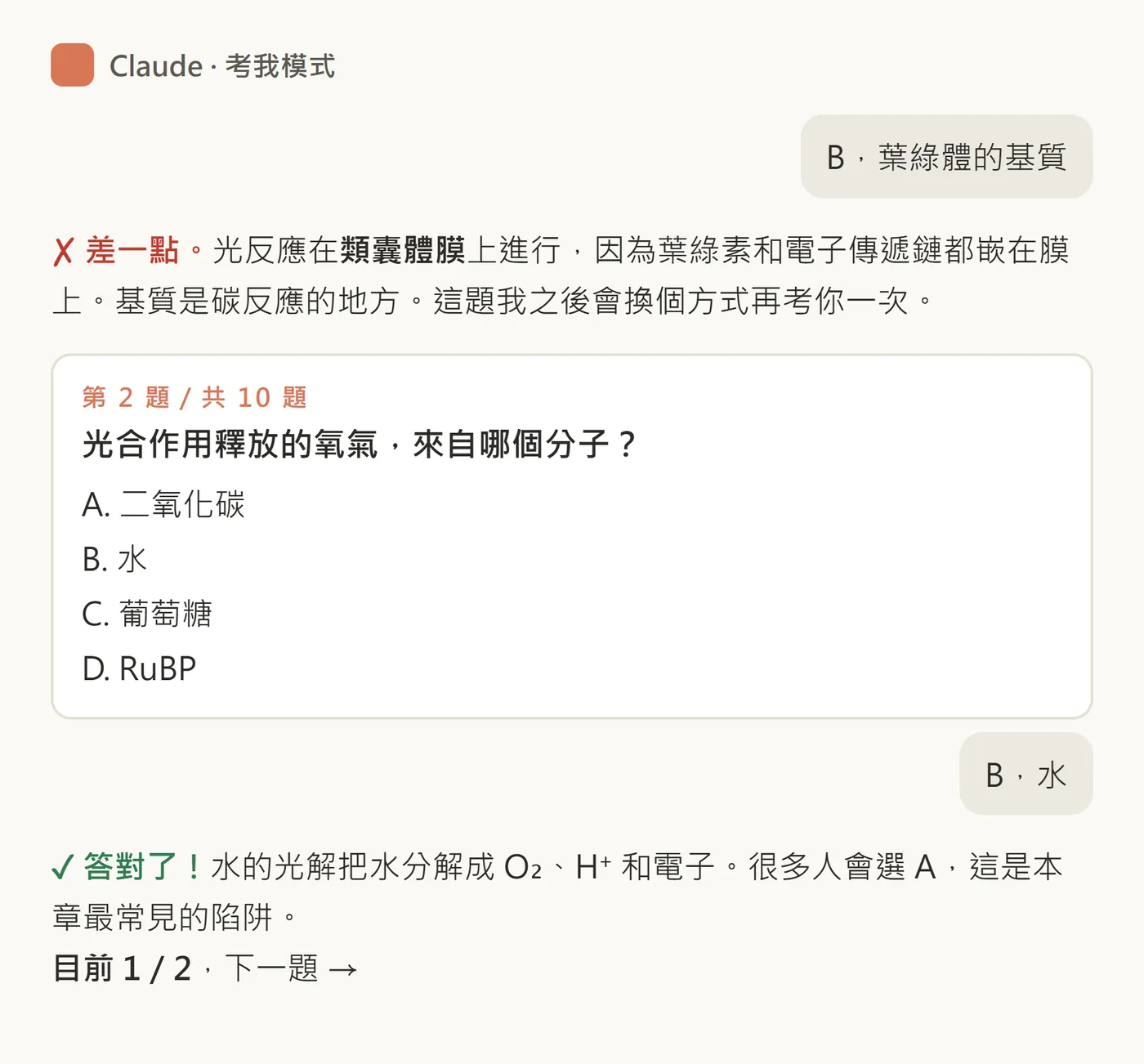
The first one is the one I use most. It acts as your tutor and asks one question at a time, then tells you whether you were right and why after you answer. Questions you get wrong come back later in a different form.
You are my tutor. Using the lecture notes I uploaded, quiz me with 10 questions. Scope: [Chapter X / the whole handout]. Question type: [multiple choice / fill in the blank / short answer].
Ask only one question at a time. After I answer, tell me whether I was right or wrong and why. For questions I get wrong, ask me again later in a different way.
When all 10 are done, list the 3 things I get wrong most.
042. Predict the exam: make it the teacher
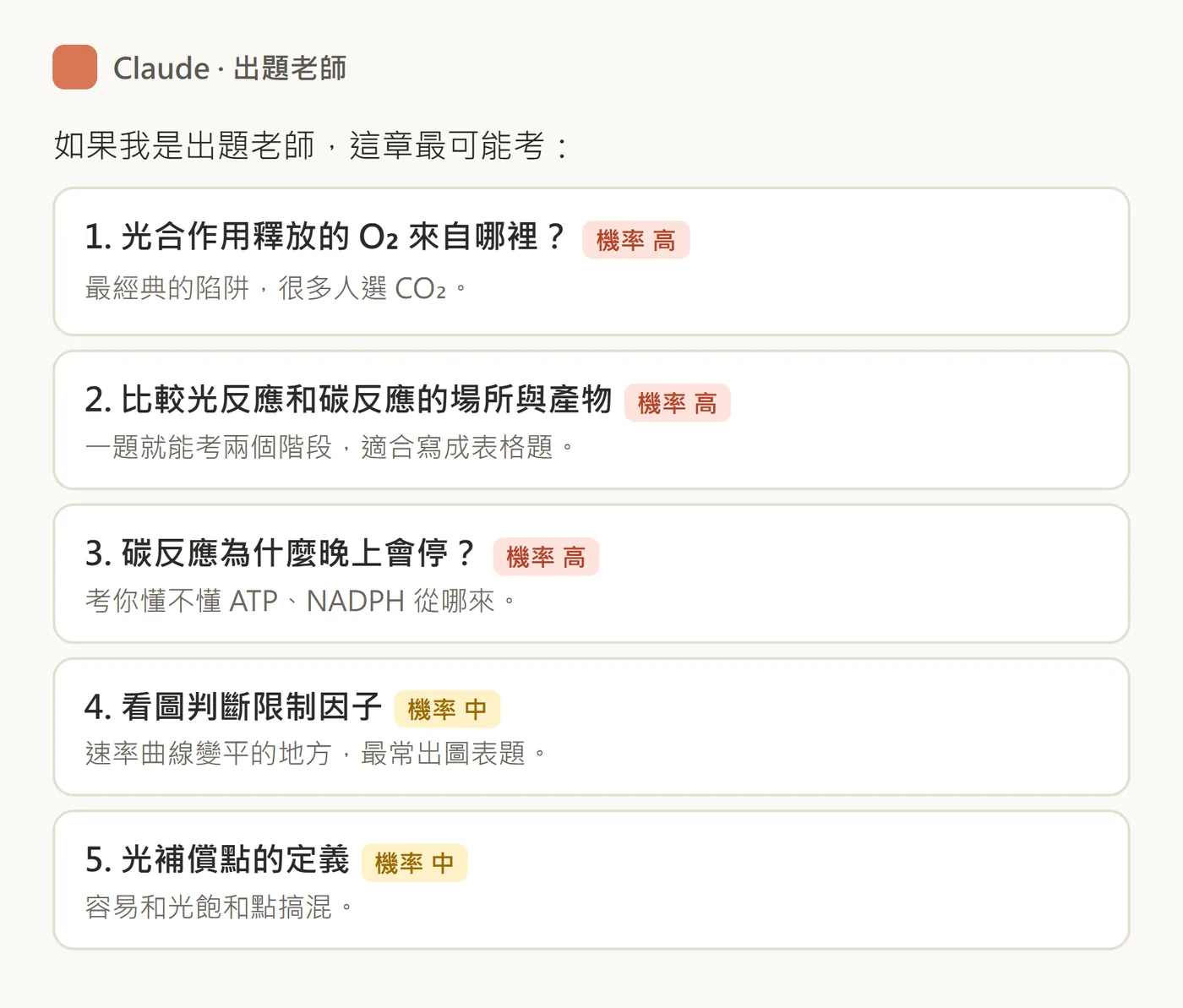
The second one flips the viewpoint: you ask it to be the teacher who writes the paper. Which 5 questions are most likely, high or medium chance, and why. You find out where to put your effort.
You are the teacher who wrote this exam. Based on the lecture notes I uploaded, list the 5 most likely questions. Mark each as [high] or [medium] probability and explain why.
My exam is a: [midterm / final / certification exam], and the question types are: [multiple choice / short answer].
053. Sticky notes: a whole chapter on 9 notes
The third one squeezes the notes into 9 sticky notes: one exam point per note, 25 characters or less. It's good for a fast pass in the last hour before the exam.
Please condense the lecture notes I uploaded into 9 sticky notes. One likely exam point per note, 25 characters or fewer each, numbered. Scope: [Chapter X / the whole handout].
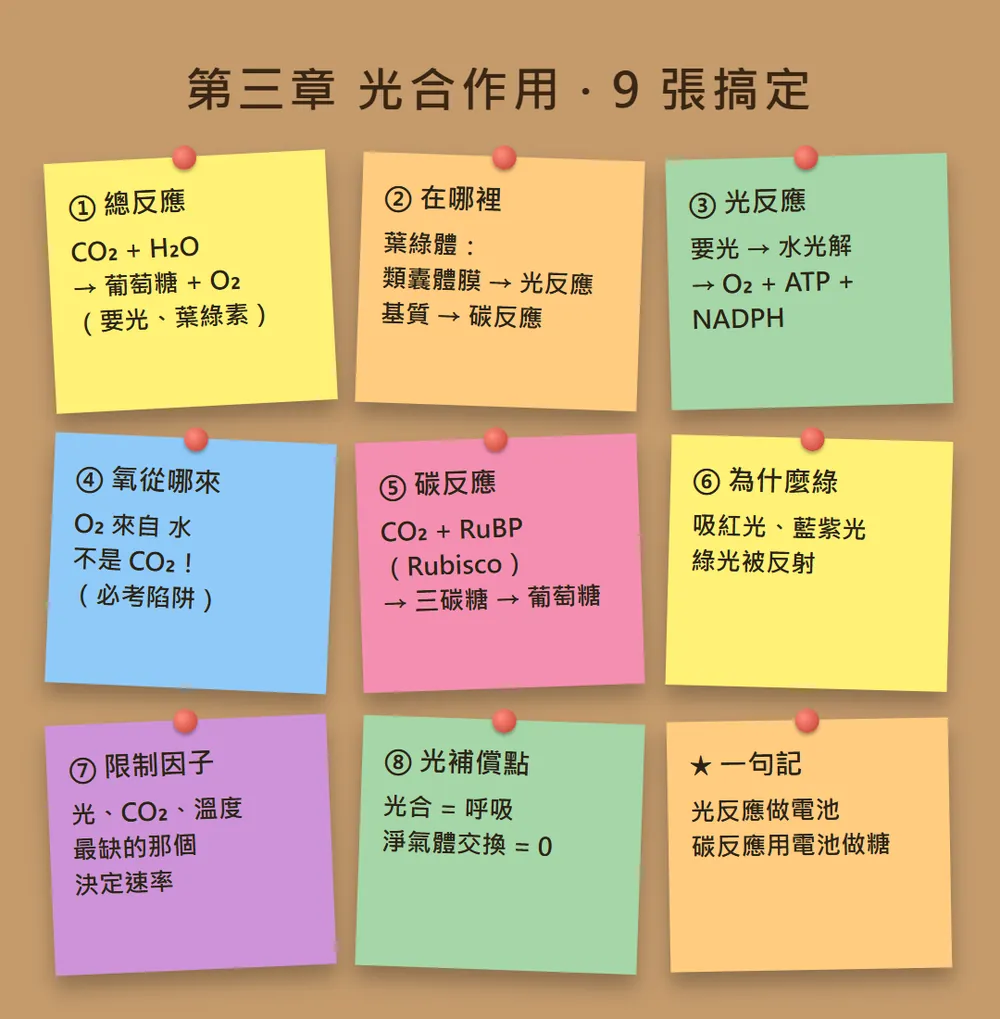
064. Study guide: one printable page
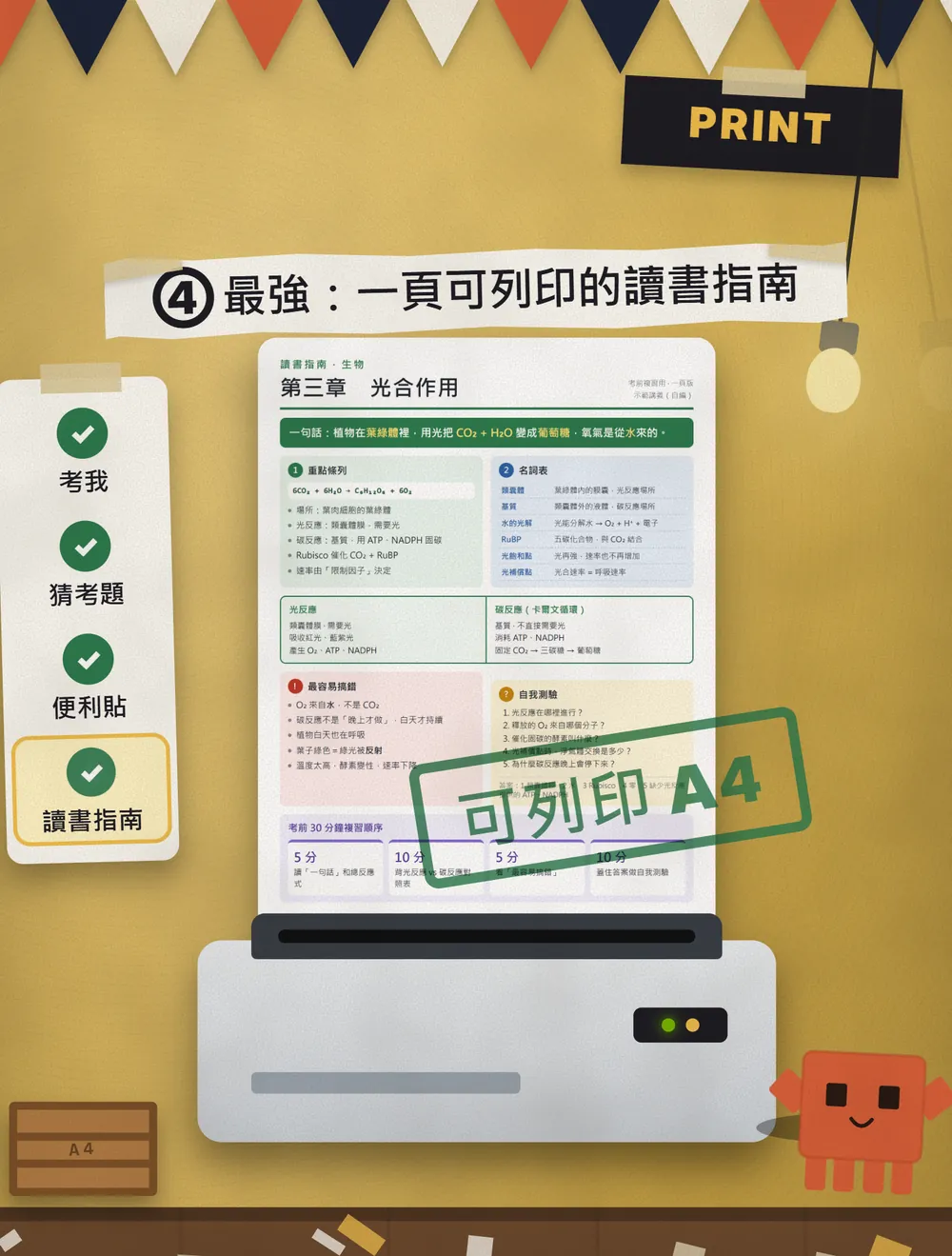
The fourth is the one I find most useful. Ask Claude to turn the whole set of notes into a one-page study guide: a one-line summary, key points, a glossary, the easiest mistakes, and a 5-question self-test with the answers at the bottom.
Please turn the lecture notes I uploaded into a one-page printable study guide, laid out for A4 portrait.
In this order: a one-line summary, key points, a glossary, the easiest mistakes, and a 5-question self-test (answers at the end).
Please make it as an artifact.
- After you send it, Claude builds a page (an artifact), like the sample below.
- If you don't like it, just say "fewer key points" or "add 3 more glossary terms" and it will change it.
- When you're happy, print it with your device's print function and take it with you.
07These aren't secret commands, they're just prompts
People online like to dress this kind of thing up as "secret commands", things like /quizme with a slash in front. My 4 are ordinary prompts with no special command: paste in your notes and they work.
If you only have one evening left, this is the order I'd use (my own suggestion, not an official method):
- Do 4 first: read the whole chapter on one page and see where you stand.
- Then 3: skim the 9 most important points.
- Then 1, quiz me: fill the gaps as you go.
- Finally 2, predict the exam: check whether you missed anything big.
08Things to watch out for
- AI makes mistakes. Check the questions, answers and key points against your textbook and your teacher's notes.
- Predicted questions are guesses, not leaks. The real exam scope is whatever your teacher announced.
- Think about what you upload. If your teacher says the notes can't be shared, or they're copyrighted, don't upload them. If the file has your name or student ID, remove it first.
- If you don't want your chats used to improve the models, go to Settings > Privacy and turn off "Help improve our AI models" (Claude Privacy Center, checked 20 October 2026).
- The notes and sample answers in this article are samples (notes written by me, answers written by Claude and laid out as pages). Your results will differ depending on your notes, and that's normal.
- It only saves you time organising; remembering it is still your job.
Sources
What should the next reel cover?
I test Claude and AI tools every day and turn the useful ones into reels. Follow @vivianlin.tech to catch each new guide.