~/guides/SFX.md
Claude Code videos sound fake? 3 free tools: earshot, real-sound and the Openverse API
Sounds late, clipping or missing? earshot makes them in code, real-sound puts them on the frame, Openverse finds 5M+ licensed audio files.
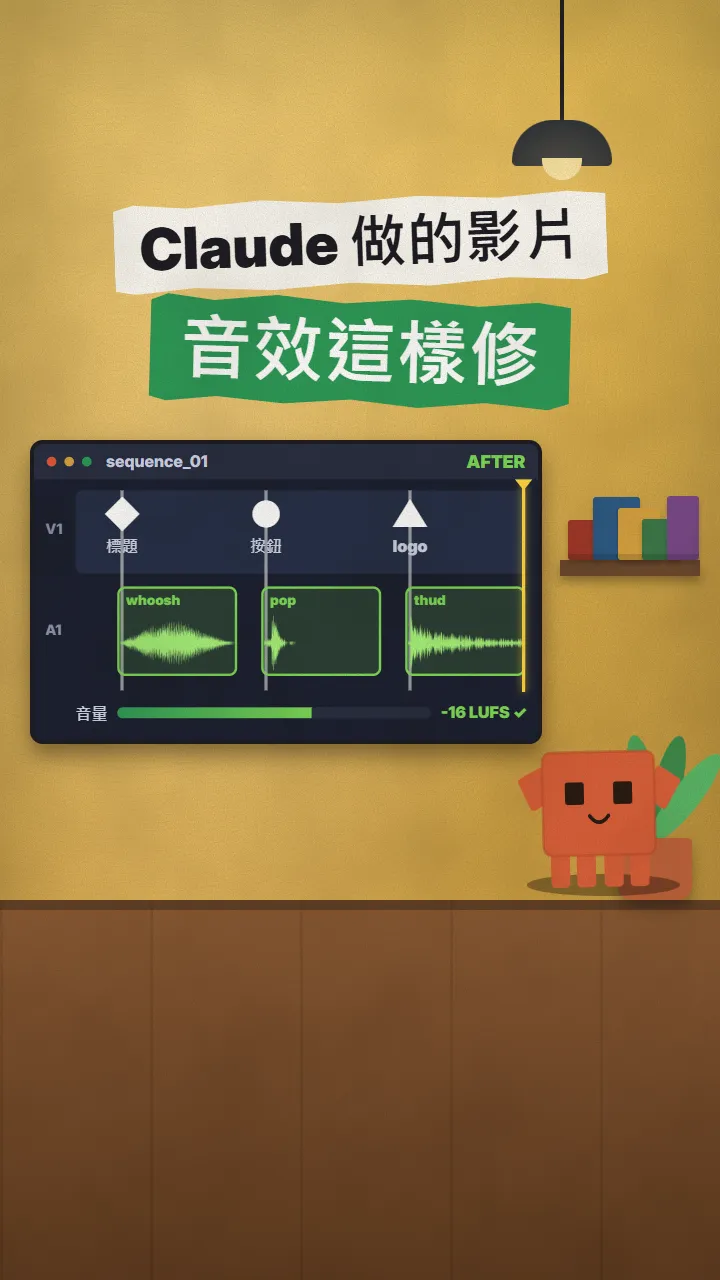
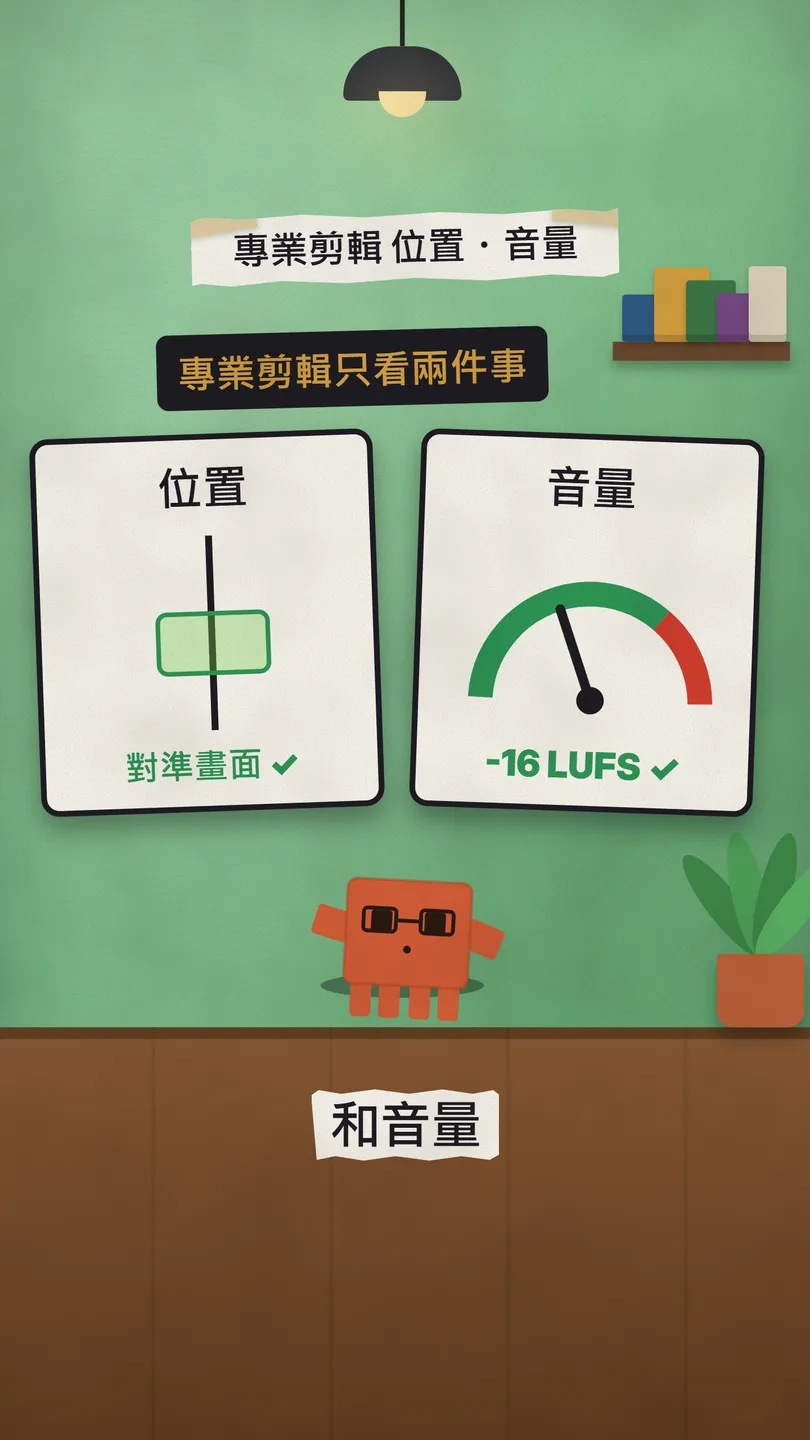
The videos I made with Claude Code looked smooth, but the sound effects gave them away: either they landed in random places or they clipped. A pro editor only checks two things: the right place and the right level. This is the full version of the SFX reel: first the before and after, then 3 free tools one by one: earshot (make a missing sound in code), the real-sound skill (read the timeline and hit the exact frame) and the Openverse API (5M+ openly licensed audio files that Claude searches and downloads itself), each with a prompt you can paste into Claude.
01The result first: sounds on the frame, level under the voice
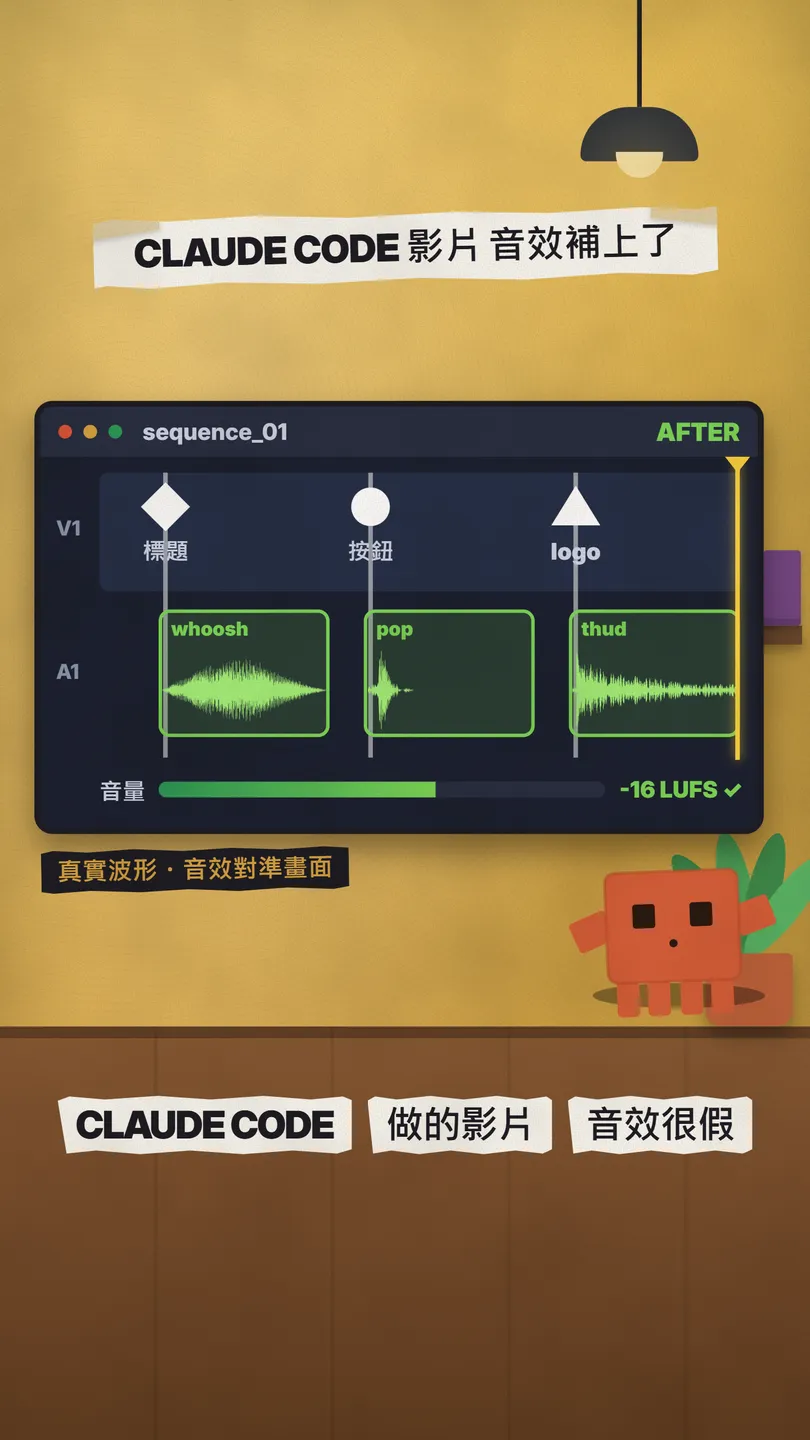
The same timeline before the fix: the sounds come half a beat late and all three clip (the tops of the waveforms are flattened).
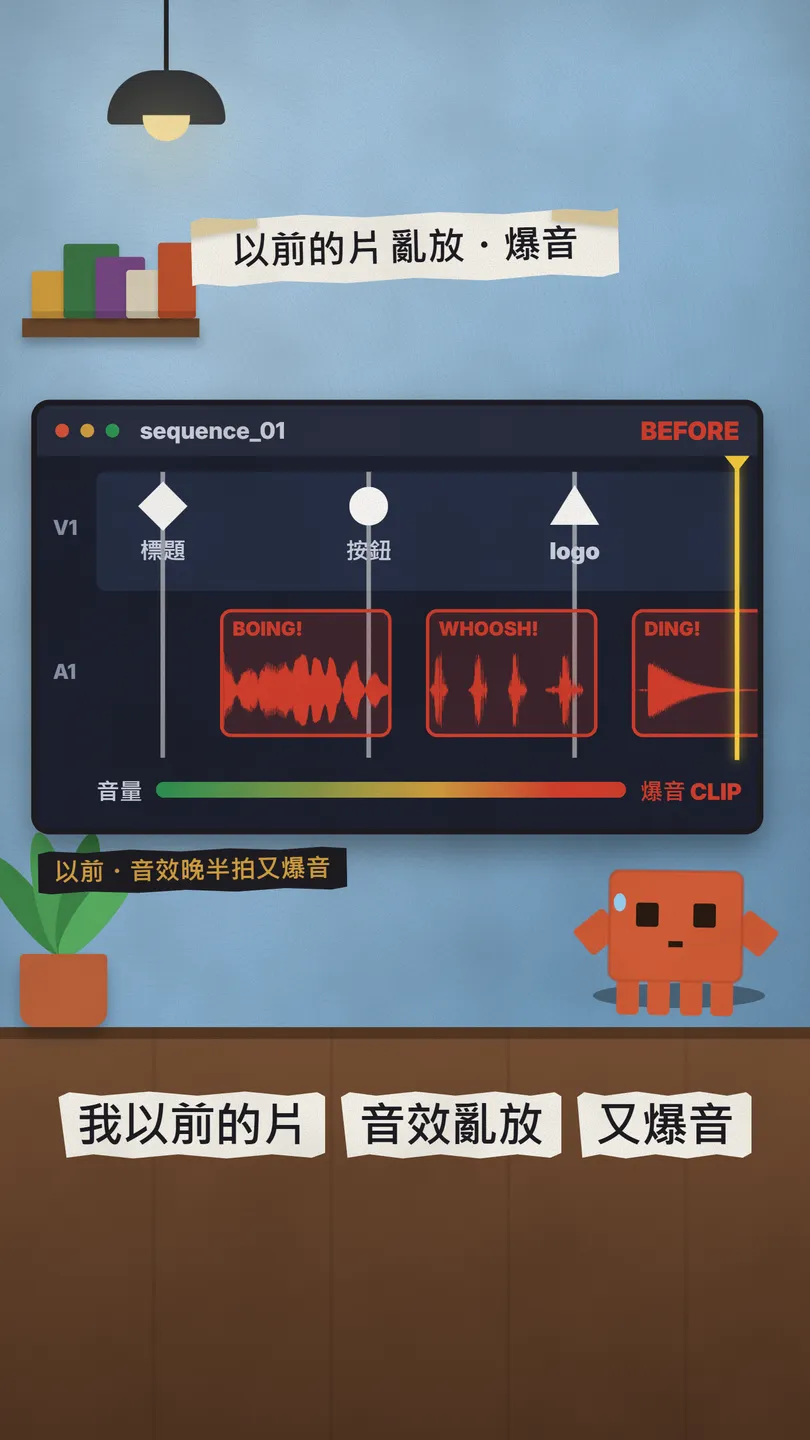
- Place: put the sound on the frame where the action happens (the logo appears, the button is pressed), not 0.3 s later.
- Level: the voice always stays clearest and the effects sit well under it; the whole video around -16 LUFS (a common loudness for videos watched on phones).
- Less is more: one sound per action, not a whoosh on every cut.
02Tool 1, earshot: make the missing sound in code
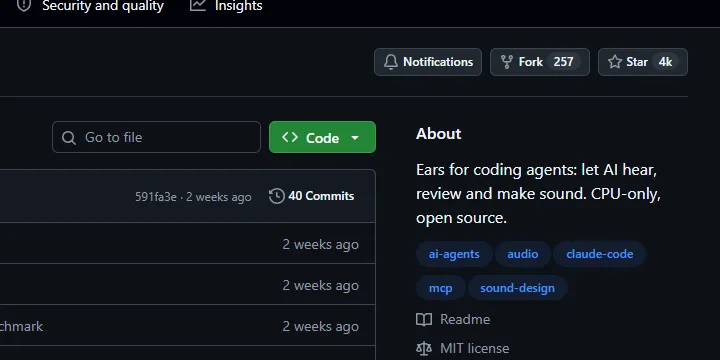
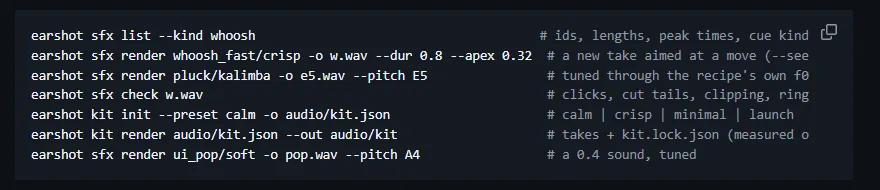
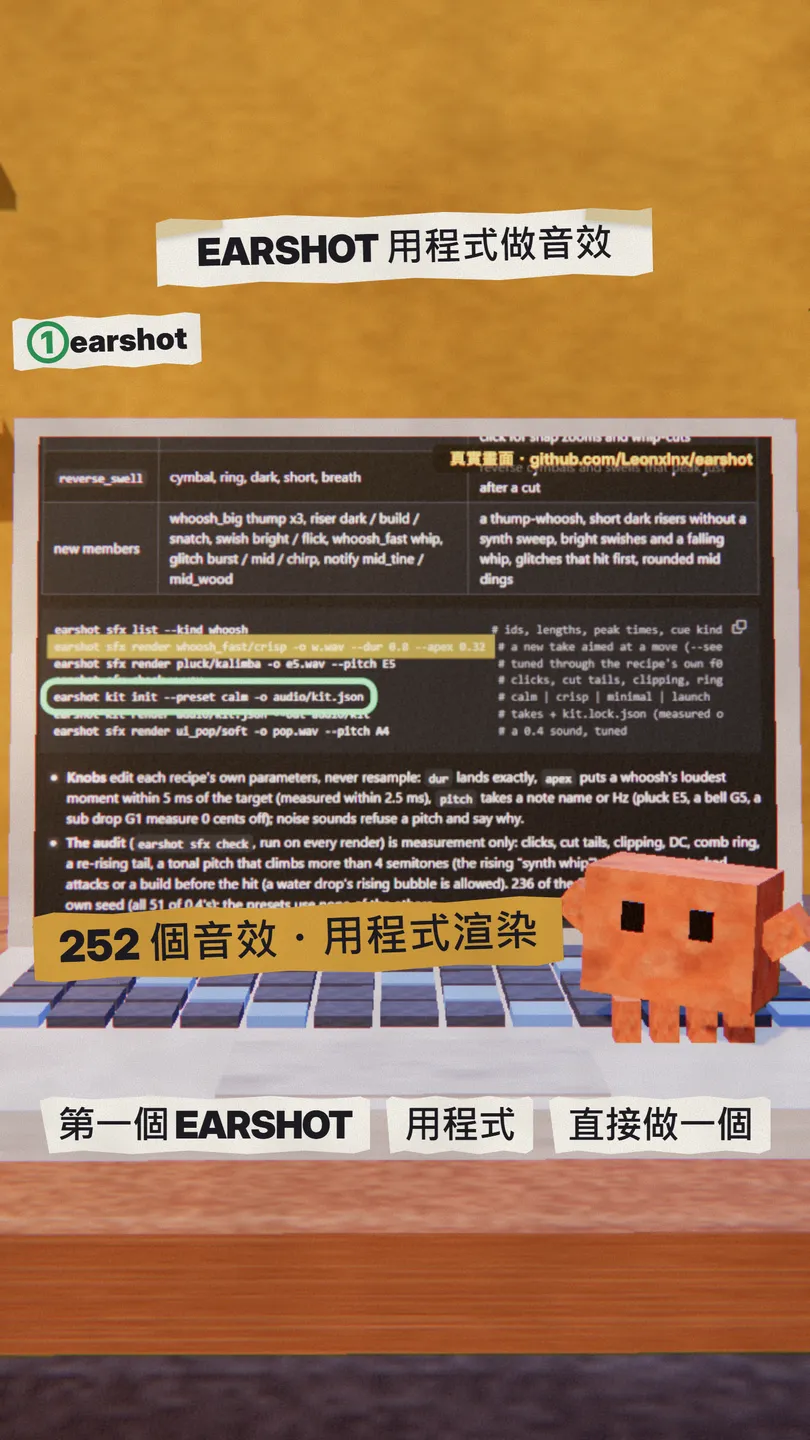
earshot gives coding agents like Claude Code "ears": it can listen, review and make sound. The making part (sfx, kit) ships a bank of 252 sounds written as code that render by id, with no models and no network.
- You need Python 3.10+ and ffmpeg / ffprobe.
- git clone https://github.com/Leonxlnx/earshot, make a .venv as in the README, install CPU torch, then pip install -e ".[mcp,llm,dev]".
- Copy the repo's skills/earshot into your project's .claude/skills/ (or ~/.claude/skills/).
- To let Claude Code call it directly: claude mcp add earshot --scope user -- <earshot's .venv python> -m earshot mcp.
- Run earshot doctor to check the install, then paste the prompt below into Claude Code.
(First install earshot from the README at https://github.com/Leonxlnx/earshot and copy skills/earshot into .claude/skills/)

Make a rising whoosh for [which moment, e.g. the logo reveal] in my intro:
- Find the closest sounds with earshot sfx list --kind whoosh
- Render it against the picture with earshot sfx render (--dur for length, --apex for the moment of the peak)
- Run earshot sfx check on every sound; only use it if it has no clipping and no cut-off tail
03Tool 2, the real-sound skill: read the timeline, hit the exact frame
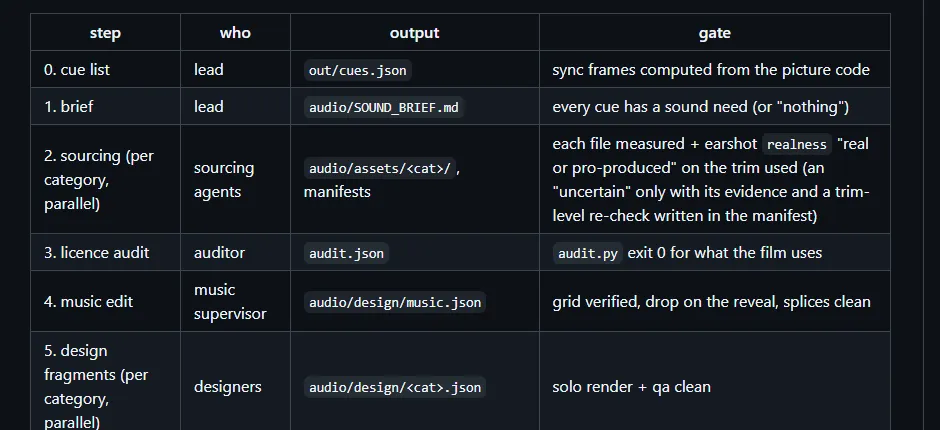
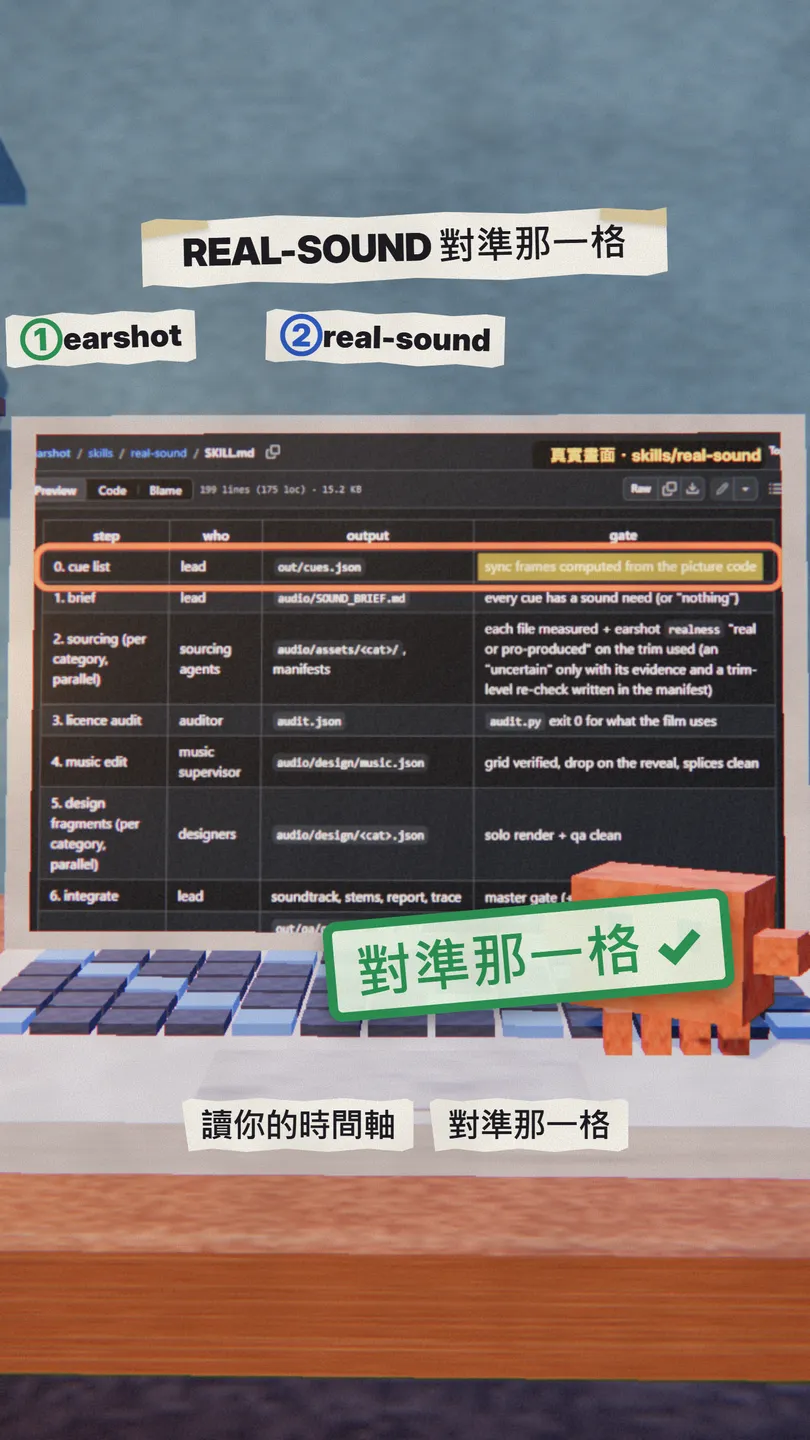
real-sound is a Claude skill in the same repo, made for videos built in code (Remotion, HyperFrames, three.js, GSAP…): it first lists the cues (which frame every sound moment is on), then uses only real, licensed recordings placed on the right frame at the right level, and ends with measured QA and credits. It never generates a sound itself.
- Copy the whole folder https://github.com/Leonxlnx/earshot/tree/main/skills/real-sound into .claude/skills/real-sound.
- Its scripts need a Python with earshot installed (the .venv from tool 1).
- Open Claude Code in your video project and paste the prompt below.
(Copy https://github.com/Leonxlnx/earshot/tree/main/skills/real-sound into .claude/skills/real-sound)

Use real-sound to do the sound for this video:
1. First compute a cue list from the picture code (out/cues.json): which frame every sound moment lands on
2. Only use real recordings (Freesound CC0 / CC BY); check every file's licence and write it into the credits
3. Put each sound on the right frame at the right level: the voice always stays clearest, the whole video around -16 LUFS
4. Finish with QA and tell me where anything clips, gets masked or is out of sync
04Tool 3, the Openverse API: 5M+ licensed audio files, Claude searches and downloads
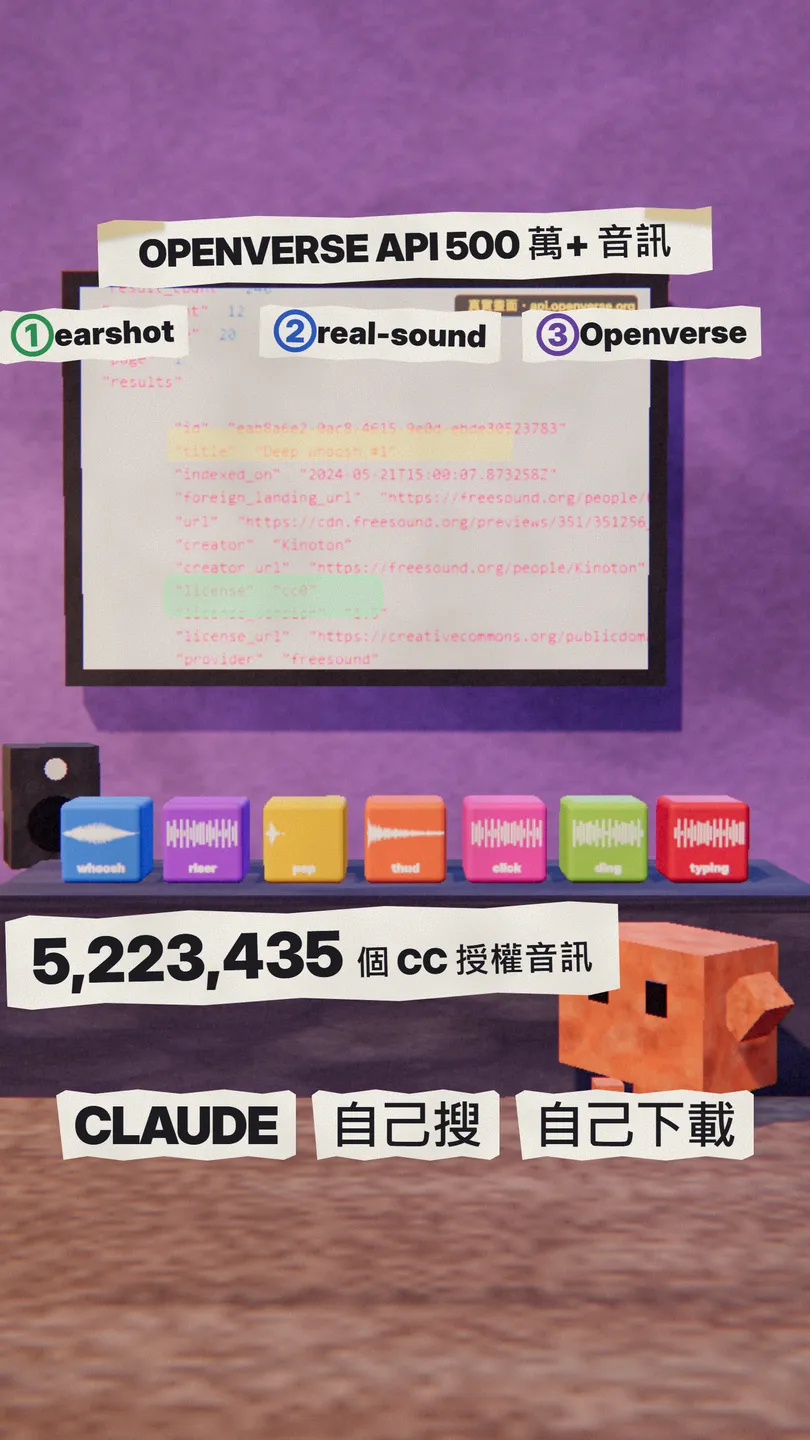
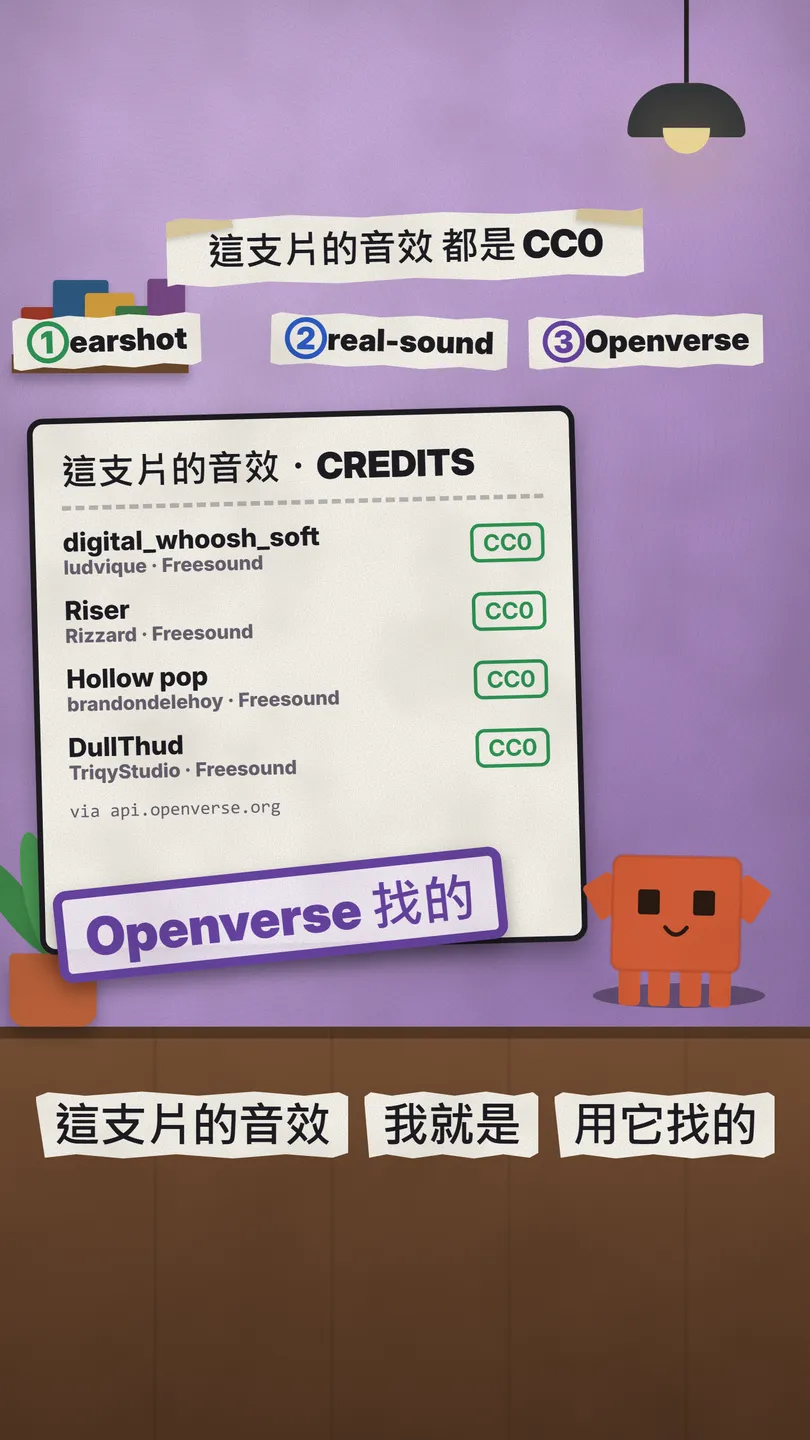
Openverse is a search engine for openly licensed media; its audio side holds 5,223,435 items (Wikimedia Commons, Jamendo, Freesound; checked 6 Nov 2026). The API needs no key (anonymous: 20 requests a minute, 200 a day), so Claude Code can search and download on its own. The sound effects in this reel are CC0 sounds I found with it.
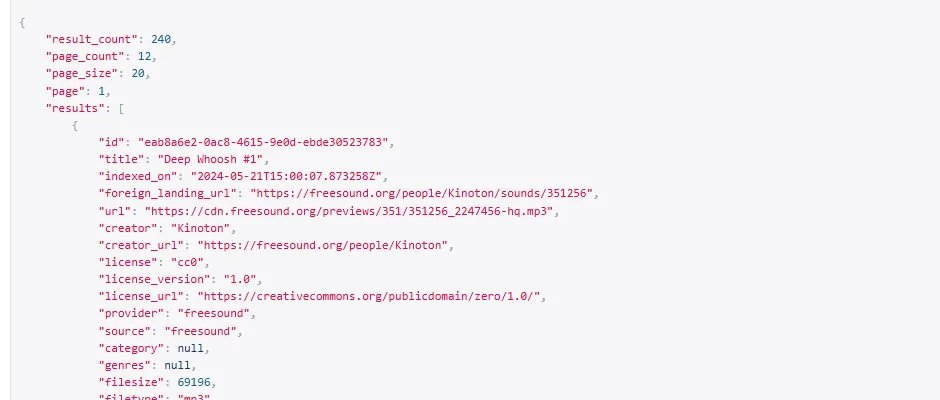
- No sign-up, no key: the address is https://api.openverse.org/v1/audio/?q=whoosh&license=cc0.
- Paste the prompt below into Claude Code; it searches, downloads and writes the credits with curl or Python.
- Listen to each file yourself, then place it on the timeline (right place, right level).
Use the Openverse API to find 3 CC0 whooshes and download them to sfx/:
- Search: GET https://api.openverse.org/v1/audio/?q=[sound keyword, e.g. whoosh]&license=cc0 (no key needed)
- Only keep results whose license is cc0, download each results[].url
- Write title, creator and foreign_landing_url of every file into sfx/CREDITS.md
- Measure length and peak with ffmpeg and tell me which one fits [use, e.g. a 0.5 s transition] best
05Good to know
- The sounds in this reel are CC0 files I found with the Openverse API; I did not run earshot or real-sound for this reel, and the steps above follow the two tools' official README / SKILL.md.
- earshot's listening commands download about 1.1 GB of models the first time; making sounds with sfx / kit does not.
- Anonymous Openverse use is rate-limited (20 a minute, 200 a day); one search returns 20 results, which is plenty.
- Check the licence of every file and write the author and link into CREDITS.md as you download; it also makes the video description easy.
- You found this guide by typing the keyword SFX on the site from the bio link; no DM is sent.
Sources
What should the next reel cover?
I test Claude and AI tools every day and turn the useful ones into reels. Follow @vivianlin.tech to catch each new guide.


