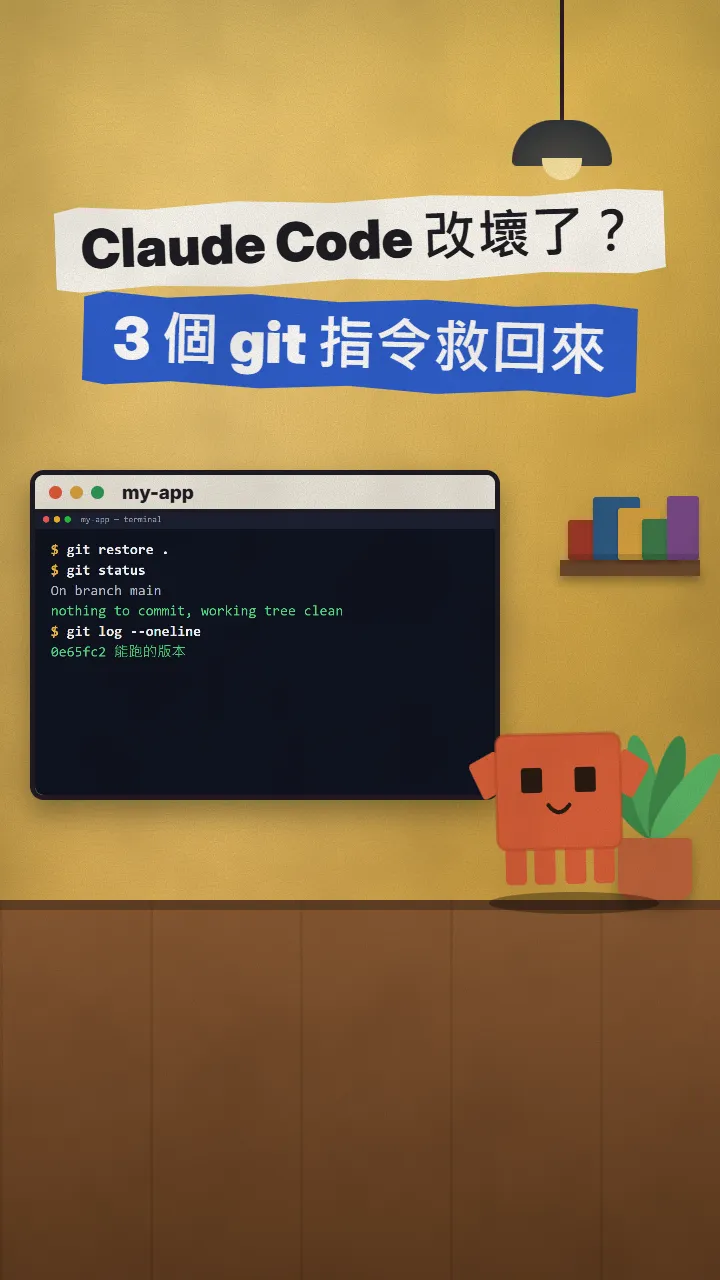
~/guides/SENIOR.md
Make Claude Code work like a senior dev: Context7, Feature Dev, Playwright MCP, Code Review
Senior devs check, think, test, then review. 4 free tools that make Claude Code work that way, with official install commands, first prompts and limits.
Watch the reel on InstagramComment #SENIOR to get this guide
A senior-level code review like this, Claude can do by itself. Senior engineers are not faster typists: they check, think, test, then review. I started from a popular reel about "5 plugins to make Claude Code code like a senior dev", kept Context7, and swapped in Anthropic's official Feature Dev and Code Review plus Microsoft's Playwright MCP, each checked on its official page on 27 October 2026. This is the full version of my SENIOR reel: what each tool does, the official install command and a first prompt to try.
01The result first: a senior-level code review, done by Claude
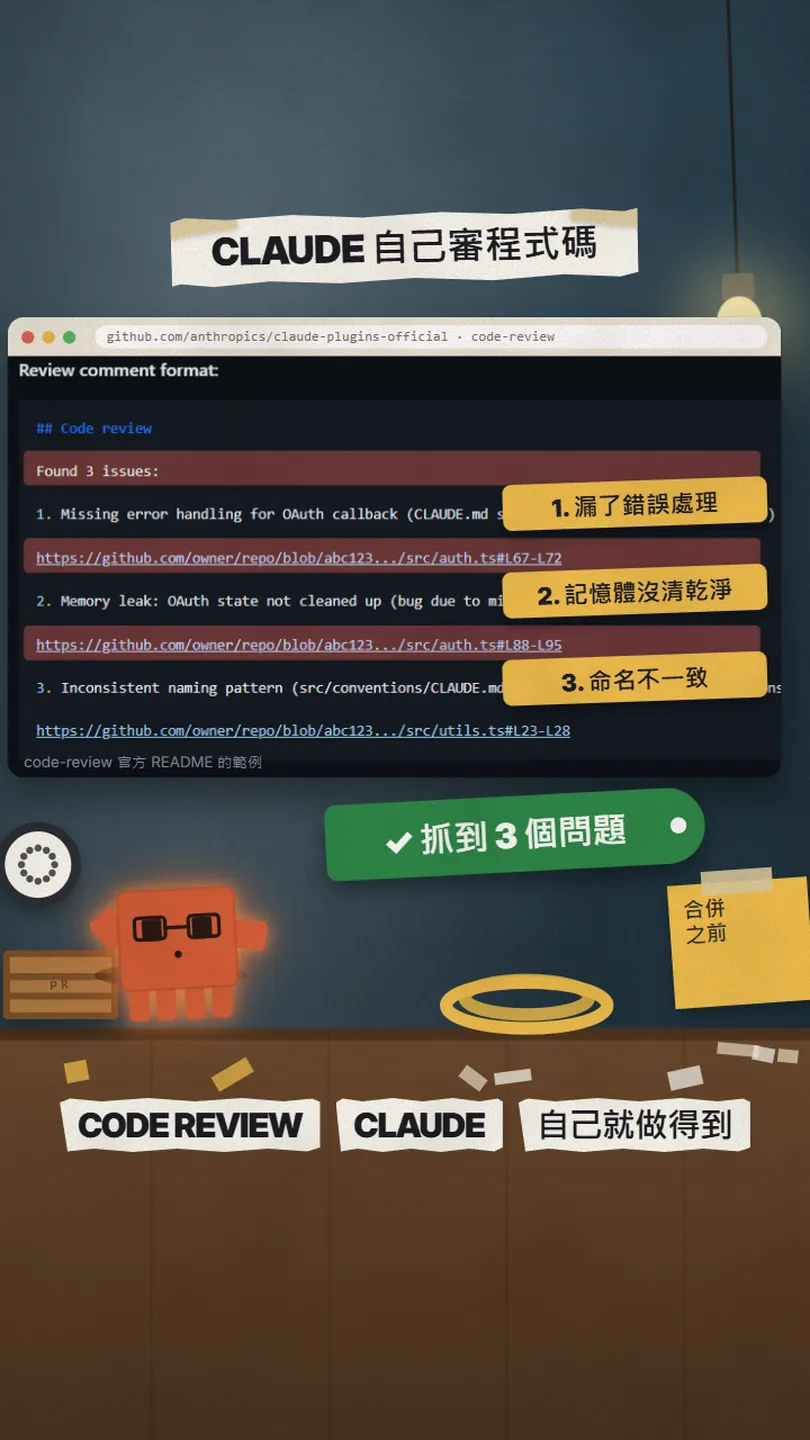
Senior engineers are not faster typists. They check, think, test, then review. This guide covers 4 free tools that make Claude Code work in that order: Context7 to check the newest docs, Feature Dev to think first, Playwright MCP to test in a real browser, and Code Review to review before you merge.
What you get in this guide:
- Which step each tool covers and why it helps.
- The install command from each official README, ready to paste.
- A first prompt to try after installing.
- Costs and limits: what is free and what to watch.
02① Check: Context7 gives Claude the newest official docs

When Claude writes code it often uses the older patterns it saw in training, so you get renamed functions and APIs that do not exist. Context7 pulls current, version-specific docs and examples from the source and puts them in Claude's context. It is an open-source Upstash project (MIT).
npx ctx7 setup --claude
This signs you in through the browser, creates an API key and installs the skill in Claude Code. You can pick MCP mode instead.
Build a [login page that redirects to /login when signed out] with [Next.js 16]. use context7
Cost: a free account gets 1,000 calls a month, then 20 bonus calls a day; only private repositories need a paid plan ($10 per seat a month).
03② Think: Feature Dev reads your project and asks before it codes
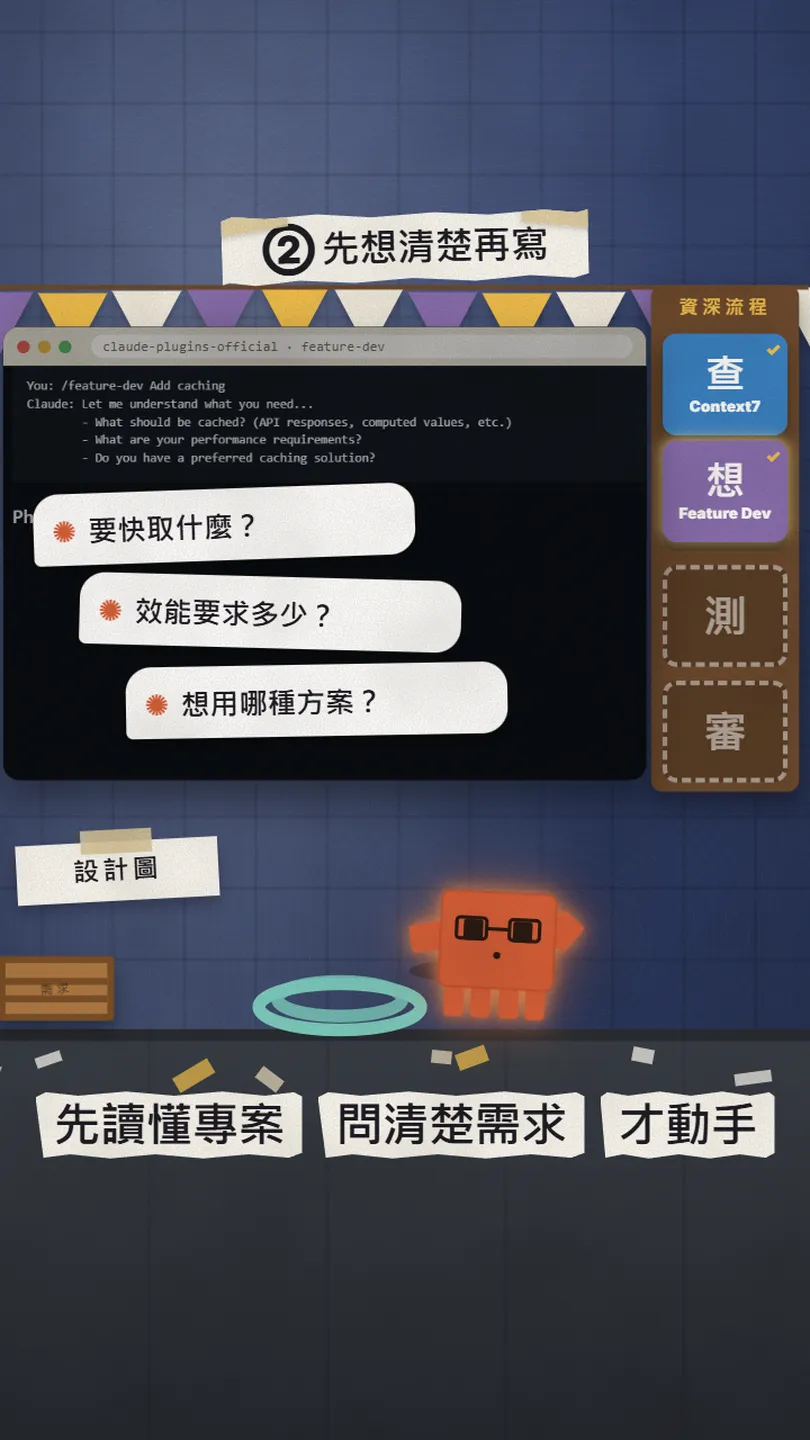
Feature Dev is Anthropic's own plugin from the official plugin directory. Instead of coding the moment it gets a request, Claude goes through 7 phases: discovery, 2-3 agents exploring your codebase, clarifying questions, a few architecture options to choose from, implementation, 3 agents reviewing quality, and a summary.
/plugin install feature-dev@claude-plugins-official
/feature-dev [add order history to the account page]
04③ Test: Playwright MCP lets Claude open a browser and click through

Playwright MCP is an open-source Microsoft project (Apache-2.0). With it, Claude can open a browser, load your page, fill in forms and press buttons to confirm a feature really works, instead of saying "that should work". It reads the page structure, no screenshot guessing.
claude mcp add playwright npx @playwright/mcp@latest
Use playwright to open [http://localhost:3000], go through [sign up → log in → add to cart → checkout], and tell me and fix any step that breaks.
05④ Review: Code Review sends 4 agents over your PR
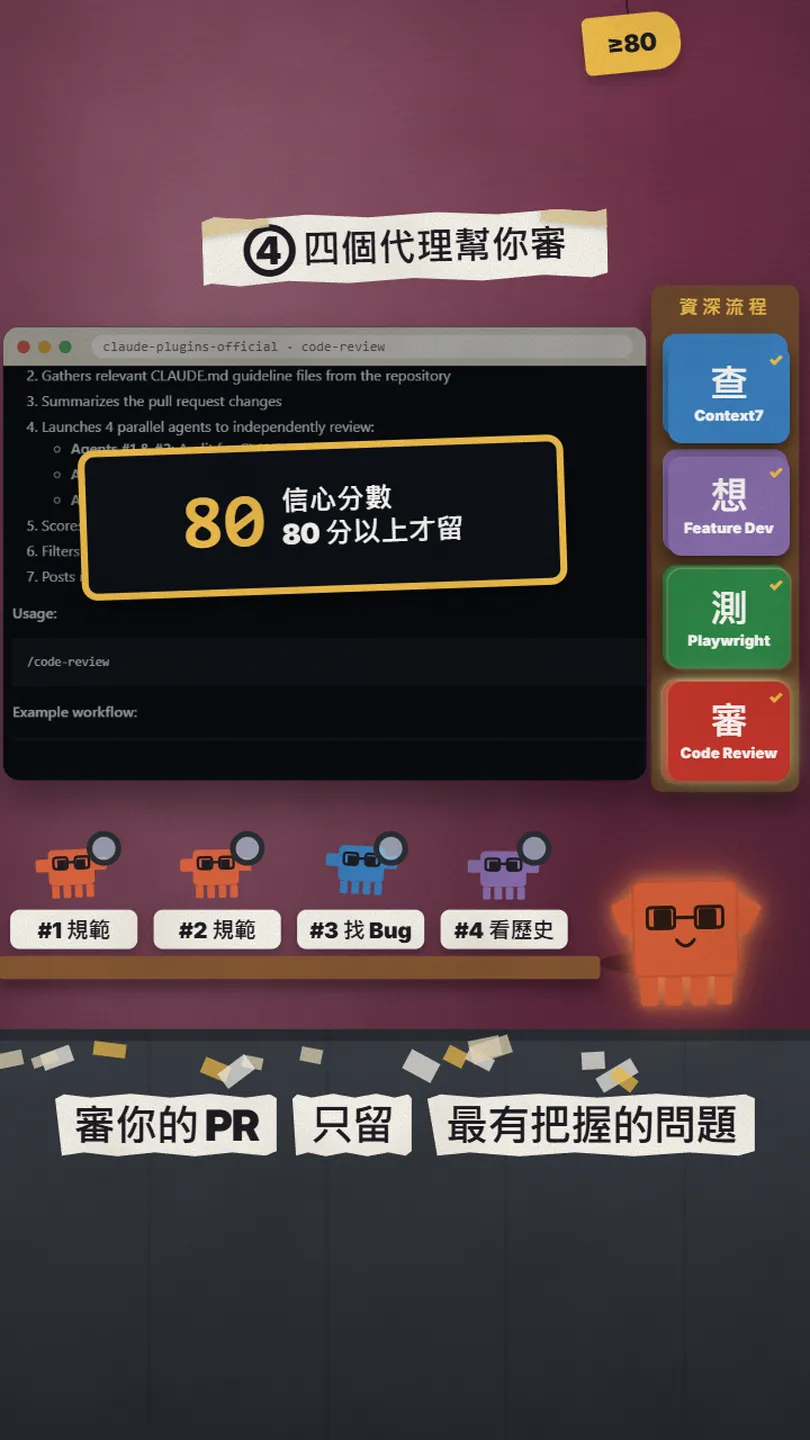
Code Review is another official Anthropic plugin. On a PR branch, type /code-review and it sends 4 agents over the change at once: two check it against your CLAUDE.md rules, one looks for obvious bugs, one reads the git history for context. Each issue gets a 0-100 score and only issues scoring 80 or more are posted on the PR, so there is little noise.
/plugin install code-review@claude-plugins-official
- Install the GitHub CLI (cli.github.com) and sign in with gh auth login in your terminal.
- Switch to the branch that has a PR and open Claude Code.
- Type /code-review and wait for it to post its review on the PR.
06Good to know

- The plugins are free, but Claude Code runs on your Claude plan or API credit; Feature Dev and Code Review run several agents at once and use more of it.
- Copy install commands only from the official pages (upstash/context7, anthropics/claude-plugins-official, microsoft/playwright-mcp); skip look-alike repos.
- Use Playwright MCP only on your own sites or sites you are allowed to test.
- Numbers change: Context7's free calls and prices were checked on 27 October 2026.
- Of the original reel's 5 tools, I covered Agent Skills and Graphify in my PLUGINS reel and Strix in my STRIX reel, so this time it is the official Feature Dev, Code Review and Playwright MCP; 21st MCP's AI generation needs a subscription, so it is not really free and is not here.
Sources
- GitHub: upstash/context7 (MIT, setup, checked 2026-10-27)
- Context7 Plans & Pricing (free plan 1,000 calls a month, checked 2026-10-27)
- Anthropic official plugin directory claude-plugins-official (install, checked 2026-10-27)
- feature-dev plugin README (7 phases, checked 2026-10-27)
- code-review plugin README (4 agents, 80 threshold, checked 2026-10-27)
- GitHub: microsoft/playwright-mcp (Apache-2.0, Claude Code setup, checked 2026-10-27)
- GitHub CLI
What should the next reel cover?
I test Claude and AI tools every day and turn the useful ones into reels. Follow @vivianlin.tech to catch each new guide.