~/guides/REWIND.md
Claude Code broke your project? Press Esc twice: checkpoints, /rewind and one deny rule
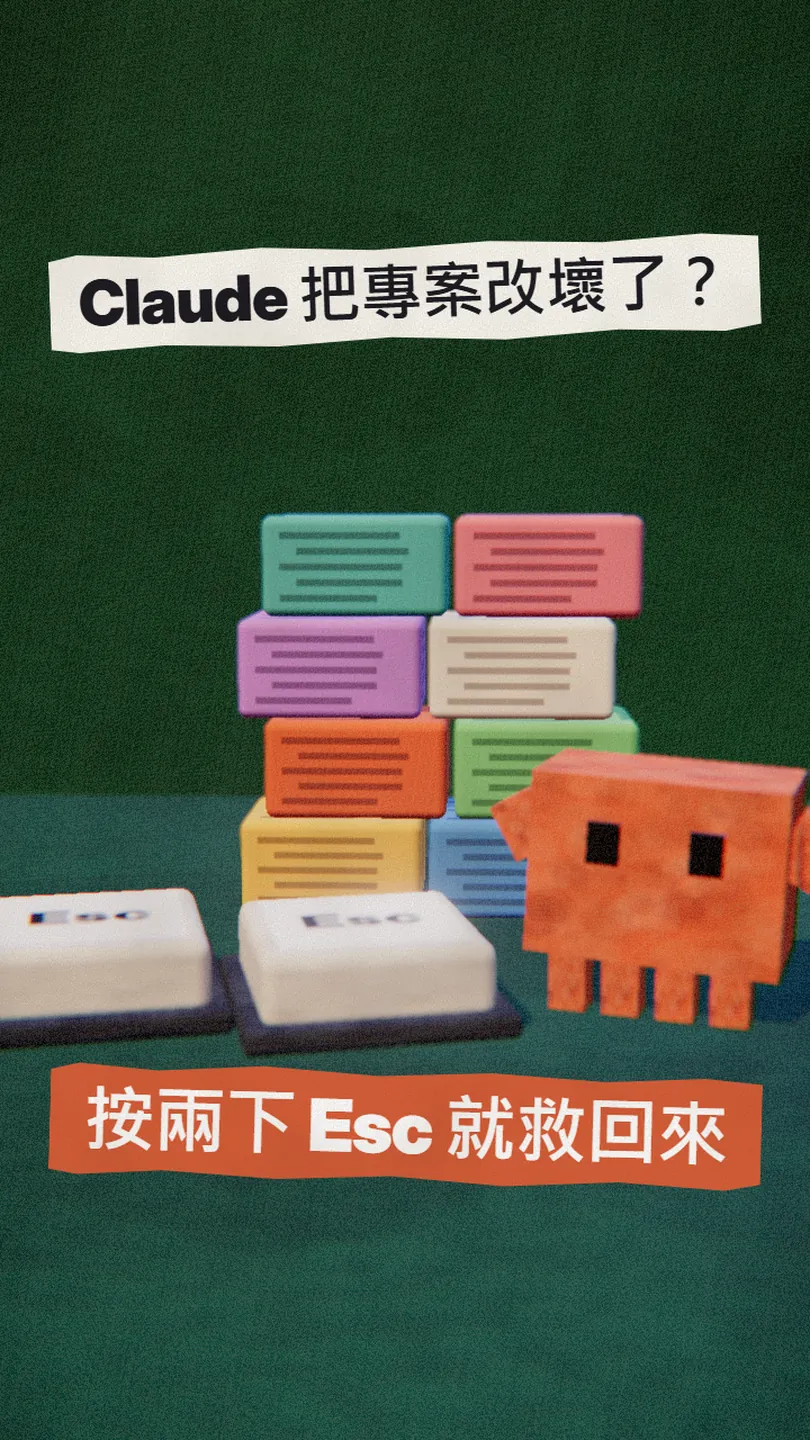
Claude Code saves a checkpoint for every prompt. Press Esc twice to restore the code or the chat, and add one deny rule so it can never git push on its own.
When Claude Code broke my project, my first reflex used to be "fix it again", and it usually got worse. But Claude Code has checkpoints built in: every prompt you send saves a copy first. This is the full version of my REWIND reel; every step was checked against the Claude Code docs on 30 Oct 2026.
01The result: press Esc twice, back to before it broke
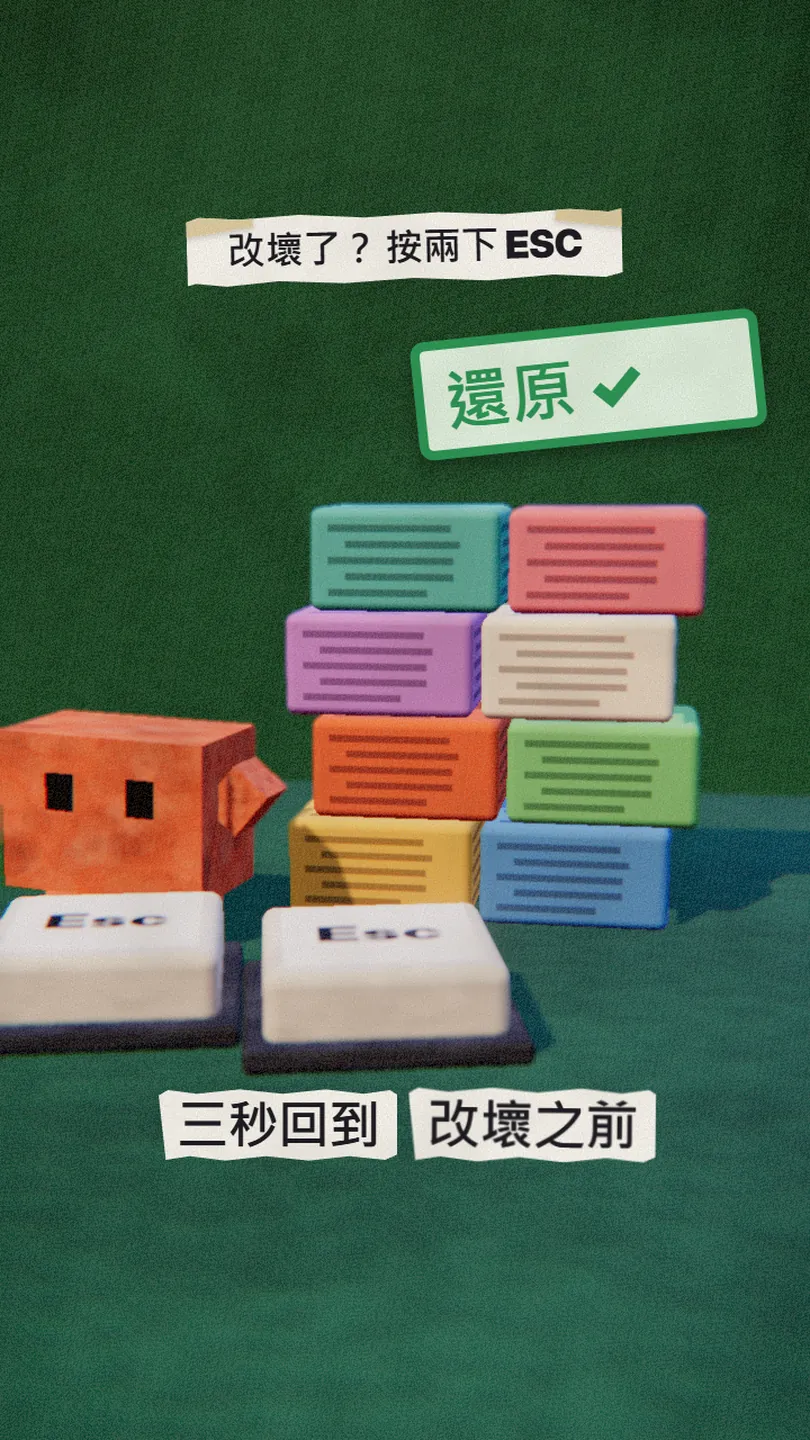
When Claude Code breaks something, you don't have to ask it to rewrite or undo it by hand. Before each prompt you send, it saves a checkpoint of your files. Press Esc twice, pick the prompt from before things went wrong, and restore the code, the conversation, or both.
What you get from this guide:
- When checkpoints are saved and what they cover.
- What each option in the Esc Esc (or /rewind) menu does.
- The two things rewind can't bring back, and what to do instead.
- A copy-paste deny rule so Claude can never run git push on its own.
02① Know this first: every prompt is a save point
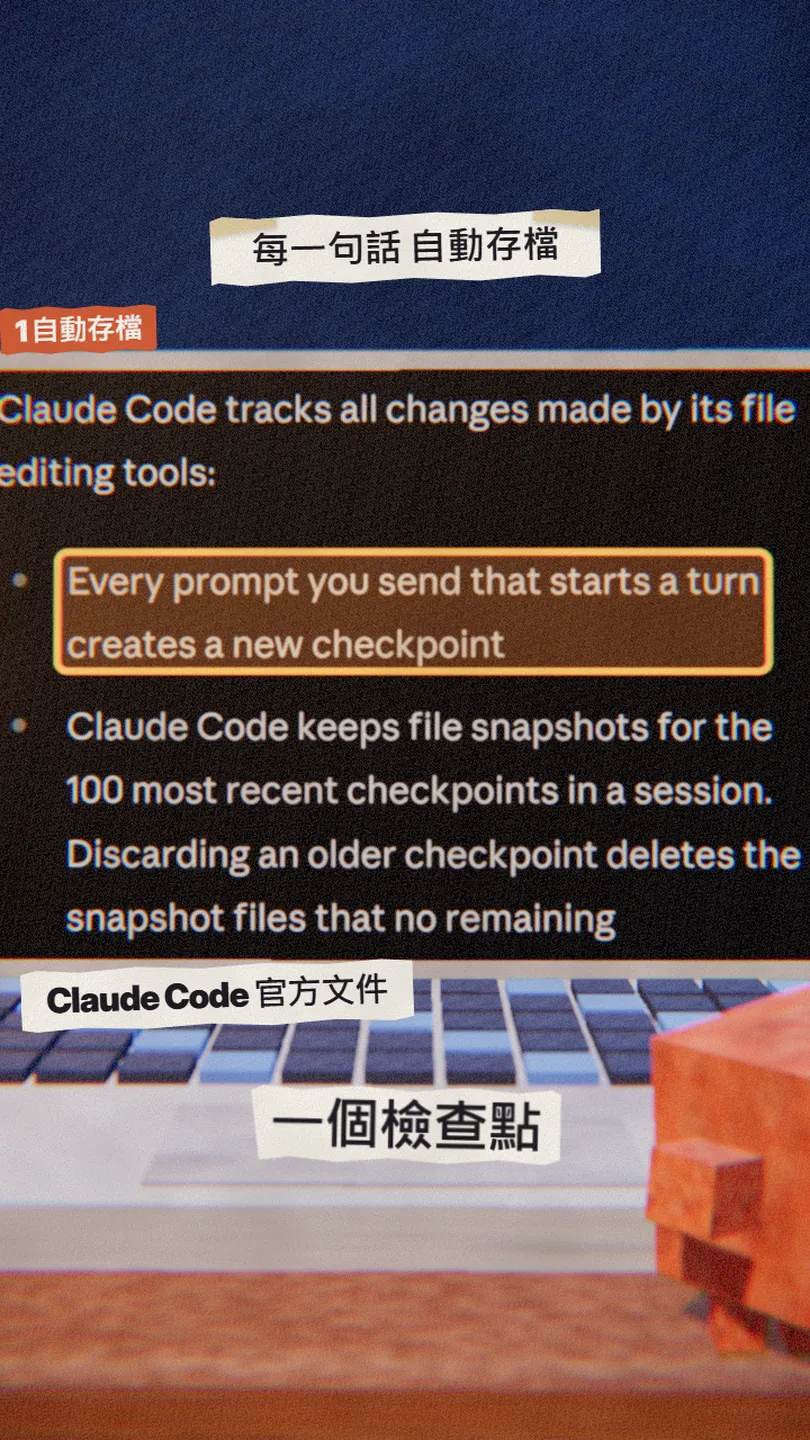
Checkpoints are automatic; there is nothing to switch on. The docs spell it out:
- Every prompt you send that starts a turn creates a new checkpoint.
- It tracks the files Claude changes with its file-editing tools.
- File snapshots are kept for the 100 most recent checkpoints in a session.
- Checkpoints are saved with the conversation, so /rewind still works after you /resume it.
- Snapshots are cleaned up after about 30 days by default; raise cleanupPeriodDays to keep them longer.
03② Press Esc twice and pick the prompt
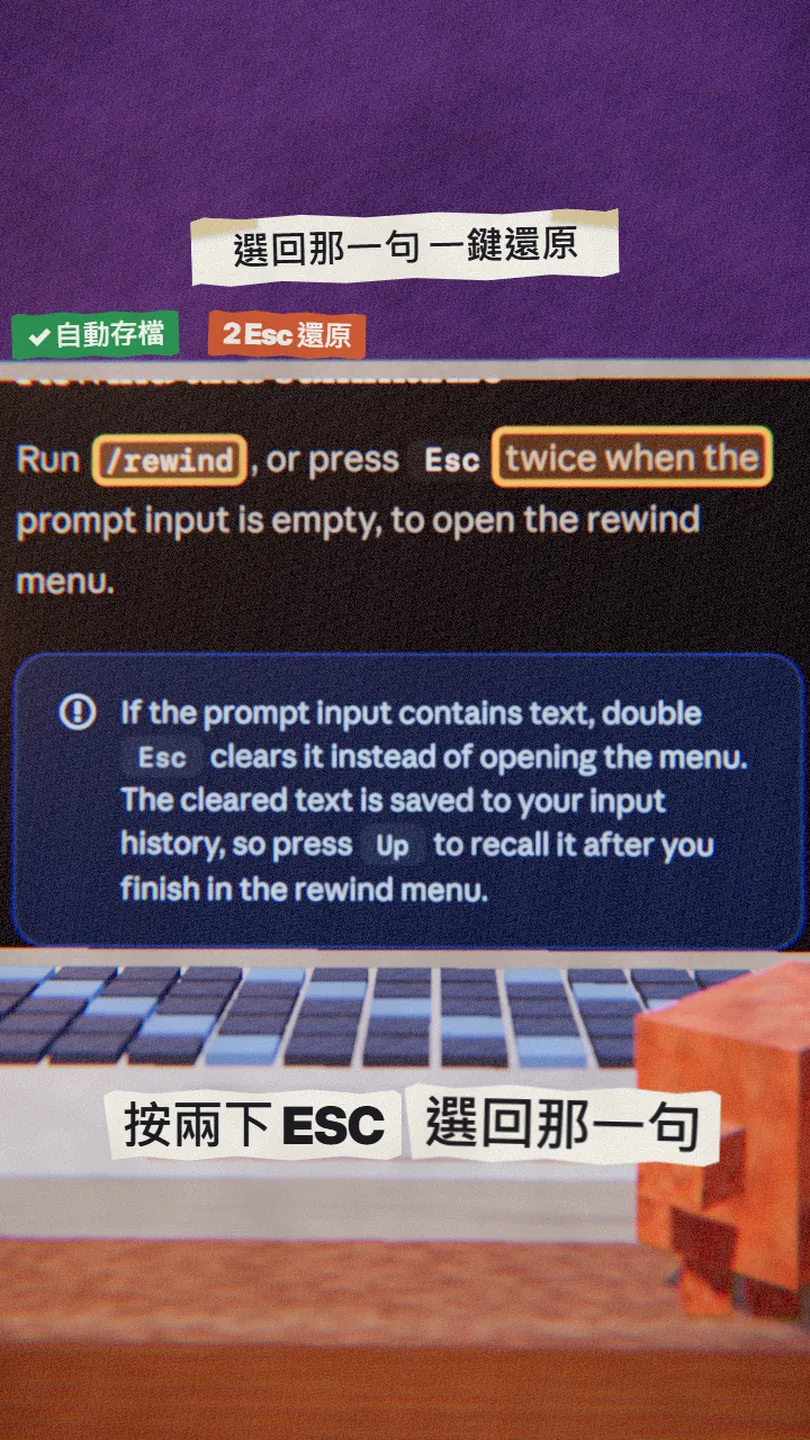
- Make sure the prompt input is empty.
- Press Esc twice, or type /rewind, to open the rewind menu.
- The menu lists every prompt you sent this session; pick the one from before things broke.
- Choose an action (explained below).
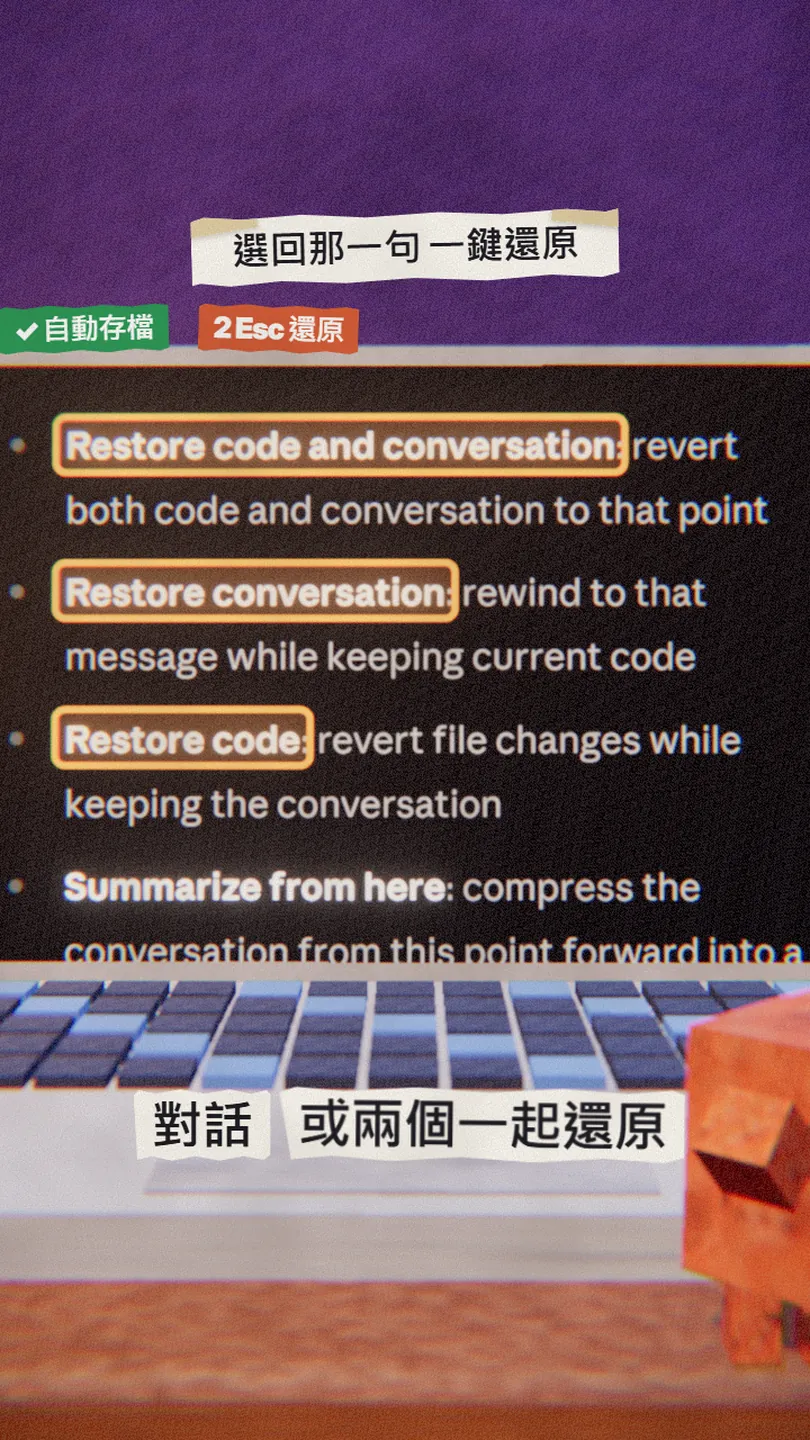
- Restore code and conversation: both go back to that prompt.
- Restore conversation: the chat goes back, the code stays as it is now.
- Restore code: the files are reverted, the chat stays.
- Summarize from here / up to here: leaves files alone and compresses part of the chat to free context space.
- Never mind: back to the list, nothing changes.
04③ Know the two things it can't bring back
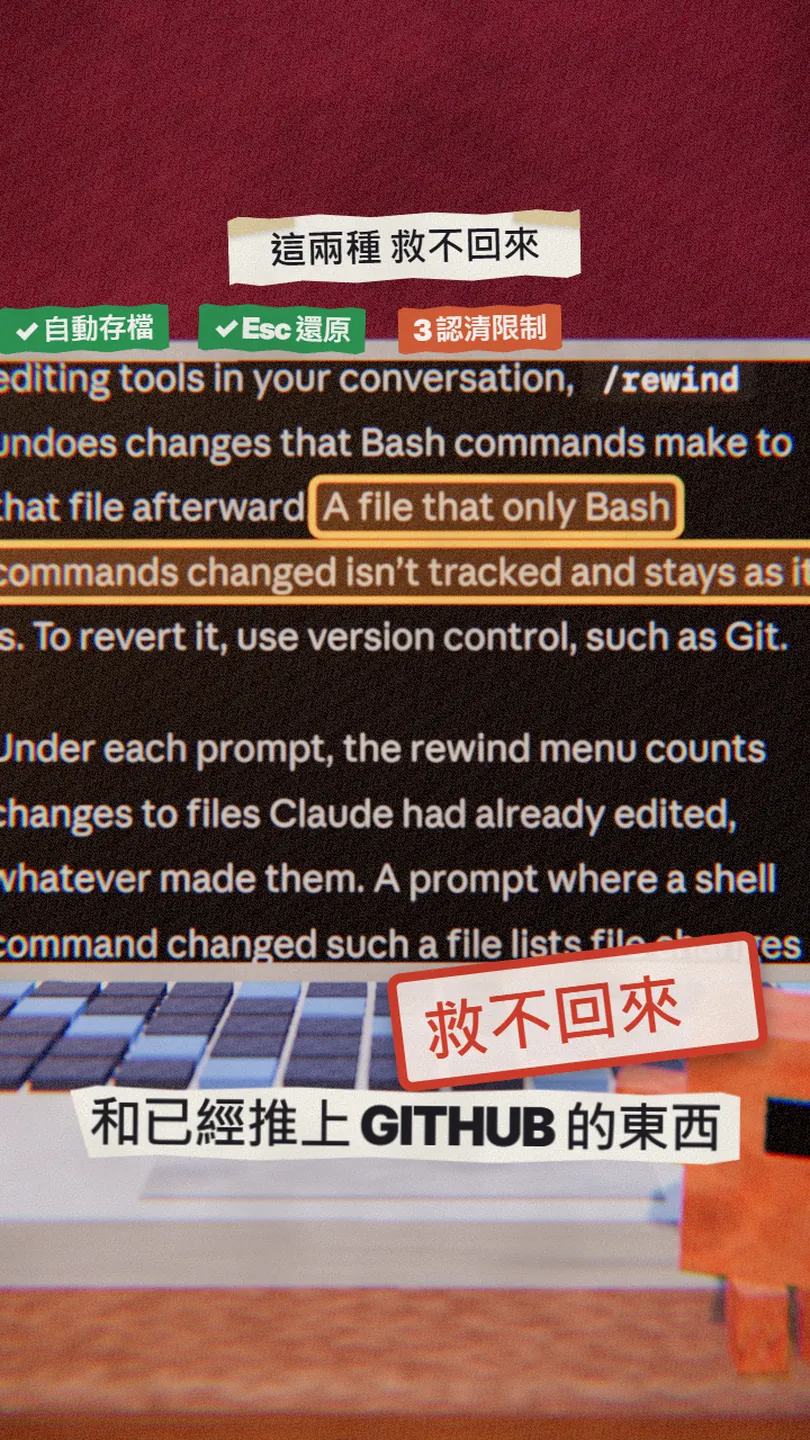
- Files changed only by commands: the docs say a file that only Bash commands changed isn't tracked and stays as it is; revert it with version control such as Git.
- Anything already pushed to GitHub: /rewind restores tracked files on your machine, while a push changes the remote, so it can't pull that back (my reading of the docs, which say checkpoints are not a replacement for version control).
- Two more to know: subagent edits are usually not restored, and changes you make outside Claude Code aren't tracked either.
05④ Add one deny rule: Claude can't git push
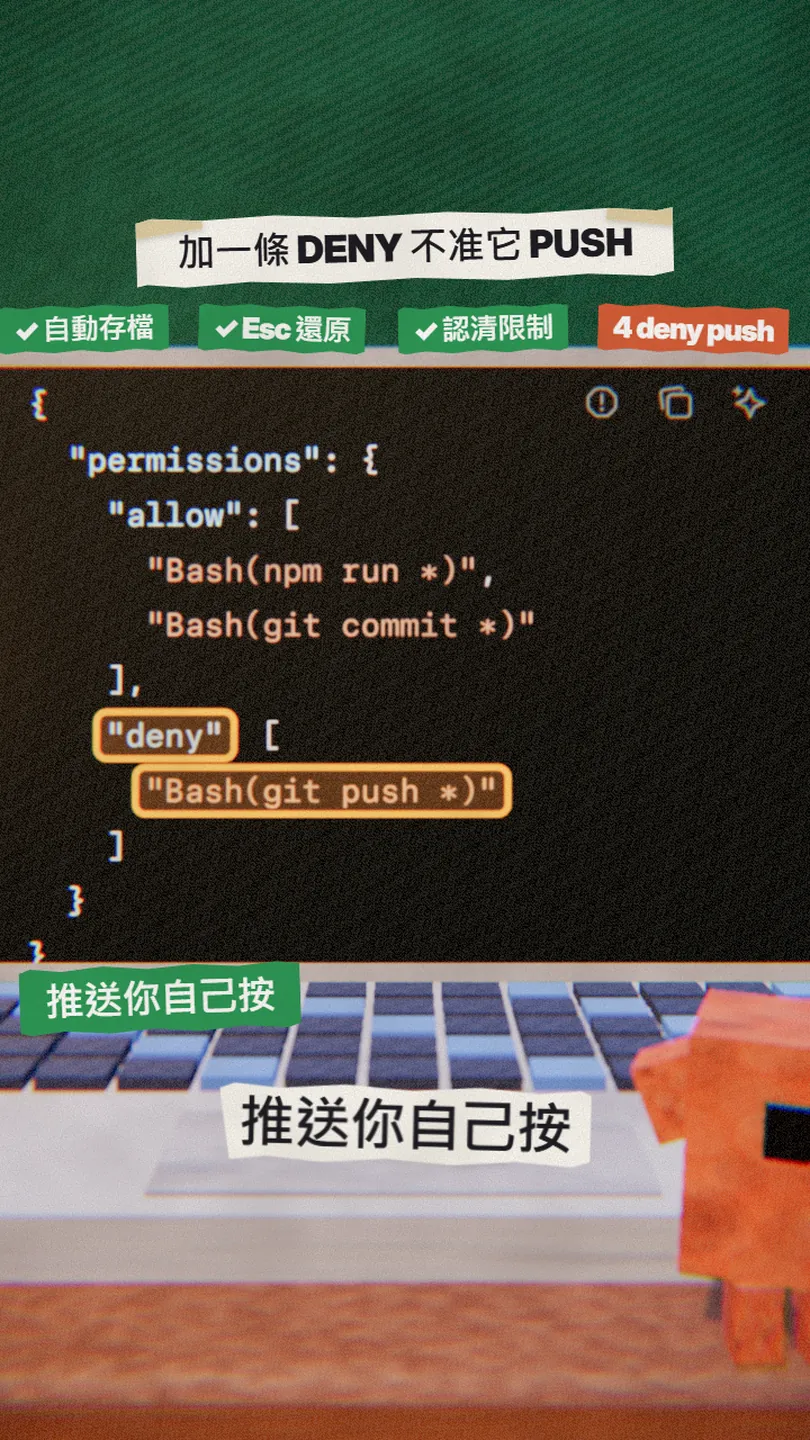
Since a push can't be rewound, don't let Claude push at all. Put this in your project's .claude/settings.json (or ~/.claude/settings.json for every project) and Claude Code refuses any command that starts with git push. You push yourself.
{
  "permissions": {
    "deny": [
      "Bash(git push *)"
    ]
  }
}
In [this project], add a permissions.deny rule "Bash(git push *)" to .claude/settings.json. Don't touch any other setting, and show me the diff.
06Good to know
- The "three seconds" in the reel means it's fast, not a measured time.
- A deny rule is not a vault: a push written another way (for example git -C . push) isn't matched. For strict control, see hooks and sandboxing in the docs.
- Checkpoint snapshots are cleaned up after about 30 days by default; very old checkpoints can fail with No files were restored.
- Checkpoints don't replace Git: commit anything that matters.
- Everything here was checked against the docs on 30 Oct 2026. Claude Code moves fast and menu names can change.
Sources
What should the next reel cover?
I test Claude and AI tools every day and turn the useful ones into reels. Follow @vivianlin.tech to catch each new guide.