~/guides/MODS.md
Claude Code mods: build your own buttons and panels in one sentence, 3 steps + how to keep them
Mods came to Claude Code on 1 Oct. Say which buttons you want and it writes and loads the mod. The prompt, the approve and check steps, and how to keep it.
Wanting one more button in Claude Code used to mean waiting for an official feature. Not anymore: on 1 October 2026 Anthropic launched mods, small pieces of TypeScript that add buttons and panels to Claude Code or change how it behaves. You don't have to write one yourself either. Just say what you want and Claude Code writes it and loads it. This is the full version of the MODS reel: the sentence to say, what to pick when it asks, how to check it's installed, and the step most people miss: keeping it for next time.
01The result first: buttons inside Claude Code
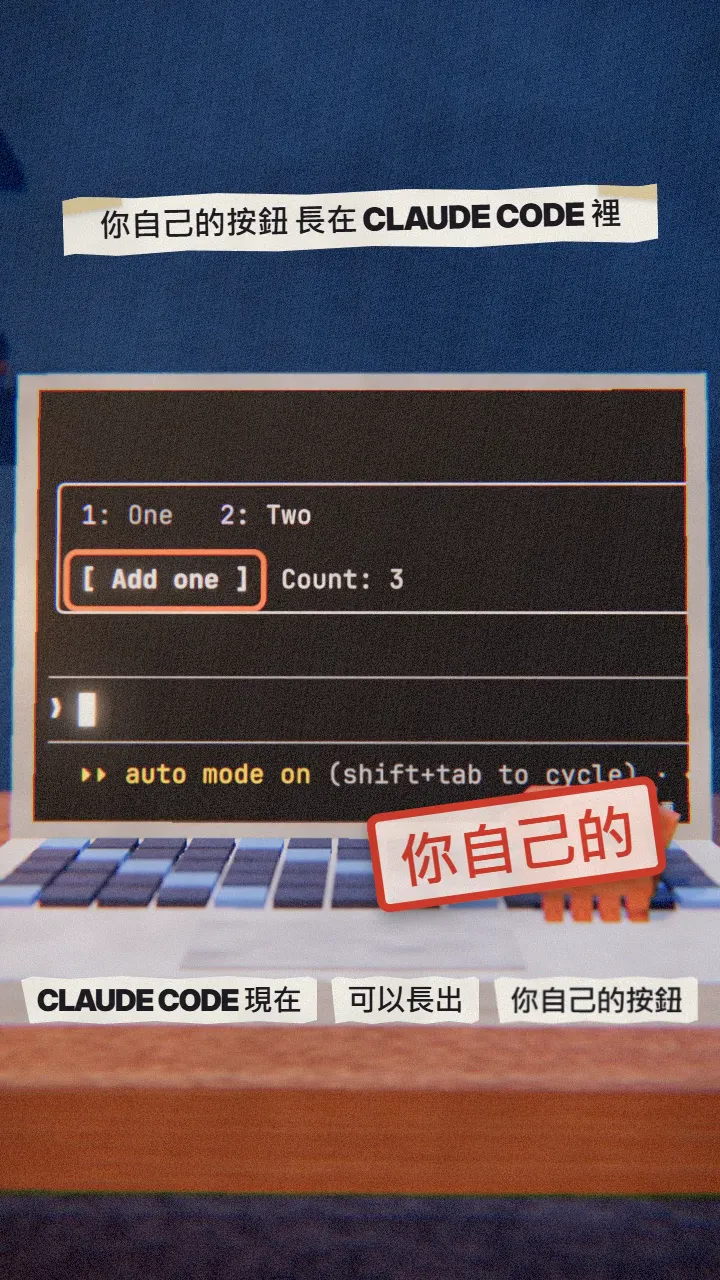
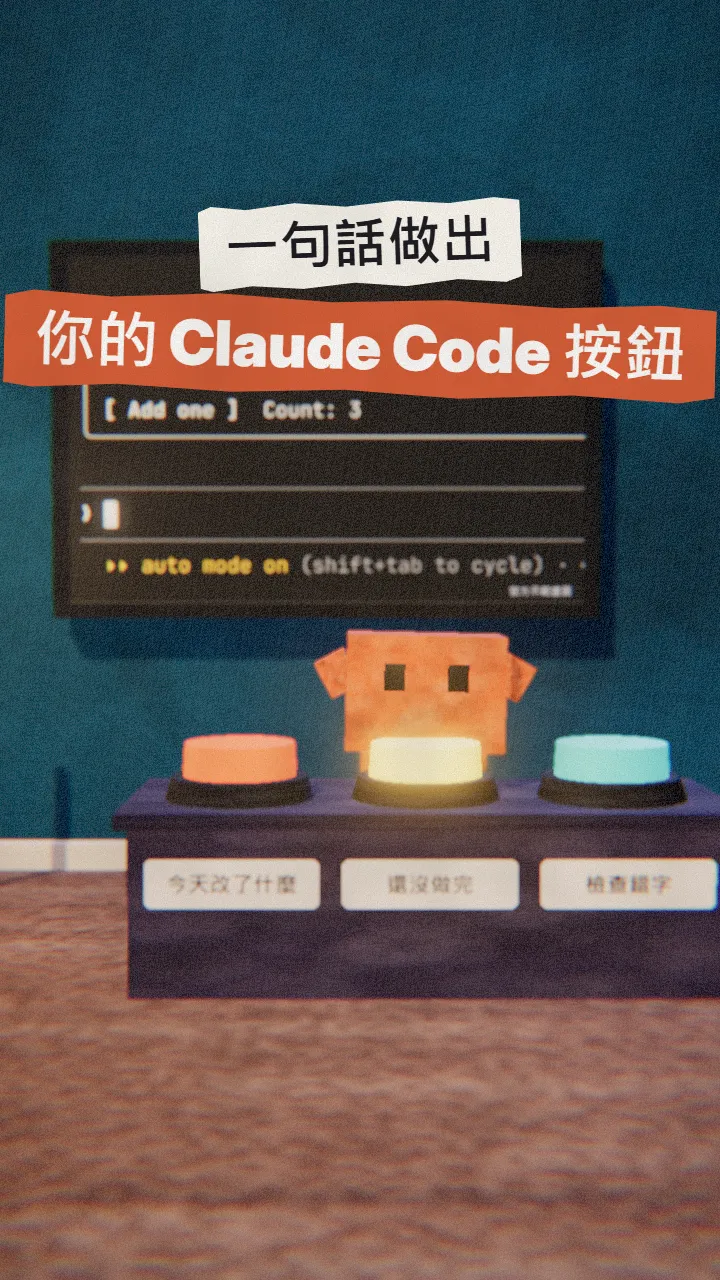
When you're done you have:
- A panel inside Claude Code with buttons you chose.
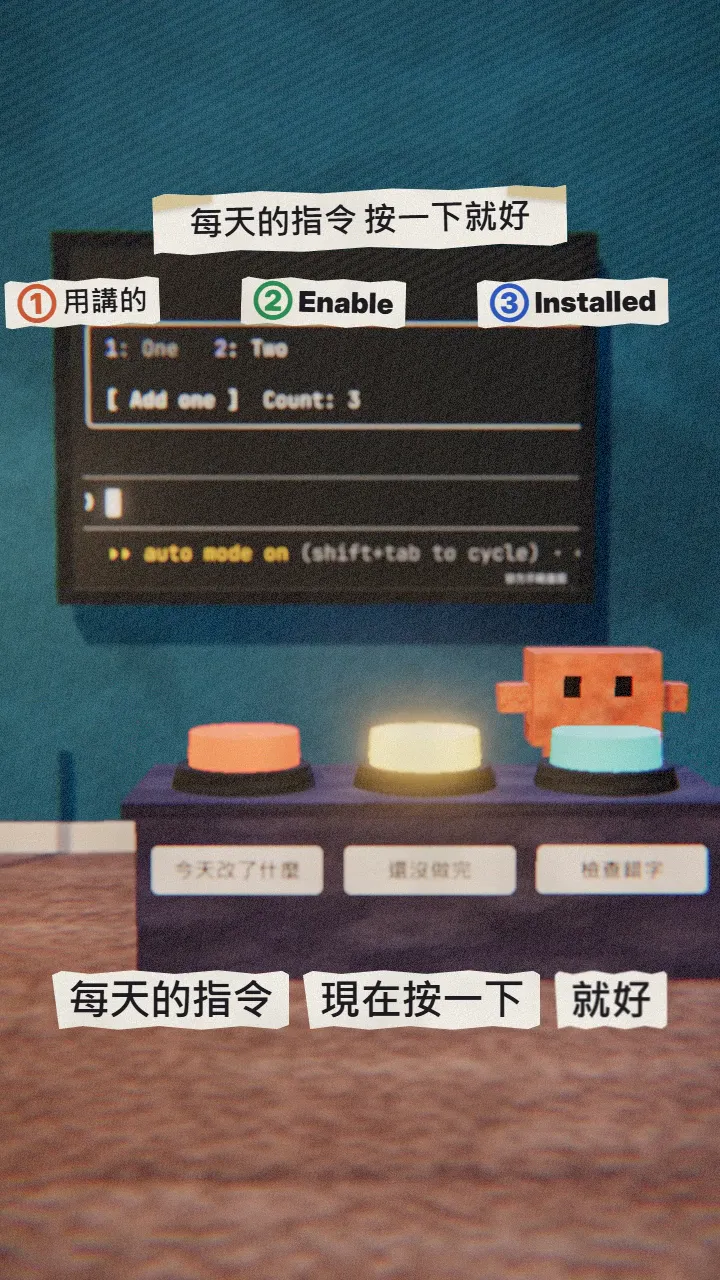
- Each button sends a prompt you type every day into the conversation in one press.
- A mod folder you can switch off in /plugin, or copy out and use again next time.
02Step 1: ask Claude Code to build it
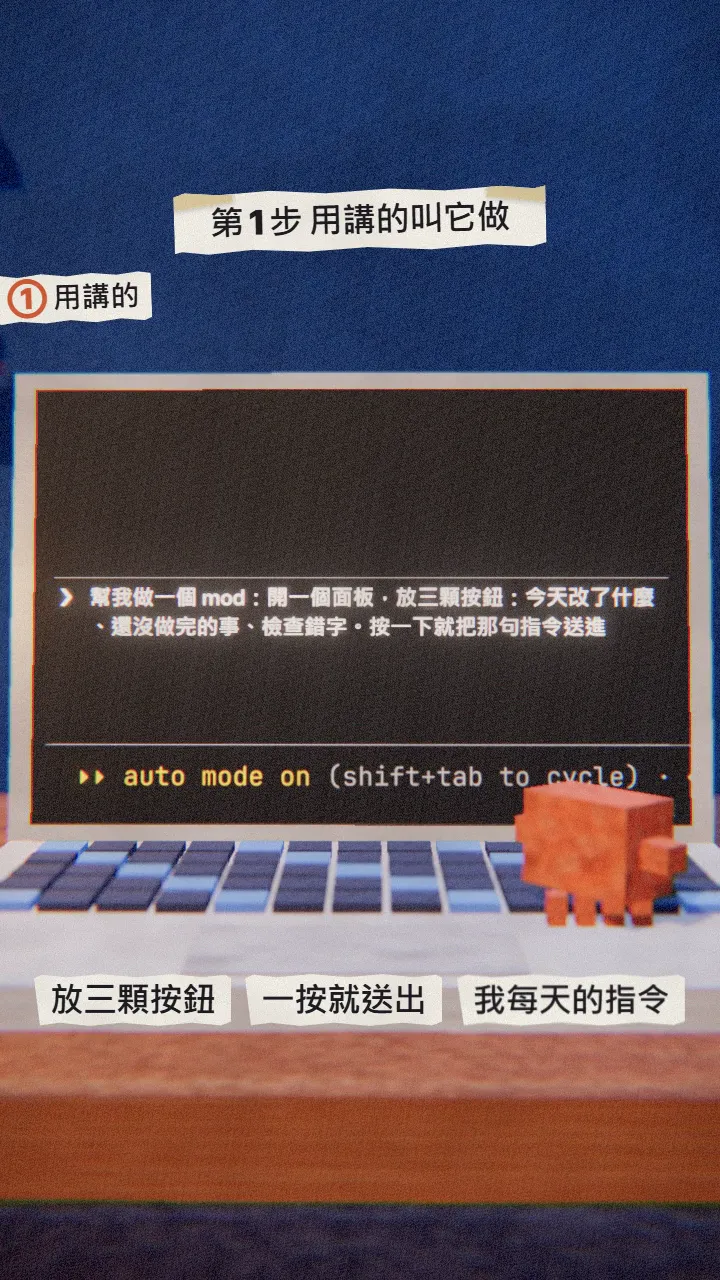
Open Claude Code (the terminal, or the desktop app: choose Code and open your project) and say what you want. Claude Code has a built-in skill called plugin-authoring that tells it where a mod goes and how it loads.
Make me a mod: open a panel with three buttons: [what changed today], [what's still unfinished], [check the latest draft for typos]. Each button sends that instruction into the conversation.
03Step 2: choose Enable for this session
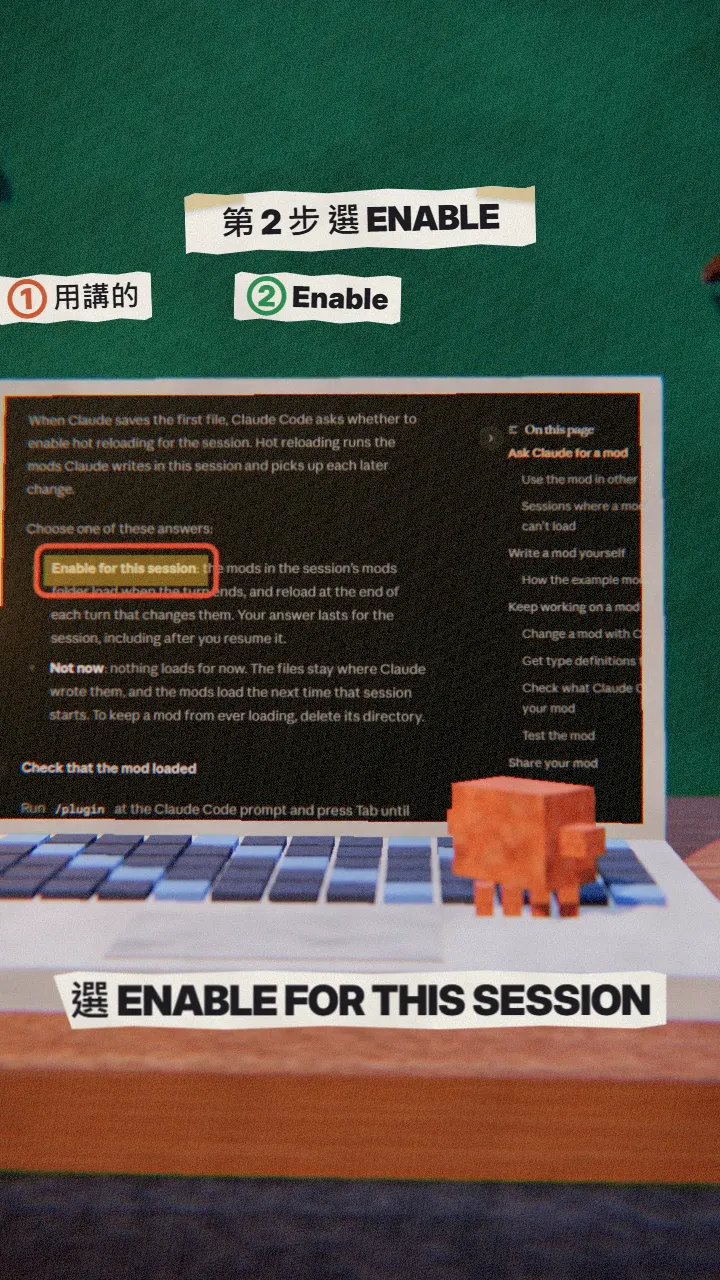
When Claude saves the first file, Claude Code asks whether to enable hot reloading for the session. Choose Enable for this session: the mod loads when the turn ends and reloads after every turn that changes it.
04Step 3: check it under Installed in /plugin
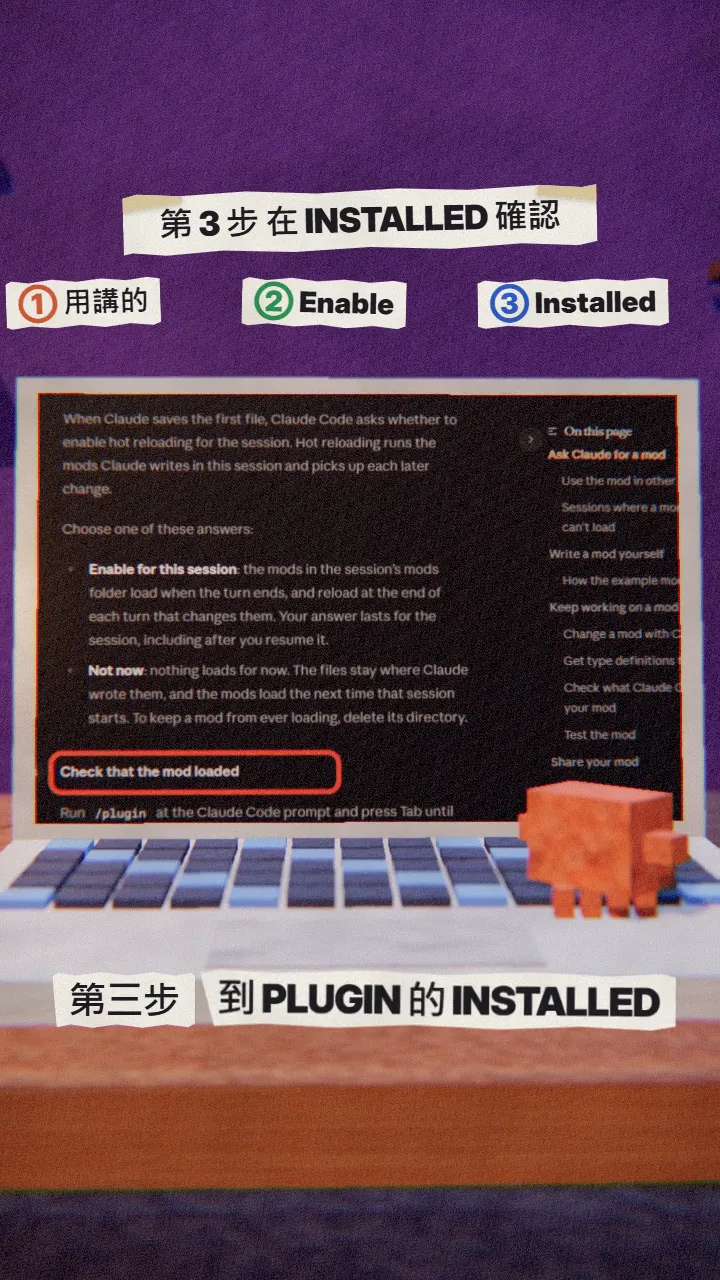
- Type /plugin in Claude Code.
- Press Tab until the Installed tab is selected; your mod is listed there.
- That's also where you switch it off.
Then press your buttons. If it isn't what you wanted, tell Claude what to change; it reloads at the end of that turn. If a line starting with the mod's name says the change didn't load, paste that line to Claude, since it can't see it otherwise.
05The step most people miss: keep it for next time
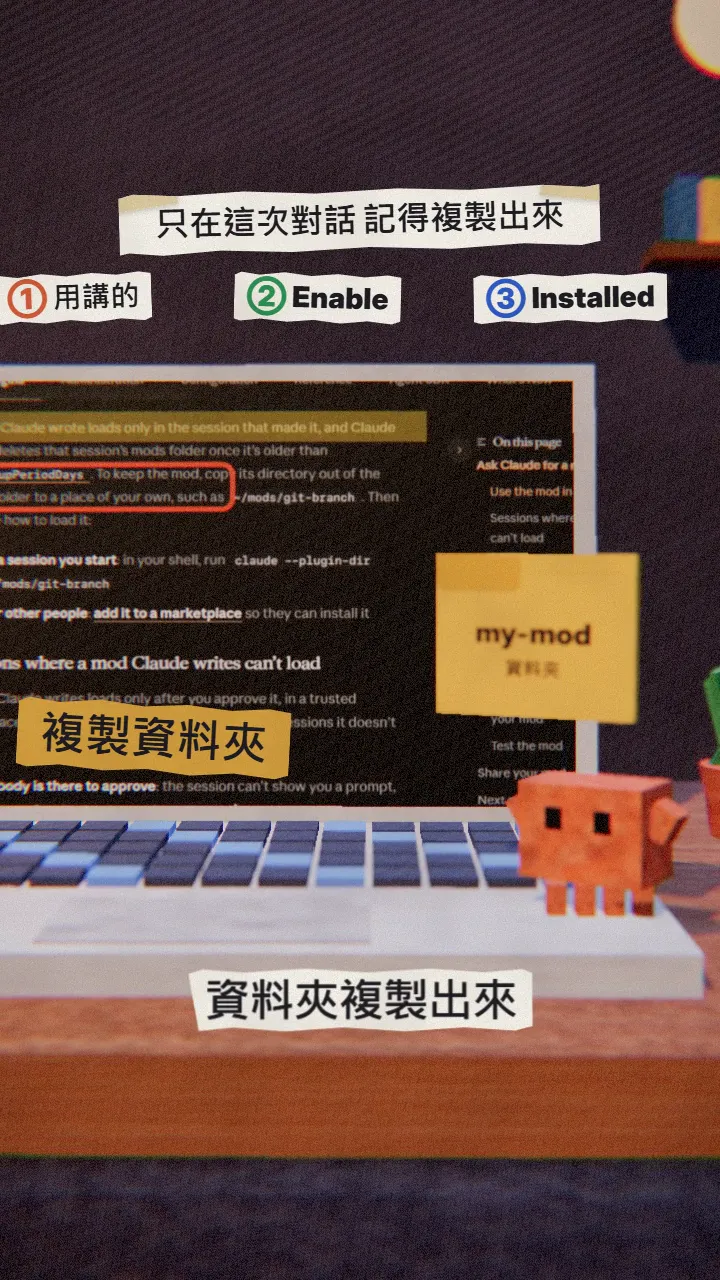
A mod Claude writes only loads in the session that made it. It lives in a folder named after the session ID under ~/.claude/dev-mods/, and that folder is cleaned up after a while (cleanupPeriodDays).
- Copy the mod's folder somewhere of your own, such as ~/mods/my-buttons.
- Next time, start Claude Code with: claude --plugin-dir ~/mods/my-buttons
- To share it with your team, add it to a plugin marketplace so they can install it.
06Good to know
- Mods aren't sandboxed: they can do what Claude Code can do on your machine, so only install ones you wrote or trust.
- On Team or Enterprise plans, admins can block or limit mods through their settings.
- A mod Claude writes doesn't load in a claude -p run, in dontAsk mode, in an untrusted folder, or with --safe-mode / --bare.
- You need a Claude Code version with mods (October 2026 or later).
- You found this guide by typing MODS on the site from the link in bio; nothing is sent by DM.
Sources
What should the next reel cover?
I test Claude and AI tools every day and turn the useful ones into reels. Follow @vivianlin.tech to catch each new guide.