~/guides/ORBIT.md
Claude can't make 3D models? Get one free (Hunyuan3D 2.1) and let it wire a three.js site that turns as you scroll
Claude can't make a textured 3D model, but it writes three.js. Get a free GLB from Hunyuan3D 2.1, then 3 prompts: plan, load it, tie the camera to scroll.
Claude writes three.js, but it can't produce a detailed, textured 3D model. The fix is to split the work: get the model somewhere free, and let Claude wire the site around it. This is the full version of the ORBIT reel's three steps: where to get a model for free (Tencent's Hunyuan3D 2.1 and its official online demo), the three prompts for Claude to plan and build, and the two key pieces of the three.js code I actually ran.
01The result first: scroll, and the model turns once


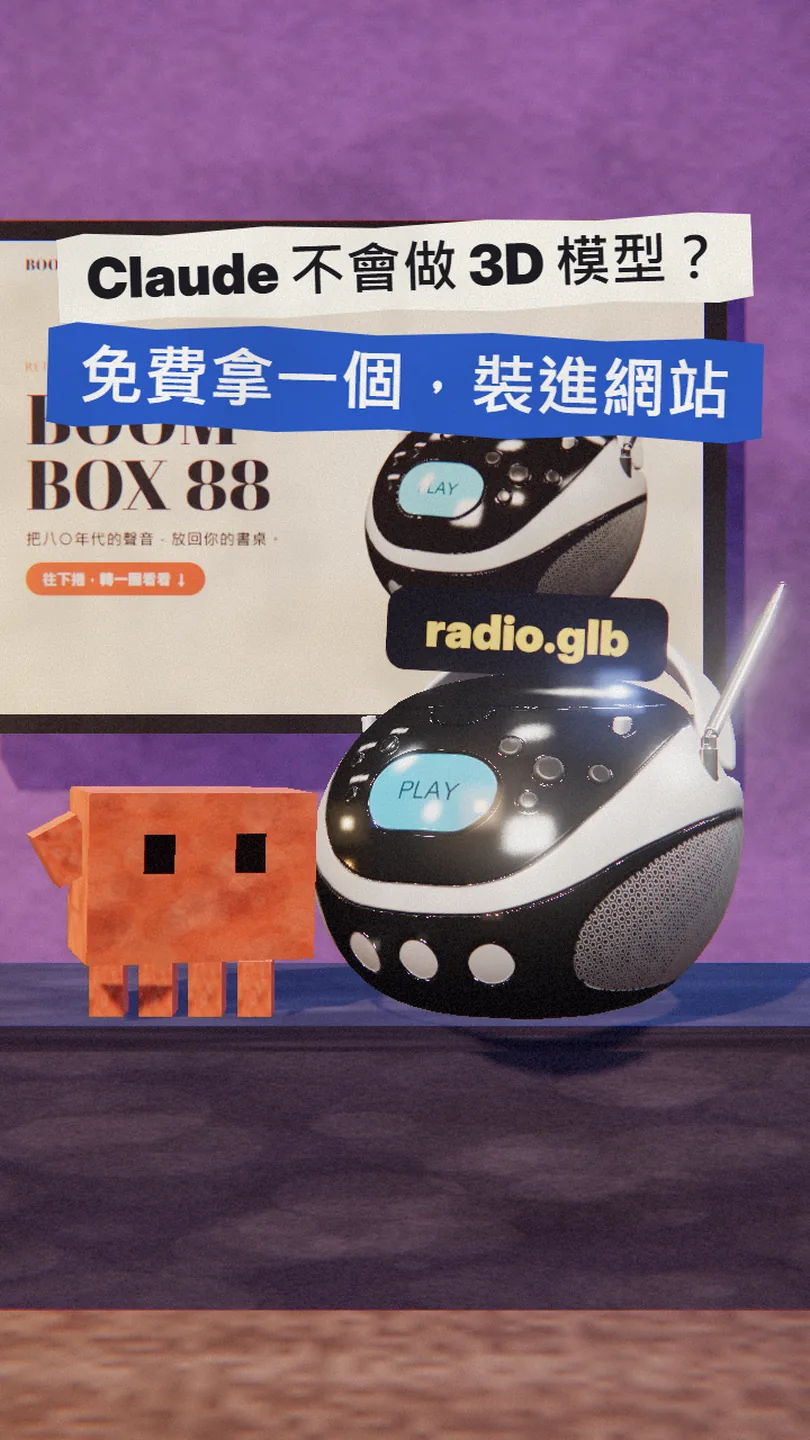
It's a product page for a radio. The whole thing is one index.html and a 70-line main.js, with no framework. Below you get: (1) where to get a model for free, and its limits, (2) the prompt that makes Claude write a plan.md first, (3) the prompt for the three.js scene that loads the model, (4) the prompt that ties the camera to the scroll, plus the two pieces of code I actually ran.
02Step 1: get a 3D model for free (Hunyuan3D 2.1)
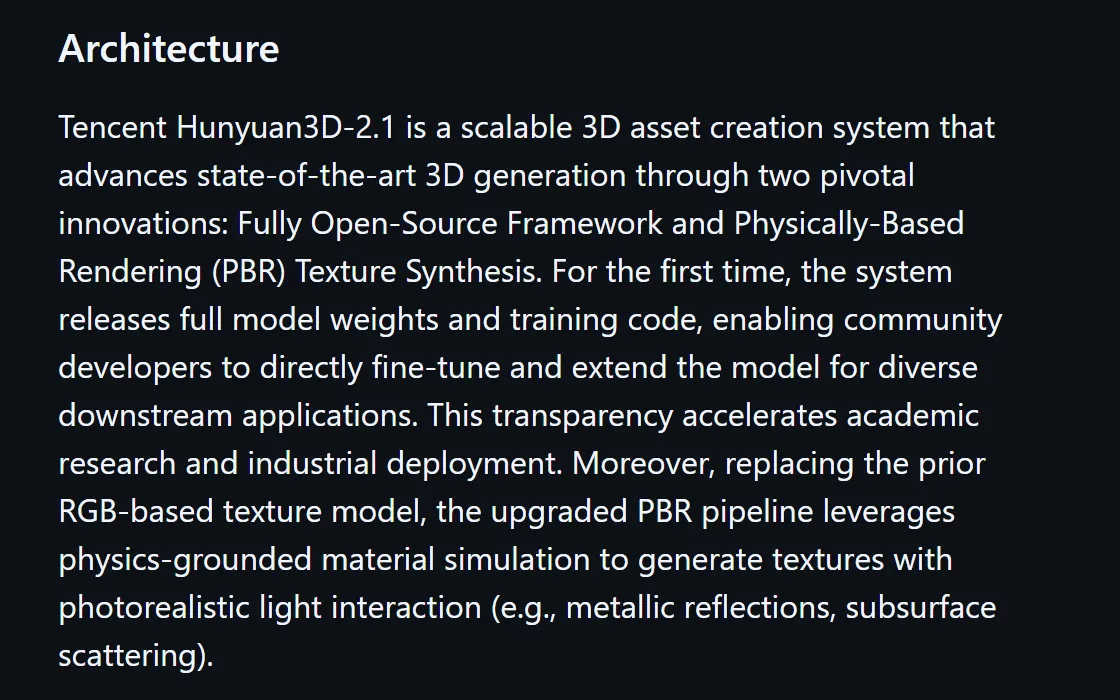
Hunyuan3D 2.1 is a 3D generation model released by Tencent: give it one photo of an object and it generates the shape, then the textures. The official README calls it a Fully Open-Source Framework: the model weights and training code are public, and using it is royalty-free (with a territory limit, see the note below).
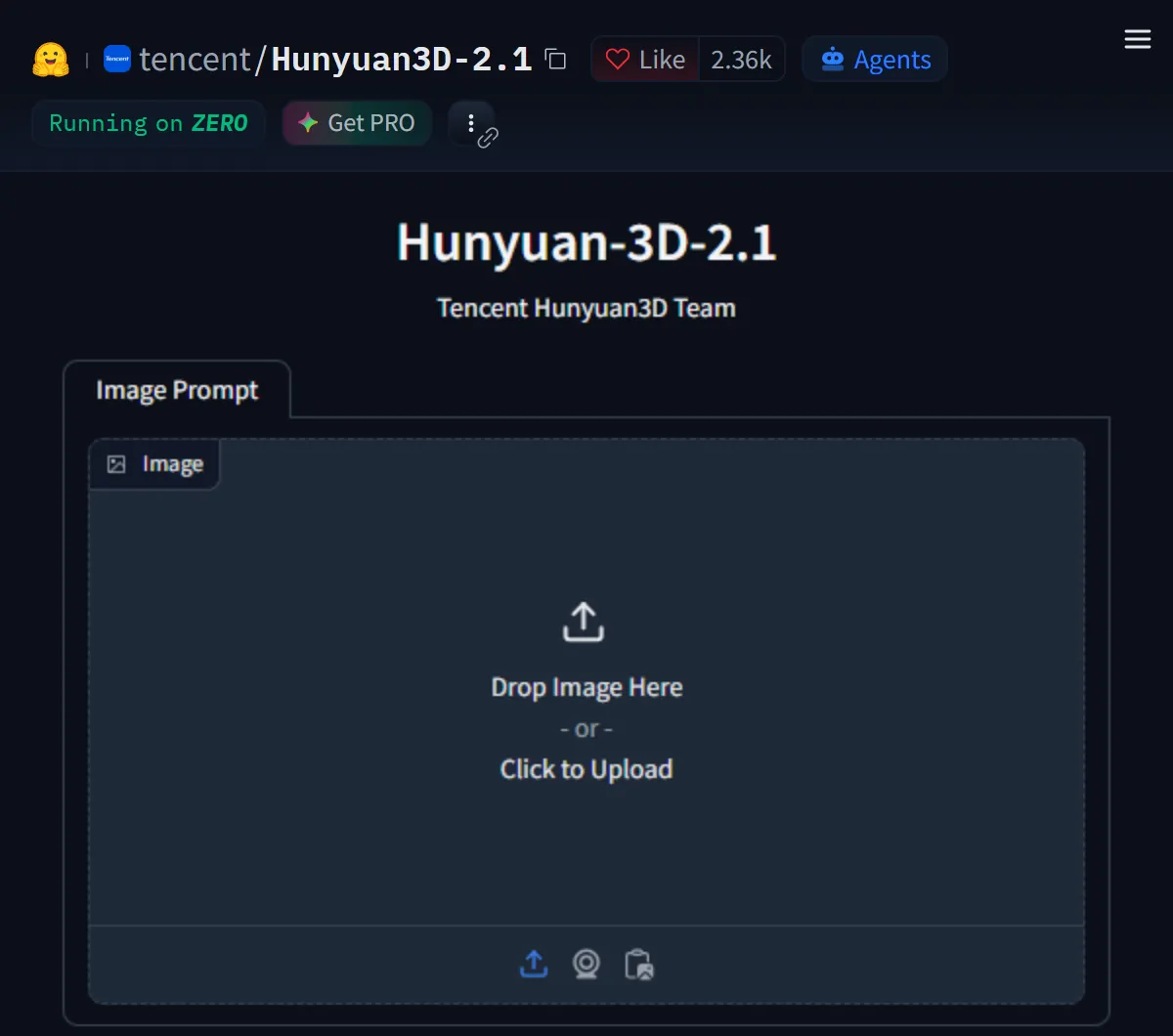
The easiest route is the official free online demo on Hugging Face. The button names below come from gradio_app.py in the official repo; I did not run a generation on the hosted demo myself, so the screen may differ a little.
- Open the official Hugging Face Space (link below). It runs under Tencent's own account.
- Drop your photo into Image Prompt. Pick a photo with a clean background and a single object.
- The official app has two buttons: Gen Shape (shape only) and Gen Textured Shape (shape plus textures). For a website, pick the textured one.
- When it's done, set File Type to glb in the export area, press Transform, then Download.
- Rename the file to something easy, such as radio.glb, and put it in your project folder.
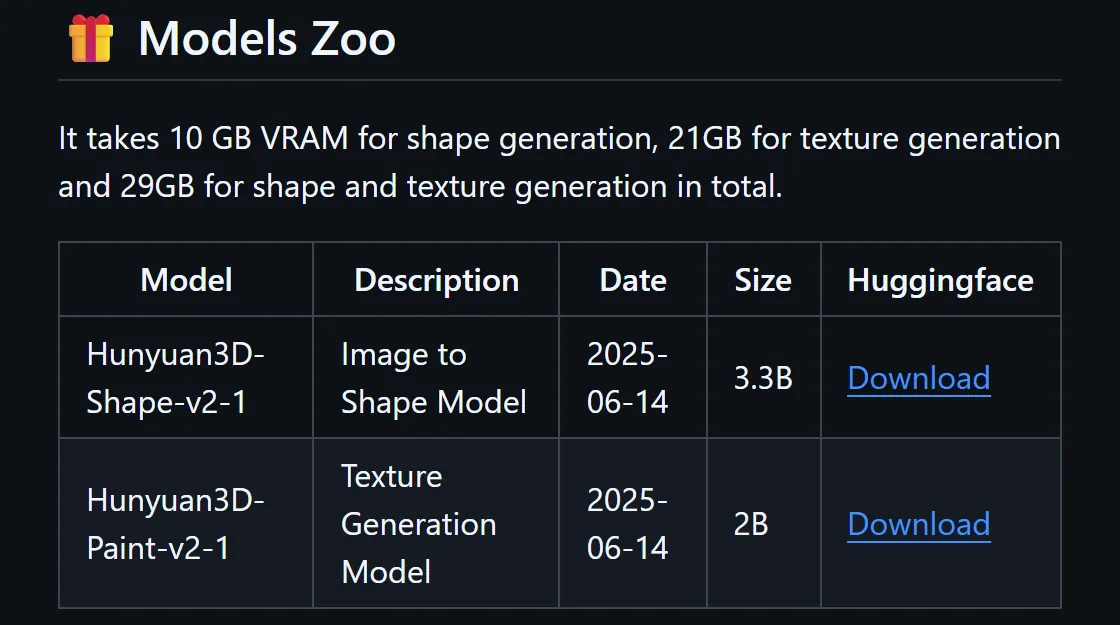
You can run it on your own machine too, but the bar is high. The README is blunt about it: 10 GB of graphics memory for the shape, 21 GB for the textures, 29 GB for both.
- Hunyuan3D 2.1 official online demo (Hugging Face Space) — Free: upload a photo to generate
- Hunyuan3D-2.1 on GitHub — README, install steps, licence
- TRELLIS.2 (Microsoft) — An MIT-licensed alternative; needs an NVIDIA GPU with 24 GB or more
03Step 2: ask Claude to plan first
With the model in hand, don't ask Claude for code yet. Have it write the site down as a plan.md first: which sections, how it scrolls, what moves. It's a short step, but Claude will follow it afterwards, and when you change direction you only edit this one file.
I want a single product page whose hero is a 3D model (the file is [radio.glb], already in the project folder).
The product is [a retro radio], the style is [cream background, bold display headline].
Don't write code yet. First write a plan.md with three parts:
1. Sections: the sections from top to bottom, one sentence each
2. Scroll: how the page scrolls, and whether the 3D canvas stays fixed or scrolls along
3. What moves: how the camera or the model moves while scrolling, and by how much
End with the tech choices: three.js and GLTFLoader only, no framework.
Show me the plan first; start building when I say so.

04Step 3: ask Claude to write three.js and load the model with GLTFLoader
Once the plan looks right, ask Claude to build it. three.js reads GLB files with GLTFLoader, its built-in loader for glTF 2.0. Aim for one thing first: the model shows up on the page.
Build it from plan.md. Create index.html and main.js:
- load three.js as an ES module from a CDN (importmap), pin the version, no bundler
- load [radio.glb] with GLTFLoader's loadAsync, measure the model, scale it to a fixed size and place it right of centre
- keep the 3D canvas fixed on screen, with the text sections scrolling over it
- add an environment map and one directional light so the materials read
Stop at "the model shows up on the page"; the scroll effect comes next.
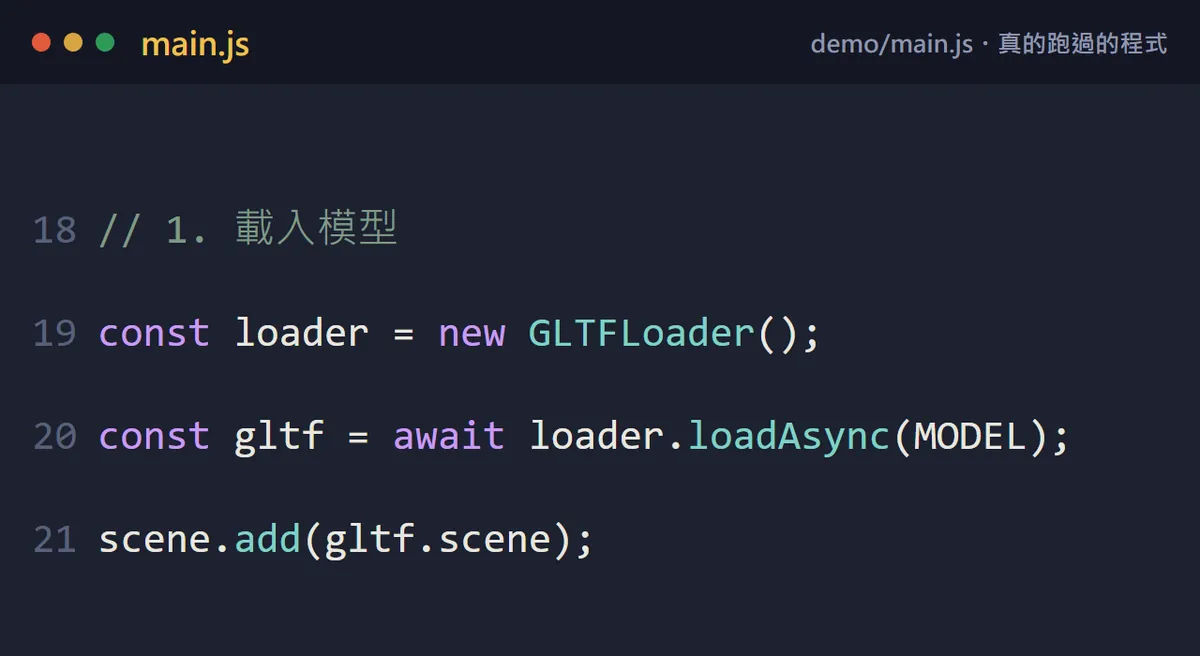
import { GLTFLoader } from 'three/addons/loaders/GLTFLoader.js';

const loader = new GLTFLoader();
const gltf = await loader.loadAsync(MODEL);   // MODEL = the path to your .glb
scene.add(gltf.scene);
- Don't open index.html by double-clicking it: browsers won't load ES modules from a local file. Ask Claude to start a local server (for example npx serve) and open the localhost address.
- A model that is too big, too small or off-centre is normal. Ask Claude to measure it with Box3, then scale and centre it automatically.
- A model that looks solid black usually has no light. Ask Claude to add RoomEnvironment as the environment map, plus one directional light.
05Last: tie the camera to the scroll
The idea is simple: work out how far down the page you are (0 to 1), turn that into an angle, and the camera walks a circle around the model. The model itself never moves; the camera does.
Now add the scroll effect:
- work out the scroll progress p (0 to 1)
- move the camera on a circle around the model, exactly [one turn] by the bottom of the page, rising slightly as it goes
- the camera always looks at the centre of the model
- update on the scroll event with requestAnimationFrame, not setInterval
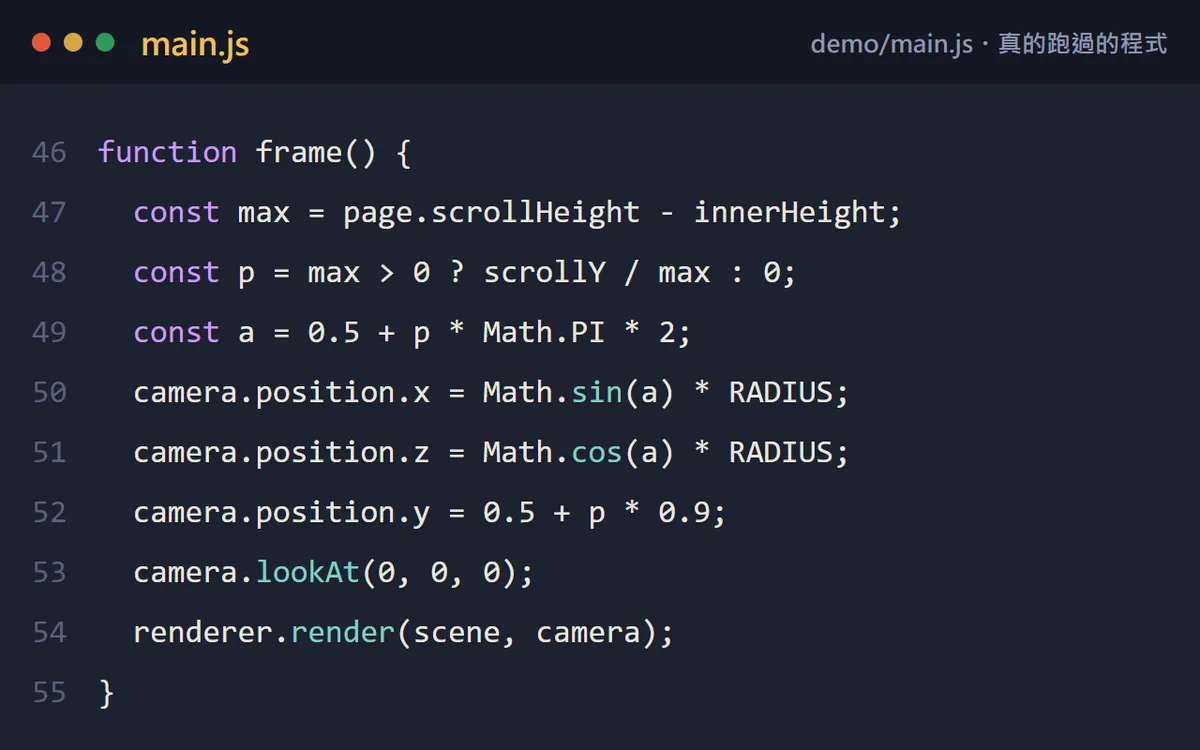
const RADIUS = 4.4;
const page = document.documentElement;
function frame() {
  const max = page.scrollHeight - innerHeight;
  const p = max > 0 ? scrollY / max : 0;   // scroll progress, 0 to 1
  const a = 0.5 + p * Math.PI * 2;         // exactly one turn by the bottom
  camera.position.x = Math.sin(a) * RADIUS;
  camera.position.z = Math.cos(a) * RADIUS;
  camera.position.y = 0.5 + p * 0.9;       // rise slowly
  camera.lookAt(0, 0, 0);
  renderer.render(scene, camera);
}
addEventListener('scroll', () => requestAnimationFrame(frame), { passive: true });
06Good to know
- Claude isn't helpless at 3D: it can write cubes, spheres and simple shapes assembled in code. What it can't do is turn a photo into a detailed, textured model; that is the part a tool like Hunyuan3D covers.
- The licence has a territory limit: Hunyuan3D 2.1's licence does not apply in the EU, the UK or South Korea. If you or your client are there, look at the MIT-licensed TRELLIS.2 instead.
- The free online demo runs on Hugging Face's shared GPUs (ZeroGPU), so there may be a queue or a usage limit; I did not test it this time.
- GLB files can be large: the sample model I used is 10.6 MB. Before a real launch, ask Claude to compress the textures or simplify the model, or it will load slowly on phones.
- three.js changes between versions, and import paths can change with it. I used 0.160.0; ask Claude to pin the version.
- The radio on the demo page is Khronos's sample model and the brand BOOMBOX 88 is made up; the "photo becomes a model" moment in the reel is an illustration, not real Hunyuan3D output.
Sources
- Hunyuan3D-2.1 on GitHub (README: open weights, the 10 / 21 / 29 GB requirements)
- Tencent Hunyuan 3D 2.1 Community License (territory limit, the 1 million monthly active users clause)
- Hunyuan3D-2.1 official online demo (Hugging Face Space)
- three.js docs: GLTFLoader
- TRELLIS.2 on GitHub (MIT licence, NVIDIA GPU with 24 GB or more)
- Khronos glTF sample model BoomBox (CC0)
What should the next reel cover?
I test Claude and AI tools every day and turn the useful ones into reels. Follow @vivianlin.tech to catch each new guide.