
~/guides/DIAGRAM.md
Archify: one sentence and Claude Code turns your whole project into an interactive architecture diagram
Archify is a free, open-source Claude Code skill that reads your code and draws a diagram whose boxes link to the source. Install, prompt, paths, edits.
Watch the reel on InstagramComment #DIAGRAM to get this guide
When you take over a new project, the slow part is not writing code but understanding it: where the data comes in, which file does what, what a change will touch. Archify is a free, open-source (Apache 2.0) Claude Code skill that has Claude read your code and draw an architecture diagram you can click, with every box linked to the exact source lines. This is the full version of the DIAGRAM reel: a real diagram we made of the open-source nanoGPT project, how to install it, the one-sentence prompt, how to see the source and trace a path, how to change and share the diagram, and what to watch out for.
01The result first: one sentence turned the whole nanoGPT project into a diagram you can click

When you are done, you will have:
- One HTML file: your project's architecture, its components, flows and where the data lives, on one page.
- Every box links to the source code; click it to see the exact file and lines.
- A path you can trace, to see where the data goes.
- No dragging to make changes: tell Claude in one sentence. Send the file to a colleague and they can open it and click around.

02Step 1: Install Archify

Archify is an open-source skill by tt-a1i that works in Claude Code, Codex, Cursor and OpenCode. You need Node.js 18 or later. The easiest way is to let Claude Code install it: paste this line in.
Install Archify for me by reading https://raw.githubusercontent.com/tt-a1i/archify/main/llms.txt
Claude first tells you which commands it will run and asks whether to install for all projects or this one only, and installs after you confirm. To install it yourself in a terminal, use the official line (for Claude Code, all projects):
npx -y skills@latest add https://archify.si --skill archify --agent claude-code --global --copy --yes
03Step 2: Ask Claude in one sentence
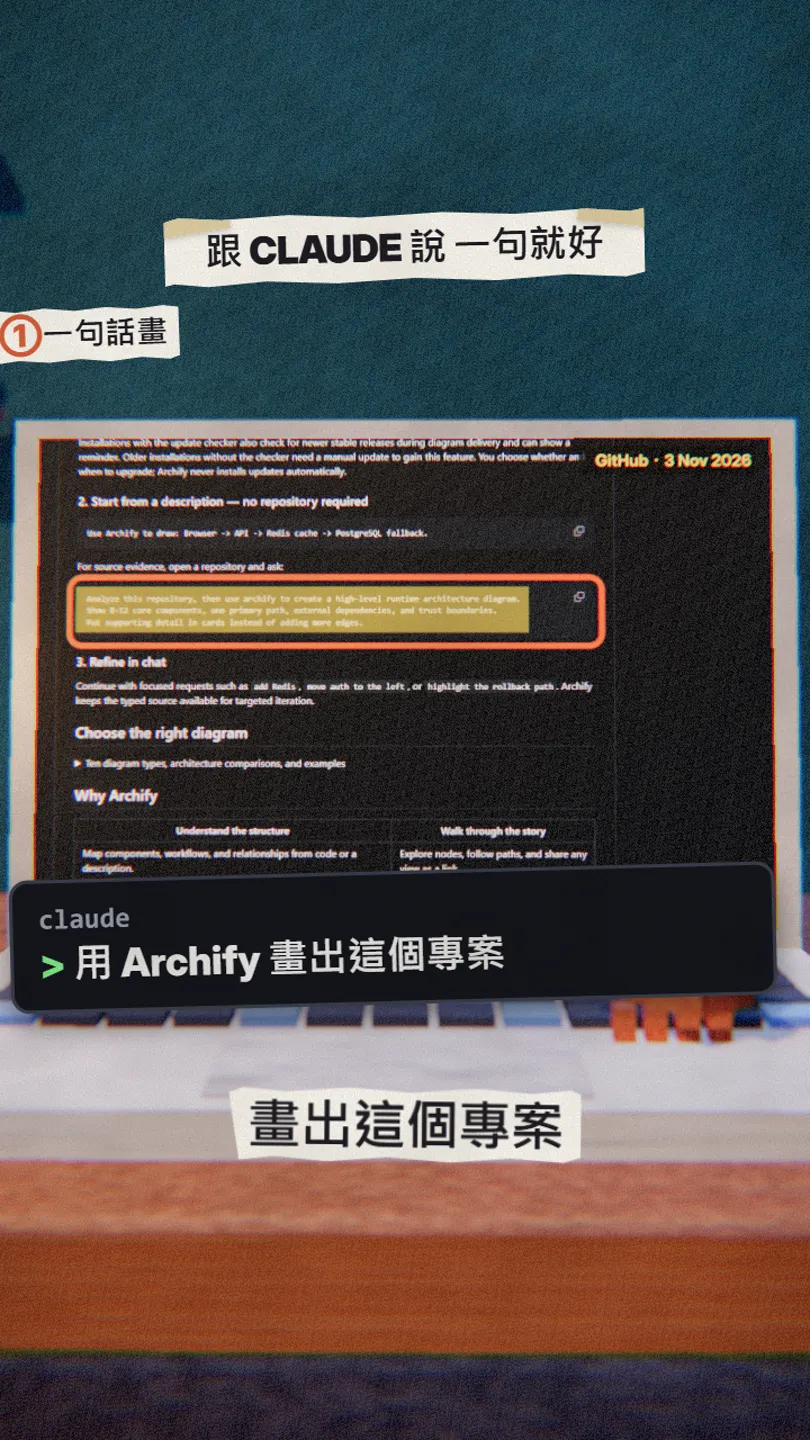
Open Claude Code in your project folder and say:
Use Archify to analyze this project and draw an architecture diagram of [the whole project / the login flow / the checkout flow], with every component linked to its source code.
For a more precise result, use this one from the README:
Analyze this repository, then use archify to create a high-level runtime architecture diagram.
Show 8–12 core components, one primary path, external dependencies, and trust boundaries.
Put supporting detail in cards instead of adding more edges.
Archify checks the diagram's format, layout and connections first and writes the HTML only when every check passes; if something fails, it fixes it and runs again. Besides architecture it has ten types in all, including workflow, sequence, data flow, lifecycle and ERD; just say which one you want.
04Step 3: Click a box to see the source, trace a path

Open the HTML file in a browser and click any box: its source locations appear beside it, and one more click opens those lines on GitHub.
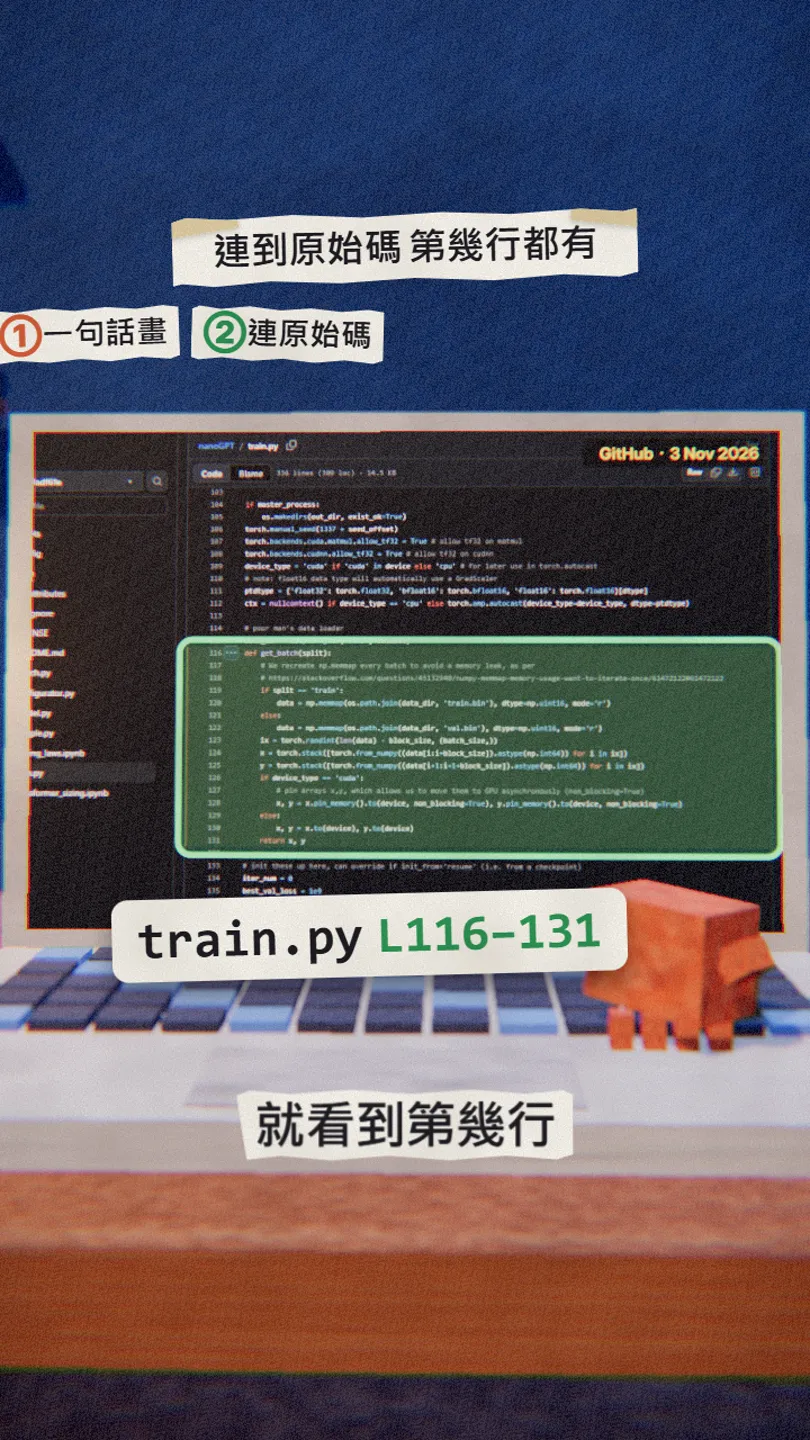
A few useful keys:
- /: find any box.
- R (or Path, bottom right): pick a start and an end and trace a path.
- M: open a mini map of the whole diagram.
- F: presentation mode, the diagram fills the screen.
- S / T / E: change the style, switch light or dark, export an image.

05Step 4: Change it by asking, then send it to a colleague

Once the diagram is drawn, keep going in the same chat and say what to change:
Highlight the path to [sample.py], move [the database] to the right, and add [a cache].

The output is a single standalone HTML file; send it to someone and the interactive features go with it. Export (top right) also saves PNG, JPEG, WebP, SVG or a 6-second WebM animation for slides and docs.
06Good to know
- Open the HTML file in a browser to use it; opened on GitHub, it only shows a wall of source code.
- Source links exist only for diagrams drawn from code, and they point to the commit at drawing time; when the code changes, ask for the diagram again.
- It is not a drag-and-drop drawing app and has no mouse editing; change it by asking, and Claude edits the diagram data and redraws it.
- Drawing and checking run on your computer. It occasionally checks online for a new version (a reminder only, never an automatic update); set ARCHIFY_UPDATE_CHECK_DISABLED=1 to turn that off.
- The only official places are github.com/tt-a1i/archify and archify.si. There are forks with the same name on GitHub, and the sponsors in the README (such as API resellers) are third parties, not Archify.
- You found this page by typing DIAGRAM in the link in bio; there are no DMs.
Sources
What should the next reel cover?
I test Claude and AI tools every day and turn the useful ones into reels. Follow @vivianlin.tech to catch each new guide.


