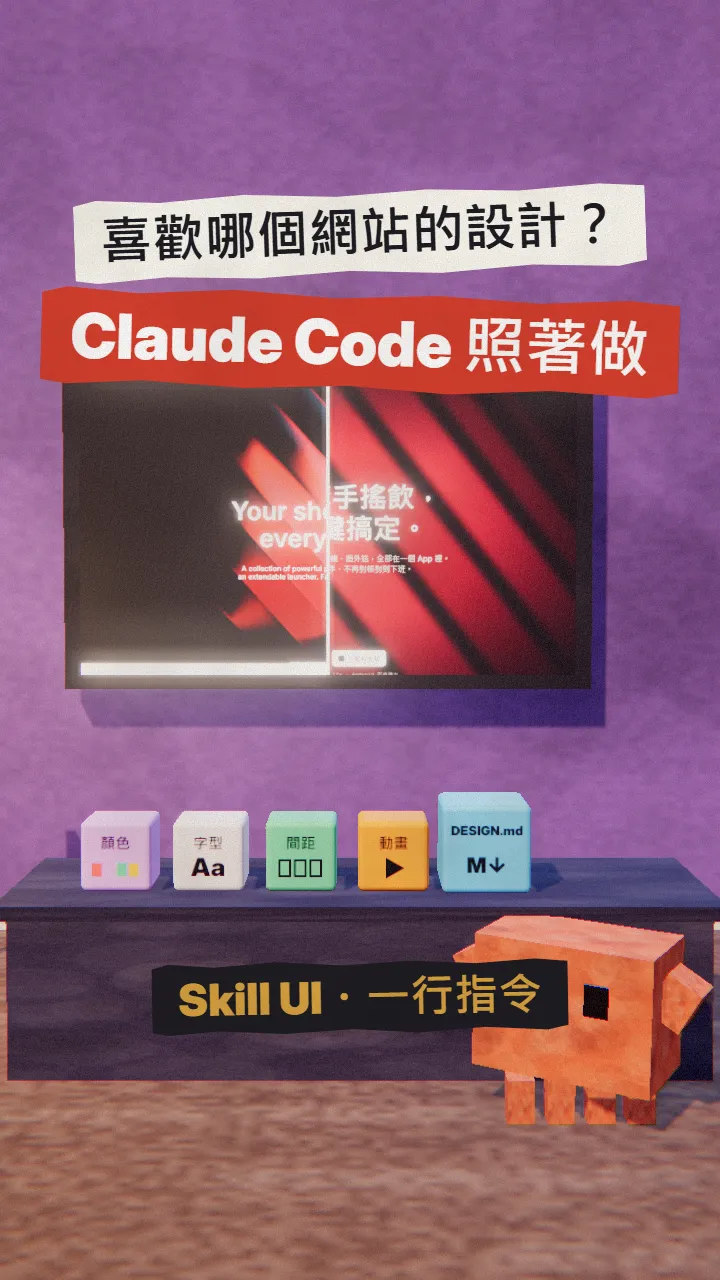
~/guides/SKILLUI.md
Skill UI: point it at any website and Claude Code builds your page in that design (tested on raycast.com)
Free, open-source Skill UI turns a site you like into colours, fonts, spacing, motion and screenshots in one command; Claude Code builds from the folder.
Love the design of a site and want your project to look like it? Telling Claude "make it look like that site" usually gets you something close-ish. Skill UI is a small free, open-source tool: give it a URL and it packs that site's colours, fonts, spacing, motion and screenshots into a folder that Claude Code builds from. This is the full guide to the SKILLUI reel: I ran it on raycast.com myself, so here is the install, the command, what it produces, how to get Claude to follow it, and two things to watch.
01The result first: raycast.com's style on my bubble-tea group-order page
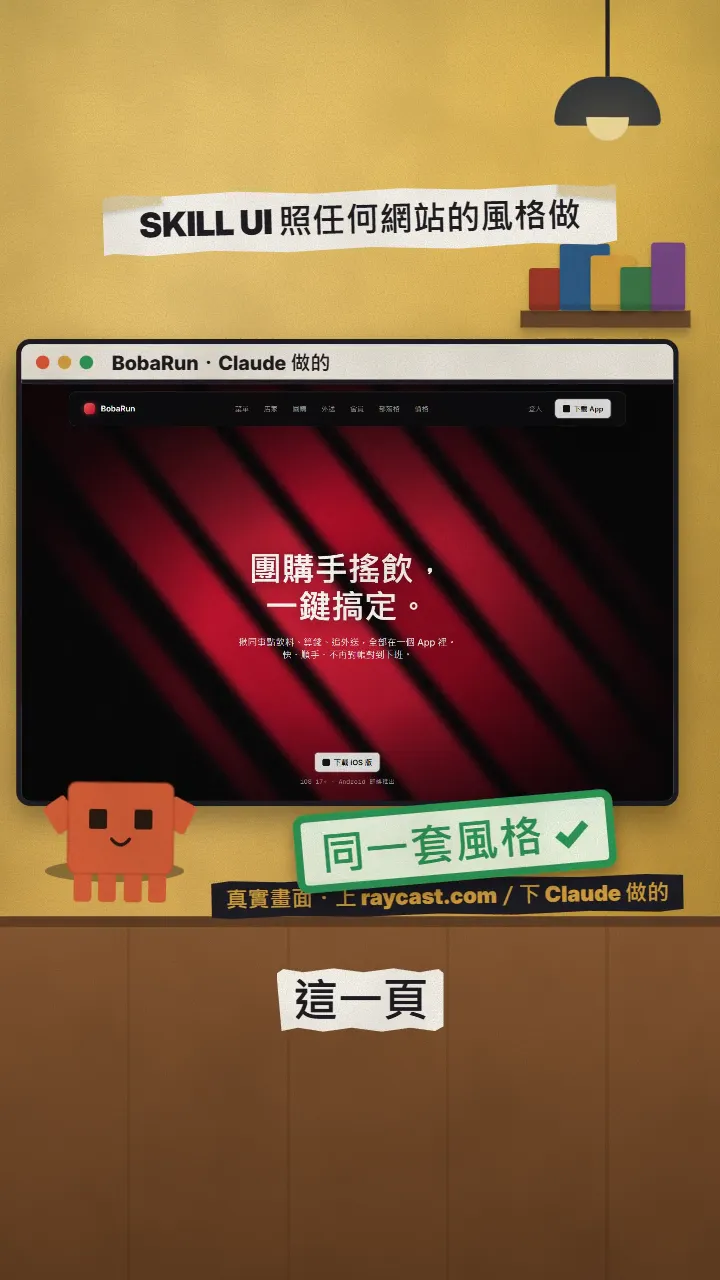
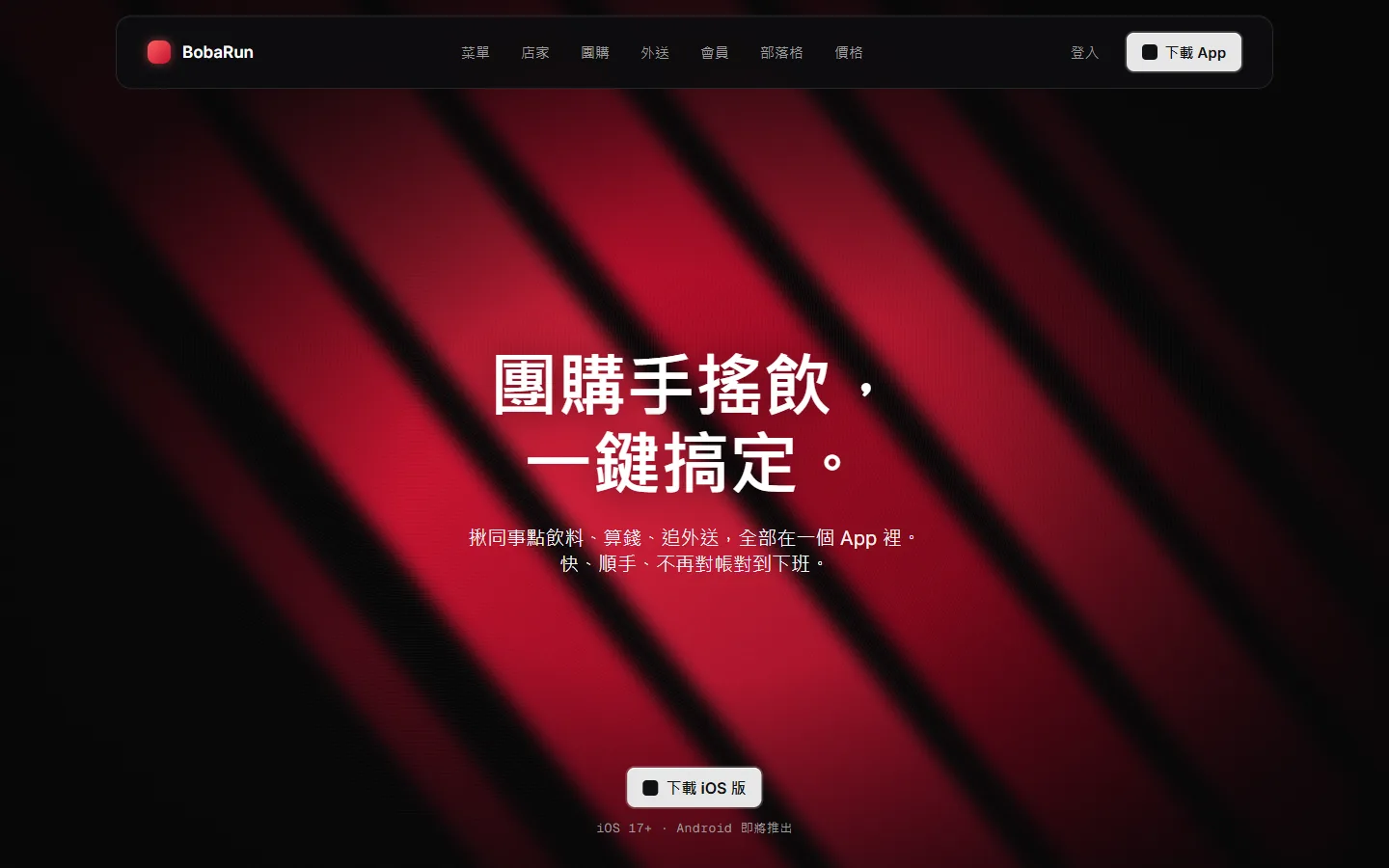
When you're done you'll have:
- A folder with the site's colours, fonts, spacing, motion, components and 7 scroll screenshots.
- A DESIGN.md that Claude Code reads as soon as you open the folder.
- A page for your own project, built in that style.
02Step 1: install Skill UI
Skill UI is a command-line tool and needs Node.js 18 or newer. Open a terminal and run:
npm install -g skillui
To also capture scroll screenshots, animations and hover states (what it calls ultra mode), add Playwright and its browser:
npm install playwright
npx playwright install chromium
03Step 2: point it at a site you like
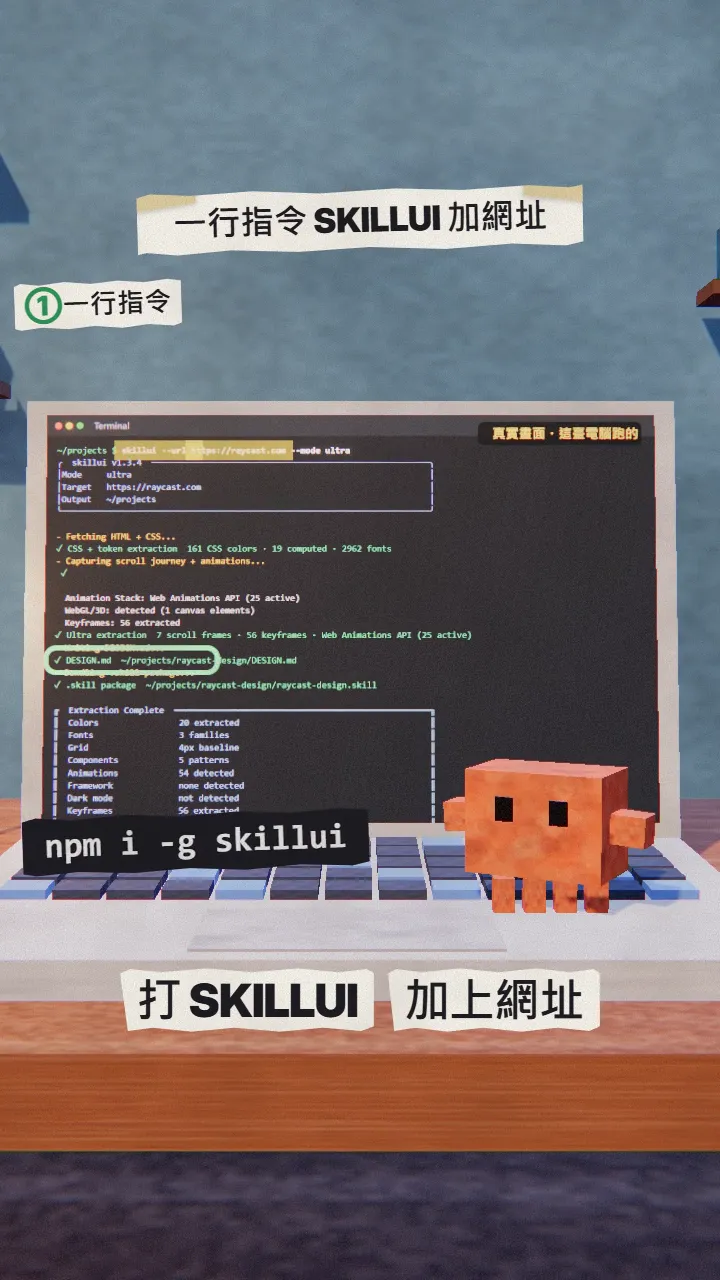
Swap in the site you like. Not a ready-made template: the one you picked.
skillui --url [https://a-site-you-like] --mode ultra
Other handy options:
- --screens 10: crawl more pages (default 5, max 20).
- --dir ./my-app: scan a project on your own computer.
- --repo https://github.com/…: clone and scan a public GitHub repo.
- --format design-md: only DESIGN.md, no package.
04Step 3: see what it pulled out
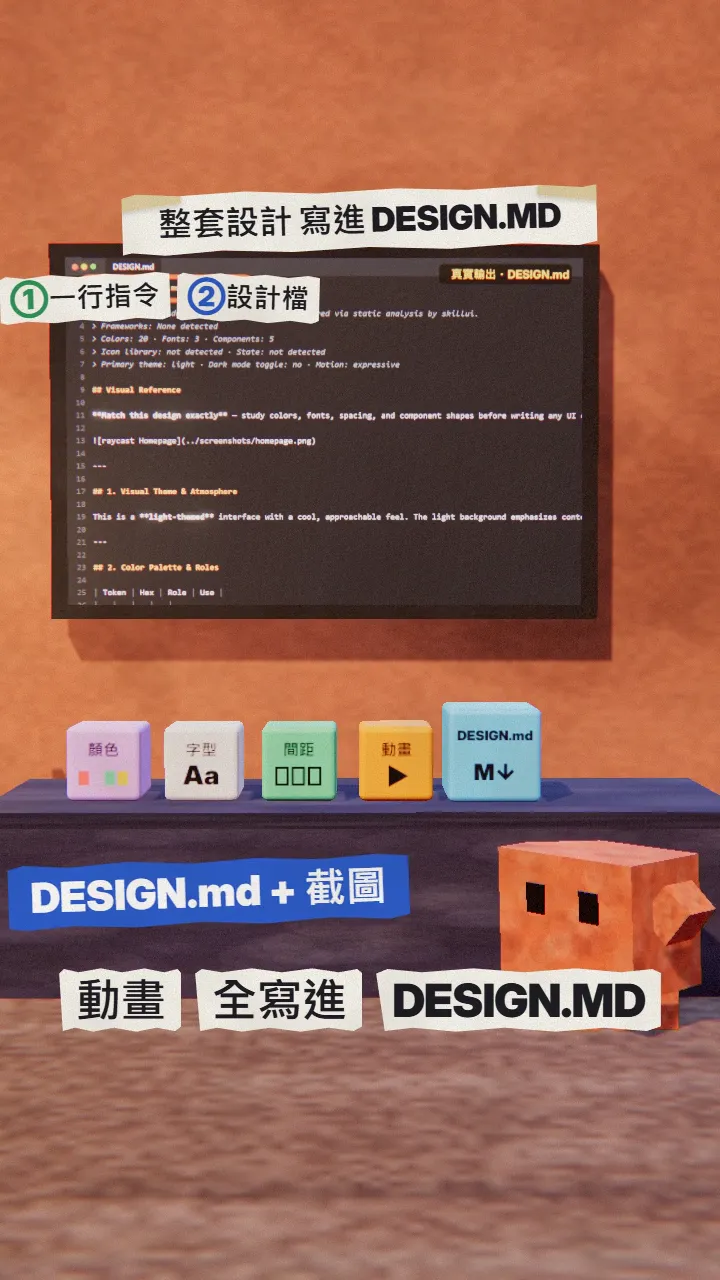
The parts that matter most:
- DESIGN.md: colours and their roles, fonts and sizes, spacing, radius, shadows, motion rules.
- CLAUDE.md and SKILL.md: Claude Code reads CLAUDE.md automatically in that folder, and it tells Claude to read SKILL.md first.
- references/: motion, layout, components and hover details.
- screens/: 7 screenshots from top to bottom (ultra mode).
- tokens/ and fonts/: design variables as JSON, and the site's font files.
05Step 4: have Claude Code build in that style
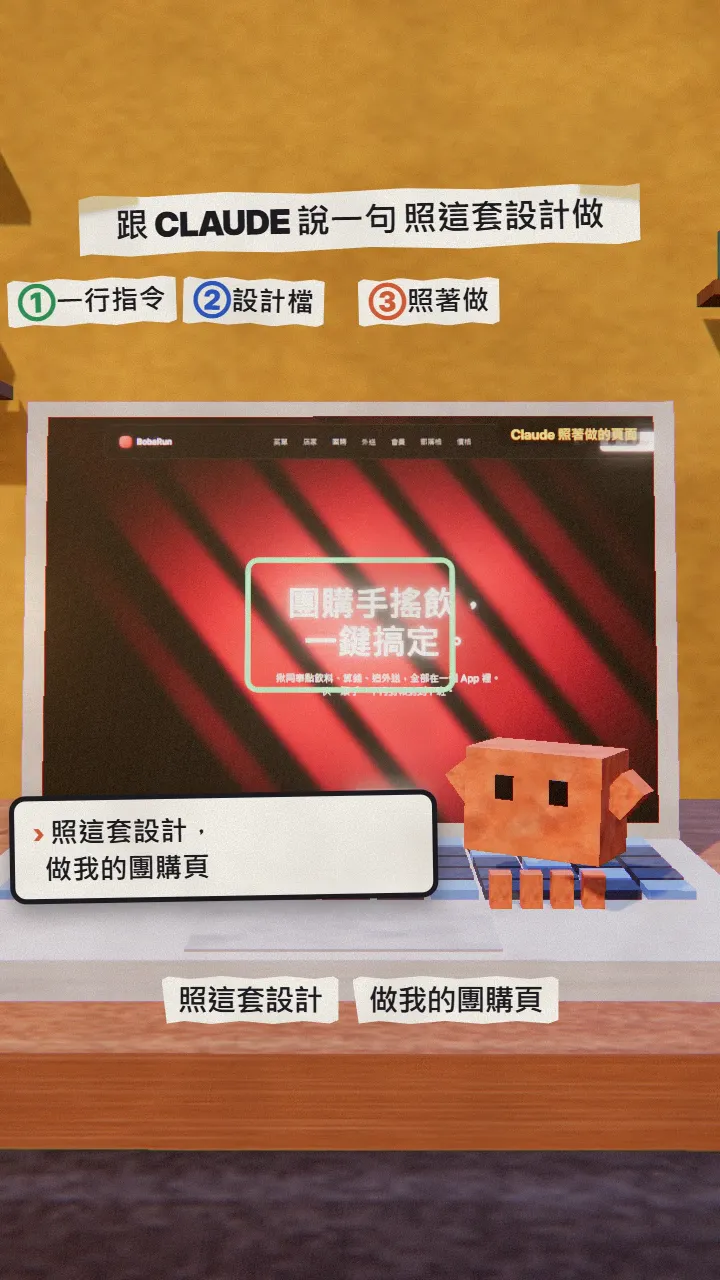
Go into the folder it made and start Claude Code:
cd raycast-design
claude
Then describe your project, the more specific the better:
Using this design system, build the home page for [my project]: [what it does], [three key features], [what the main button says].
06Good to know
- It puts SKILL.md into ~/.claude/skills/"sitename-design" by itself. If you do not want that, delete the folder.
- You are borrowing a style, not a website: don't copy other people's logos, copy or images; the font files it bundles belong to that site, so check the licence or switch to free fonts before you ship.
- Ultra mode opens a browser on the site; sites behind a login or a bot check may come out incomplete.
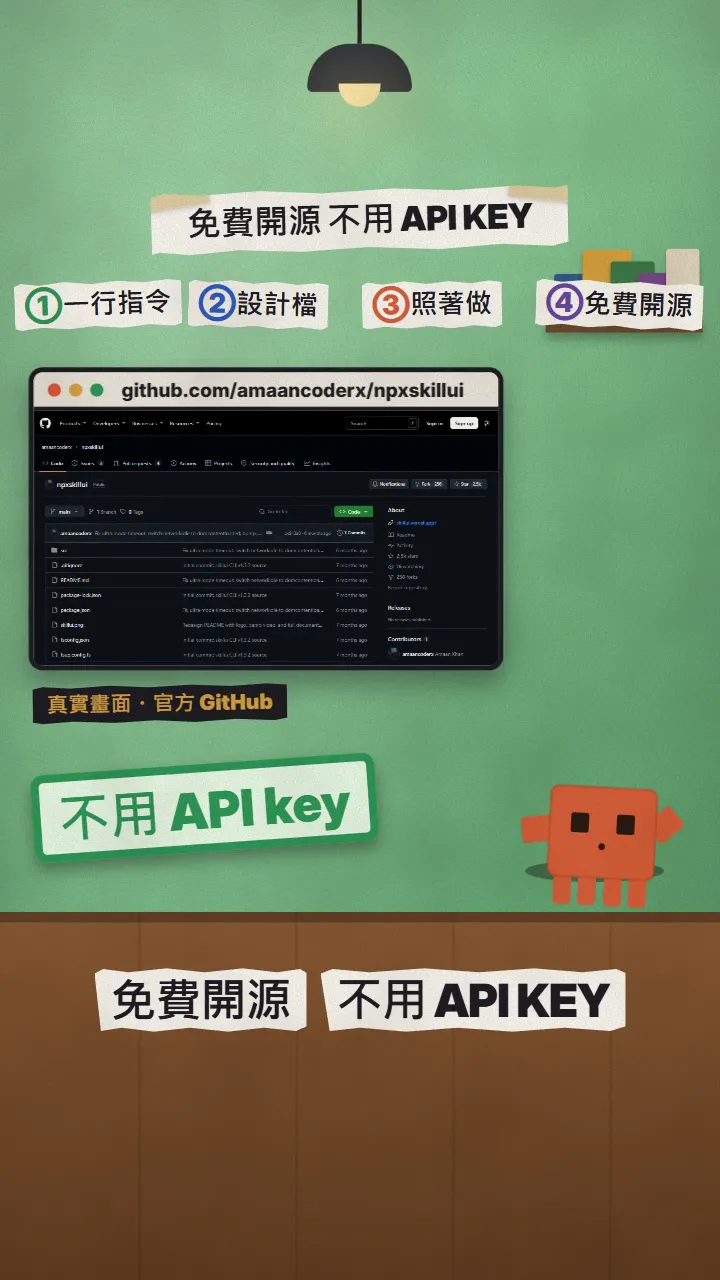
- Skill UI is a personal open-source project (MIT on npm), not an official Anthropic tool.
- You found this guide by typing SKILLUI on the site from the link in bio; there is no DM.
Sources
What should the next reel cover?
I test Claude and AI tools every day and turn the useful ones into reels. Follow @vivianlin.tech to catch each new guide.


