~/guides/HIDDEN.md
No API on that site? Reverse API Engineer records the requests behind it and writes your own API client
Free, open-source Reverse API Engineer has an AI browse a site, record the requests behind it and write your own API client that survives redesigns. 3 steps.
Watch the reel on InstagramComment #HIDDEN to get this guide
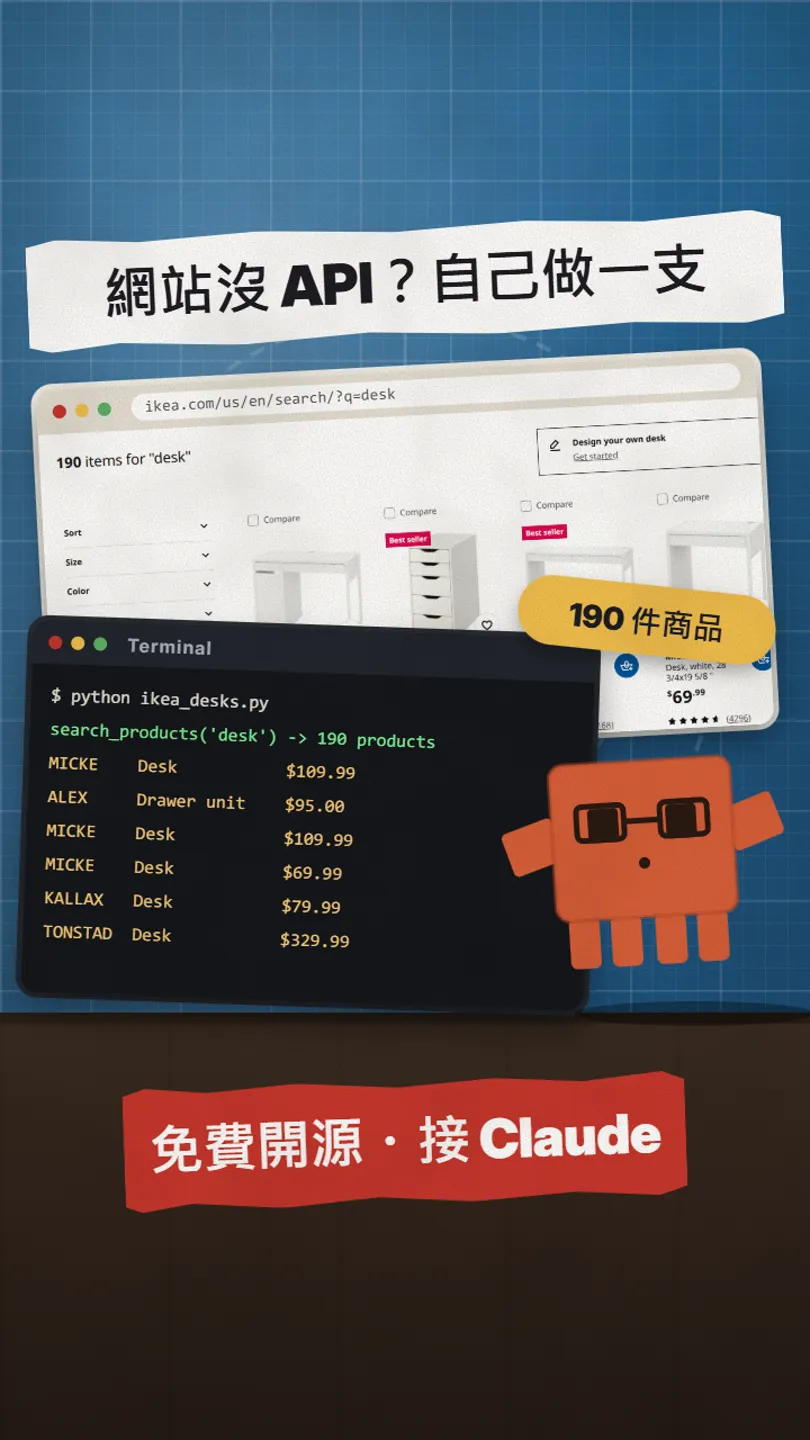
Some websites have exactly the data you want (product prices, job openings, events) but no public API. I use Reverse API Engineer, a free, MIT-licensed open-source tool on GitHub. You give it a URL and one sentence about what you want; an AI opens a browser, browses the site by itself, records the requests the site really runs on behind the page, and writes them up as your own API client. It is not scraping and you don't buy an API: it uses the site's own API, so a redesign is much less likely to break it. This is the full version of HIDDEN from the reel: the real result first, then the install commands, a goal sentence you can paste, 3 steps, and the things you need to know. The pictures are frames from our reel (the little orange mascot); the sites and code inside them are real screenshots.
01The result first: IKEA has no API, and we still got 190 desks with prices
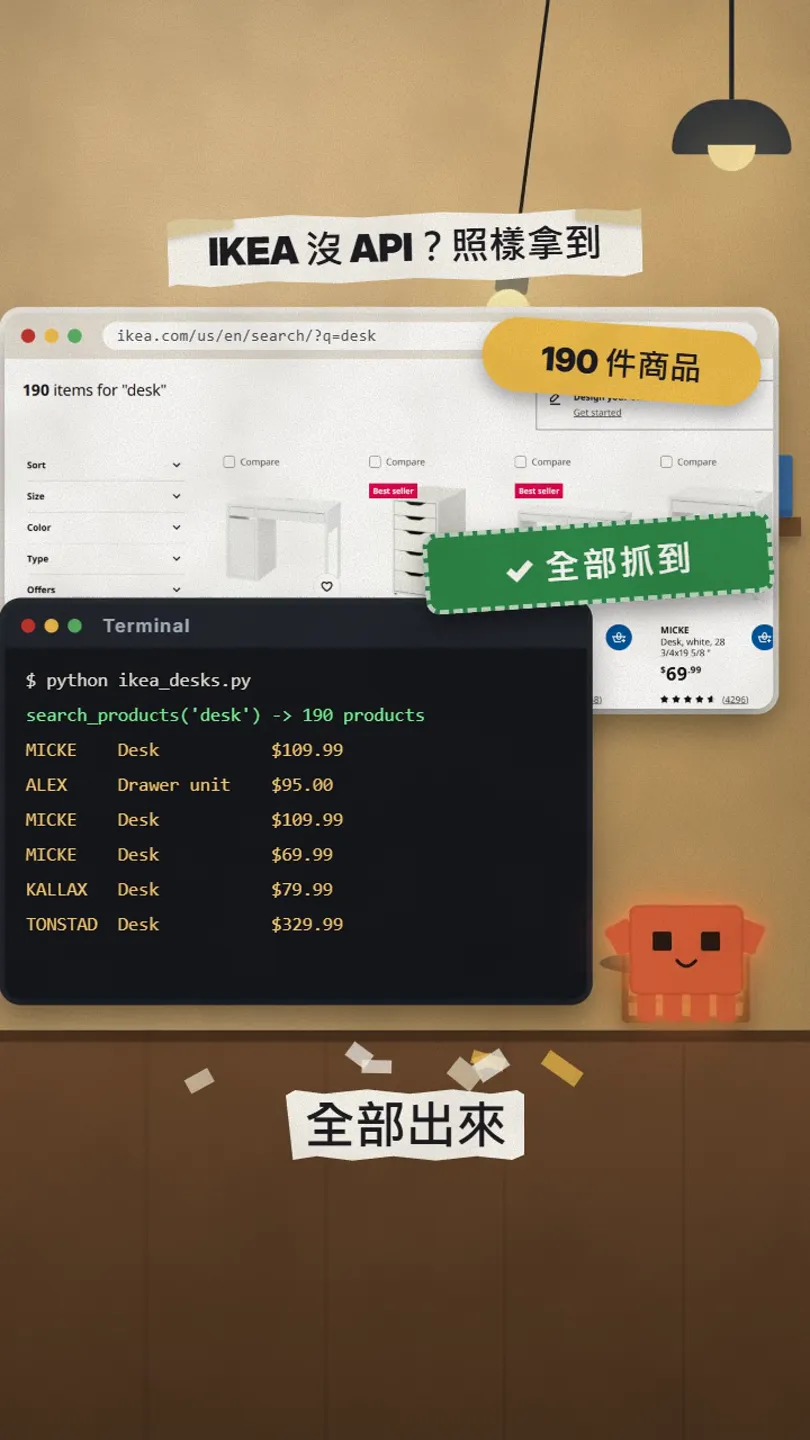
IKEA has no public API for normal people. But the author of Reverse API Engineer used the tool to make an IKEA API client and put it in the official GitHub repo under examples/ikea. I ran that client on 27 Oct 2026: a search for desk came back with 190 products, first MICKE desk $109.99, then ALEX drawer unit $95.00, MICKE desk $69.99, KALLAX desk $79.99 and TONSTAD desk $329.99, the same numbers as on the live site.
To be clear: this IKEA client is the official example the author generated with Reverse API Engineer; I did not generate it from scratch on my own computer. What I did was run it and check the data is real. When you run the tool yourself, your code will not match the example exactly, and that is normal.
02Why it's not scraping: it uses the site's own API
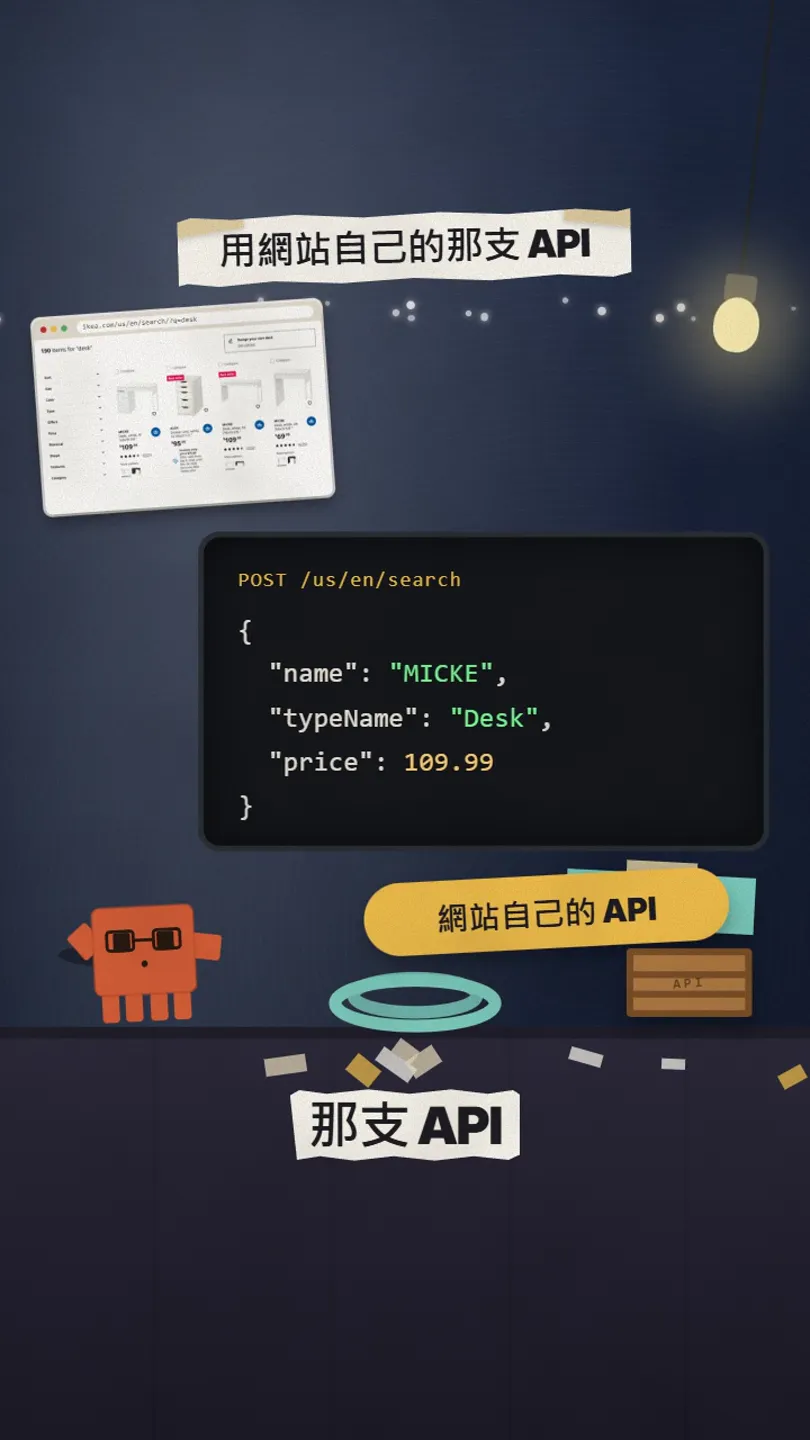
Normal scraping reads the text on the page, so when the site is redesigned or a button moves, the script breaks. On most websites today, the page you see is your browser calling the site's own API behind the scenes and then displaying the result. Reverse API Engineer records those requests (into a .har file), lets the AI understand them, and writes a clean API client you can reuse.
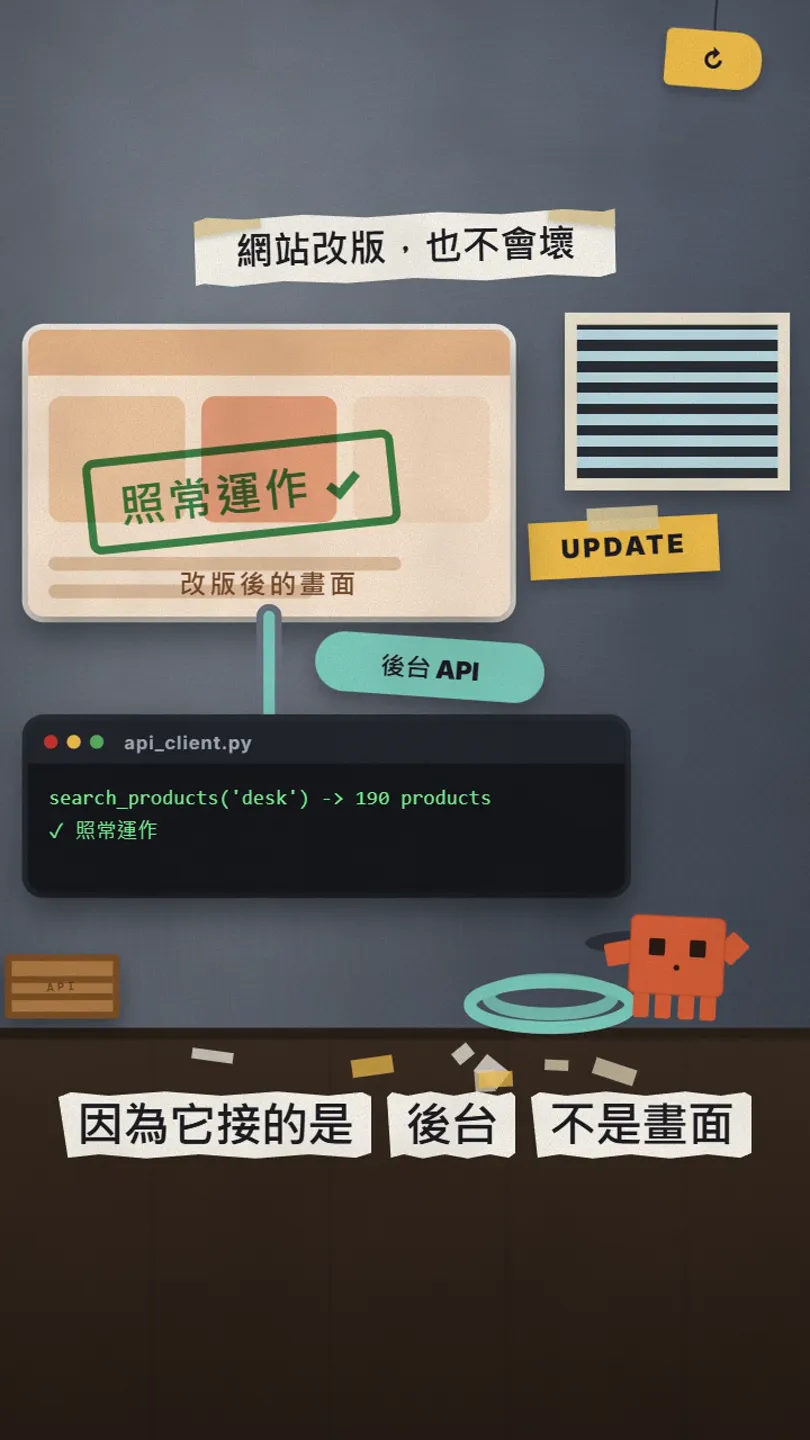
Because it talks to the backend, not the page, a new design is far less likely to break it. If the site changes the backend API itself, you do need to redo it (just record it again).
03What you need before you start
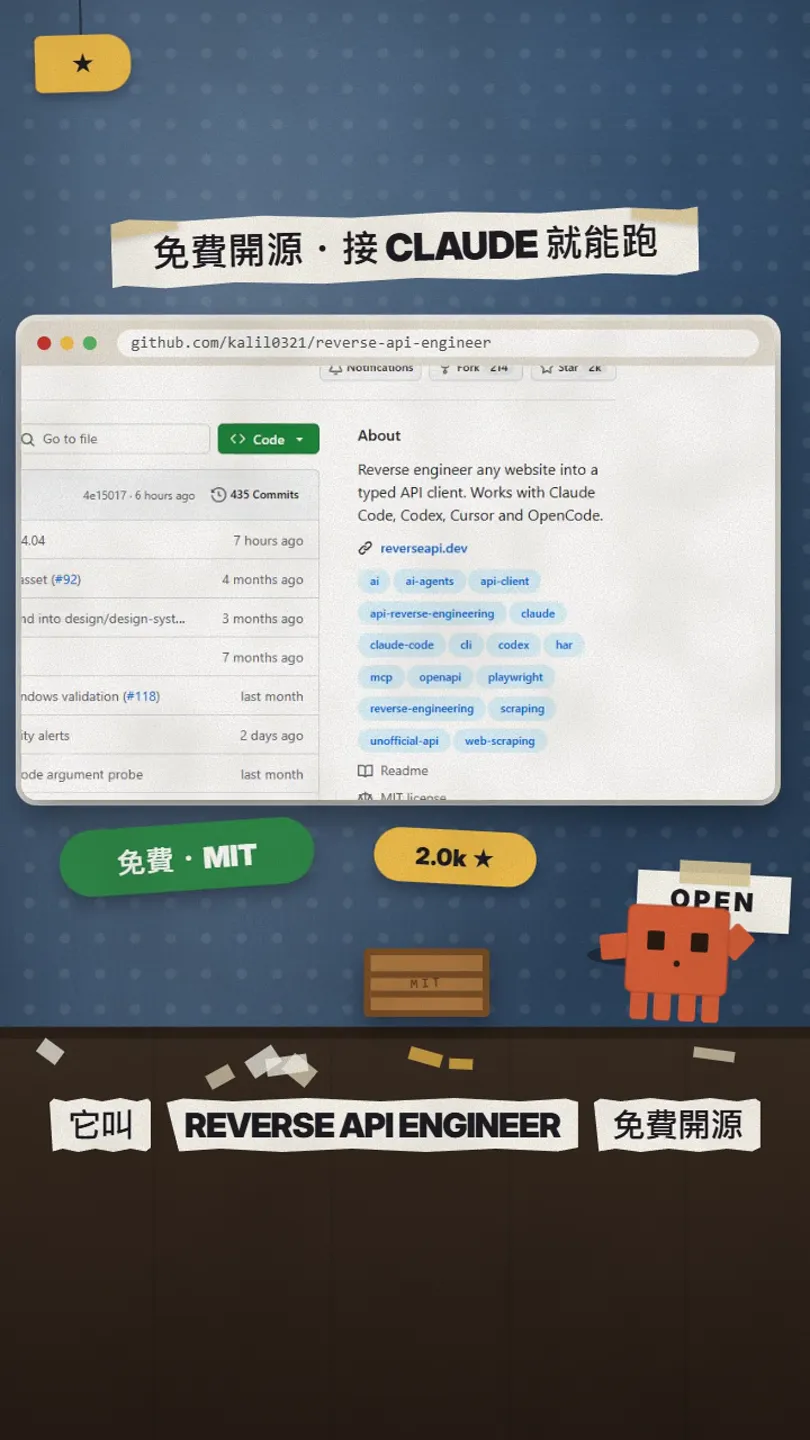
- Python 3.11 or newer. Type python --version in a terminal to check.
- Node.js (with npx): the default agent mode uses it to open the browser.
- An AI model: Claude is the default, which needs the ANTHROPIC_API_KEY environment variable. The Claude API is pay-per-use and billed separately from a Claude subscription. If you don't want to pay, switch to OpenCode in the settings; it defaults to a free model.
- A computer with 64-bit Windows, an Apple-silicon Mac or Linux. The docs say Intel Macs and 32-bit Windows are no longer supported.
04Step 1: install it, then give it the URL and the data you want
uv tool install reverse-api-engineer

# no uv?
pip install reverse-api-engineer
reverse-api-engineer
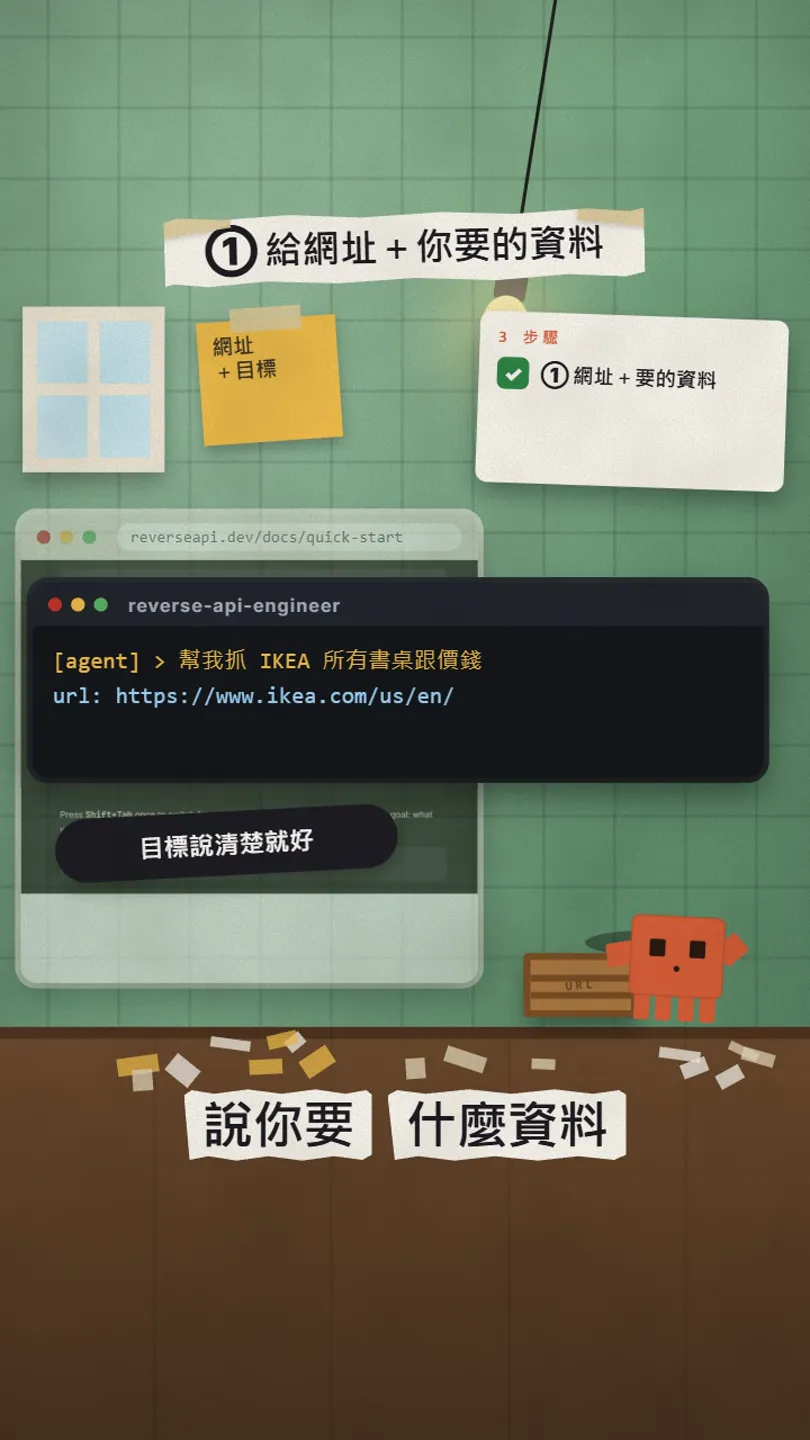
You land on a simple prompt, already in agent mode (the AI browses for you). Type one goal and replace the [ ] parts with yours. English works best.
fetch all [desks and their prices] from [https://www.ikea.com/us/en/]

# or describe the job:
get every [product name and price] from [site URL], I want to check it once a day with a script
05Step 2: let the AI browse the site and record the requests behind it
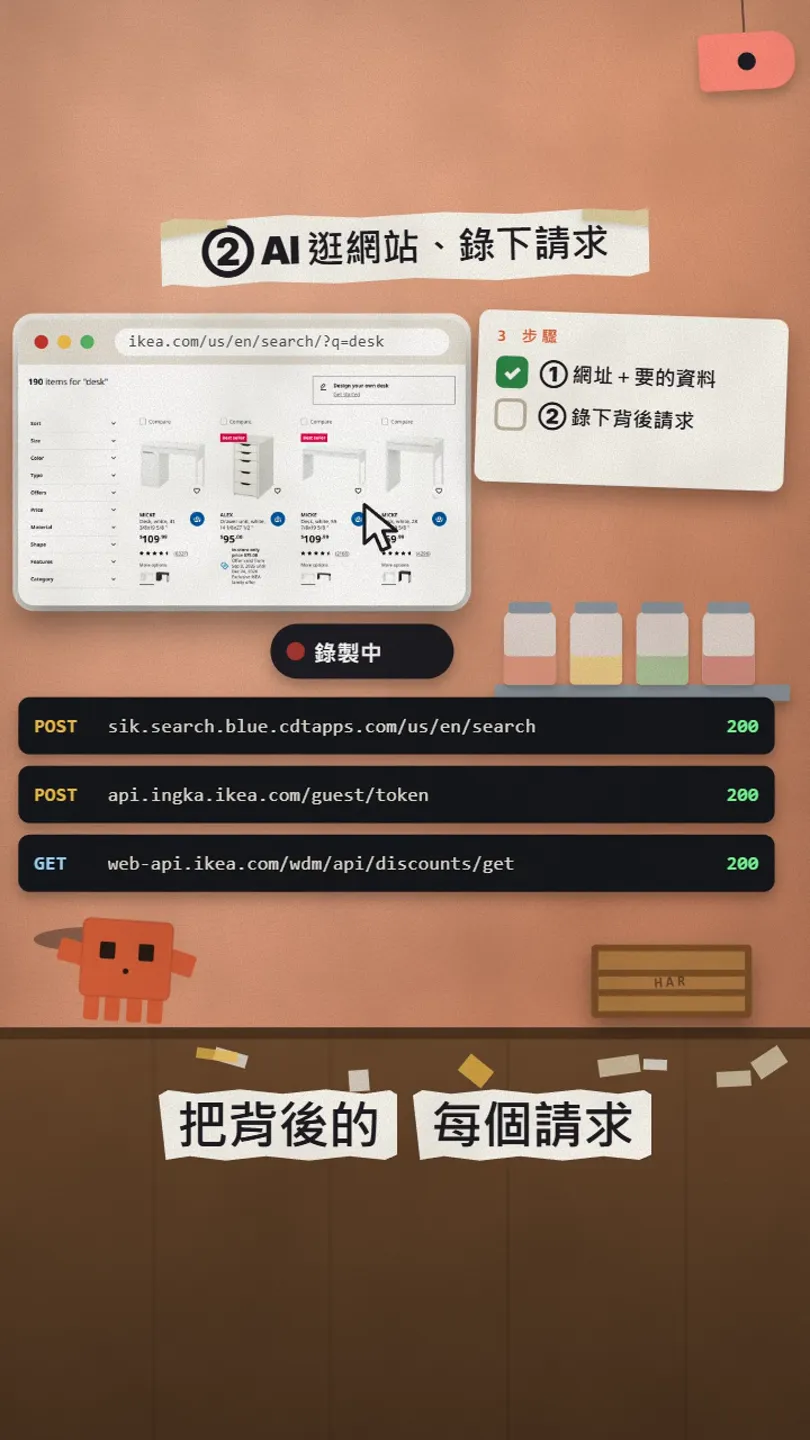
- Agent mode: the AI opens its own browser and searches, clicks and pages through as your goal says. You just watch.
- Prefer to drive yourself? Press Shift+Tab to switch to manual mode: a Chromium window opens, you browse and click, then close it when done. Manual mode needs an extra install: uv tool install "reverse-api-engineer[manual]" and playwright install chromium.
- All network requests are saved into a .har file; the AI then reads it and works out which APIs the site really uses.
06Step 3: get your own API client
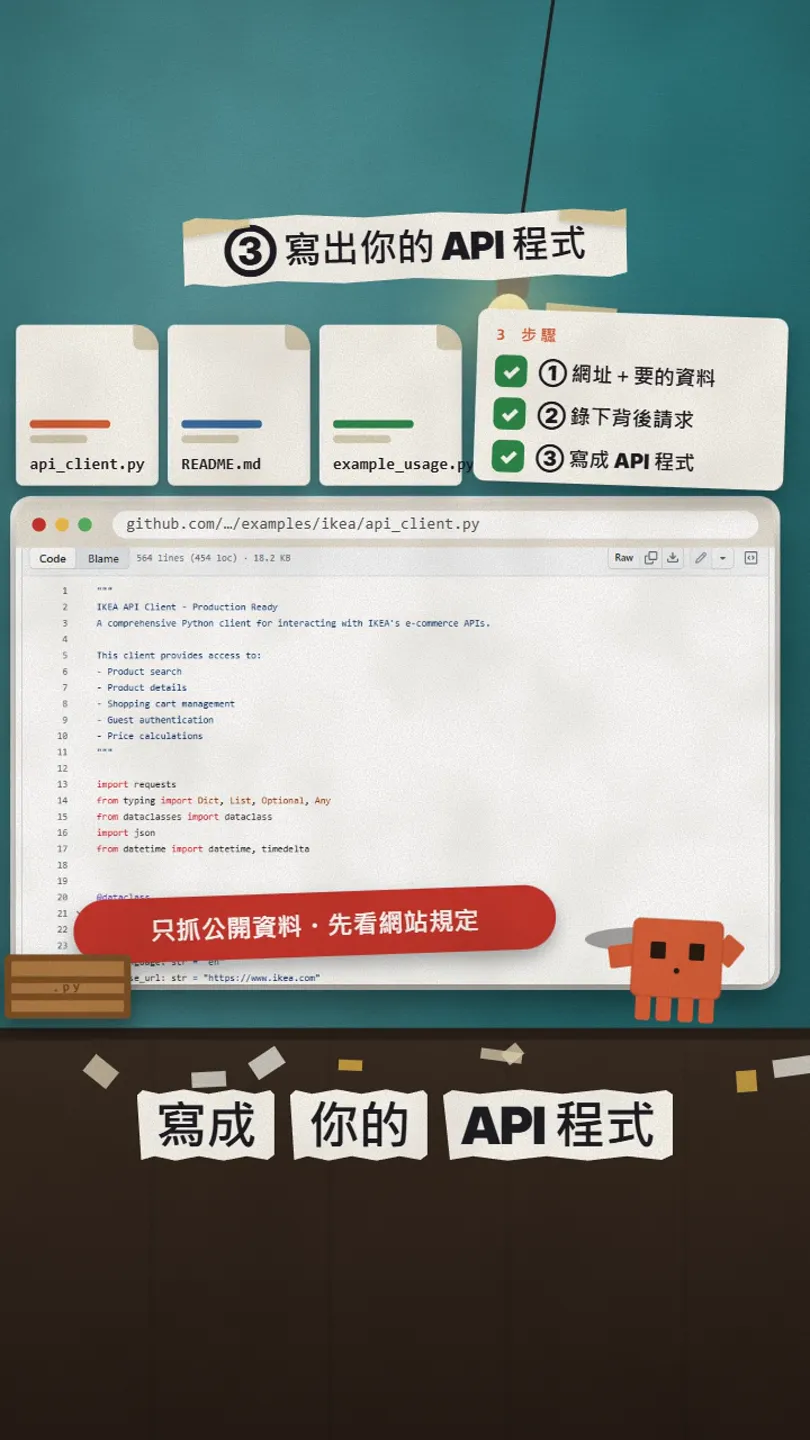
- When it finishes, your current folder has a new scripts/[name]/ with api_client.py (the API client), README.md (which APIs it found) and example_usage.py (how to use it).
- Read README.md first to see which APIs it found, then read through api_client.py.
- Once it looks fine, run the example: python scripts/[name]/example_usage.py.
- Want another language? In /settings, switch the output to JavaScript, TypeScript, Go, Java, C#, PHP, Ruby, C or PowerShell.
Read README.md and api_client.py in scripts/[folder name]/ and tell me in plain words which data it can get. Then write me a small script that checks [the desk prices] once a day, saves them to a CSV and prints any price change. Don't run it yet, show me the code.
07Things to know
- Only collect public data, and read the site's terms of use first. Don't use it on sites that need a login or on other people's personal data.
- The code is written by AI: read it before you run it. The official README says the same.
- Using Claude as the model costs API credits; sites with lots of requests cost more.
- Don't hit someone else's site too often; a few times a day is plenty.
- The tool itself is free (MIT). Install it only from the official GitHub, reverseapi.dev or PyPI.
- Version, stars and IKEA prices were checked on 27 Oct 2026; the tool updates fast, so the official docs win.
Sources
- Official GitHub: kalil0321/reverse-api-engineer (README, MIT; checked 27 Oct 2026)
- Official example examples/ikea (README "Discovered APIs", api_client.py; run on 27 Oct 2026)
- Official docs: Installation (checked 27 Oct 2026)
- Official docs: Quick start (checked 27 Oct 2026)
- Official docs: SDK selection (checked 27 Oct 2026)
- PyPI: reverse-api-engineer 0.14.0
What should the next reel cover?
I test Claude and AI tools every day and turn the useful ones into reels. Follow @vivianlin.tech to catch each new guide.


