~/guides/MOTION.md
No After Effects needed: copy a prompt from the free Prompt Motion library and have Claude make the same style
Prompt Motion holds 200+ Claude-made animations, each with its prompt. Watch, copy the prompt, swap in your brand, give it to Claude. Includes our 15 s result.
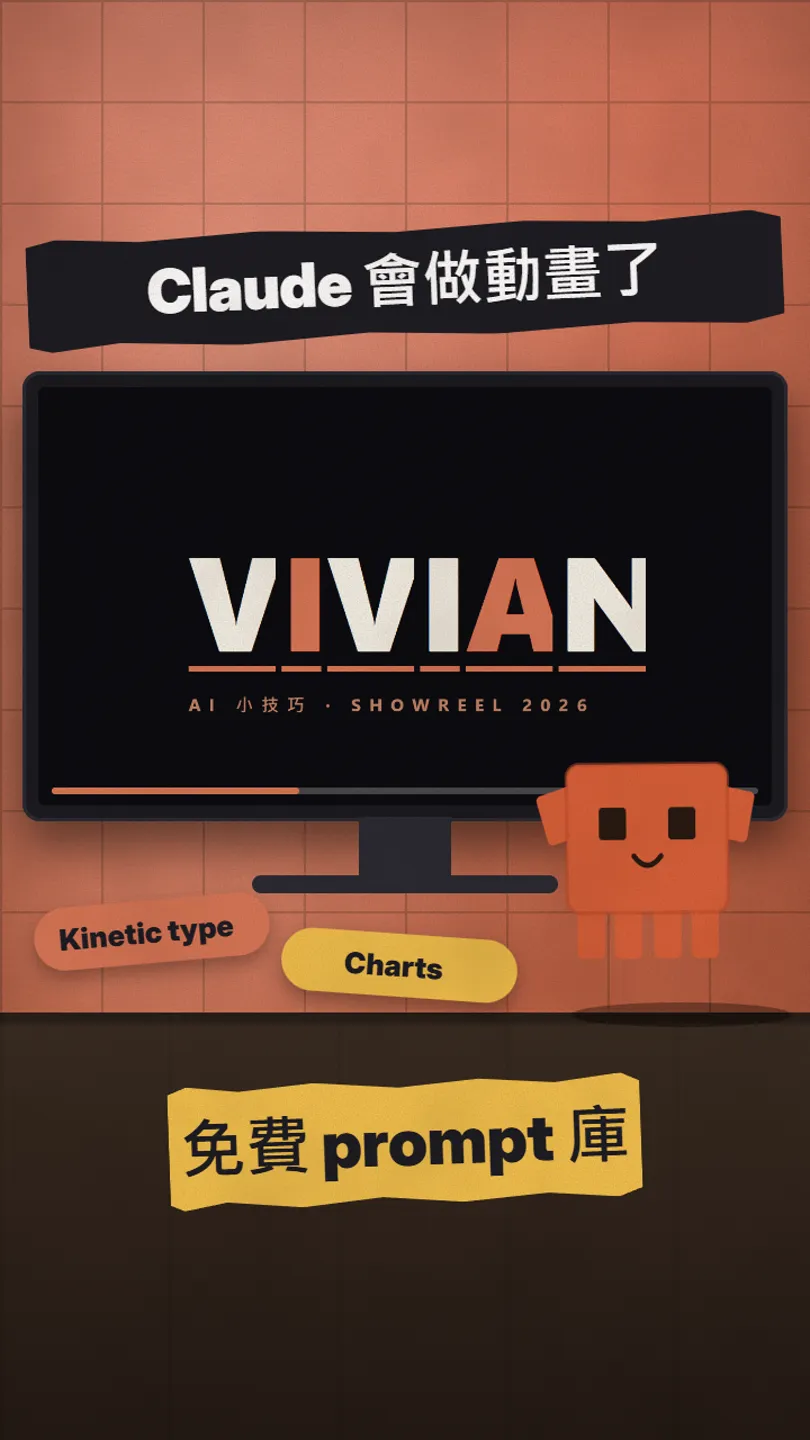
You don't have to learn After Effects and set keyframes one by one to make an animation. Prompt Motion is a free site with over two hundred animations made with Claude, each with the prompt that made it. Watch the finished video, pick one you like, copy the prompt, swap in your brand, give it to Claude, and it makes yours in the same style. The first video in this post was made exactly that way: we took the library's most-copied prompt, put Vivian's name in, and let Claude Code make a 15-second animation.
01The result first: a 15-second animation from one prompt
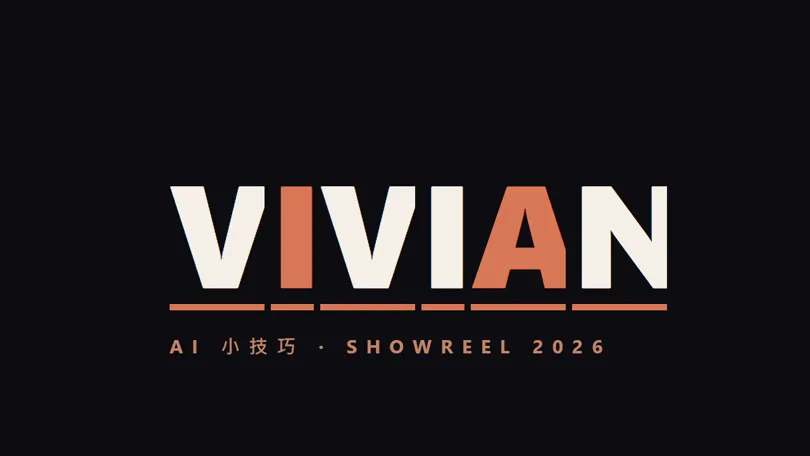
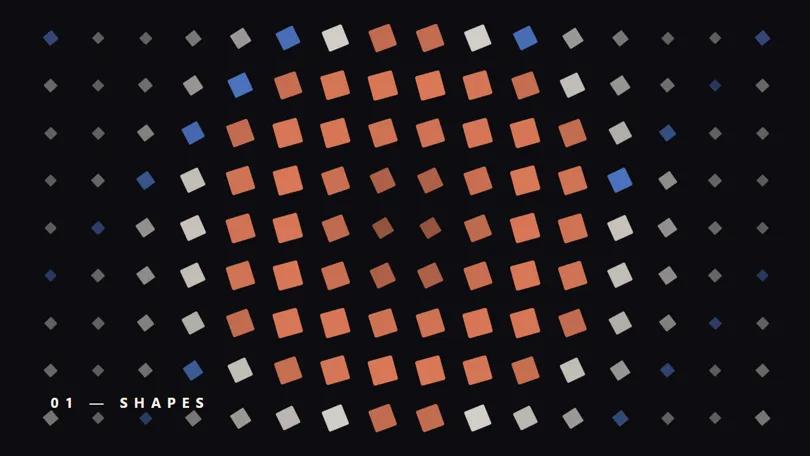
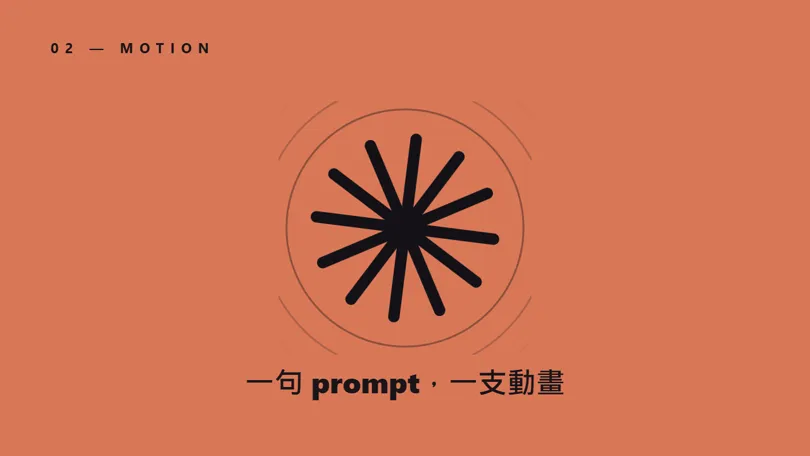
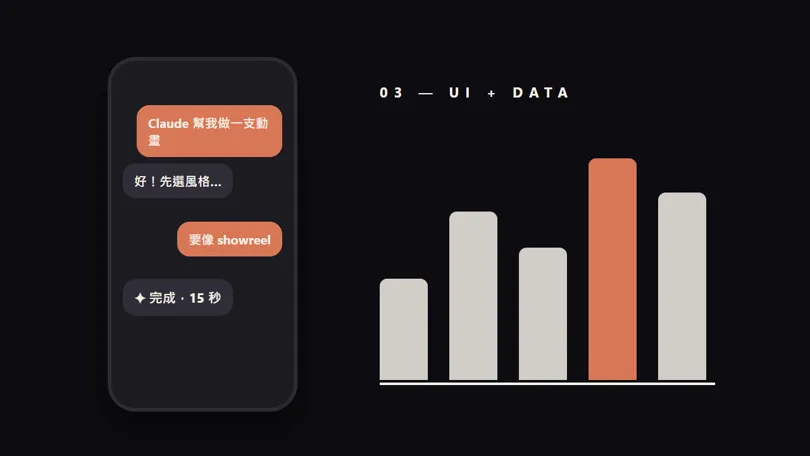

These five are stills from one 15-second animation, written start to finish as an HTML animation by Claude Code (Opus 5.5) from the prompt below; we did not adjust a single frame by hand. The one line we added asks it to make the animation exportable frame by frame, so we could record it.
- Prompt Motion — free; videos and prompts belong to their creators
02What's in Prompt Motion
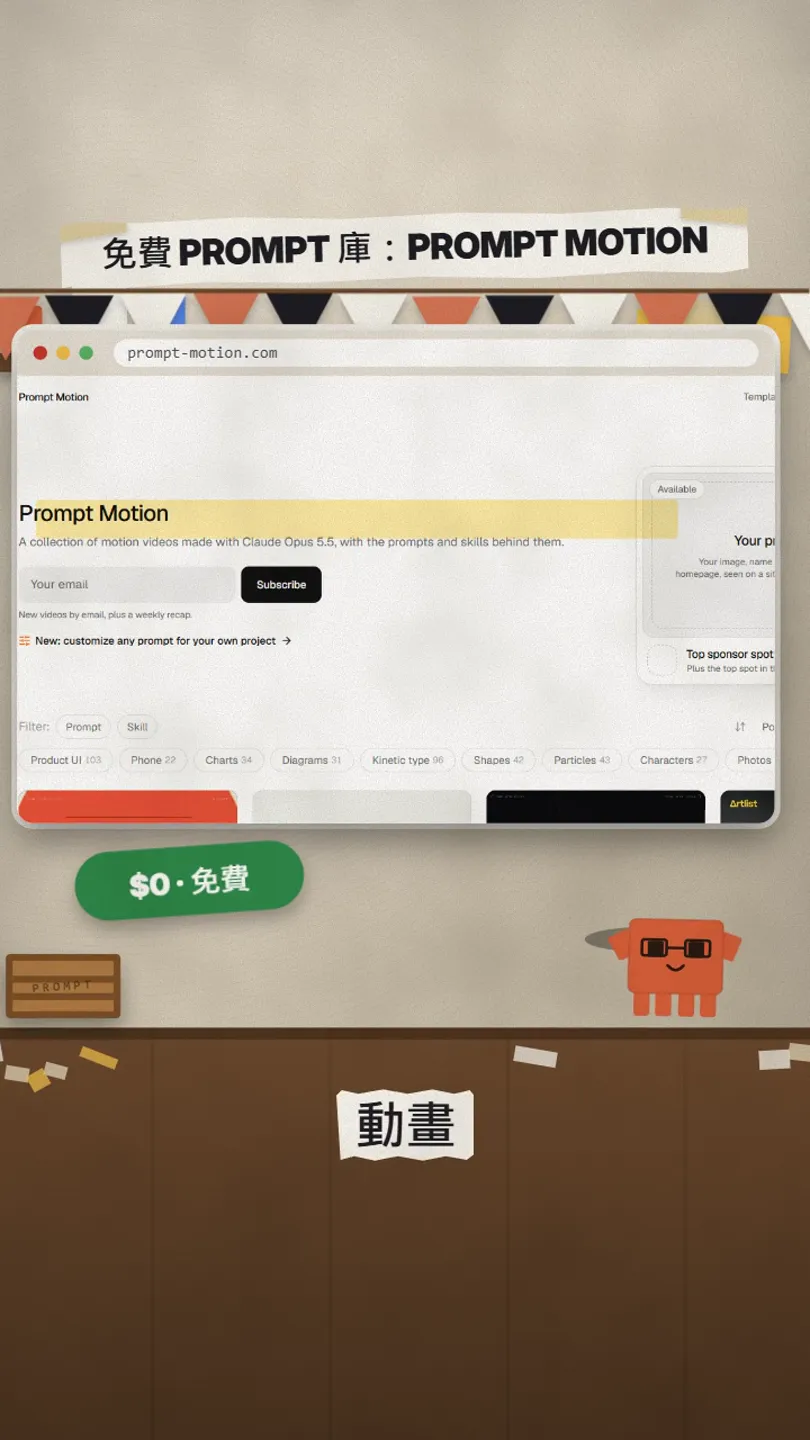
- In its own words: a collection of motion videos made with Claude Opus 5.5, with the prompts and skills behind them.
- On 27 Oct 2026 the home page listed 235 (231 with a prompt, 4 with a skill).
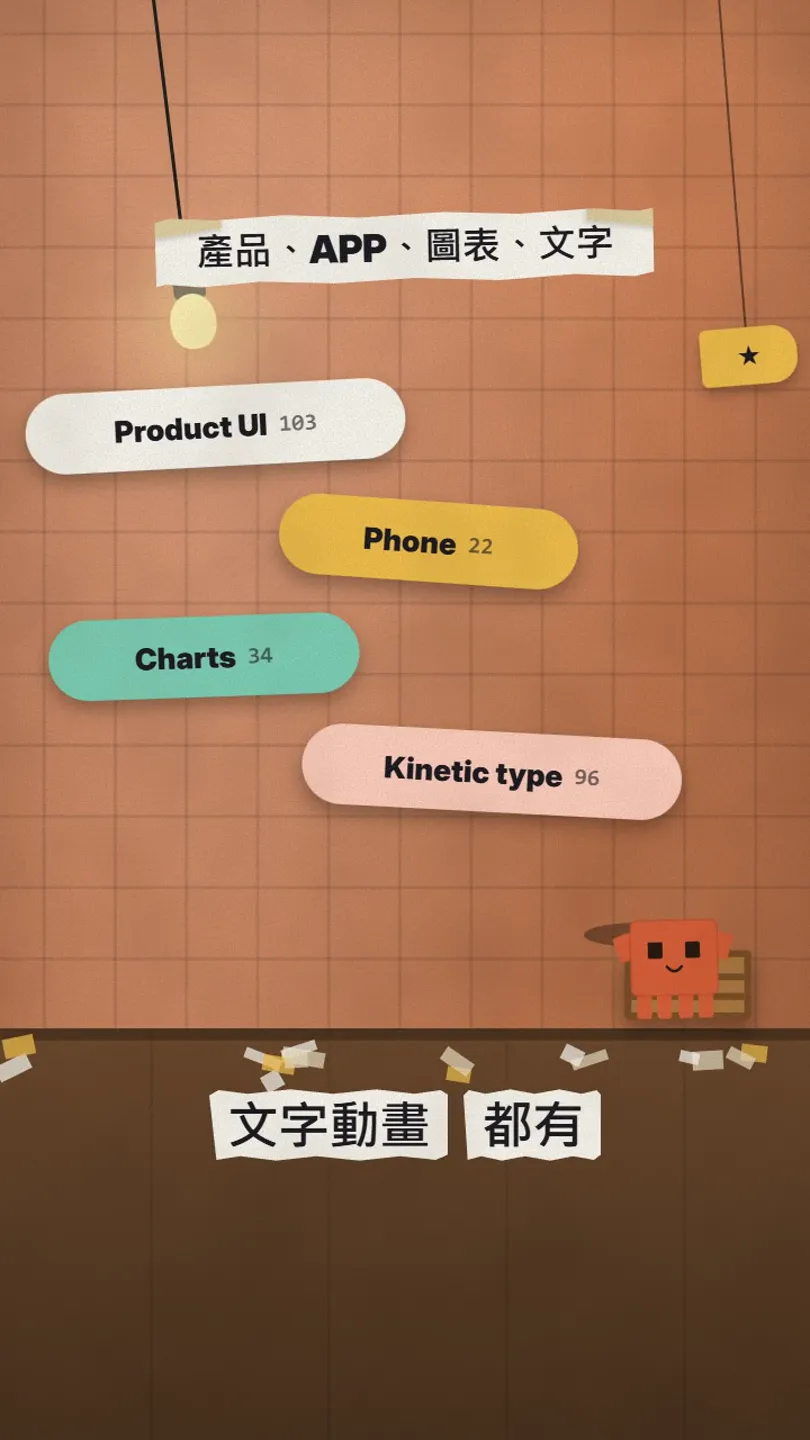
- Categories: Product UI 103, Phone 22, Charts 34, Diagrams 31, Kinetic type 96, Shapes 42, Particles 43, Characters 27, Photos 23, Music 49, Code 21 (one video can sit in several).
- Every entry credits its creator and links the original post.
03Step 1: watch the finished video, copy the prompt
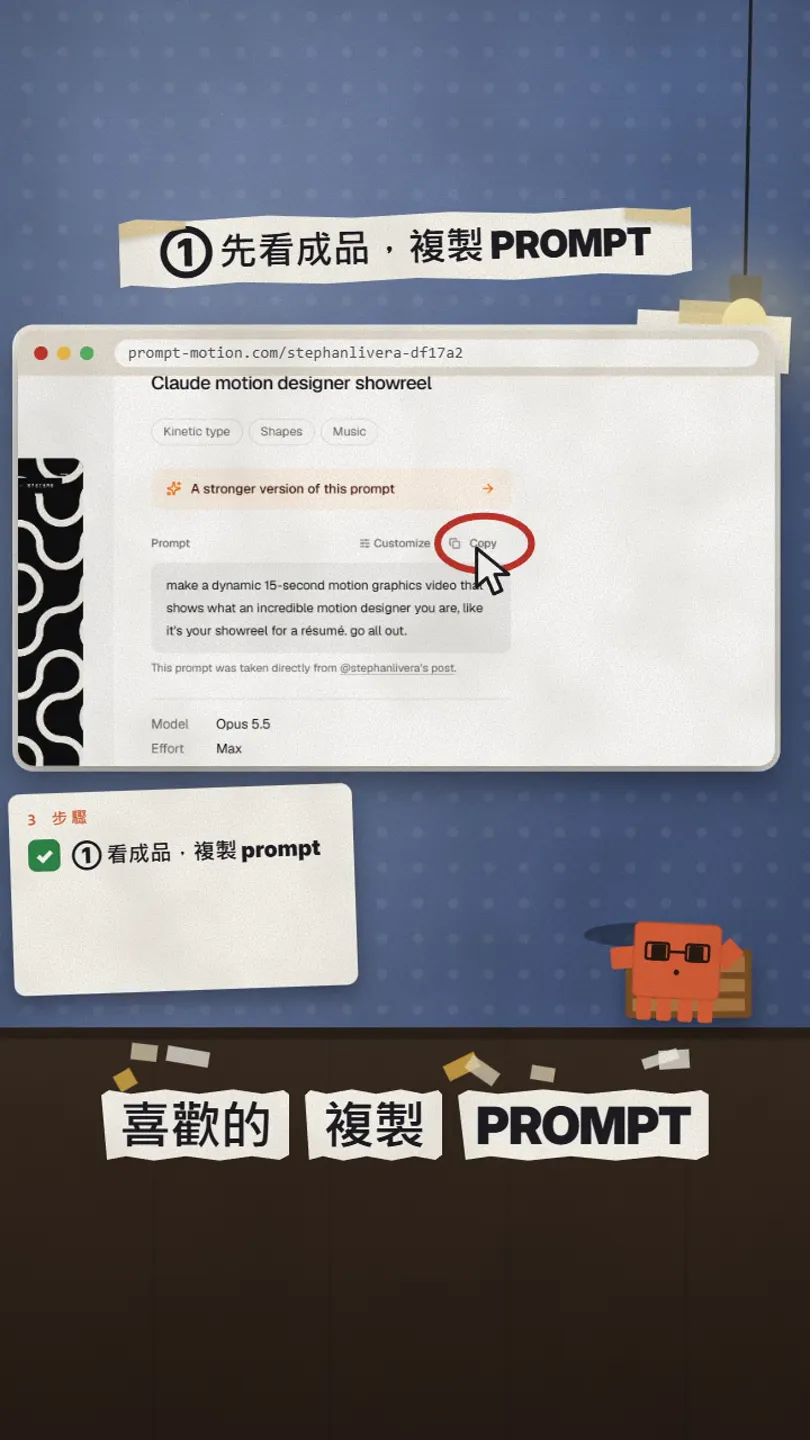
- Filter by category on the home page, or just scroll, and open one you like.
- Watch the whole video first and make sure it is the feel you want.
- Press Copy at the top right of the prompt box.
- Note the Model and Effort listed below it; matching them gets you closest.
We used Claude motion designer showreel by @stephanlivera: model Opus 5.5, effort Max, added 25 Sep 2026. Several entries in the library are this same prompt with a different brand.
make a dynamic 15-second motion graphics video that shows what an incredible motion designer you are, like it's your showreel for a résumé. go all out.
04Step 2: swap in your brand and give it to Claude
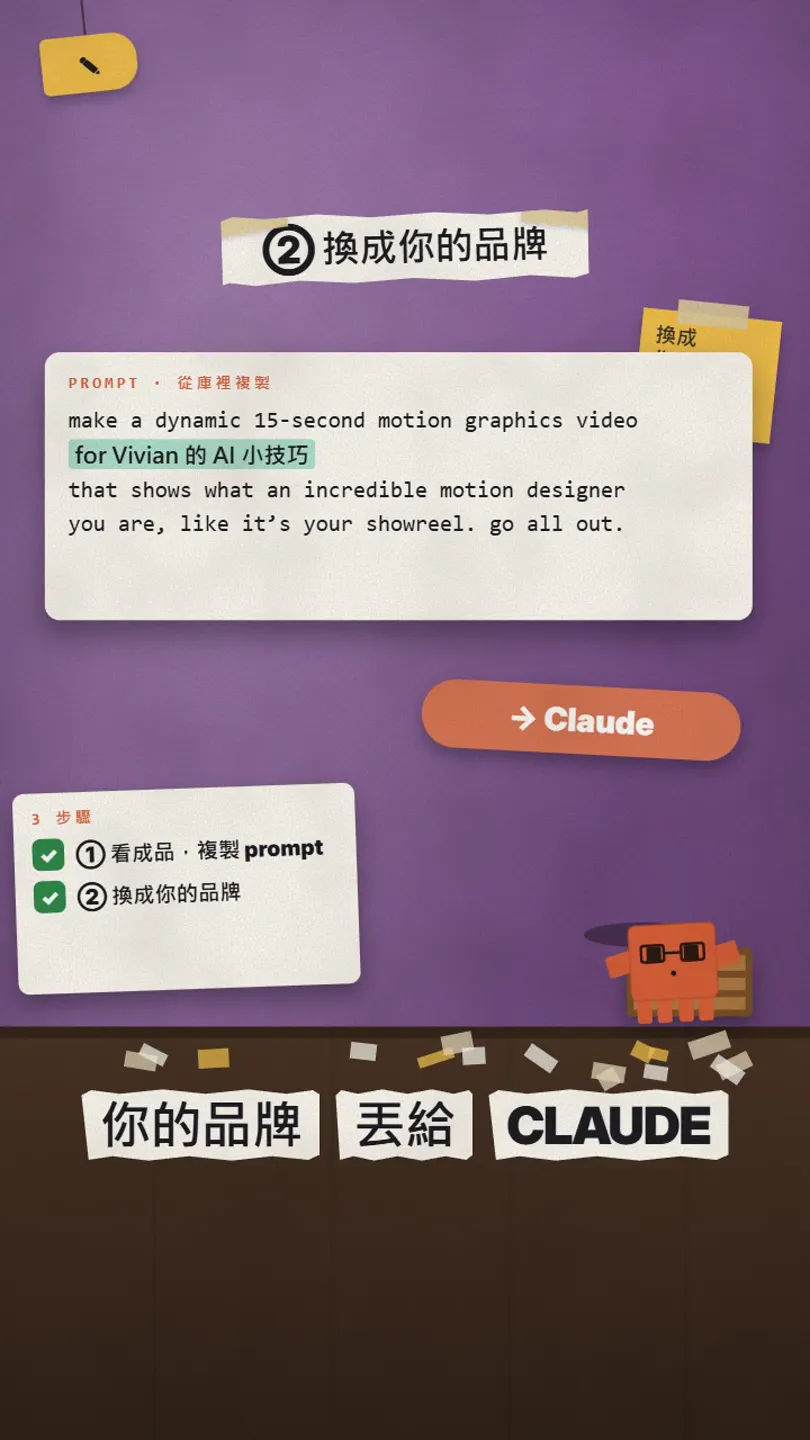
make a dynamic 15-second motion graphics video for [your brand, e.g. Vivian's AI tips (an Instagram account in Traditional Chinese)] that shows what an incredible motion designer you are, like it's your showreel. go all out.
Make it one self-contained HTML file, and drive every animation from a single window.seek(t) function (t in seconds, 0 to 15) so I can record it frame by frame.
05Step 3: it makes yours in the same style; then change it by talking
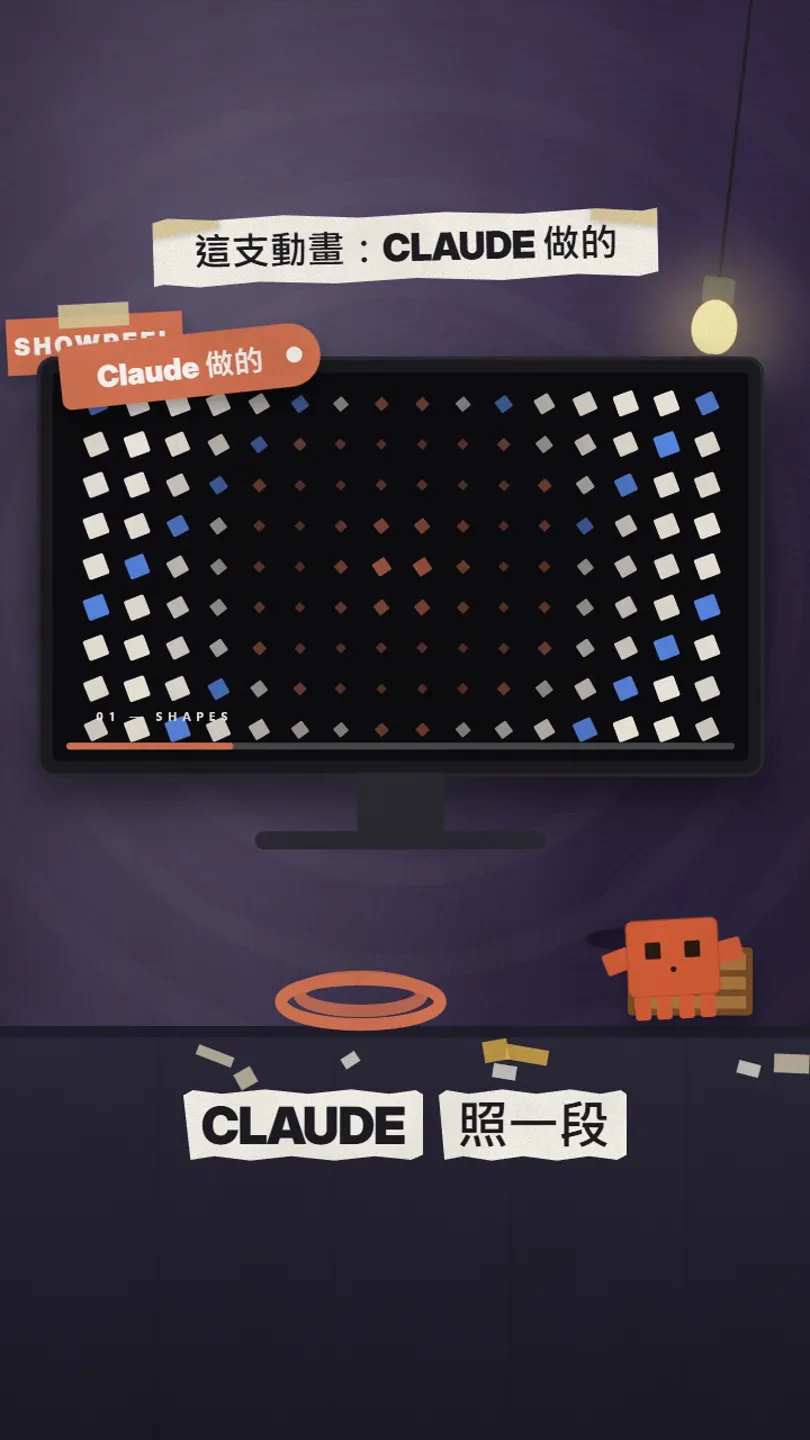
- Claude writes a web animation that plays straight in the browser.
- Not happy? Just say it: the second part is too fast, make the end text bigger, use my brand colour.
- For social media, ask Claude to record it to MP4, or capture it with a screen recorder.
Slow down part [2].
Make the end text bigger and add [@youraccount].
Switch everything to my brand colour [#hex].
Then give me the complete file again.
06Good to know
- The library's videos and prompts belong to their creators; the site credits each one. Use them as a starting point, but don't post someone else's finished piece as your own.
- Most entries list Opus 5.5; another model or a lower effort may give weaker results.
- We ran ours in Claude Code; Claude runs on your own plan or credits.
- The Sponsored cards on the home page are ads, and the site sells a sponsor spot; we have no deal with them.
- Numbers are what the site showed on 27 Oct 2026 and will change.
Sources
What should the next reel cover?
I test Claude and AI tools every day and turn the useful ones into reels. Follow @vivianlin.tech to catch each new guide.