~/guides/DESIGNER.md
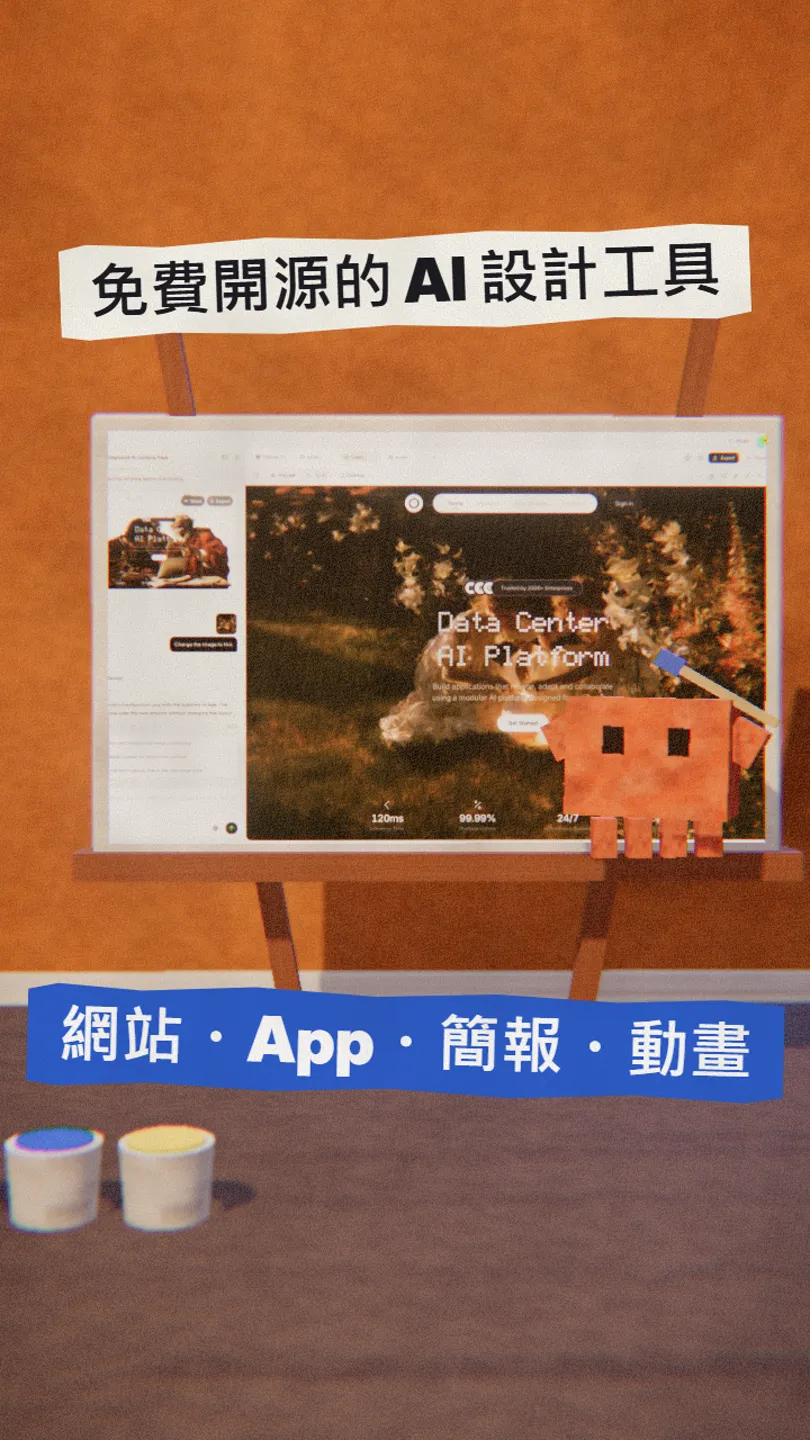
Open Design: a free, open-source AI design tool for websites, app prototypes, decks and motion
Open Design plugs into the Claude Code, Codex or Cursor on your computer, or your own API key and local models. Download, setup and the paid parts.
Watch the reel on InstagramComment #DESIGNER to get this guide
No extra design-tool subscription, no Figma to learn first: Open Design is a free, open-source (Apache-2.0) AI design workspace for websites, app prototypes, decks, images and motion video. I checked its GitHub page and README on 30 October 2026. This is the full version of my DESIGNER reel: what it makes, how to install it, how to connect your AI, and what costs money.
01What you get
Open Design is a local-first AI design workspace: type a brief, and it uses the AI tools you already have to make a website, app prototype, dashboard, deck, image or motion video, previews it on a canvas, and lets you keep refining.
In this guide:
- The 4 kinds of things it makes, with official screenshots.
- How to download the desktop app and connect Claude Code.
- Using your own API key or a local model if you have none of those tools.
- What is free and what costs extra.
02What it is: free and open source, no extra subscription
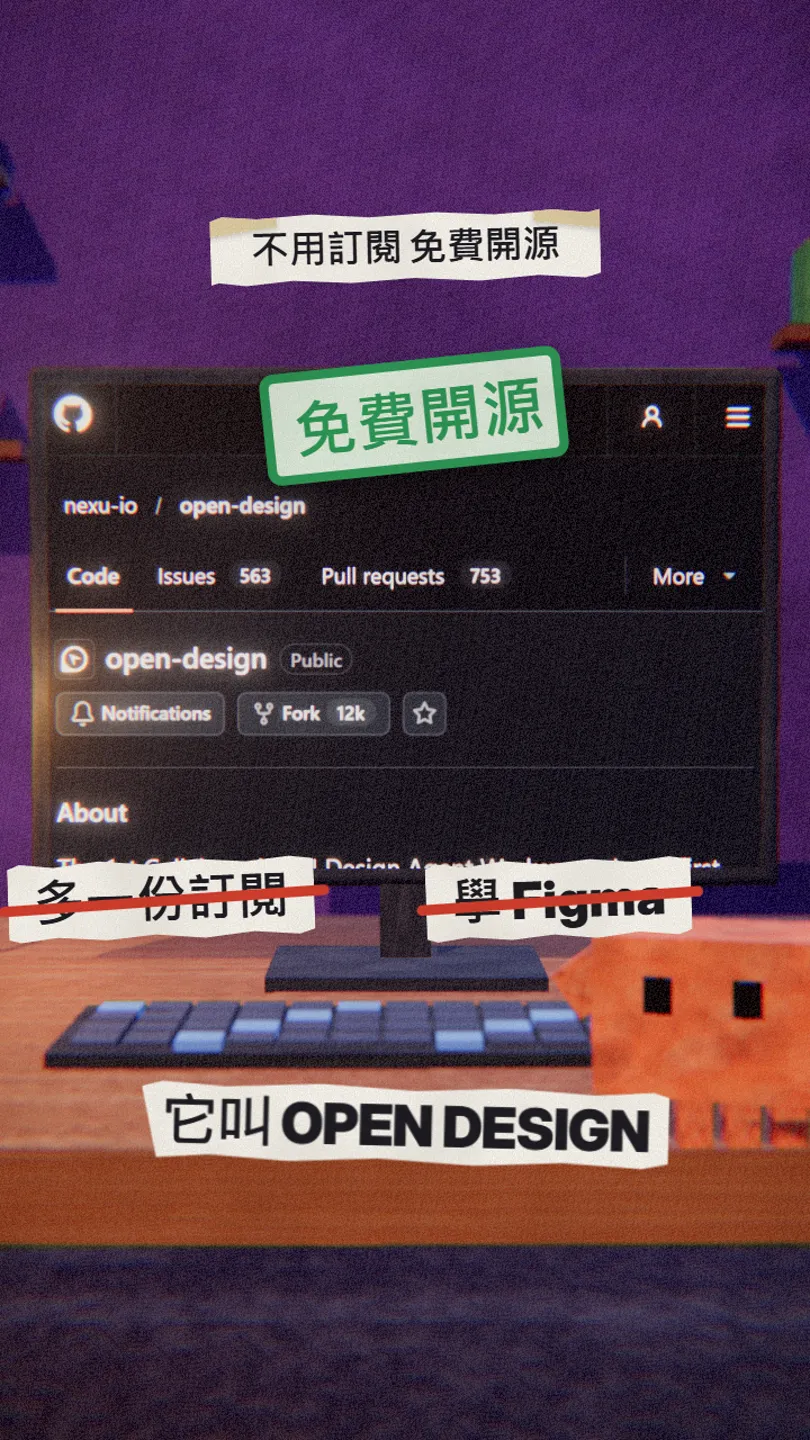
It is an open-source project under Apache 2.0. The desktop app ships for macOS (Apple Silicon and Intel) and Windows; on Linux you run it from source for now.
- Open Design website (desktop download) — macOS / Windows
- GitHub: nexu-io/open-design — source and releases
03Connect your AI: Claude Code, Codex, Cursor
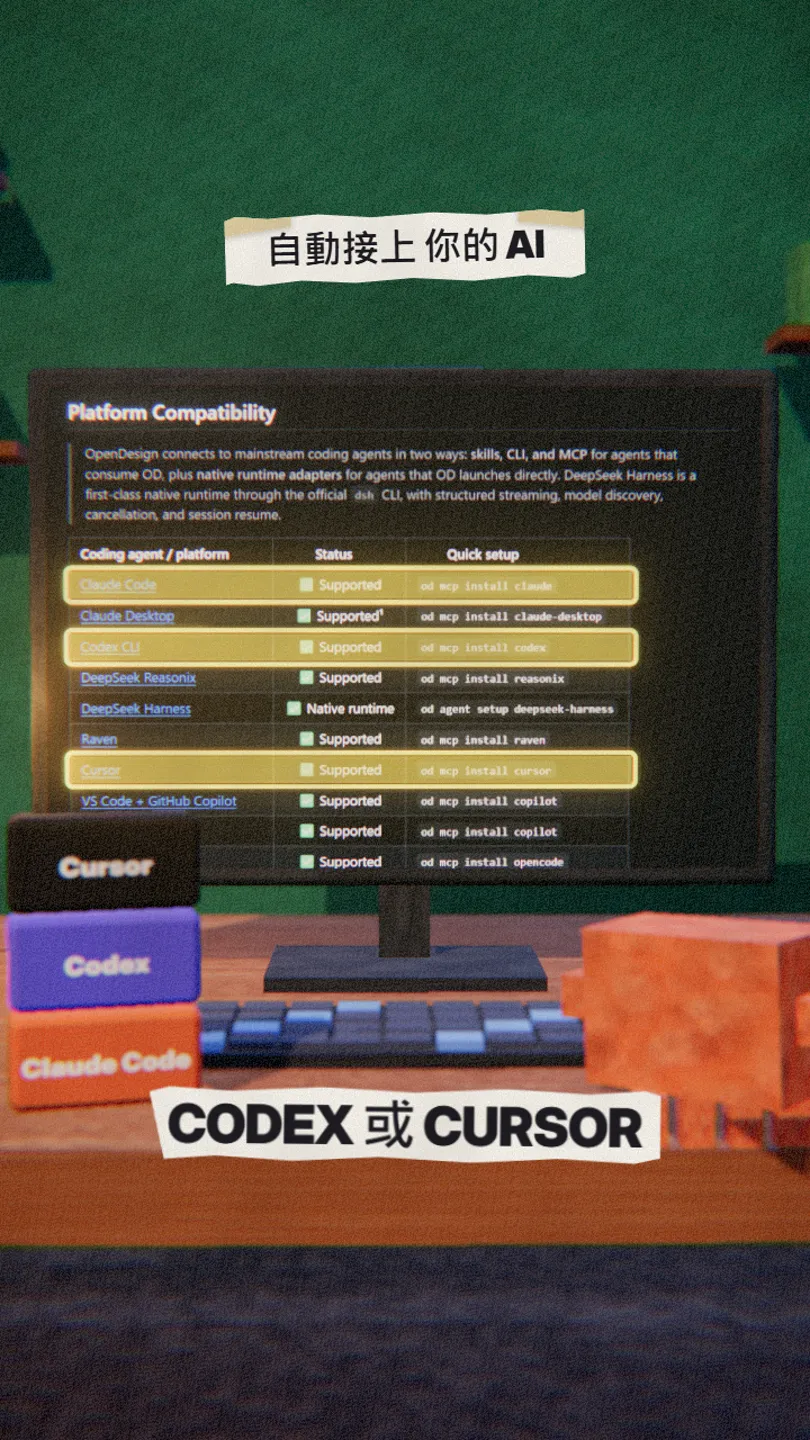
After you install the desktop app, it detects the coding-agent CLIs already on your computer (Claude Code, Codex, Cursor and a dozen more) and loads 100+ skills and 151 design systems. If you would rather not use the app, you can install it straight into your agent:
od mcp install claude
04What it makes: websites, app prototypes, decks, motion
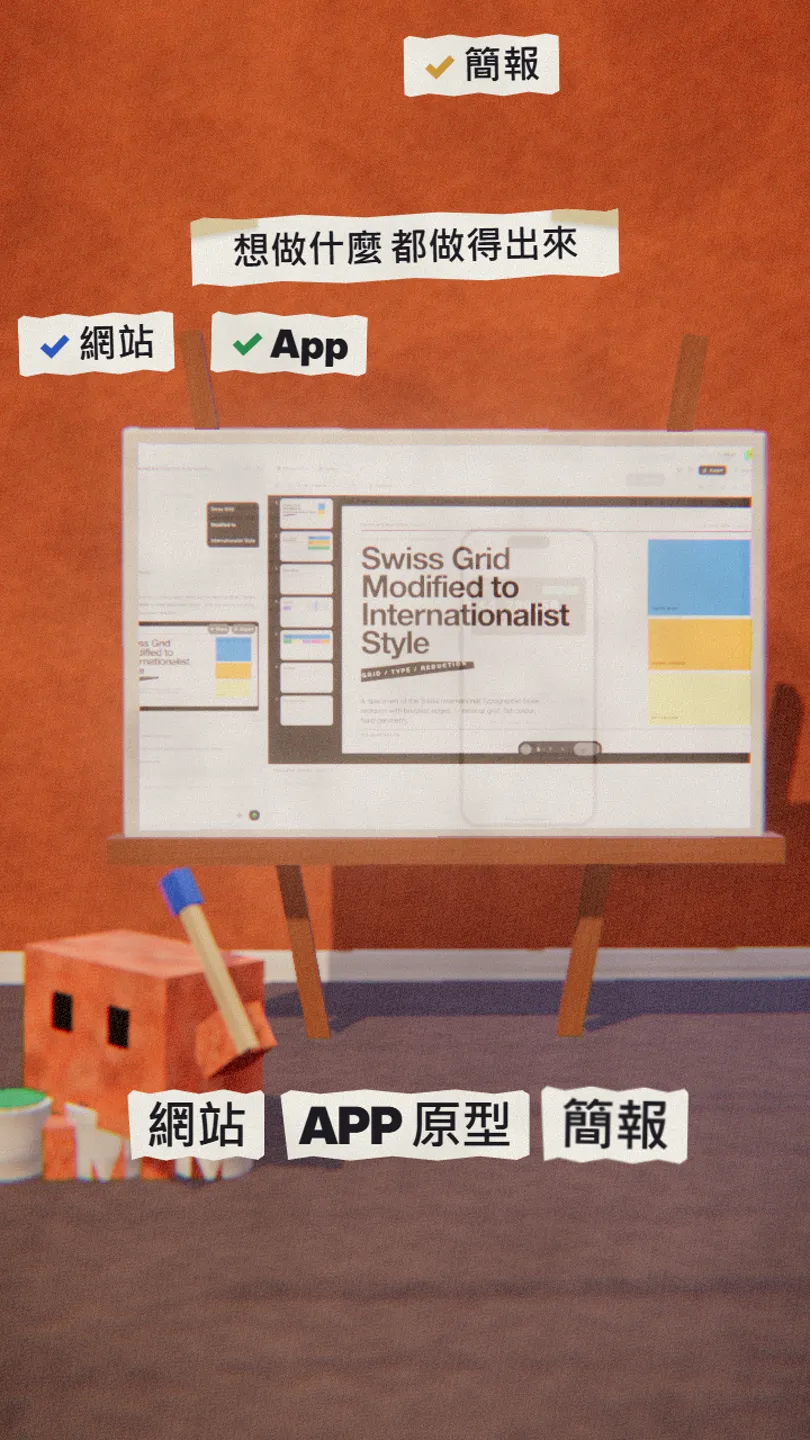
The README lists interactive web prototypes, mobile app prototypes, dashboards, decks (with speaker notes, then export), images, and motion graphics made with HyperFrames and exported to MP4.
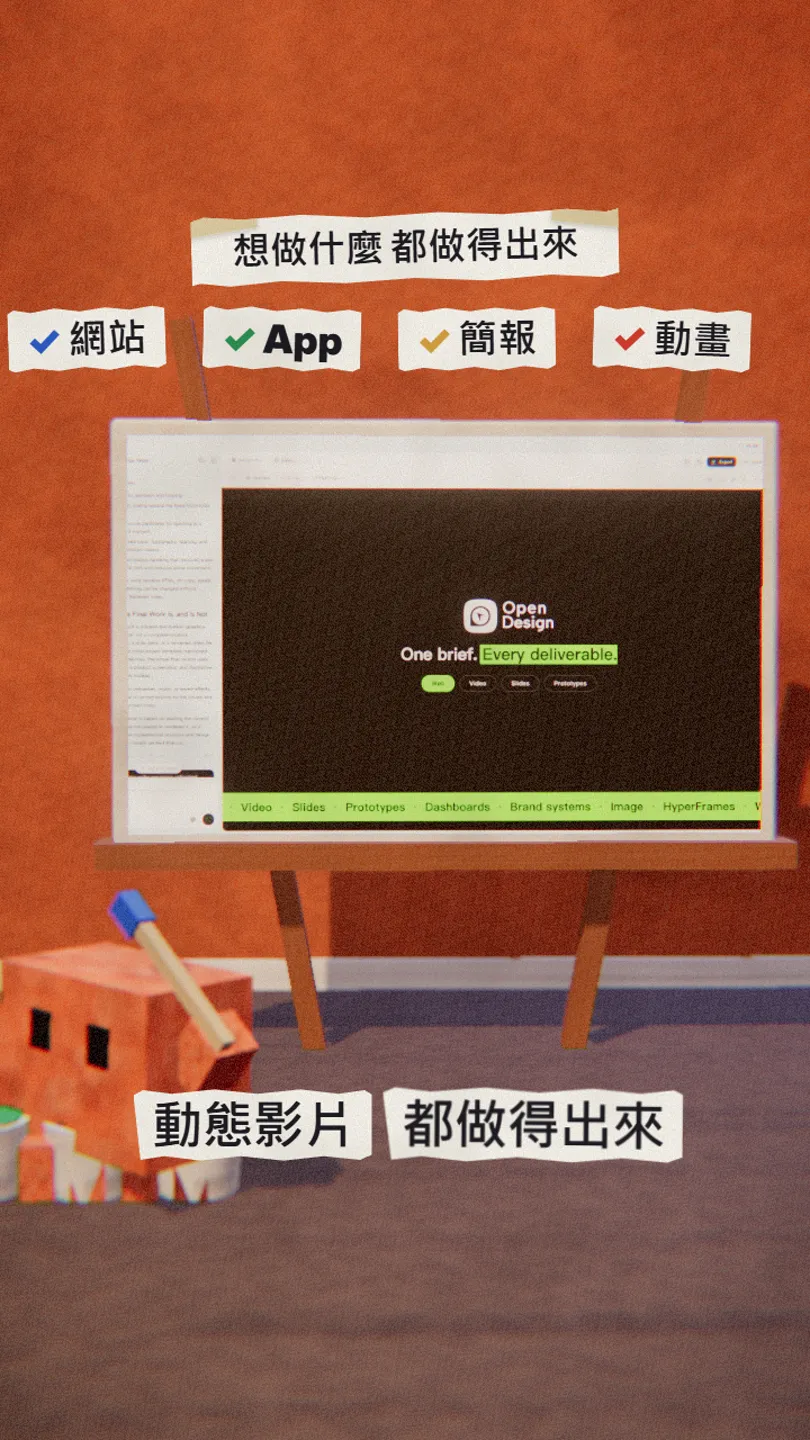
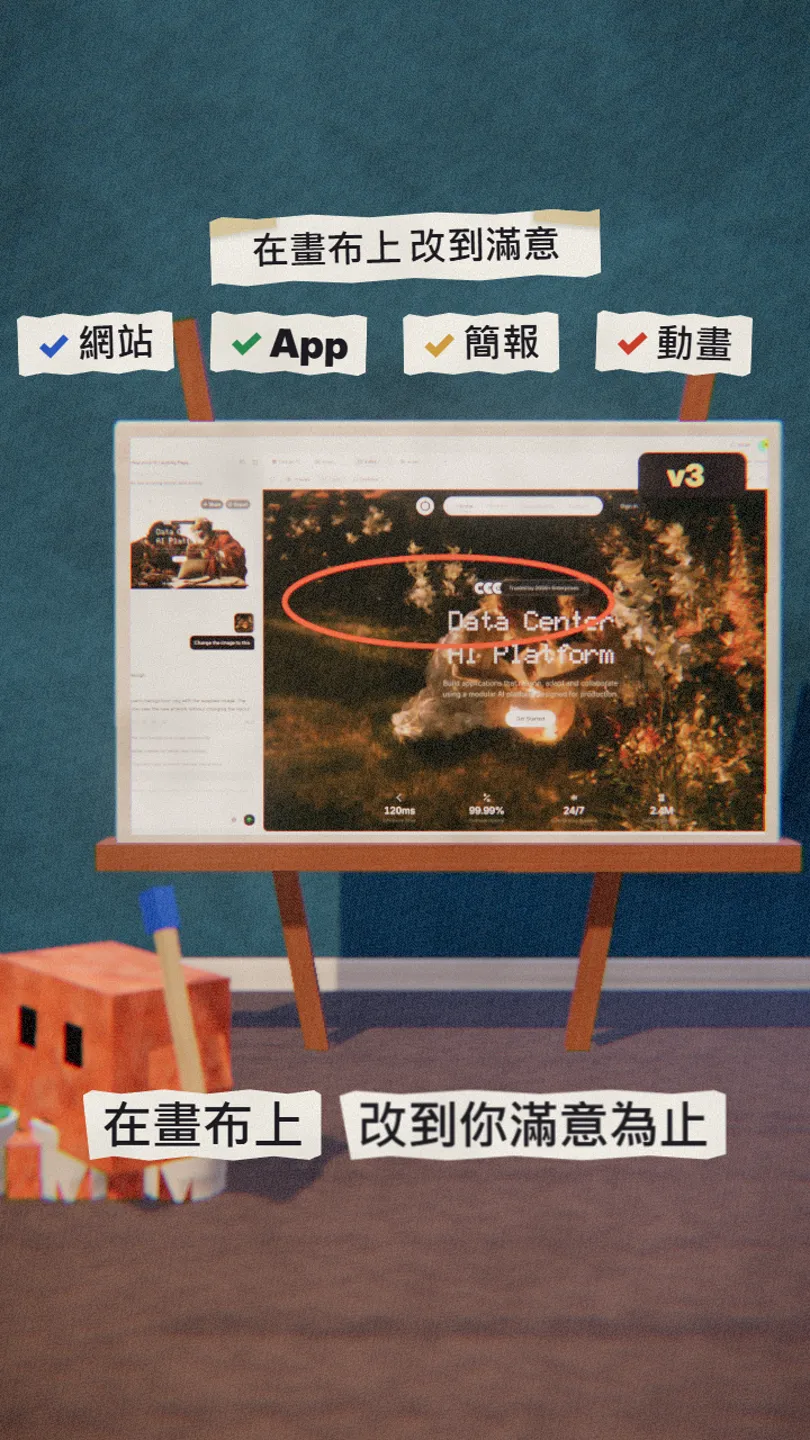
Make a website prototype for [a small coffee shop]: home, menu and table booking pages, style [warm, hand-drawn], and it must look good on phones.
05None of those tools? Use your own API key or a local model
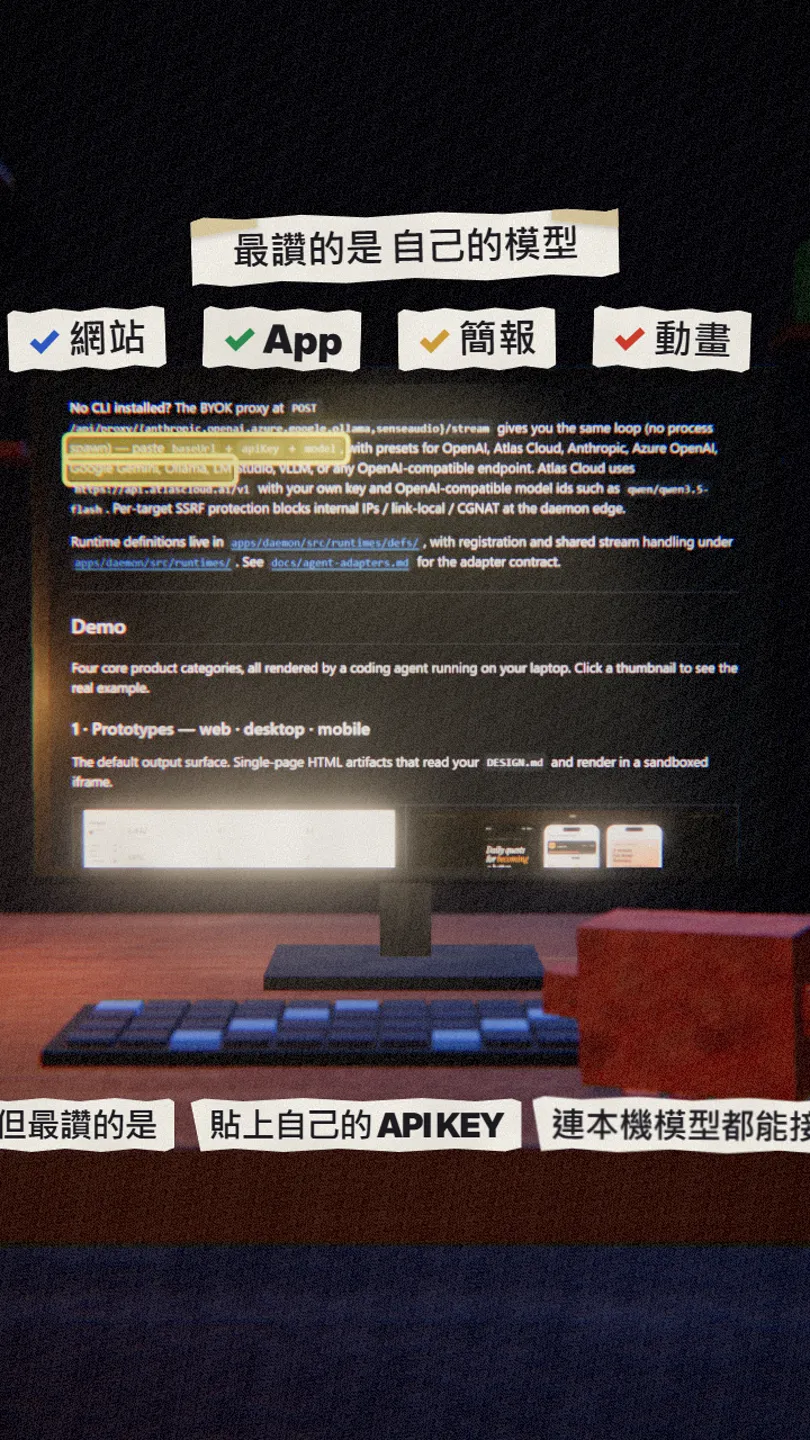
This is my favourite part. No Claude Code or similar tool on your computer? Paste a baseUrl, apiKey and model in the settings. There are presets for OpenAI, Anthropic, Azure OpenAI and Google Gemini, and it also connects to local models running on your own machine through Ollama, LM Studio or vLLM.
06Good to know
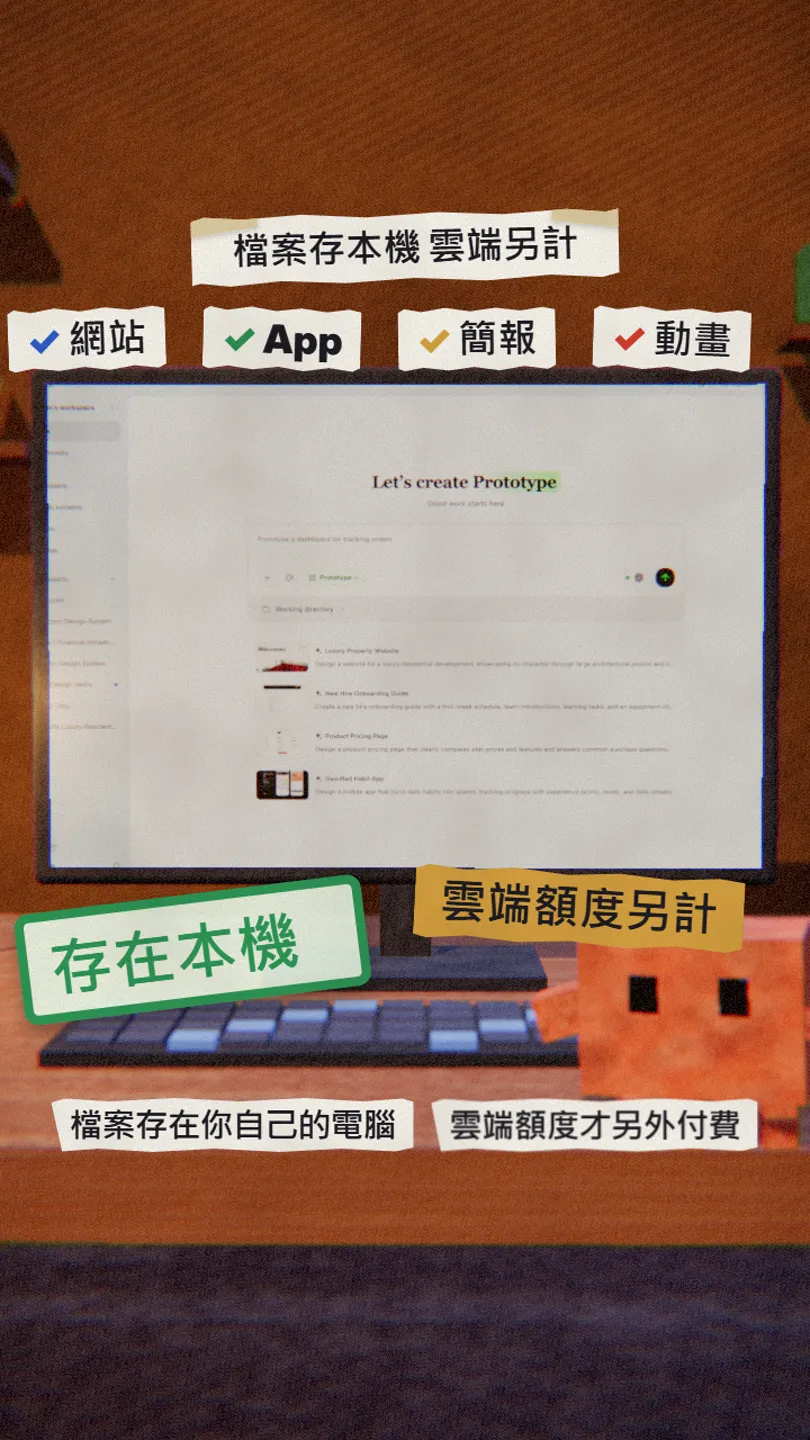
- The software is free and open source, but the official OpenDesign Go / Cloud credits are a paid plan; you don't need them if you use your own AI tool or API key.
- With your own API key, you pay that AI provider's prices.
- Projects can run fully on your machine; with cloud models, your content goes to that service. The README also says product analytics are consent-gated, while basic safety and reliability telemetry is always on.
- The prototype, deck and motion images in the reel and this guide are showcase screenshots from Open Design's official README.
- Only download from open-design.ai or nexu-io/open-design on GitHub.
Sources
What should the next reel cover?
I test Claude and AI tools every day and turn the useful ones into reels. Follow @vivianlin.tech to catch each new guide.


