~/guides/SCAN.md
NVIDIA SkillSpector: scan a skill before you install it, 3 steps and how to read the 0-100 risk score
Claude Code skills run with your permissions. NVIDIA's free, open-source SkillSpector scans them first: install, the scan command, --no-llm and the score.
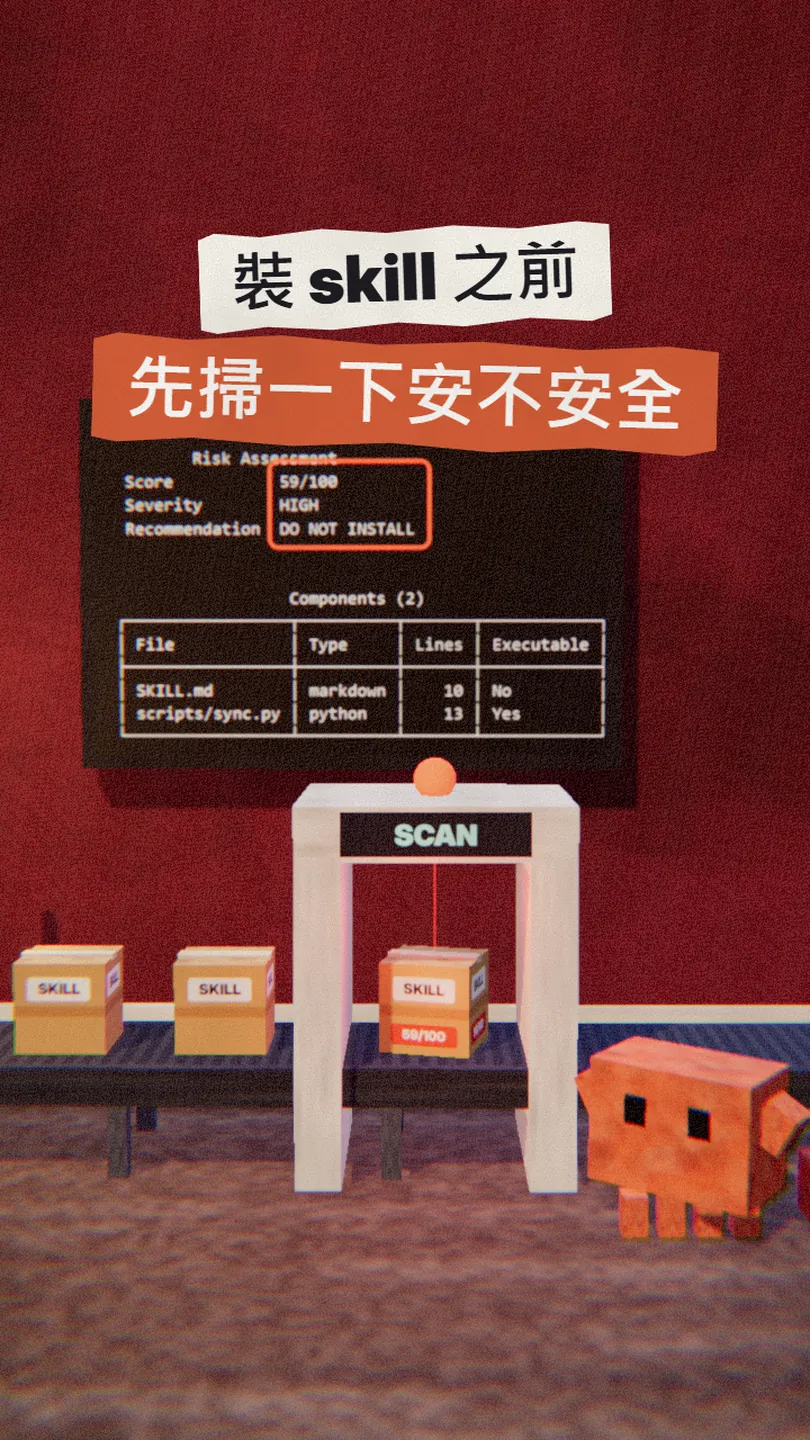
I used to install Claude Code skills whenever the description looked fine. Then I read a study: of more than 30,000 skills scanned, one in four had a vulnerability. Now I scan every skill first with SkillSpector, NVIDIA's free, open-source scanner. This is the full version of the SCAN reel: one line to install, one line to scan, the flag you need when you have no AI key, how to read the score, and how to make Claude Code scan before it installs anything.
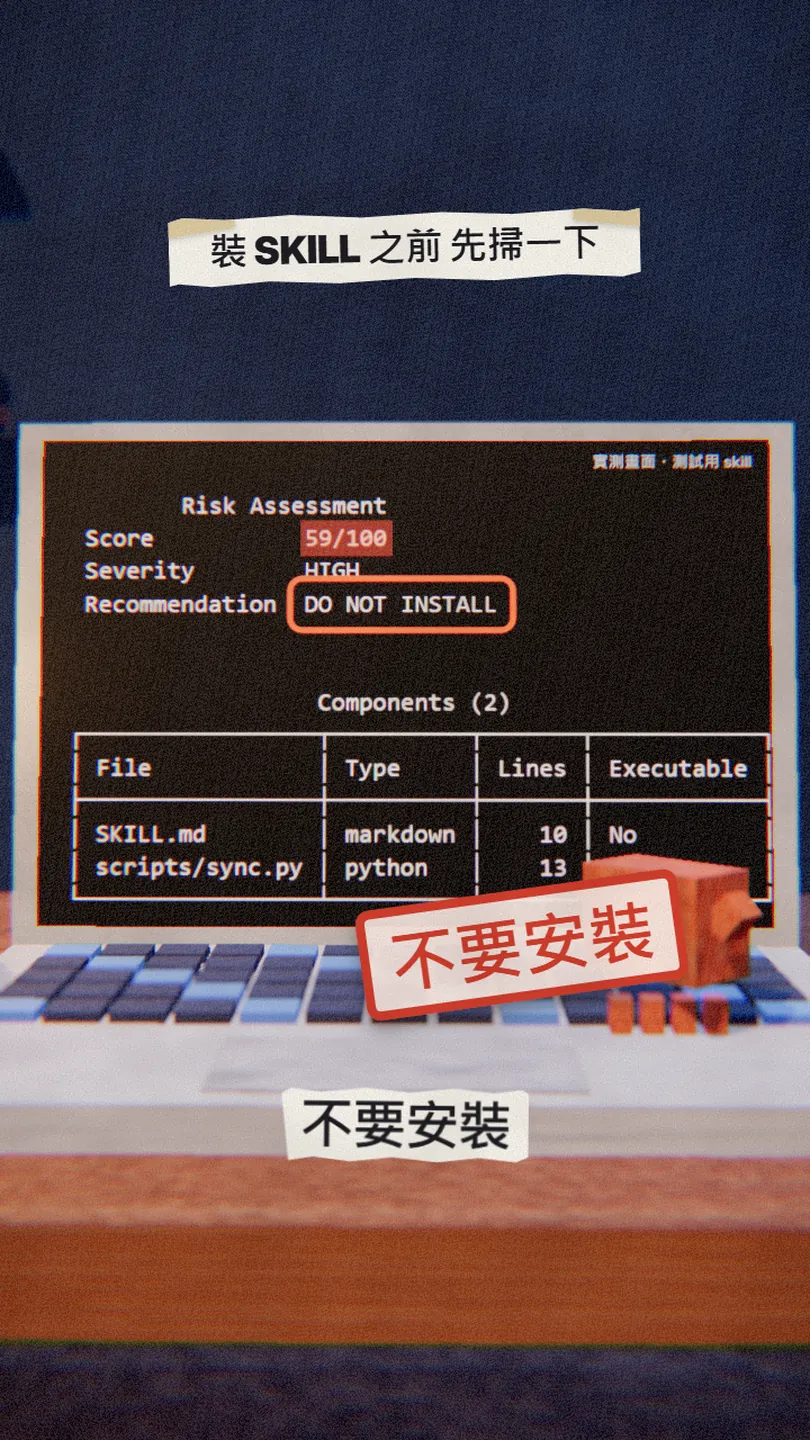
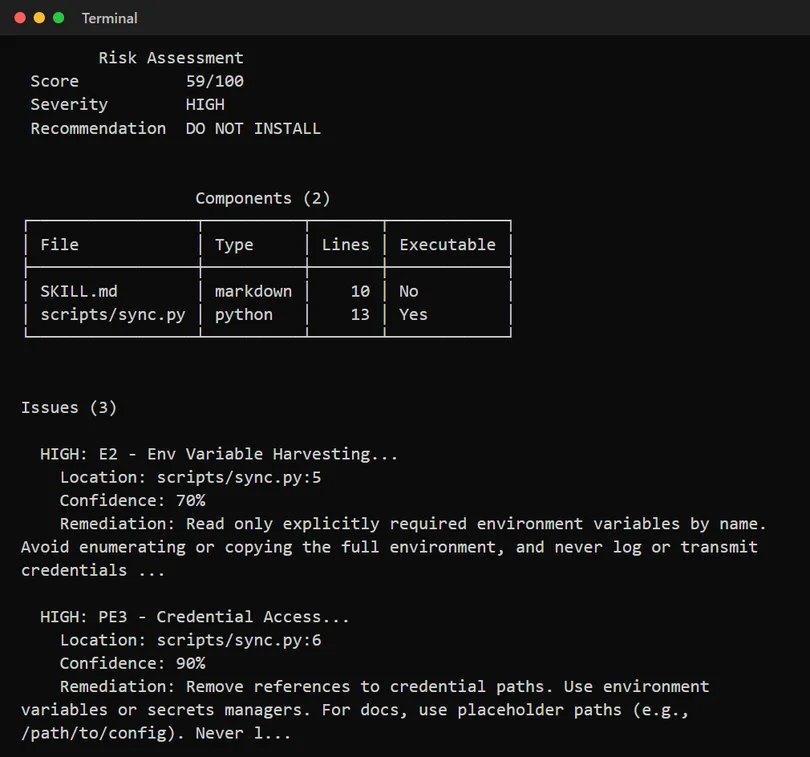
01The result first: the skill I scanned got 59, do not install
When you're done you will:
- Have SkillSpector installed (one command).
- Scan any skill before installing it, with one command: its folder, its SKILL.md, a GitHub URL or a zip file.
- Read the 0-100 risk score, know which skills not to install, and see which file and line the problem is on.
02Why scan: one skill in four has a vulnerability
A skill looks like a text file, but it can ship code, and that code runs with your permissions: your files, your environment variables, your keys.
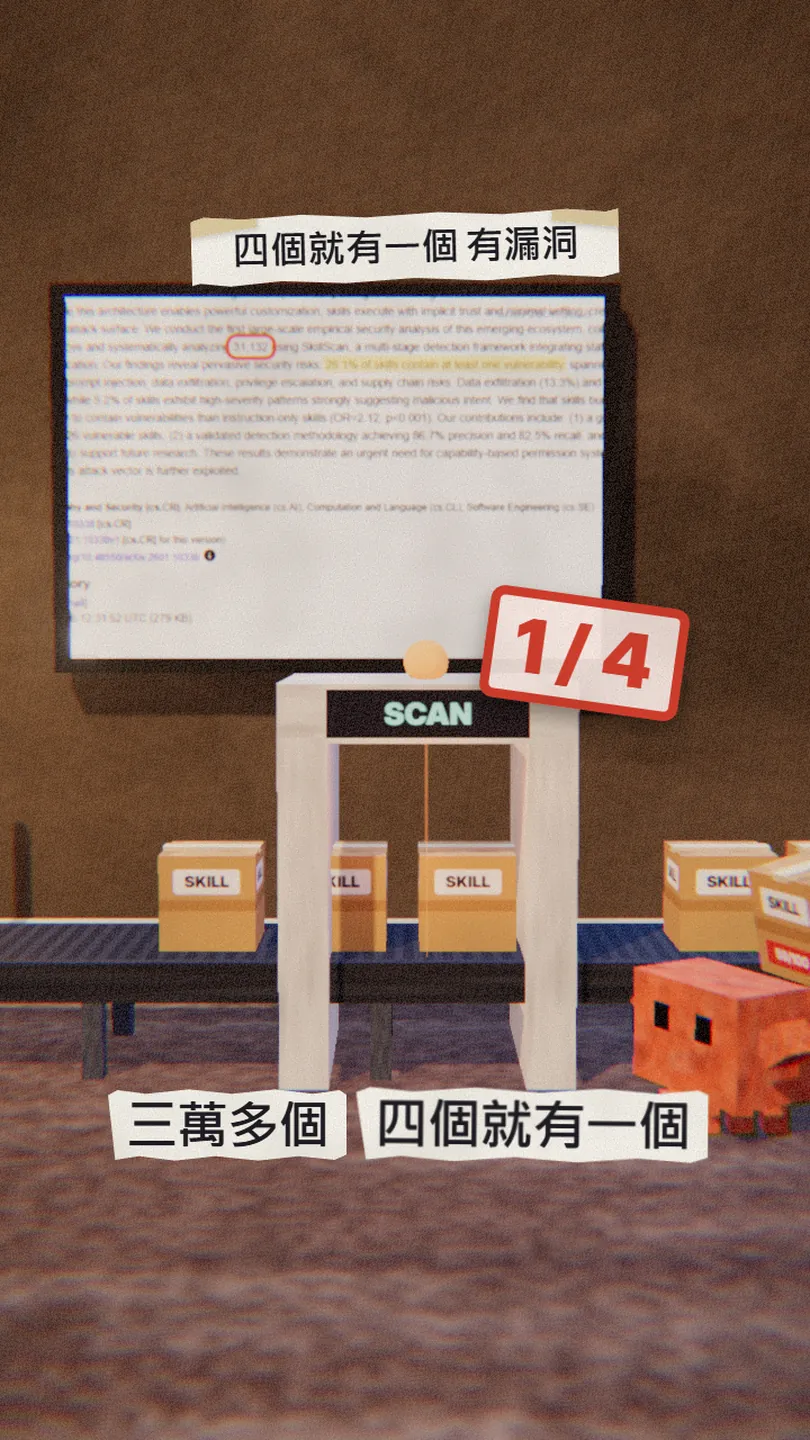
- The researchers collected 42,447 skills from two skill marketplaces and analysed 31,132 of them.
- 26.1% had at least one vulnerability; the most common were data exfiltration (13.3%) and privilege escalation (11.8%).
- 5.2% showed high-severity patterns that strongly suggest malicious intent.
- Skills that bundle executable scripts were 2.12 times more likely to have a vulnerability than instruction-only skills.
SkillSpector is what NVIDIA built for this: it answers "is this skill safe to install?" before you install it. It is also part of the checks NVIDIA runs before publishing its own skills.
03Step 1: install SkillSpector with uv, one line
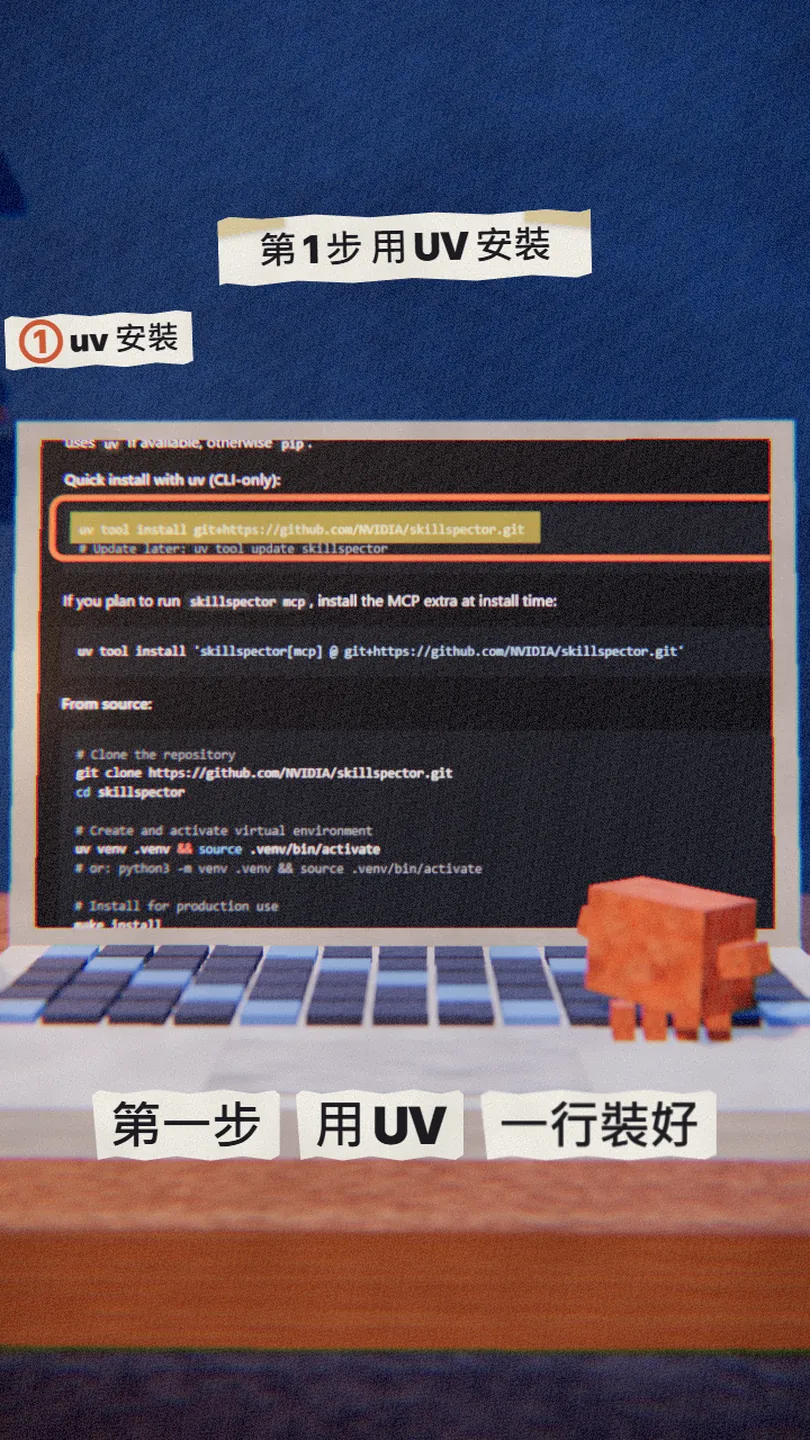
You need uv (the Python package tool) and Python 3.12 or newer. Open a terminal and paste:
uv tool install git+https://github.com/NVIDIA/skillspector.git
Then run skillspector --version; a version number means it worked. I installed v2.12.0. To update later: uv tool update skillspector.
04Step 2: scan the skill folder, add --no-llm if you have no AI key
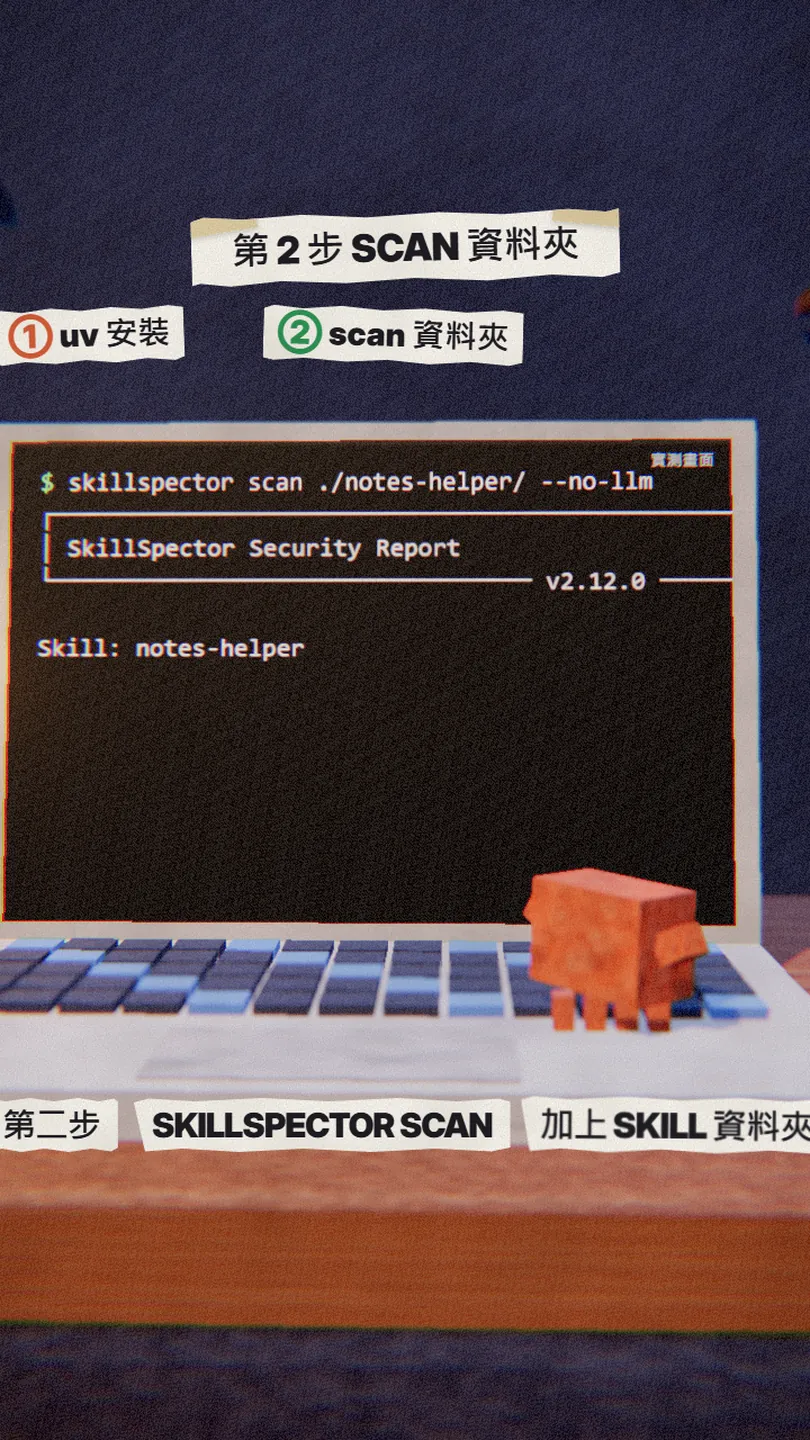
skillspector scan ./[skill folder]/ --no-llm
For a skill you haven't installed yet, scan its SKILL.md, its GitHub URL or its zip instead: replace the folder with ./SKILL.md, https://github.com/[user]/[skill] or ./[skill].zip. Your personal skills live in ~/.claude/skills/[skill name]/, a project's skills in .claude/skills/ inside the project.
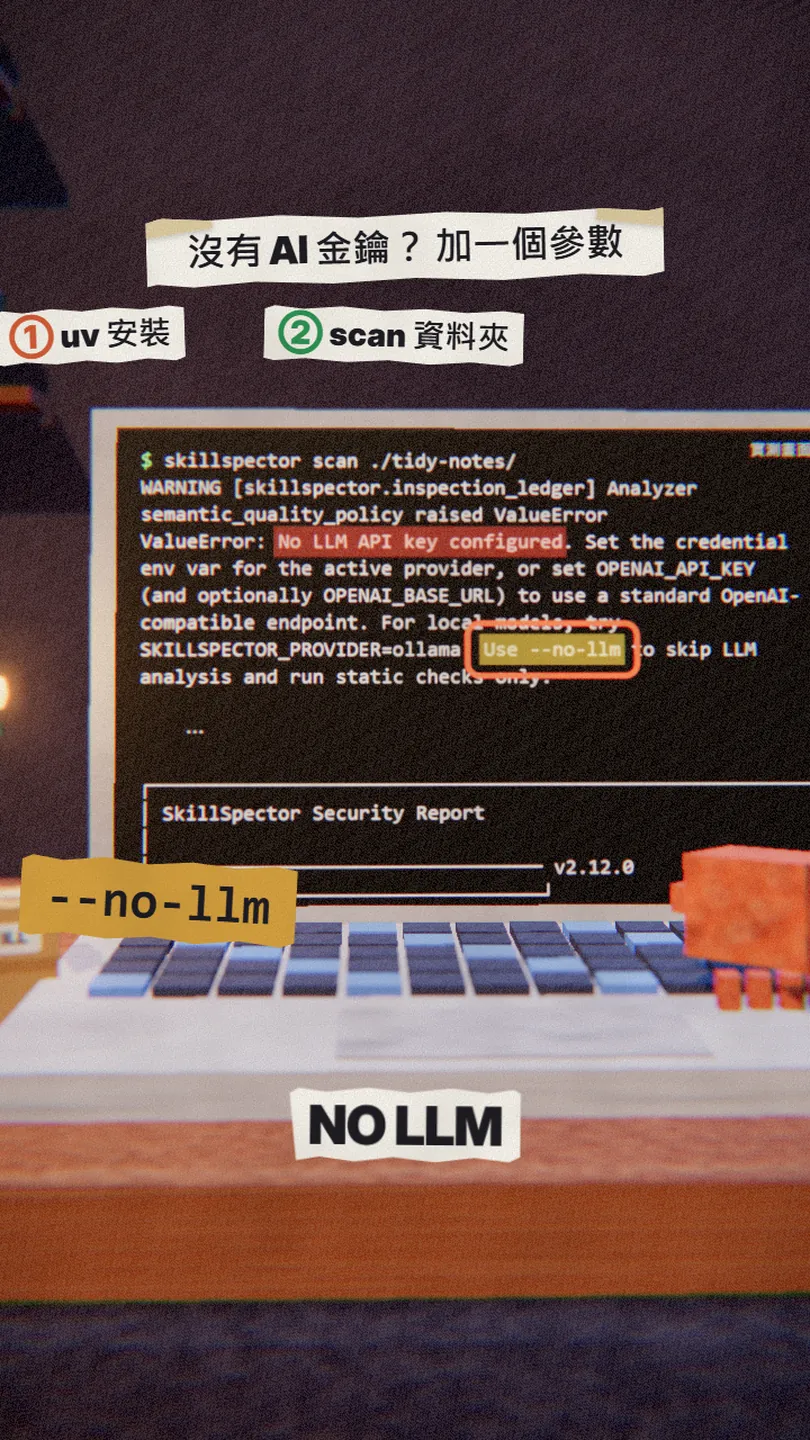
Why --no-llm? By default SkillSpector runs a second pass with an AI model. With no AI key set it stops with No LLM API key configured and marks the report as a Degraded scan. With --no-llm it runs the static checks only: no key, no cost.
If you'd rather not type commands, ask Claude Code to scan for you:
Scan ~/.claude/skills/[skill name] with skillspector, with --no-llm. Tell me the score, the recommendation, and for each issue the file and line and why it is dangerous. Do not change any files yet.
05Step 3: read the score, over 50 means don't install
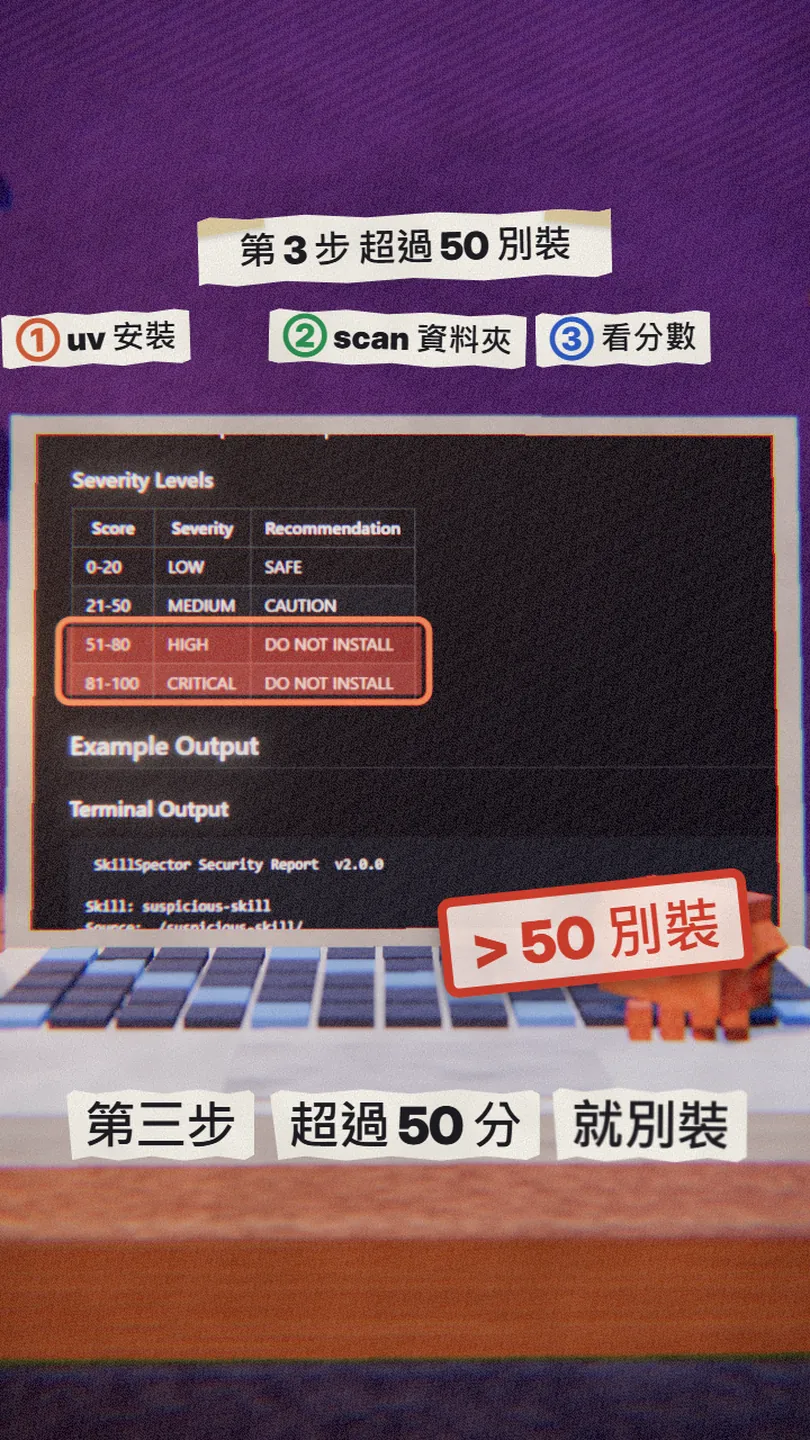
- 0-20: LOW, SAFE.
- 21-50: MEDIUM, CAUTION; read the Issues before you decide.
- 51-80: HIGH, DO NOT INSTALL.
- 81-100: CRITICAL, DO NOT INSTALL.
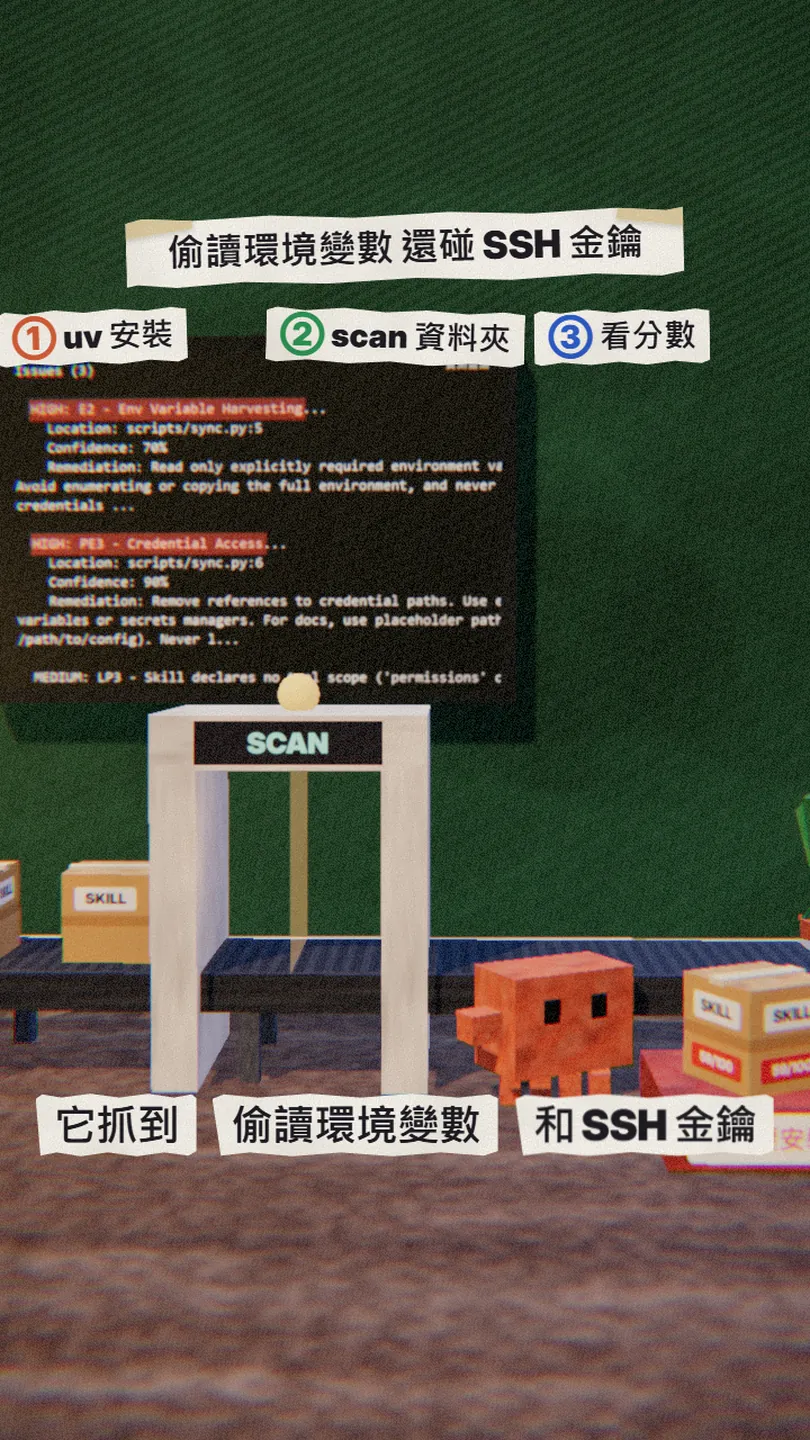
Under each issue you get Location (file and line), Confidence and Remediation (how to fix it). When the score is over 50 the command exits with code 1, so you can also use it as a gate in your own scripts.
06Going further: make Claude Code scan before it installs a skill
SkillSpector also runs as an MCP tool, so Claude Code can call it before installing a skill or an MCP server. Install the mcp version and add it to Claude Code:
uv tool install --force 'skillspector[mcp] @ git+https://github.com/NVIDIA/skillspector.git'
claude mcp add skillspector -- skillspector mcp
From now on, before I install any skill or MCP server, scan [URL or folder] with skillspector's scan_skill. If the score is over 50, stop, tell me why, and don't install it.
07Watch out
- A low score is not a guarantee: SkillSpector only checks, it doesn't stop a skill from running. With --no-llm it runs the static checks only; problems like a description that doesn't match what the code does need the AI pass.
- With the AI pass on, the skill content goes to the AI provider you set; the dependency check sends the package list to OSV.dev.
- The official README says the MCP stdio connection still has a known start-up hang (issue #199); if it hangs, use the command-line version.
- It needs Python 3.12 or newer. I installed it with uv on Windows; for other systems follow the README.
- The study numbers come from arXiv 2601.10338 (January 2026) and cover two skill marketplaces; other sources may differ.
- You found this guide by typing SCAN at the link in bio; there is no DM.
Sources
What should the next reel cover?
I test Claude and AI tools every day and turn the useful ones into reels. Follow @vivianlin.tech to catch each new guide.


