
~/guides/MINIMAX.md
MiniMax H3: a free open-weight AI video model that makes the picture, dialogue and music in one go
MiniMax H3 has free-to-download weights and makes picture and sound together. Try it in the official Hugging Face Space: how to prompt and why to Upsample.
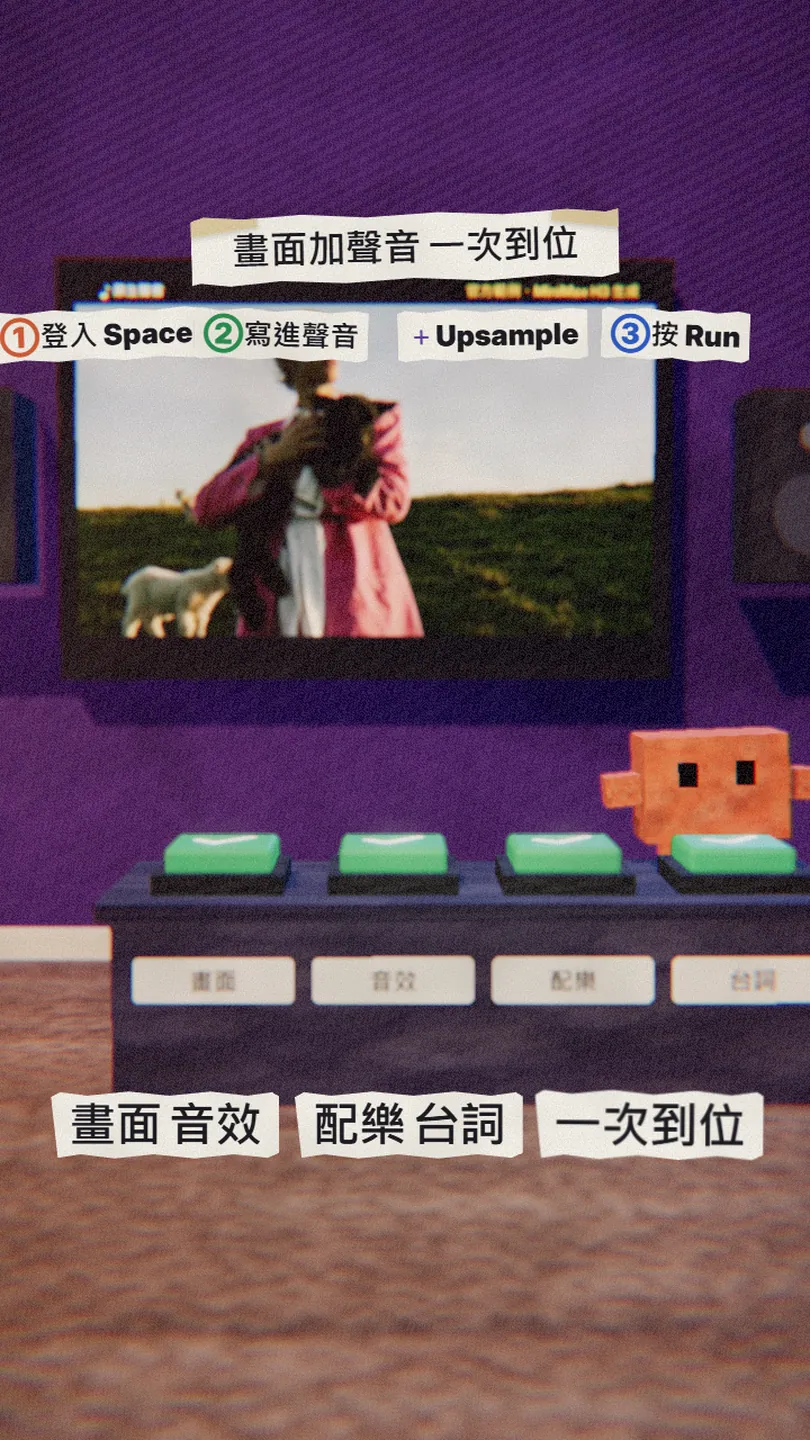
The clip in my reel, a man holding a lamb who says a new line with his lips in sync, is an official MiniMax H3 example. MiniMax H3 is a video model from MiniMax whose weights are free to download on Hugging Face, and it generates the picture, sound effects, music and dialogue in one pass. This is the full version of the MINIMAX reel: what it is, where to try it free, how to write a prompt that brings the sound with it, and what to watch in the licence.
01The result first: the line and the lip movement were changed by AI

By the end of this guide you will know:
- What MiniMax H3 does: text, images, video and audio can all be references, and it makes 4 to 15 second clips with stereo sound in one generation.
- Where to try it free: MiniMax's official Space on Hugging Face, with a free account.
- How to prompt: put the dialogue, sound effects and music in the same sentence, then turn on Upsample Prompt so it fills in the rest.
- What to watch in the licence: open weights are not open source, and some regions are excluded.
02What MiniMax H3 is
MiniMax H3 is a video model MiniMax released in July 2026; the weights are on Hugging Face and download without an access request. What sets it apart is that the picture and the sound are generated together, with no separate dubbing or music step. The specs on the model page:
- Clips of 4 to 15 seconds at 24 frames per second.
- 32 kHz stereo audio: ambience, music and spoken lines.
- Stable dialogue in 11 languages, including Chinese.
- 768 pixels on the short side by default; 21:9, 16:9, 1:1, 9:16 and other ratios.
- The open part is H3-Base, in two versions: text or first/last-frame generation, and multi-reference generation (up to 9 images, 3 videos and 3 audio clips).
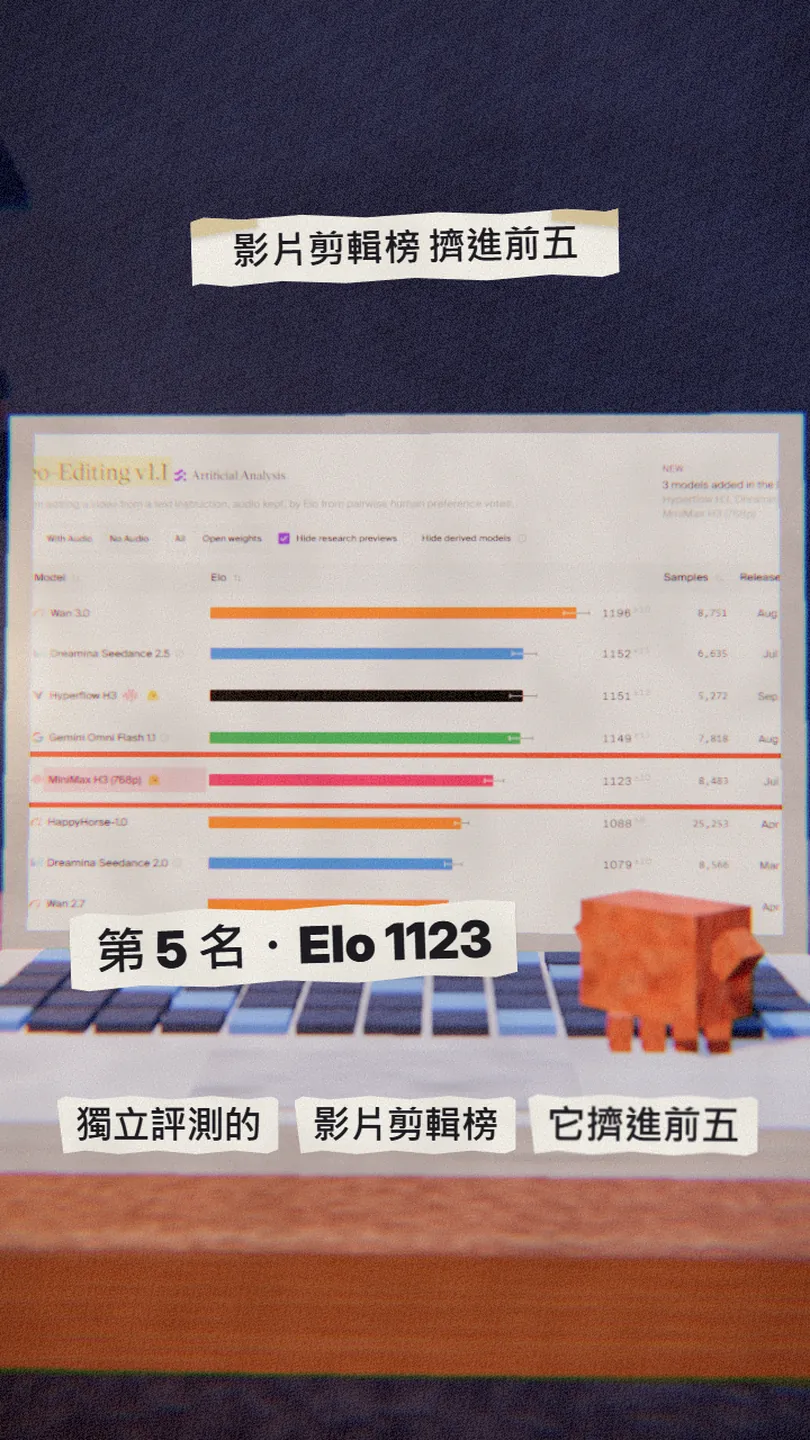
The independent benchmark site Artificial Analysis ranks video editing models by blind human votes. When I checked on 3 Nov 2026, MiniMax H3 (768p) was 5th (Elo 1123), behind Wan 3.0, Dreamina Seedance 2.5, Hyperflow H3 and Gemini Omni Flash 1.1. At launch MiniMax's own site listed it as number 1 (ranking as of 31 July); newer models have passed it since.
03Step 1: sign in to Hugging Face and open the official Space
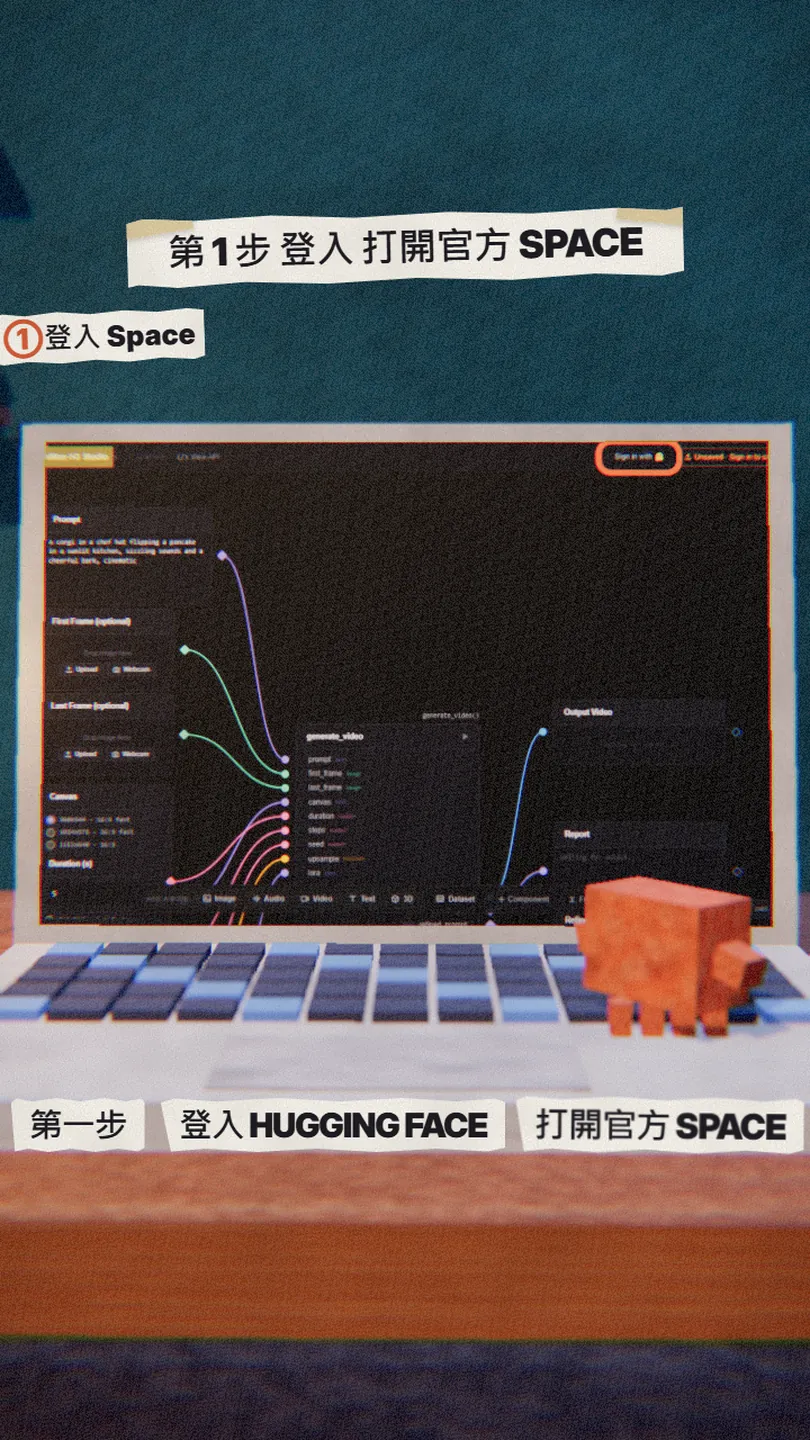
- Create or sign in to a free account at huggingface.co.
- Open MiniMax's official Space: huggingface.co/spaces/MiniMaxAI/MiniMax-H3-Turbo-Lora (the page is titled MiniMax-H3 Studio).
- Press Sign in with Hugging Face at the top right and sign in with your account.
04Step 2: write one sentence, and put the sound in it
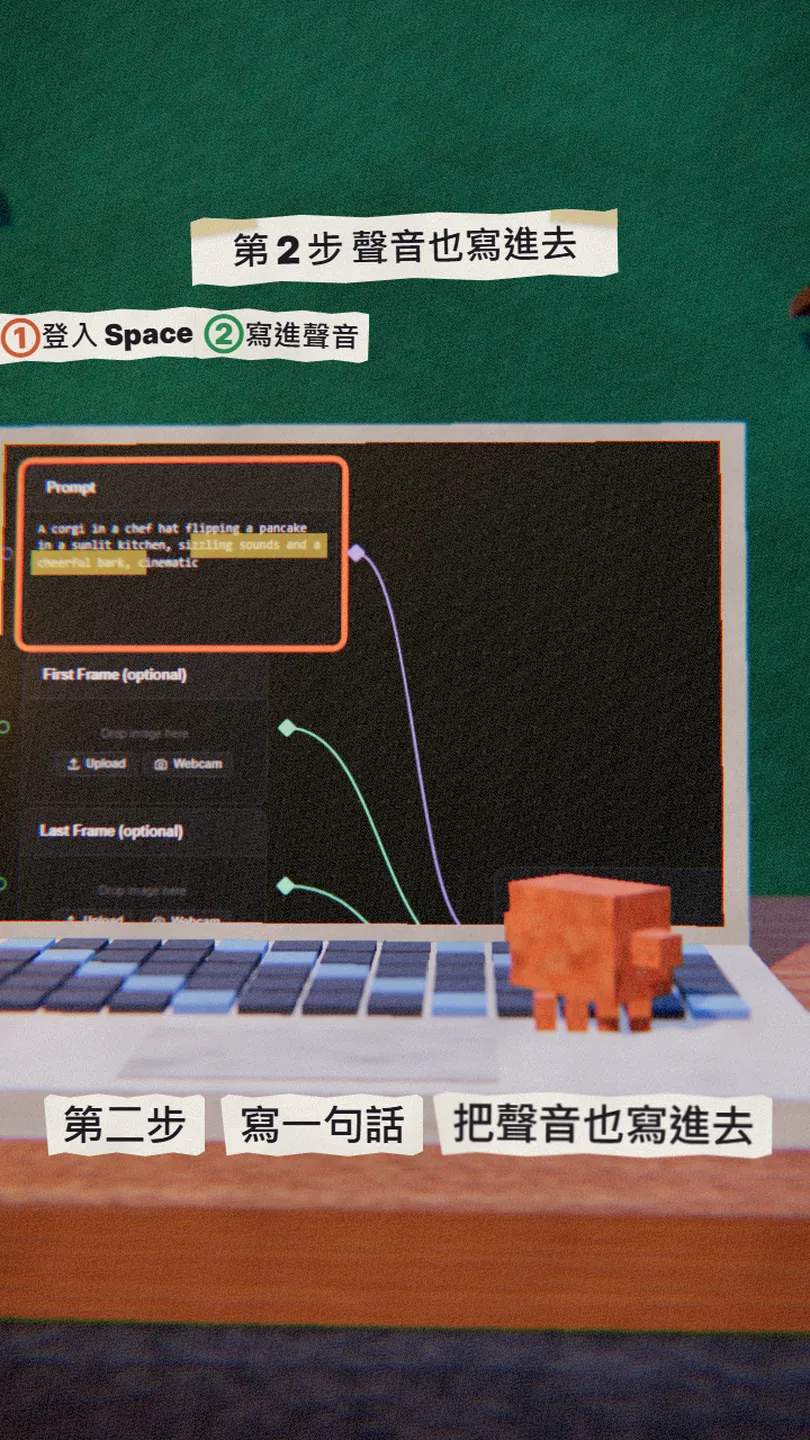
H3 makes the sound from what you write, so besides the picture, spell out the dialogue, sound effects and music. The Space's default example is "a corgi in a chef hat flipping a pancake in a sunlit kitchen, sizzling sounds and a cheerful bark", with the sound in the same sentence. Swap in your own scene:
[scene, e.g. a small cafe in Taipei at golden hour]. [character, e.g. a young barista in an apron] pours latte art, then looks at the camera and says in Mandarin: "[your line]". Sound: [sound effects, e.g. the espresso machine hissing, cups clinking]. Music: [music, e.g. soft lo-fi jazz]. Cinematic, shallow depth of field.
If you want to plan it first, fill these in order, then paste the English version:
[scene], [character] [doing what], looks at the camera and says: "[line]". Sound: [sound effects]. Music: [music]. Cinematic, shallow depth of field.
05Step 3: turn on Upsample Prompt, then press Run
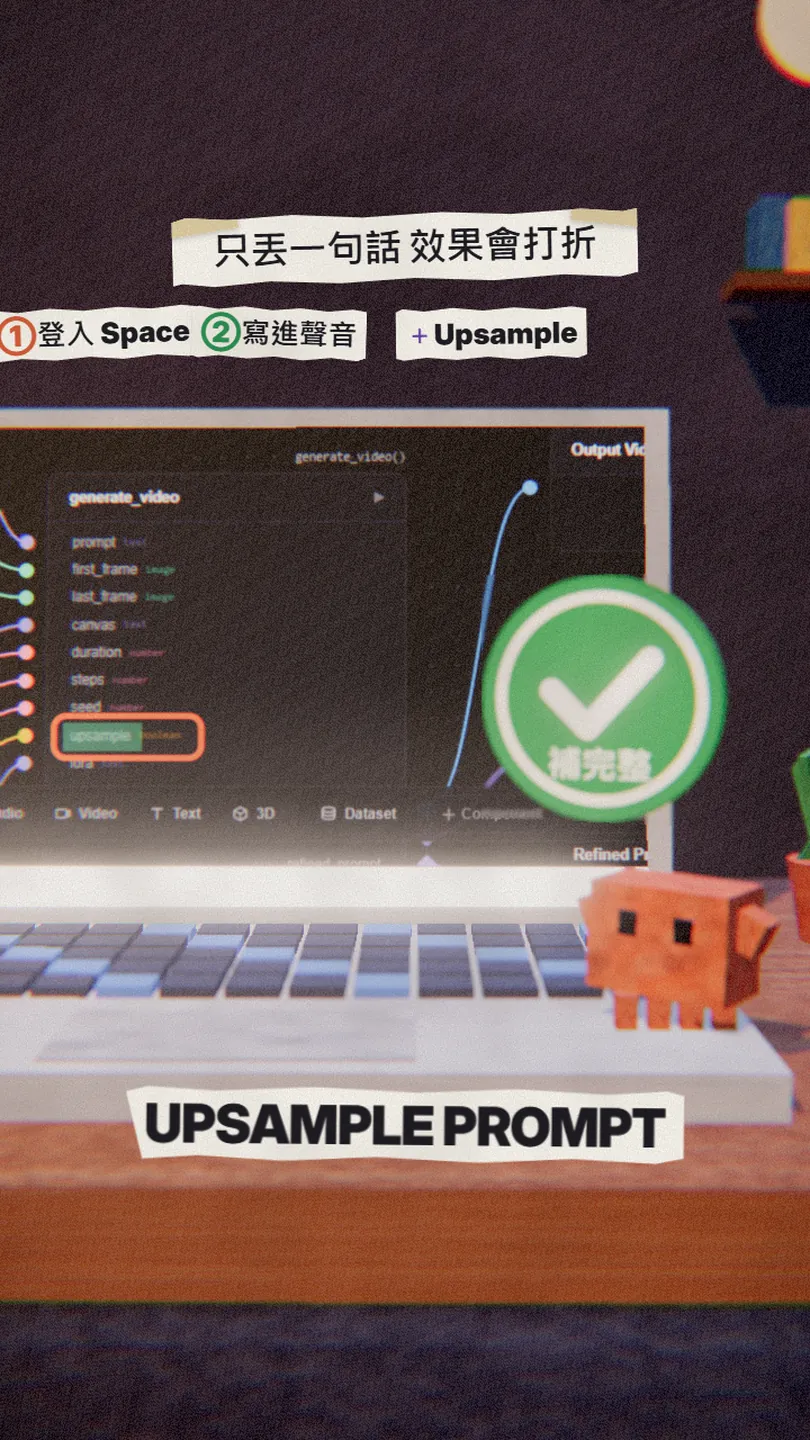
A short bare sentence usually gives a weaker result. MiniMax says on the model page that the step that interprets and fills in the prompt is "critical to the quality of the final output". In the Space, that switch is Upsample Prompt: turn it on and it rewrites your prompt first; the rewritten version shows up under Refined Prompt.
- Canvas: pick the ratio; for Reels pick 9:16 (for example 544x960 · 9:16 fast).
- Duration: set the length; start with 5 seconds.
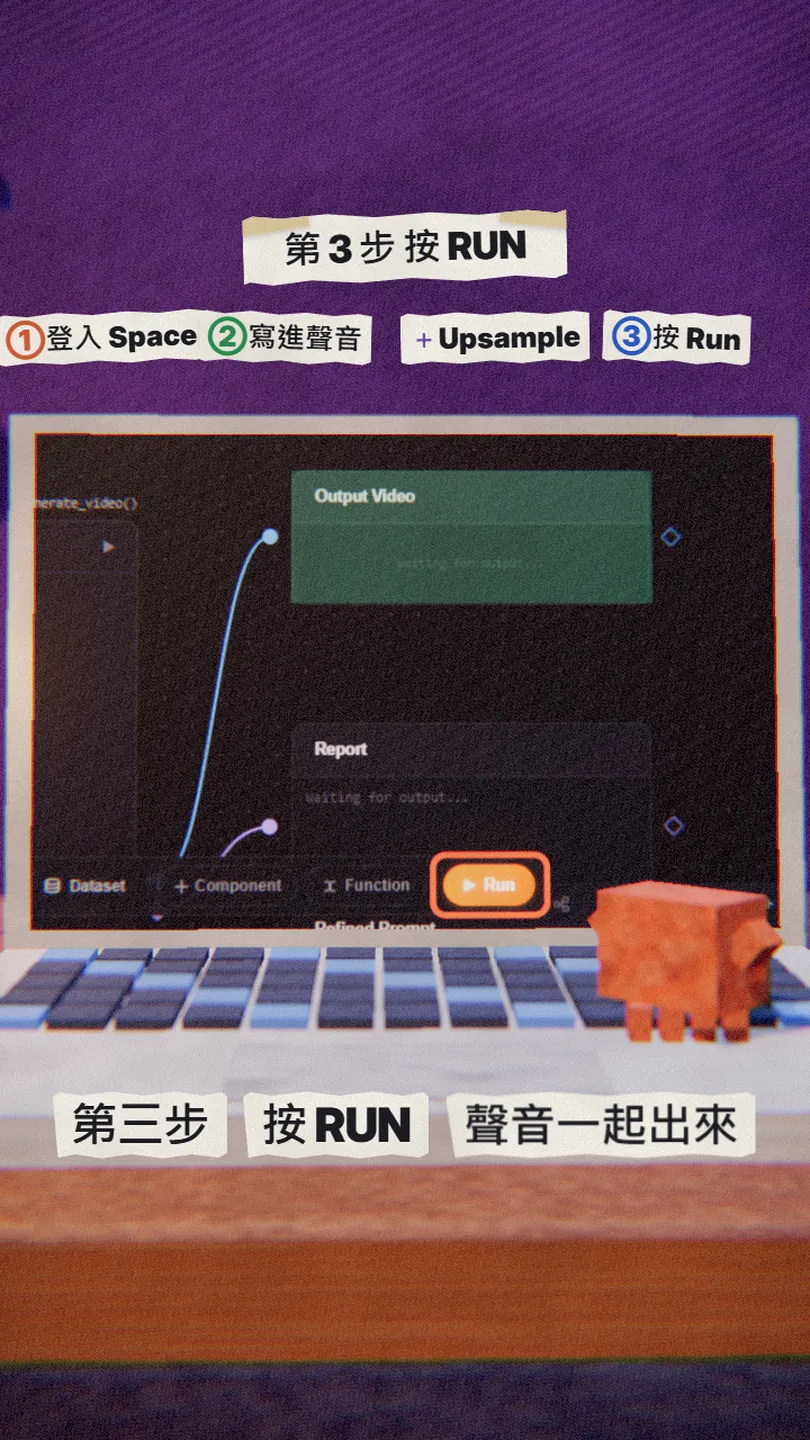
- Turn Upsample Prompt on.
- Press Run at the bottom right and wait; the video appears in Output Video, with the sound inside it.
06For 2K quality or editing an existing video
The official Space is the fast version (a Turbo LoRA at 4 or 6 steps), good for trying it out. For 2K quality, or for editing an existing clip the way the reel example does (a new line, a new background), use MiniMax's own tools:
- Web app: Hailuo AI (hailuoai.video/tools/minimax-h3); sign in and pick MiniMax H3; paid plans from US$9.99 a month.
- Developers: the MiniMax Open Platform API (platform.minimax.io), with an API key, billed by usage.
- Run it yourself: the model page has guides for SGLang, vLLM, diffusers and ComfyUI, but the full weights are large and the official example uses 4 GPUs.
07Good to know
- The licence is the MiniMax H3 Community License: it excludes the European Union, the United Kingdom, South Korea and the United States, so it does not cover use there; Taiwan is covered.
- Commercial use must show "MiniMax H3" in the product's interface; above US$20 million in yearly revenue you need separate permission.
- Uploaded text, images and video go through automatic moderation and can be blocked, sometimes by mistake.
- Leaderboard positions change: this guide quotes the ranking on 3 Nov 2026.
- You may read that it runs on a 5 to 6 GB graphics card; that is a third-party optimised version, not MiniMax's, and I have not verified it.
- You found this guide by typing MINIMAX on the site from the link in bio; nothing is sent by DM.
Sources
- Hugging Face: MiniMaxAI/MiniMax-H3 model page (specs, versions, guides; checked 3 Nov 2026)
- MiniMax H3 Community License Agreement
- Hugging Face Space: MiniMaxAI/MiniMax-H3-Turbo-Lora (official demo)
- Hugging Face docs: ZeroGPU daily quotas
- Artificial Analysis: video editing leaderboard (checked 3 Nov 2026)
- Hailuo AI: official MiniMax H3 web app
What should the next reel cover?
I test Claude and AI tools every day and turn the useful ones into reels. Follow @vivianlin.tech to catch each new guide.


