~/guides/SOUND.md
Give Claude-made videos real sound effects: Openverse, Real SFX and earshot, three free tools
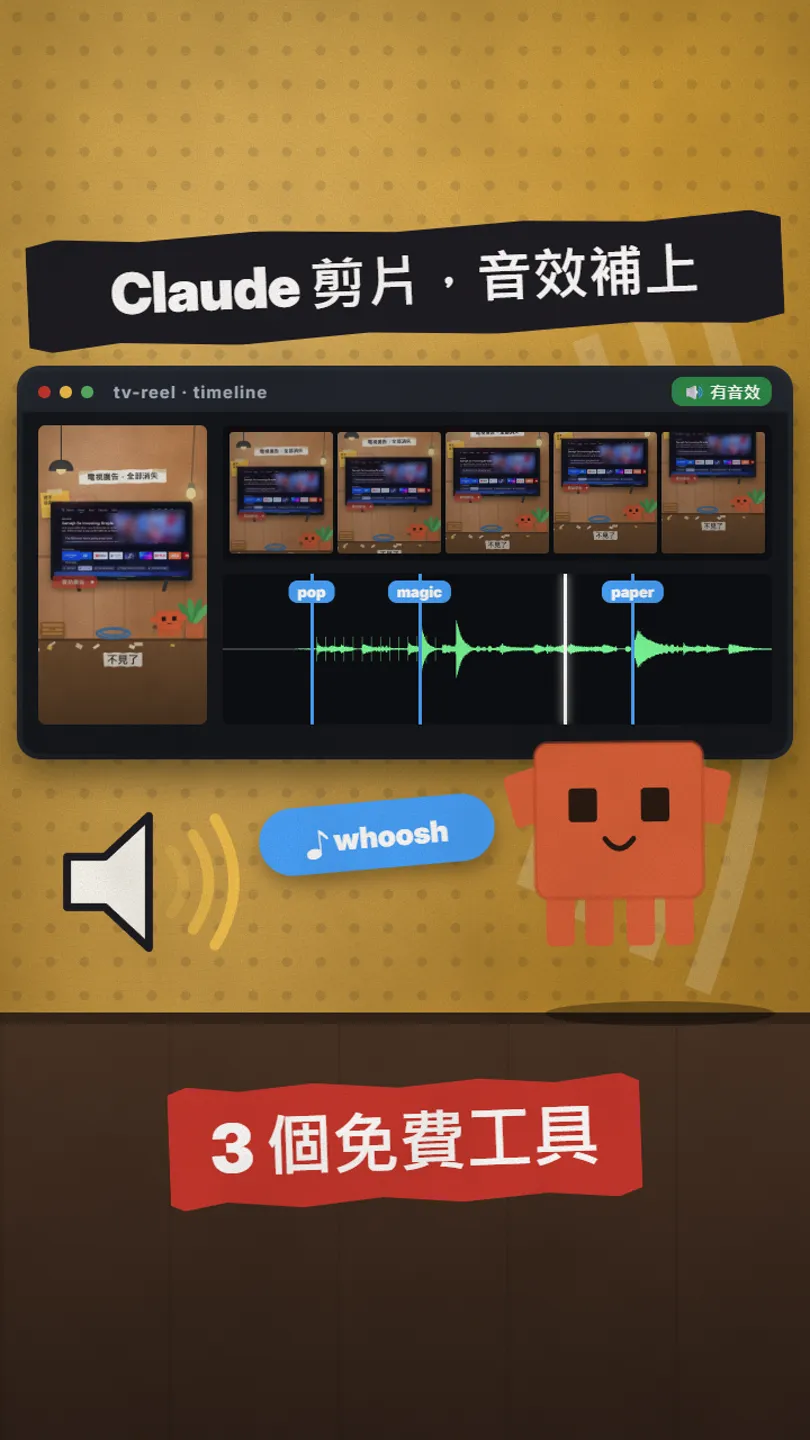
Claude animates well but its sound effects sound fake. Openverse finds 5M+ audio files, Real SFX puts sounds on the exact frame, earshot makes sounds in code.
Claude (and Claude Code) can make good animation now, but the sound effects it adds on its own often sound fake: a beep here, a swoosh there, obviously synthesized. Here are three free tools that split the job: Openverse finds sounds for Claude, Real SFX puts each one on the exact frame of your timeline, and earshot makes a new sound in code when nothing fits, even a whole sound kit. First, the same clip silent and with sound, then how to install each one and how to ask Claude to use it.
01The result first: the same clip, silent vs with sound
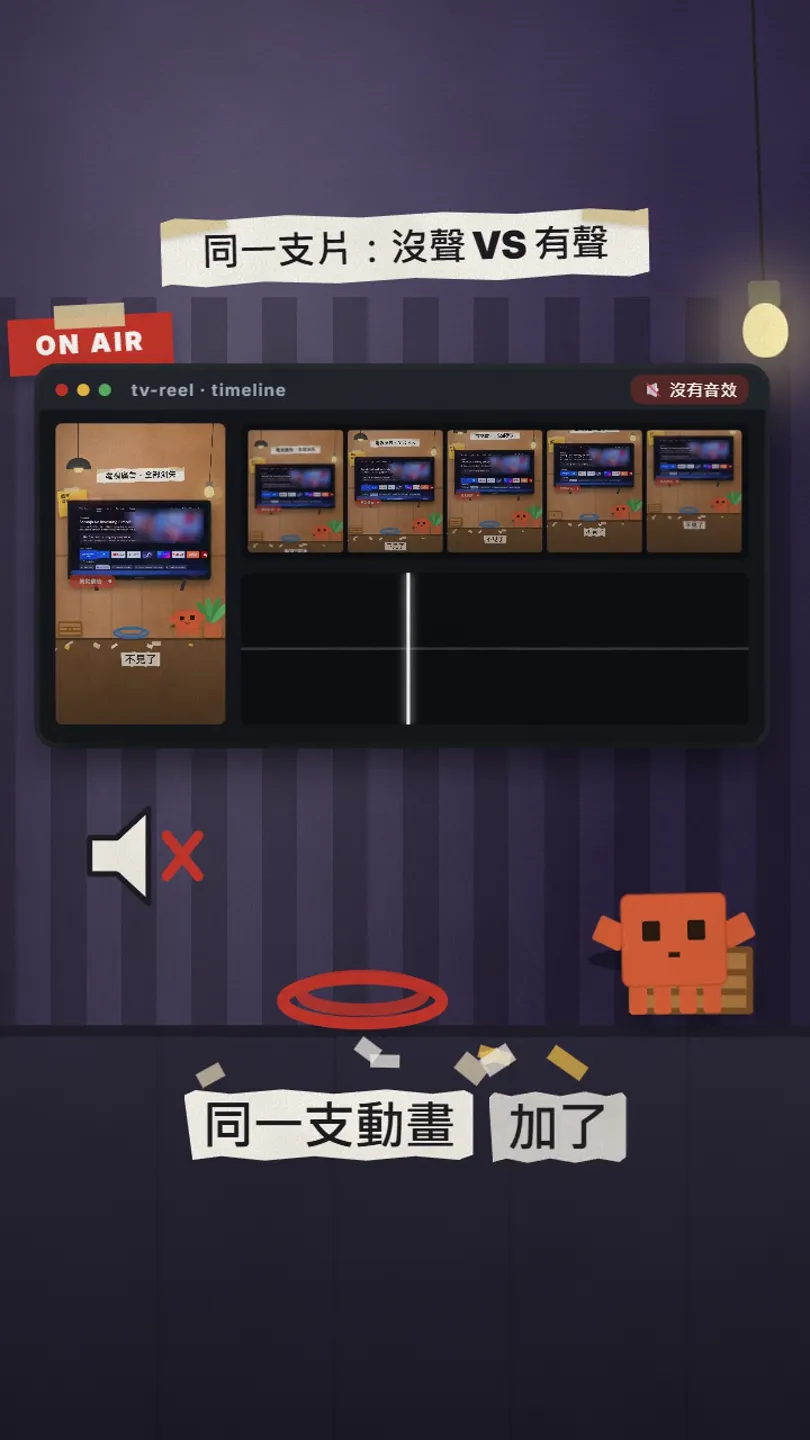
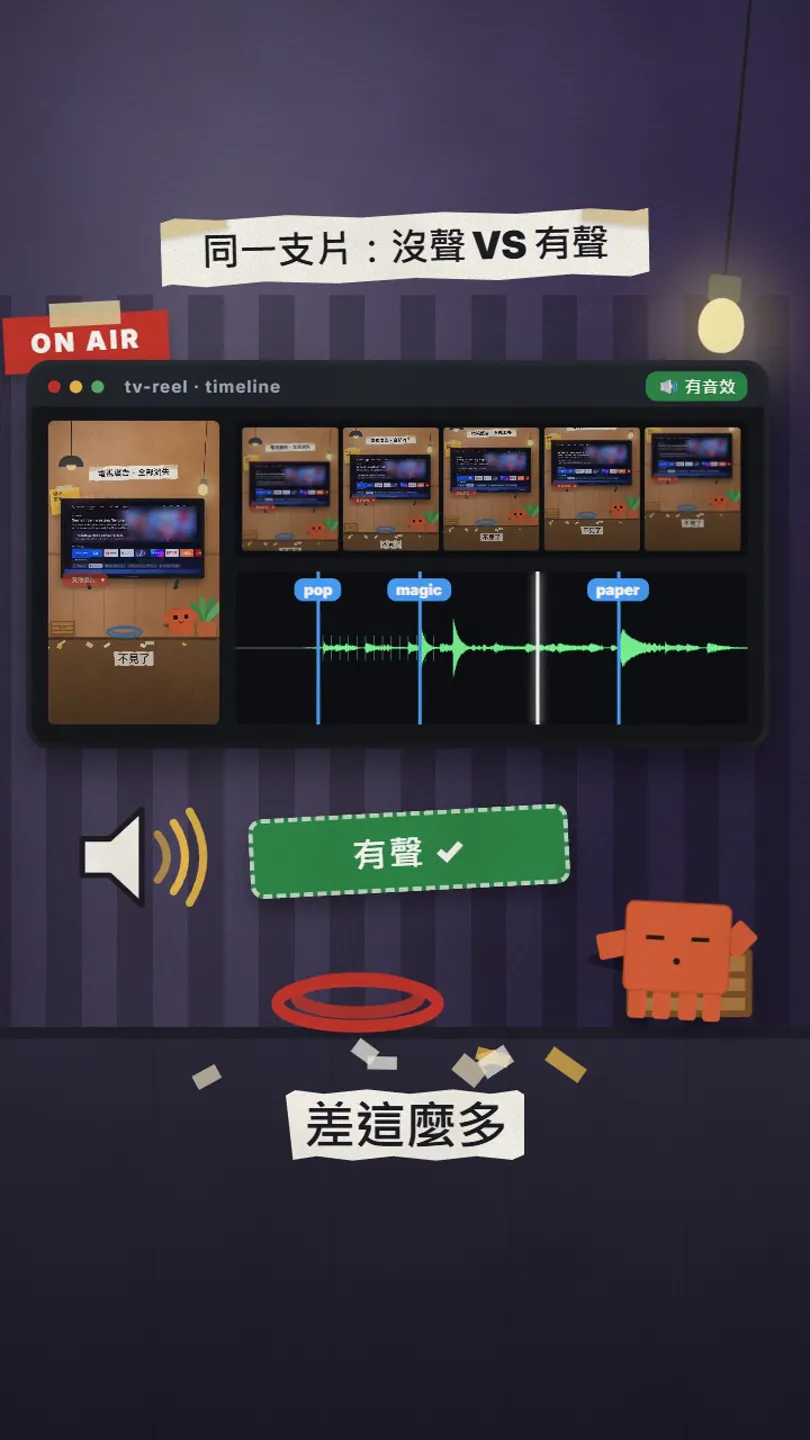
The clip is the opening of our own reel and the waveform is that clip's real sound-effect track, drawn with FFmpeg. The three markers are three sounds: the title arrives, the screen turns clean, a card drops. The point is not more sounds; it is each one sitting on the frame where the action happens.
- ① Openverse: find sounds. 5M+ free audio files, an API, no key.
- ② Real SFX: place sounds. A Claude Code skill that reads your timeline and puts real recordings on the exact frame.
- ③ earshot: make sounds. When nothing fits, it makes one in code, even a whole sound kit.
02① Openverse: let Claude search 5M+ audio files
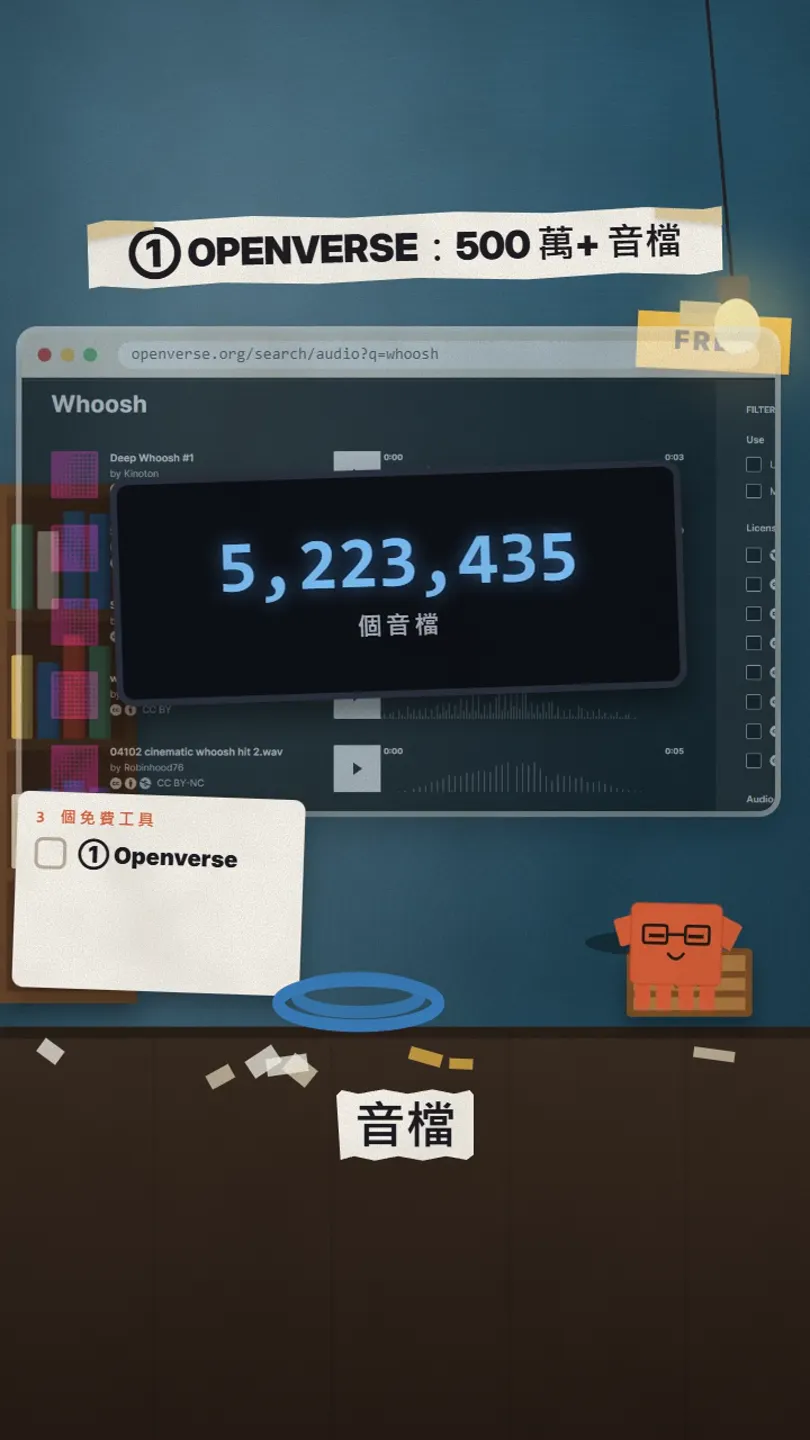
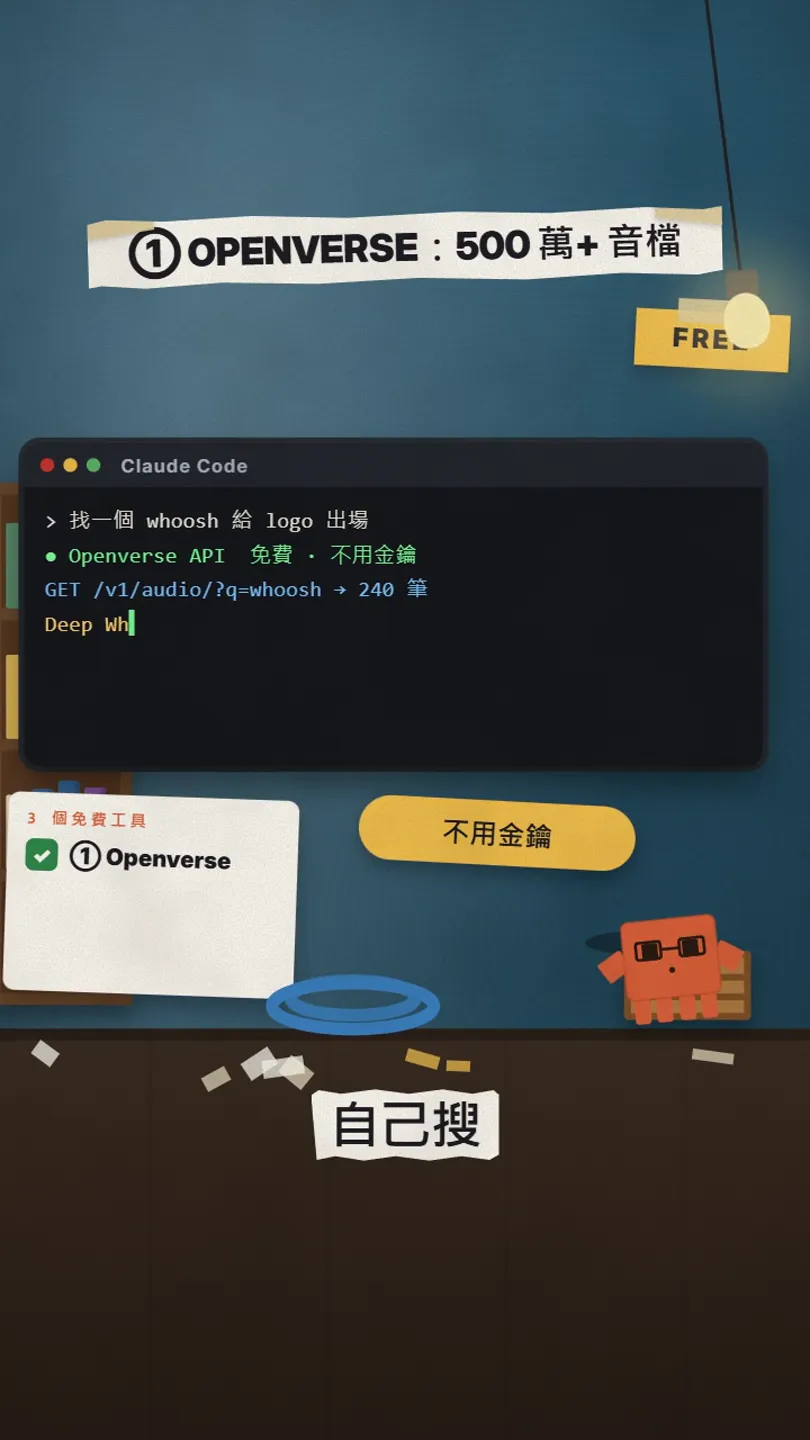
Openverse is a free search engine for openly licensed media. Its API stats on 27 Oct 2026: Jamendo 644,709, Wikimedia Commons 3,986,828, Freesound 591,898, together 5,223,435 audio files. These are audio files, music included, not only sound effects.
curl "https://api.openverse.org/v1/audio/?q=whoosh&page_size=5"
→ result_count: 240
→ Deep Whoosh #1 · CC0 · 3.2 s (Freesound)
Use the Openverse API (https://api.openverse.org/v1/audio/) to find [a whoosh for the logo reveal],
CC0 only, [under 1 second]. List 5 candidates: title, creator, licence, length, link.
Once I pick one, download it and keep the source in a credits.txt in the project.
03② Real SFX: put each sound on the exact frame
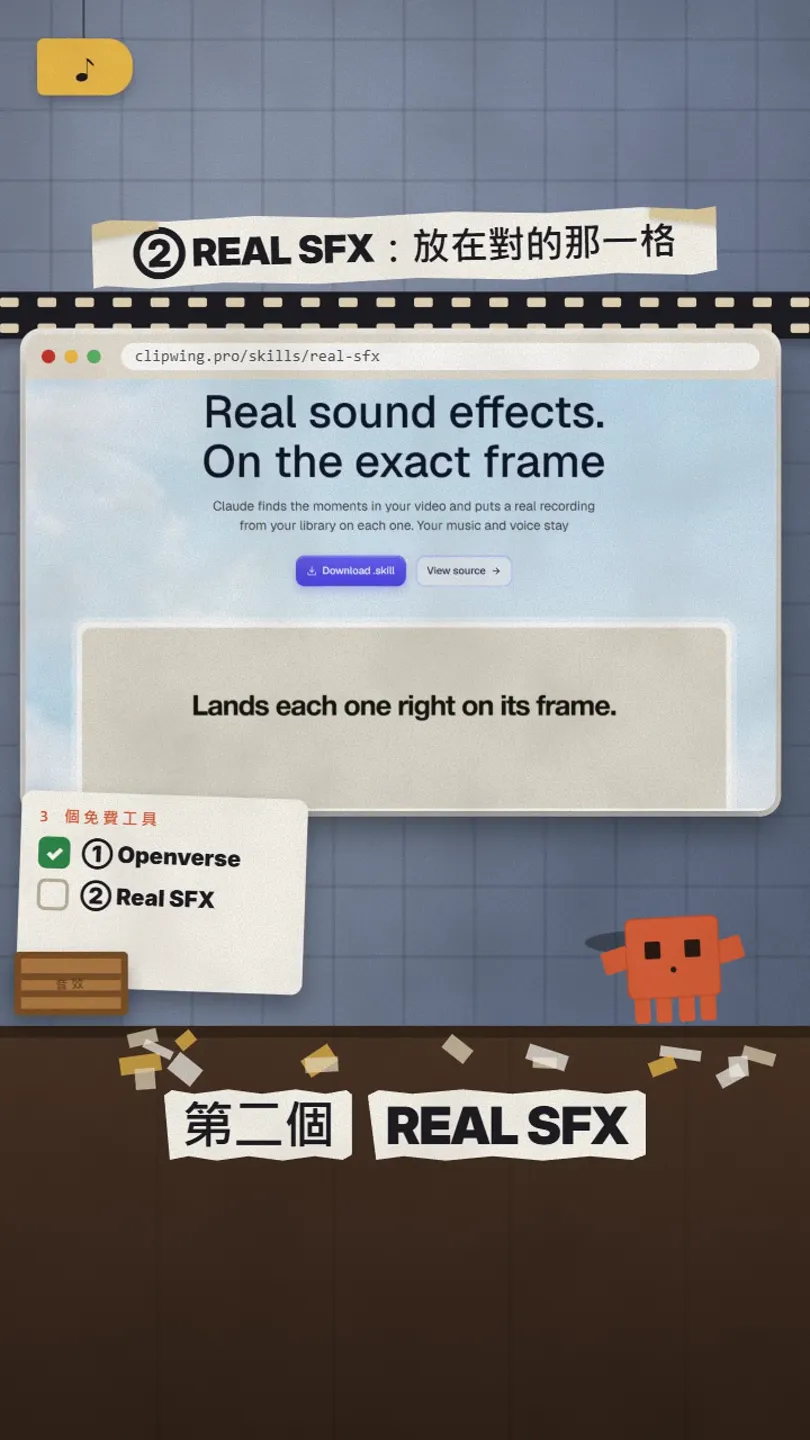
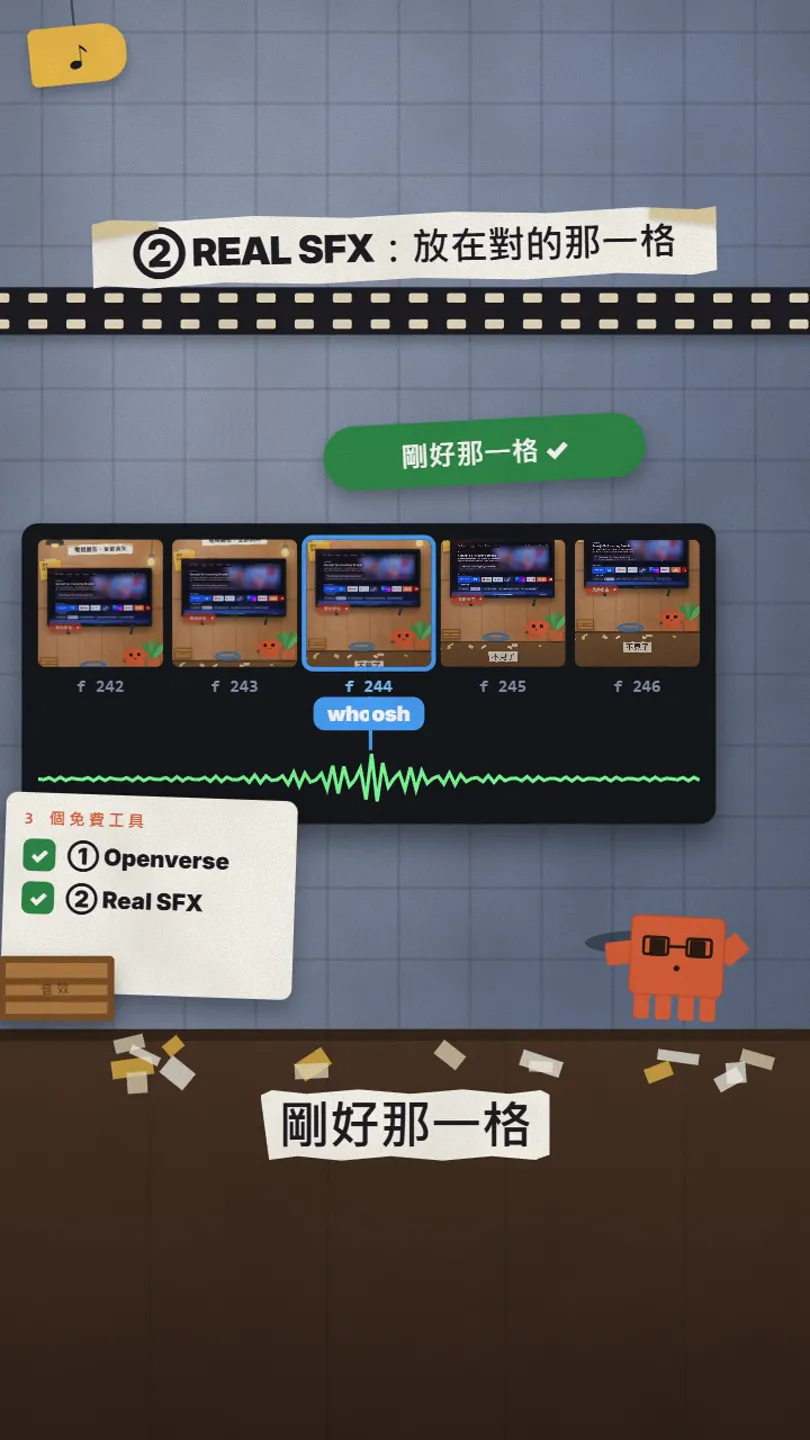
Real SFX is a free Claude Code skill. It finds the moments that need a sound from your cue list, a HyperFrames timeline, a screen recording or the picture itself, picks real recordings from your own library, places them on the exact frame, keeps your voice and music, and hands back a new MP4, a separate SFX WAV and a report of which sound went where.
- Install Python 3.9+ and FFmpeg first (Windows: winget install Python.Python.3.12 and winget install Gyan.FFmpeg).
- From Clipwing/skills on GitHub, copy the whole skills/real-sfx folder to ~/.claude/skills/real-sfx (Windows: %USERPROFILE%\.claude\skills\real-sfx) and restart Claude Code.
- Tell it where your sound library is (command below). No library yet? --uisfx gives you 78 CC0 interface sounds to start.
- In Claude Code, say: add sound design to this video.
python scripts/setup.py init --library main="[D:/Sounds/SFX]" --uisfx --index
python scripts/setup.py check
Use real-sfx to sound-design [out/my-video.mp4]:
keep the voice clear and the music in,
put every cut, card drop and text reveal on its frame,
then give me the cue report and tell me which spots I should listen to myself.
04③ earshot: when a sound doesn't exist, make it in code
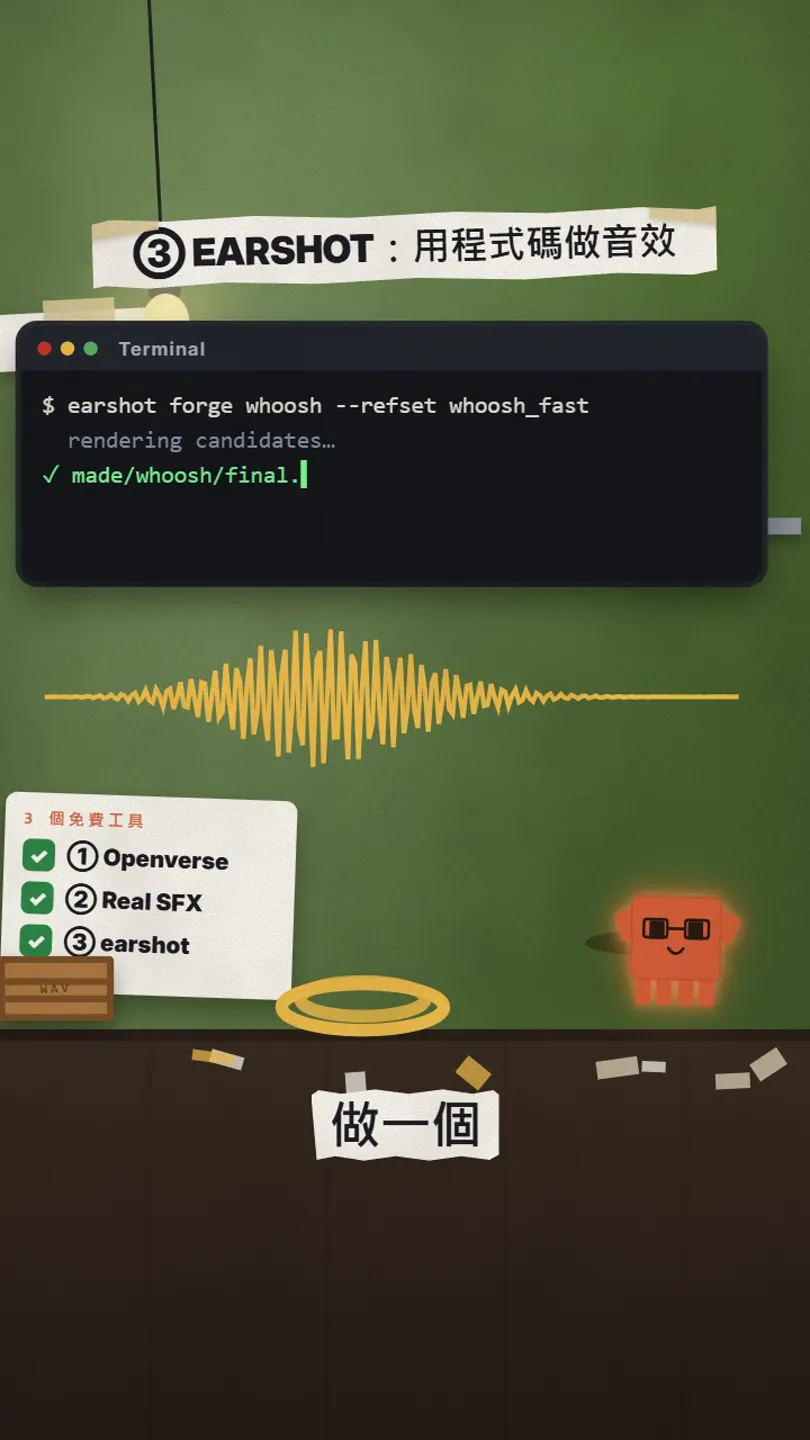
earshot is open source (MIT) and CPU-only; its own line is ears for coding agents: it lets AI hear, review and make sound, as a CLI, a Python API or an MCP server. The two most useful parts: forge makes a new sound in code and refines it by listening; kit makes a whole film's sound set at once.
git clone https://github.com/Leonxlnx/earshot && cd earshot
python -m venv .venv
.venv/bin/python -m pip install torch --index-url https://download.pytorch.org/whl/cpu
.venv/bin/python -m pip install -e ".[mcp,llm,dev]"
.venv/bin/python -m earshot doctor --load

# Windows: use .venv/Scripts/python instead of .venv/bin/python
earshot forge --list
earshot forge whoosh --refset whoosh_fast --budget 96 --dir made/whoosh
05A whole sound kit in one go
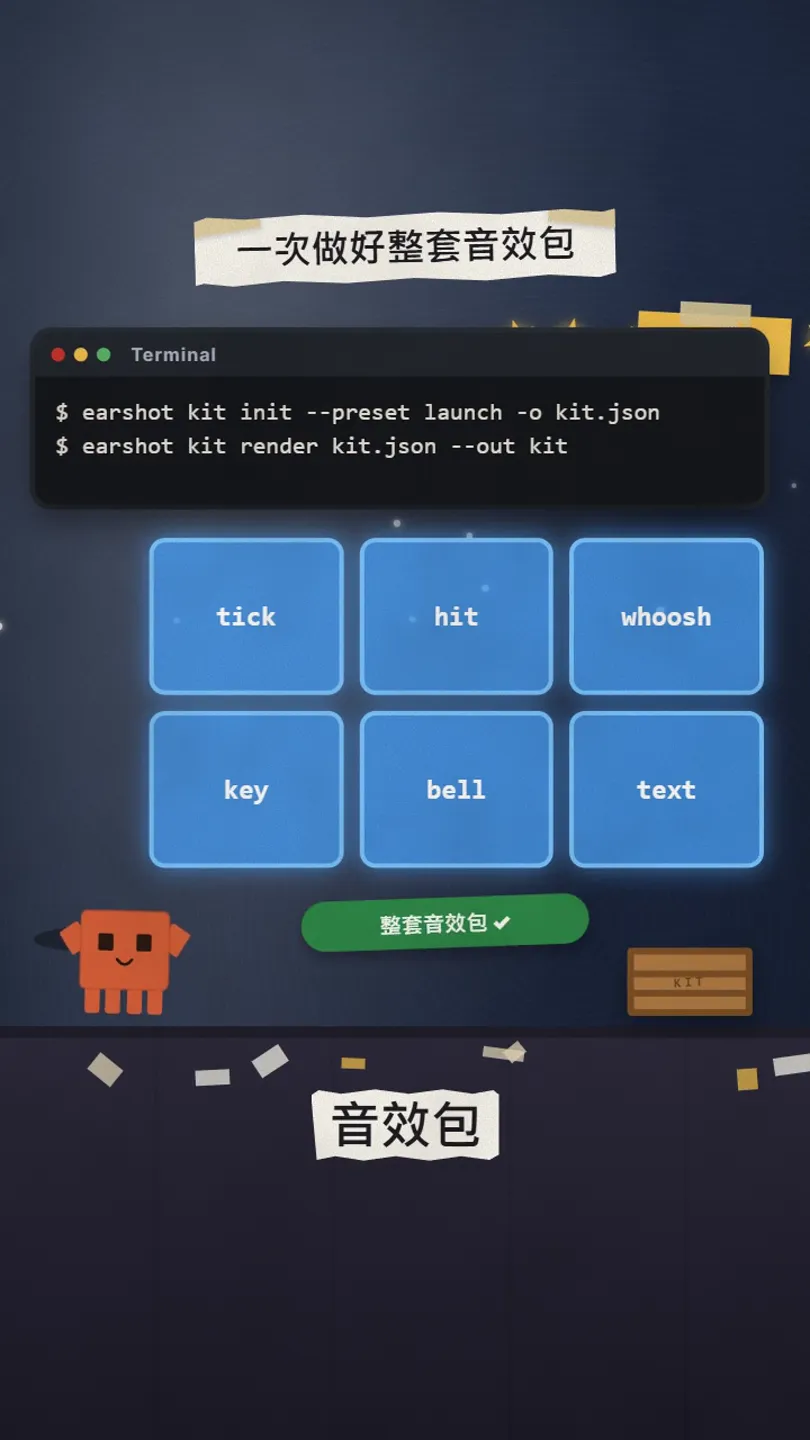
earshot kit init --preset launch -o audio/kit.json
earshot kit render audio/kit.json --out audio/kit
- Four presets: calm, crisp, minimal, launch. launch suits product films cut to music.
- kit render writes every take plus a lock file with each take's onset, peak and end, so lining up with the picture is easy.
- The built-in bank has 252 sounds and renders without a network.
Use earshot to make a launch sound kit for [this product film],
place tick, hit and whoosh on the matching shots in the timeline,
keep the effects under the voice, and list the second each sound lands on.
06Good to know
- All three tools are free; Claude Code itself runs on your own Claude plan or credits.
- Openverse's 5M+ includes music and all kinds of recordings, not only sound effects; every file has its own licence: CC BY needs a credit, CC BY-NC is non-commercial.
- Real SFX is published by Clipwing (which also sells a paid editing service); the skill itself is free, scripts MIT, bundled UI sounds CC0. Your own library keeps its own licences.
- We did not run Real SFX or earshot on our own machine for this post; the commands are from the official READMEs. earshot itself says it makes no taste or licensing calls: listen once yourself.
- Numbers and commands were checked on 27 Oct 2026; the official pages win.
- Only download from api.openverse.org, github.com/Clipwing/skills and github.com/Leonxlnx/earshot.
Sources
What should the next reel cover?
I test Claude and AI tools every day and turn the useful ones into reels. Follow @vivianlin.tech to catch each new guide.


