~/guides/SKILLS.md
4 free Claude skills worth installing: UI UX Pro Max, Stop Slop, Marketing Skills, Remotion
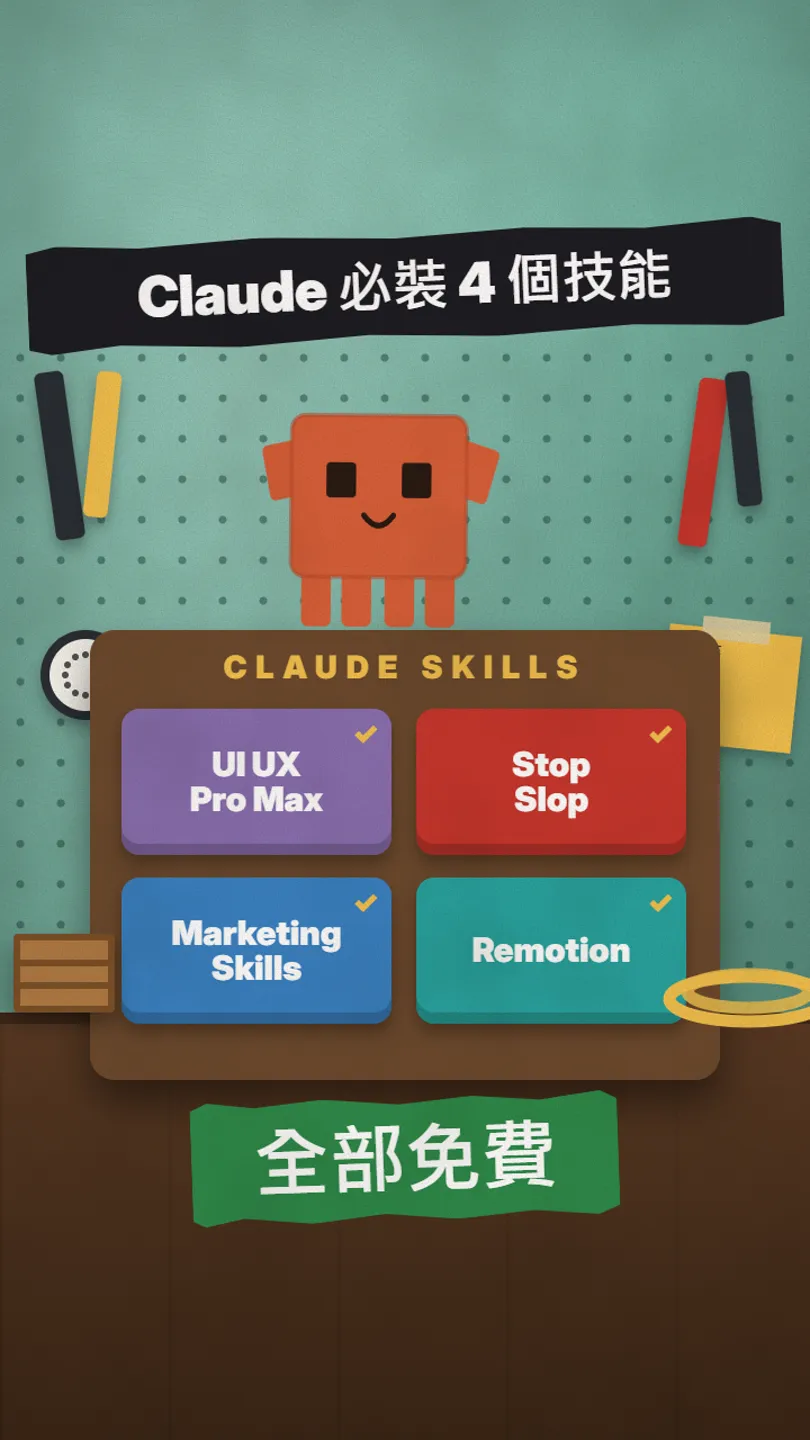
4 free open-source skills: design rules, no AI voice, 50+ marketing skills, a video from one line. Install commands, first prompts, web upload.
Watch the reel on InstagramComment #SKILLS to get this guide
Pro websites like these: Claude can build them with one free skill. A skill is a pack of expert rules written for Claude; install it once and Claude uses it every time. From the viral "5 skills to install" reel I picked 4 and checked each on GitHub on 27 October 2026: all free and open source. This is the full version of the SKILLS reel: what each skill does, the install command from its README, a first prompt to try, and how to use skills in Claude on the web.
01The result first: with a skill, Claude builds sites like these
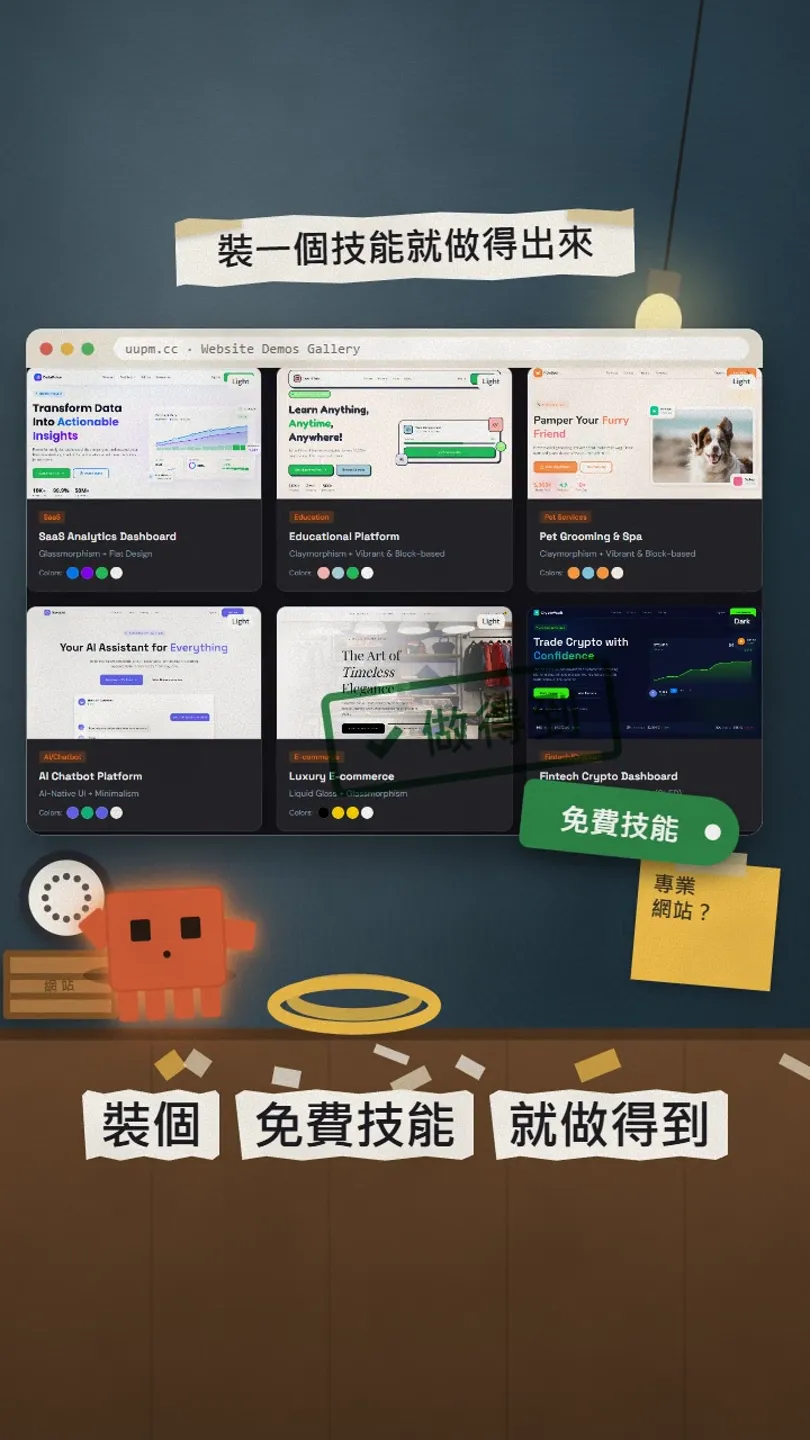
A skill is a pack of expert rules written for Claude. You install it once, and Claude pulls it out whenever the work calls for it. This guide covers 4 free ones: UI UX Pro Max for more professional interfaces, Stop Slop to strip AI-sounding writing, Marketing Skills with 50-plus marketing skills, and Remotion to make an animated video from one sentence.
In this guide you get:
- What each of the 4 skills does and who it suits.
- The install command from each README, ready to paste.
- How to upload a skill in Claude on the web.
- A first prompt to try for each.
- Licences and limits to watch.
02① UI UX Pro Max: a full set of design rules for Claude

It is an open-source skill on GitHub (MIT). Once installed, Claude checks its database before it builds an interface: the style, palette, font pairing and UX guidelines that fit your product. The README currently lists 79 searchable UI styles (50 active), 192 palettes and 119 UX guidelines.
/plugin marketplace add nextlevelbuilder/ui-ux-pro-max-skill
/plugin install ui-ux-pro-max@ui-ux-pro-max-skill
Without /plugin you can use its CLI: npm install -g ui-ux-pro-max-cli, then run uipro init --ai claude in your project folder. Its search script needs Python 3; install it yourself if your computer doesn’t have it.
Use ui-ux-pro-max to build a one-page site for my [pour-over coffee shop]: recommend a style, palette and fonts first, explain why, then write the code.
03② Stop Slop: cut the AI voice
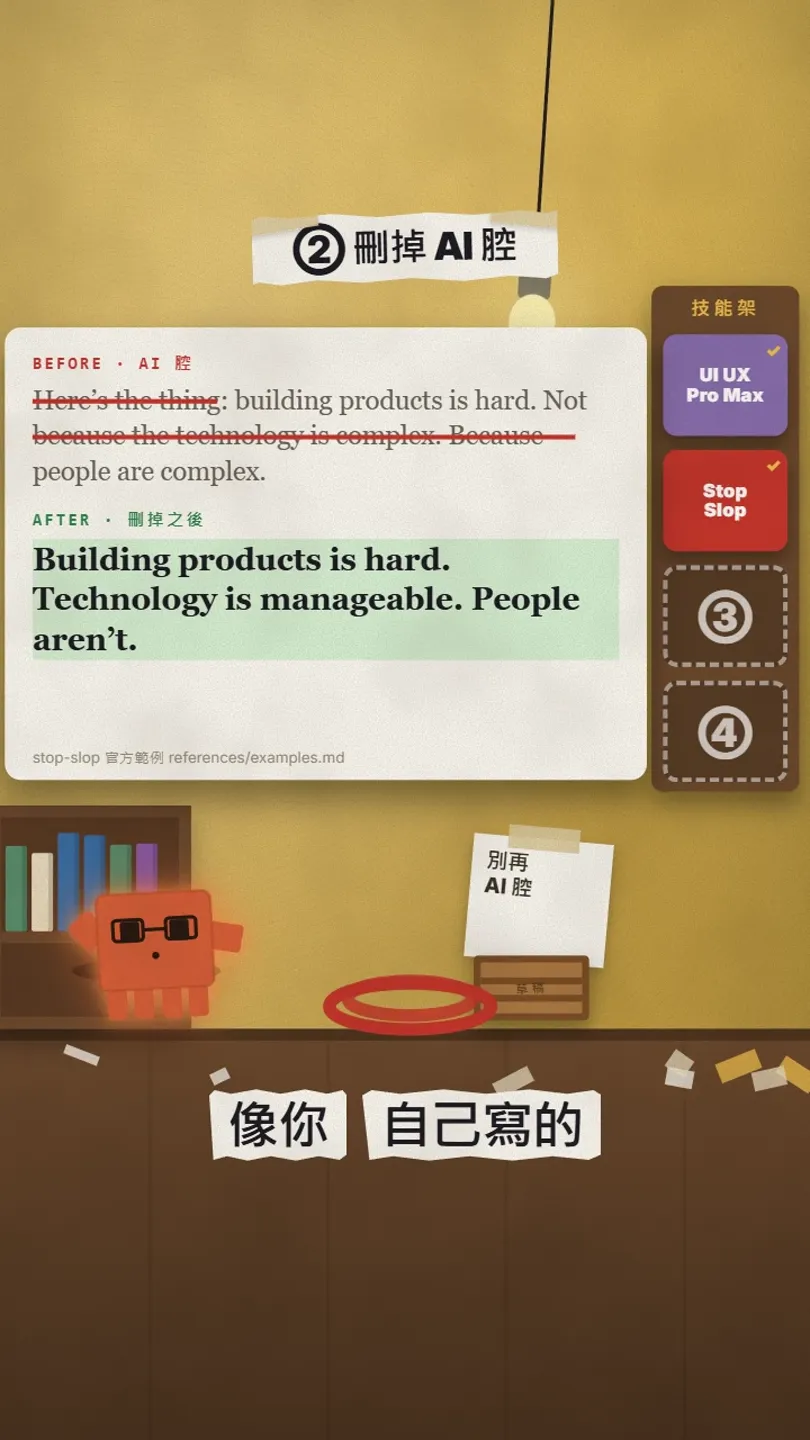
AI writing has a recognisable taste: throat-clearing openers, lots of em dashes, "not because of A, but because of B" contrasts. Stop Slop is a rule list that tells Claude to remove them: no em dashes, few adverbs, active voice, varied sentence length. It also scores the text on 5 dimensions; below 35/50 means rewrite.
- Download the folder from github.com/hardikpandya/stop-slop.
- Claude Code: put the folder in your project’s .claude/skills/ (or ~/.claude/skills/ in your home folder).
- A Project in Claude on the web: upload SKILL.md and the files in references to the project knowledge.
- Only want part of it: paste the core rules from SKILL.md into your custom instructions.
Use stop-slop to edit this text. Keep the meaning, remove the AI voice, then give me the 5-dimension score:
[paste your draft]
04③ Marketing Skills: 50-plus marketing skills

Corey Haines splits marketing work into separate skills: SEO audit (seo-audit), AI search (ai-seo), copywriting, email sequences (emails), ads, conversion (cro), pricing, launch and more. MIT, free.
npx skills add coreyhaines31/marketingskills
- Only a few: npx skills add coreyhaines31/marketingskills --skill copywriting seo-audit
- If you ask Claude Code to install them for you, add -a claude-code, or they may land in a folder Claude Code doesn’t read.
- Or inside Claude Code: /plugin marketplace add coreyhaines31/marketingskills, then /plugin install marketing-skills.
Use the seo-audit skill to check the home page of [my website URL] and list the 5 things to fix first, sorted by impact.
05④ Remotion: an animated video from one sentence
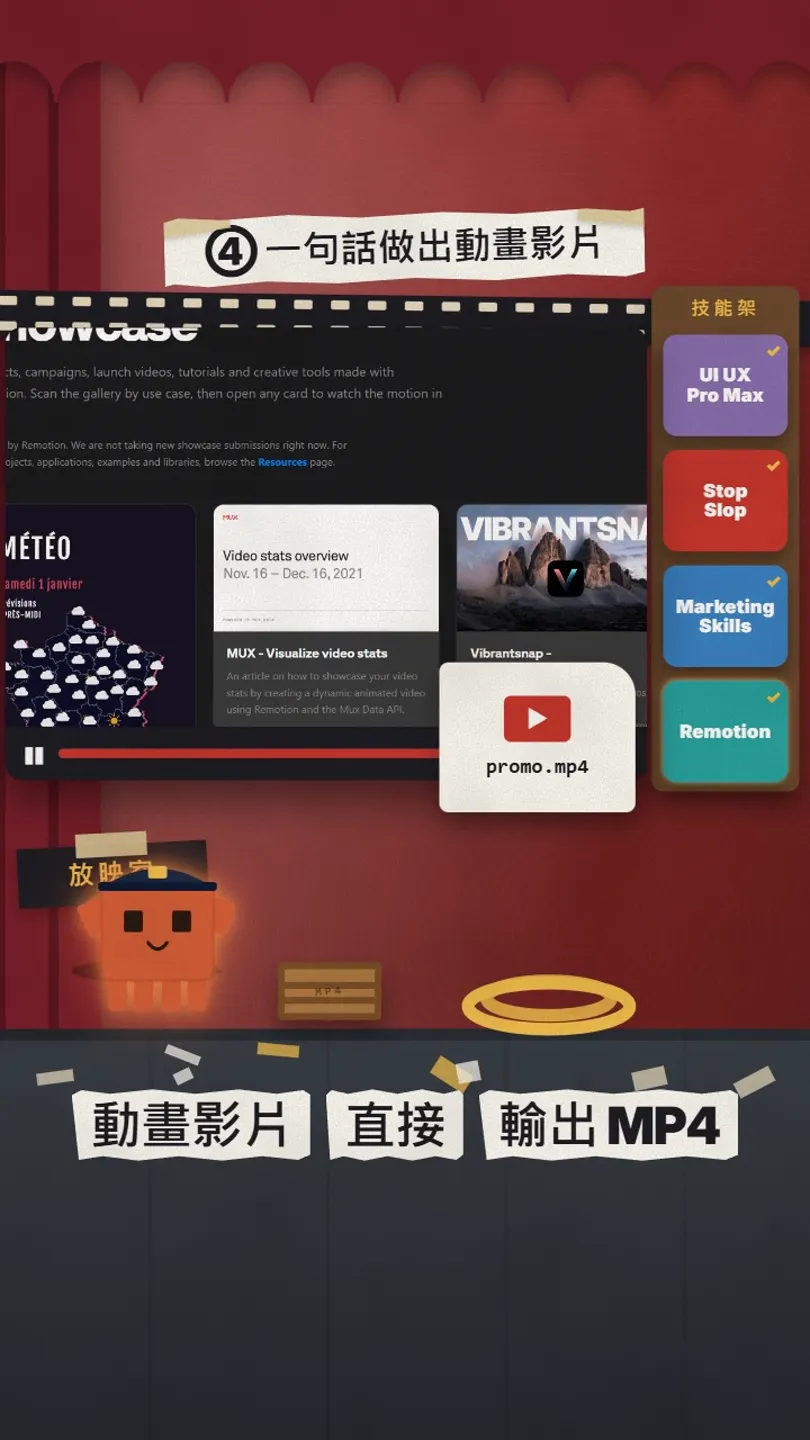
Remotion makes videos out of React code. Remotion publishes its own set of Agent Skills; with them, Claude Code knows how to create a project, write the animation, open a preview and render a video or still.
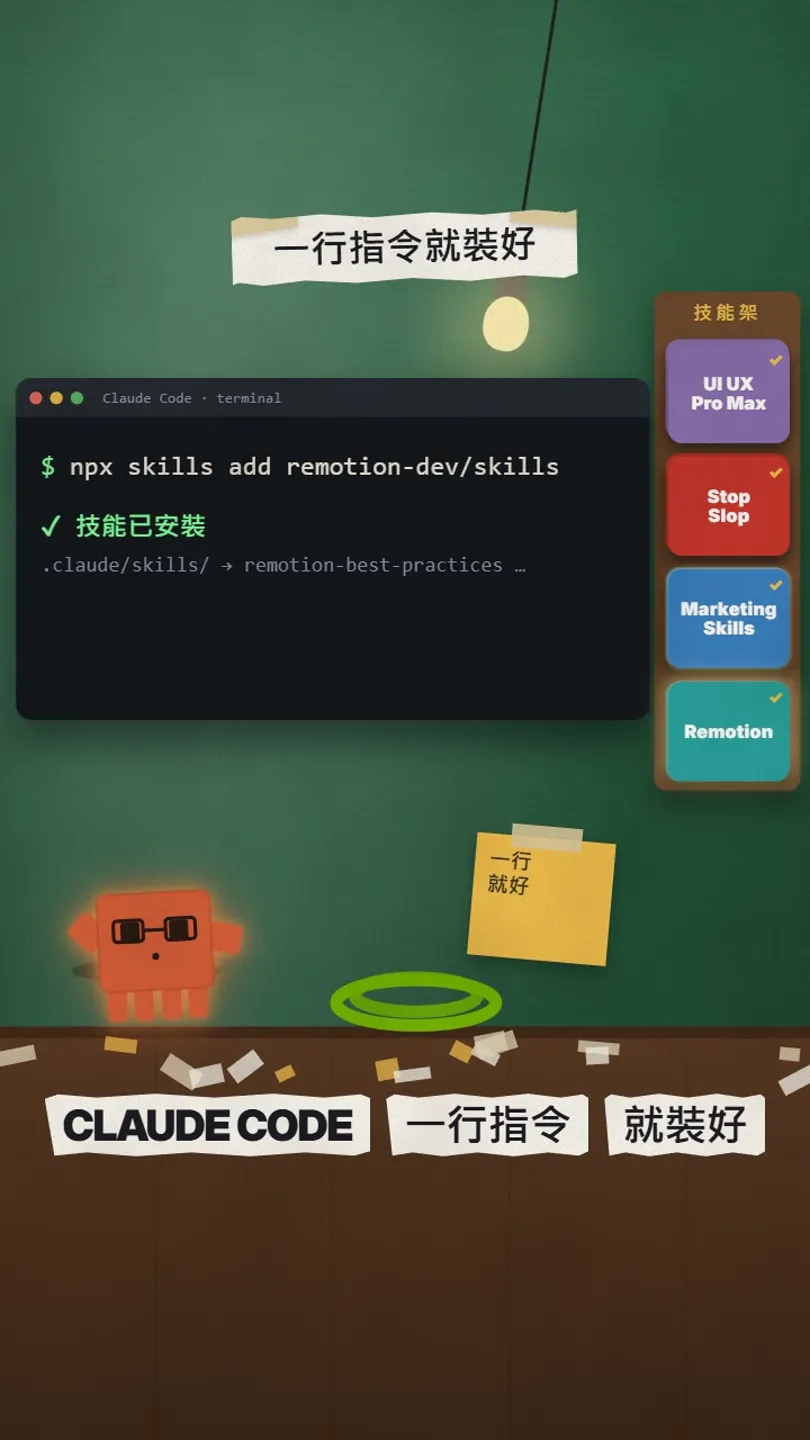
npx skills add remotion-dev/skills
- /remotion-create: create a new project or composition. The README’s example is /remotion-create Make a promo video for a record store.
- /remotion-studio: open the preview.
- /remotion-render: render a video or a still.
- /remotion-captions: captions and subtitles.
/remotion-create Make a 15-second promo video for a [record store], vertical 9:16, and render it as an MP4.
06Skills work in Claude on the web too
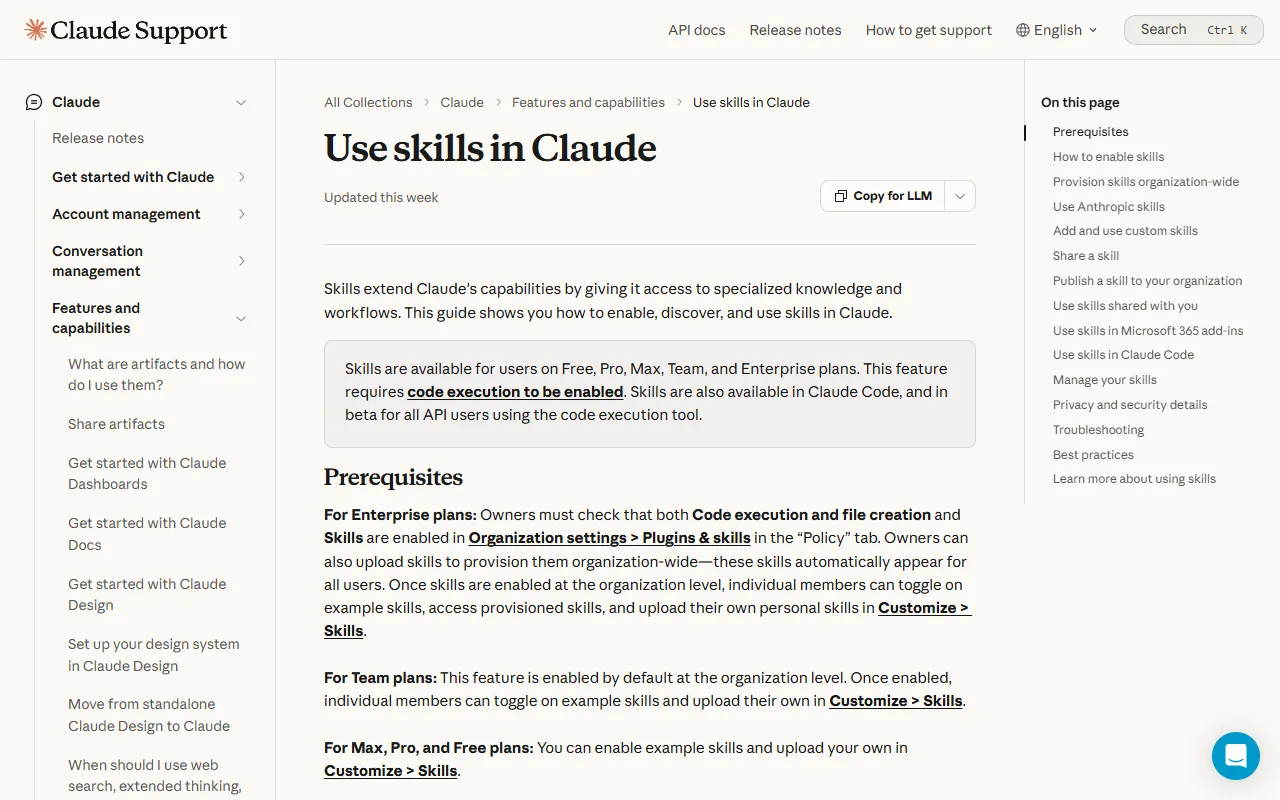
No code needed for this part. The official help page says skills are available on Free, Pro, Max, Team and Enterprise plans, as long as code execution is on.
- In Settings, turn on Code execution and file creation (called Create and edit files in the new Settings).
- Go to Customize → Skills.
- Click +, choose Create skill, then Upload a skill.
- Upload the skill folder as a ZIP file.
07Good to know
- Copy install commands only from the official GitHub pages; don’t install look-alike repos.
- Skills make Claude act on your computer by their rules, so skim the README and SKILL.md before installing.
- Numbers change: the skill and style counts were checked on 27 October 2026 and may be updated.
- Remotion’s company licence starts at for-profit companies with more than 3 employees; check before commercial use.
- I left out the reel’s 5th pick, "Context Engineering": it is learning material for developers building agent systems and does not claim to save ordinary users’ usage.
Sources
- GitHub: nextlevelbuilder/ui-ux-pro-max-skill (MIT, install commands, checked 2026-10-27)
- GitHub: hardikpandya/stop-slop (MIT, SKILL.md and examples, checked 2026-10-27)
- GitHub: coreyhaines31/marketingskills (MIT, 52 skills, checked 2026-10-27)
- GitHub: remotion-dev/skills (official Remotion skills, checked 2026-10-27)
- Remotion licence LICENSE.md (checked 2026-10-27)
- Claude Help Center: Use skills in Claude (checked 2026-10-27)
What should the next reel cover?
I test Claude and AI tools every day and turn the useful ones into reels. Follow @vivianlin.tech to catch each new guide.


