~/guides/ZIPFILE.md
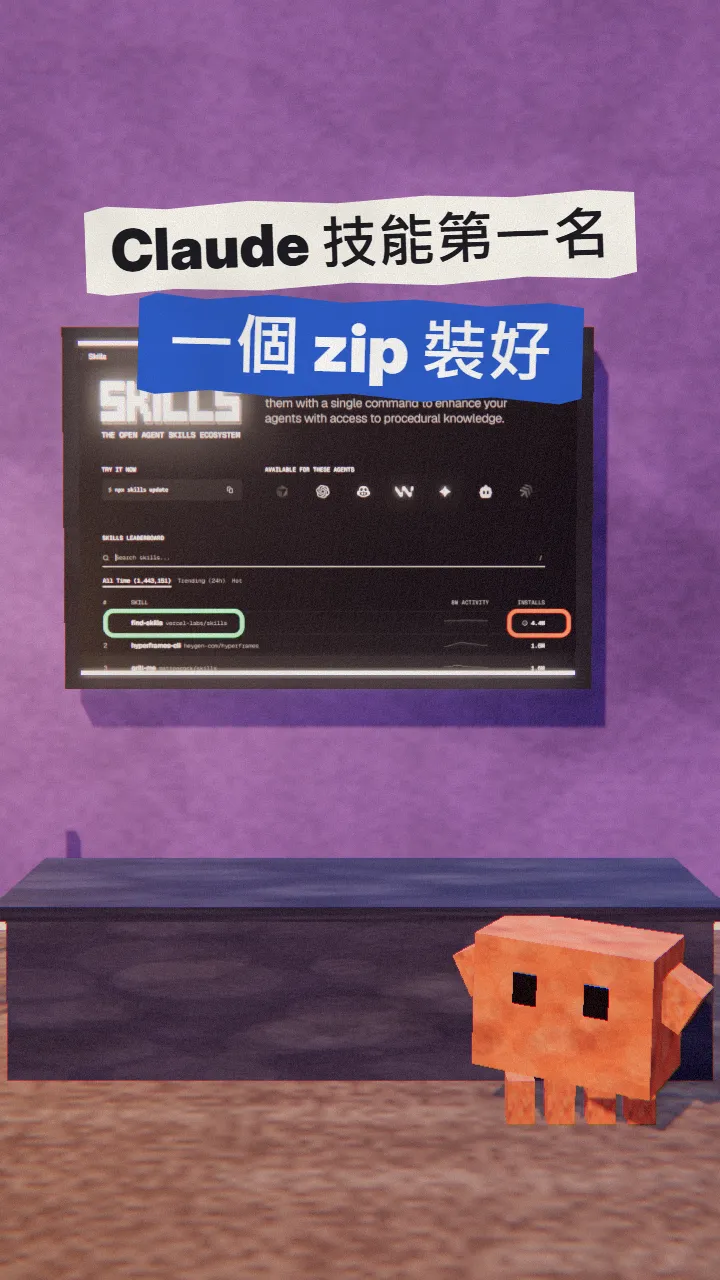
find-skills: the skill that finds Claude skills for you, zipped and uploaded to Claude desktop
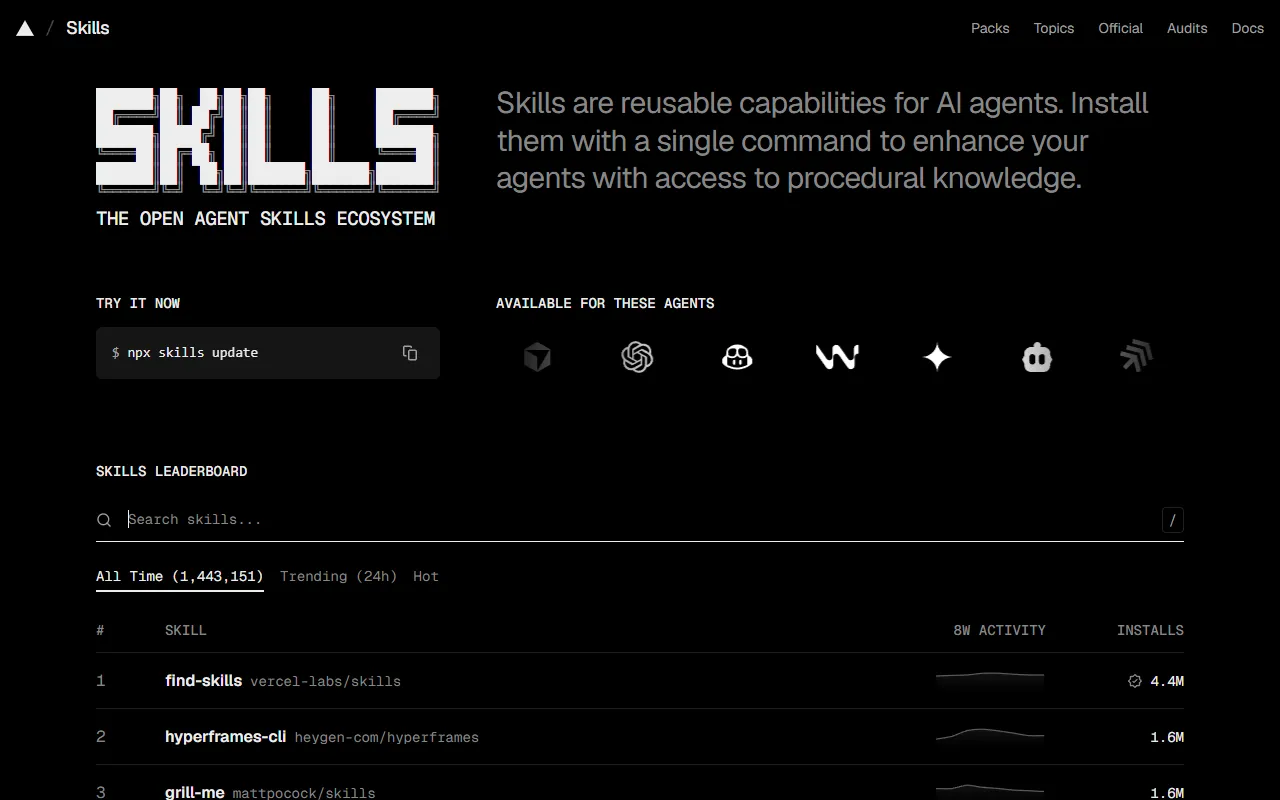
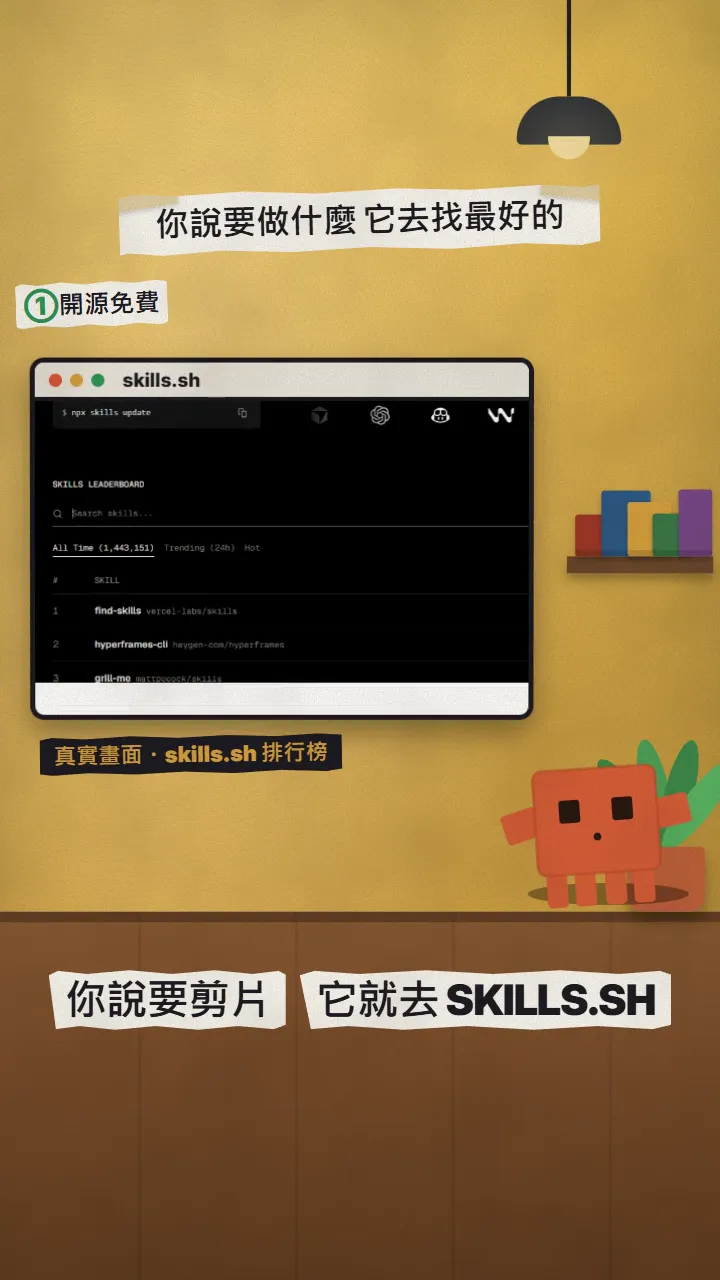
find-skills, #1 on skills.sh, is free and open source from Vercel. Zip its folder, upload it in Customize > Skills, and ask it to find skills for you.
There are more and more Claude Skills; which ones should you install? This is the full version of my ZIPFILE reel: find-skills, #1 on the skills.sh leaderboard, whose whole job is finding skills for you. I'll walk you through zipping it and uploading it to Claude desktop or web. Ranking, install count and menu paths were checked on the official pages on 2026-11-17.
01What you get: a skill that finds skills
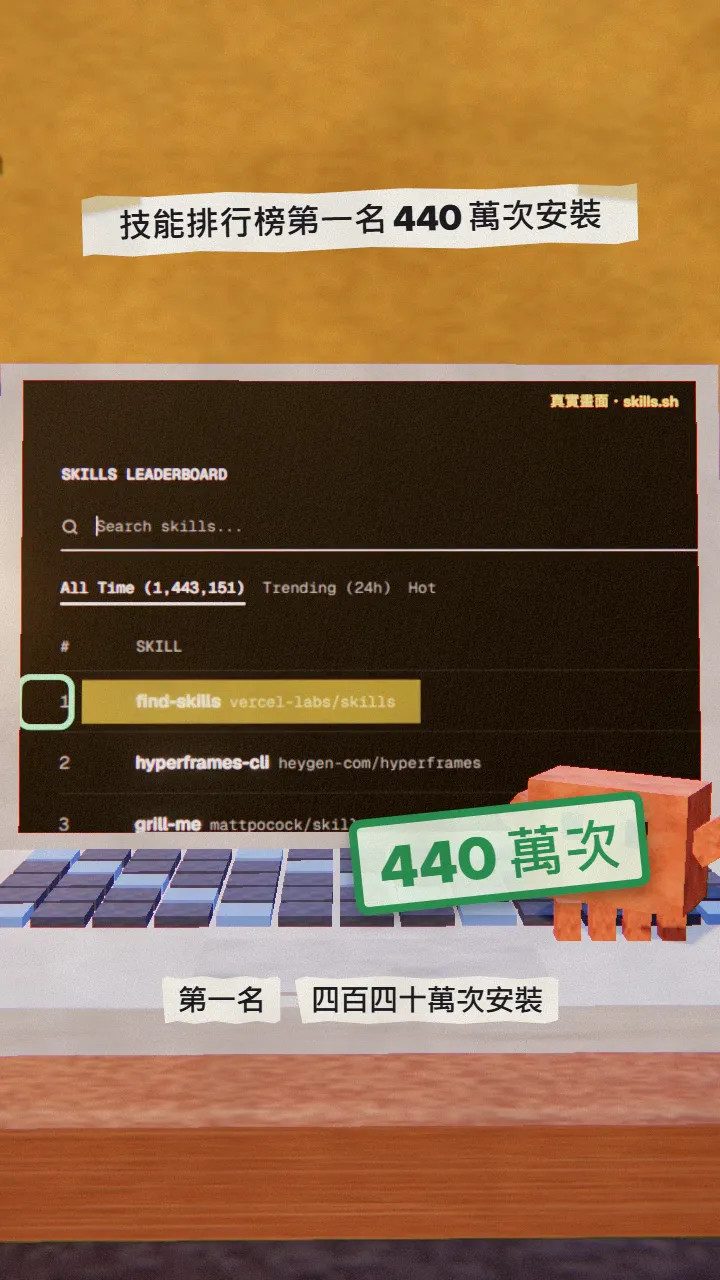
Once it's installed, just say "find me a skill for video editing" and it searches skills.sh and recommends highly ranked skills.
- #1 all-time on the skills.sh leaderboard, about 4.4M installs (2026-11-17).
- Open source from Vercel (vercel-labs/skills), MIT licence, free.
- Works in Claude desktop and on the web, and in Claude Code.
02Step 1: download the find-skills folder from the official repo
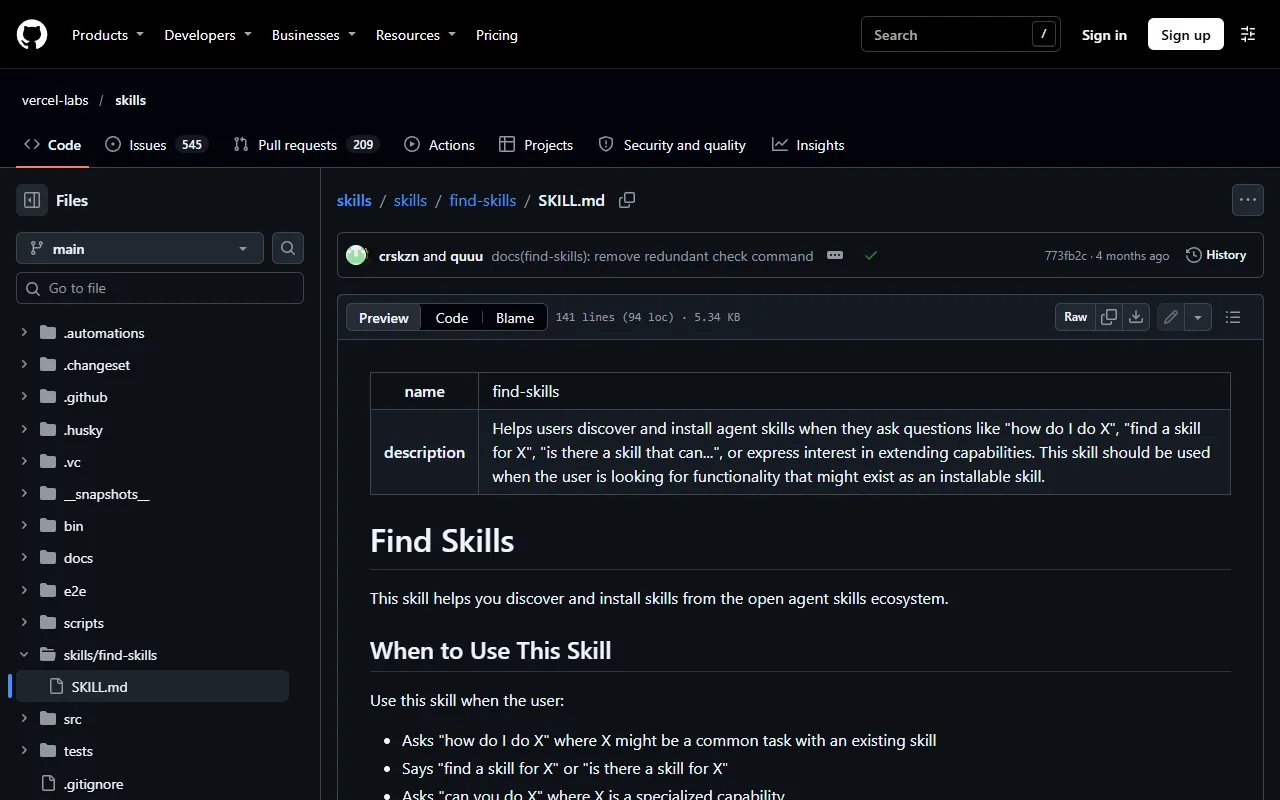
- Open github.com/vercel-labs/skills.
- Click the green Code button → Download ZIP, then unzip it.
- Find the skills/find-skills folder inside; it must contain SKILL.md.
03Step 2: zip the folder
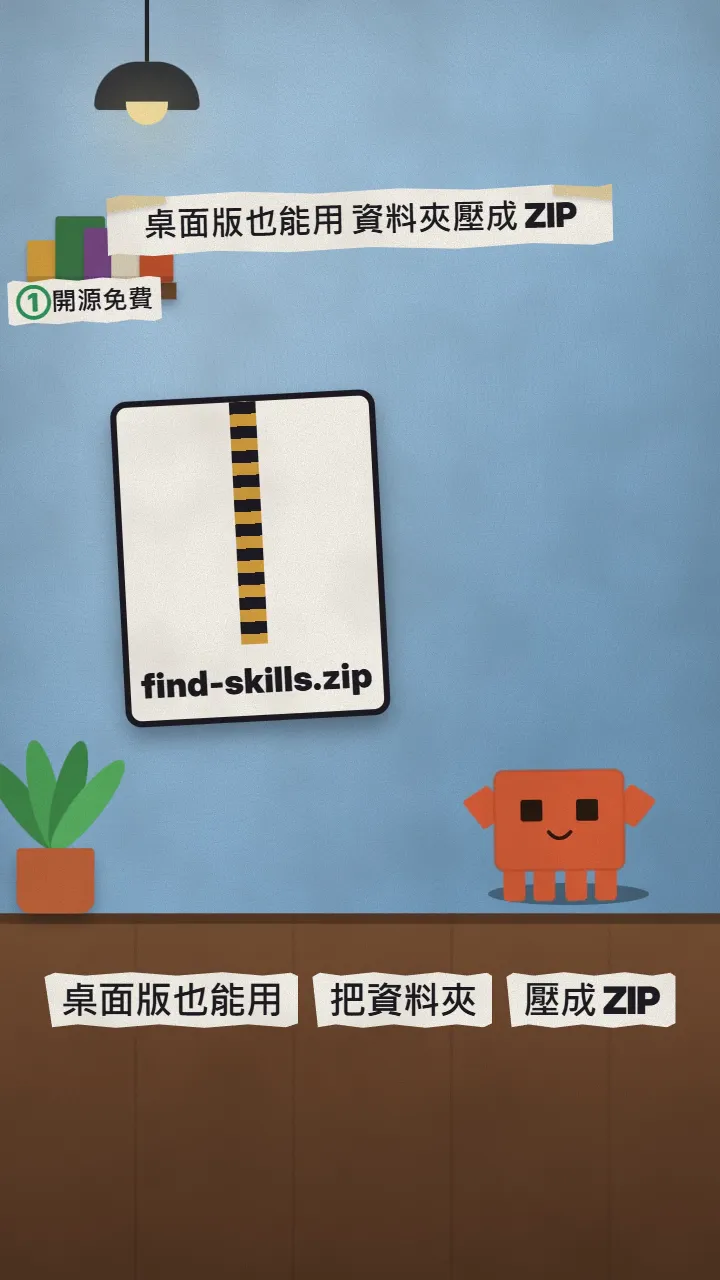
- Windows: right-click the find-skills folder → Compress to ZIP file.
- Mac: right-click the folder → Compress "find-skills".
- Zip the whole find-skills folder, not just SKILL.md.
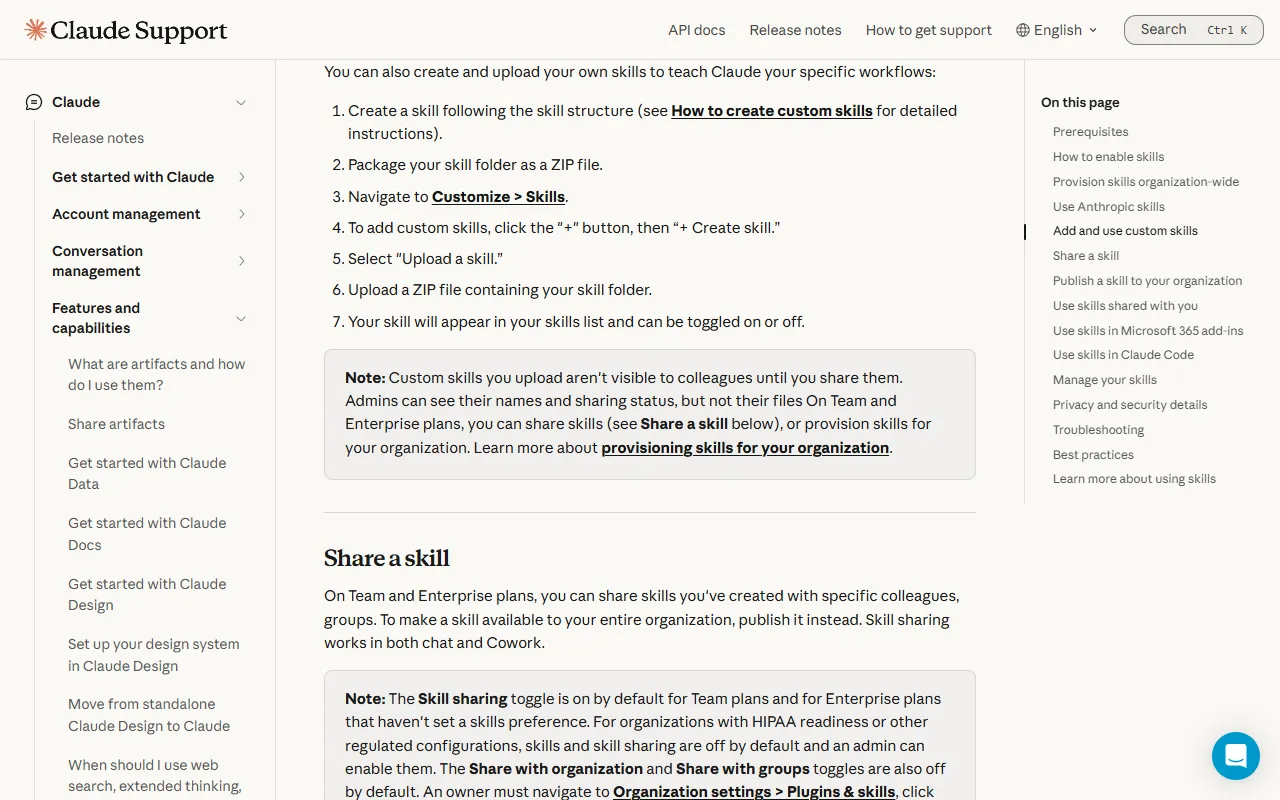
04Step 3: upload it in Customize > Skills
- Open Claude desktop or claude.ai.
- Go to Customize → Skills.
- Click + → Create skill → Upload a skill.
- Choose the find-skills.zip you made.
- Toggle it on in your skills list.
Find me a skill for [video editing]
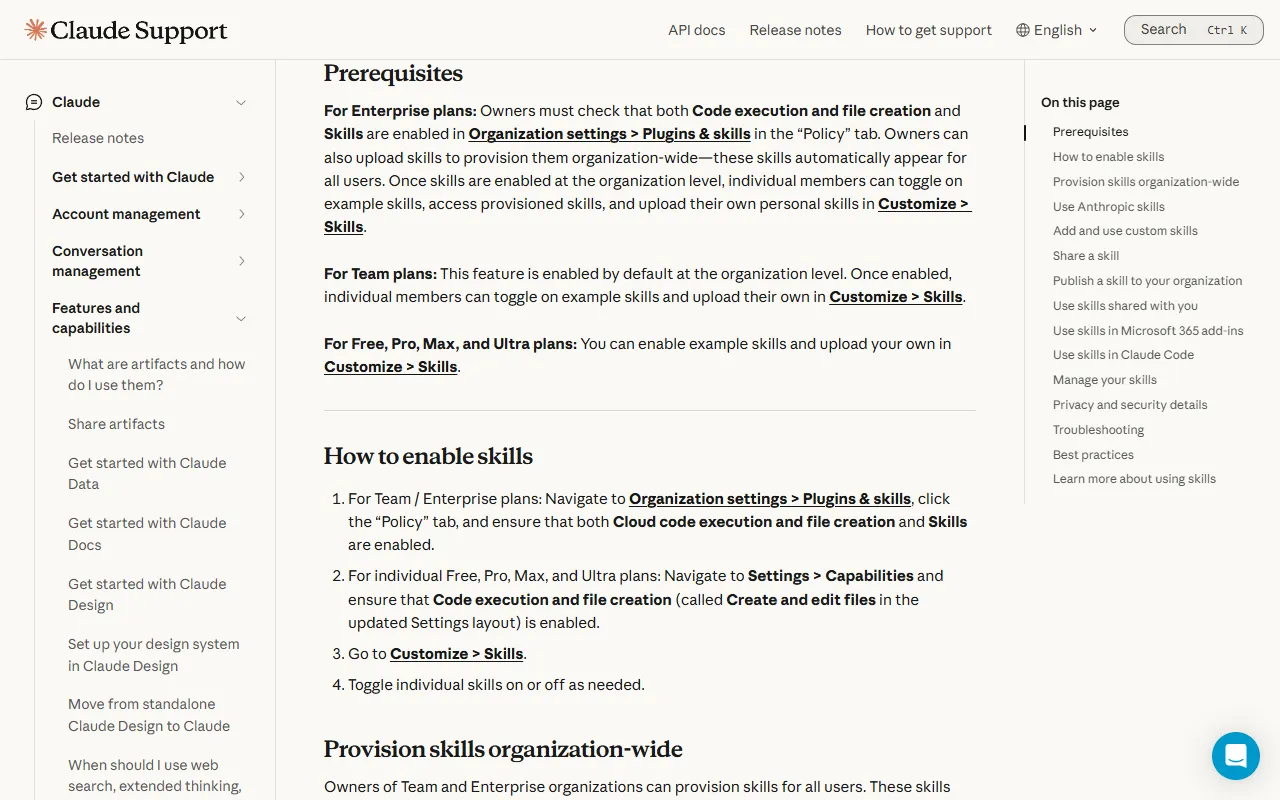
05No upload option? Turn on code execution first
Skills need code execution and file creation. On individual plans (Free, Pro, Max) turn it on in Settings → Capabilities; on Team / Enterprise an admin enables it in the organization settings.
06Good to know
- Download only from the official repo (vercel-labs/skills), never a zip of unknown origin: skills can carry code that runs inside Claude.
- In Claude desktop / web, find-skills searches and recommends; it can't install skills into your account by itself. Upload the ones you like as zips the same way.
- Custom skills you upload are visible only to you.
- Rankings and install counts change; the numbers are from 2026-11-17.
Sources
What should the next reel cover?
I test Claude and AI tools every day and turn the useful ones into reels. Follow @vivianlin.tech to catch each new guide.


