
~/guides/VIRAL.md
Have ChatGPT write 30 scripts from your own best posts: 3 prompts + your Instagram data
Going viral isn't luck. Break down hit videos in your niche, upload your own post data to see what brings followers, then get 30 scripts in that format.
Watch the reel on InstagramComment #VIRAL to get this guide
Most people think going viral is luck. It's a formula. This is the full version of the VIRAL reel: three prompts that get ChatGPT to break down hit videos in your niche, read your own post data to find which posts actually brought new followers, and then write 30 scripts in those formats. The difference is step two: the scripts are written for your audience, not someone else's.
01The result first: 30 scripts in your own formats
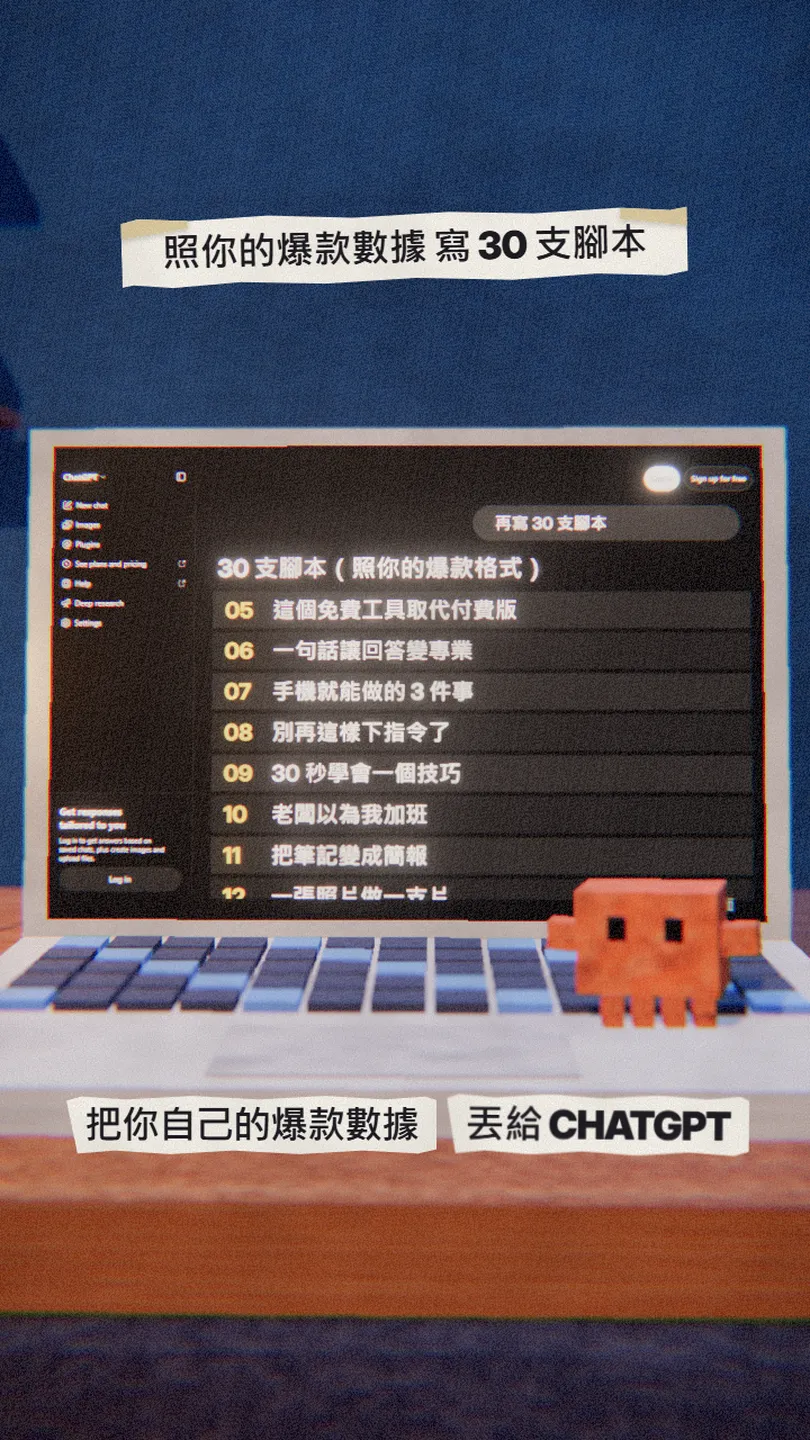
When you're done you have:
- A breakdown of the hooks, formats and topics of hit videos in your niche.
- Which of your own posts brought the most new followers, and why.
- 30 scripts in those formats, each with its opening line.
02Prompt 1: break down the hits in your niche

ChatGPT can't see other people's Instagram stats, so you pick the videos. Find 10 recent hits in your niche and paste their titles and opening lines.
You are a viral content strategist. Here are the titles and openings of the 10 most popular videos in [my niche, e.g. AI tool tutorials]. Break down their hooks, formats and topics and explain why they work.
[paste the 10 titles and openings]

03Export your own post data
In Meta Business Suite, export the data for all your posts to a file. The path I followed from a third-party guide is Insights → Content → Export data, then download the CSV.
- Open Meta Business Suite (business.facebook.com) and pick your Instagram account.
- Go to the Content page under Insights.
- Select Export data, choose a date range and download the CSV.
04Prompt 2: which posts brought the most new followers

Upload the CSV to ChatGPT (you need to be logged in to upload files), then ask this.
This is the data for all my posts. Which posts brought the most new followers? What do their topics and formats have in common, and why?
05Prompt 3: 30 more scripts in those formats

Write 30 more scripts in the formats of those posts, on [my niche], each with its opening line and about [30 seconds] long.

This time the scripts are written for your own audience. Film the ones you like most, then feed the new data back and ask it to update the list.
06Good to know
- The scripts are drafts: rewrite them in your own words and examples.
- The 30-script list and the top 3 formats in the reel are illustrations, not real output.
- Meta Business Suite menu names may differ from mine; go by what your screen shows.
- The original reel claims "150 million views in 30 days". I can't verify that, so there are no numbers here.
- You found this guide by typing VIRAL on the site from the link in bio; there is no DM.
Sources
What should the next reel cover?
I test Claude and AI tools every day and turn the useful ones into reels. Follow @vivianlin.tech to catch each new guide.