~/guides/HEADSHOT.md
One selfie to a professional headshot: two ChatGPT prompts and the line "keep my face exactly the same"
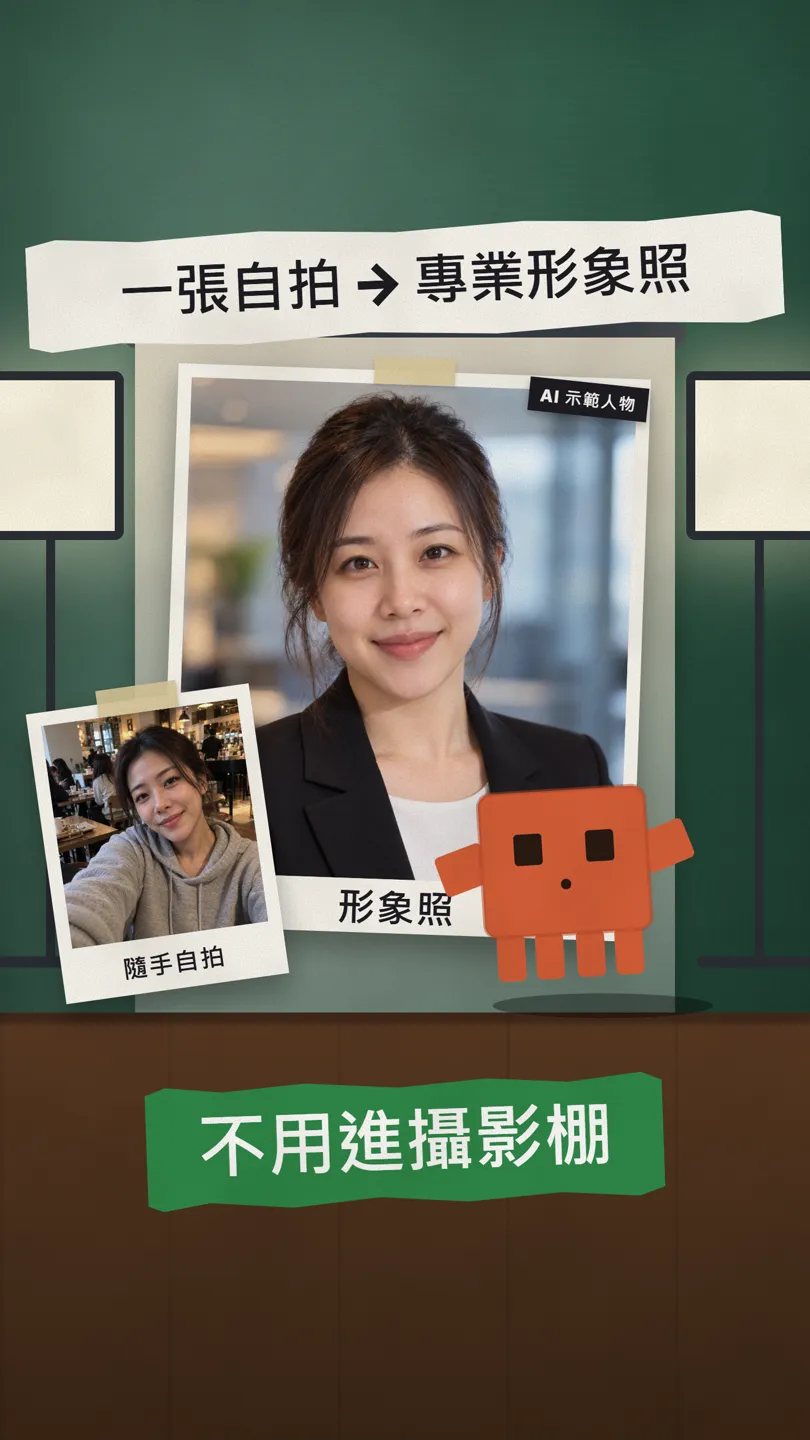
Upload a casual selfie, paste two prompts and ChatGPT makes a studio and an outdoor headshot. The key is the last line: keep my face exactly the same.
Watch the reel on InstagramComment #HEADSHOT to get this guide
Can a casual selfie become a professional headshot you'd put on LinkedIn or a resume? Yes, and without a studio: I used ChatGPT's image generation, which works on the free plan too. This is the full version of the HEADSHOT tip from the reel: two prompts to copy, the one line that matters most, how to get an outdoor version, and the check you should always do at the end. The person in this guide is AI-generated, not a real person.
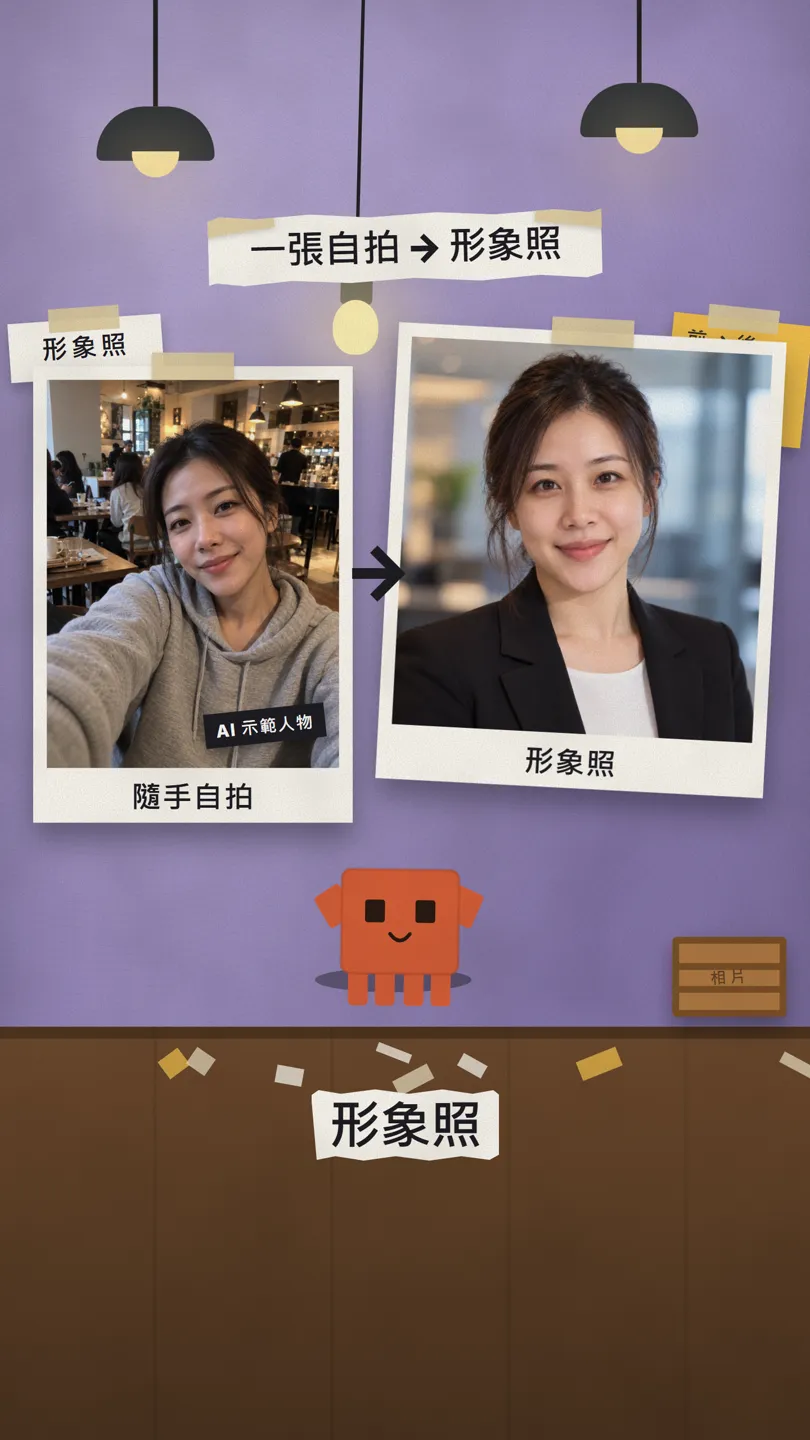
01What you get: one selfie → two headshots
On the left, a casual selfie in a coffee shop. On the right, the studio headshot ChatGPT made from it. One more line in the same chat gives you an outdoor, natural-light version too. All it takes is one photo and two prompts.
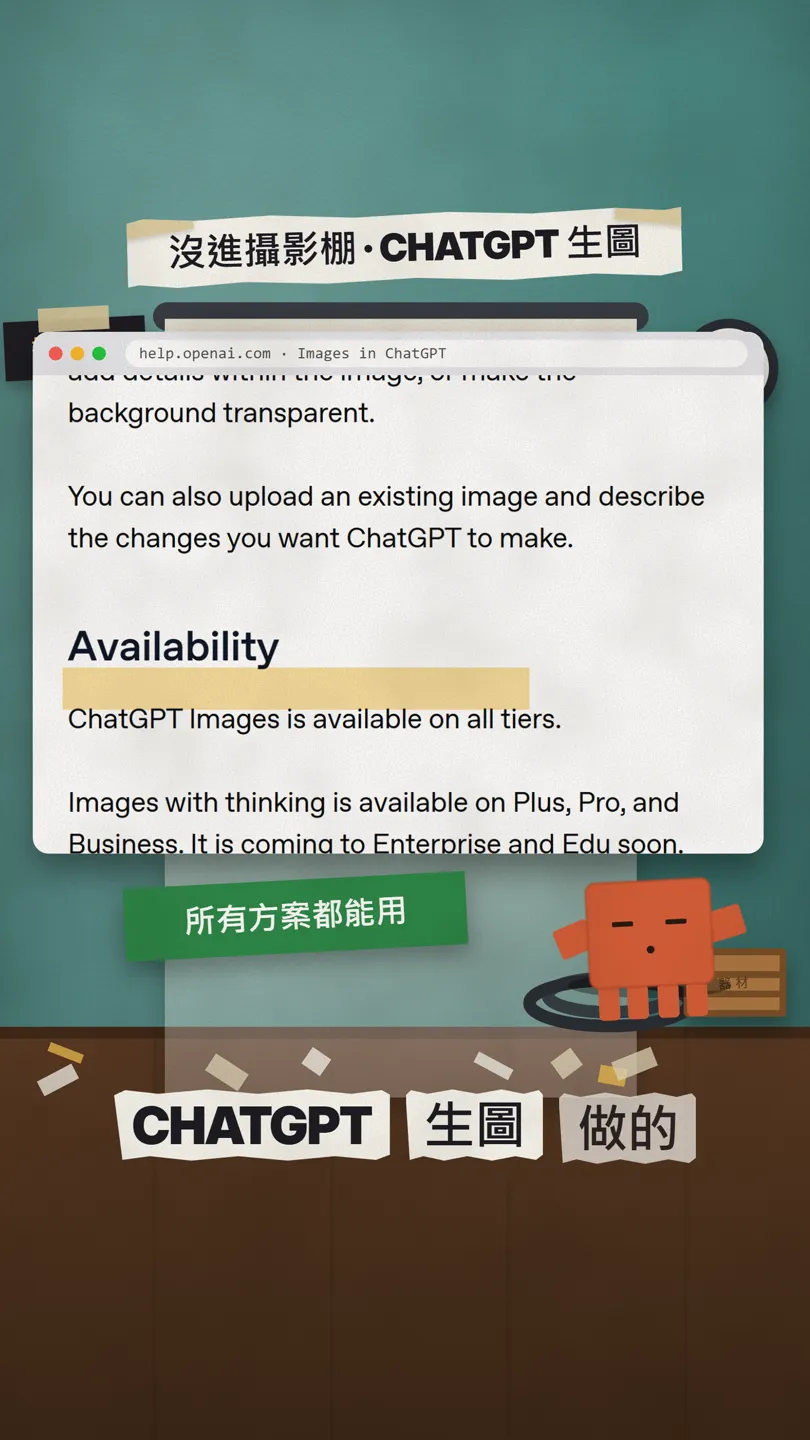
This is a ChatGPT feature, not Claude: OpenAI's help page says ChatGPT Images is available on all tiers, and that you can upload an existing image and describe the changes you want.
02Prompt 1: the studio headshot (copy it)
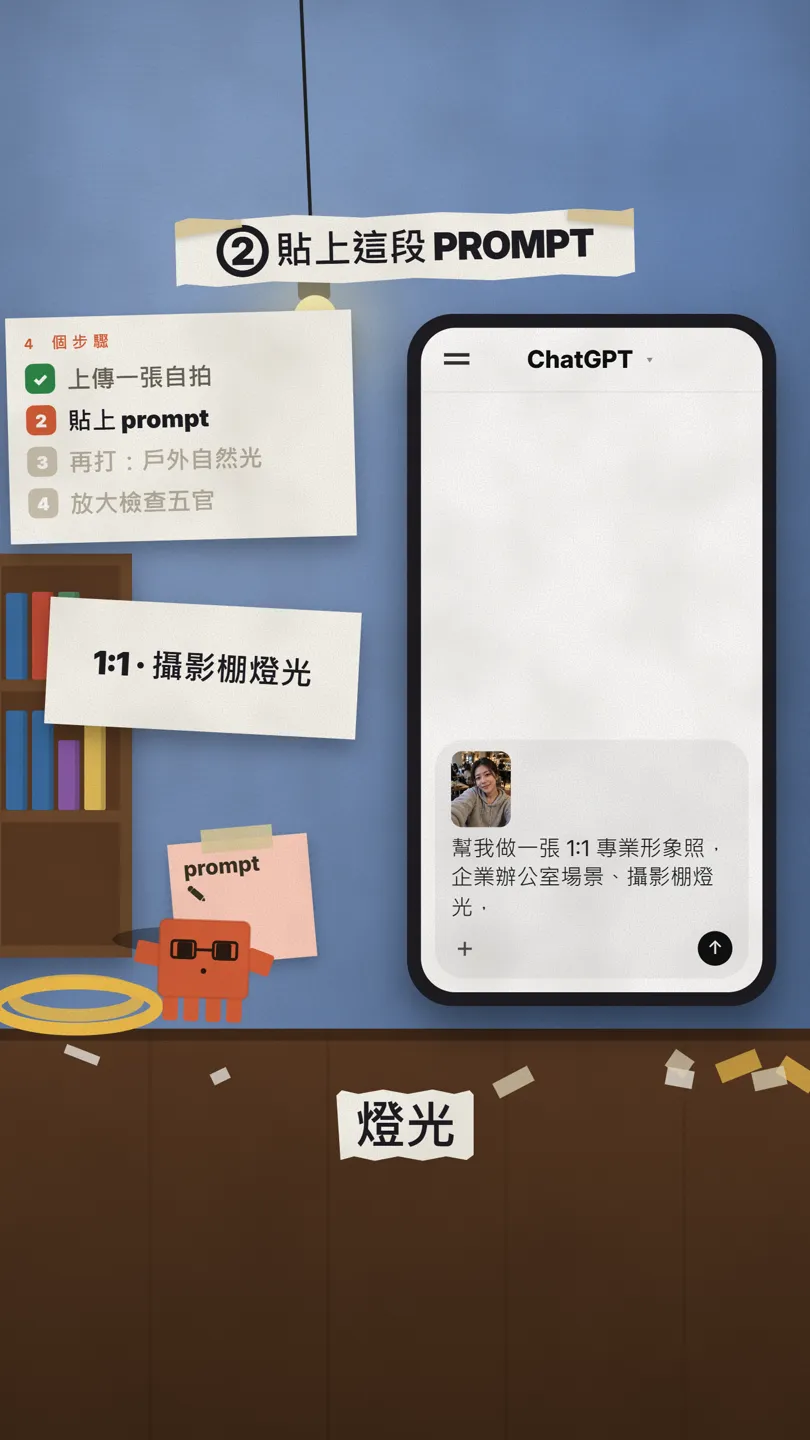
Upload your selfie first, then paste this. You can swap the setting for whatever you like, such as a plain grey wall or a home office.
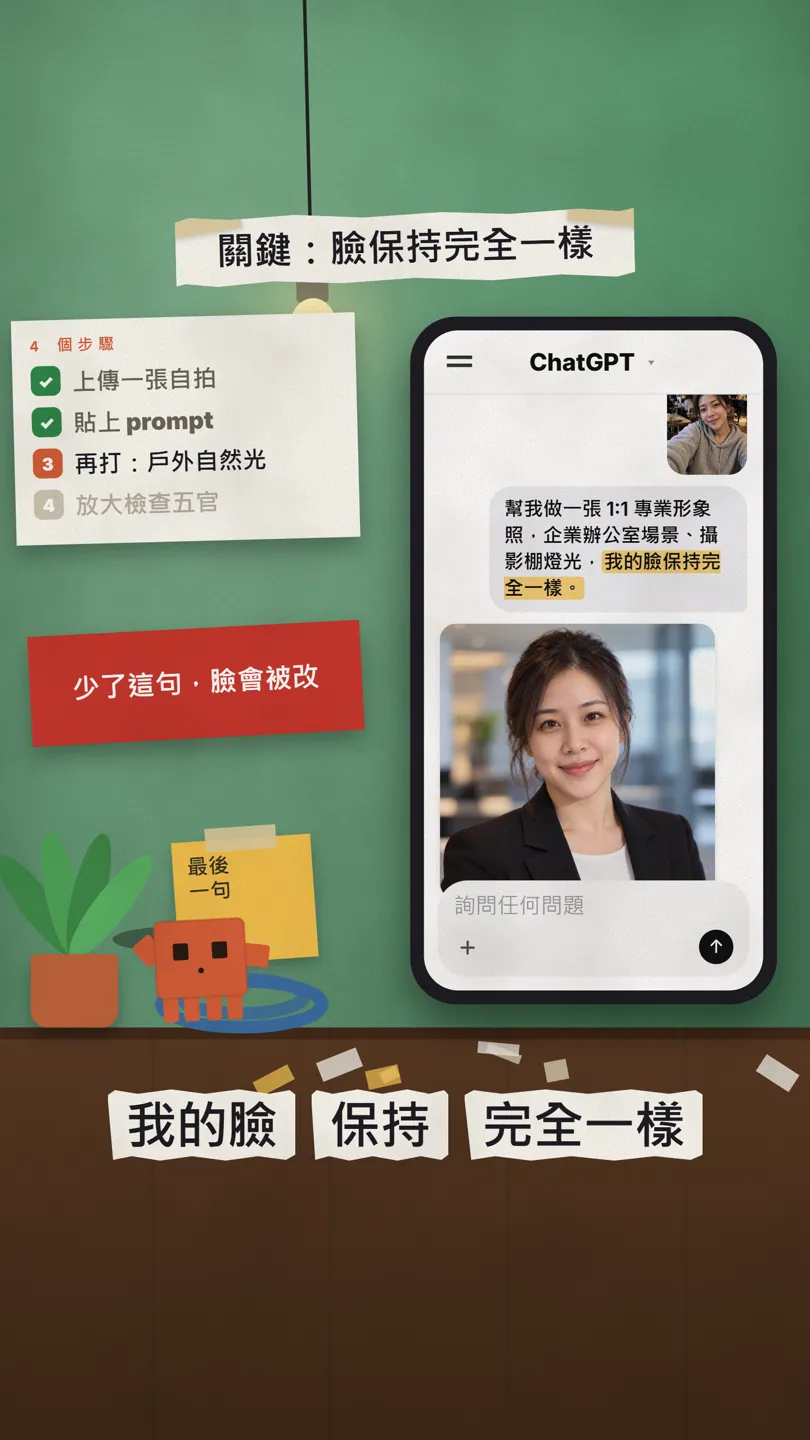
幫我做一張 1:1 專業形象照,[企業辦公室]場景、攝影棚燈光,我的臉保持完全一樣。
Create a 1:1 professional headshot of me in a corporate setting, studio lighting, and keep my face exactly the same.
03How to do it: 4 steps
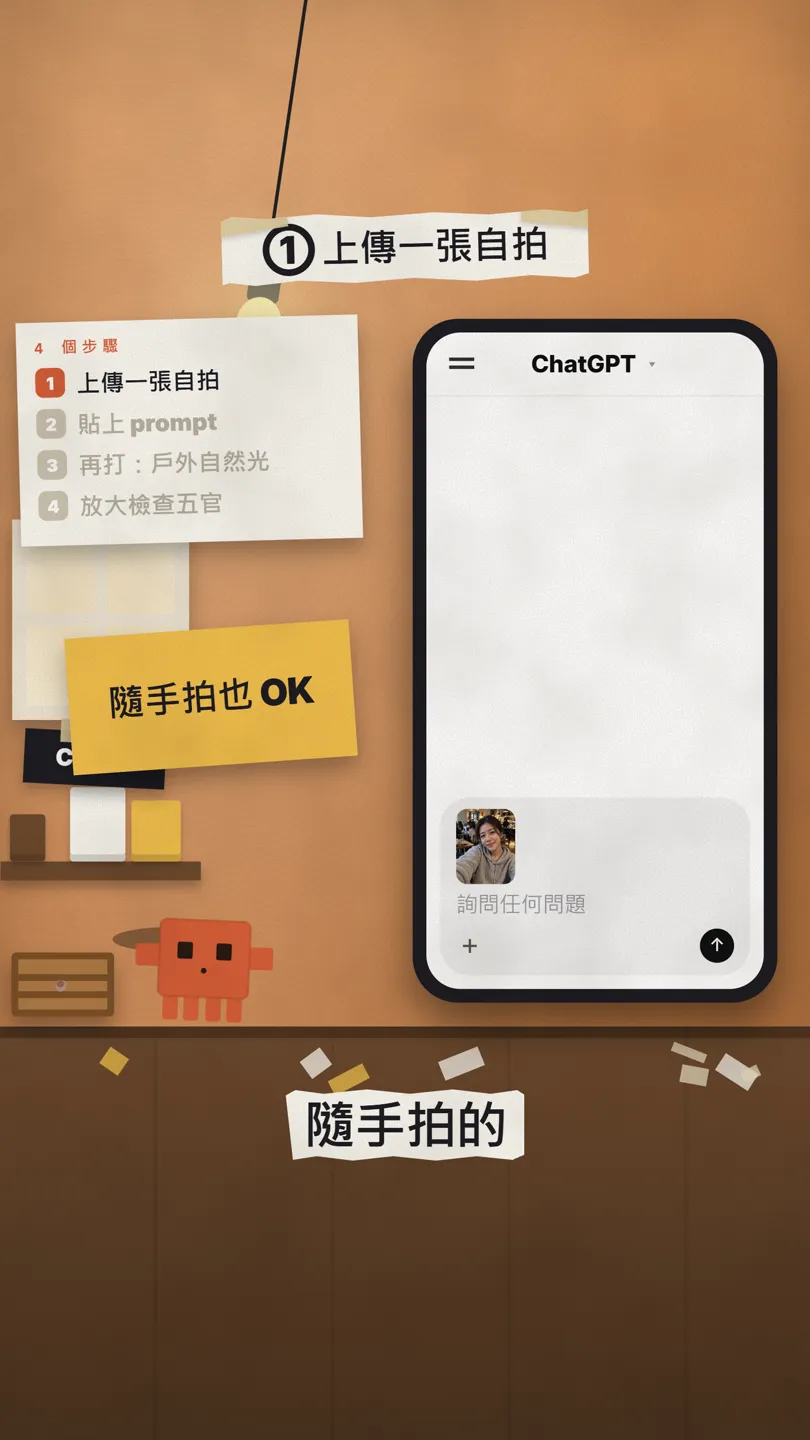
- Open chatgpt.com or the ChatGPT app and tap "+" next to the message box to upload a selfie. A casual one is fine; a clear, unobstructed face works best.
- Paste Prompt 1 and send it. Image generation can take a while; OpenAI says it may take a few minutes.
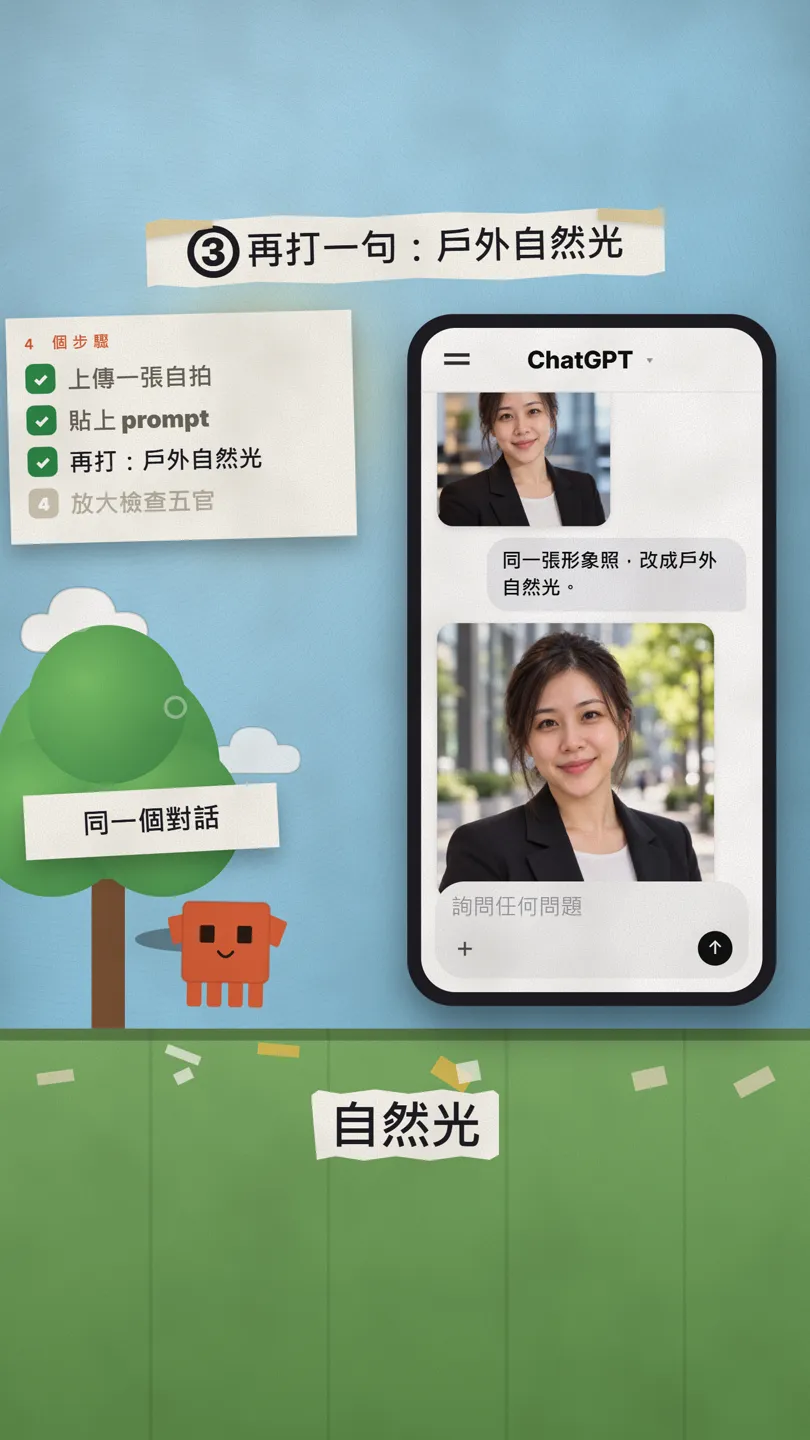
- For a different look, type Prompt 2 in the same chat. No need to upload again.
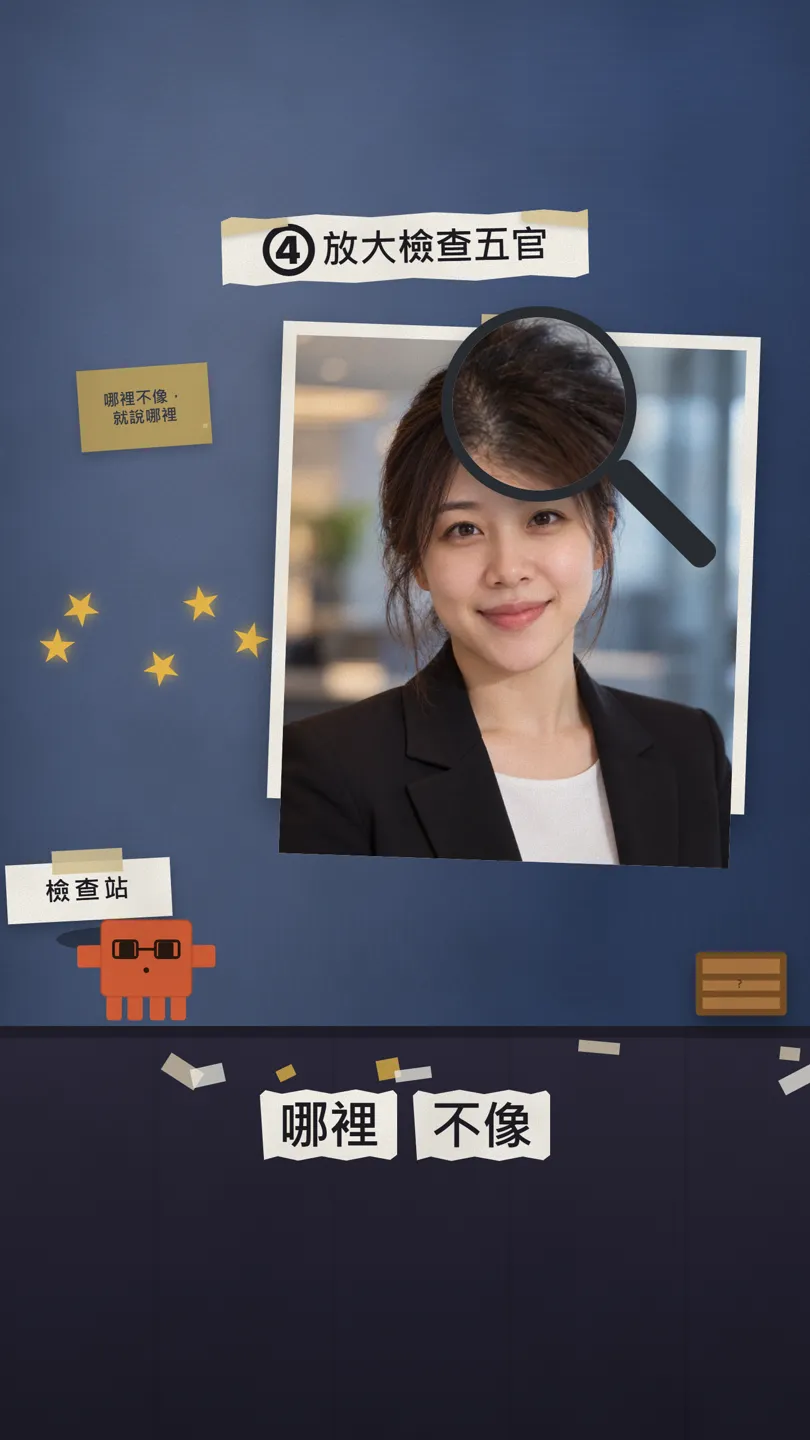
- Zoom in on the eyes, hair and ears. If something doesn't look like you, use the fix prompt below.
04Prompt 2: same chat, outdoor natural light
The first one is formal. For a personal site or social profile, keep going in the same chat:
同一張形象照,改成[戶外自然光]。
Now do the same headshot outdoors in natural light.
05Last step: zoom in, and say exactly what's off
An AI headshot is redrawn, not retouched. Each run can come out a little different, so always zoom in on the face. When it doesn't look like you, don't just say "make it more like me": name exactly what's off.
In this one my [eyes / hair / ears] don't look like me: [say exactly what's off, e.g. my eyes got bigger, my fringe is gone]. Don't change anything else, only fix that, and keep my face exactly the same.
06Good to know
- Only upload your own photos. Don't use someone else's photo without their permission.
- Before it goes on LinkedIn or a resume, make sure it still looks like you. If you look very different in person, it backfires.
- For ID, visa and other official photos, follow the official rules and use a real photograph, not an AI-generated one.
- Results change every run. If you don't like one, run it again, or use the fix prompt to change just one thing.
- The person in the reel and in this guide is AI-generated, not a real person.
Sources
What should the next reel cover?
I test Claude and AI tools every day and turn the useful ones into reels. Follow @vivianlin.tech to catch each new guide.