
~/guides/MODES.md
4 hidden ChatGPT modes: study mode, temporary chat, thinking and a mode you make yourself
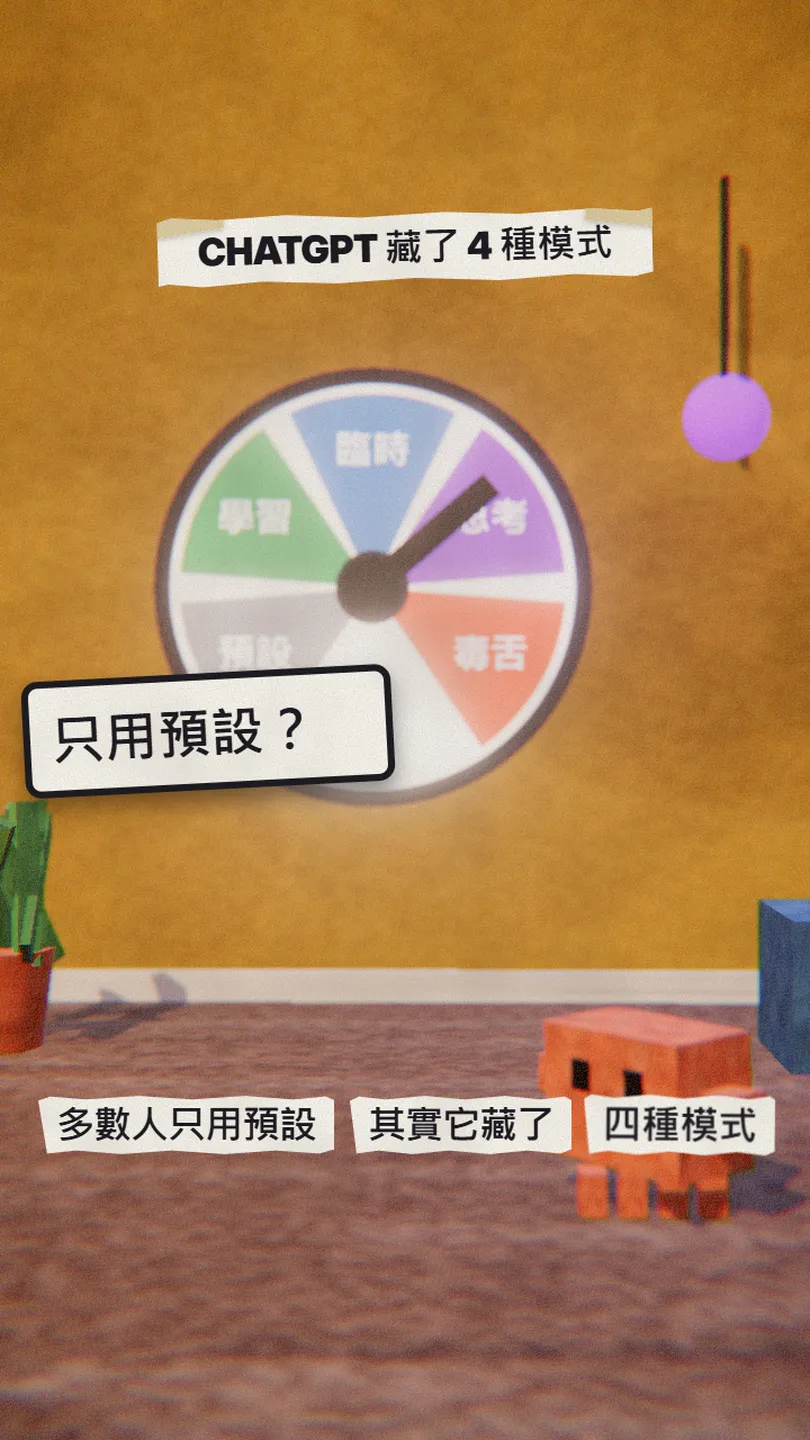
Most people only use the default. Study mode quizzes you, temporary chat leaves no history, thinking takes longer, and memory lets you make your own mode.
The same ChatGPT answers very differently depending on the mode. Most people only use the default, but there are several more. This is the full version of the MODES reel: study mode, temporary chat and thinking, with where to turn each on, and then how to make a mode of your own that you switch on with two words.
01The result first: it quizzes you instead of answering
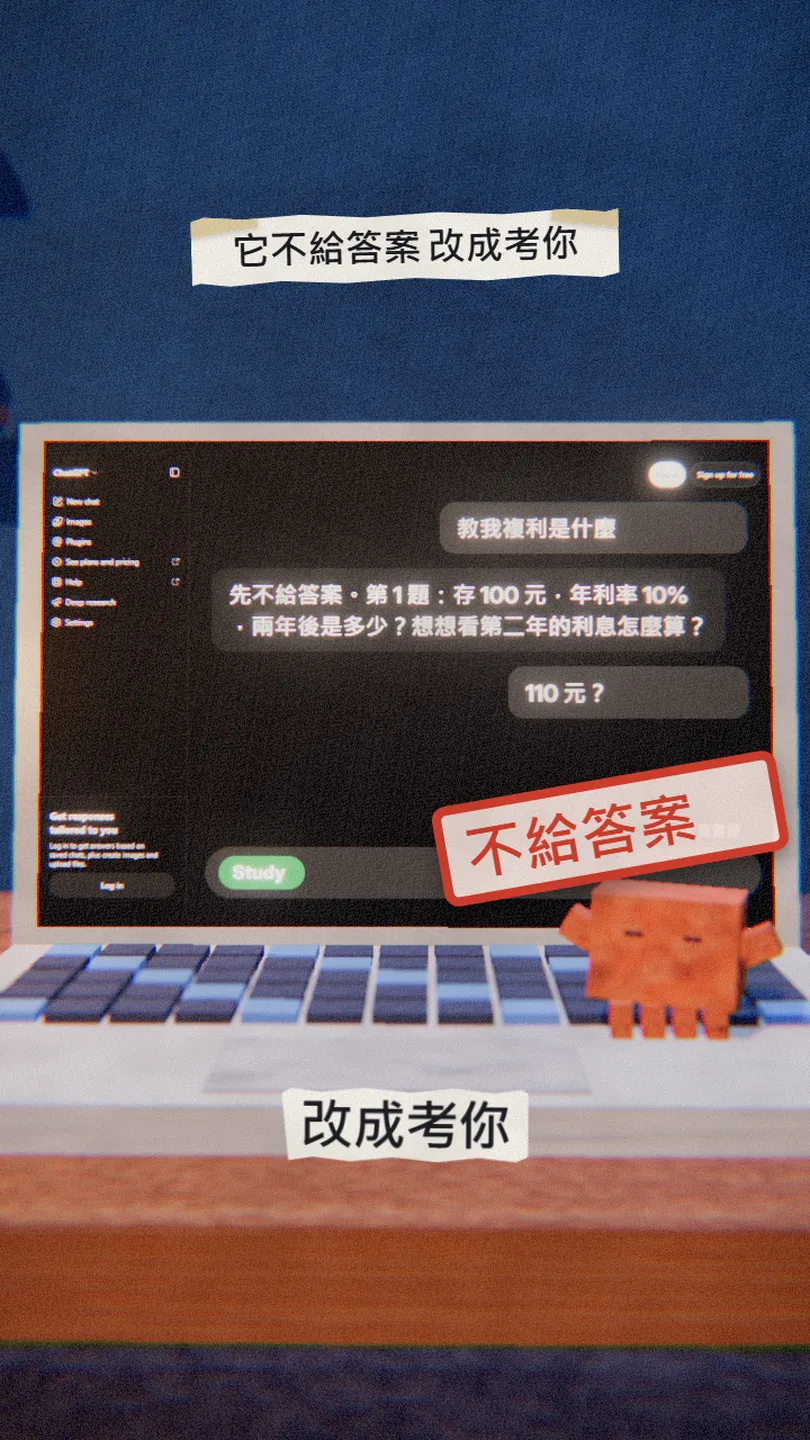
This is study mode: you ask a question and instead of the answer it asks you questions and quizzes you step by step until you get it. In this guide:
- Where to turn on study mode, temporary chat and thinking.
- When each one is worth using.
- How to make your own mode with one sentence and save it to memory.
02① Study mode: a tutor that walks you through
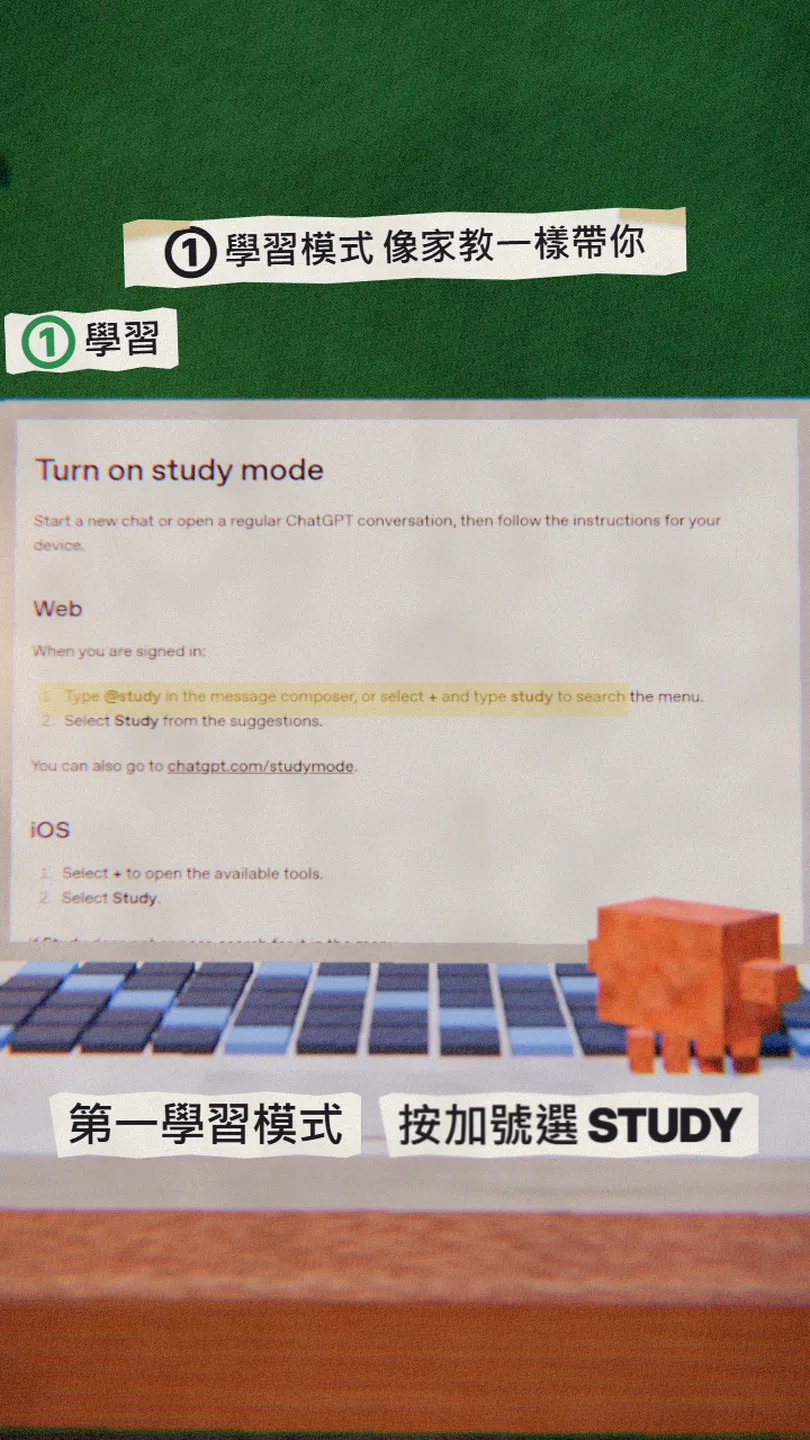
Study mode doesn't just hand you an answer. It asks what you already know and where you got stuck, explains step by step, and can quiz you one question at a time. The official page says it is available on all ChatGPT plans and models, on web, iOS and Android.
- Open a regular new chat (it isn't available in temporary chats, GPTs or projects).
- Web: type @study in the message box, or select + and search for study.
- Mobile: select + and pick Study.
- To turn it off, remove the Study chip from the message box.
I'm in [11th grade] and have a test on [compound interest and exponents] next week. Ask me a few questions to see what I know, then quiz me one question at a time and explain what I get wrong.
03② Temporary chat: no history
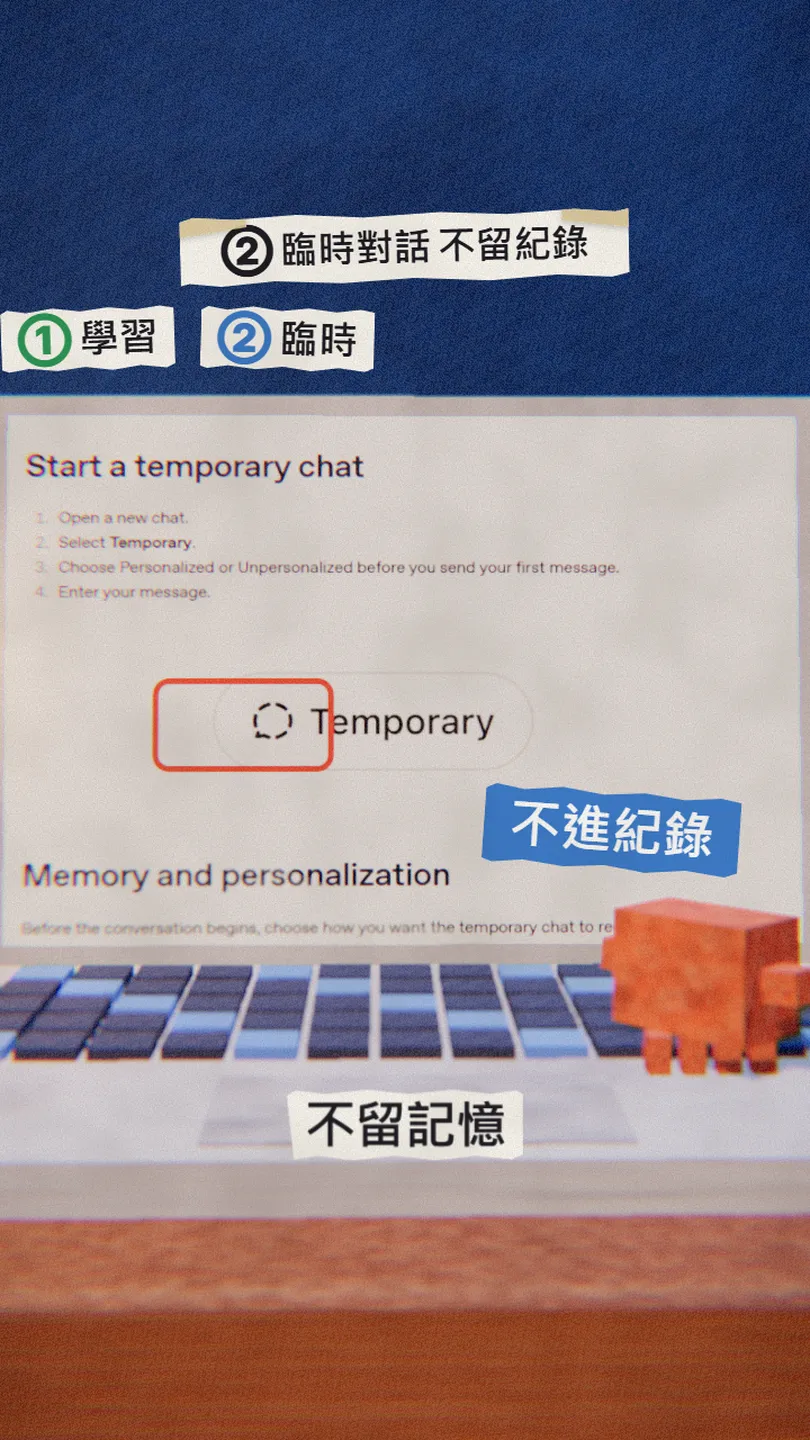
A temporary chat stays out of your chat history and is not used to improve OpenAI's models while it stays temporary. By default it is unpersonalized: it doesn't use your memories, custom instructions or plugins, and it creates no new memories.
- Open a new chat.
- Select Temporary.
- Before your first message, choose Personalized or Unpersonalized (you can't change it later).
- If it turns out useful, you can save it as a regular chat.
04③ Thinking: more time before it answers
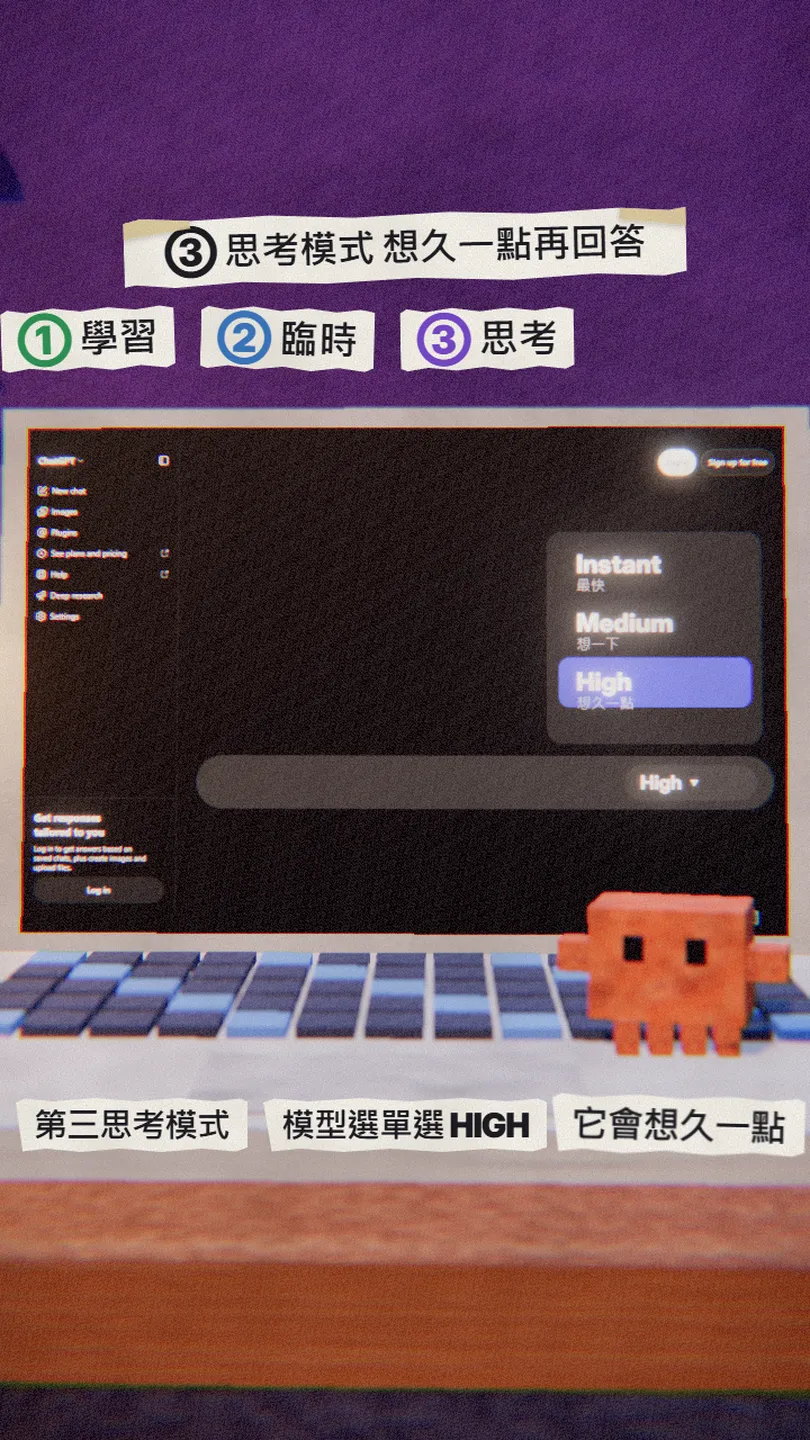
The ChatGPT model menu has options such as Instant, Medium and High; the higher you pick, the longer it thinks before answering, which helps with reasoning questions. Extra High and Pro are Pro-plan only; which options you see depends on your plan.
- Mobile: open the model menu at the top of the chat.
- Web: the model menu is in the message box.
- Pick Medium or High, then ask your question.
05④ The best one: a mode you make yourself
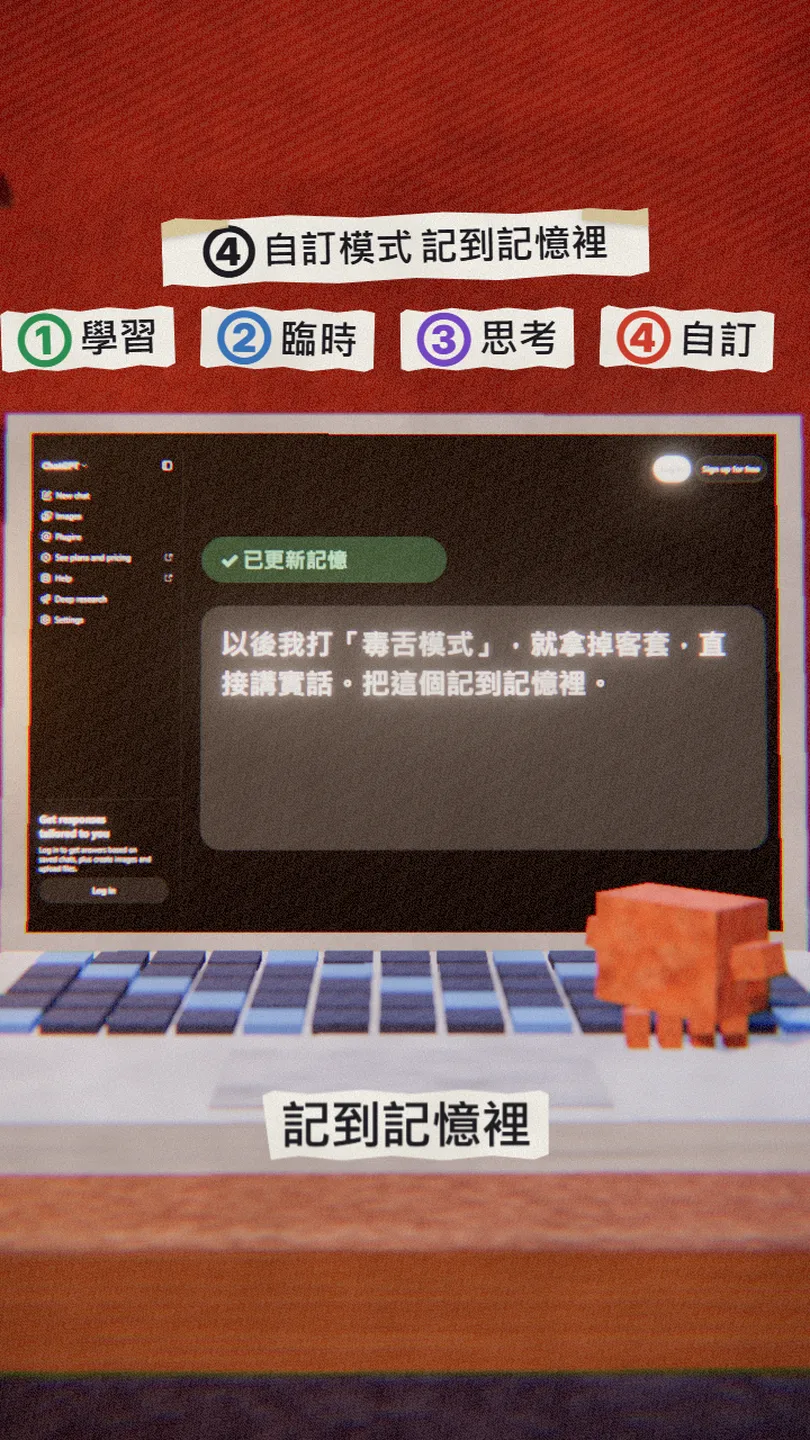
The first three are built in, but the best one is the one you make. Turn on memory, agree on a trigger phrase and a rule with ChatGPT, ask it to remember, and typing the phrase switches it on.
From now on, whenever I type "[brutal mode]", drop the politeness, tell me the truth and point out my blind spots. Save this to memory.
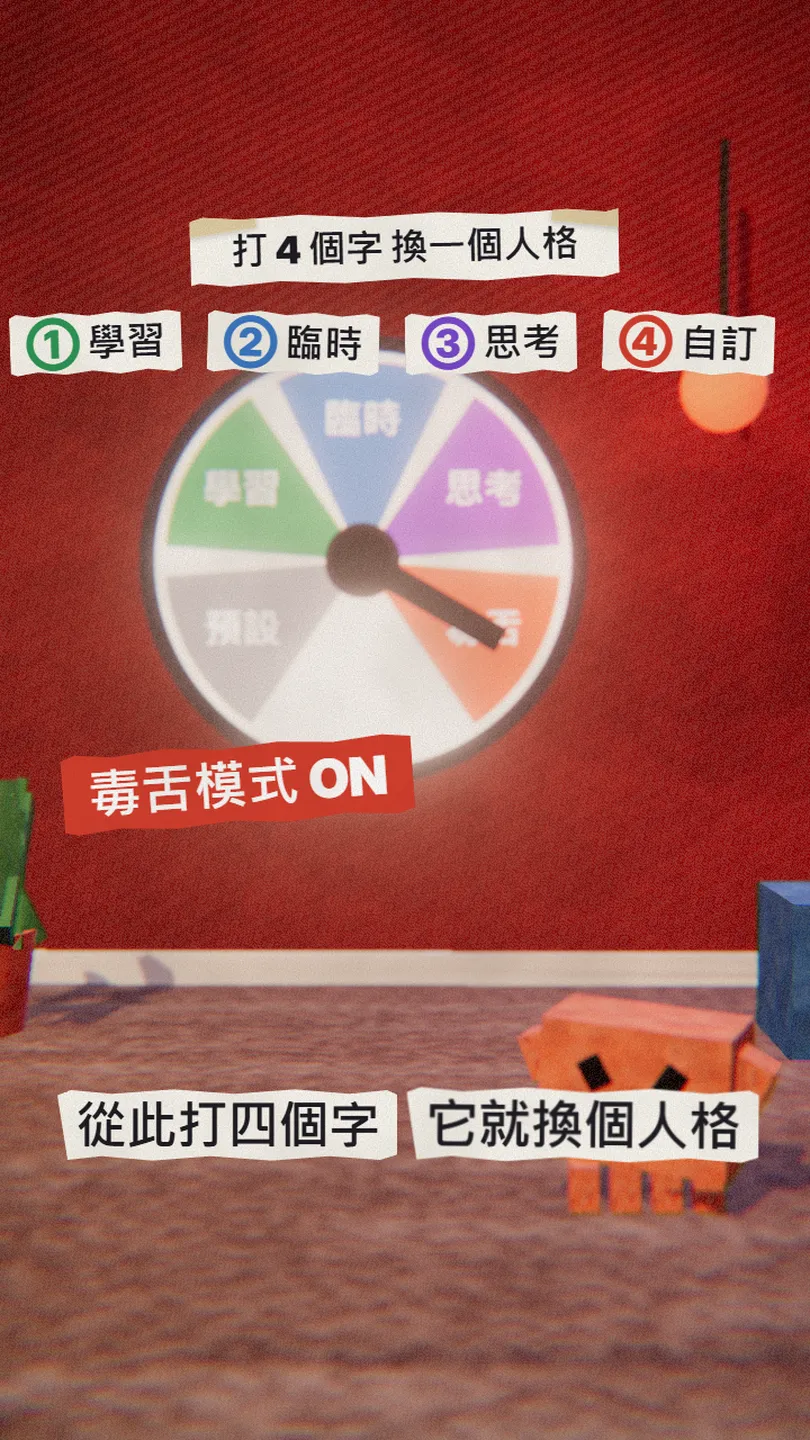
From then on two words switch its personality. Make more the same way, for example "[slide mode]" for bullet points only, or "[English teacher mode]" to correct your English.
06Good to know
- Your own modes need memory on; they don't work in an unpersonalized temporary chat.
- Model menu options depend on your plan; the Free plan may see fewer.
- The original reel also had a Health mode, which is US only for now, so I left it out.
- Plans and features are from the official pages as of 30 Oct 2026 and may change.
- You found this guide by typing MODES on the site from the link in bio; there is no DM.
Sources
- OpenAI: Using study mode in ChatGPT (all plans, how to turn it on; checked 30 Oct 2026)
- OpenAI: Temporary chat in ChatGPT (history, personalization; checked 30 Oct 2026)
- OpenAI: Memory in ChatGPT (checked 30 Oct 2026)
- OpenAI: ChatGPT release notes (model menu Instant / Medium / High; checked 30 Oct 2026)
What should the next reel cover?
I test Claude and AI tools every day and turn the useful ones into reels. Follow @vivianlin.tech to catch each new guide.


