~/guides/FEATURES.md
ChatGPT quietly added 5 features: Word, sticker packs, flashcards, locked chats and dots
Five ChatGPT features from the last two months: ChatGPT in Word, selfie sticker packs, flashcards, locked chats and dots. Where to find each and who can use it.
ChatGPT has been adding features for two months, but most people still only chat with it. I went through OpenAI's official release notes from late August to late October and picked the five most useful: ChatGPT inside Word, a sticker pack from a selfie, flashcards from your notes, locked chats, and dots, which keep working after you close the app. This is the full version of the FEATURES reel, with where to find each one and who can use it.
01The result first: 5 new features in one list
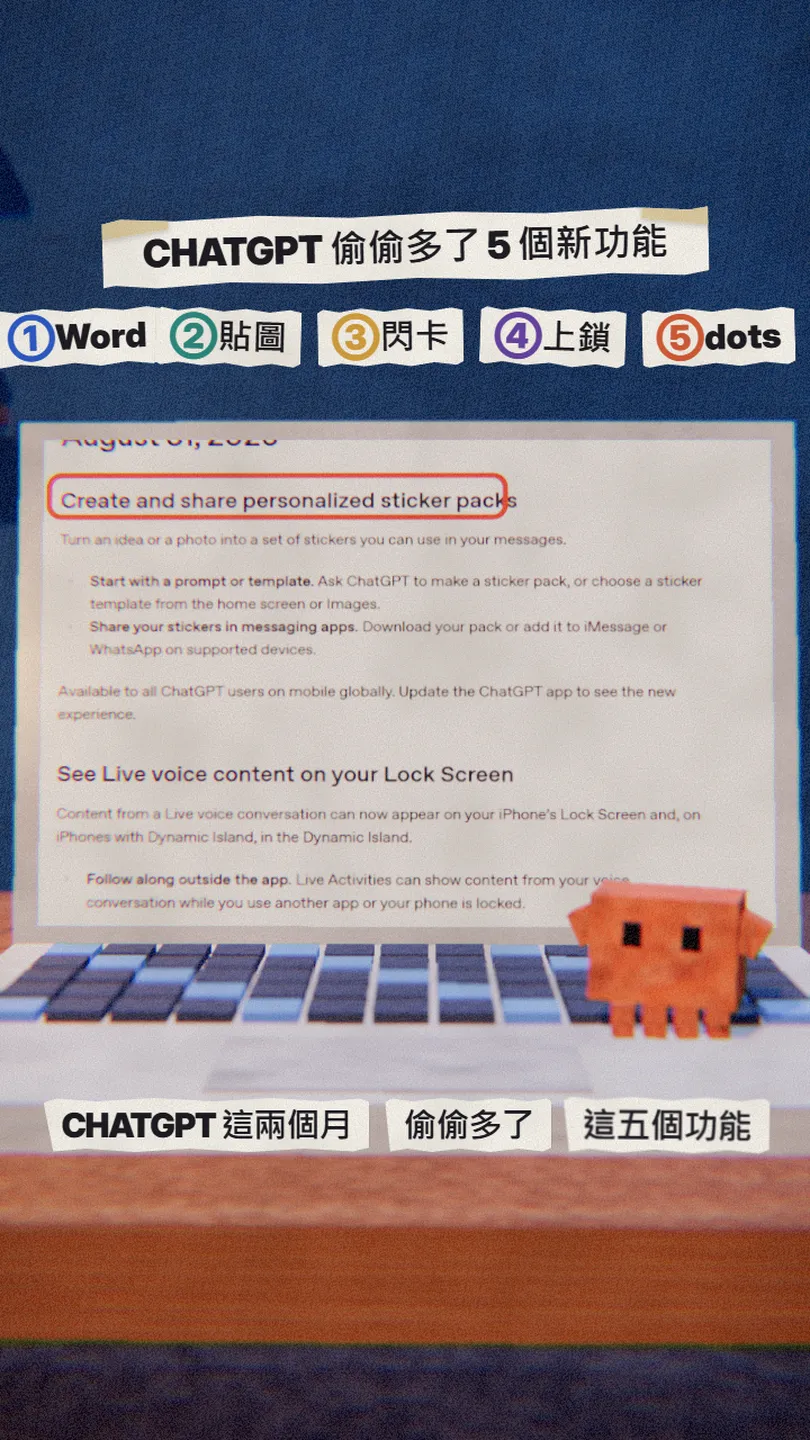
All five are in OpenAI's official release notes, with dates:
- ChatGPT for Word (17 Sep): Free plan included.
- Sticker packs (31 Aug): one photo becomes a whole set of stickers.
- Flashcards (September): give it your notes, get flip cards.
- Locked chats (20 Oct): lock private chats with a PIN.
- dots (29 Sep): an always-on AI agent, Pro only for now.
02① ChatGPT inside Word
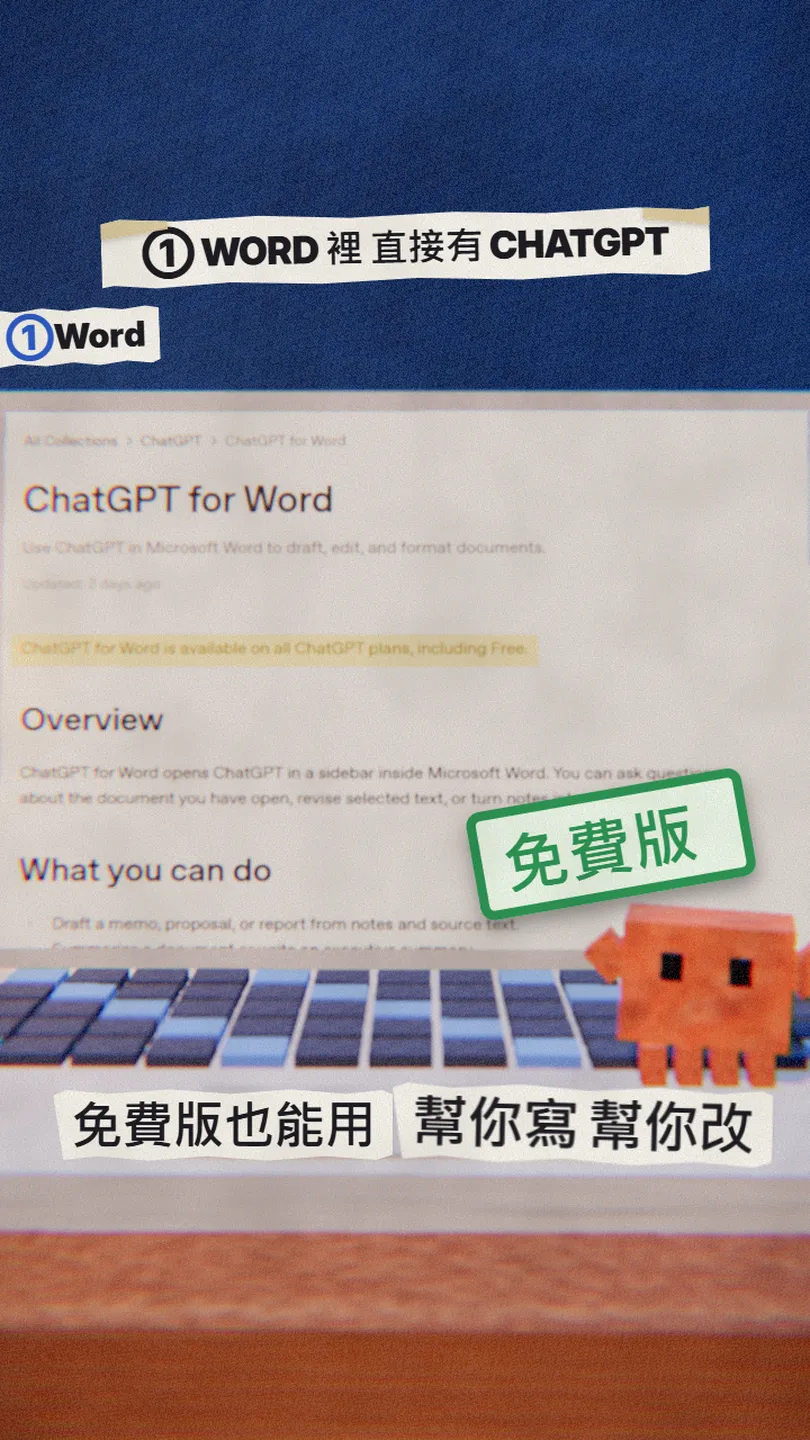
ChatGPT for Word opens a sidebar in Word: ask about the document you have open, revise selected text, or turn notes into a first draft. The official help page says it is available on all ChatGPT plans, including Free, and Excel and PowerPoint use the same add-in.
- Find the ChatGPT add-in in Microsoft Marketplace and select Get it now.
- Open Word and open ChatGPT from the ribbon.
- Sign in with your ChatGPT account.
- Select the text you want changed and describe the change in the sidebar.
Rewrite this section for [my manager], cut it to [three sentences] and keep every number and defined term.
03② A whole sticker pack from one selfie
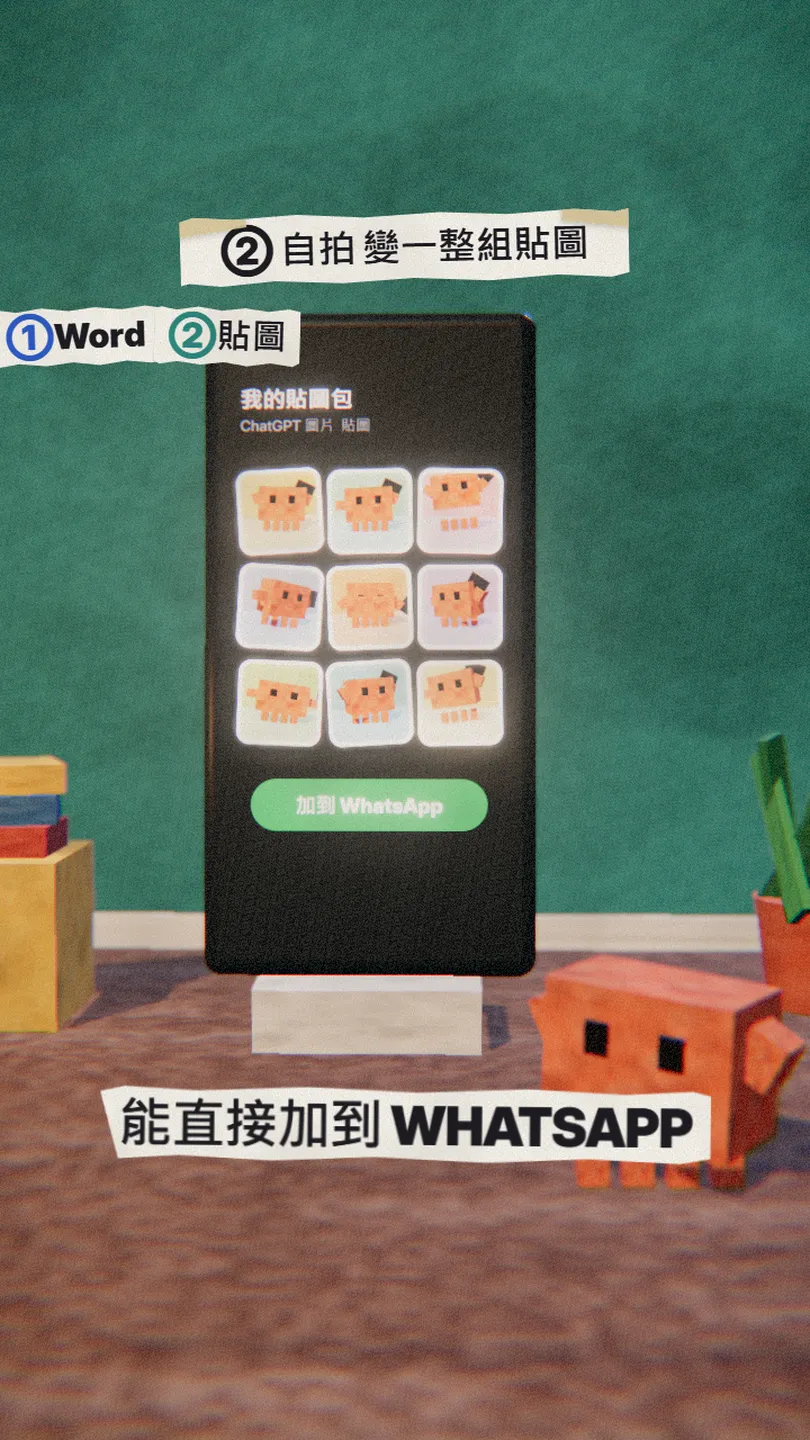
ChatGPT can turn an idea or a photo into a set of stickers. Download the pack, or add it to iMessage or WhatsApp on supported devices. OpenAI says it is available to all ChatGPT users on mobile globally; update the app first.
- Update the ChatGPT app.
- Ask it for a sticker pack, or pick a sticker template from the home screen or Images.
- Upload your photo and say which style you want.
- Download the pack or add it to iMessage / WhatsApp.
Make a sticker pack from the photo I uploaded: [9] stickers in a [hand-drawn cartoon] style, with [happy, thumbs up, tired, thank you] expressions, transparent background.
04③ Notes into flip flashcards
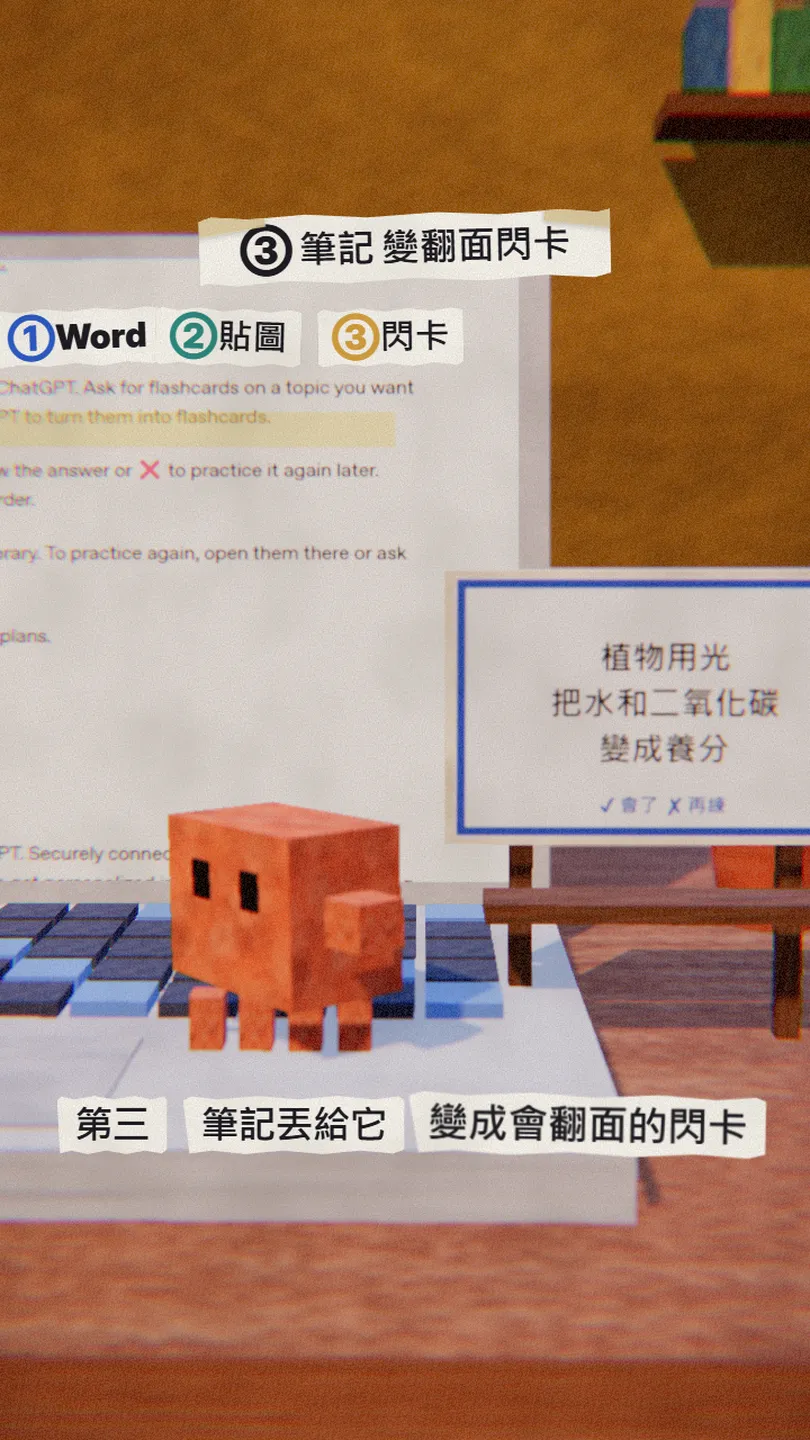
Ask ChatGPT for flashcards on a topic, or upload your notes and ask it to turn them into flashcards. Tap a card to flip it, then ✔ if you know it or ✘ to practise again later. Flashcards are saved to your library automatically, on mobile and web, on all plans.
Turn my uploaded [biology chapter 3 notes] into [20] flashcards: a question on one side, a one-sentence answer on the other.
05④ Lock private chats with a PIN
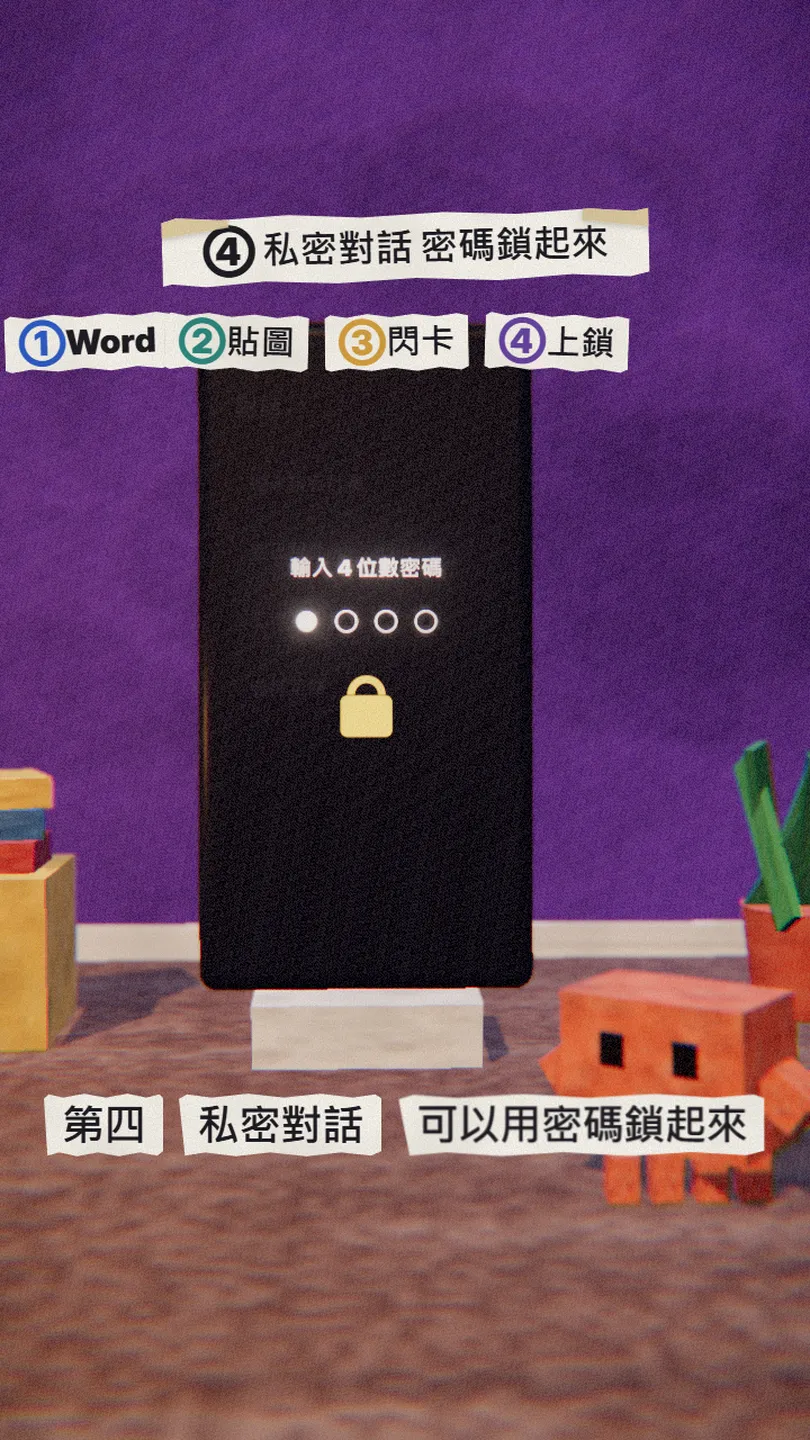
Locked chats hide the conversations you choose from regular chat history, pinned chats and search. Open them with your 4-digit account PIN or supported device authentication. OpenAI is rolling them out to Free, Go, Plus and Pro users on web, iOS, Android and the new desktop app.
- Open the chat and select the more options menu (•••).
- Select Lock chat.
- To open it later, enter your 4-digit PIN or use device authentication such as Face ID.
06⑤ dots: an AI agent that works after you close the app
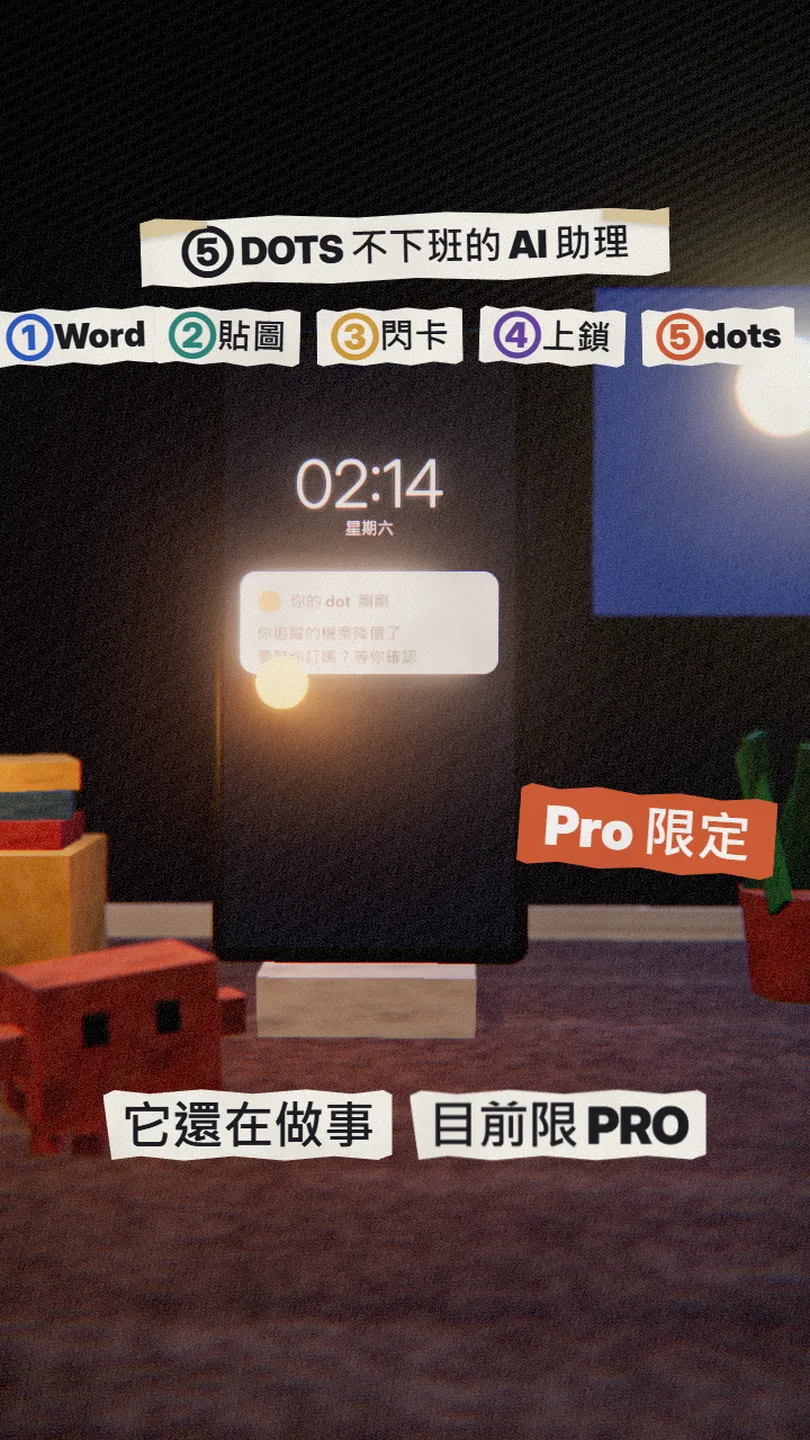
A dot is an always-on agent in ChatGPT: give it a goal, connect the apps it needs and decide what it may do on its own, and it keeps making progress between conversations, bringing results back for your review. OpenAI says it has its own cloud computer and runs on GPT-6 Astra.
- Available to eligible Pro and Business Premium users aged 18 and over (not in every region yet).
- Create your dot in the ChatGPT desktop app or on desktop web.
- Since 28 Oct, Pro users in the US can text their dot (beta).
07Good to know
- Features roll out gradually; your account may see them a few days later.
- Plan limits are from the official pages as of 30 Oct 2026 and may change.
- The phone screens, stickers and notification in the reel and this guide are our own illustrations, not real ChatGPT output.
- The original reel also had credit scores and Spaces: credit scores are US only and Spaces needs a paid plan, so I swapped in flashcards and locked chats.
- You found this guide by typing FEATURES on the site from the link in bio; there is no DM.
Sources
What should the next reel cover?
I test Claude and AI tools every day and turn the useful ones into reels. Follow @vivianlin.tech to catch each new guide.


