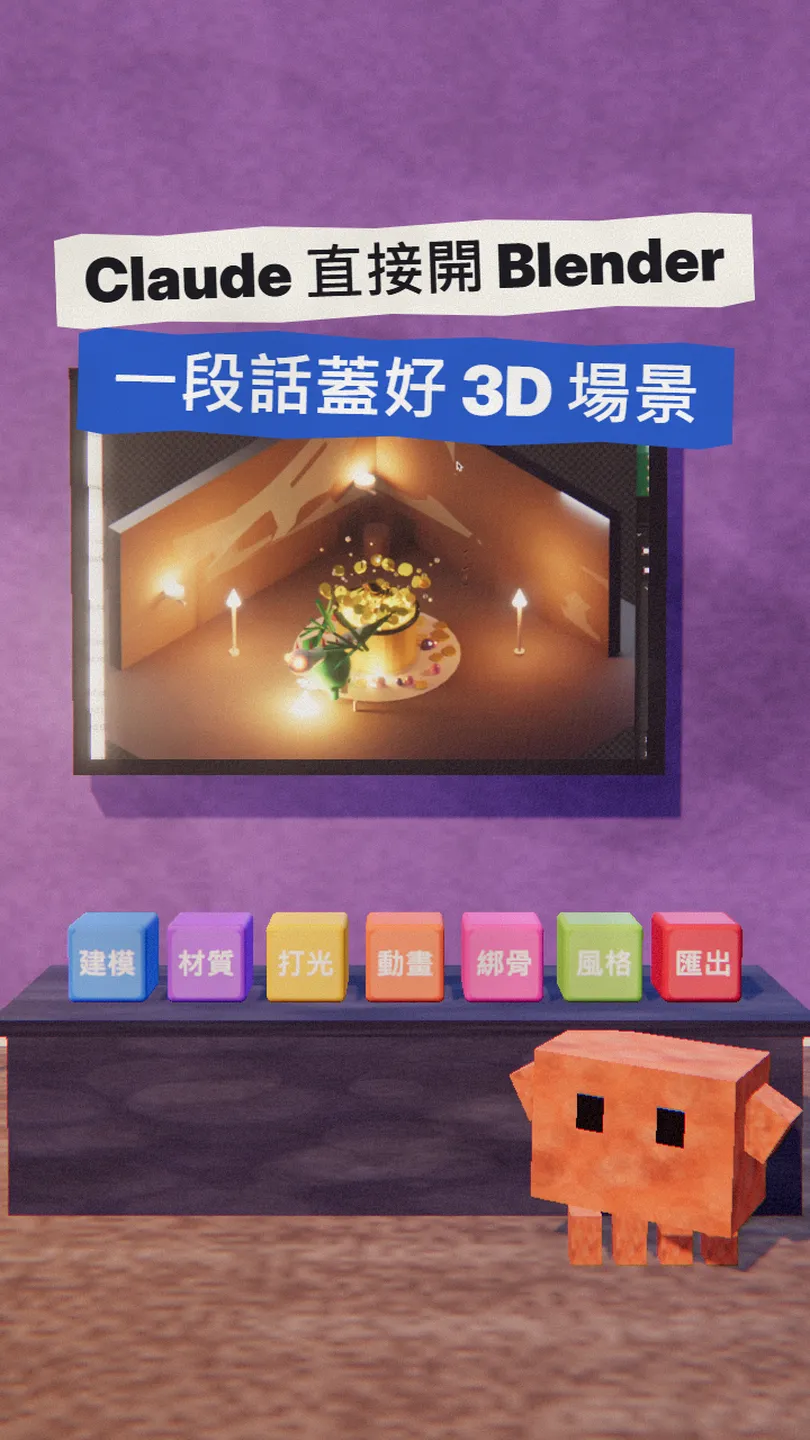
~/guides/BLENDER.md
Blender Skills + BlenderMCP: Claude Code builds 3D scenes in Blender from one paragraph (set up in 3 steps)
BlenderMCP lets Claude operate Blender; Blender Skills adds 94 3D skills. Install commands, a first prompt, and what is free, paid and worth saving first.
Want to make 3D without grinding through Blender tutorials first? Claude can now operate Blender directly: describe it in a paragraph and it models, adds materials, lights the scene and exports it for a game engine. This is the full version of the BLENDER reel: first the scene Claude built, then three steps to set up BlenderMCP and Blender Skills, a first prompt you can copy, and what is free, what is paid and why you should save first.
01The result first: a scene Claude built in Blender from one paragraph
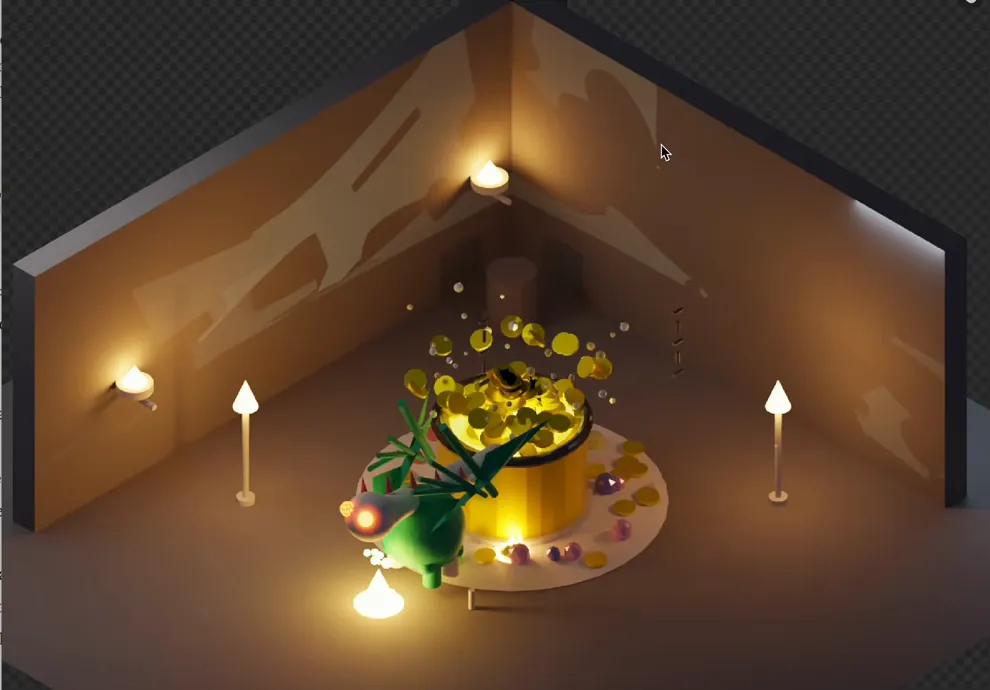
Claude can now drive Blender directly: you describe what you want in plain words, and it creates objects, materials and lights inside Blender. Two free tools make it work: BlenderMCP lets Claude operate Blender, and Blender Skills gives it 94 3D skills so it plans first and then builds, like a small 3D art team.
Here's what you get by the end:
- BlenderMCP (now called MCP for Blender) installed, so Claude Code can model, change materials and light scenes in Blender.
- The 94 Blender Skills installed, including a "director" skill that splits the job into modeling, materials, lighting and export.
- A prompt you can copy; swap the [] parts for what you want.
- An honest list of what is free, what costs money, why Blender must stay open, and why you should save first.
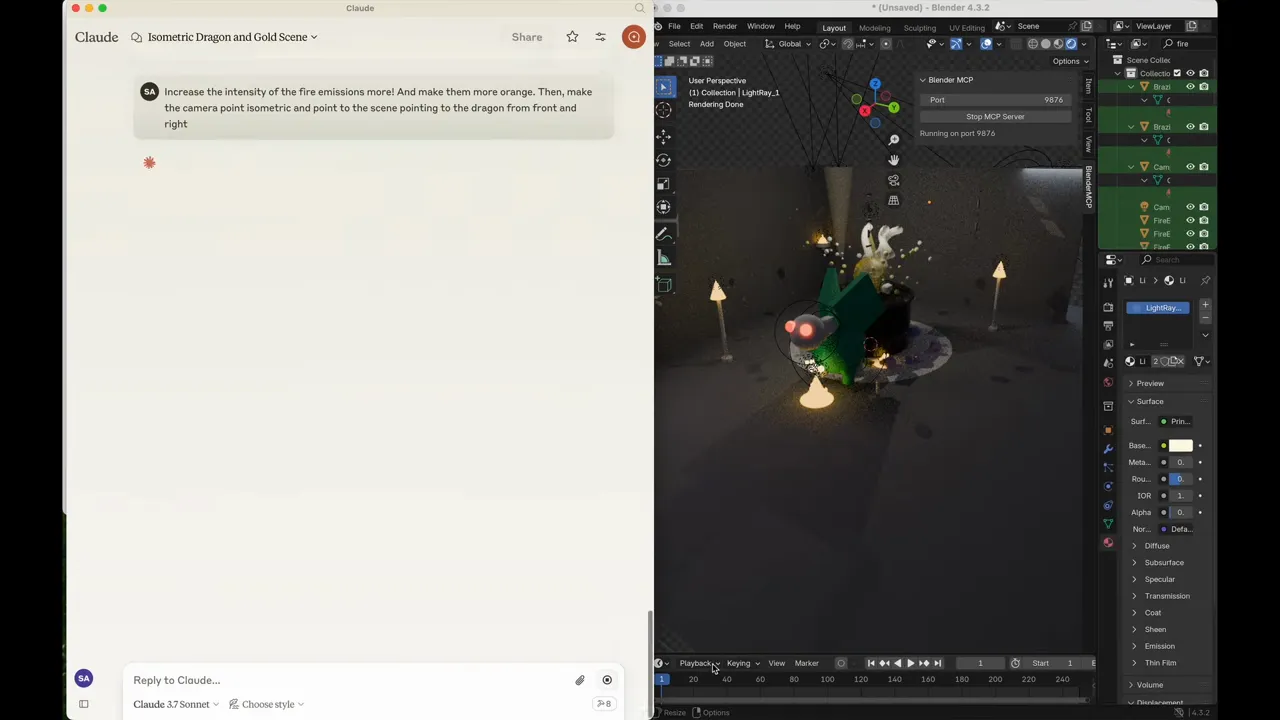
02Step 1: install BlenderMCP so Claude can operate Blender
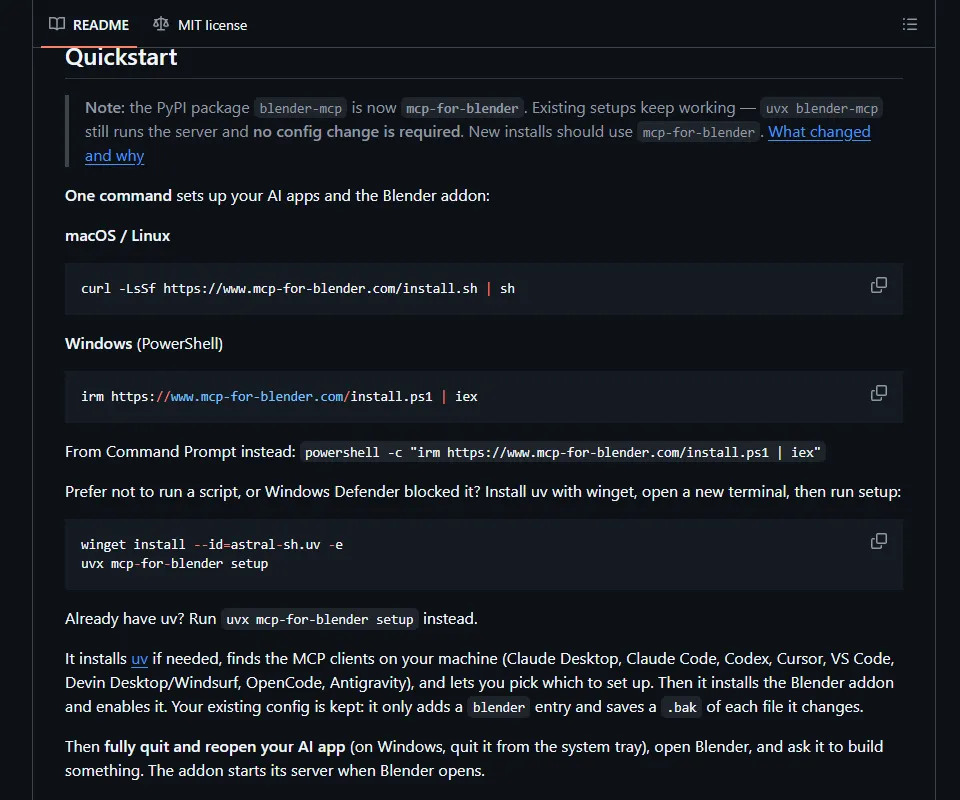
Install Blender first (free at blender.org). Then paste one line in a terminal: it installs uv, finds Claude Code and the other AI apps on your machine for you to pick, then installs and enables the Blender add-on.
irm https://www.mcp-for-blender.com/install.ps1 | iex
curl -LsSf https://www.mcp-for-blender.com/install.sh | sh
- When it finishes, pick Claude Code from the list. It only adds a blender entry and saves a .bak of each file it changes.
- Fully quit and reopen Claude Code, then open Blender (the add-on starts its server when Blender opens).
- Ask Claude Code "list the objects in the current Blender scene". An answer means it is connected.
Prefer not to run a script? Install uv (winget or uv's official installer), then run these two lines.
claude mcp add blender uvx mcp-for-blender
uvx mcp-for-blender install-addon
- MCP for Blender (BlenderMCP) on GitHub — install, Claude Code setup, security and telemetry notes
03Step 2: install Blender Skills in Claude Code (94 skills)
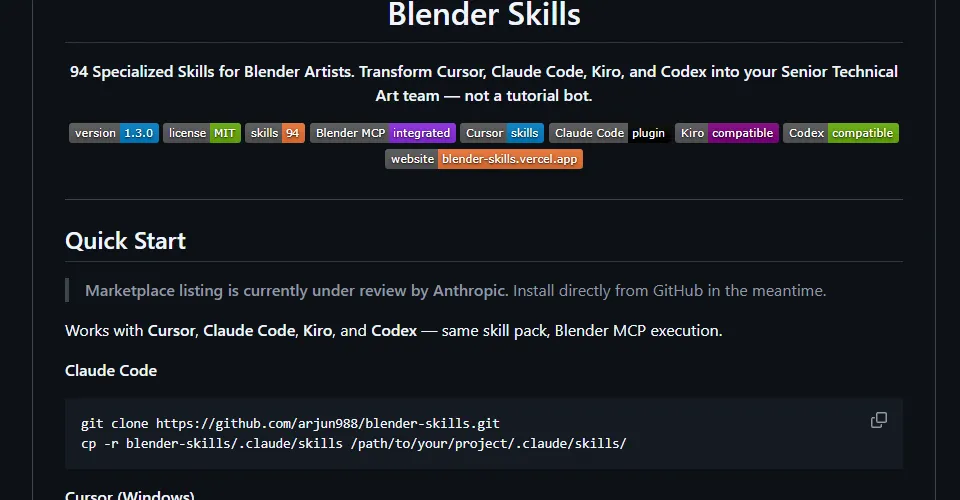
BlenderMCP lets Claude act; Blender Skills tells it how: modeling, materials, lighting, animation, rigging, many art styles, and export to Unity / Unreal / Godot, 94 skills in all. Type these two lines inside Claude Code:
/plugin marketplace add arjun988/blender-skills
/plugin install blender-skills@blender-skills
git clone https://github.com/arjun988/blender-skills.git
cp -r blender-skills/.claude/skills [your project folder]/.claude/skills/
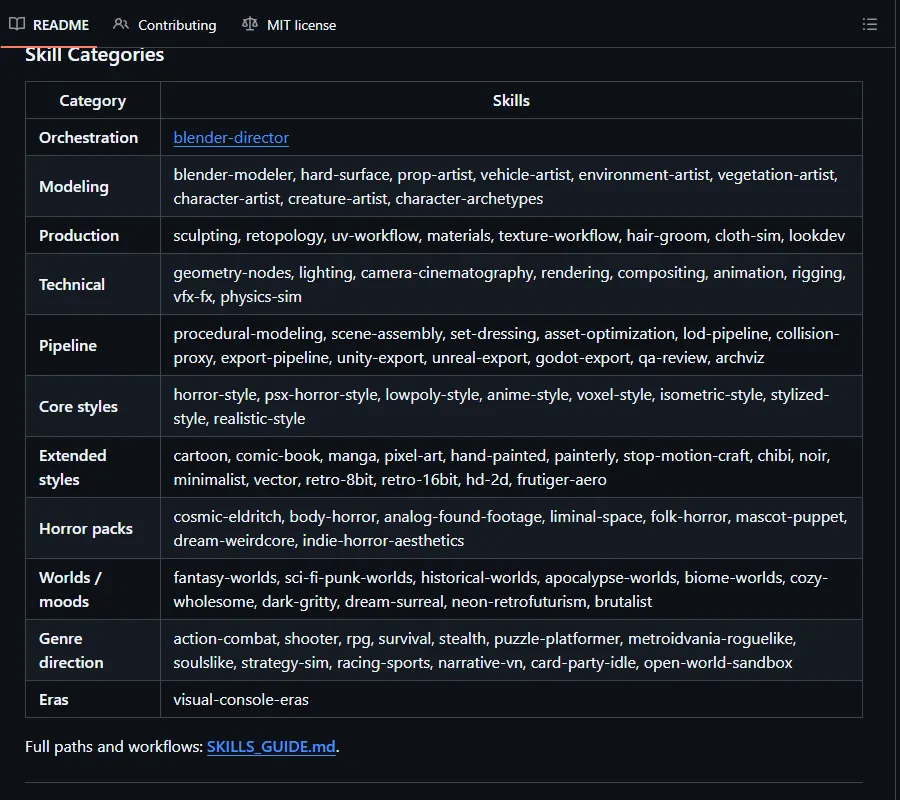
- Blender Skills on GitHub — README, QUICKSTART, the skill list
- Blender Skills website — install guide and skill overview
04Step 3: describe what you want; the director skill plans first
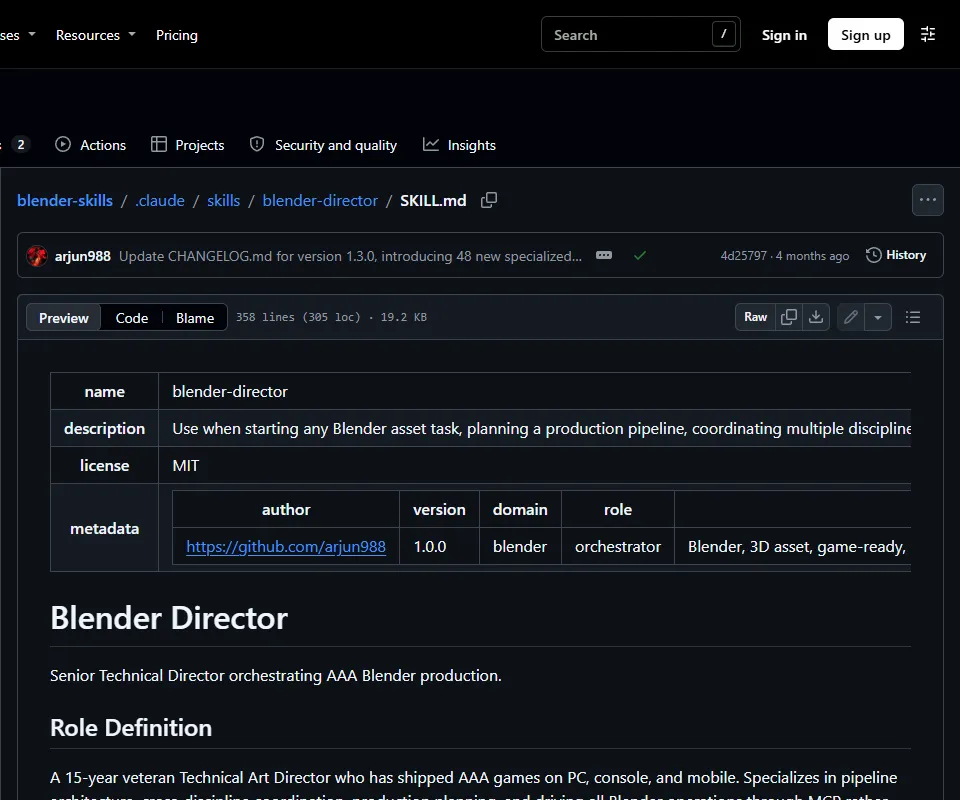
With Blender open and the add-on connected, just describe it in plain words. Say three things: what to make, what style, and where it will be used (which engine, how many polygons). The blender-director skill writes a production brief first, then calls the modeling, materials, lighting, optimisation and export skills in order, building it in Blender through BlenderMCP.
Plan and create a [game-ready sci-fi crate] for [Unity], under [1500] triangles, [realistic PBR materials], and export it to [FBX]. Build it directly in Blender with Blender MCP; do not just describe the steps.
- Start small (one prop, one crate) and make sure the loop works before asking for a whole scene.
- If it starts describing the UI instead of acting, add "use the Blender MCP tools directly".
- When it is done, ask for screenshots from a few angles and say what to change.
- You can attach a reference image; there is a reference-matching workflow for it.
05Good to know
- Blender has to stay open with the add-on connected; close Blender and Claude can no longer reach the scene.
- BlenderMCP lets Claude run Python code inside Blender. The official README's advice: always save your work first.
- Blender, BlenderMCP and Blender Skills are free (Blender is GPL, the other two MIT). MCP for Blender has a paid Premium for AI-generated 3D models without your own keys (Meshy, Tripo, Hyper3D Rodin, Hunyuan3D); skip it if you don't need it.
- Telemetry: MCP for Blender sends a minimal anonymous usage record by default (tool name, versions, OS); your prompts and scene data are only sent if you opt in. To turn it off entirely, set the environment variable DISABLE_TELEMETRY=true.
- BlenderMCP is a community project, not an official Blender Foundation tool.
- Break complex work into steps; asking for a whole city in one go tends to fail halfway.
- Blender Skills was last updated in July 2026; numbers and commands were checked on 6 Nov 2026 and may change, so check GitHub.
- You found this guide by typing BLENDER at the link in bio; there is no DM.
- Download Blender — free and open source
- MCP for Blender website — install scripts, Premium
Sources
- GitHub: arjun988/blender-skills (README, 94 SKILL.md files, MIT, marketplace.json, checked 2026-11-06)
- Blender Skills QUICKSTART
- blender-director SKILL.md
- GitHub: ahujasid/mcp-for-blender (install, security, telemetry, Premium, checked 2026-11-06)
- BlenderMCP official demo video (ahujasid, 2025-03-11)
- Blender: Free and Open Source (GPL)
What should the next reel cover?
I test Claude and AI tools every day and turn the useful ones into reels. Follow @vivianlin.tech to catch each new guide.


