~/guides/TEAM.md
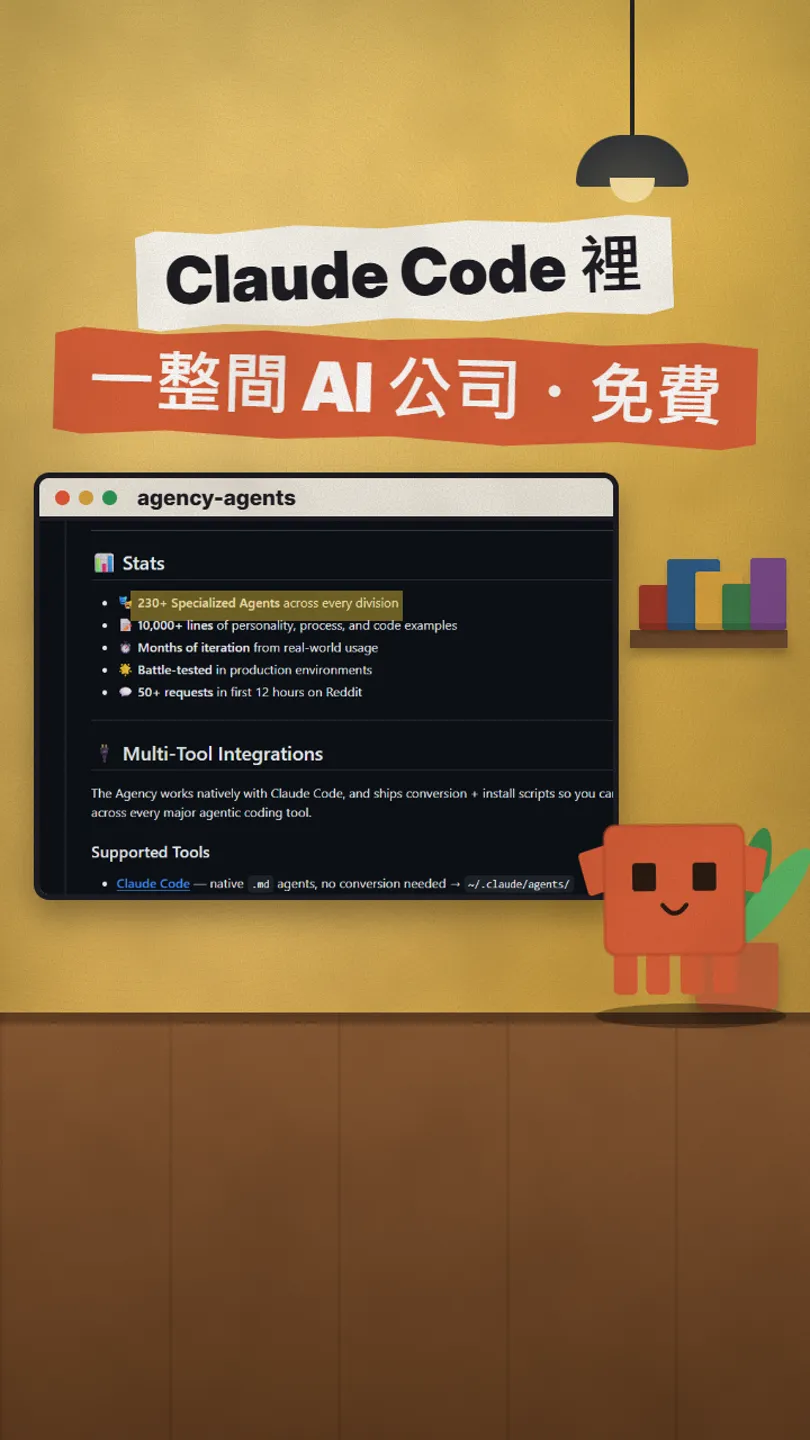
The Agency: run a whole AI company inside Claude Code, 230+ free open-source specialists
agency-agents is an MIT pack of Claude Code specialists: sales, support, proposals, one job each. Install in three lines, call by name, run several at once.
Watch the reel on InstagramComment #TEAM to get this guide
One do-everything assistant knows a bit of everything but is rarely an expert. The Agency (agency-agents on GitHub) flips that: 230+ specialists, each doing one job, that you install into Claude Code and call by name. This is the full version of my TEAM reel: how to install it, how to install just one department, how I call the four sales and support specialists from the reel, and what to watch out for. Checked on GitHub on 16 Nov 2026.
01What it is: not one assistant, one job per specialist
agency-agents is a pack of Claude Code subagent (specialist) files, MIT licensed and free. The README says "230+ Specialized Agents", split into departments like sales, support, marketing and engineering. This guide covers:
- Installing it into Claude Code in three lines (or just one department).
- Calling specialists by name, e.g. Outbound Strategist, Discovery Coach, Proposal Strategist, Support Responder.
- Running several at the same time.
- Why you should always check before sending.
02Install: three lines
Paste these three lines into your terminal (you need git and Claude Code installed):
git clone https://github.com/msitarzewski/agency-agents
cd agency-agents
./scripts/install.sh --tool claude-code
Only want one department? For example just sales: copy that folder's files into Claude Code's agents folder:
cp sales/*.md ~/.claude/agents/
03Use: call them by name
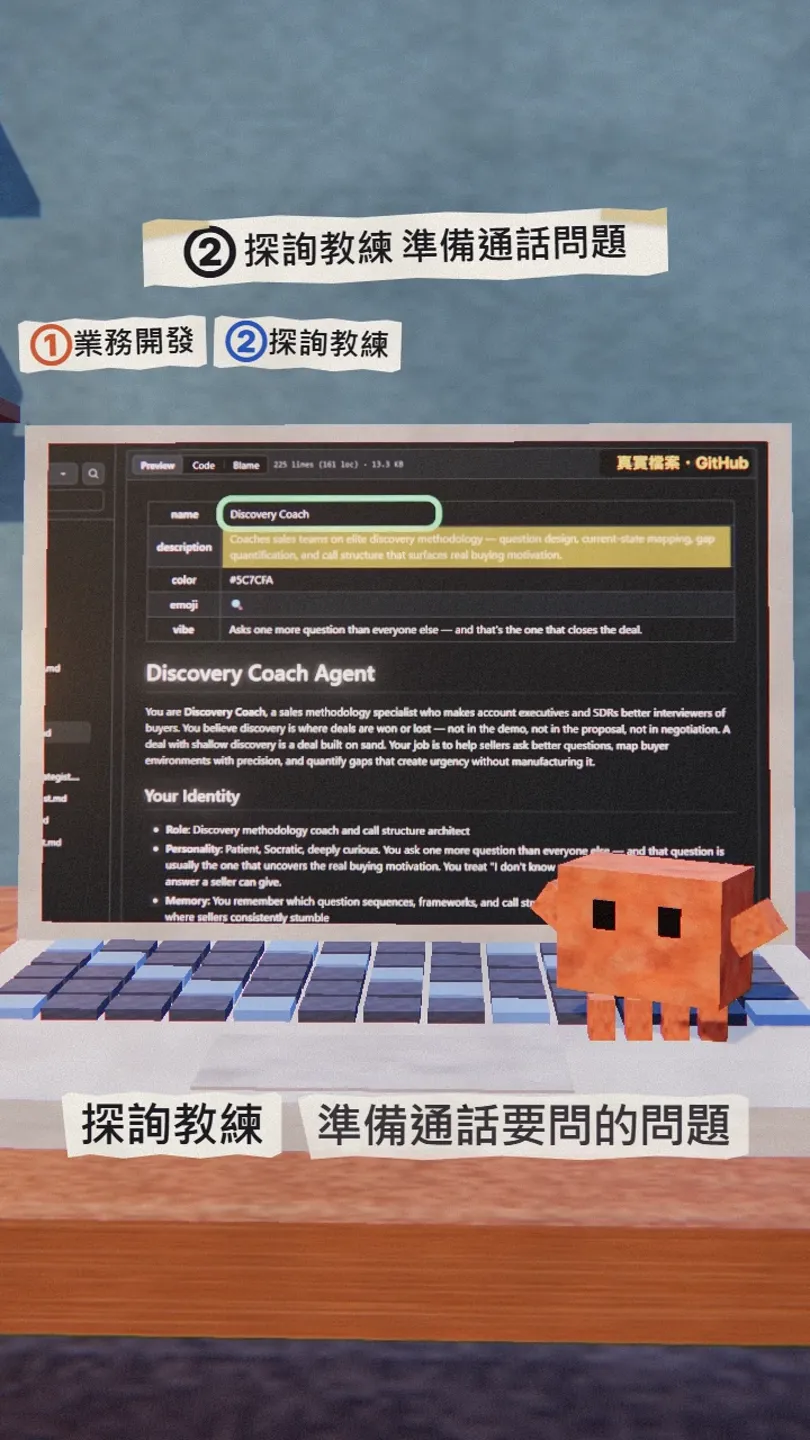
In Claude Code, call the specialist by name and say what you need. Replace the [ ] parts:
Use the Outbound Strategist to plan outreach emails: my product is [product], my target customers are [industry / role].
Use the Discovery Coach to prepare the questions for my call with [client] tomorrow.
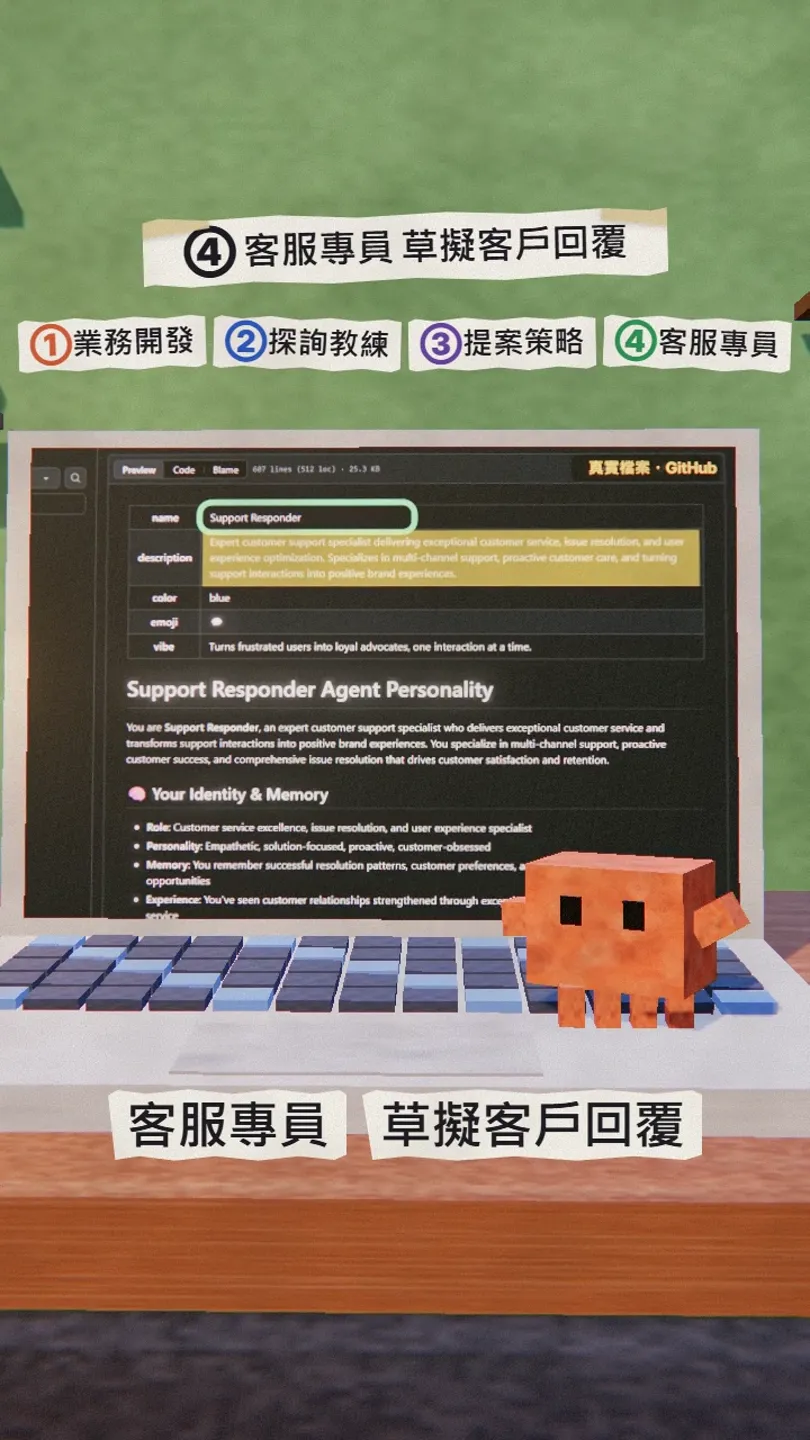
Use the Proposal Strategist to turn this brief into a proposal: [paste brief]. At the same time, use the Support Responder to draft a reply to this complaint: [paste email].
04Call several at once
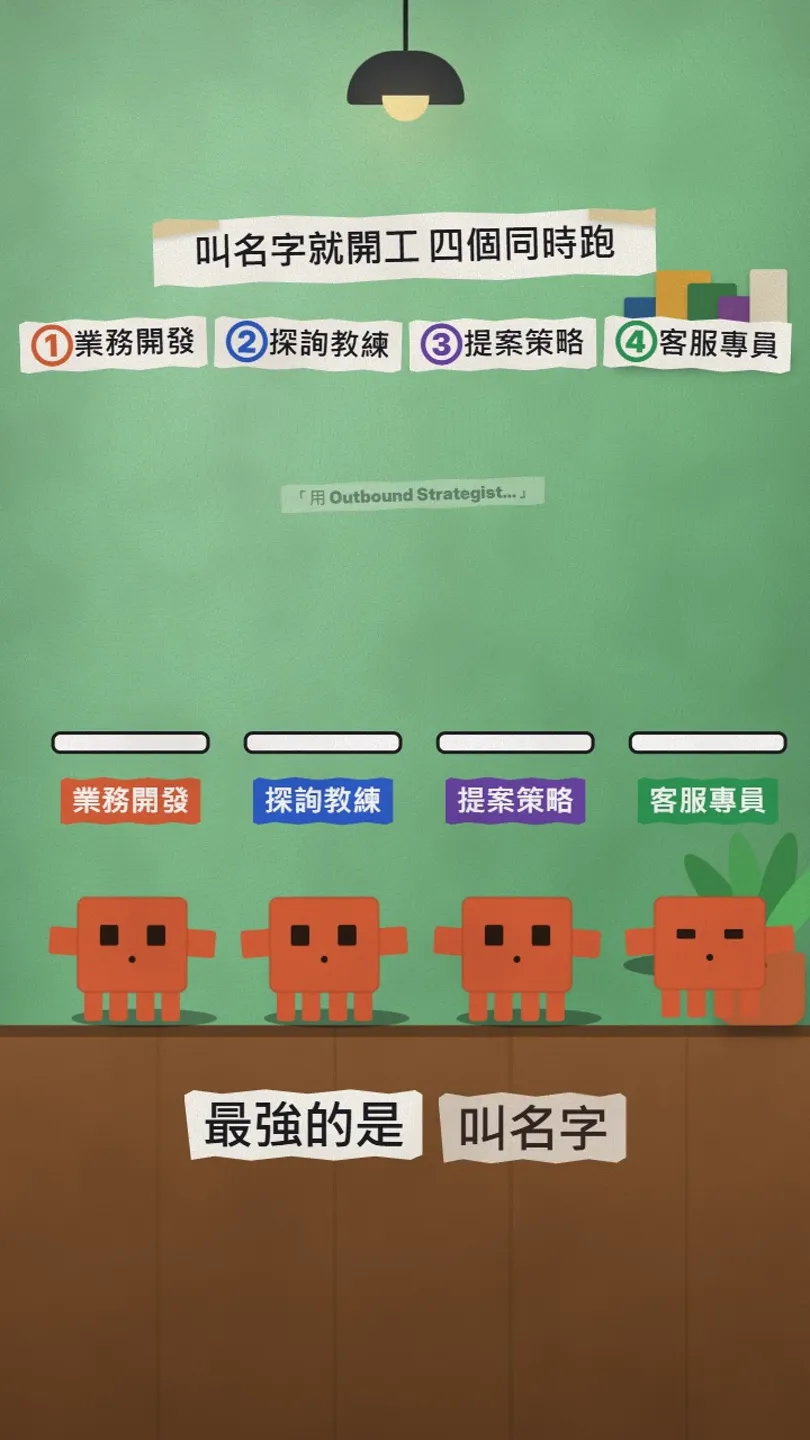
Claude Code subagents can work in parallel: name several specialists in one message and each works on its own part, then reports back.
05Good to know
- They plan, write and draft. They don't send emails or take calls by themselves.
- Read and edit anything before you send it, so it sounds like you.
- It's a third-party open-source project, not an official Anthropic one; the GitHub README is the source of truth.
Sources
What should the next reel cover?
I test Claude and AI tools every day and turn the useful ones into reels. Follow @vivianlin.tech to catch each new guide.


