
~/guides/FUTURE.md
Ask Claude to predict your life in 5 years: 4 prompts that use its memory to show you two futures
Turn on Claude's memory and run 4 prompts: 5 things it noticed, what you avoid, two 5-year forecasts (change nothing vs drop one habit) and a morning note.
Watch the reel on InstagramComment #FUTURE to get this guide
I asked Claude to predict my life five years from now, and it gave me two versions: one where I change nothing, and one where I drop the habit that holds me back most. It isn't fortune telling or astrology. It works from memory, the picture of me Claude built from our past conversations. This guide gives you all 4 prompts from the reel, shows you how to turn memory on and get the best answers, and covers what to watch out for. Every image below is a frame from our reel.
01What the 4 prompts do

Ask them in order, because each one warms up the next. The first two get Claude to say what it already knows about you, the third uses that to make the forecast, and the fourth turns it all into something you can use every day.
- Prompt 1: 5 things you never told it but it figured out anyway.
- Prompt 2: your usual decision-making pattern, and the one thing you keep avoiding.
- Prompt 3: two five-year forecasts, one if nothing changes and one if you drop the habit holding you back most.
- Prompt 4: a paragraph to read every morning.
02Before you start: check that memory is on (2 minutes)
This trick runs on Claude's memory. According to Claude's help centre, memory is on by default for Free, Pro and Max plans on the web, Claude Desktop and Claude Mobile. On Team and Enterprise, an owner has to make it available first, and each member starts with it off.
- Open Claude and go to Settings > Memory.
- Make sure "Generate memory from chats" is on.
- Open "Topics" to see what Claude currently remembers about you. You can edit or delete anything you don't want it to keep.
- Paid plans (Pro, Max, Team, Enterprise) also have "Search and reference chats". With it on, you can ask Claude to look through your past conversations.

03Prompt 1: 5 things it figured out
Based on everything we've talked about, name [5] things about me that I've never told you directly but you've figured out on your own.
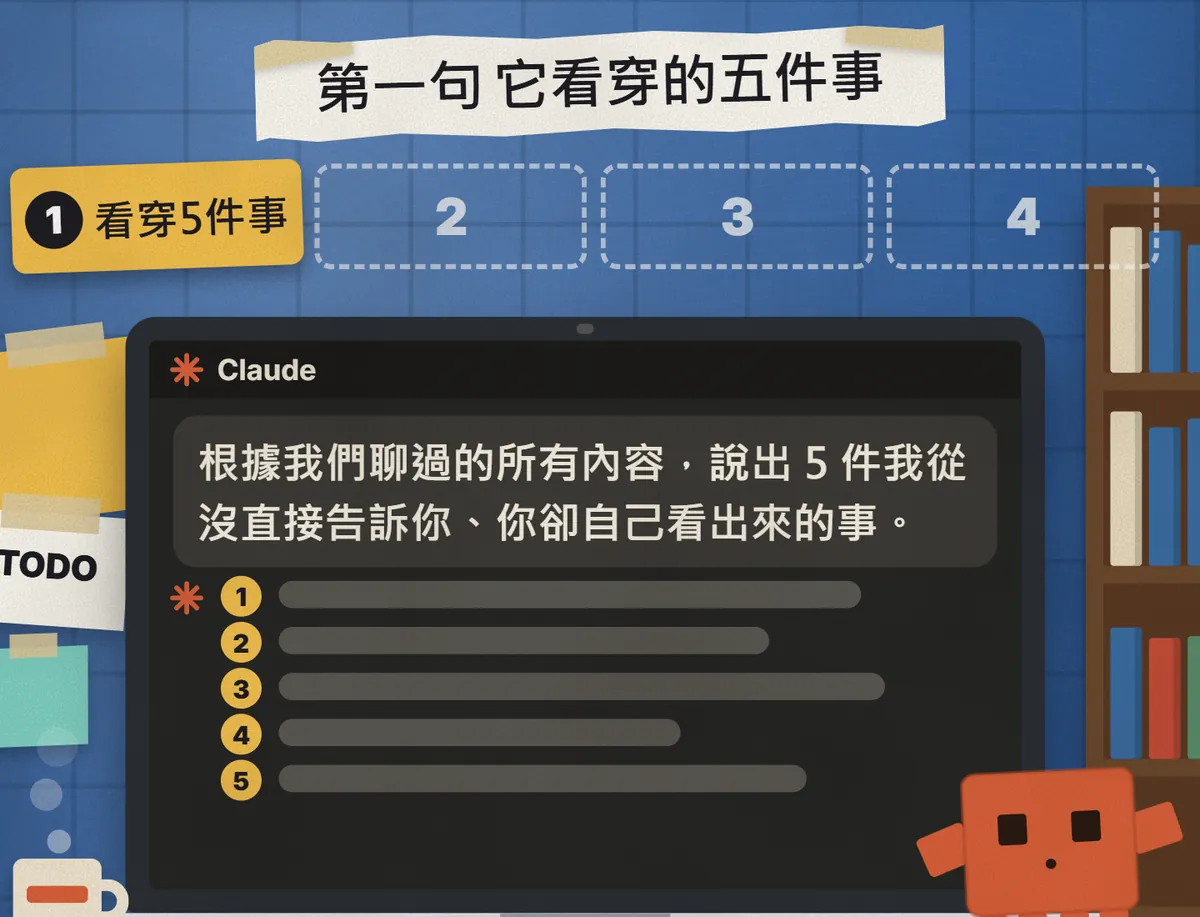
The key words are "never told you directly". Claude connects the work you've discussed, the questions you've asked and the places you keep getting stuck, and points out things you never actually said.
04Prompt 2: your decision pattern and what you're avoiding
What patterns do I fall into when I think and make decisions? What's the one thing I keep avoiding?
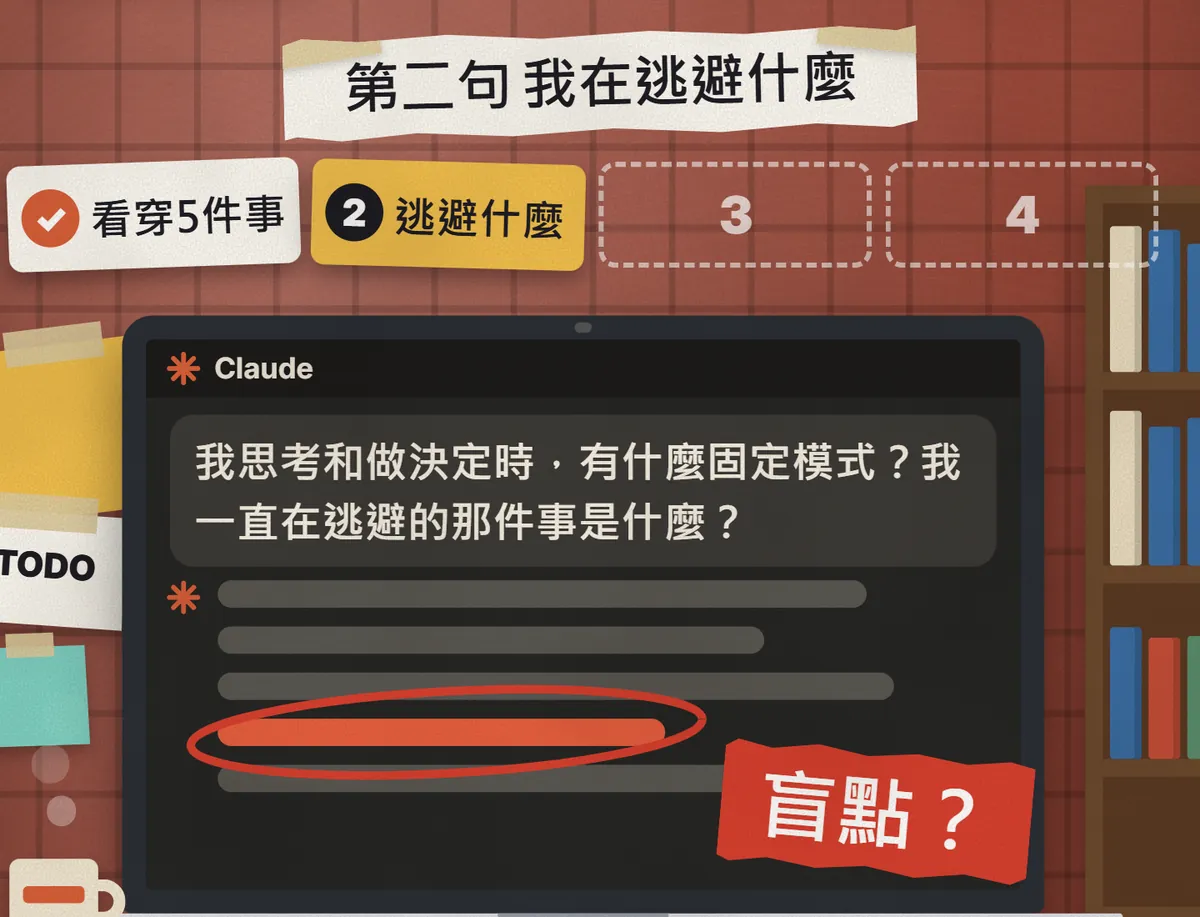
This one gets Claude to describe two things: how you tend to decide (thinking for ages before acting, or jumping in first) and the thing it thinks you keep stepping around. The "habit holding you back most" in prompt 3 is usually hiding here.
05Prompt 3: two five-year futures, side by side
If I change nothing, predict my next 5 years. Then predict again: what if I drop the one habit that holds me back the most?
The habit I want to change is: [e.g. procrastinating, scrolling my phone until midnight]

This is the heart of the set. Claude first writes the five years where you carry on as you are, then the five years where you change just one habit. Put the two side by side and the difference is obvious at a glance.

06Prompt 4: the paragraph to read every morning
Based on what you know about me, write a paragraph I should read once every morning. [Under 100 words]

The first three prompts are analysis; this one is action. Claude folds your patterns, the thing you're avoiding and the direction of version B into one short reminder.
07How to get the best answers
- Ask all 4 in the same chat, one at a time. Don't paste them all at once.
- Read each answer before asking the next, and correct anything it got wrong first.
- More memory means better answers. If you're new to Claude and haven't chatted much, the answers will be vaguer.
- If memory is thin, add a little background first: your work, your goals, where you've been stuck. Share only what you're happy to share, and leave out sensitive data.
Before I ask you anything, here's some background:
My work: [e.g. marketing, student, freelance designer]
What I want to achieve in the next few years: [one or two goals]
Where I keep getting stuck lately: [one or two things]
For the questions that follow, answer using this plus what you remember about me.
08Good to know
- This isn't fortune telling. Claude only knows what you've chatted with it about, so it sees part of you, not all of you. You decide how accurate it is.
- Don't paste ID numbers, bank account details or medical records to make it more accurate. Claude's help centre says items such as government ID numbers and financial account numbers are never saved to memory anyway.
- By default, Claude doesn't store sensitive topics such as health, politics or religion in memory unless you opt in.
- Deleting an old chat doesn't delete the memory created from it. To make Claude forget something, delete it under Topics in Settings > Memory.
- To keep a chat out of memory: in a new chat, before your first message, click "+" in the message box and turn Memory off. Or start an Incognito chat with the ghost icon in the top right; it isn't saved to memory or chat history.
- If an answer really upsets you, treat it as one point of view. If you feel stuck, talk to a friend you trust or a professional.
Sources
What should the next reel cover?
I test Claude and AI tools every day and turn the useful ones into reels. Follow @vivianlin.tech to catch each new guide.